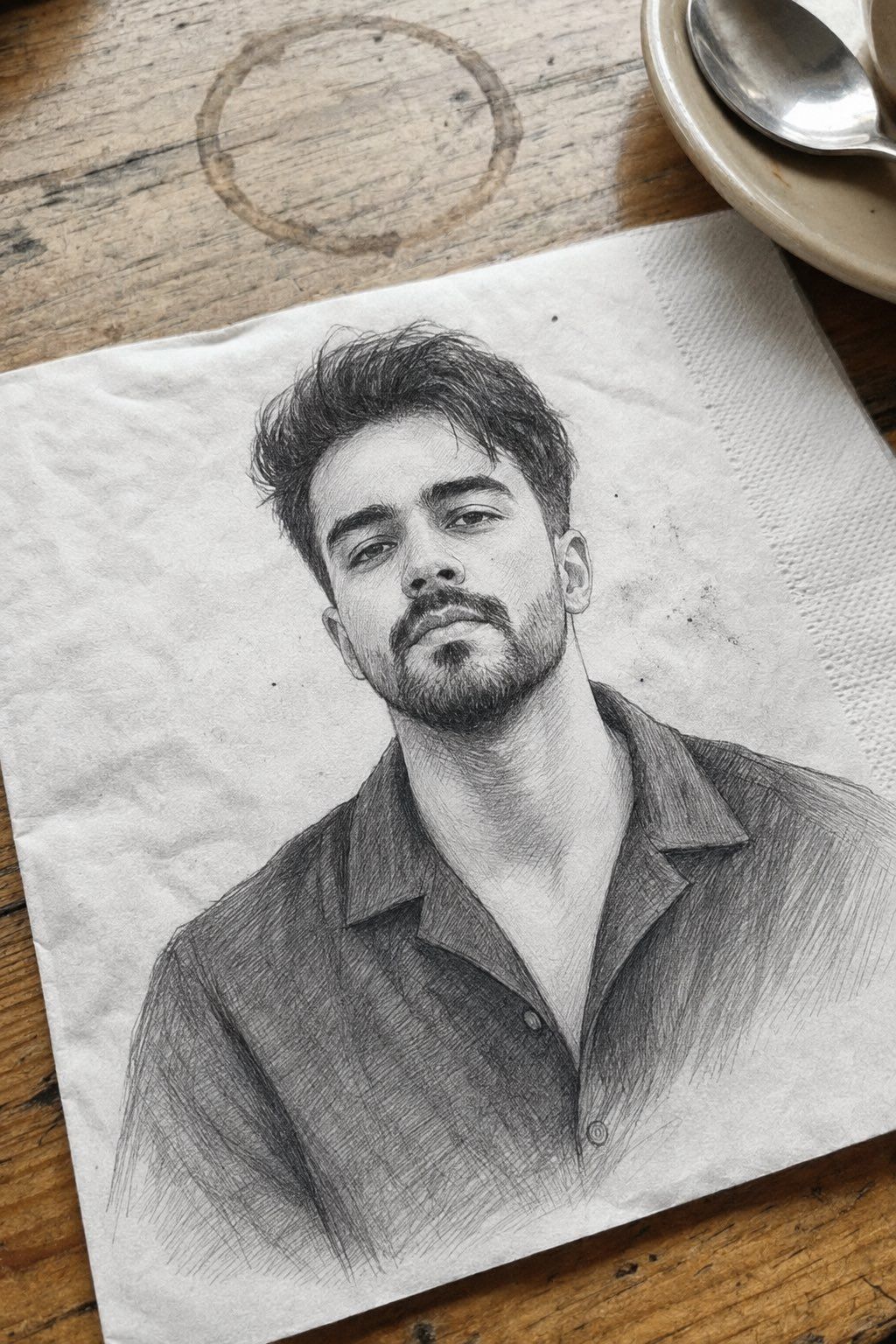
专业石墨铅笔素描肖像
Prompt
Use my uploaded reference image as the primary identity source. Preserve my exact facial identity, face shape, hairstyle, hair texture, beard style, skin tone, eye shape, eyebrows, nose, lips, and all unique facial details with maximum accuracy. Do not change my face or make me look like a different person.

Create a highly detailed realistic {argument name="art style" default="hand-drawn pencil sketch portrait"} of me, matching the style of a professional graphite artist. The portrait should look like it was drawn on textured white paper with fine pencil strokes, cross-hatching, and realistic shading.

Composition: a close-up three-quarter angle portrait of me sitting casually, head slightly tilted, looking confident and relaxed. Include detailed facial rendering with sharp eyes, natural expression, realistic beard texture, and carefully drawn hair strands.

Style details:
•ultra-detailed graphite pencil drawing
•realistic hand sketch texture
•fine linework and layered pencil strokes
•subtle smudging and shading
•realistic paper grain
•monochrome black and white
•professional portrait sketch style
•high-detail facial anatomy
•natural shadows and depth

Outfit: recreate a simple {argument name="clothing" default="casual collared shirt"} with realistic fabric folds and pencil shading.

Background: keep it minimal like a real sketchbook page on a wooden table, with slight paper imperfections and a natural artist workspace feeling.

Make it look like an authentic hand-drawn portrait, not a digital illustration, with maximum realism and identity preservation.- Category
- Charts & Infographics
- Model
- GPT Image 2
- Creator
- Professor
- Source ID
- 25919
- Published
- Jun 16, 2026
Views0






