15

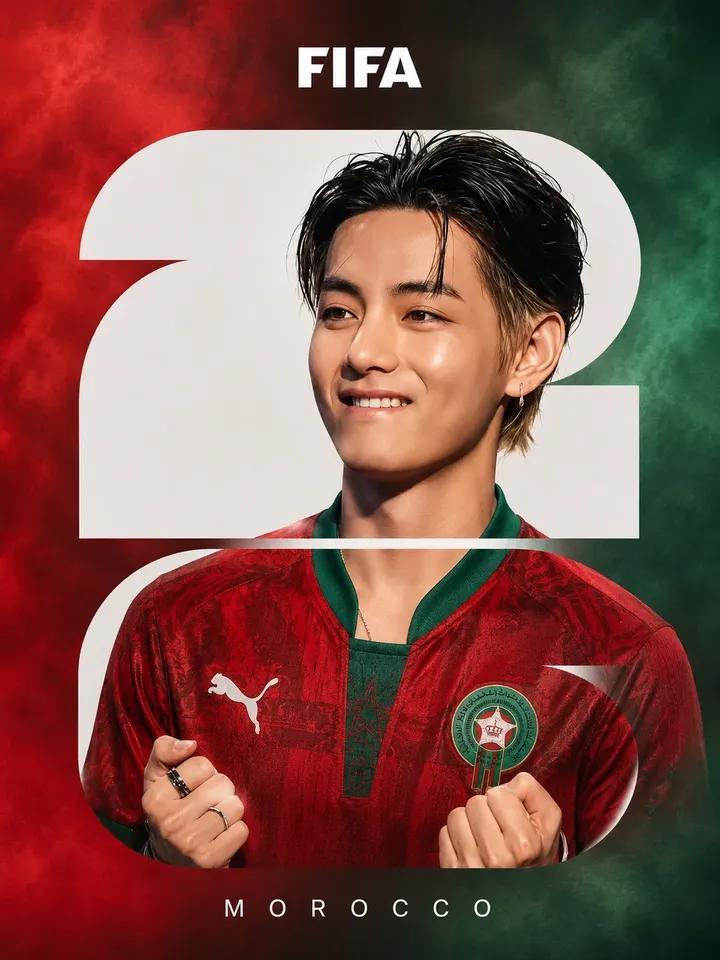
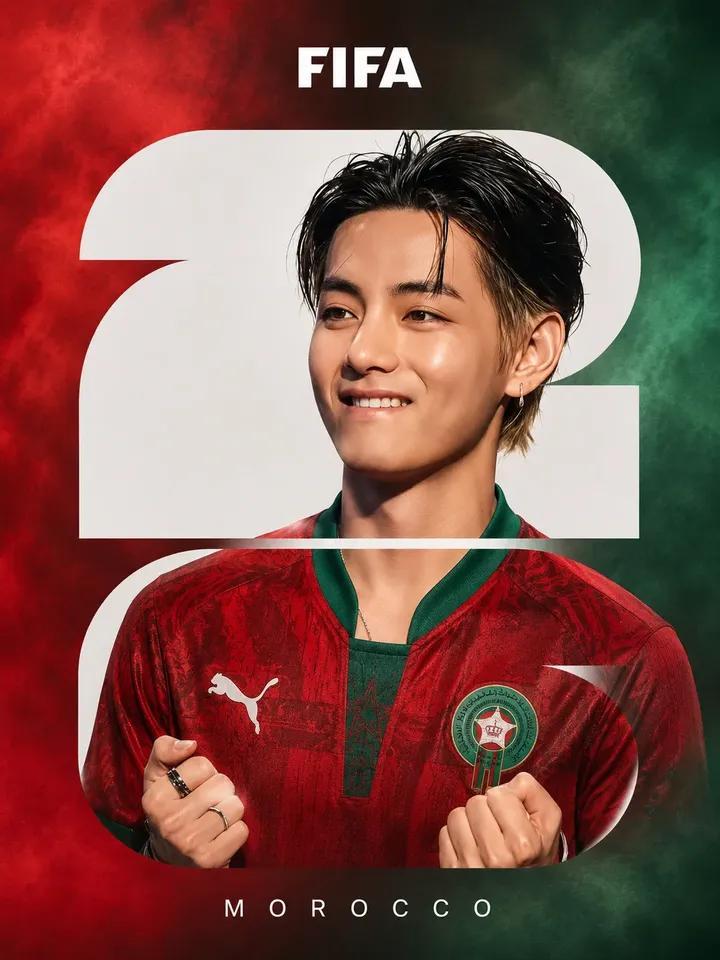
FIFA 足球海报设计
Enlarge

Example images

FIFA 足球海报设计

Prompt
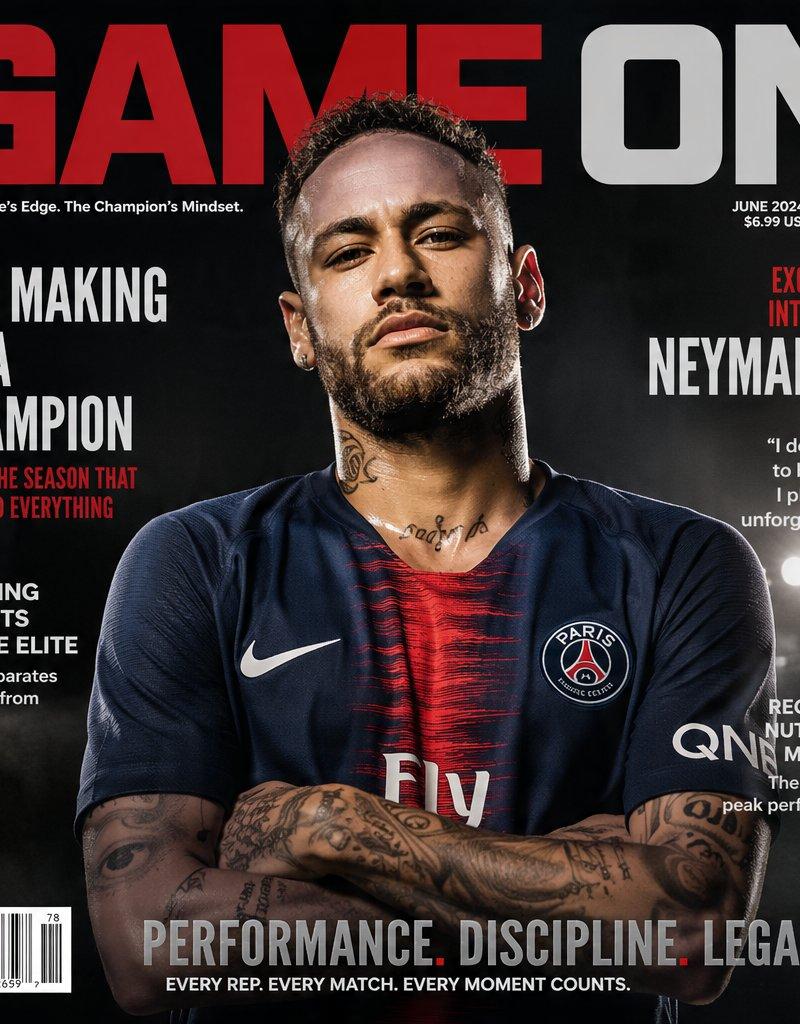
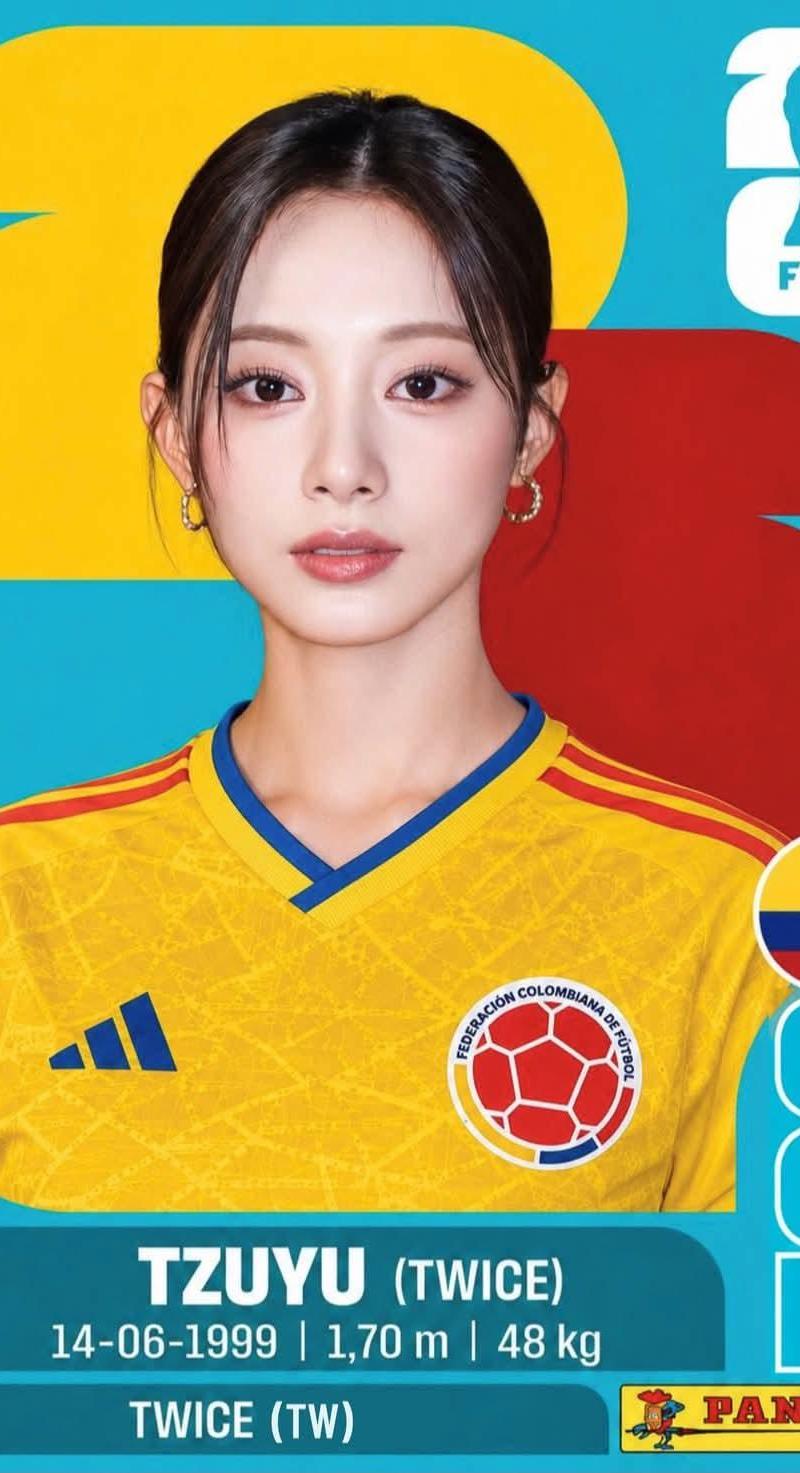
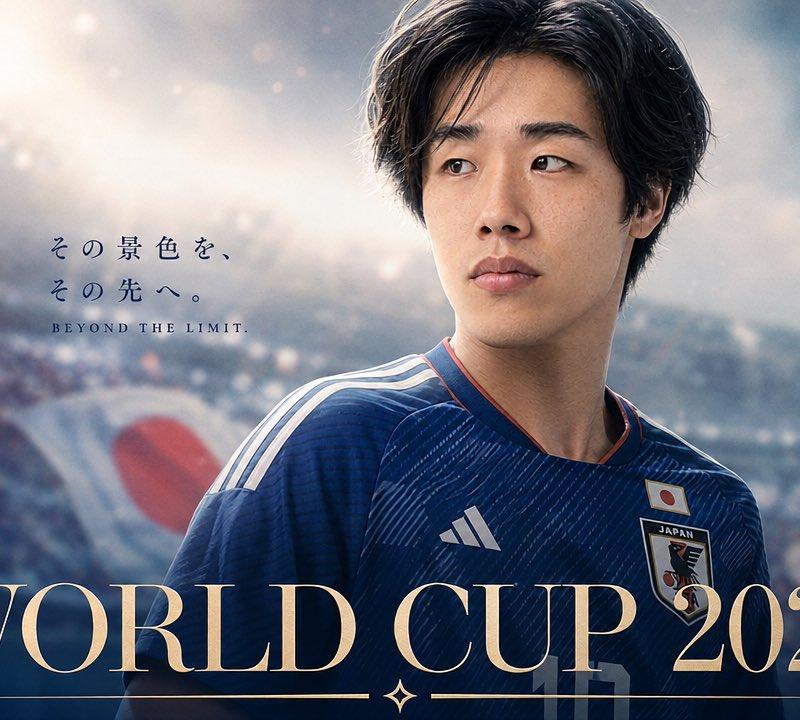
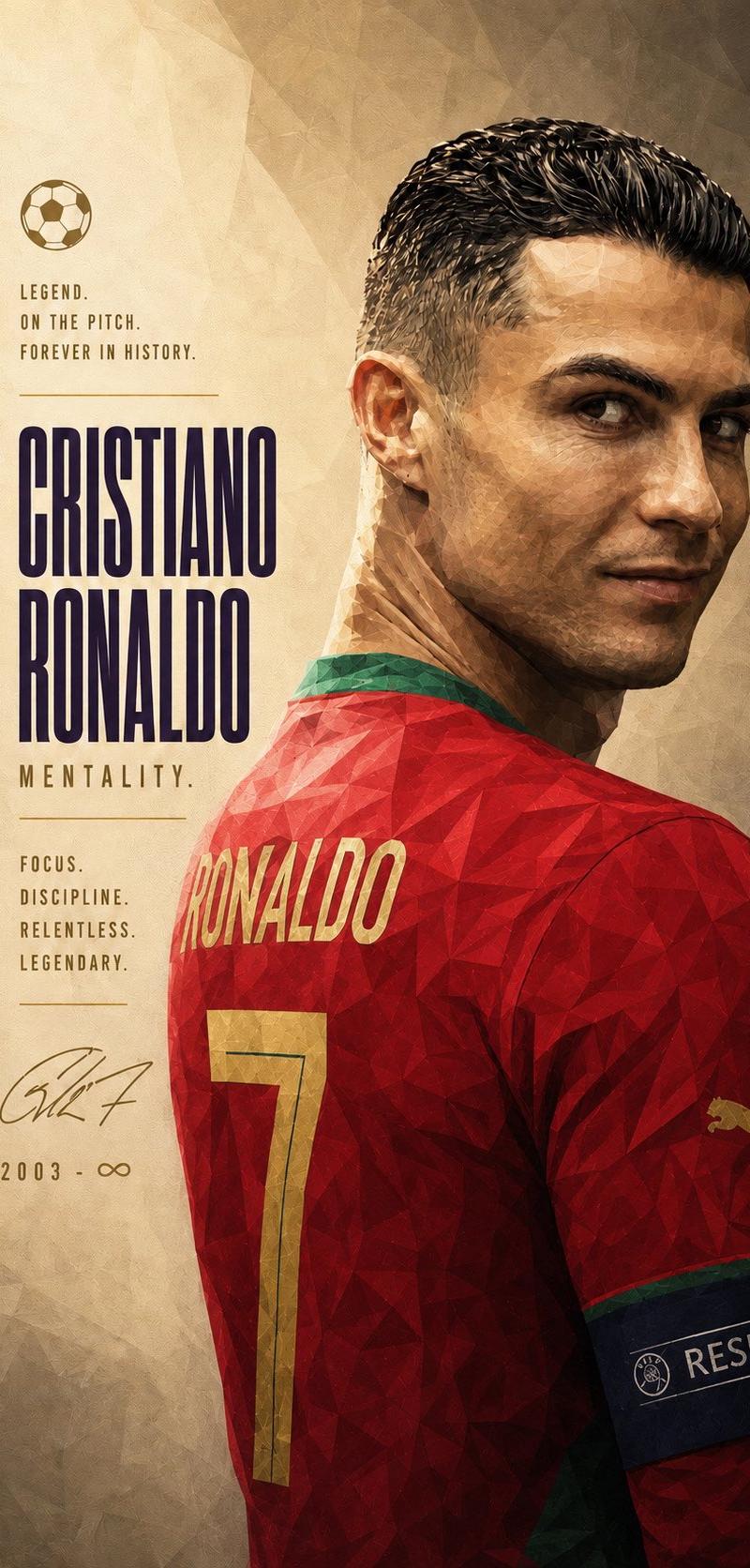
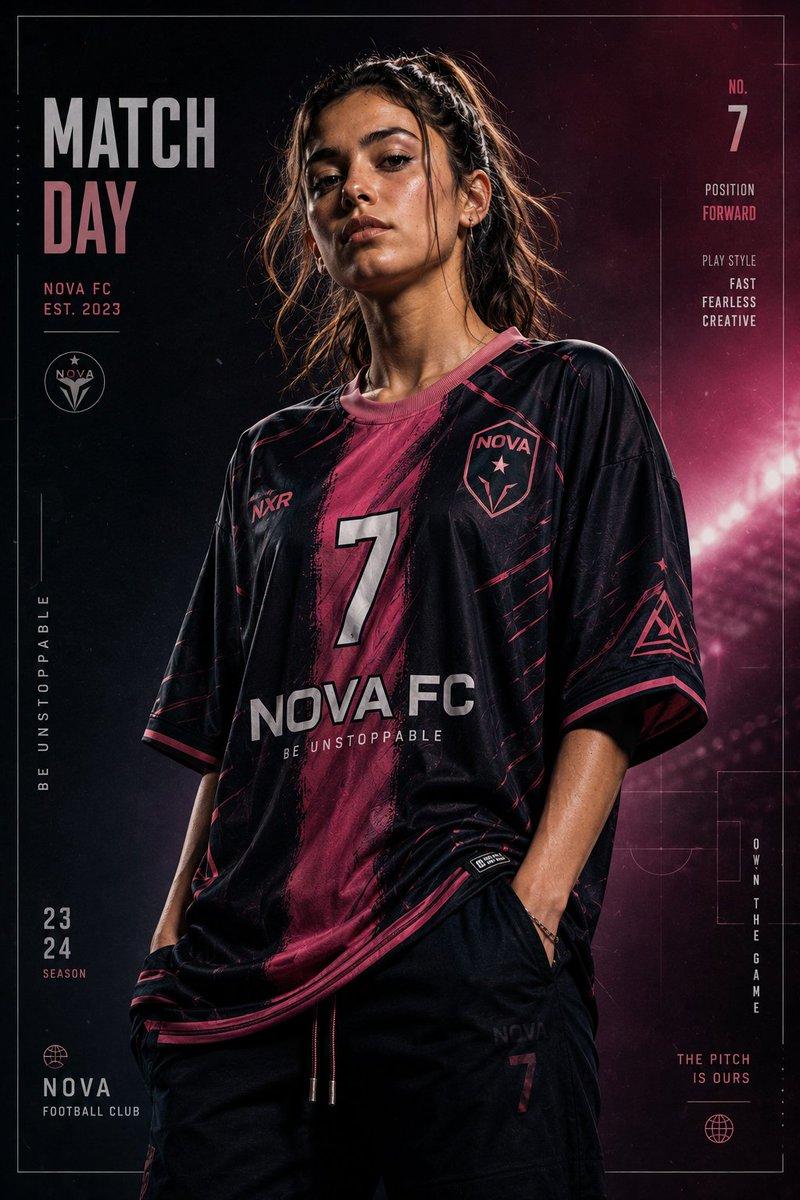
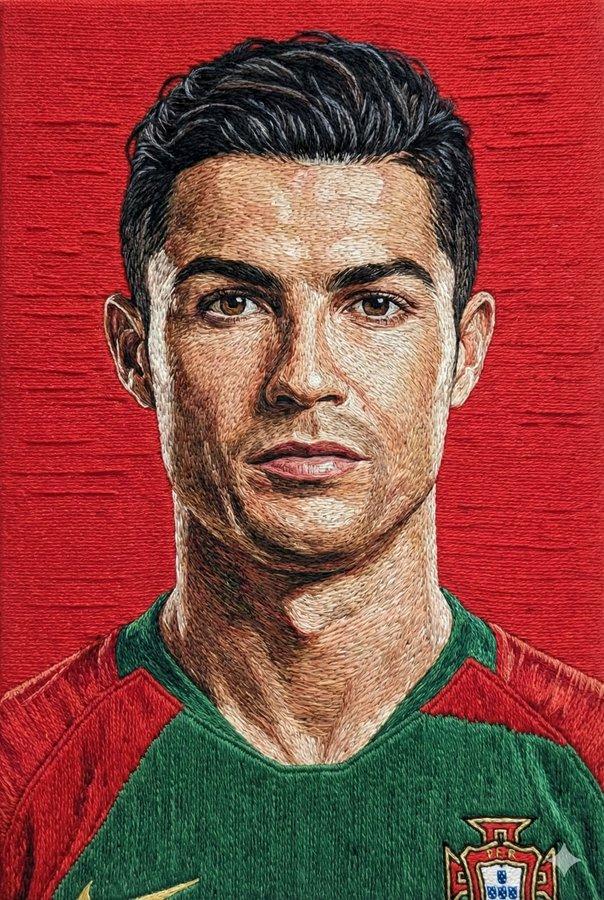
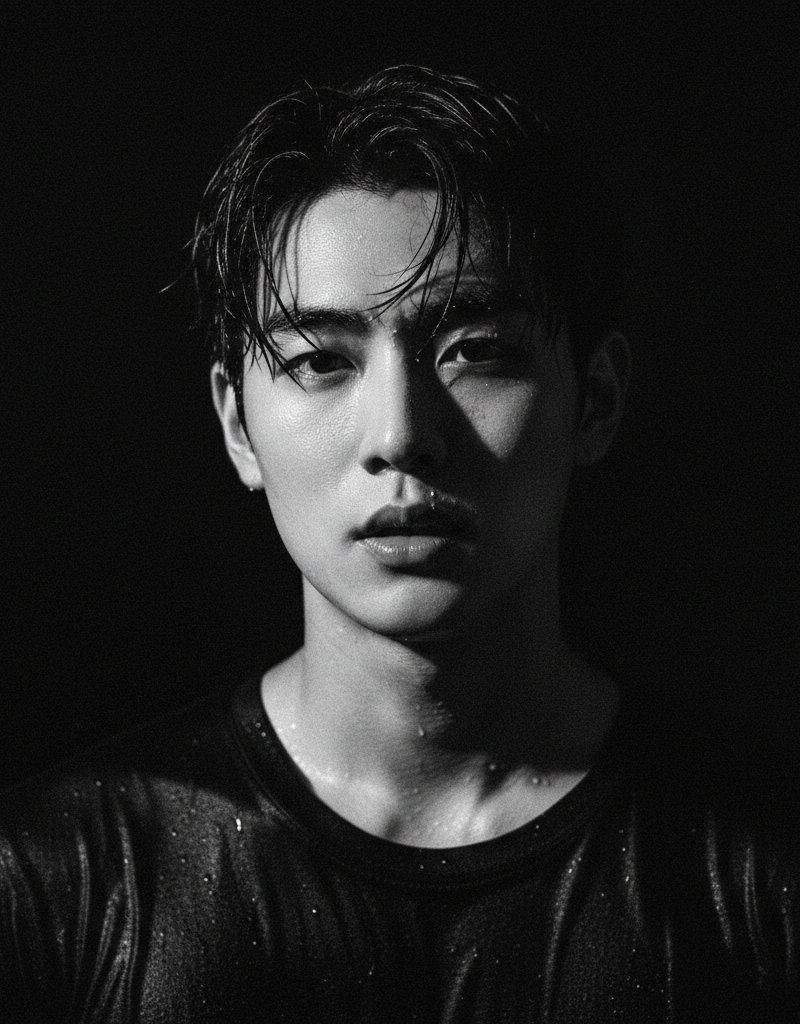
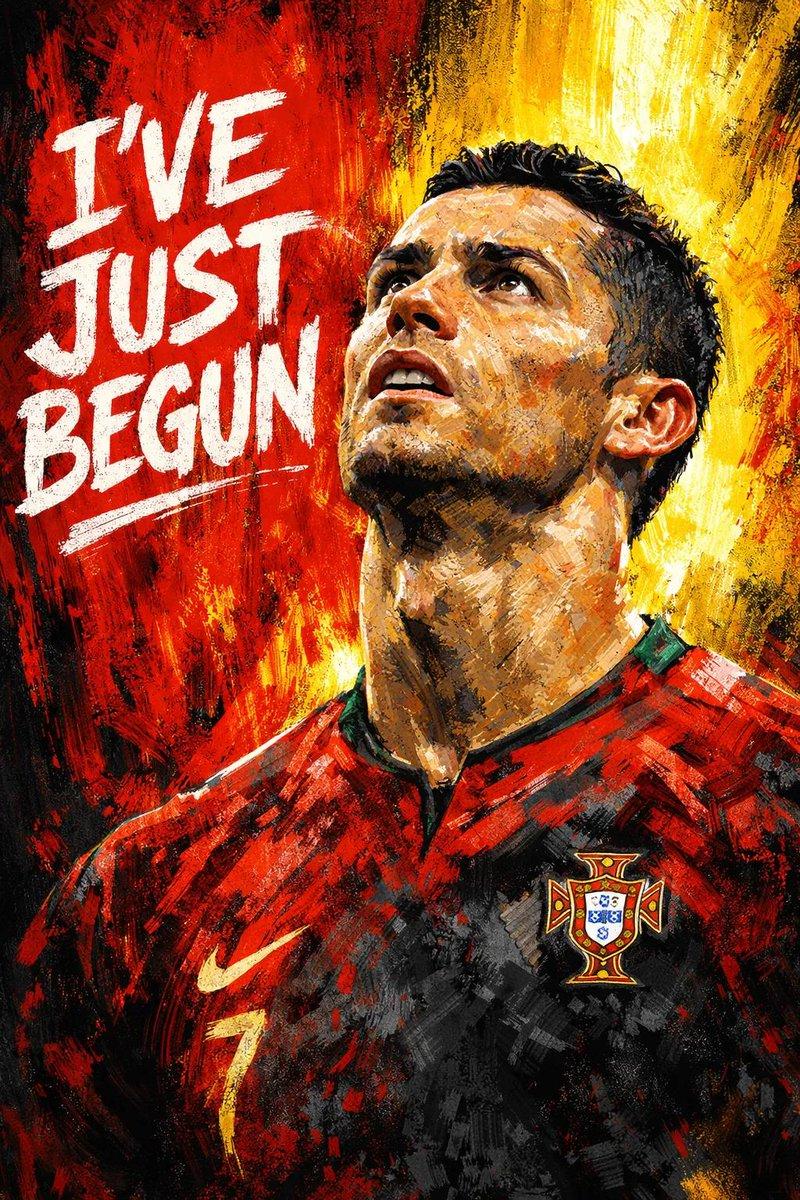
FIFA football poster design, {argument name="subject" default="young BTS member"} portrait in center, short black textured hair, soft smile, wearing {argument name="team jersey" default="Morocco national team red jersey"} with green collar, hands clenched in excitement near chest, realistic skin, premium sports photography, dramatic studio lighting, ultra detailed face and jersey texture. Massive bold white {argument name="graphic element" default="number \"2\""} placed behind the subject as a graphic design element, "FIFA" text at the top center, "MOROCCO" text at the bottom center with wide letter spacing. Background filled with red and green colored smoke, Morocco flag color theme, modern FIFA promotional poster, clean typography, symmetrical composition, photorealistic, sports magazine cover style, high contrast, ultra realistic, 8K, professional football campaign artwork.
Category
Charts & Infographics
Model
GPT Image 2
Creator
Simply Ray
Source language
en
Views0
Source ID
25992
Published
Jun 17, 2026
Studio

Guide

About "FIFA 足球海报设计"

What is this prompt for?

"FIFA 足球海报设计" AI image prompt for GPT Image 2 (Charts & Infographics). 一款适用于 FIFA 宣传海报的专业体育杂志封面风格提示词,以特定人物肖像为中心。 Copy it on Picva and recreate the look in one…

The full copyable prompt and example visuals above are ready for AI image generation or one-click recreate in Picva.

How to use this prompt

  1. Step 1

    Open the prompt detail

    Review the example visuals, category, and full prompt text for "FIFA 足球海报设计".

  2. Step 2

    Copy the prompt

    Copy the prompt body from this page, or load it directly in Studio.

  3. Step 3

    Pick a model (GPT Image 2)

    Prefer GPT Image 2. If you switch models, keep subject and composition and tweak style terms.

  4. Step 4

    Generate and export

    Recreate the look in Picva, or export into your workflow for editing and publishing.

FAQ

What is the "FIFA 足球海报设计" prompt?
It is an AI image-generation prompt for GPT Image 2 in the Charts & Infographics category. This page includes the full prompt text, example visuals, and a one-click recreate path in Picva.
How do I use this prompt to generate an image?
Copy the prompt from this page, or use Generate / Studio. Paste it into a compatible image model, or recreate the look in Picva with optional reference images.
Which model is this prompt for?
This page lists GPT Image 2. Most descriptive prompts also transfer to nearby image models such as GPT Image, Flux, or Midjourney with light style tweaks.
Can I use the result commercially?
You can usually copy the prompt for creation, but commercial use of the final image depends on the model terms, reference-image rights, and the generated content. Follow the source author and platform rules.