20

当代油画风格转换
Enlarge

当代油画风格转换

Prompt
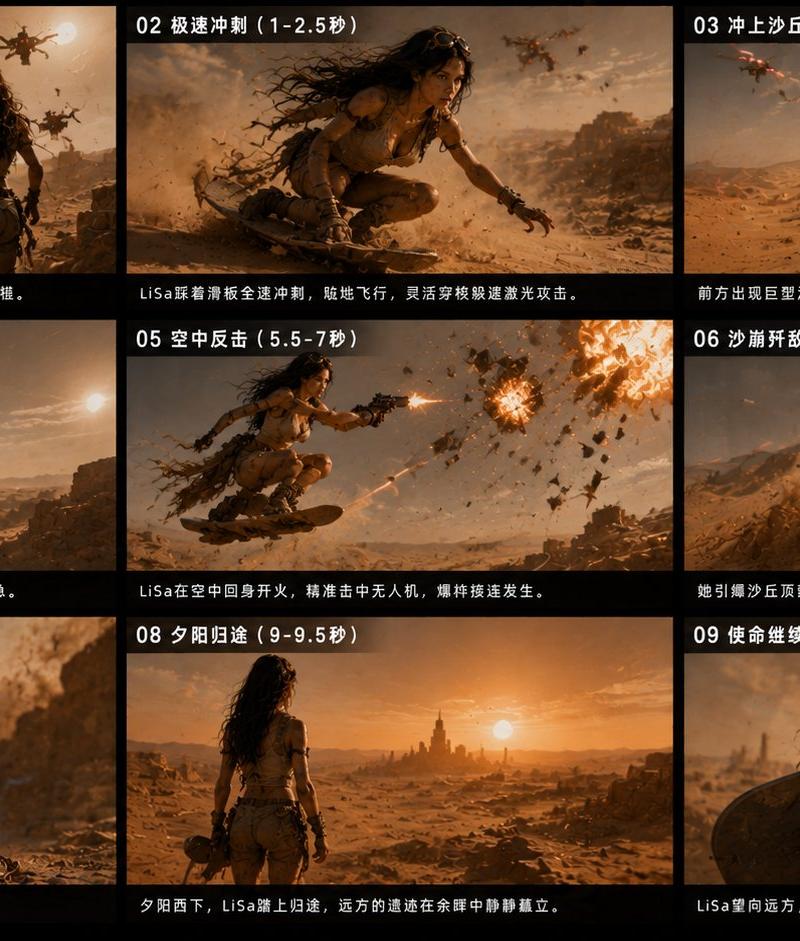
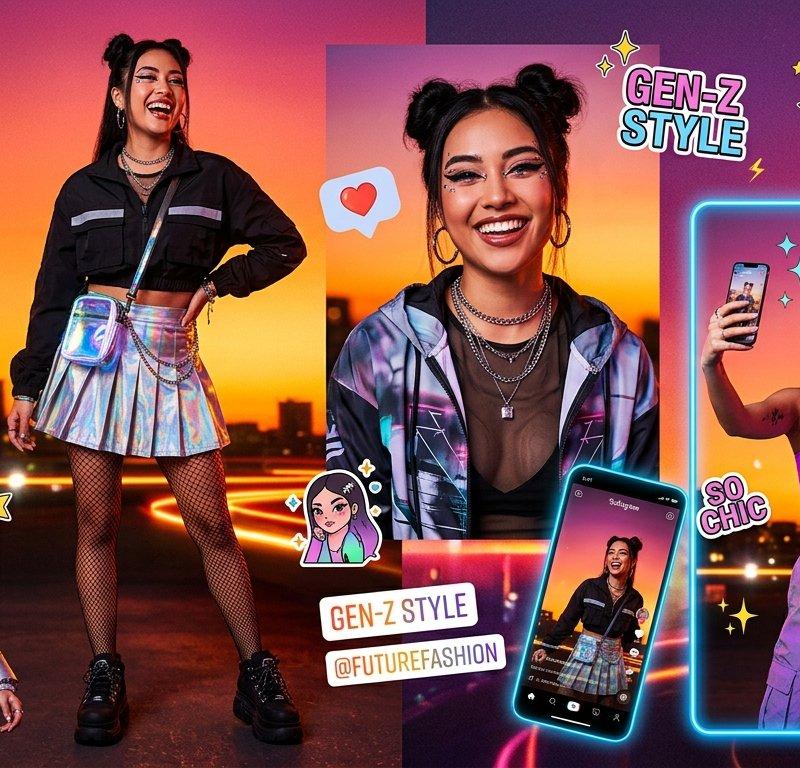
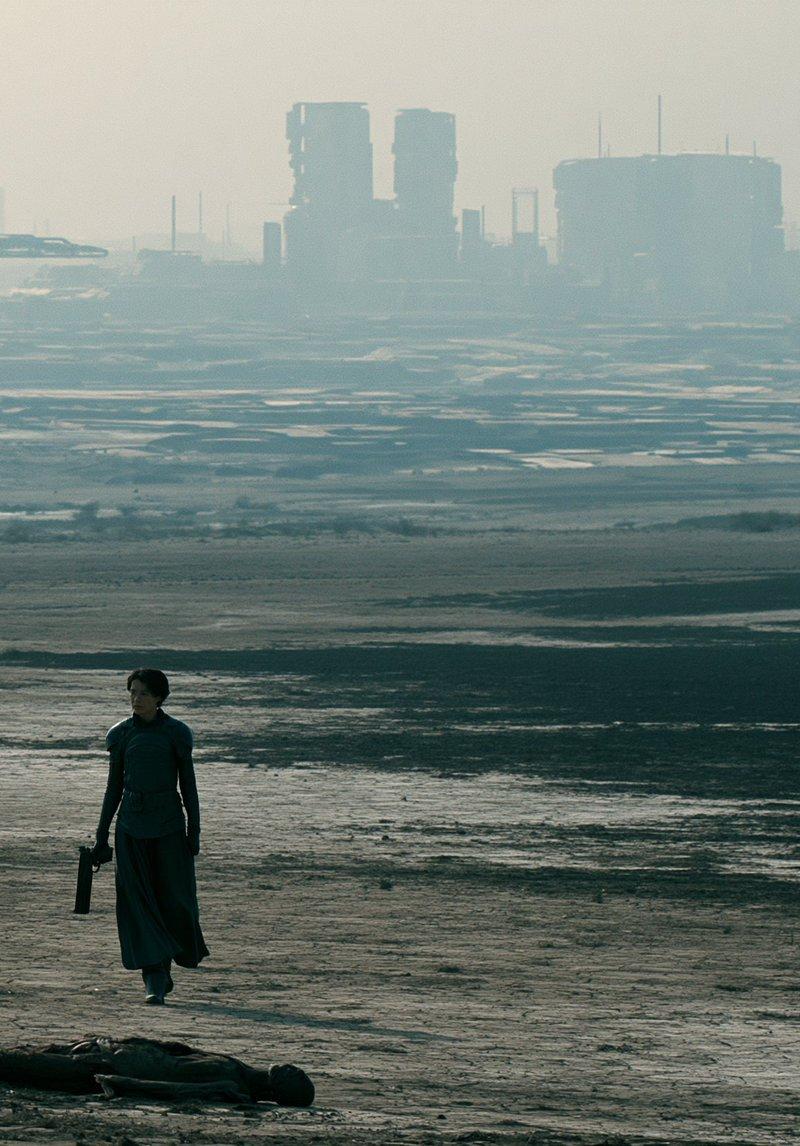
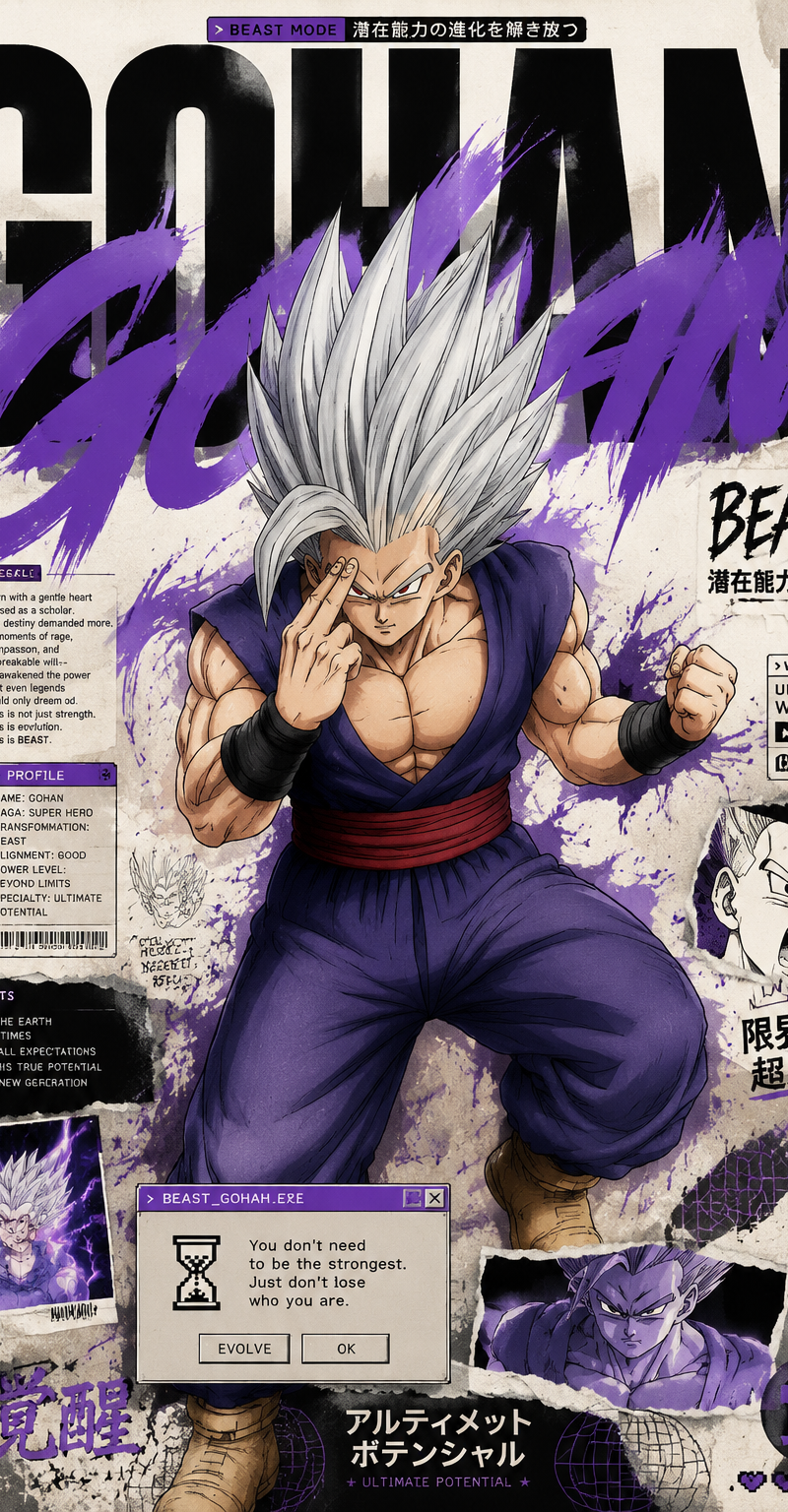
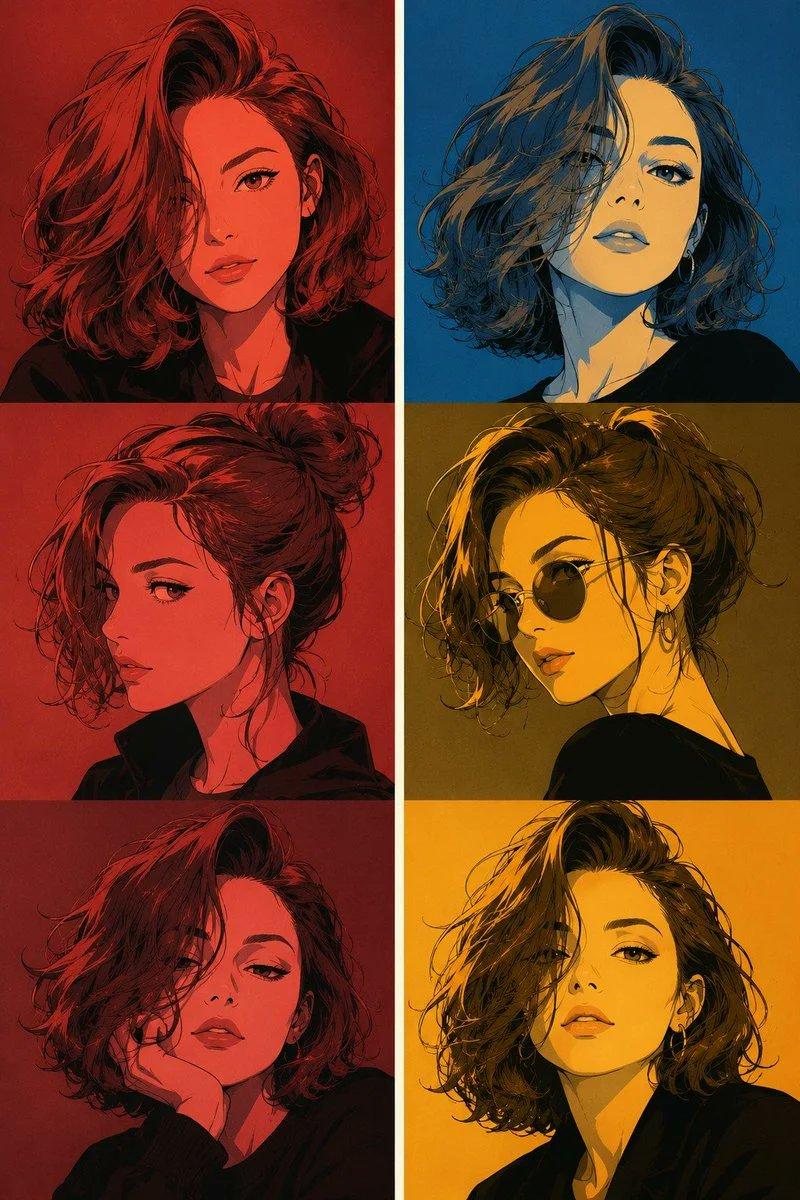
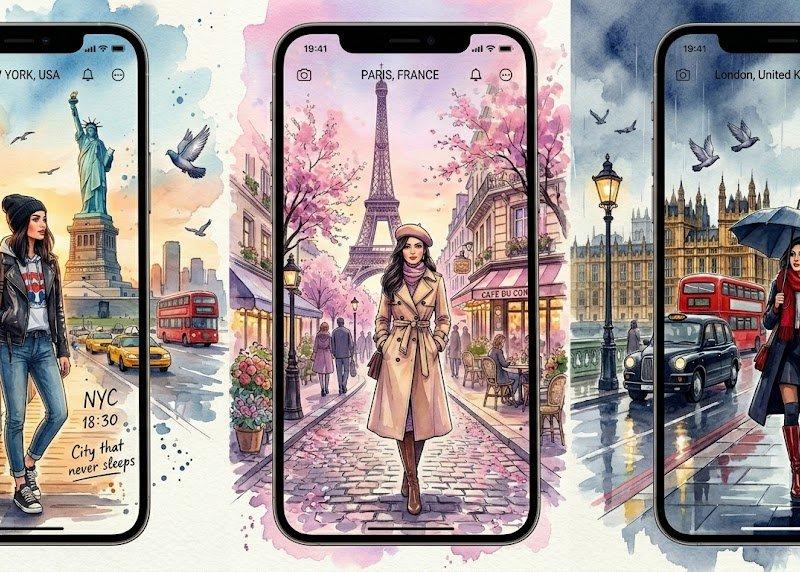
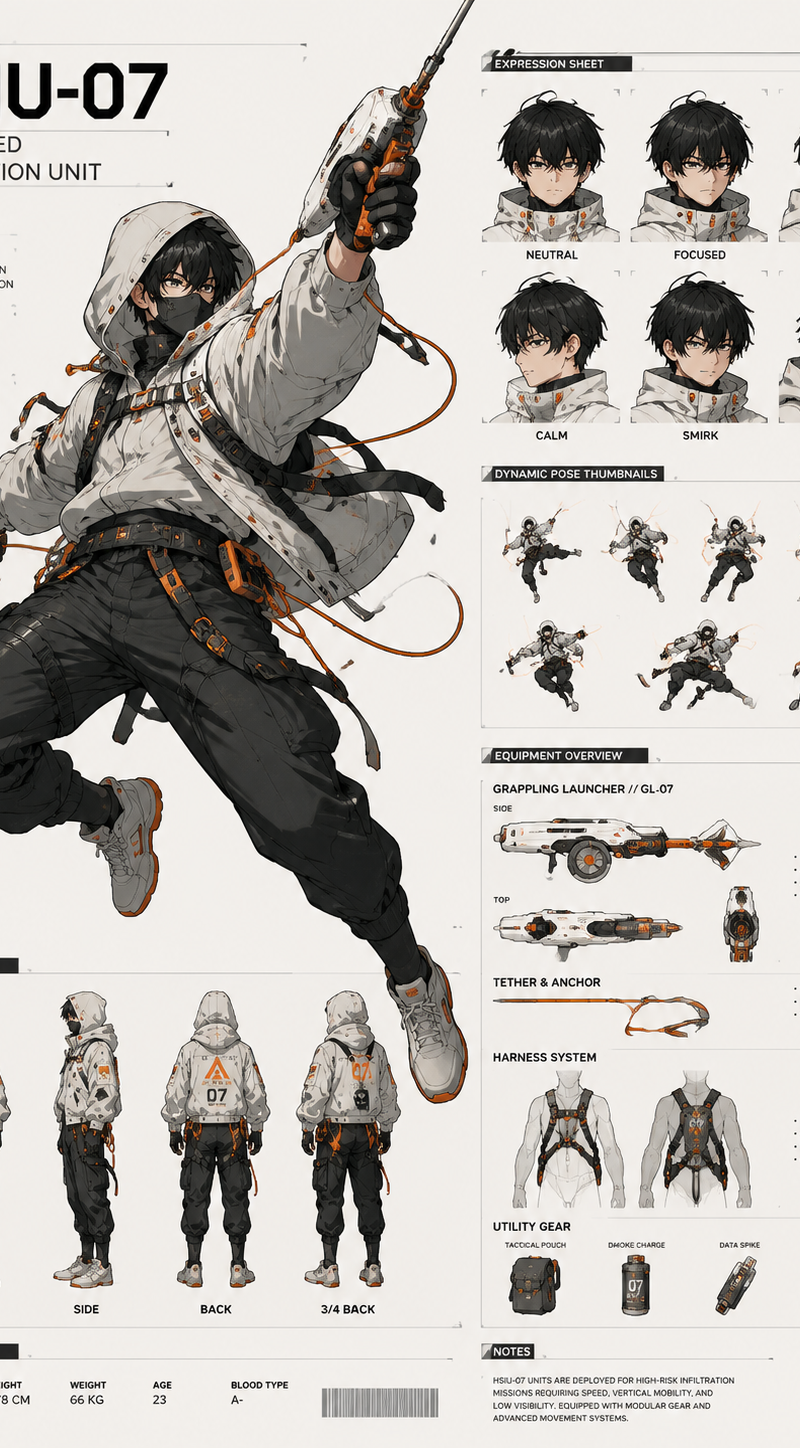
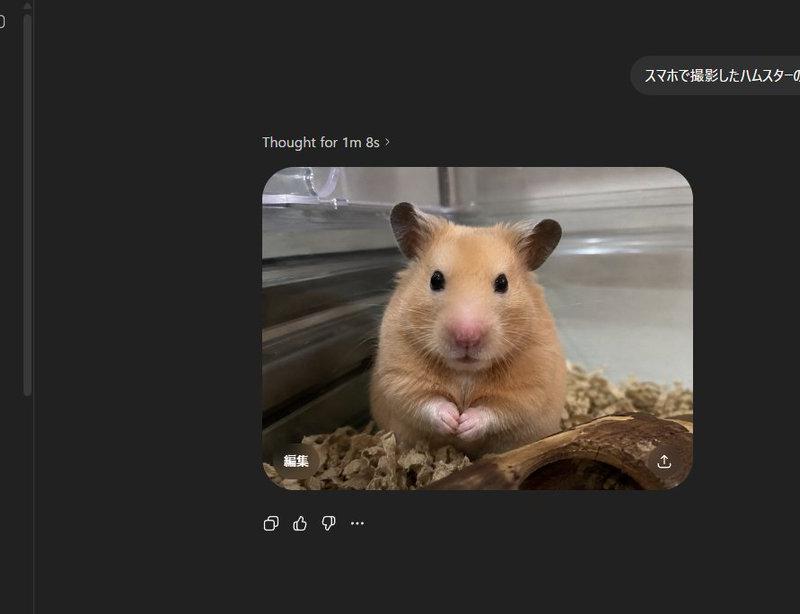
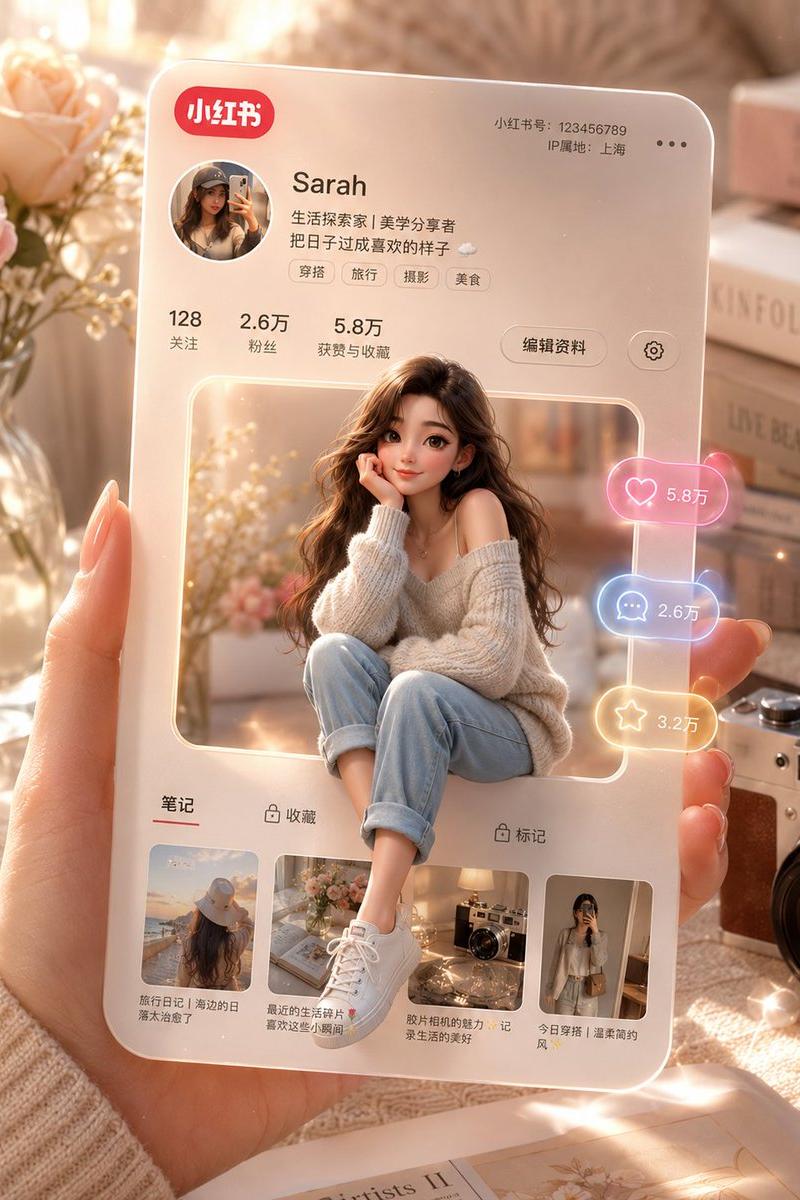
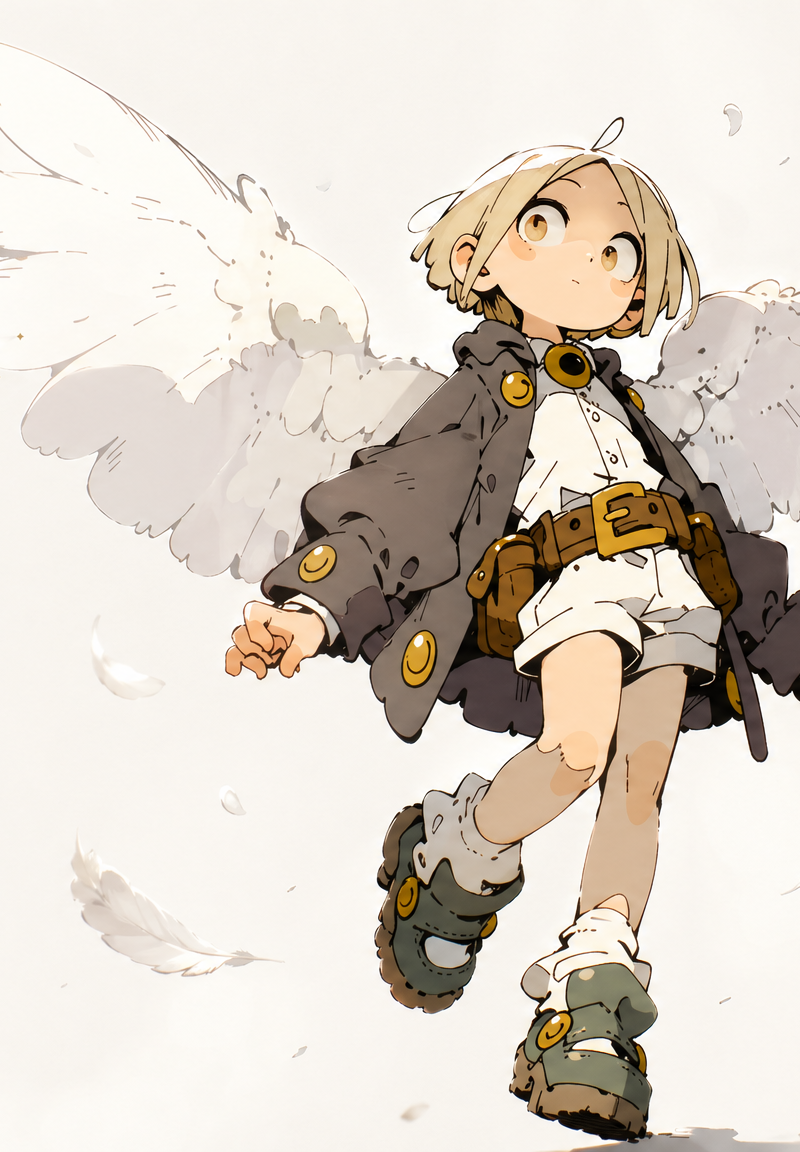
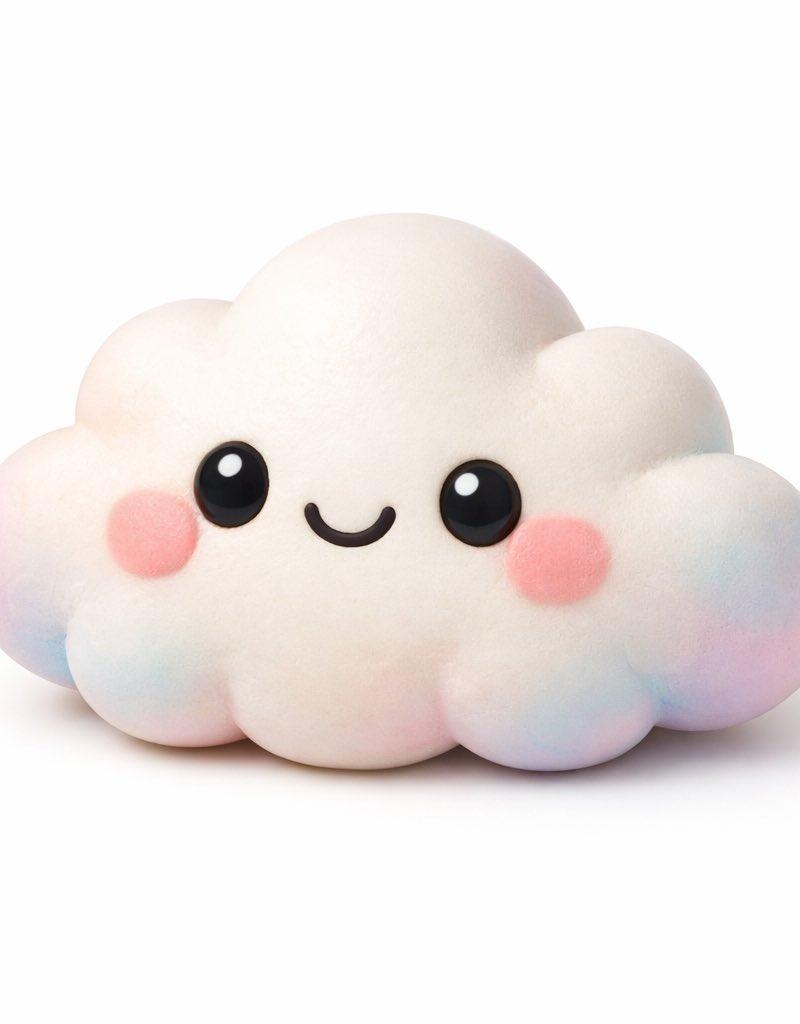
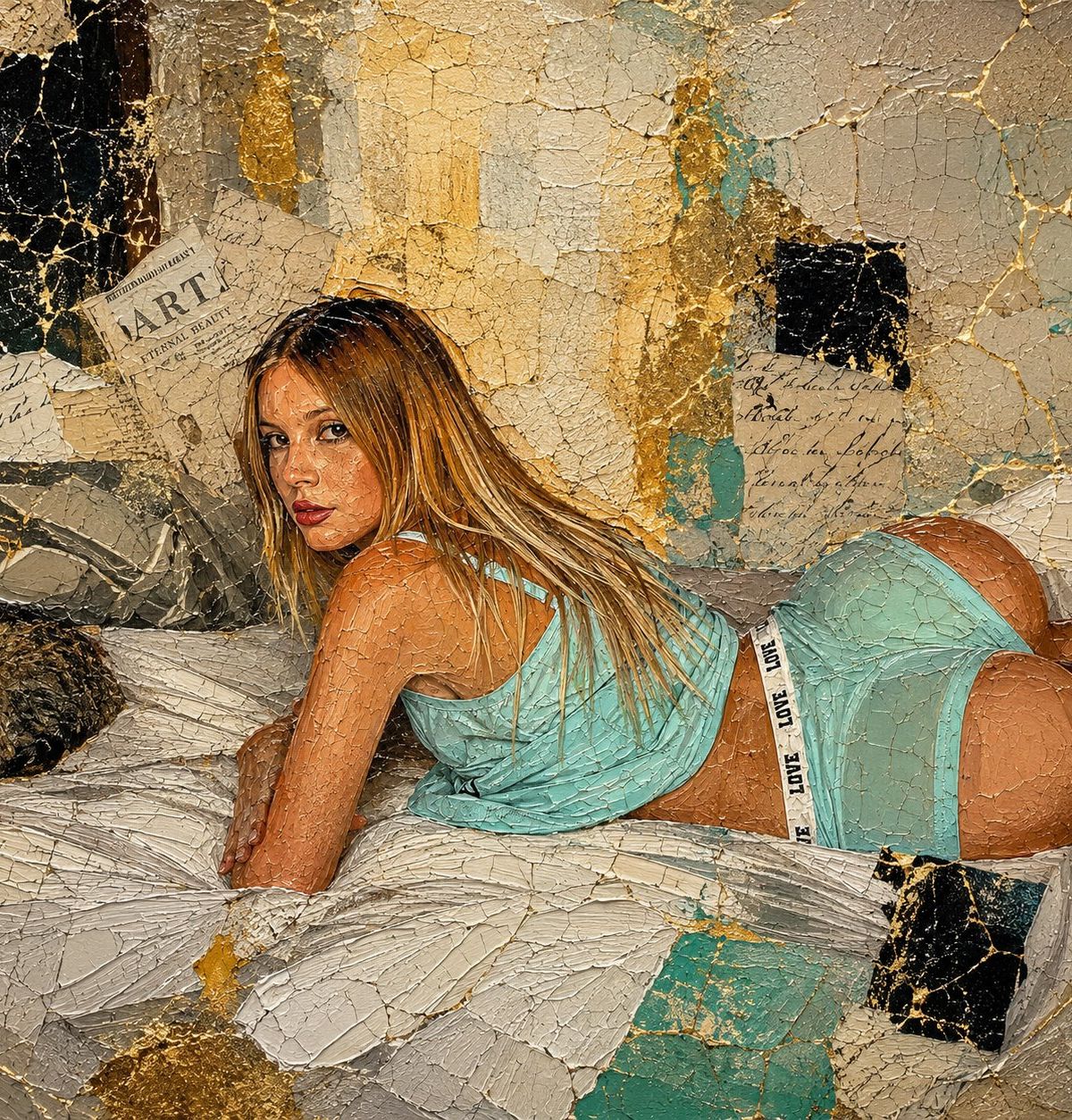
Apply the following artistic effect to the attached image: Contemporary oil painting aesthetic with extremely detailed impasto, visible brushstrokes, three-dimensional texture, fine crackle distributed across the entire surface, modern kintsugi effect, luxury abstract collage, layers of worn paper, artistic mural texture, visual integration between figure and background, centered composition, soft softbox editorial lighting, moderate contrast, pictorial depth, contemporary art gallery finish, pictorial hyperrealism, ultra HD texture, masterpiece, museum quality, fine art portrait, mixed media painting, ultra detailed, 8k, elegant luxury aesthetic, sophisticated editorial artwork.
Category
UI & Interfaces
Model
GPT Image 2
Creator
HER19845
Source language
en
Views0
Source ID
26018
Published
Jun 17, 2026
Studio

Guide

About "当代油画风格转换"

What is this prompt for?

"当代油画风格转换" AI image prompt for GPT Image 2 (UI & Interfaces). 一个精妙的提示词,可将图像转换为带有厚涂技法和金缮元素的当代油画。 Copy it on Picva and recreate the look in one click.

The full copyable prompt and example visuals above are ready for AI image generation or one-click recreate in Picva.

How to use this prompt

  1. Step 1

    Open the prompt detail

    Review the example visuals, category, and full prompt text for "当代油画风格转换".

  2. Step 2

    Copy the prompt

    Copy the prompt body from this page, or load it directly in Studio.

  3. Step 3

    Pick a model (GPT Image 2)

    Prefer GPT Image 2. If you switch models, keep subject and composition and tweak style terms.

  4. Step 4

    Generate and export

    Recreate the look in Picva, or export into your workflow for editing and publishing.

FAQ

What is the "当代油画风格转换" prompt?
It is an AI image-generation prompt for GPT Image 2 in the UI & Interfaces category. This page includes the full prompt text, example visuals, and a one-click recreate path in Picva.
How do I use this prompt to generate an image?
Copy the prompt from this page, or use Generate / Studio. Paste it into a compatible image model, or recreate the look in Picva with optional reference images.
Which model is this prompt for?
This page lists GPT Image 2. Most descriptive prompts also transfer to nearby image models such as GPT Image, Flux, or Midjourney with light style tweaks.
Can I use the result commercially?
You can usually copy the prompt for creation, but commercial use of the final image depends on the model terms, reference-image rights, and the generated content. Follow the source author and platform rules.