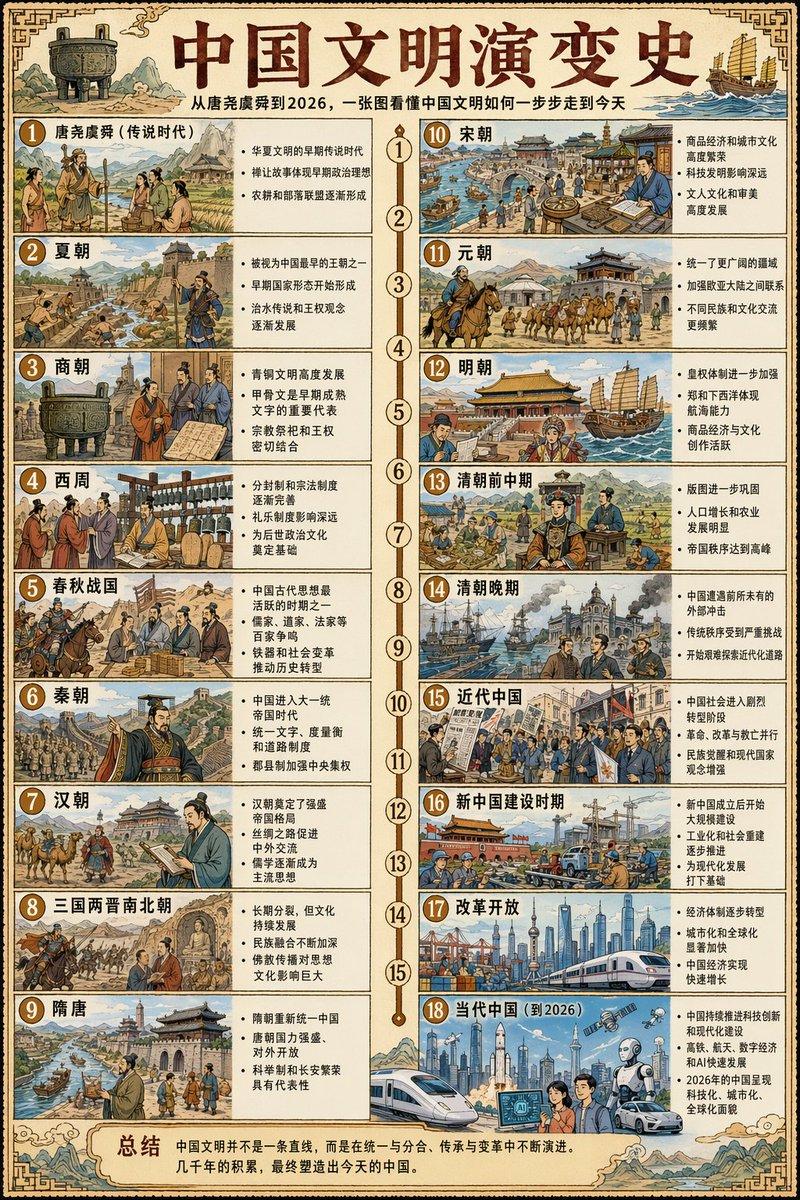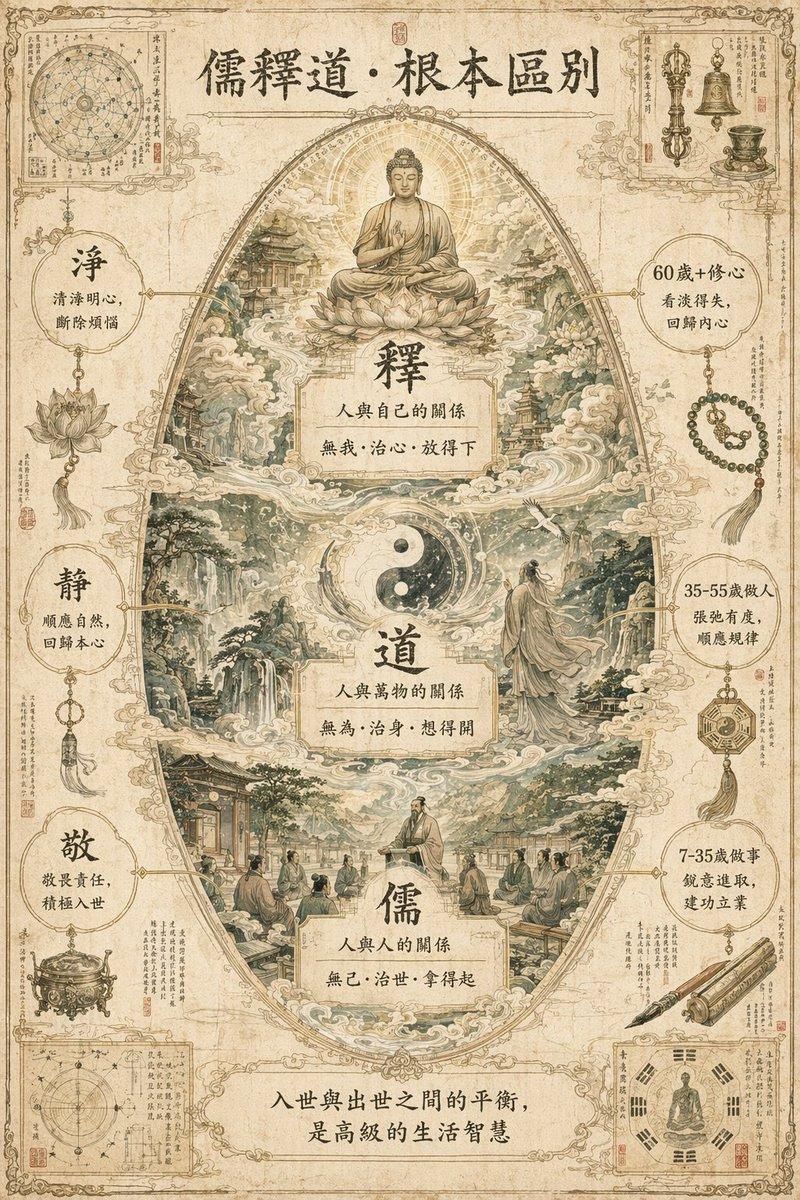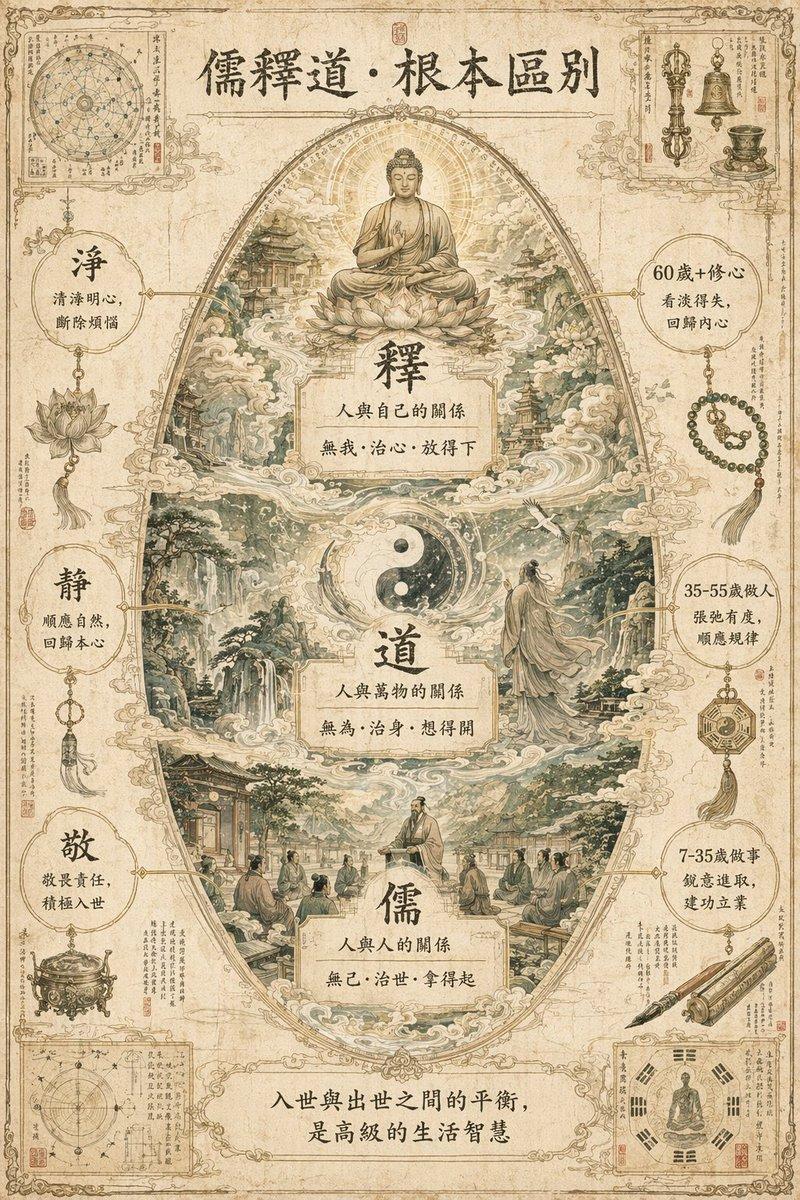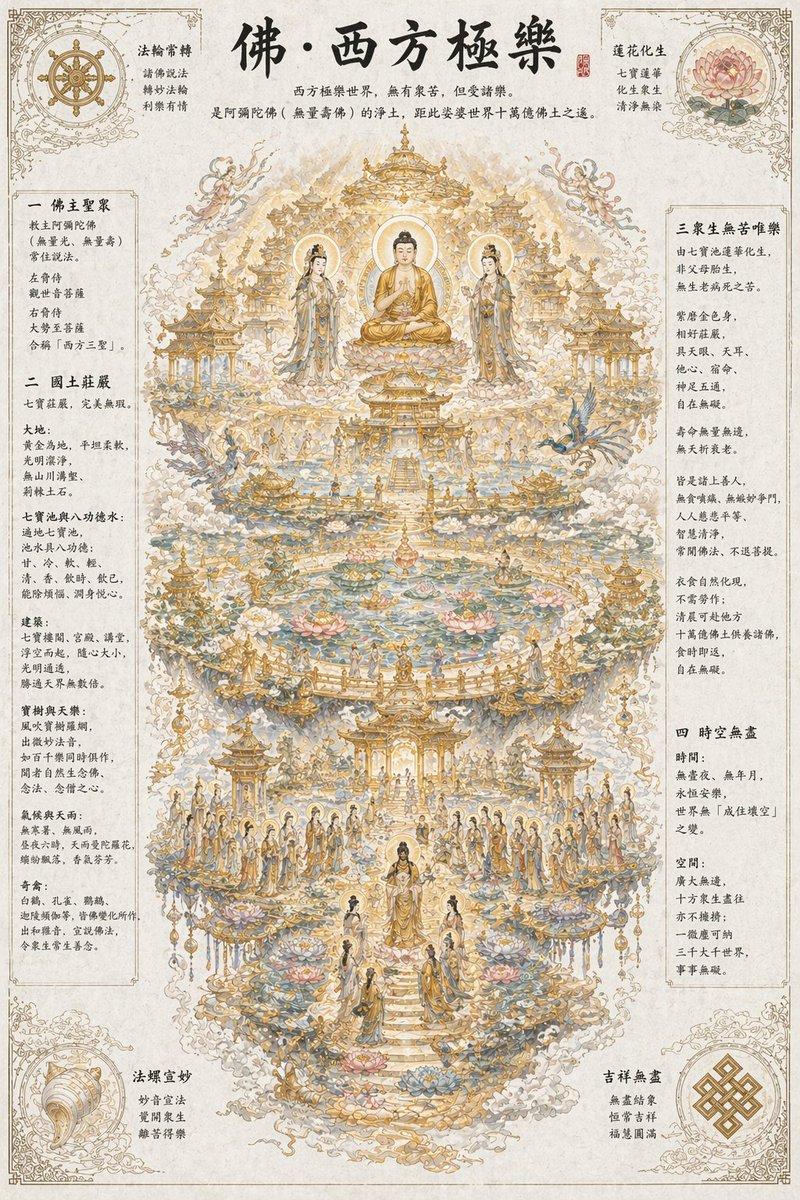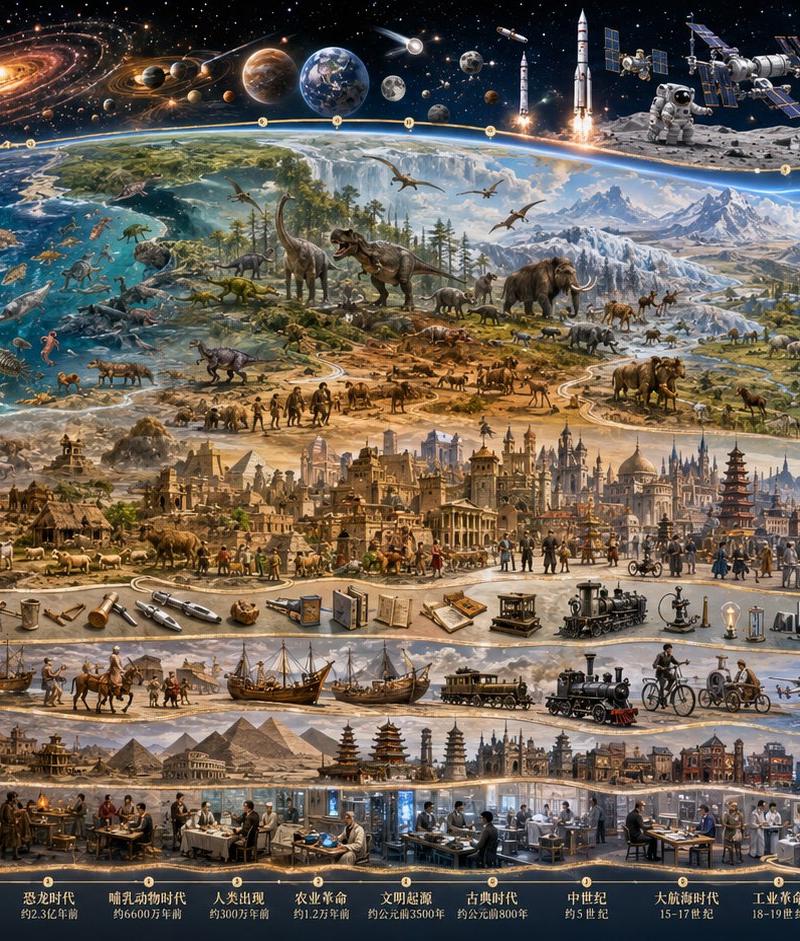
中华文明历程海报
Prompt
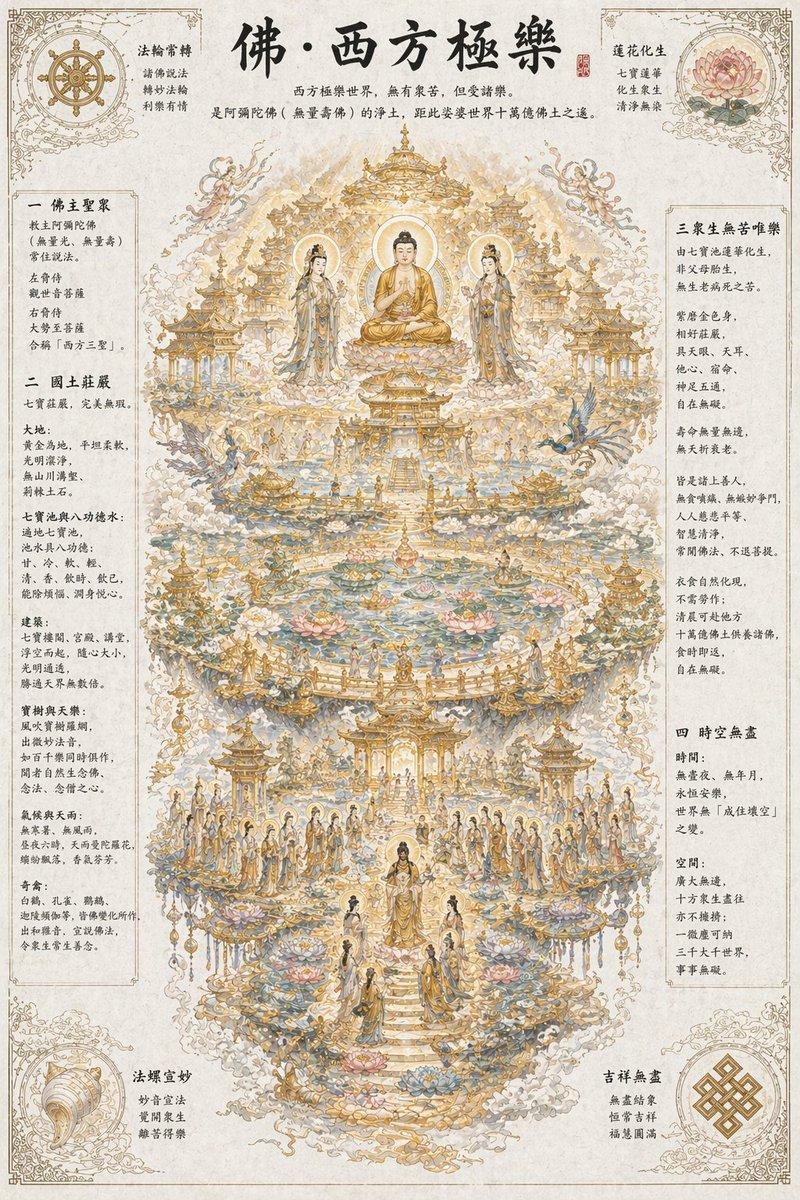
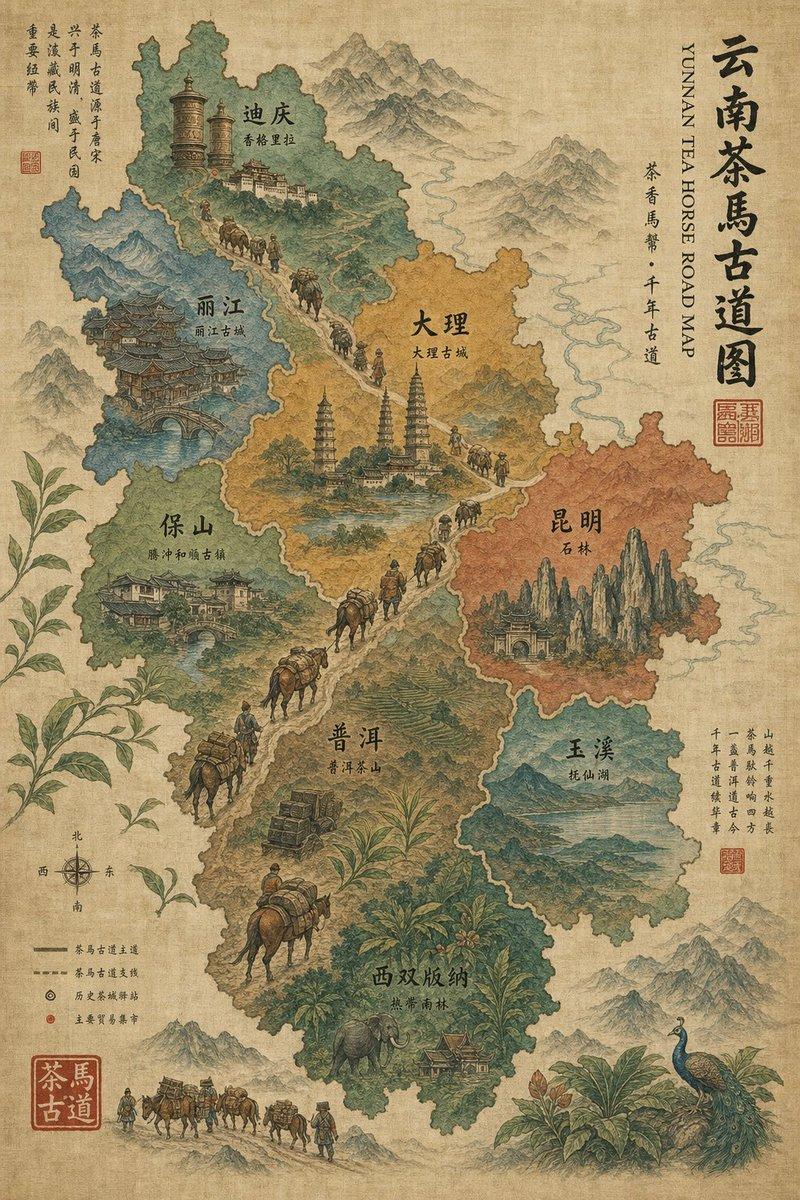
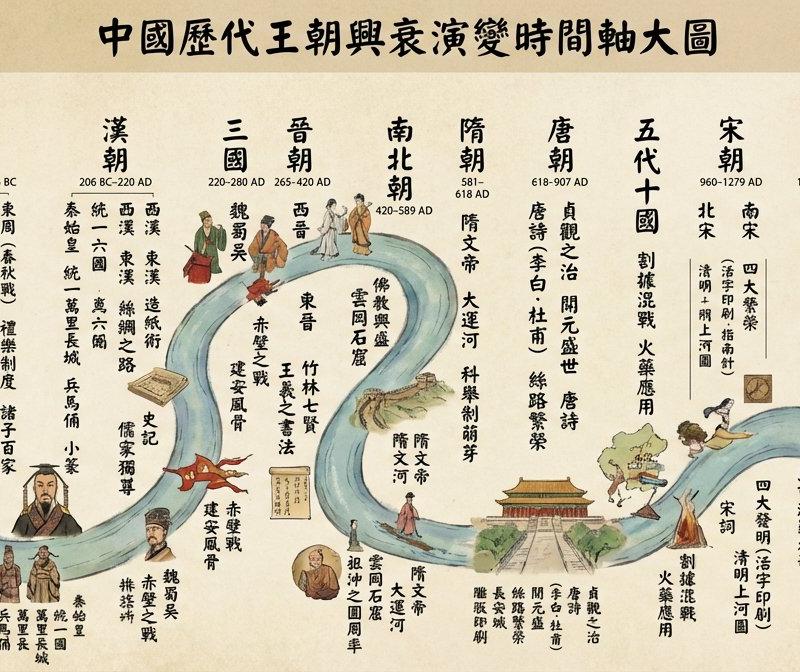
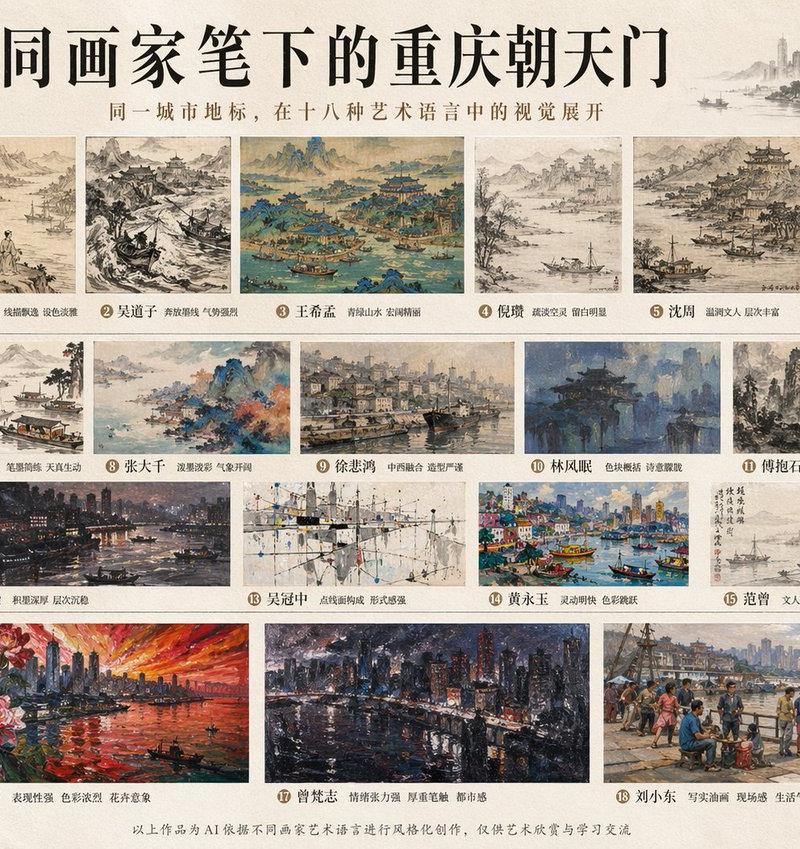
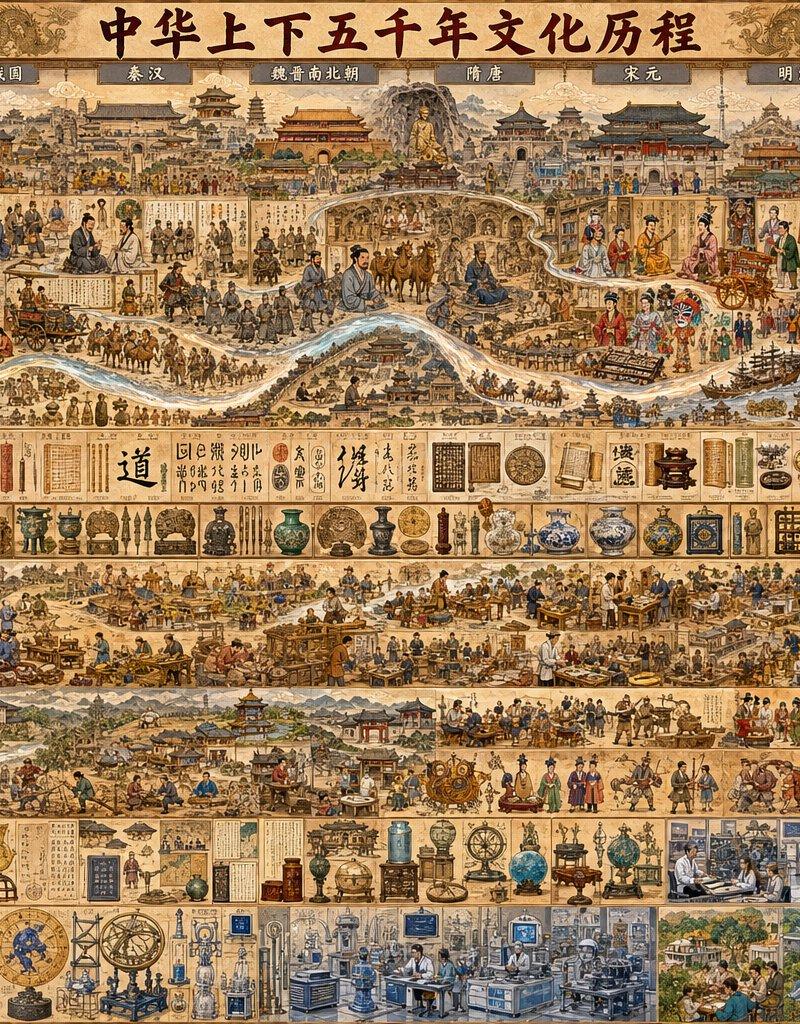
Goal: Create an extremely information-dense panoramic illustrated historical infographic titled {argument name="main title" default="中华上下五千年文化历程"}, showing five thousand years of Chinese civilization as a continuous visual timeline from ancient prehistory to the contemporary era.

Canvas: Wide horizontal poster, approximately 16:9 aspect ratio, parchment-colored background, antique scroll texture, ornate cloud-and-dragon border, warm sepia ink with muted reds, blues, jade greens, bronze, gold, and black calligraphy. Use a dense hand-painted Chinese historical mural style with fine linework, miniature figures, architectural details, artifact illustrations, and museum-catalog precision.

Layout: Divide the poster into 5 stacked horizontal bands. Band 1 is the main chronological panorama with a large title at the top and exactly 10 labeled era panels running left to right: 1) 史前, 2) 夏商周, 3) 春秋战国, 4) 秦汉, 5) 魏晋南北朝, 6) 隋唐, 7) 宋元, 8) 明清, 9) 近现代, 10) 当代. Band 2 is a catalog strip of artifacts, writing, inventions, books, coins, porcelain, seals, instruments, and calligraphy samples. Band 3 is a social-life and economy strip showing agriculture, workshops, markets, schools, rituals, trade, armies, court scenes, ships, bridges, and city streets. Band 4 is a science, medicine, botany, astronomy, cartography, and technology strip with diagrams, scholars, tools, clocks, globes, laboratory-like rooms, and early industrial scenes. Band 5 is a modern-to-contemporary technology strip with laboratories, factories, computers, offices, aerospace, satellites, high-speed rail, renewable energy, and futuristic infrastructure.

Subject details: The top timeline should flow like a continuous ancient landscape with mountains, rivers, roads, palaces, temples, city gates, villages, farms, caravans, horse riders, armies, scholars, emperors, artisans, monks, merchants, opera performers, reform-era citizens, modern engineers, skyscrapers, bullet train, rocket launch, and orbiting spacecraft. Include a pale winding river or dragon-like ribbon crossing the central upper panorama, visually connecting the eras. The left side should feel prehistoric and bronze-age, the middle should emphasize imperial dynasties and classical culture, and the right side should shift into modern industry, urban life, and space technology.

Text content: Use the main title {argument name="main title" default="中华上下五千年文化历程"} in large black brush calligraphy centered at the top. Keep the 10 era labels in small dark plaques along the top. Add many tiny Chinese calligraphy notes, scroll fragments, book pages, seals, and labels throughout, but they should function as decorative historical annotations rather than large readable paragraphs.

Visual style: Maximalist educational wall chart, encyclopedic museum mural, ancient Chinese painting fused with historical infographic, thousands of tiny details, crisp miniature scenes, carefully separated panels, no empty space, aged paper texture, hand-drawn ink outlines, subtle watercolor shading, realistic but stylized historical costumes and artifacts.

Constraints: Preserve exactly 10 top era panels and 5 horizontal content bands. Make the image dense but coherent, with no modern English text, no watermark, no logo, no blank areas, and no single oversized character dominating the composition.- Category
- Charts & Infographics
- Model
- GPT Image 2
- Creator
- 今天也要学AI
- Source language
- en
- Source ID
- 26047
- Published
- Jun 17, 2026
Views0