20

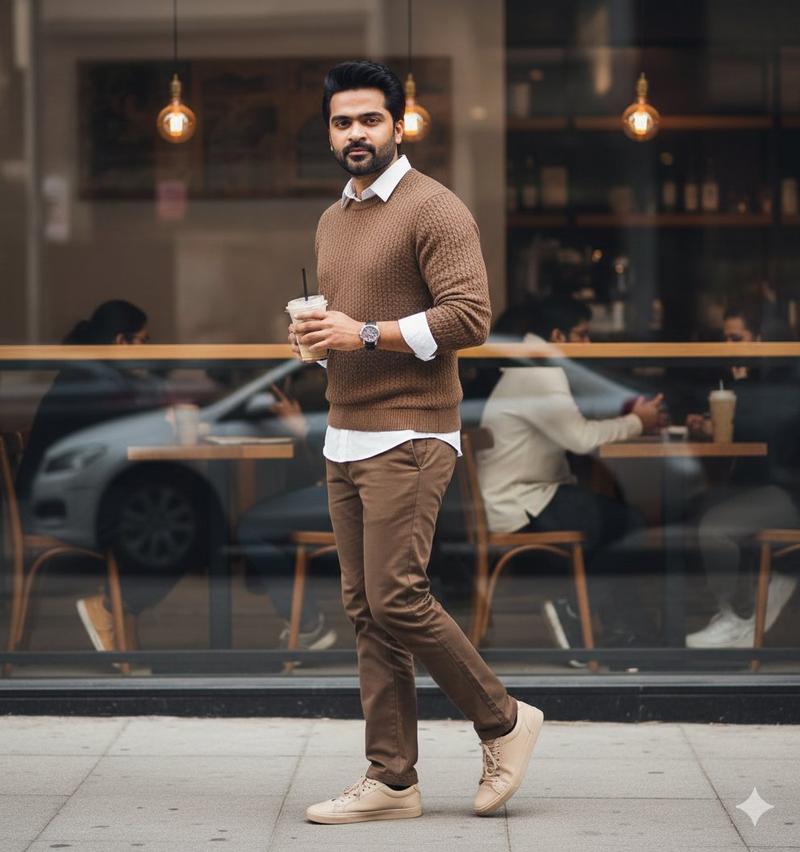
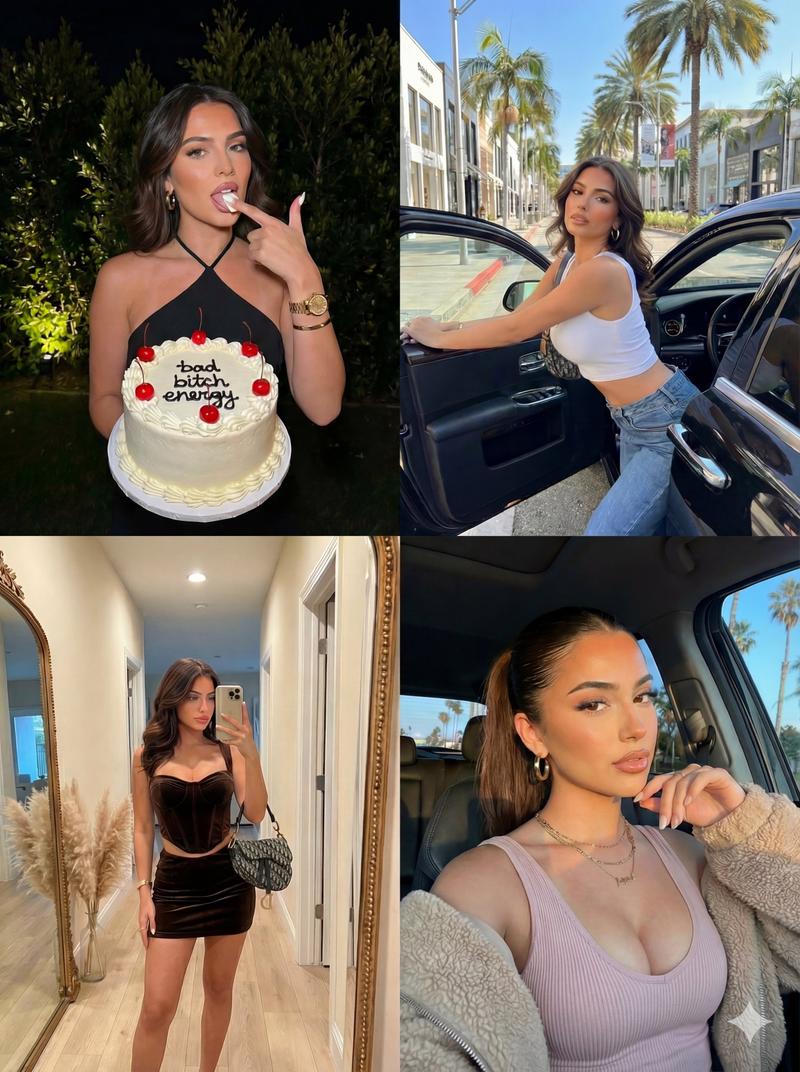
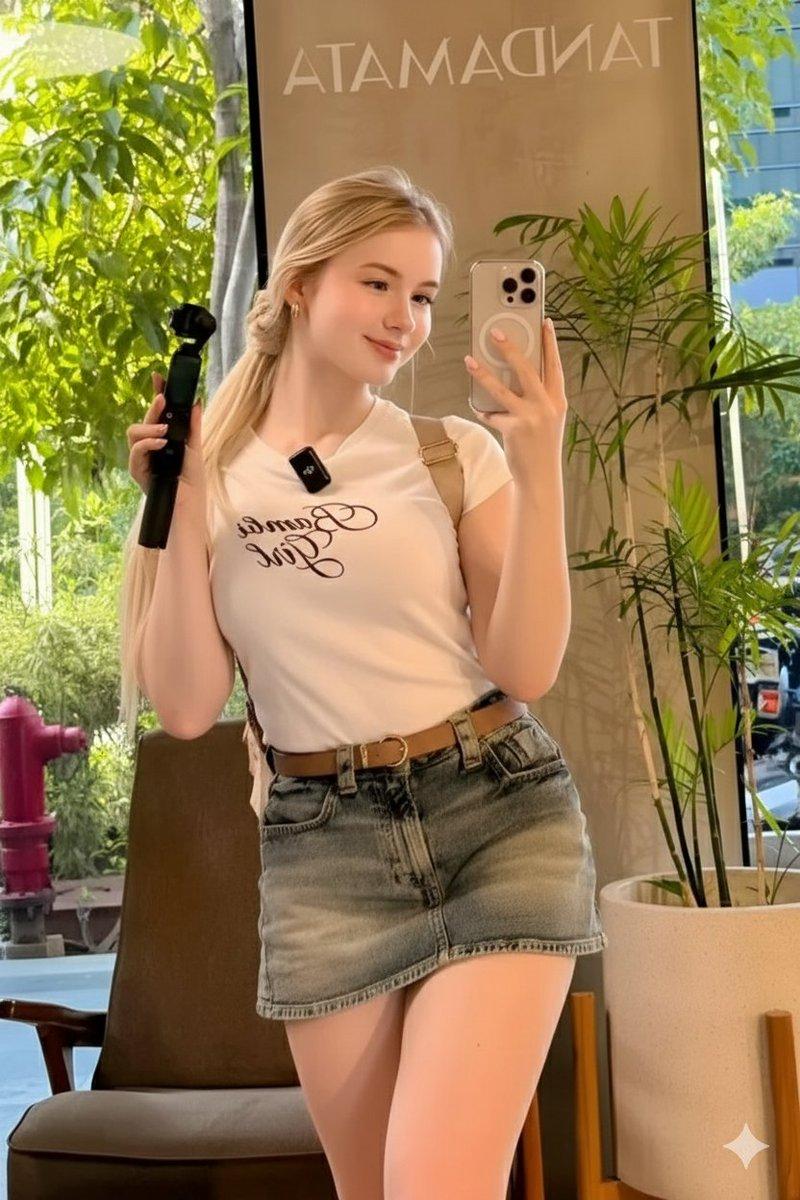
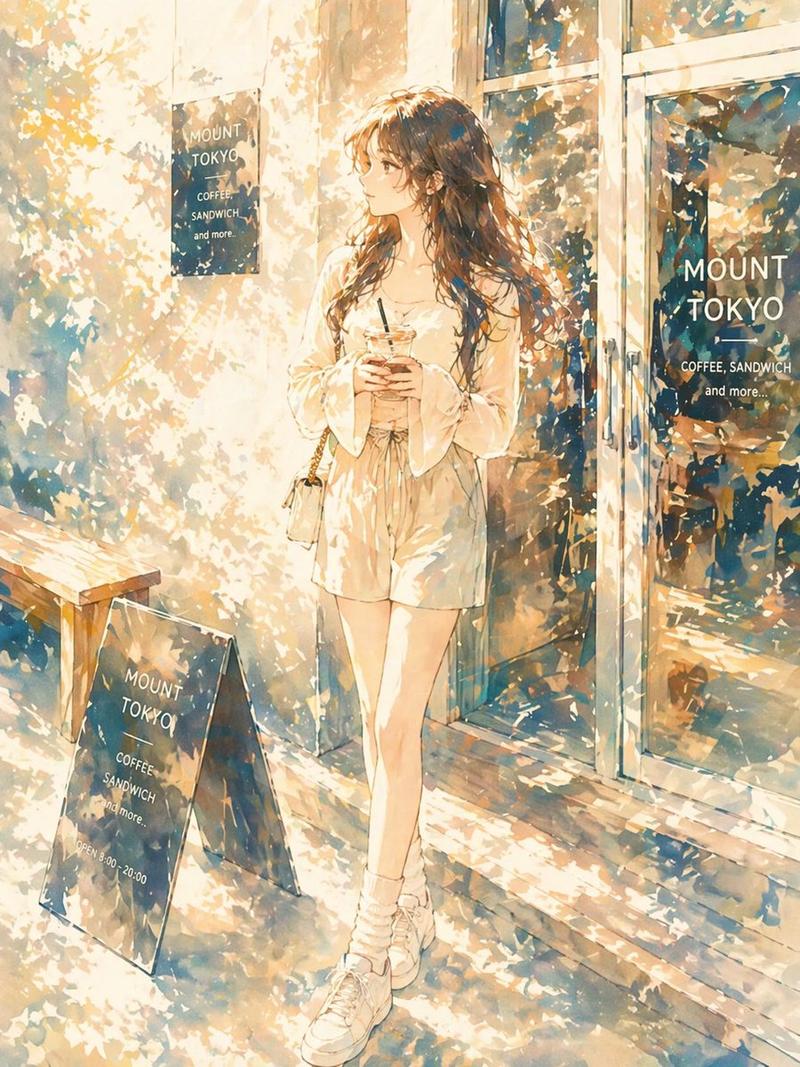
照片转动漫风格
Enlarge

照片转动漫风格

Prompt
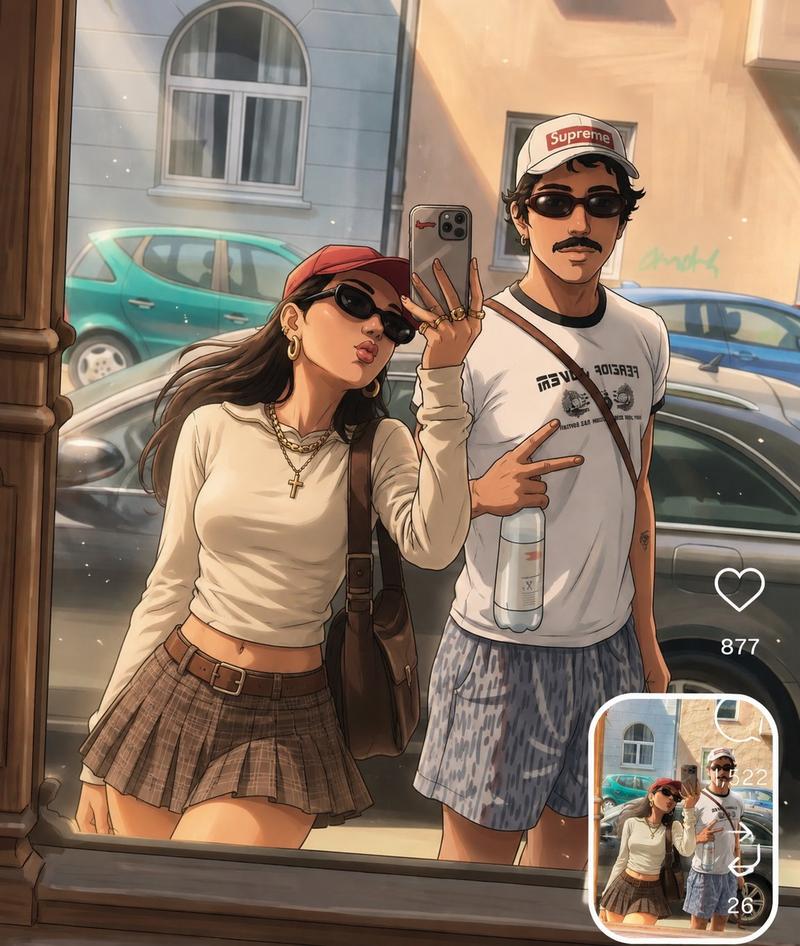
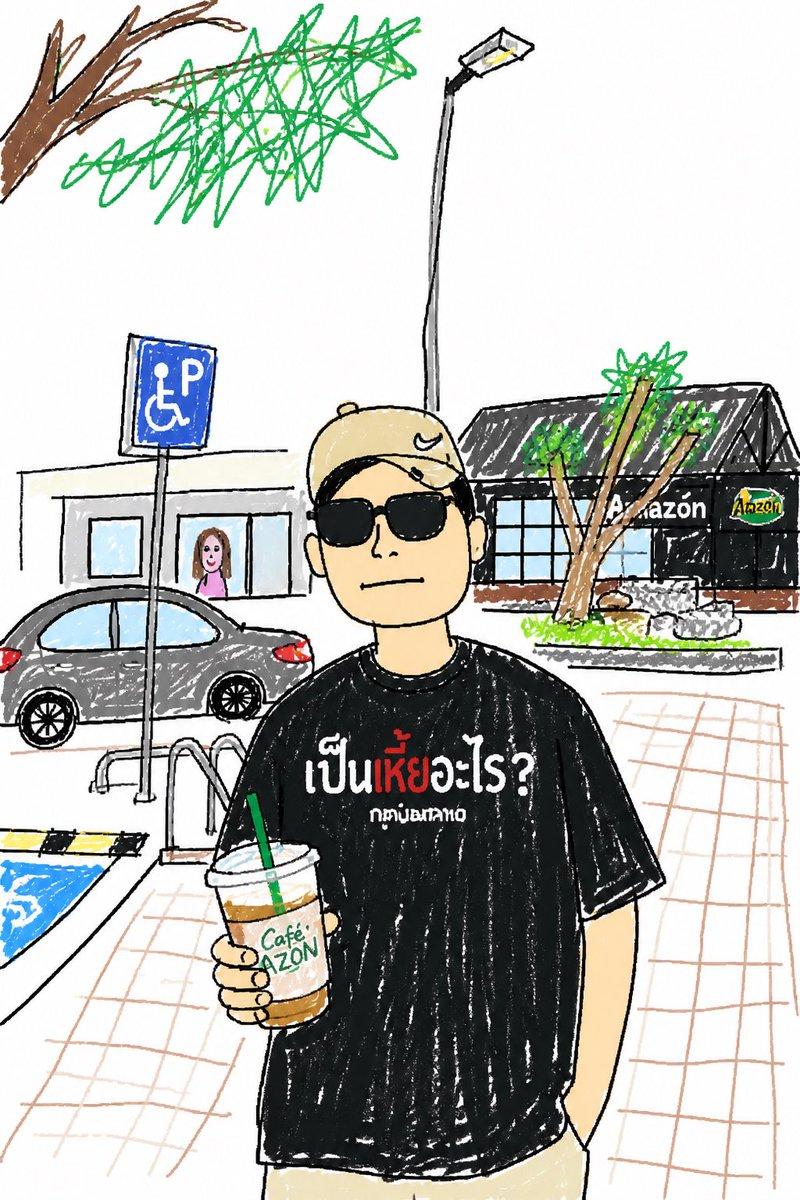
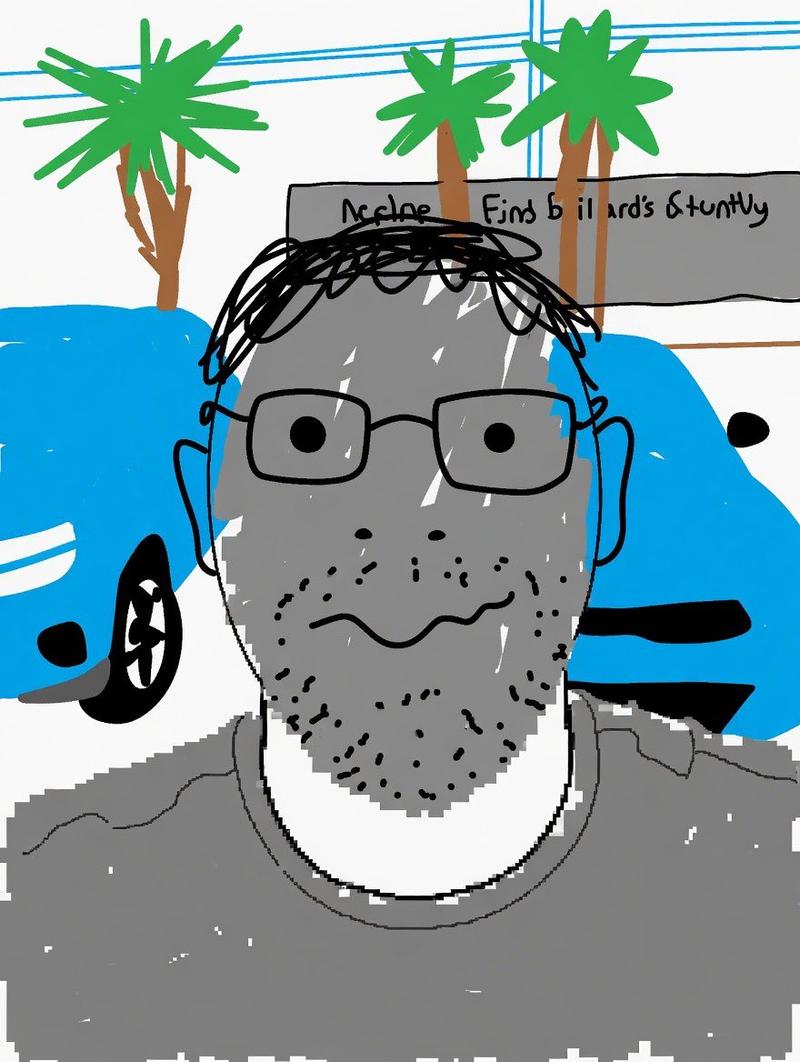
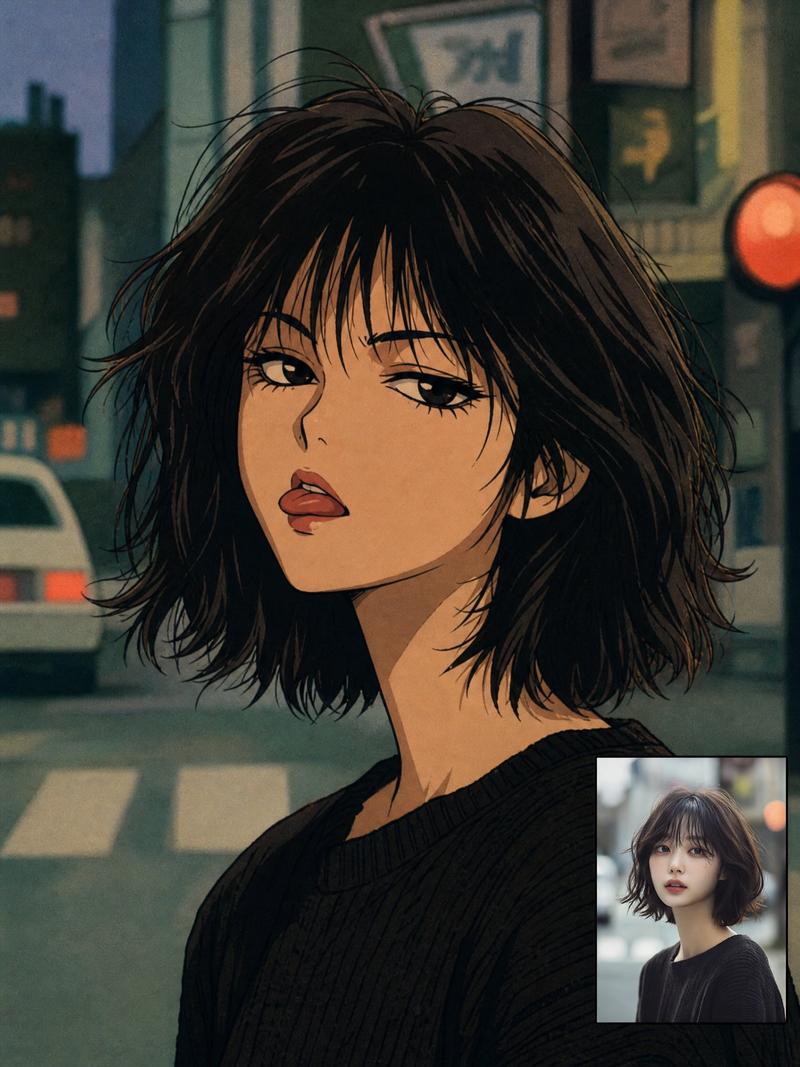
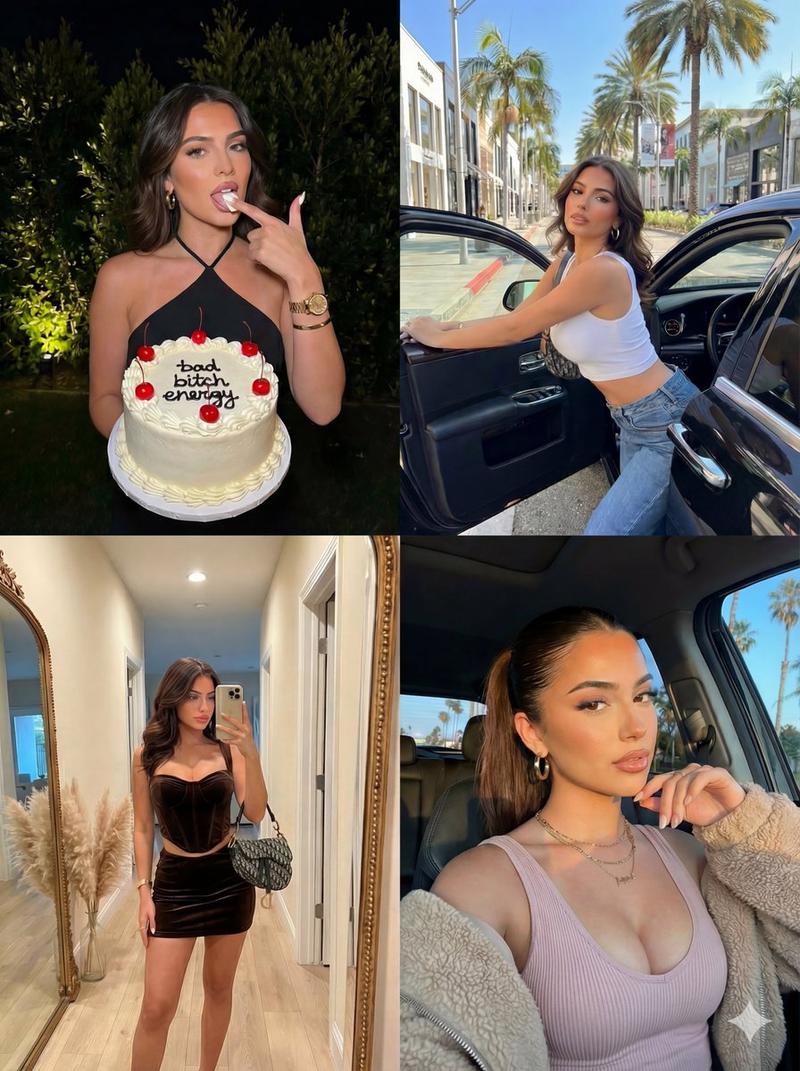
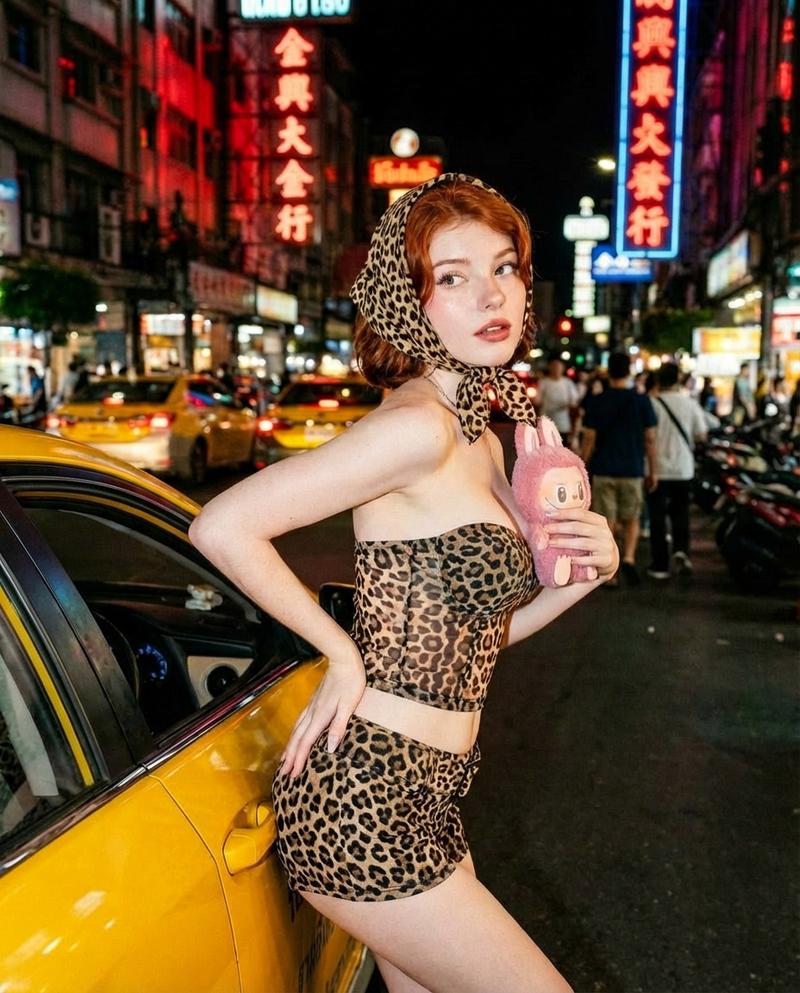
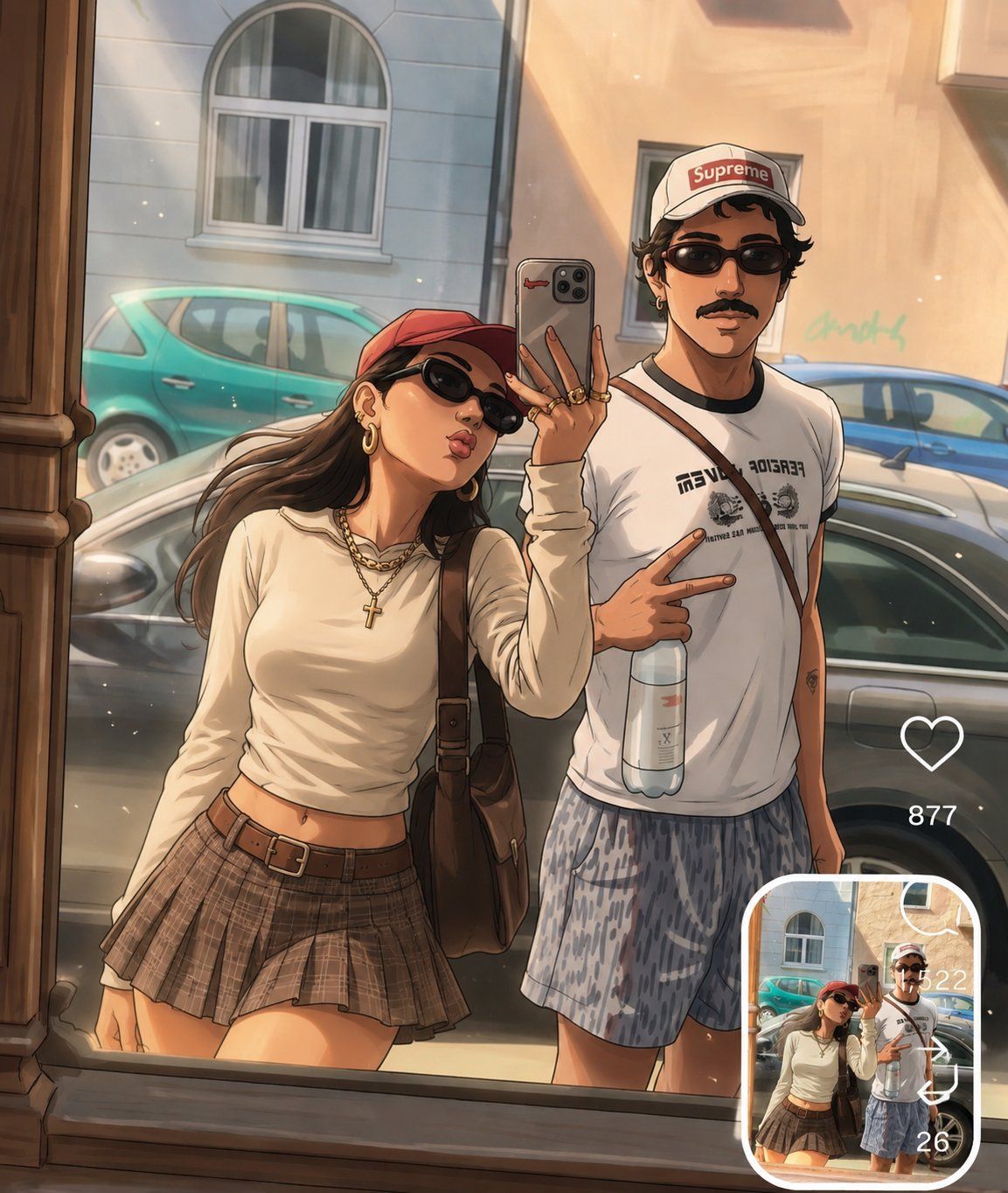
Transform the uploaded photo into a high-quality anime illustration while preserving the exact {argument name="elements to preserve" default="people, pose, composition, facial features, clothing, and background"} from the original image. Keep the characters recognizable and maintain the natural proportions and expressions of the subjects. Use {argument name="art style" default="clean anime linework, detailed shading, soft cinematic lighting, realistic reflections, rich colors, and a polished modern anime aesthetic"}.

Display the anime artwork as the main image and include the original uploaded photo in a small rounded-corner reference box in the bottom-right corner, creating a seamless photo-to-anime comparison. Preserve the same camera angle, framing, and environment as the source image. Add minimal social-media-style interface elements for authenticity. Warm natural lighting, detailed textures, premium illustration quality, realistic depth, fashionable styling, highly detailed faces, sharp focus, masterpiece anime artwork, professional digital illustration, trending contemporary aesthetic.
Category
UI & Interfaces
Model
GPT Image 2
Creator
Synthia
Views0
Source ID
26099
Published
Jun 18, 2026

Guide

About "照片转动漫风格"

What is this prompt for?

"照片转动漫风格" AI image prompt for GPT Image 2 (UI & Interfaces). 一份详尽的指令,旨在将参考照片转换为高质量的现代动漫插画,同时保持原有的姿势和特征。 Copy it on Picva and recreate the look in one click.

The full copyable prompt and example visuals above are ready for AI image generation or one-click recreate in Picva.

How to use this prompt

  1. Step 1

    Open the prompt detail

    Review the example visuals, category, and full prompt text for "照片转动漫风格".

  2. Step 2

    Copy the prompt

    Copy the prompt body from this page, or load it directly in Studio.

  3. Step 3

    Pick a model (GPT Image 2)

    Prefer GPT Image 2. If you switch models, keep subject and composition and tweak style terms.

  4. Step 4

    Generate and export

    Recreate the look in Picva, or export into your workflow for editing and publishing.

FAQ

What is the "照片转动漫风格" prompt?
It is an AI image-generation prompt for GPT Image 2 in the UI & Interfaces category. This page includes the full prompt text, example visuals, and a one-click recreate path in Picva.
How do I use this prompt to generate an image?
Copy the prompt from this page, or use Generate / Studio. Paste it into a compatible image model, or recreate the look in Picva with optional reference images.
Which model is this prompt for?
This page lists GPT Image 2. Most descriptive prompts also transfer to nearby image models such as GPT Image, Flux, or Midjourney with light style tweaks.
Can I use the result commercially?
You can usually copy the prompt for creation, but commercial use of the final image depends on the model terms, reference-image rights, and the generated content. Follow the source author and platform rules.