20

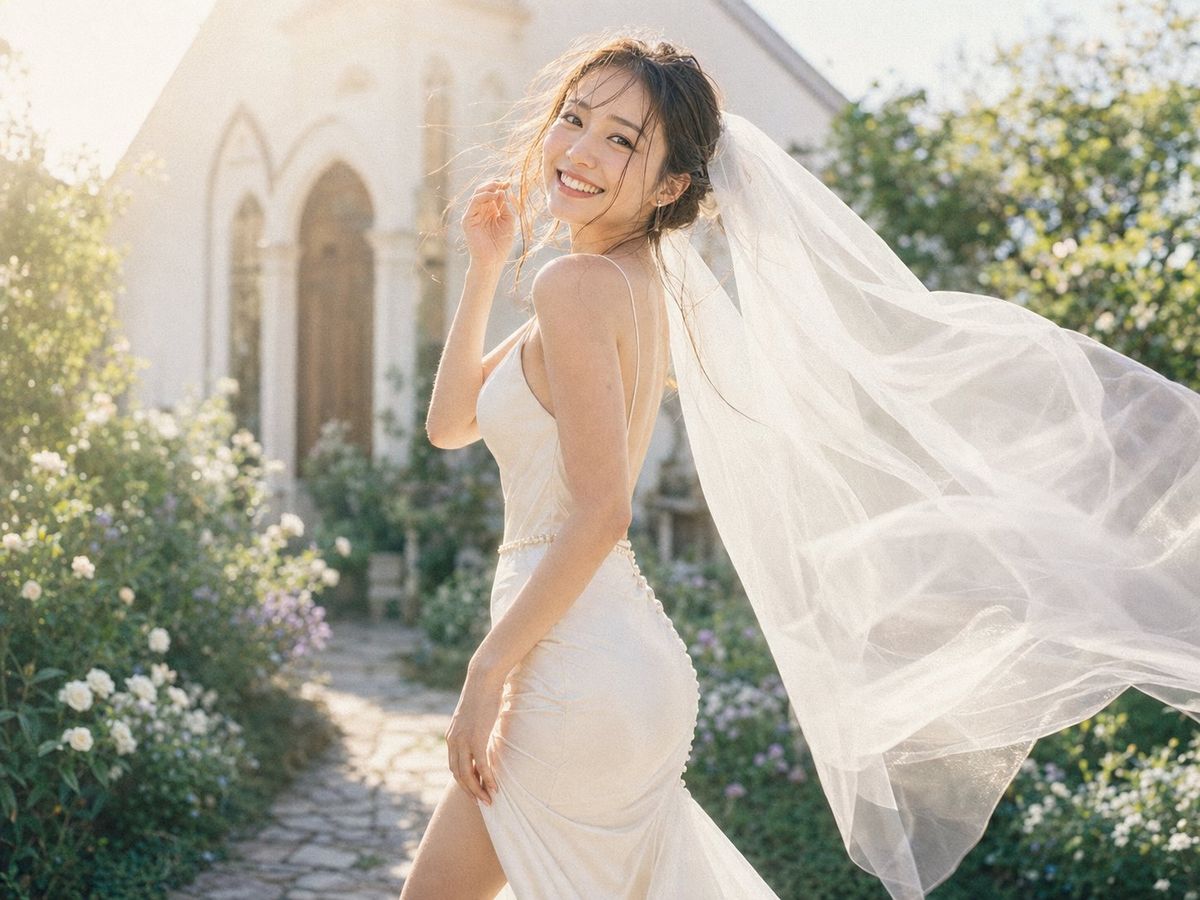
阳光花园中佩戴飘逸头纱的新娘
Enlarge

Example images

阳光花园中佩戴飘逸头纱的新娘

Prompt
Create a photorealistic outdoor bridal portrait of {argument name="subject" default="a young adult bride"} standing in profile on a sunlit garden path in front of a small white stone chapel with arched wooden doors. She wears an elegant ivory satin wedding dress with thin spaghetti straps, a fitted bodice, a low back, a pearl-like waist detail, ruched fabric over the hips, and a high thigh slit. A long sheer white veil is attached to her updo and streams dramatically to the right in the wind, filling much of the right side of the frame with translucent flowing fabric. The bride holds one hand near her hair and the other relaxed by her thigh, posing with a joyful wedding-day energy. Place exactly one solid beige square censor block over the center of her face, covering facial features while leaving hair and body visible. The background should show a romantic June garden with white roses, small purple flowers, green shrubs, and a cobblestone path leading to the chapel, all softly blurred with creamy bokeh. Use warm morning sunlight from the upper left, backlighting the veil, creating lens glow, soft highlights, airy pastel tones, and shallow depth of field. Horizontal 4:3 composition, bride centered slightly right, veil extending off the right edge, dreamy editorial wedding photography style, natural film grain, no text, no watermark.
Category
Charts & Infographics
Model
GPT Image 2
Views0
Source ID
26160
Published
Jun 18, 2026

Guide

About "阳光花园中佩戴飘逸头纱的新娘"

What is this prompt for?

"阳光花园中佩戴飘逸头纱的新娘" AI image prompt for GPT Image 2 (Charts & Infographics). 一张照片级写实风格的婚礼肖像,新娘身着象牙白礼服,头纱在教堂花园外随风飘动。 Copy it on Picva and recreate the look in one…

The full copyable prompt and example visuals above are ready for AI image generation or one-click recreate in Picva.

How to use this prompt

  1. Step 1

    Open the prompt detail

    Review the example visuals, category, and full prompt text for "阳光花园中佩戴飘逸头纱的新娘".

  2. Step 2

    Copy the prompt

    Copy the prompt body from this page, or load it directly in Studio.

  3. Step 3

    Pick a model (GPT Image 2)

    Prefer GPT Image 2. If you switch models, keep subject and composition and tweak style terms.

  4. Step 4

    Generate and export

    Recreate the look in Picva, or export into your workflow for editing and publishing.

FAQ

What is the "阳光花园中佩戴飘逸头纱的新娘" prompt?
It is an AI image-generation prompt for GPT Image 2 in the Charts & Infographics category. This page includes the full prompt text, example visuals, and a one-click recreate path in Picva.
How do I use this prompt to generate an image?
Copy the prompt from this page, or use Generate / Studio. Paste it into a compatible image model, or recreate the look in Picva with optional reference images.
Which model is this prompt for?
This page lists GPT Image 2. Most descriptive prompts also transfer to nearby image models such as GPT Image, Flux, or Midjourney with light style tweaks.
Can I use the result commercially?
You can usually copy the prompt for creation, but commercial use of the final image depends on the model terms, reference-image rights, and the generated content. Follow the source author and platform rules.

