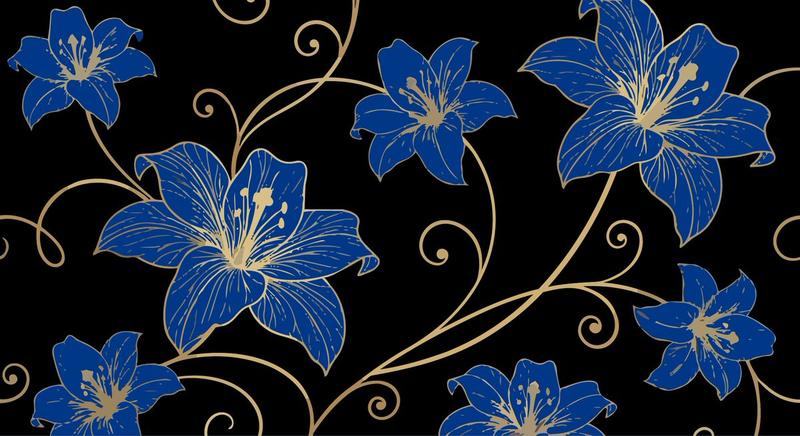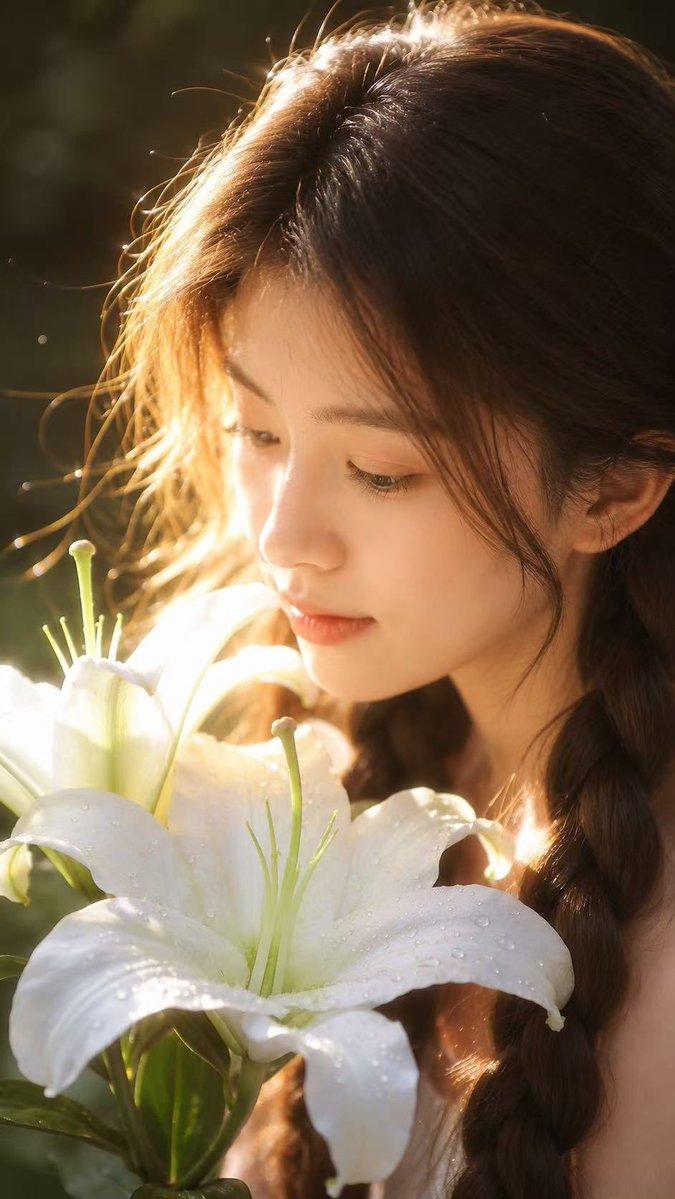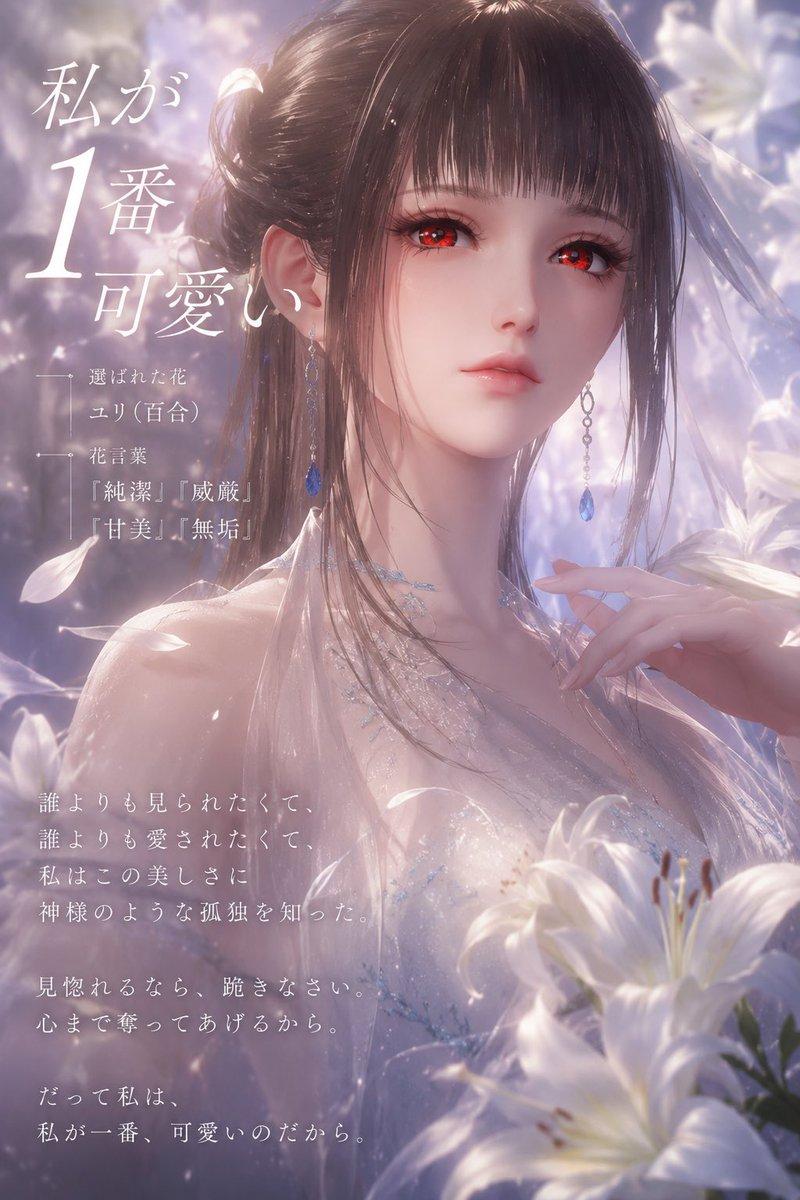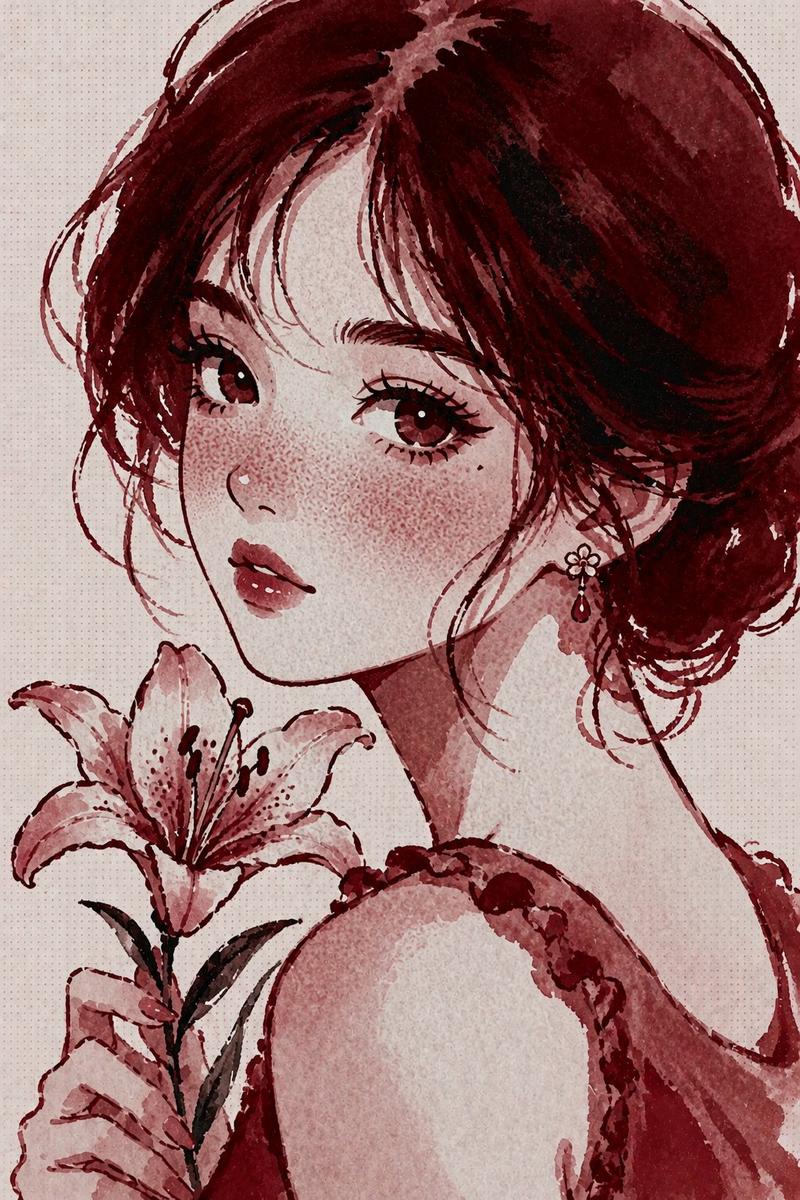
20

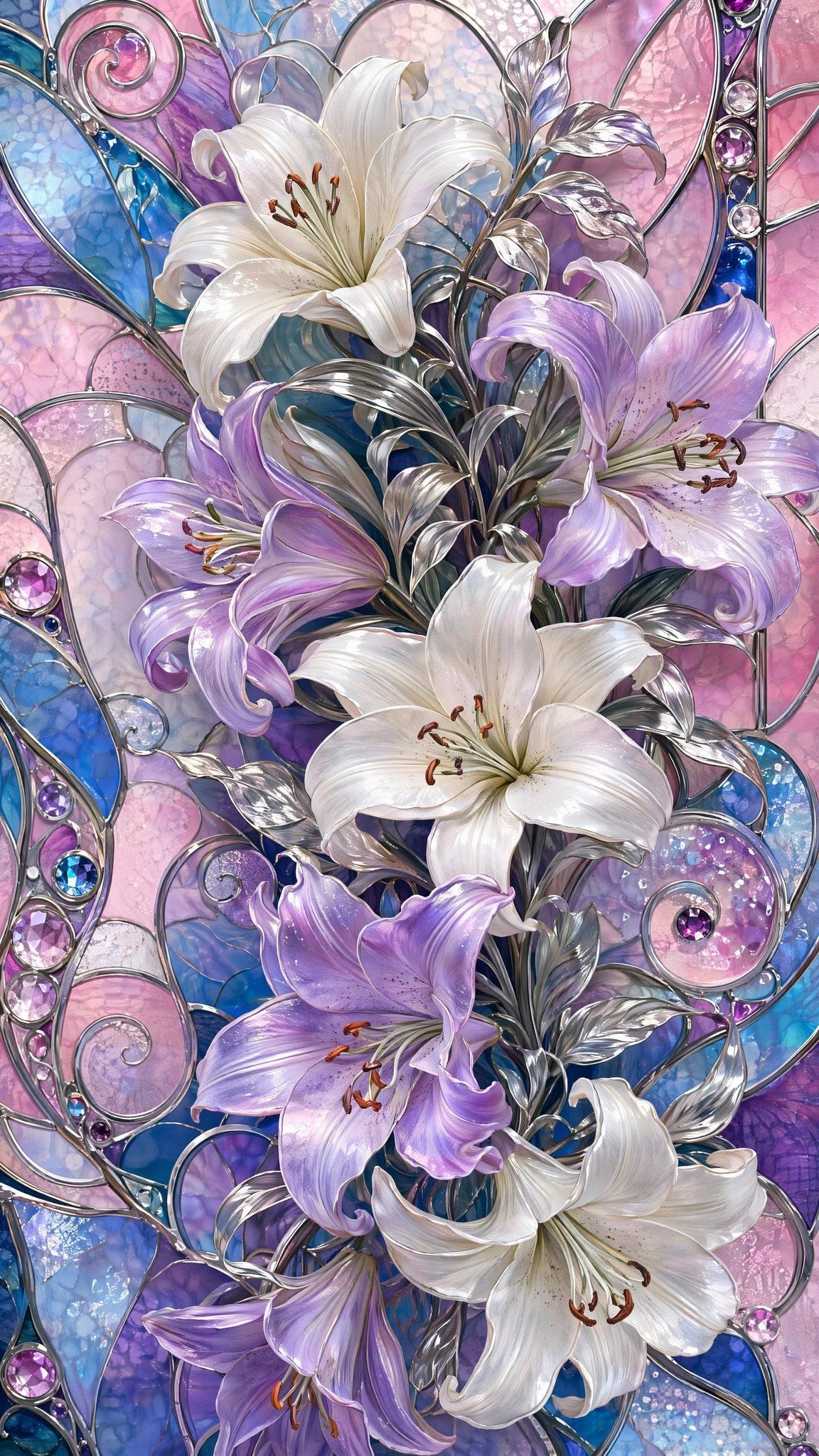
华丽百合花彩色玻璃艺术
Enlarge

Example images

华丽百合花彩色玻璃艺术

Prompt
Create a vertical ornate stained-glass floral artwork featuring {argument name="flower type" default="lilies"} as the central subject. Use a tall 9:16 canvas filled edge to edge with a luxurious Art Nouveau stained-glass composition. Show exactly six large blooming lilies arranged in a flowing vertical bouquet: two white lilies near the upper center and middle, one white lily at the lower right, two lavender-purple lilies on the left and center-right, and one lavender lily near the lower left; include visible stamens with warm brown anthers and graceful curled petals. Add polished silver metallic stems, leaves, and curling vine scrollwork weaving around the flowers, with reflective chrome highlights. The background should be made of irregular stained-glass panels in {argument name="background colors" default="pastel pink, lavender, sapphire blue, turquoise, and pale opal"}, separated by raised silver leading. Include circular and spiral glass motifs, arched panel lines, and embedded jewel-like cabochons in purple, pink, clear, and blue along the borders and scrolls. Render the glass with translucent texture, bubbles, crackled opalescent patterns, glossy reflections, and sparkling highlights. The overall mood should be elegant, luminous, highly detailed, and jewel-toned, like a fantasy cathedral window or decorative Tiffany-style panel. No text, no people, no frame, no watermark.
Category
Charts & Infographics
Model
GPT Image 2
Creator
Viki
Views0
Source ID
26286
Published
Jun 19, 2026

Guide

About "华丽百合花彩色玻璃艺术"

What is this prompt for?

"华丽百合花彩色玻璃艺术" AI image prompt for GPT Image 2 (Charts & Infographics). 生成一幅垂直的新艺术风格彩色玻璃百合花束,呈现宝石色调、金属镶嵌线条以及闪耀的教堂窗户细节。 Copy it on Picva and recreate the look in…

The full copyable prompt and example visuals above are ready for AI image generation or one-click recreate in Picva.

How to use this prompt

  1. Step 1

    Open the prompt detail

    Review the example visuals, category, and full prompt text for "华丽百合花彩色玻璃艺术".

  2. Step 2

    Copy the prompt

    Copy the prompt body from this page, or load it directly in Studio.

  3. Step 3

    Pick a model (GPT Image 2)

    Prefer GPT Image 2. If you switch models, keep subject and composition and tweak style terms.

  4. Step 4

    Generate and export

    Recreate the look in Picva, or export into your workflow for editing and publishing.

FAQ

What is the "华丽百合花彩色玻璃艺术" prompt?
It is an AI image-generation prompt for GPT Image 2 in the Charts & Infographics category. This page includes the full prompt text, example visuals, and a one-click recreate path in Picva.
How do I use this prompt to generate an image?
Copy the prompt from this page, or use Generate / Studio. Paste it into a compatible image model, or recreate the look in Picva with optional reference images.
Which model is this prompt for?
This page lists GPT Image 2. Most descriptive prompts also transfer to nearby image models such as GPT Image, Flux, or Midjourney with light style tweaks.
Can I use the result commercially?
You can usually copy the prompt for creation, but commercial use of the final image depends on the model terms, reference-image rights, and the generated content. Follow the source author and platform rules.