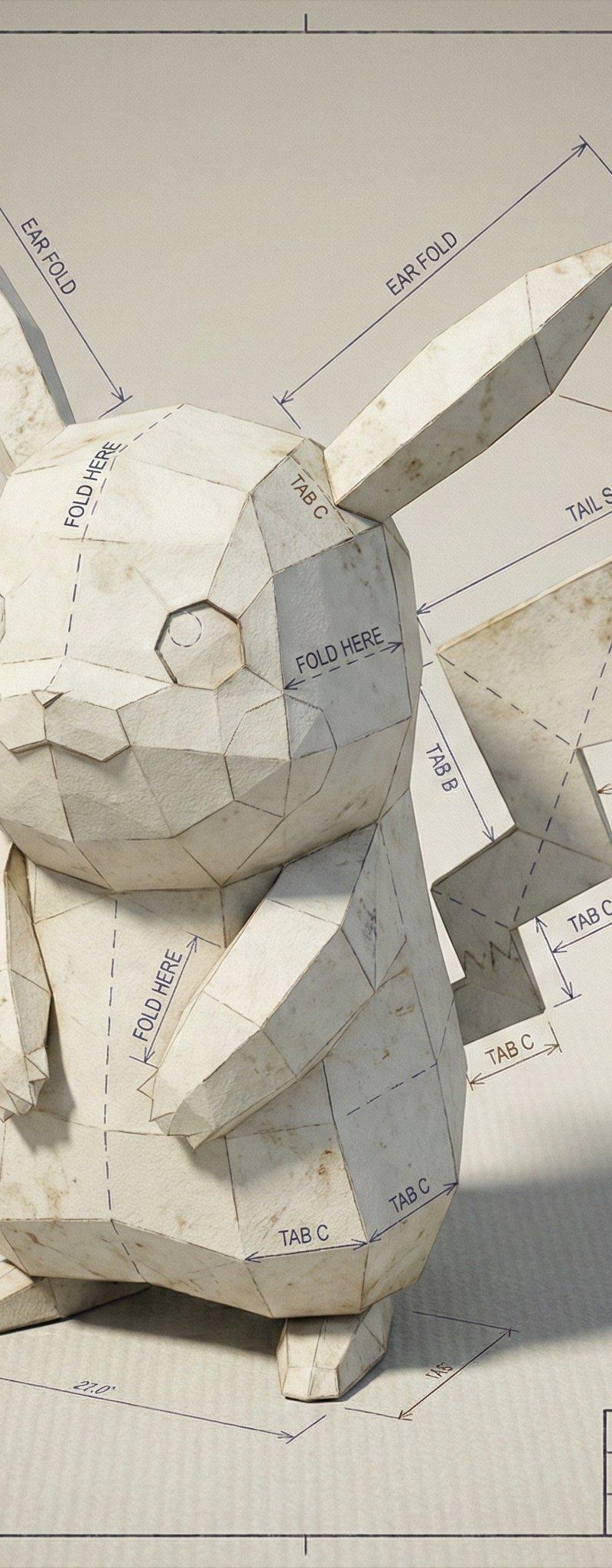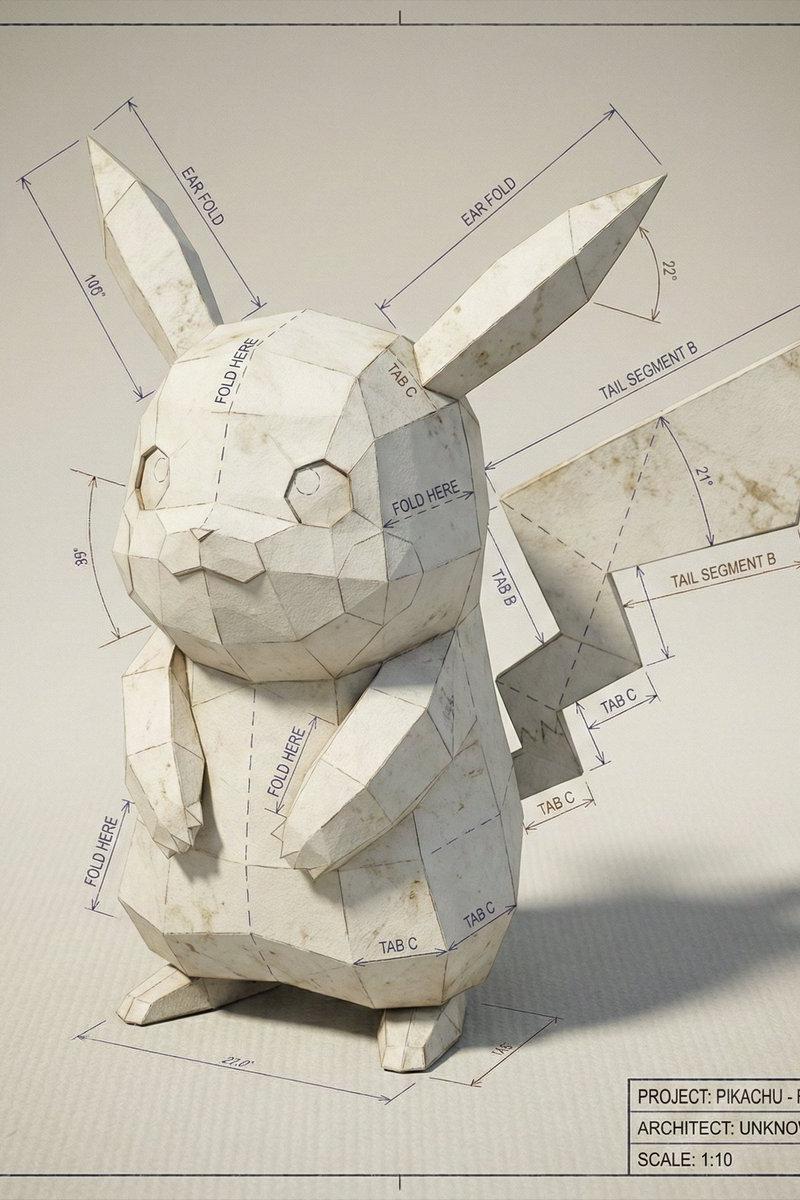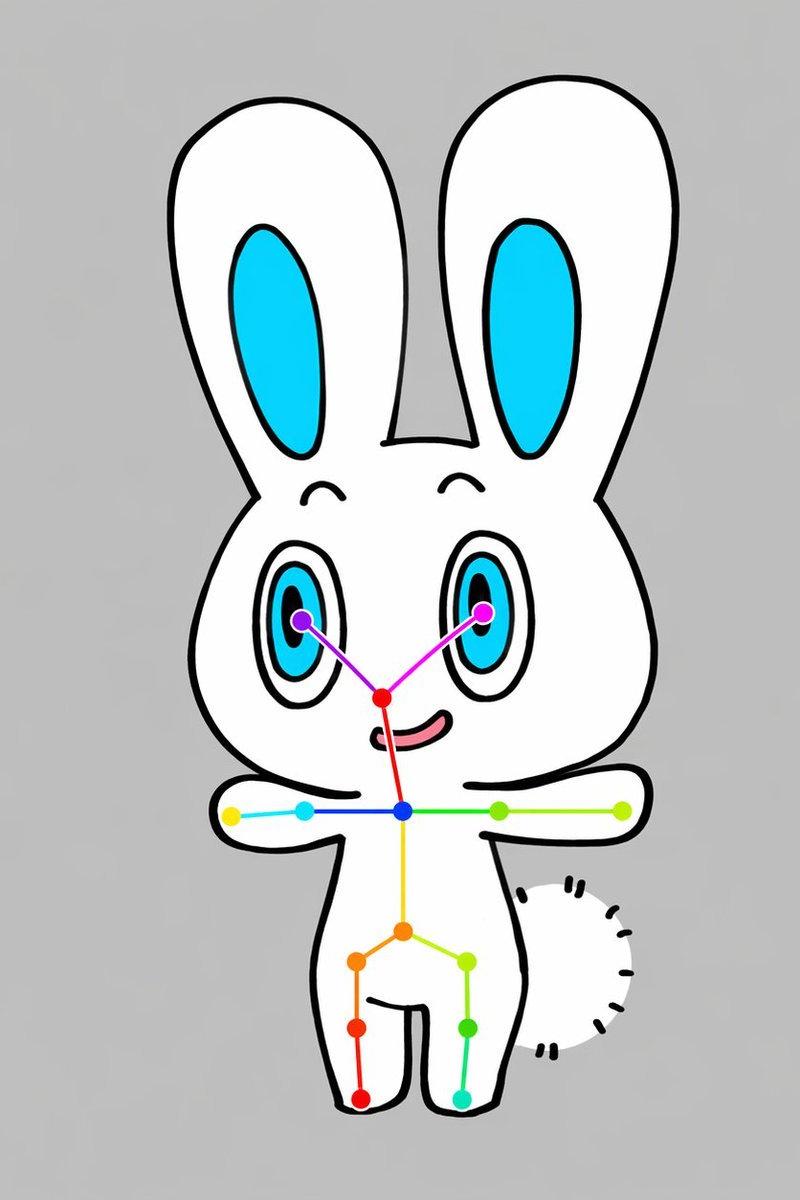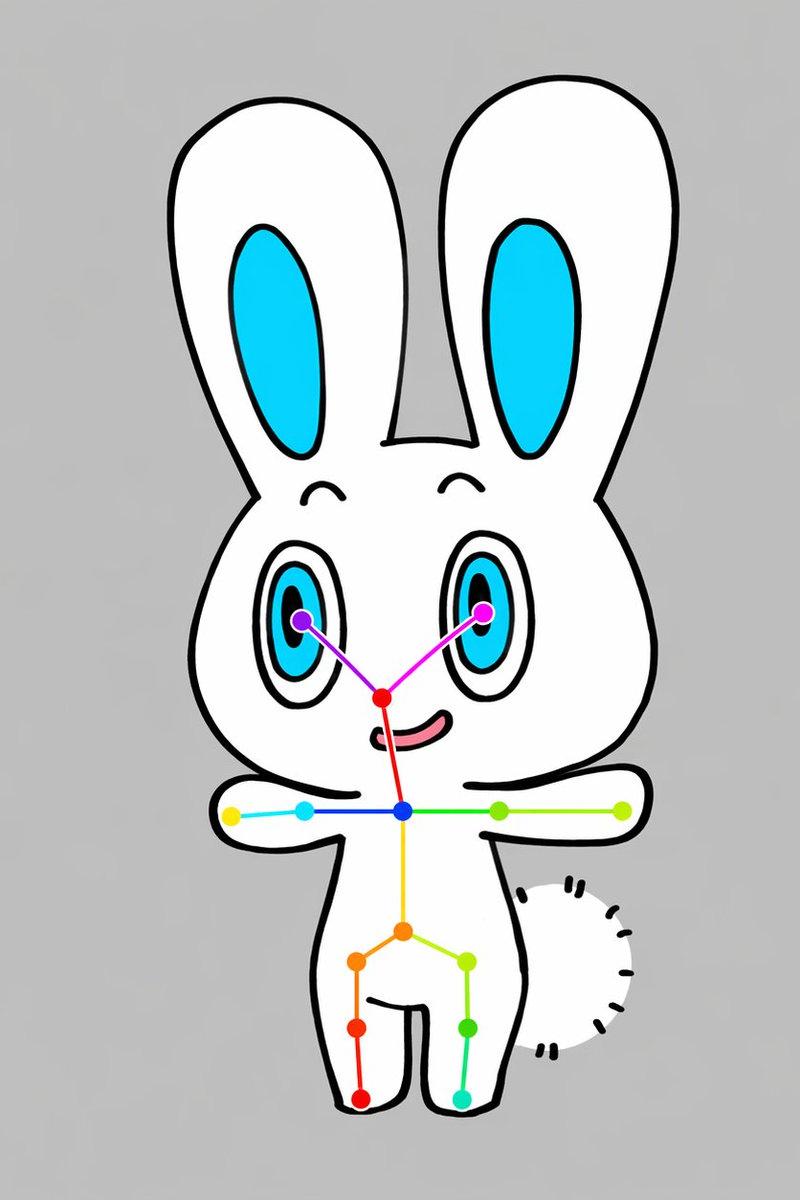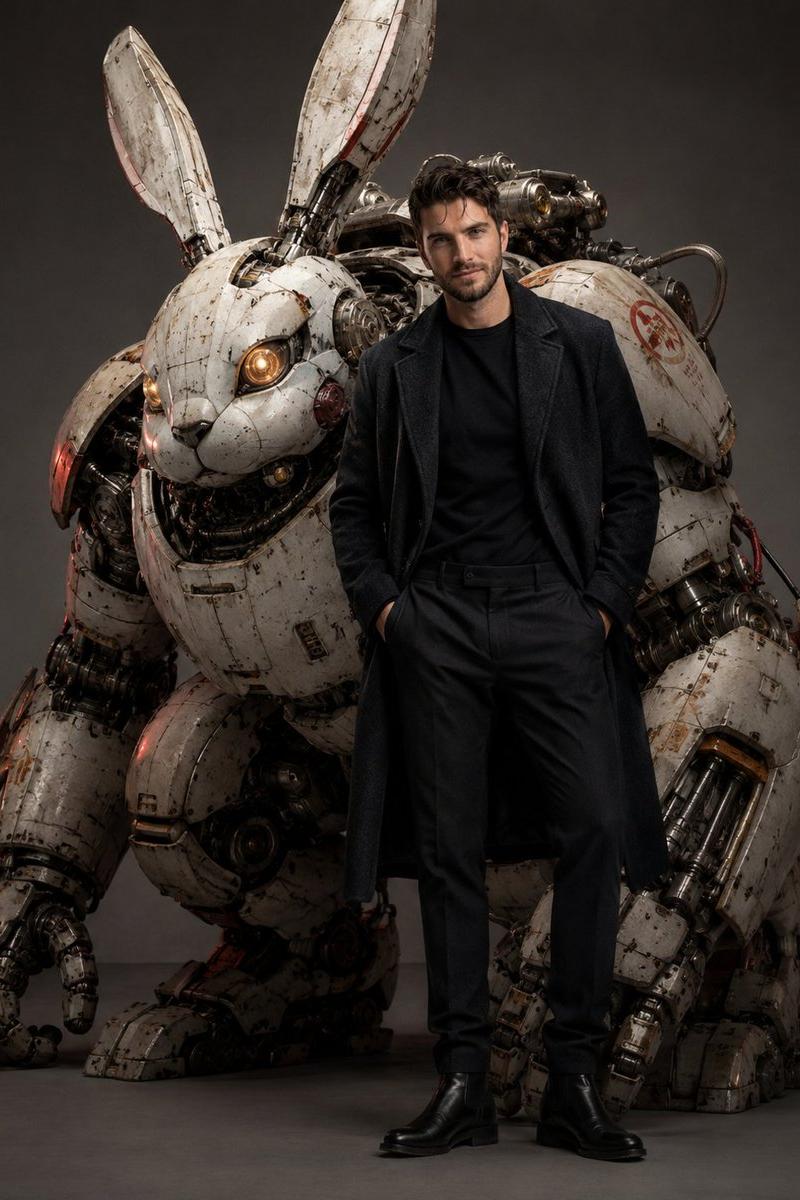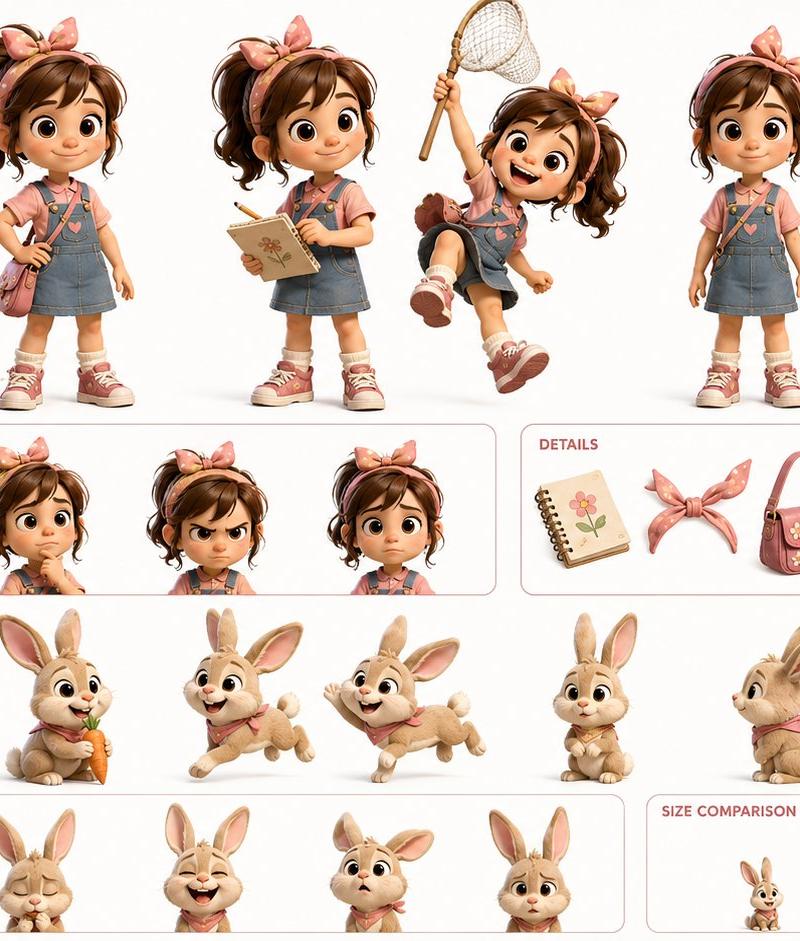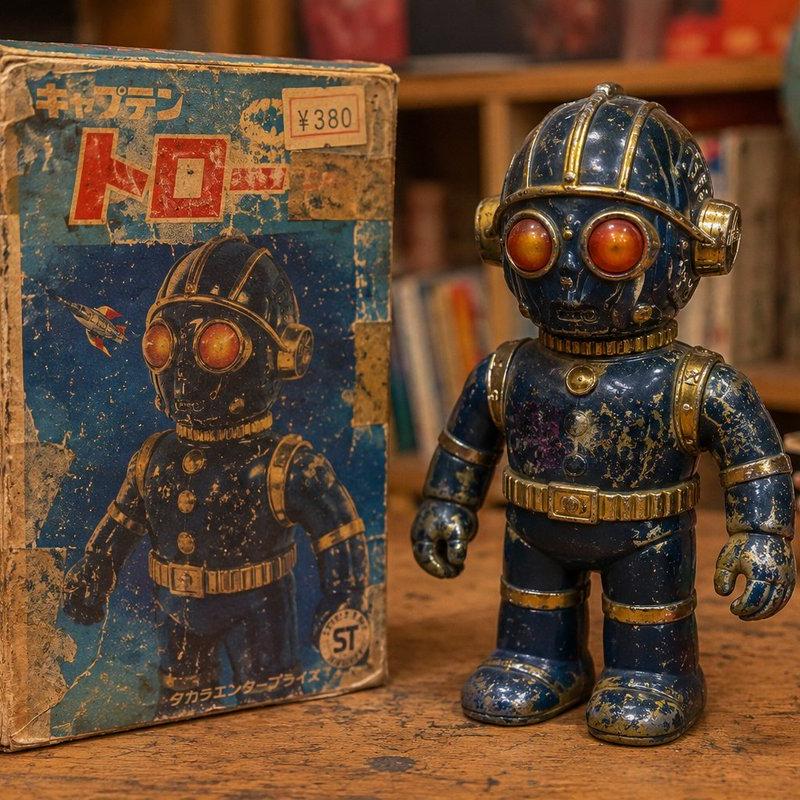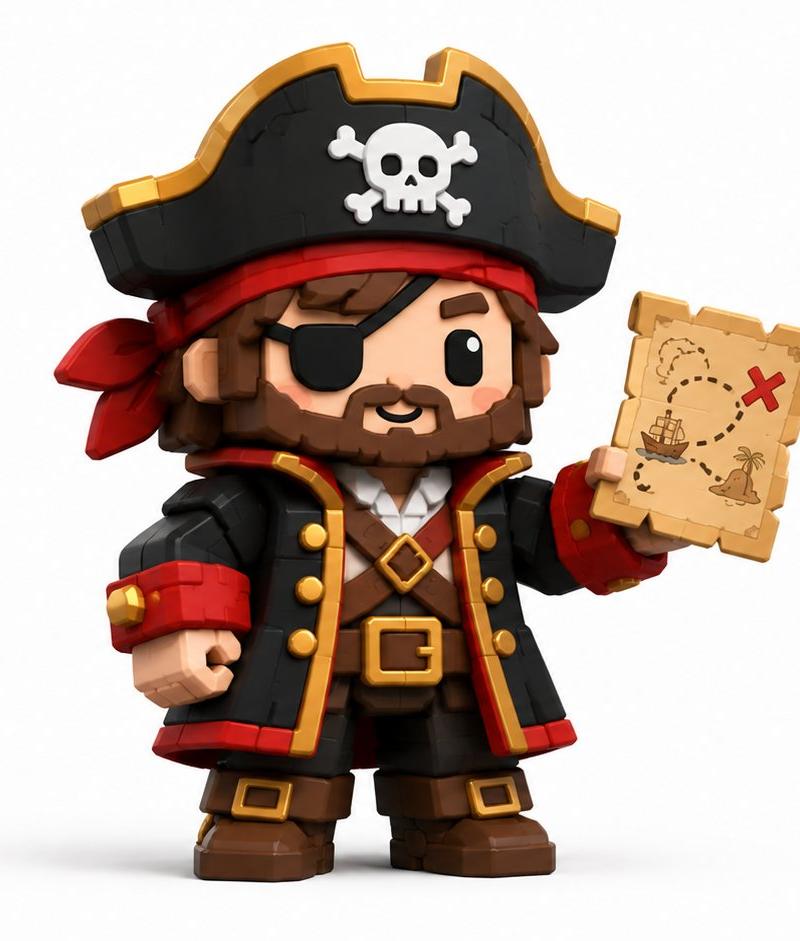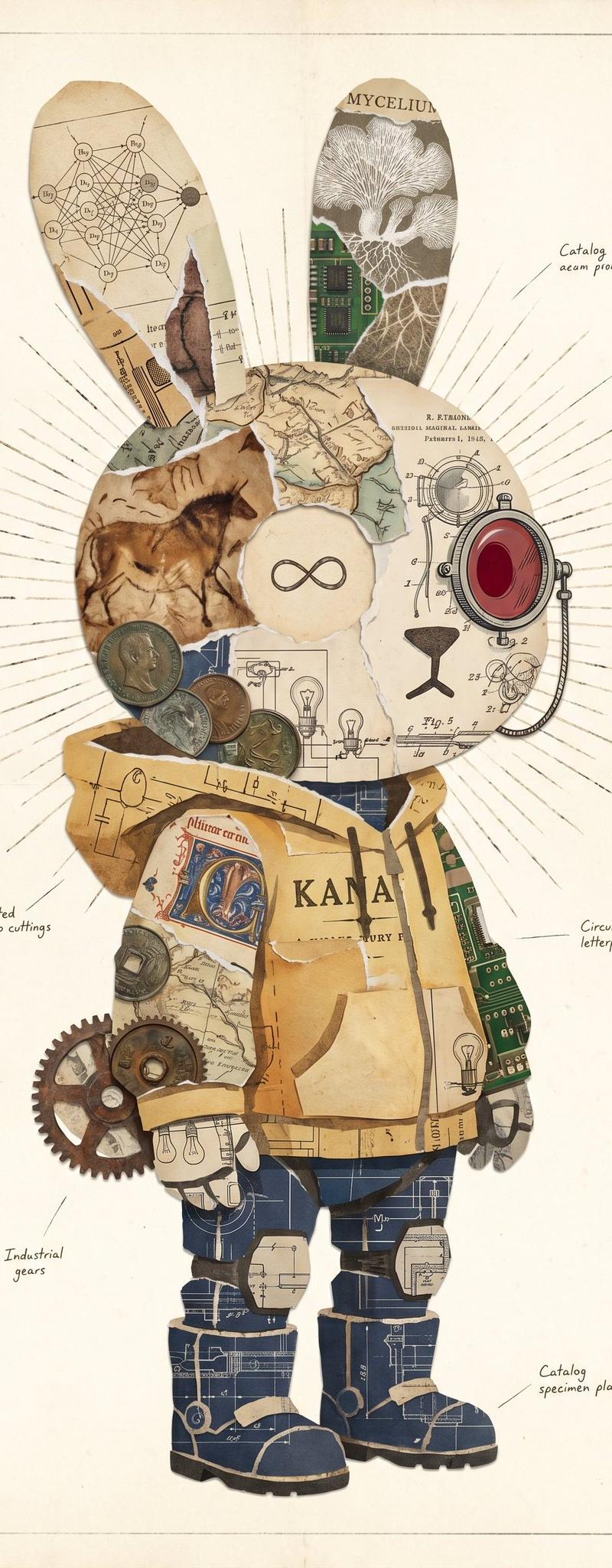
复古兔子拼贴标本
Prompt
Create a vertical vintage mixed-media collage illustration of a standing rabbit-shaped character centered on an aged cream archival paper page, with a thin rectangular border and subtle stains. The character is a full-body anthropomorphic bunny silhouette with exactly 2 long upright ears, 1 round head, 1 torso, 2 arms, 2 legs, and 2 chunky boots, constructed entirely from torn paper fragments, antique diagrams, maps, manuscript scraps, circuit board pieces, coins, gears, and engineering blueprints. Use a muted sepia, parchment, ochre, navy blueprint, faded green circuit-board, copper, and dark ink palette. The head should be a collage of horse cave-art paper on the left, anatomical/technical drawing paper on the right, a central cream circular face patch containing a simple black infinity symbol, and a large red glass camera-lens or mechanical optical device attached on the right side of the head. Behind the head, draw fine radial sunburst ink lines extending outward. The 2 ears should differ: the left ear contains a scientific network diagram with small labeled nodes and torn manuscript edges; the right ear contains the word “MYCELIUM,” a white mushroom/mycelium illustration, and a green circuit-board strip. The torso should resemble a patched yellow paper coat or tunic with the large printed word {argument name="torso text" default="KANA"}, torn tape-like strips, map fragments, small lightbulb drawings, and exposed green circuit board on the right side. Add exactly 6 visible coins clustered near the lower left side of the head/upper torso, and exactly 3 industrial gears at the character’s left hip/side. The legs and boots should be made from dark navy blueprint paper with white drafting lines, beige torn paper bands, and heavy black boot soles. Include small handwritten annotation labels around the character with thin leader lines, in the style of an old specimen plate: “Catalog ocean prominent” near the upper right, “Illimeted manuscip cuttings” at left middle, “Circuit letterpress samples” at right middle, “Industrial gears” at lower left, and “Catalog specimen plate” at lower right. Overall mood: whimsical retro-futurist cabinet-of-curiosities specimen, precise collage edges, layered torn paper texture, hand-drawn technical details, no photorealistic human features, no modern clean vector style. The main subject should be {argument name="character shape" default="a rabbit silhouette"} with {argument name="central symbol" default="a black infinity symbol"} on the face patch, rendered as a high-resolution scanned paper collage on {argument name="background paper" default="aged cream paper"}.- Category
- Charts & Infographics
- Model
- GPT Image 2
- Creator
- KANA|東京AI映像
- Source language
- en
- Source ID
- 26463
- Published
- Jun 21, 2026
Views0