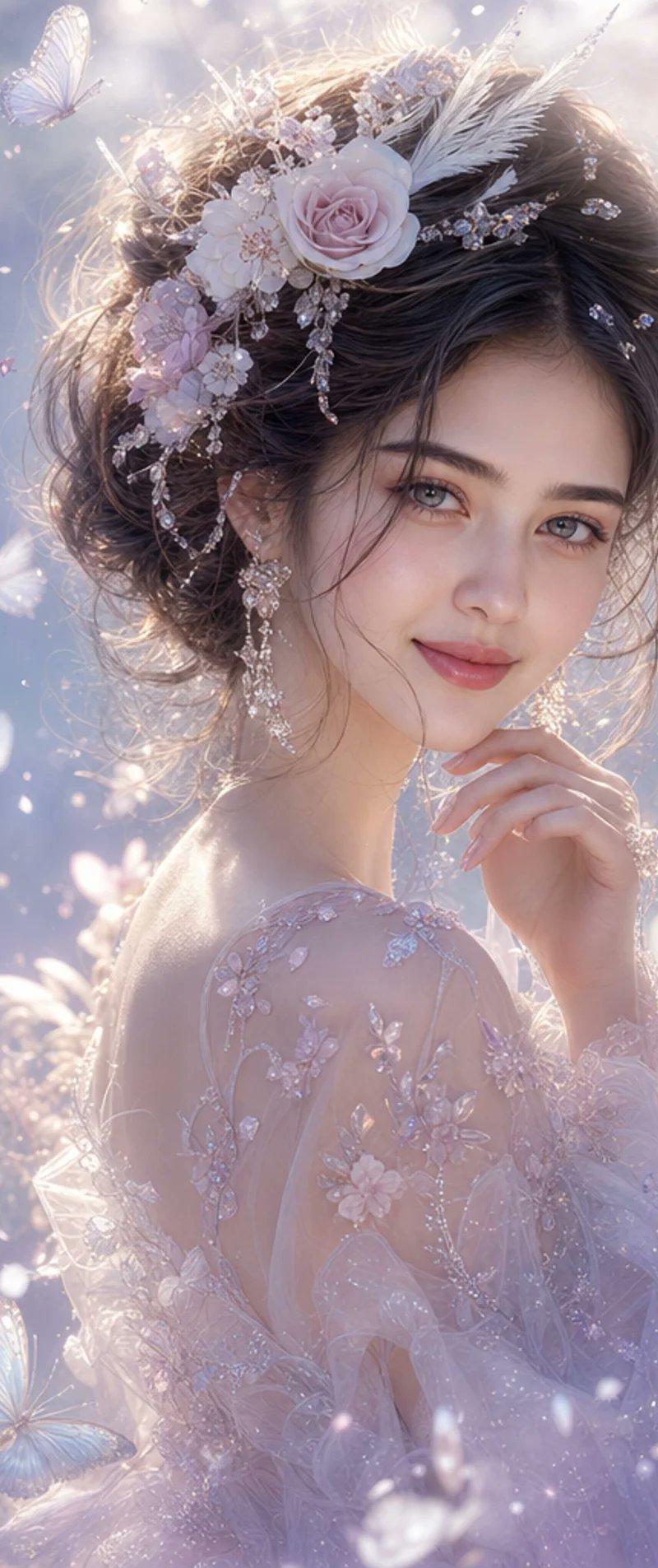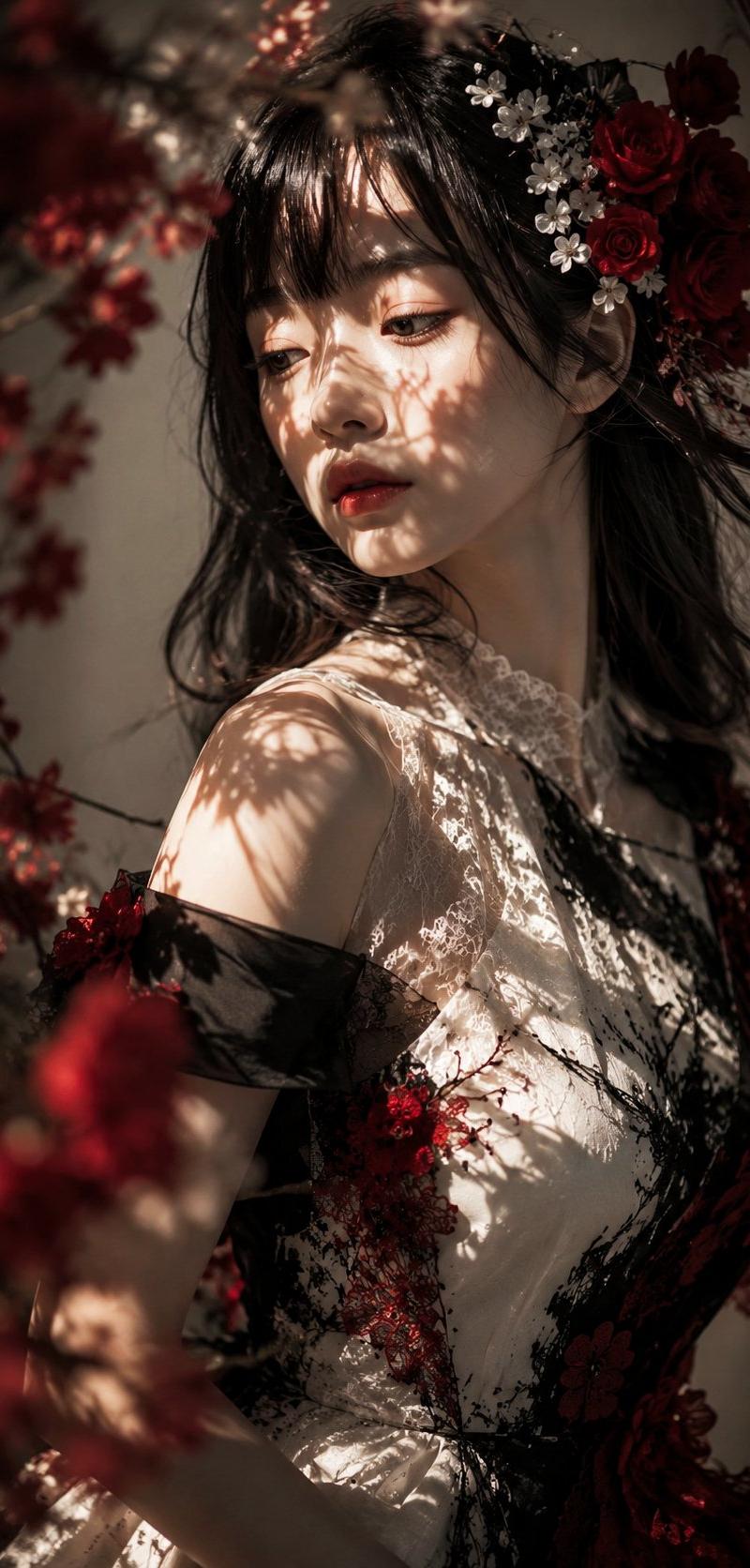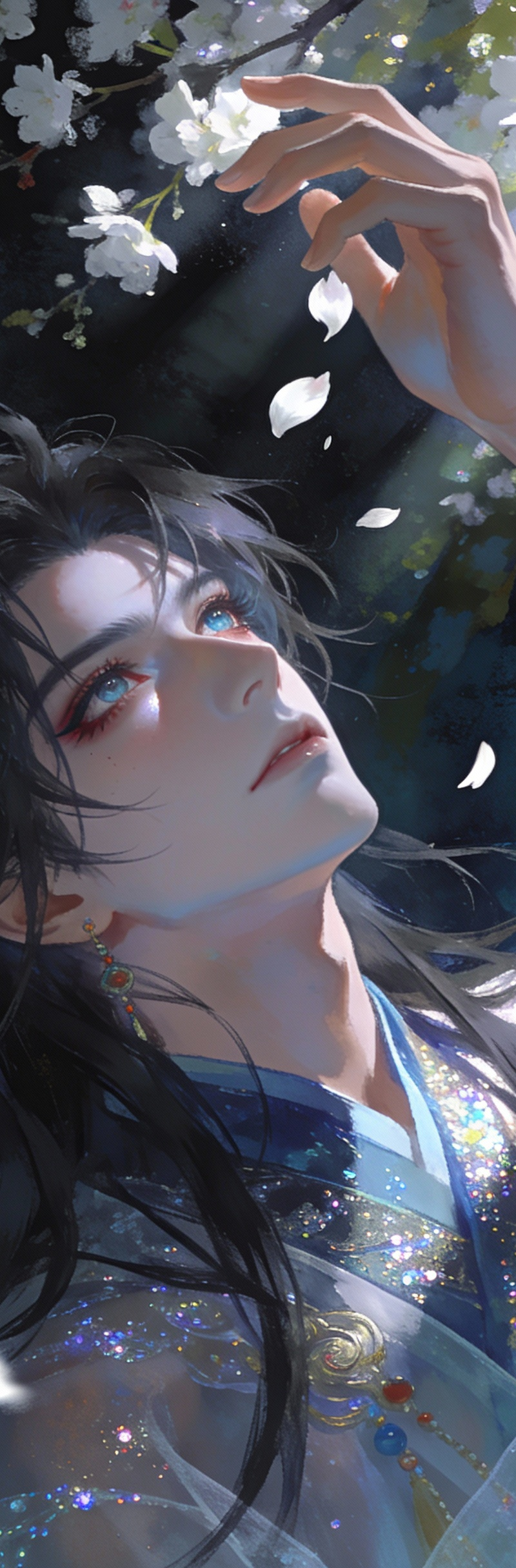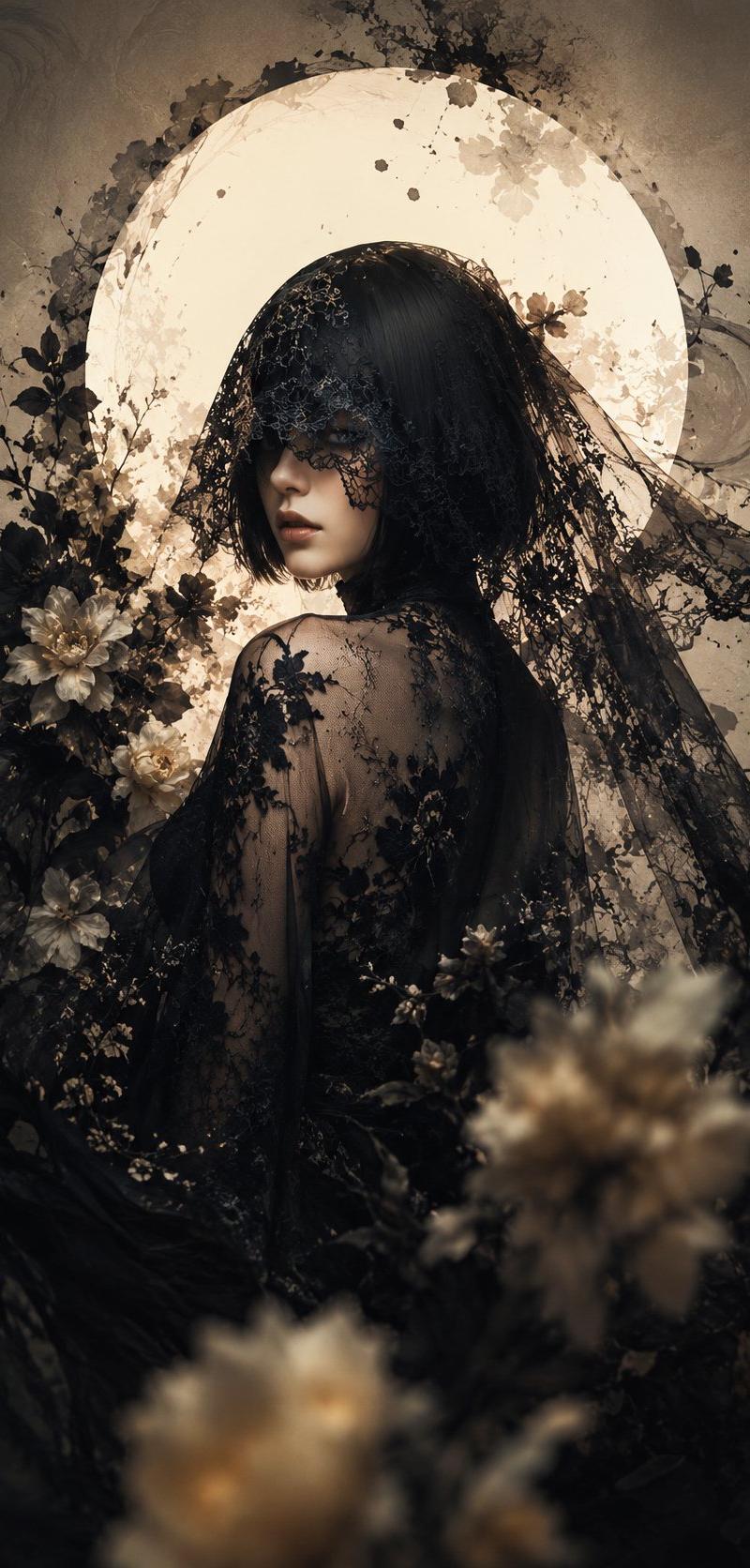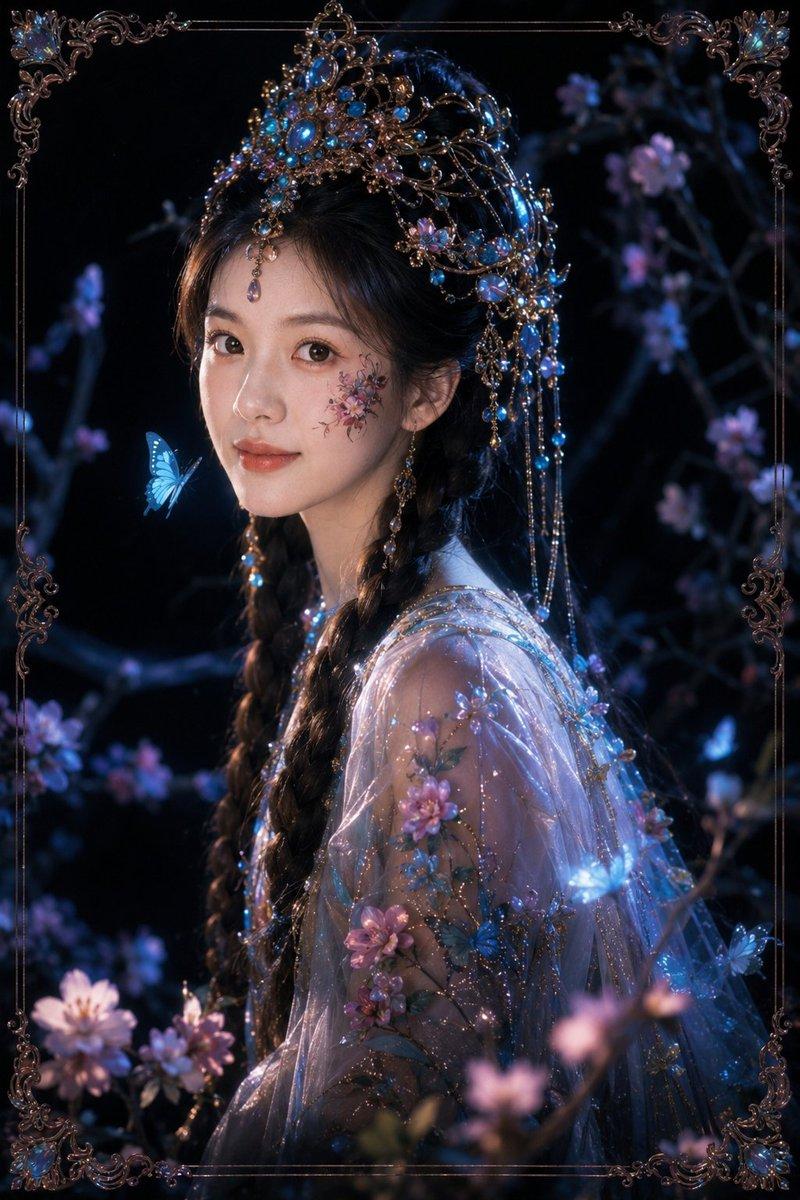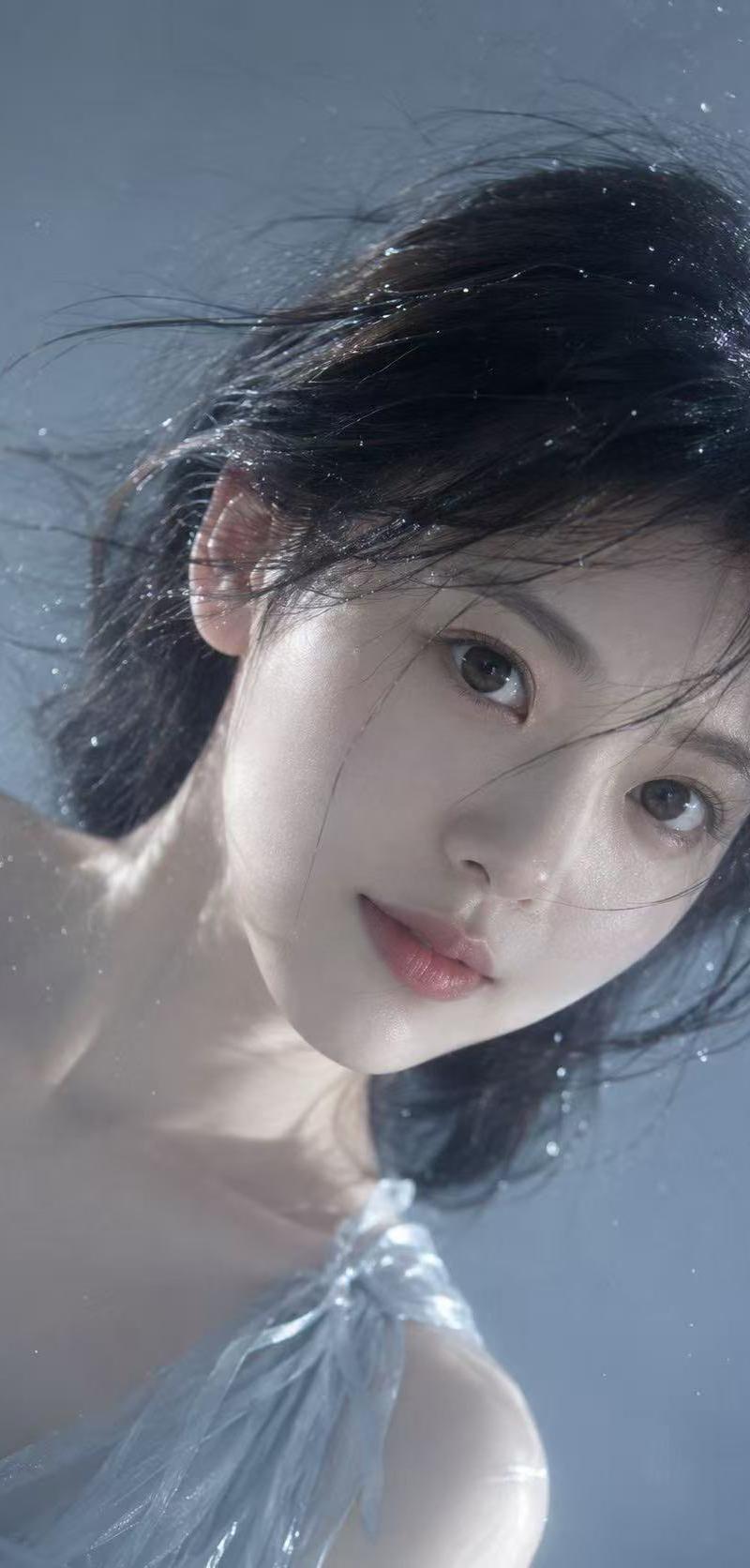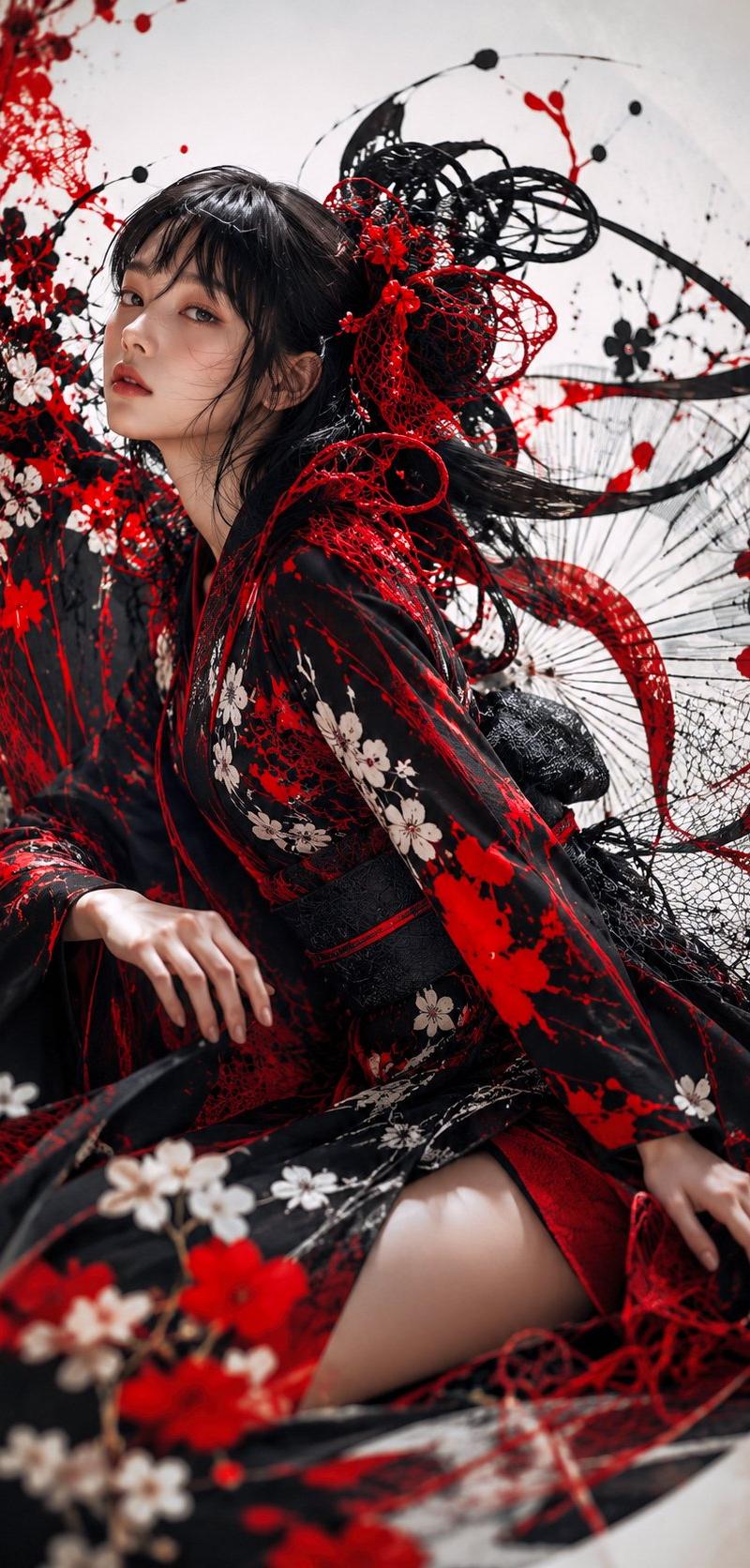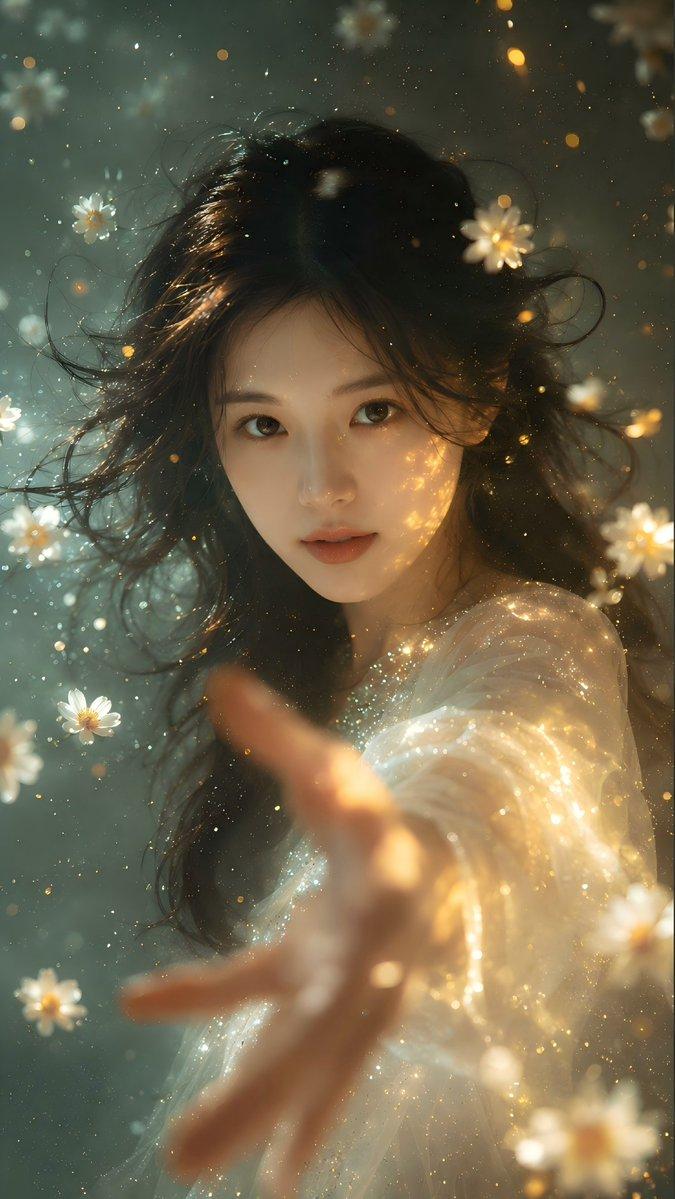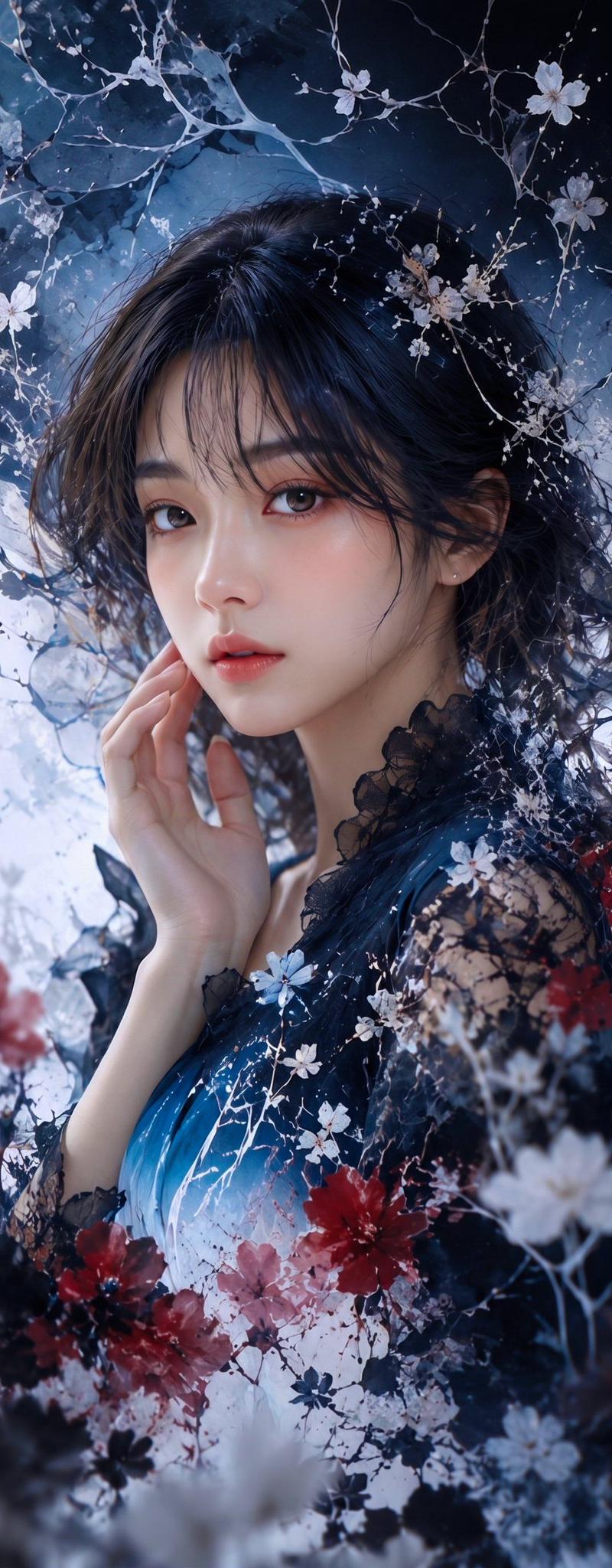
深色纸艺花卉肖像
Prompt
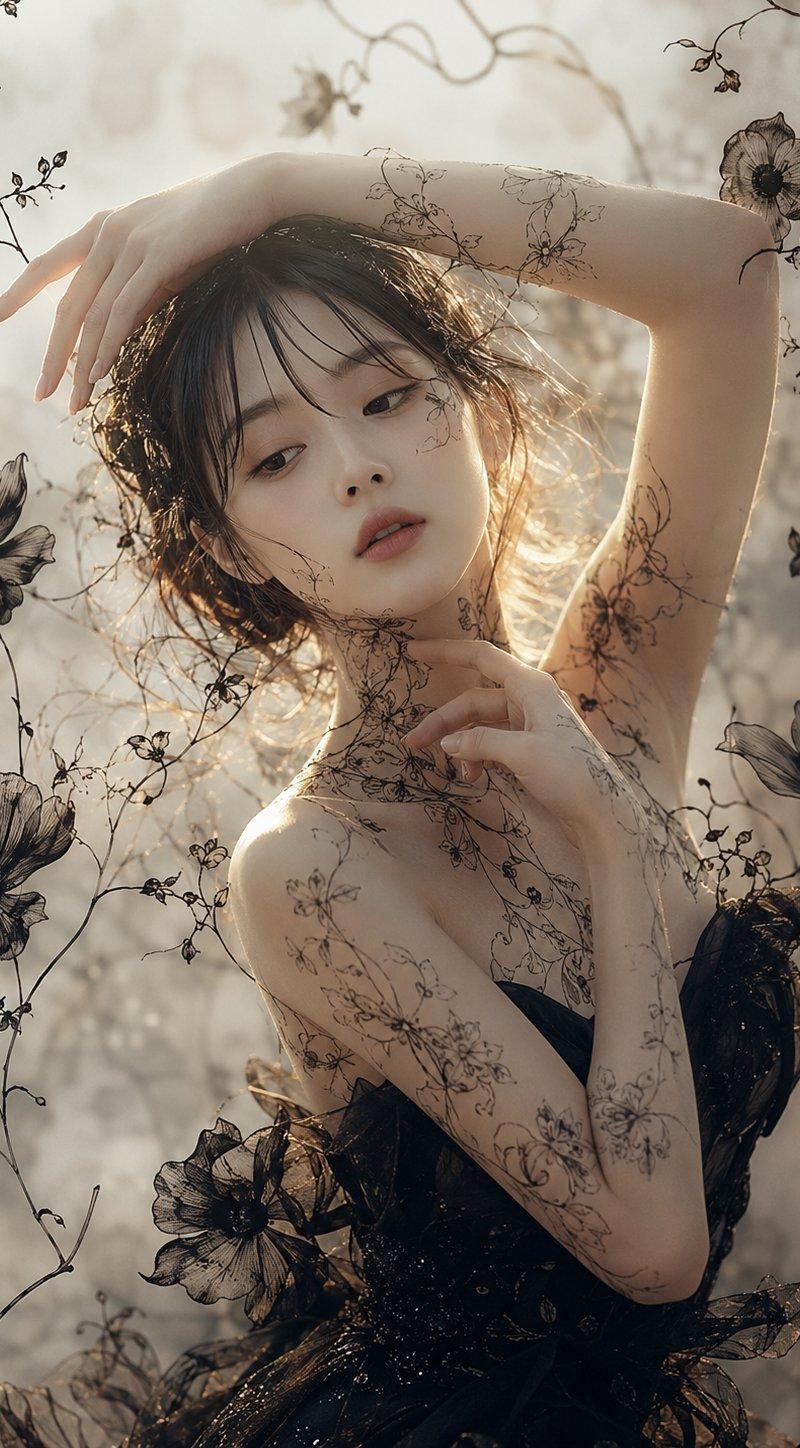
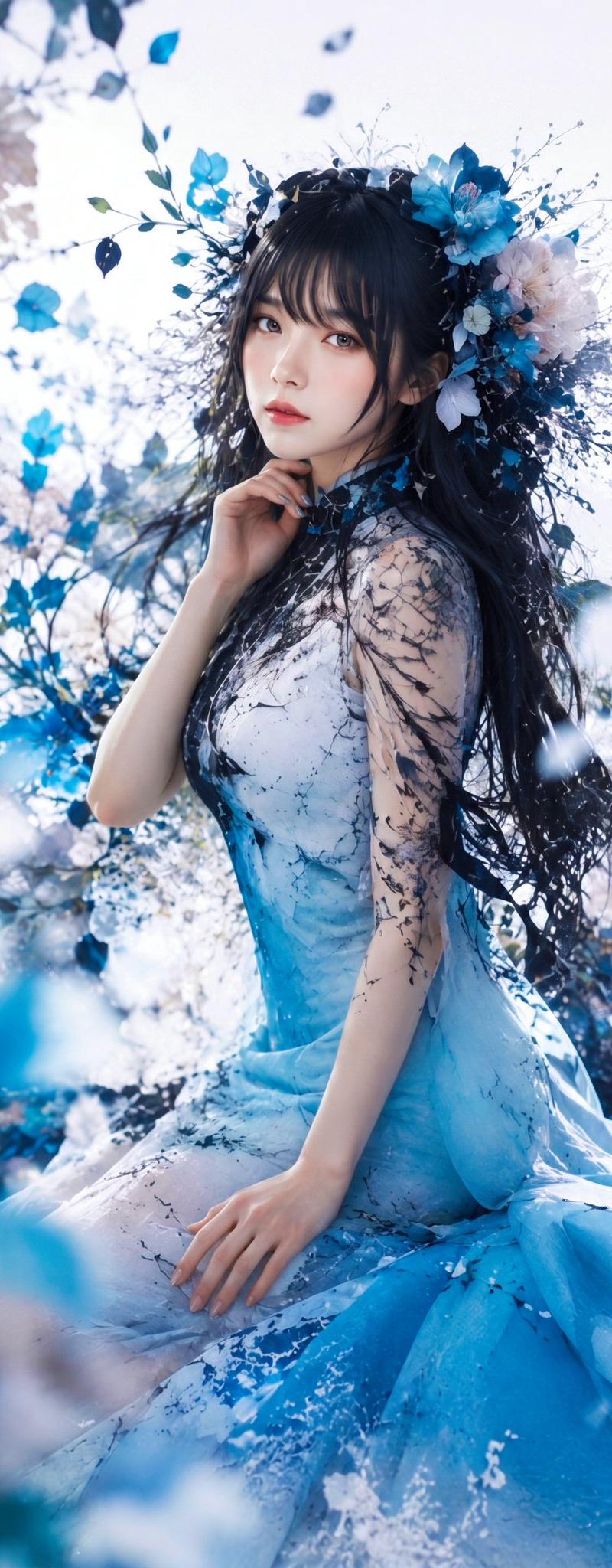
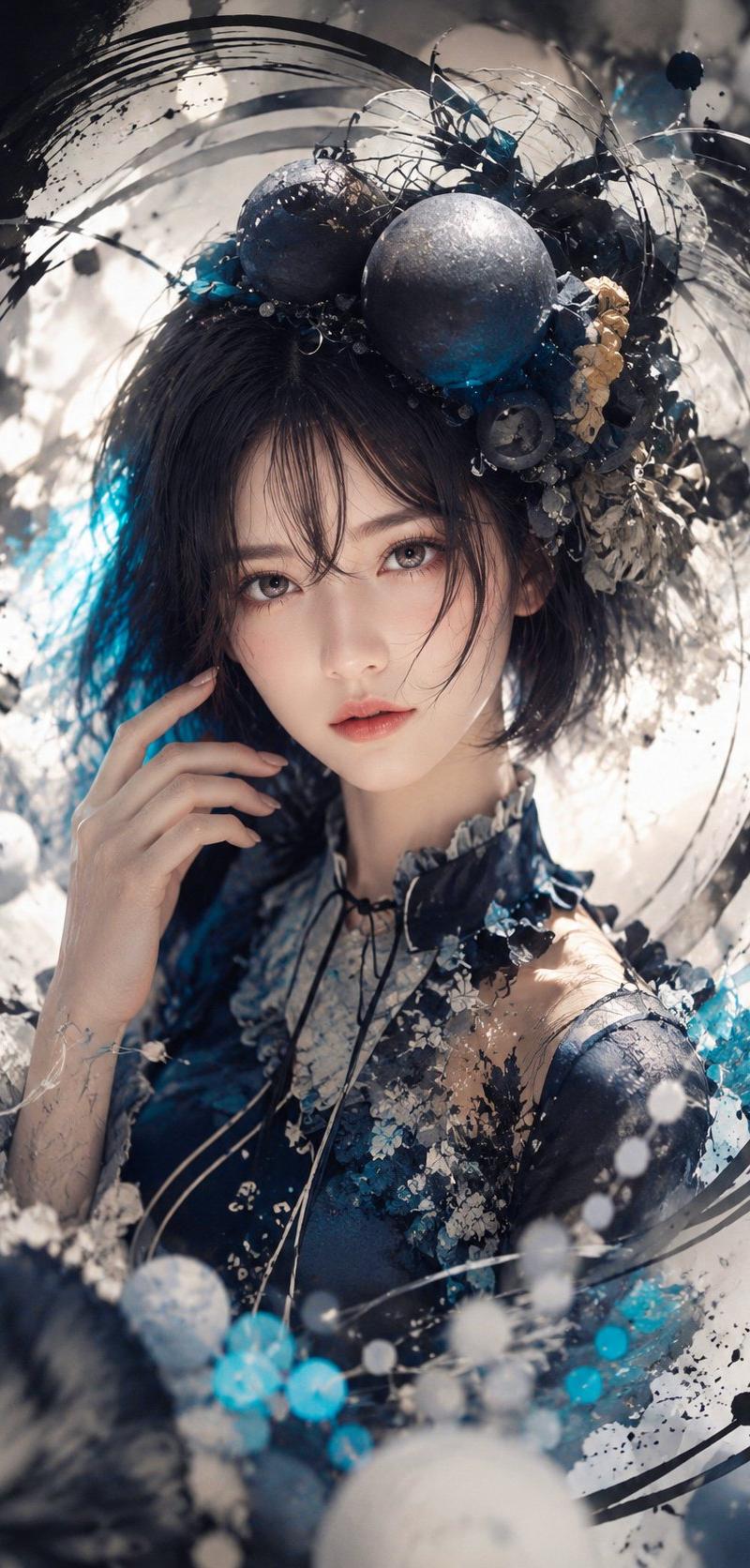
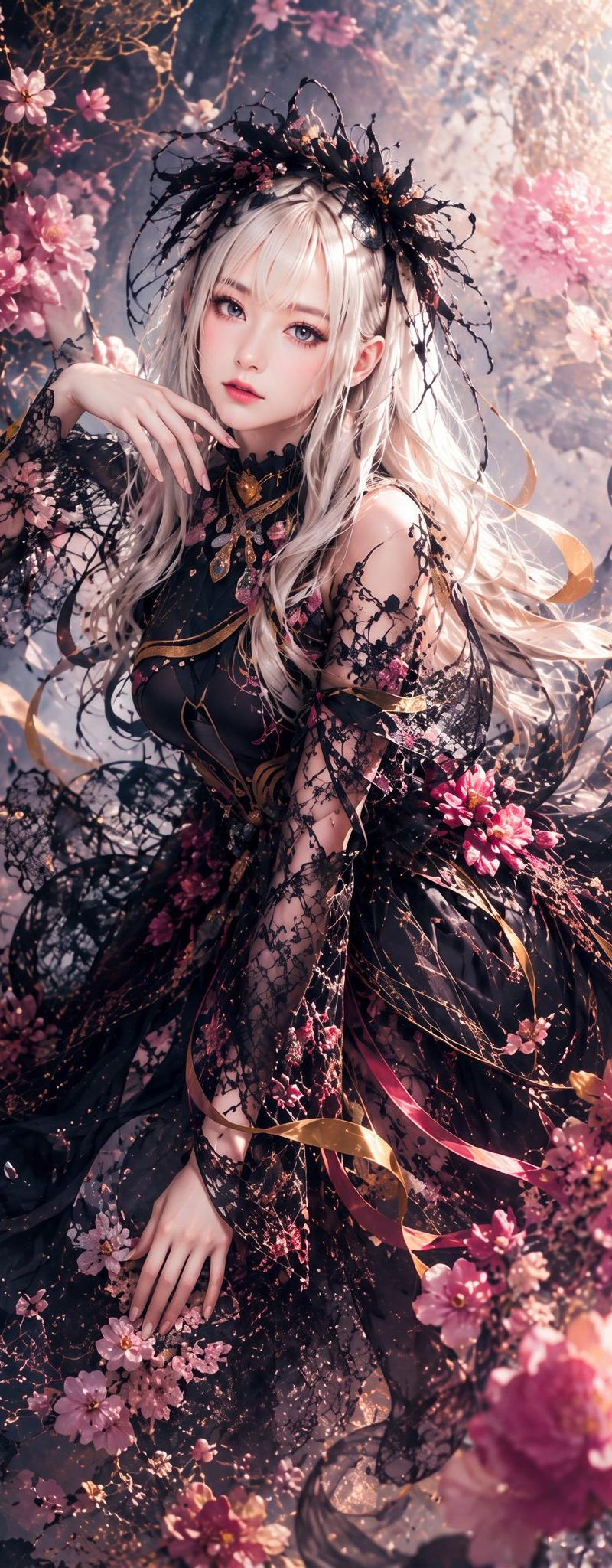
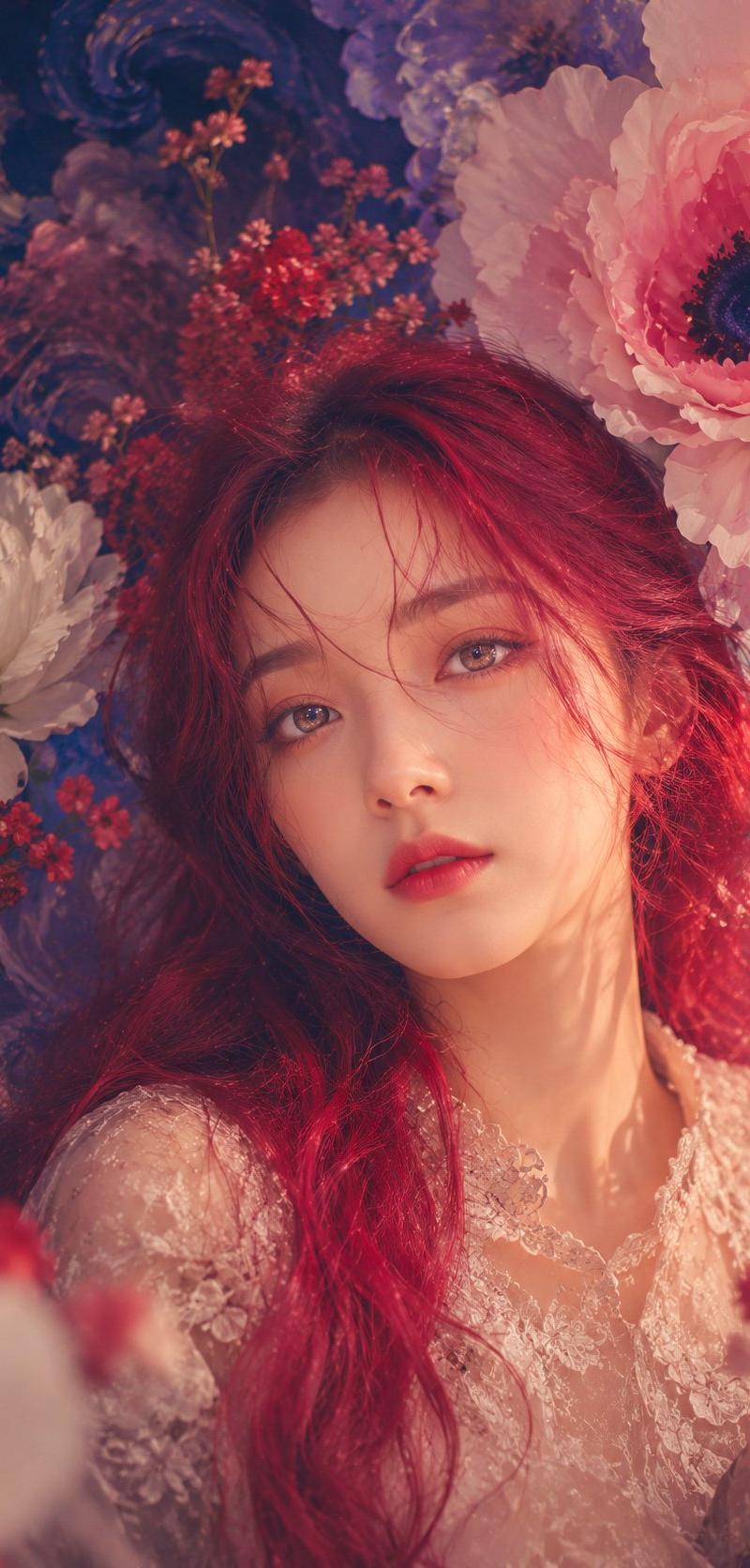
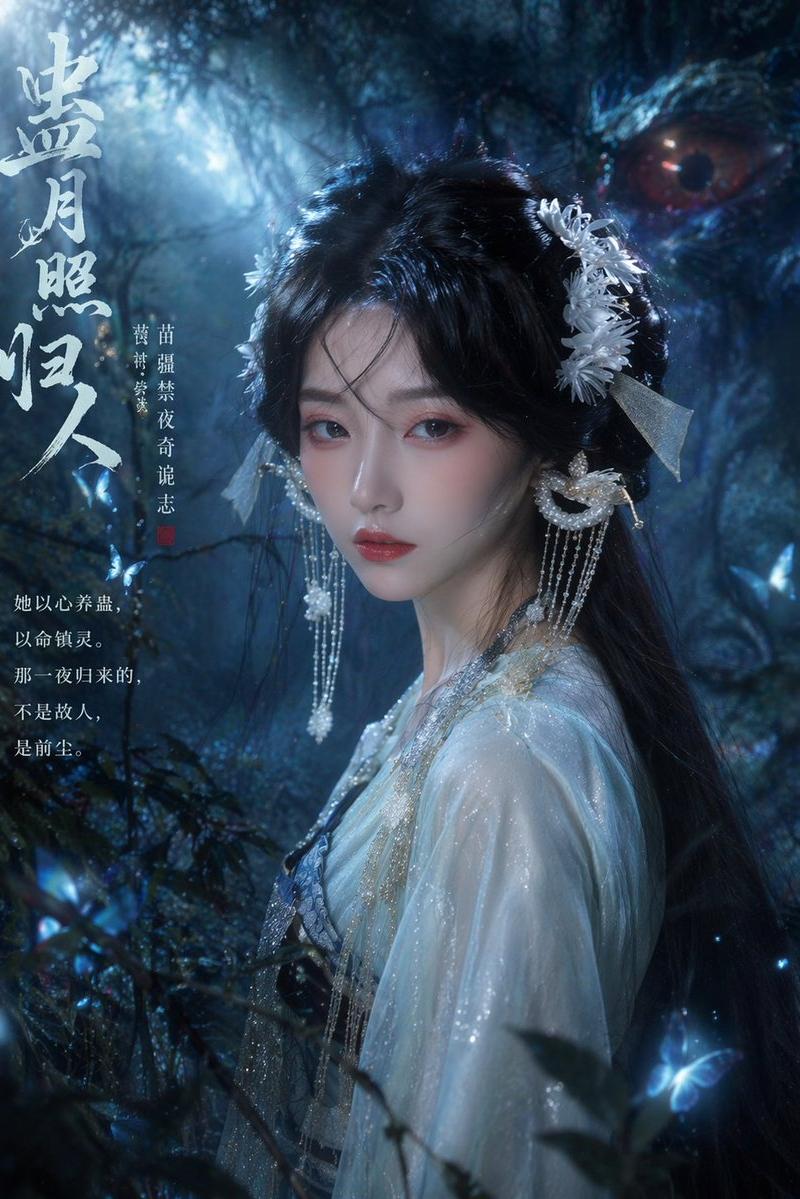
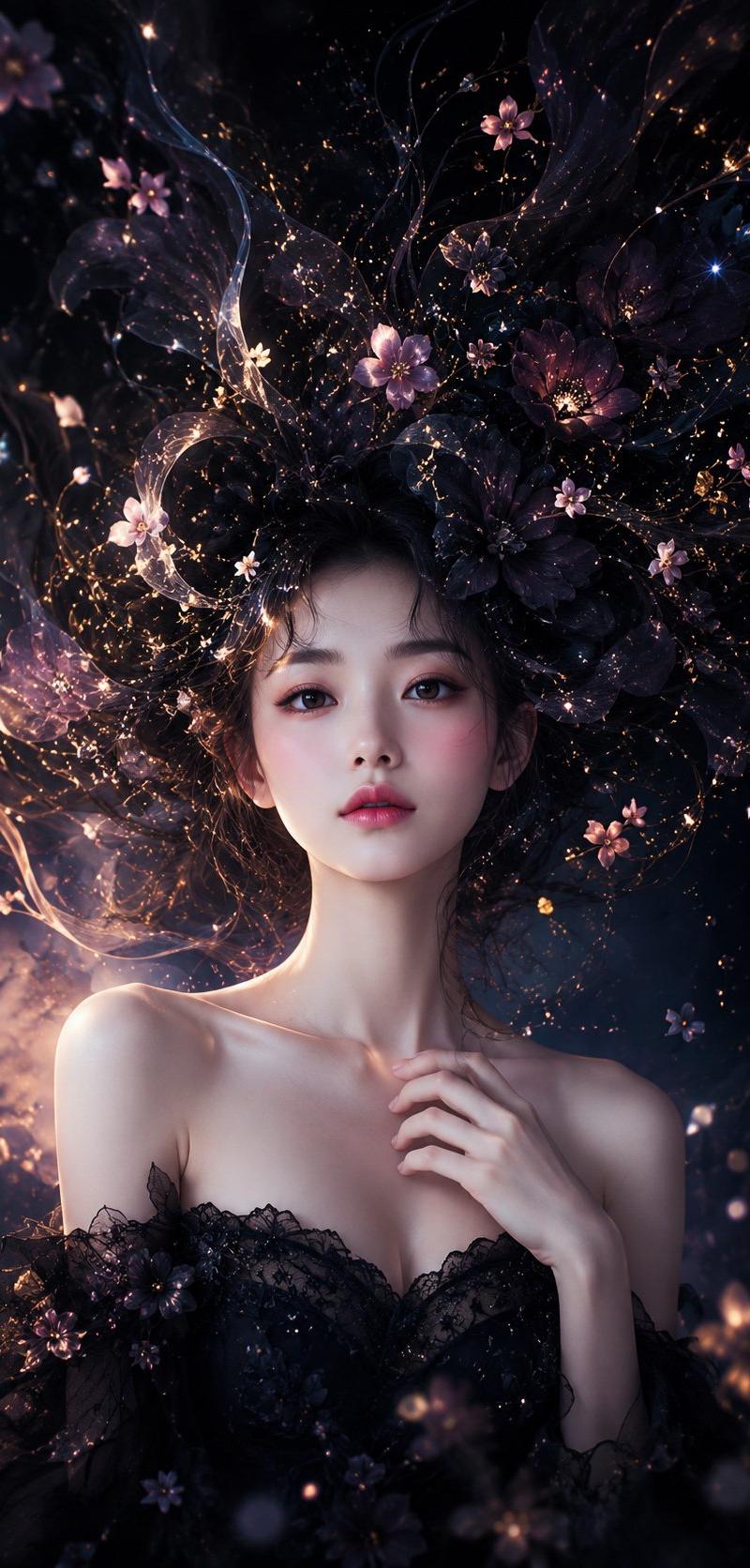
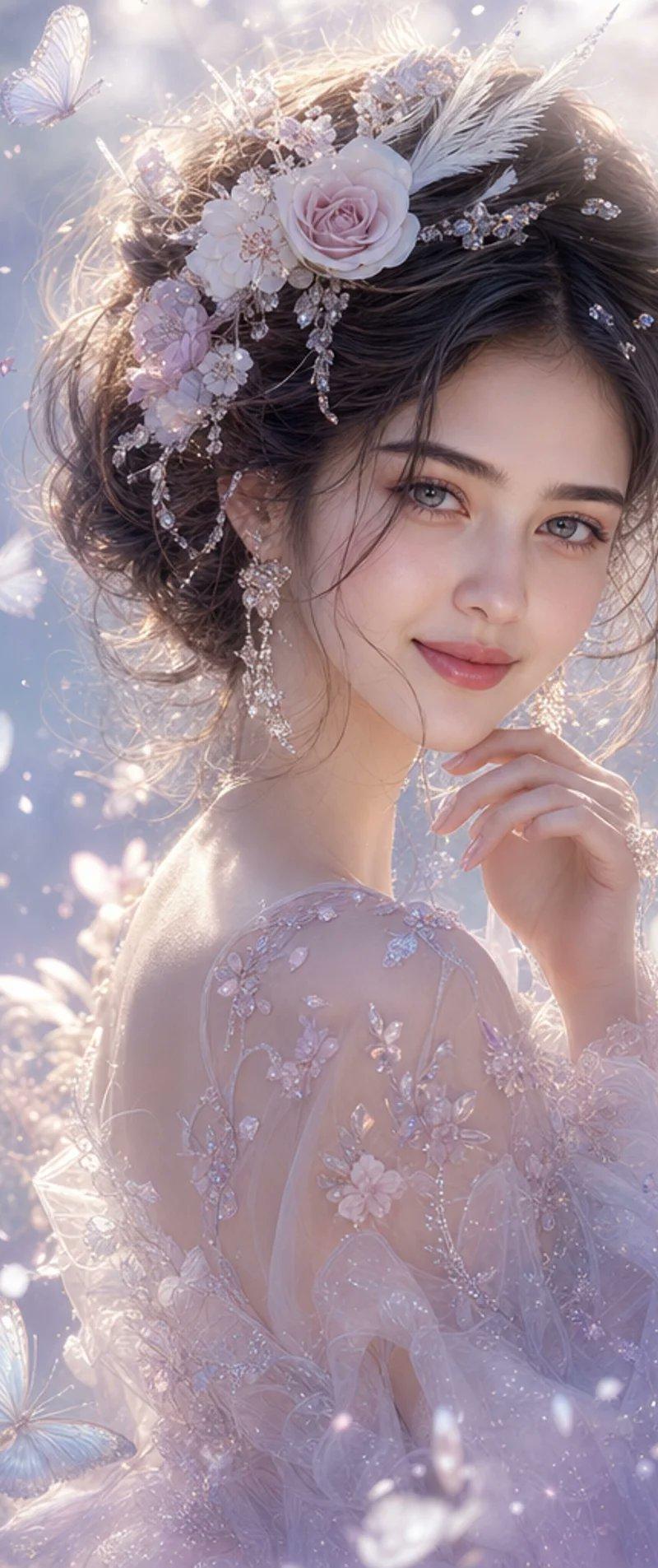
Create a vertical 9:16 cinematic fantasy portrait of {argument name="character name" default="an elegant young woman"} surrounded by a dense, dreamlike paper-flower garden. The subject is shown from the chest up in three-quarter profile, with dark wavy shoulder-length hair, one visible ear, a pale hand raised delicately beside the cheek, and a large opaque square placed over the center of the face as a deliberate privacy/censor block, colored with a muted dark-to-rose brown vertical gradient. She wears a deep navy translucent lace dress with floral embroidery and ruffled black lace at the collar and cuffs. The entire scene should feel like layered cut paper, translucent vellum, ink splashes, and watercolor petals suspended around her, not ordinary real flowers. Use a cool midnight blue, black, icy white, and pale blue palette with selective crimson accents. Include exactly 5 prominent red or pink blossoms in the foreground and lower half, plus many small white paper blossoms and thin branching stems arcing around the head and shoulders. The background should be softly blurred with abstract torn-paper textures, pale mist, dark indigo ink washes, and delicate white branches. Lighting is soft and ethereal from the upper left, with shallow depth of field, bokeh, high detail in the hair, lace, paper edges, and flower veins. Style: ultra-detailed GPT-image-2 digital art, photorealistic face-and-hair rendering combined with surreal paper-collage botanical elements, elegant Japanese-inspired dark floral atmosphere, no text, no watermark.- Category
- Charts & Infographics
- Model
- GPT Image 2
- Creator
- NIKKO
- Source language
- en
- Source ID
- 26467
- Published
- Jun 21, 2026
Views0