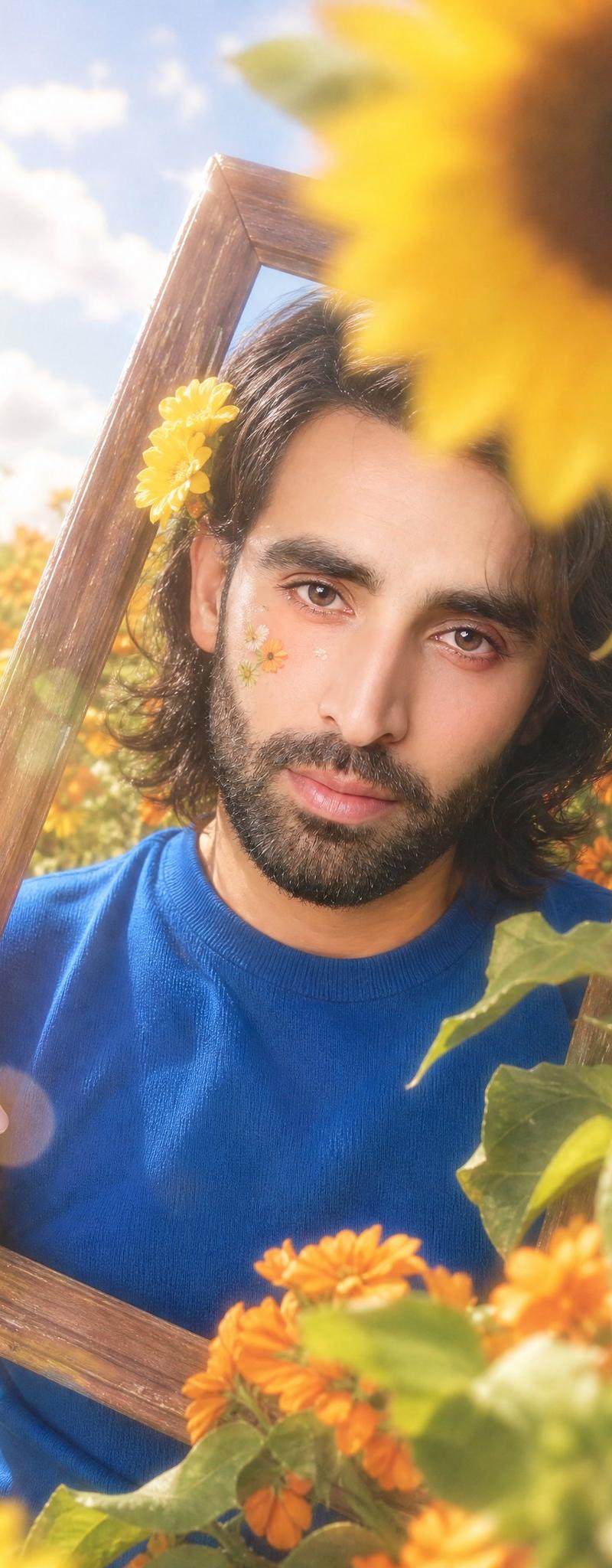
向日葵花田画框人像
Prompt
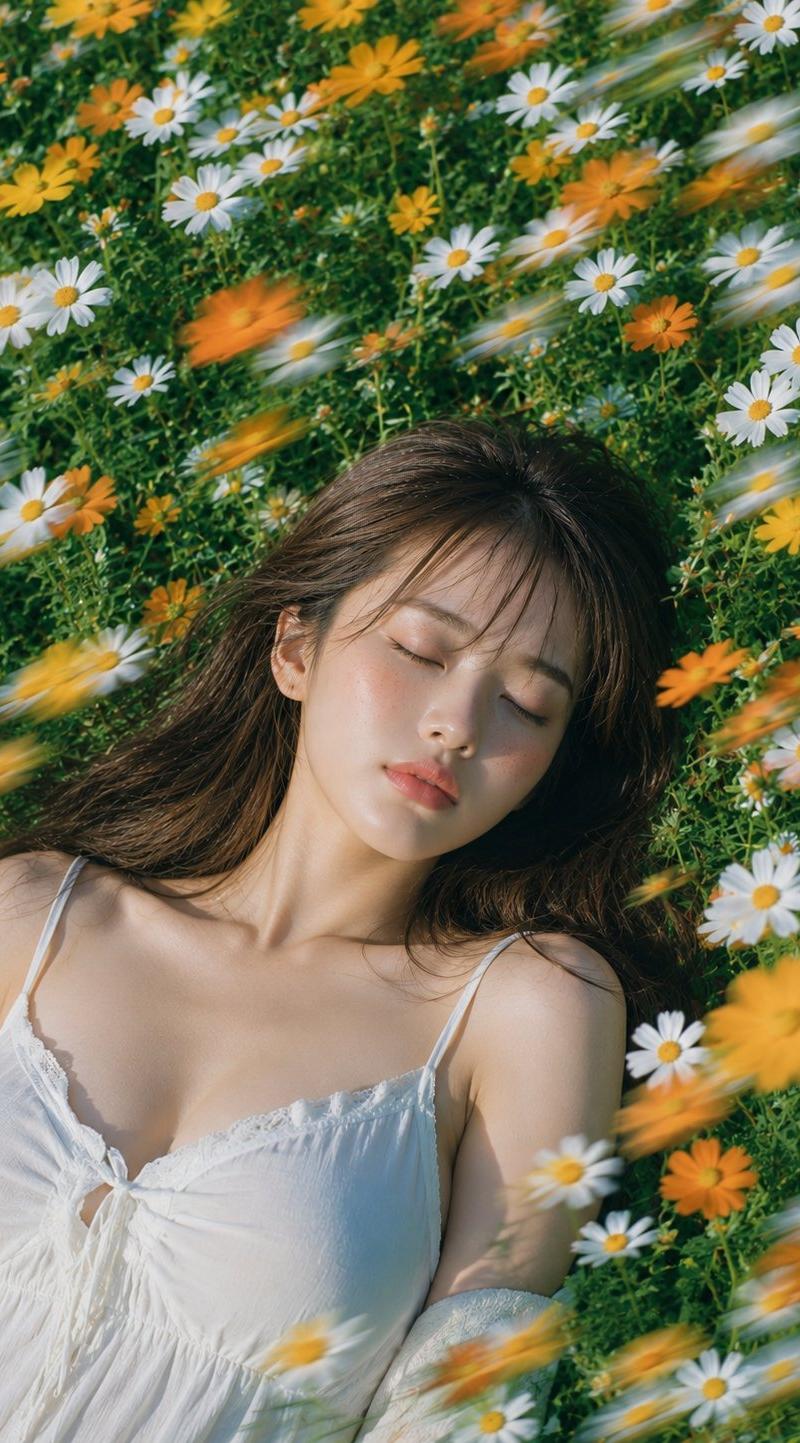
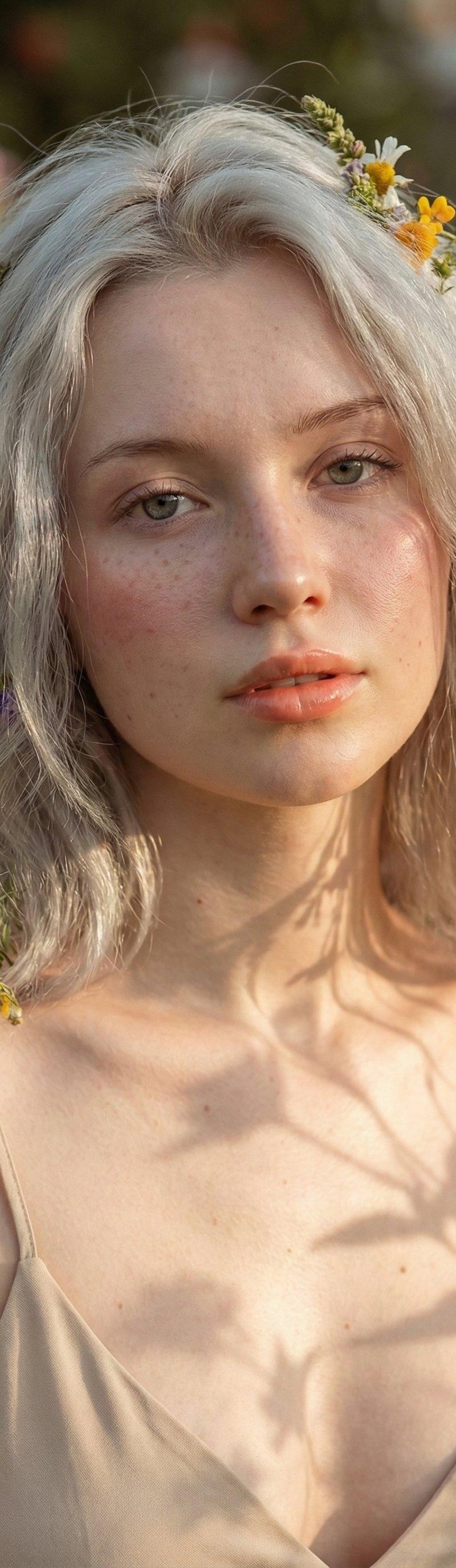
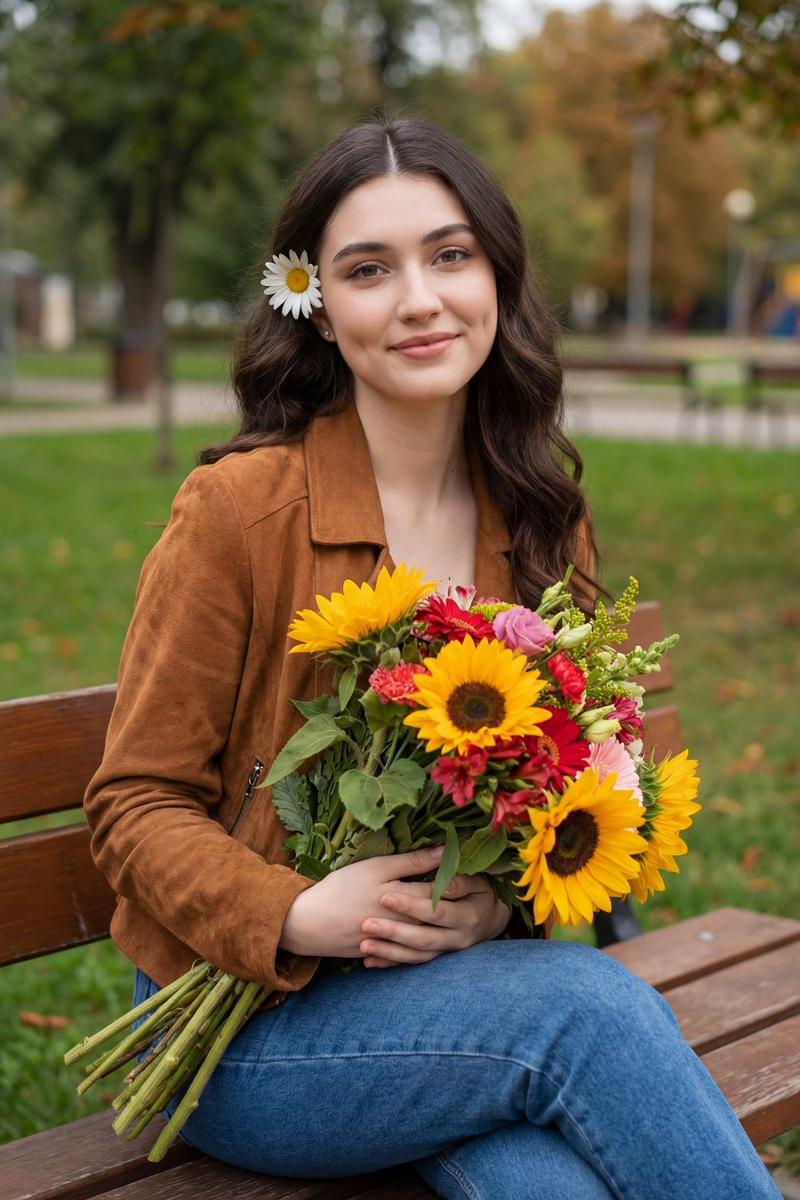
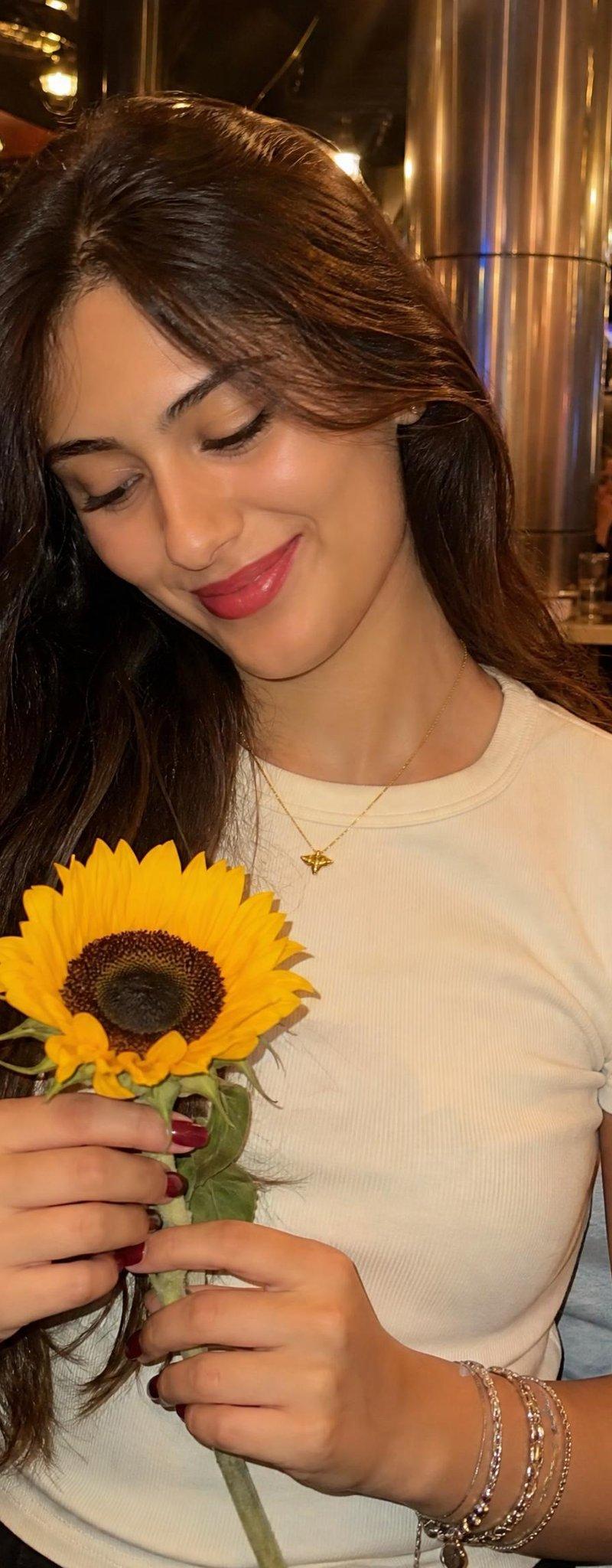
A very tight vertical frame with strong crop pressure, the subject positioned inside a dense {argument name="flower type" default="sunflower"} and orange flower field while partially framed by a large tilted wooden picture frame near the center of the image. Large blurred sunflower blooms dominate the upper-right foreground and left foreground edges, partially blocking the frame and subject. The wooden frame leans diagonally from lower-left toward upper-right, surrounding the face and upper torso area while several edges are cropped by foreground flowers and frame borders. Pale blue sky with soft white clouds occupies the upper-left background, with dense green foliage and orange flowers filling the lower and middle background. Preserve the exact asymmetrical placement and tight crop without revealing more body or environment. The face appears near the upper-center area inside the wooden frame, tilted slightly downward toward viewer’s left, eyes open wide directed toward the camera axis, pupils centered, lips softly closed with a slight pout shape and faint glossy pink color. Makeup is soft and bright with pale pink blush, peach-pink eyeshadow, subtle eyeliner, glossy pink lips, smooth bright skin with warm highlights. Small flower stickers remain visible on the cheek. Dark medium-length hair falls around both sides of the face and shoulder area with loose strands near the forehead and cheek, a yellow flower accessory tucked into the hair near the viewer’s left side of the head. One hand grips the lower-left side of the wooden frame while the other arm remains lower and partly hidden by flowers and leaves. Clothing must remain unchanged: a vivid {argument name="top color" default="cobalt-blue"} short-sleeve knit top, close-fitting over the upper torso, with a simple round crew neckline sitting close to the base of the neck, smooth fine-knit fabric texture, short sleeves ending around the upper arm, sleeve edges slightly curved around the arms, fabric softly stretched across the chest and shoulder area with mild natural folds and highlights, no visible logo or pattern. Dense sunflower leaves and stems overlap the lower foreground and right side with several leaves and flowers heavily blurred and cropped by the frame edges. Bright warm sunlight creates strong dreamy haze, pale overexposed highlights, and soft translucent lens flare artifacts near the upper-left and lower-left areas. Dreamy soft-focus image quality, reduced edge sharpness, shallow depth of field, blurred foreground flowers, and soft yellow-green background separation.- Category
- Charts & Infographics
- Model
- GPT Image 2
- Creator
- Mr. Tariq
- Source language
- en
- Source ID
- 26501
- Published
- Jun 22, 2026
Views0