18

现代都市中的时尚男士
Enlarge

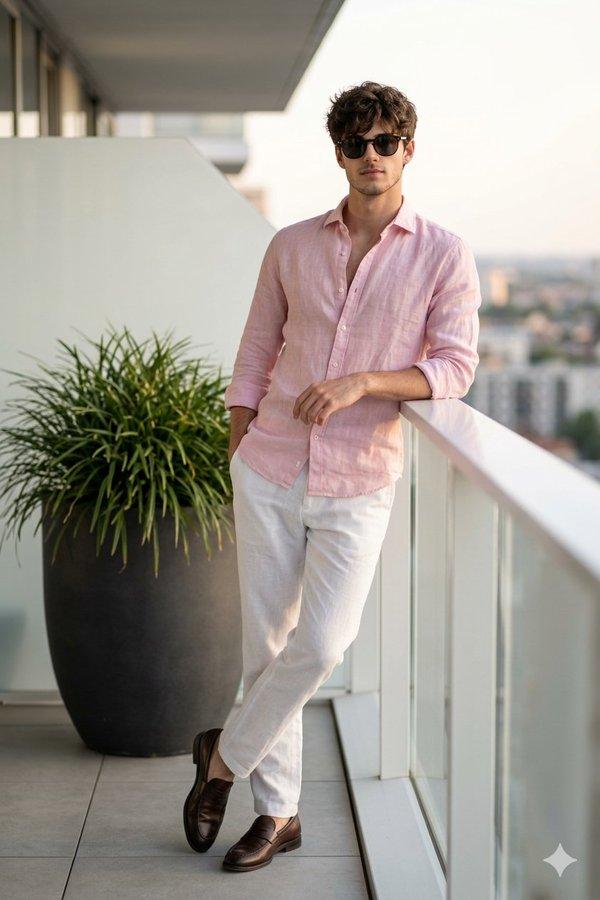
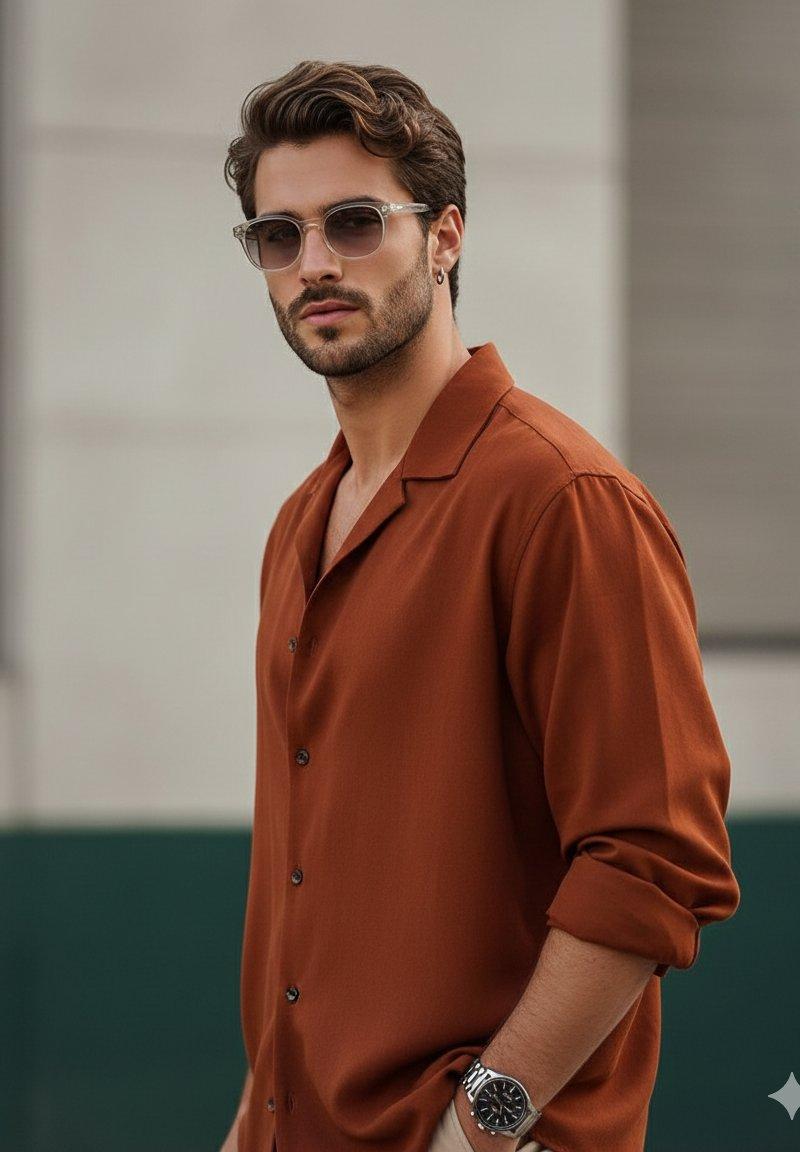
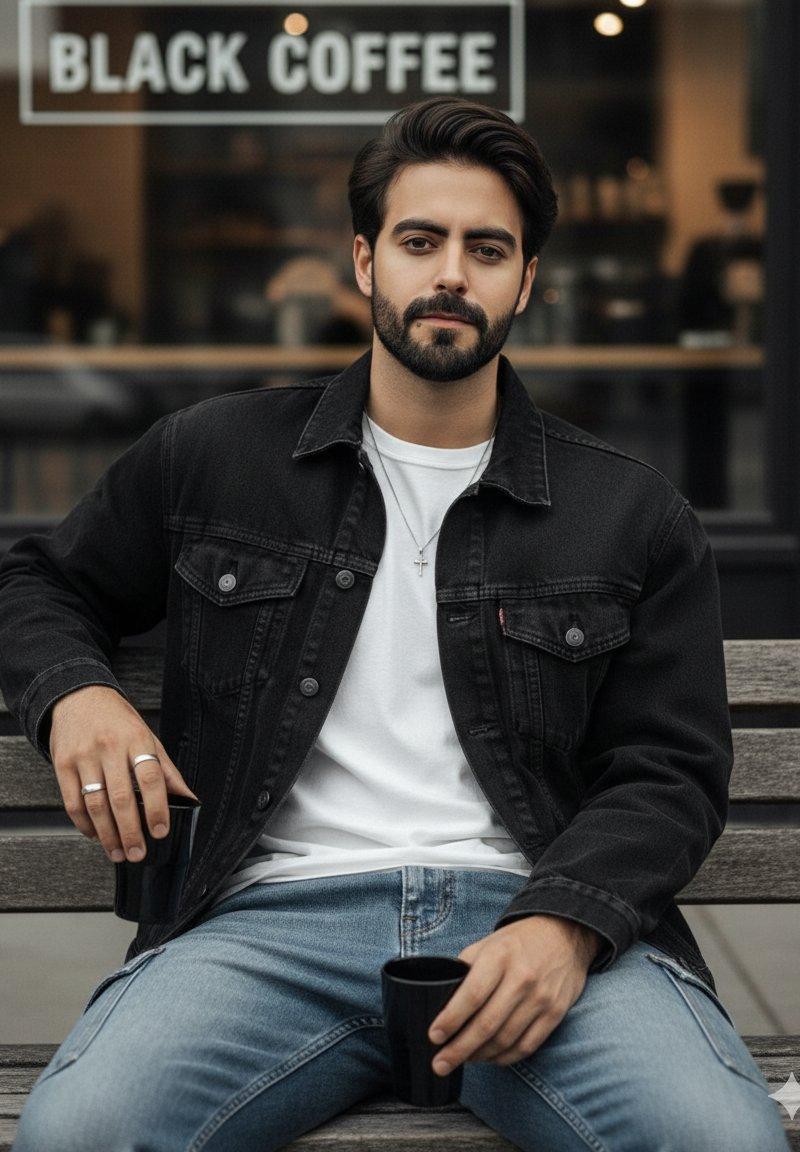
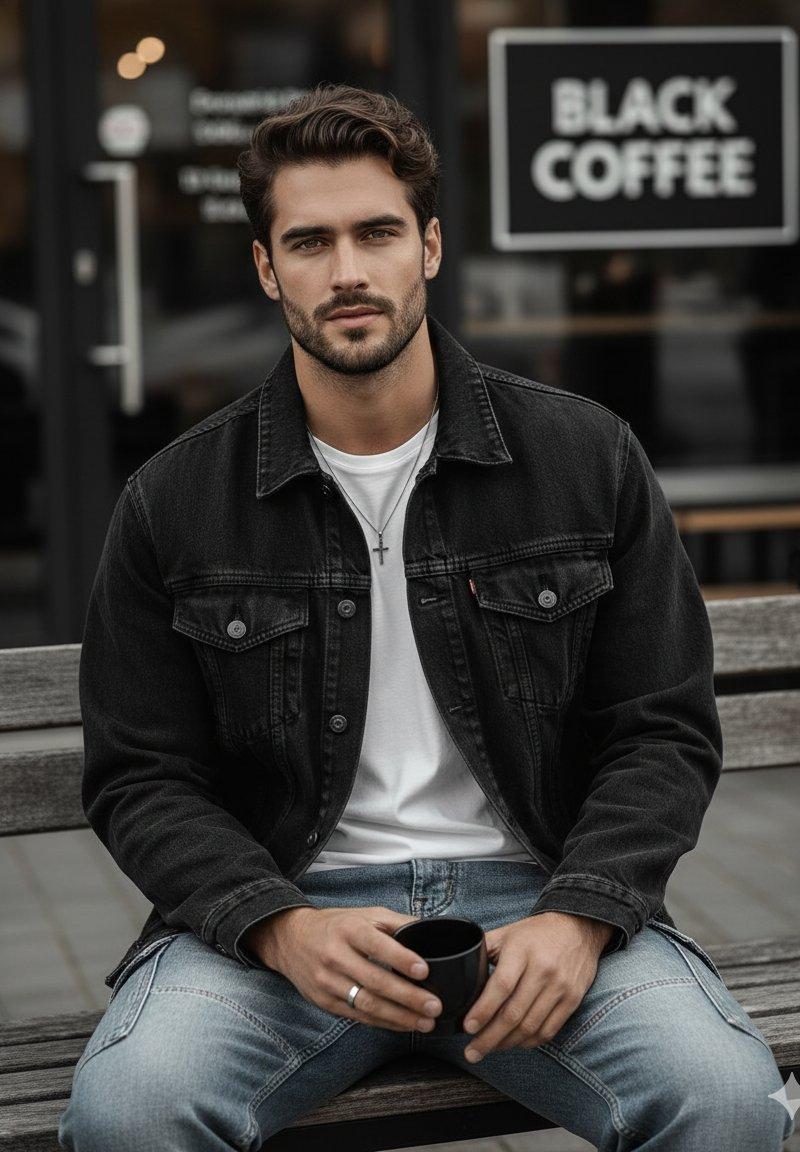
Example images

现代都市中的时尚男士

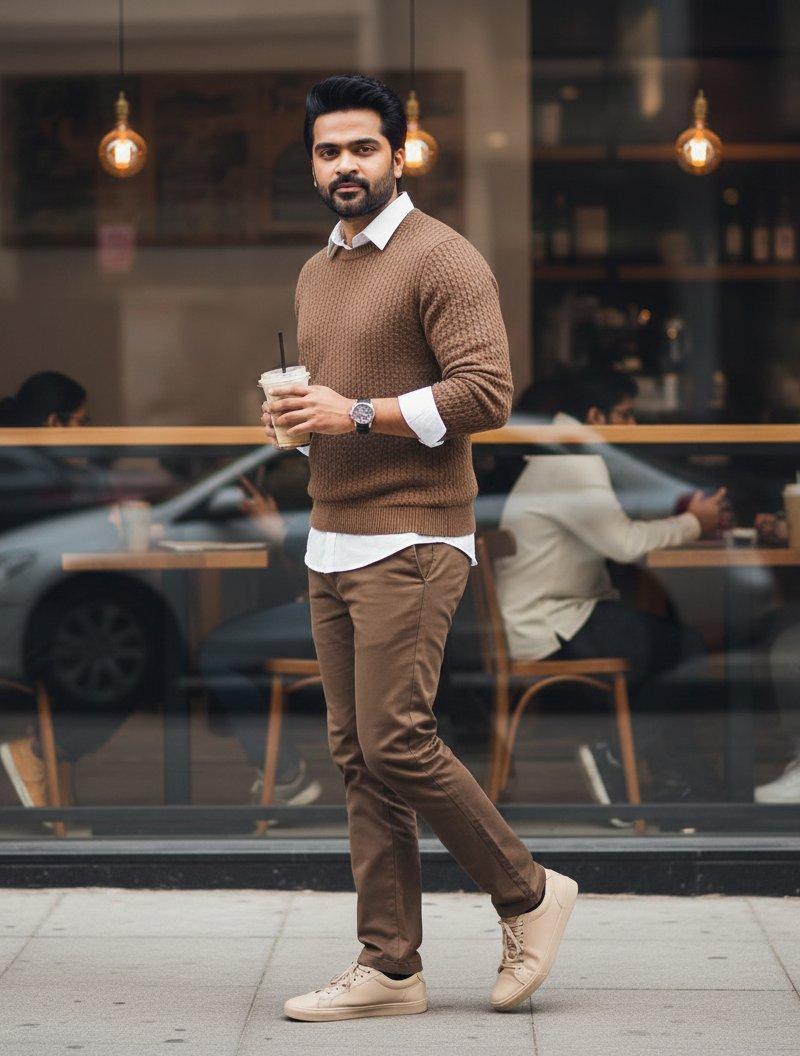
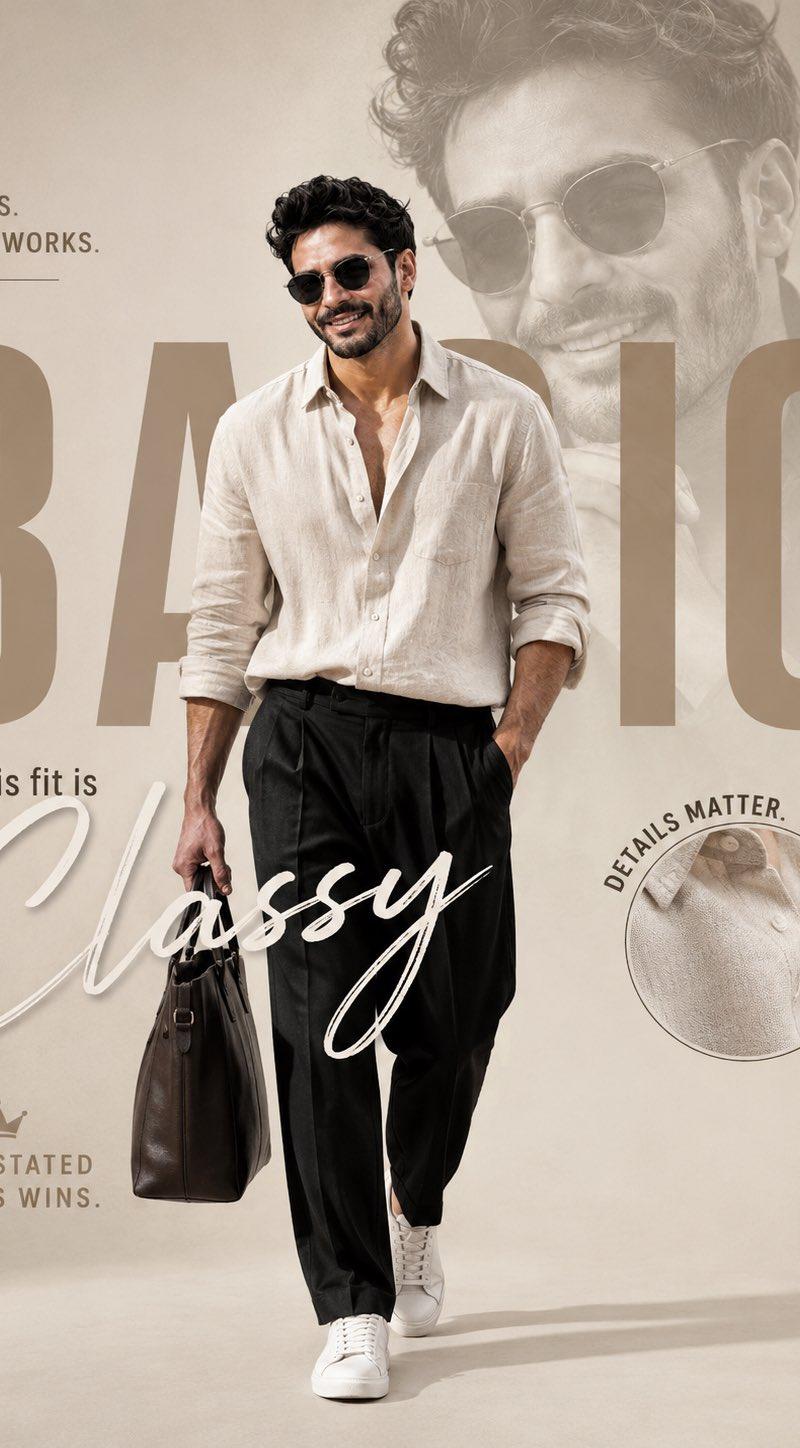
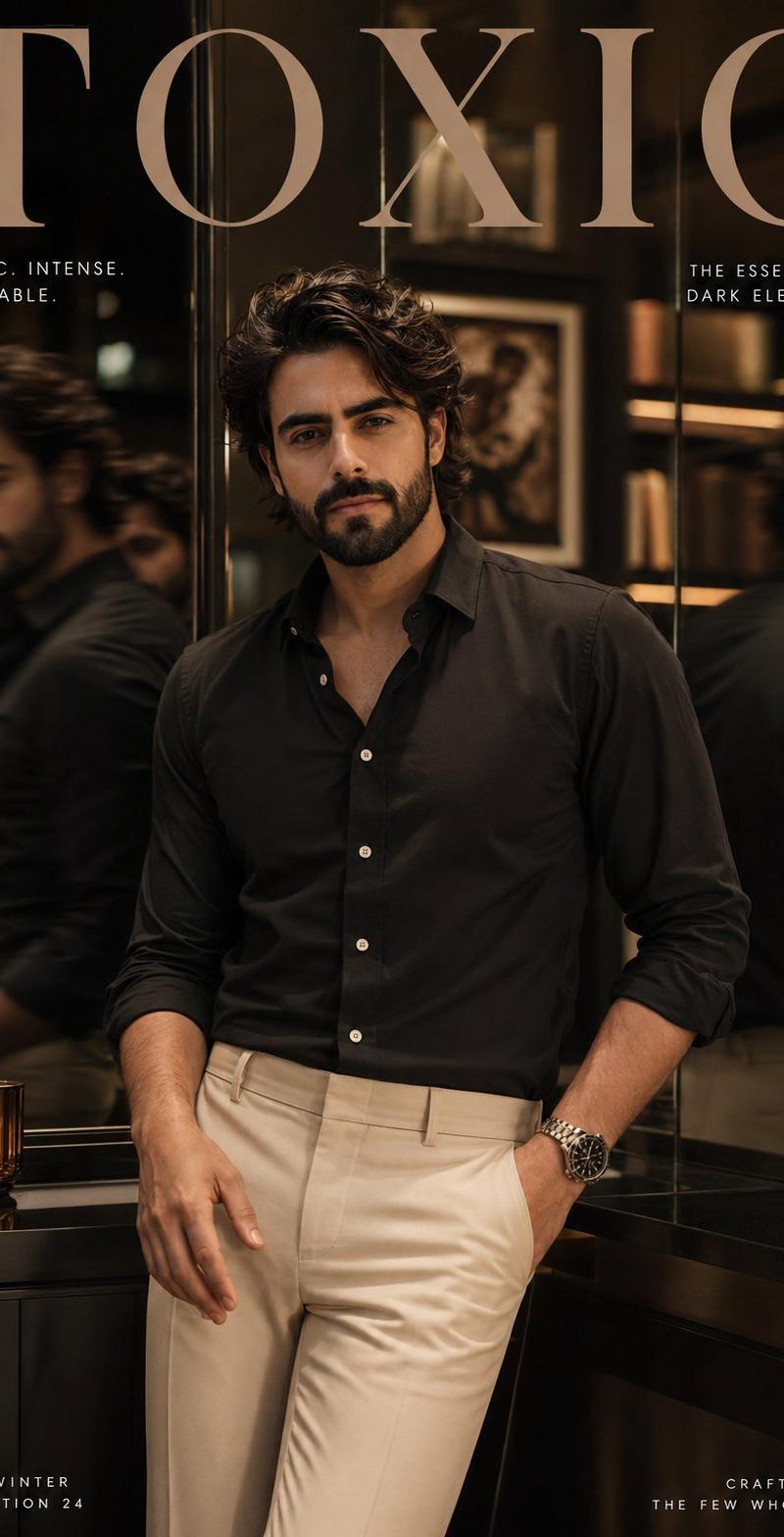
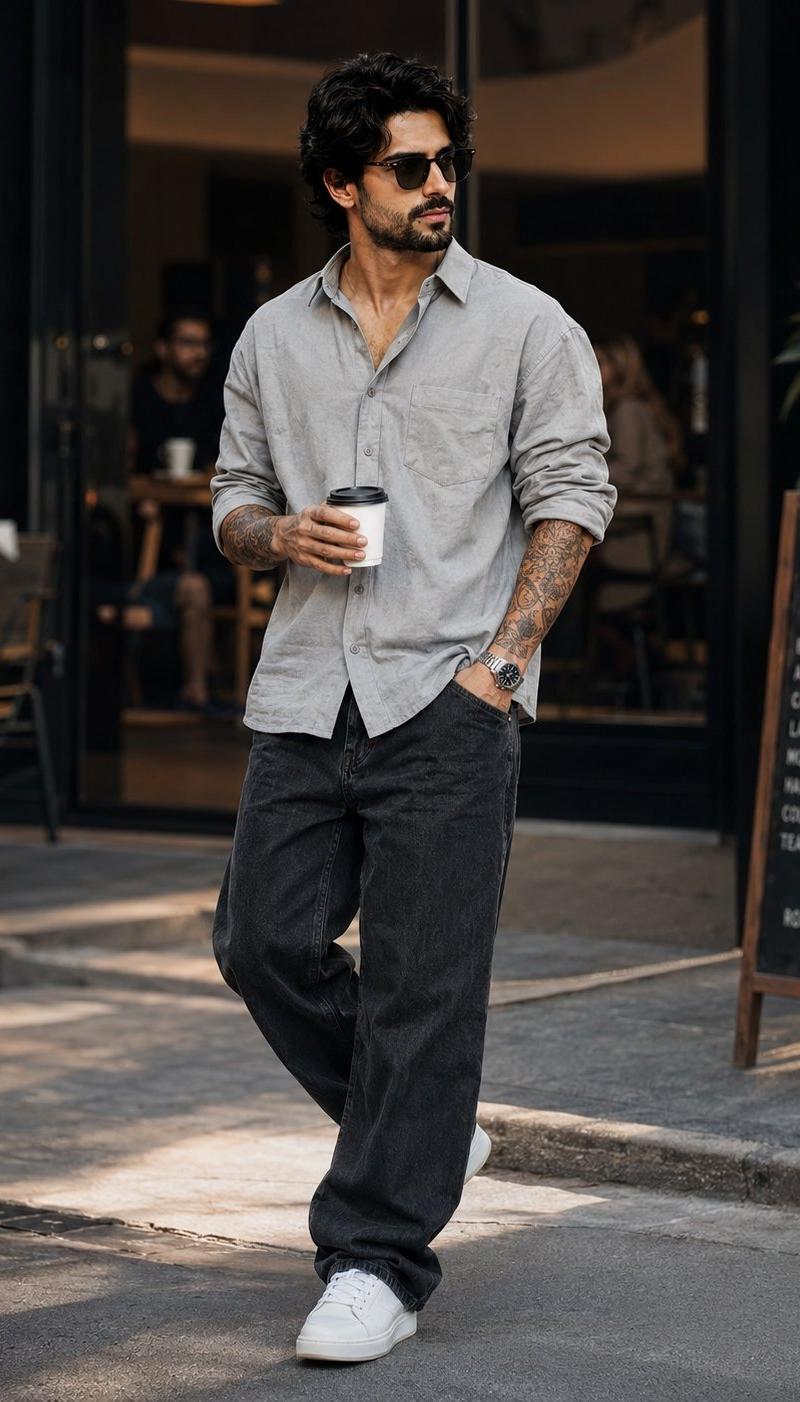
Prompt
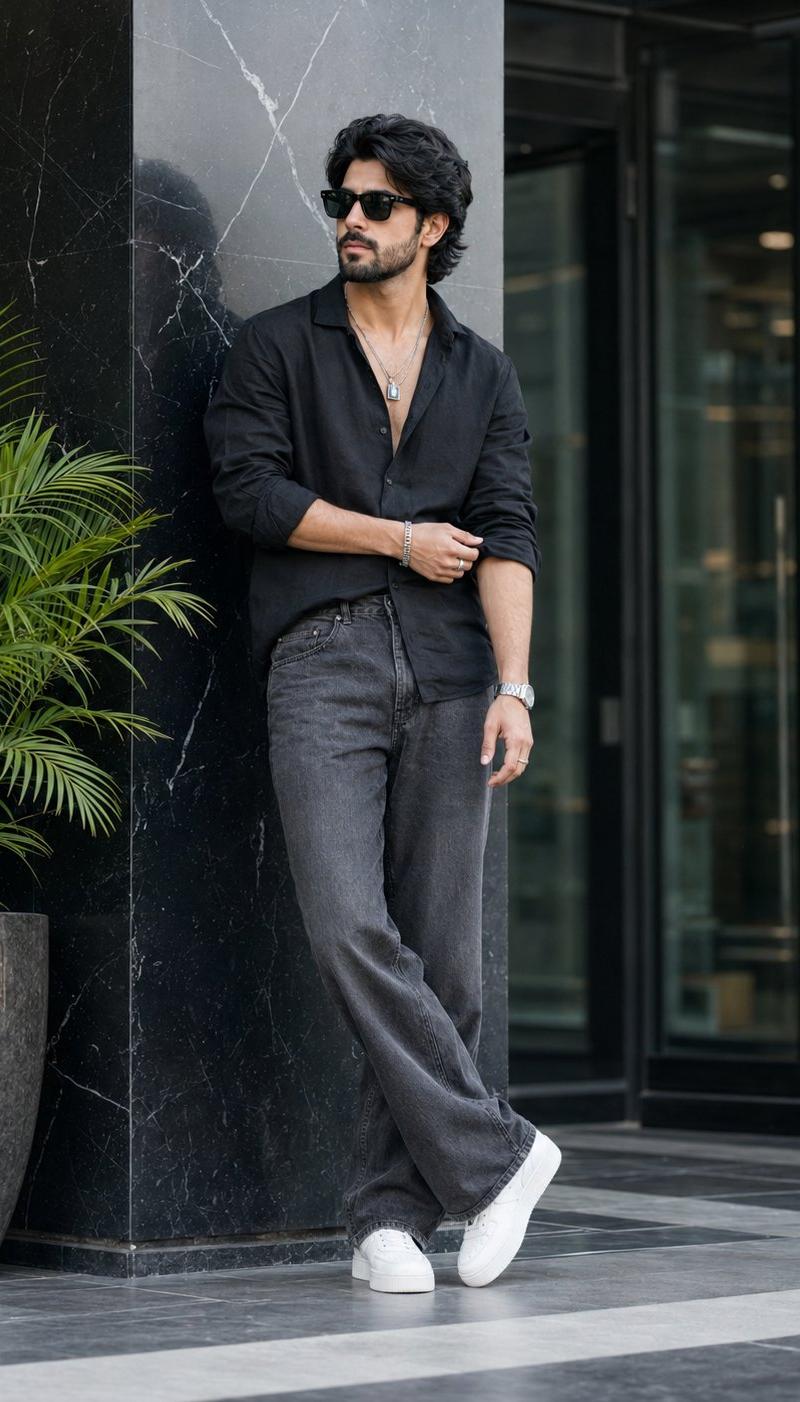
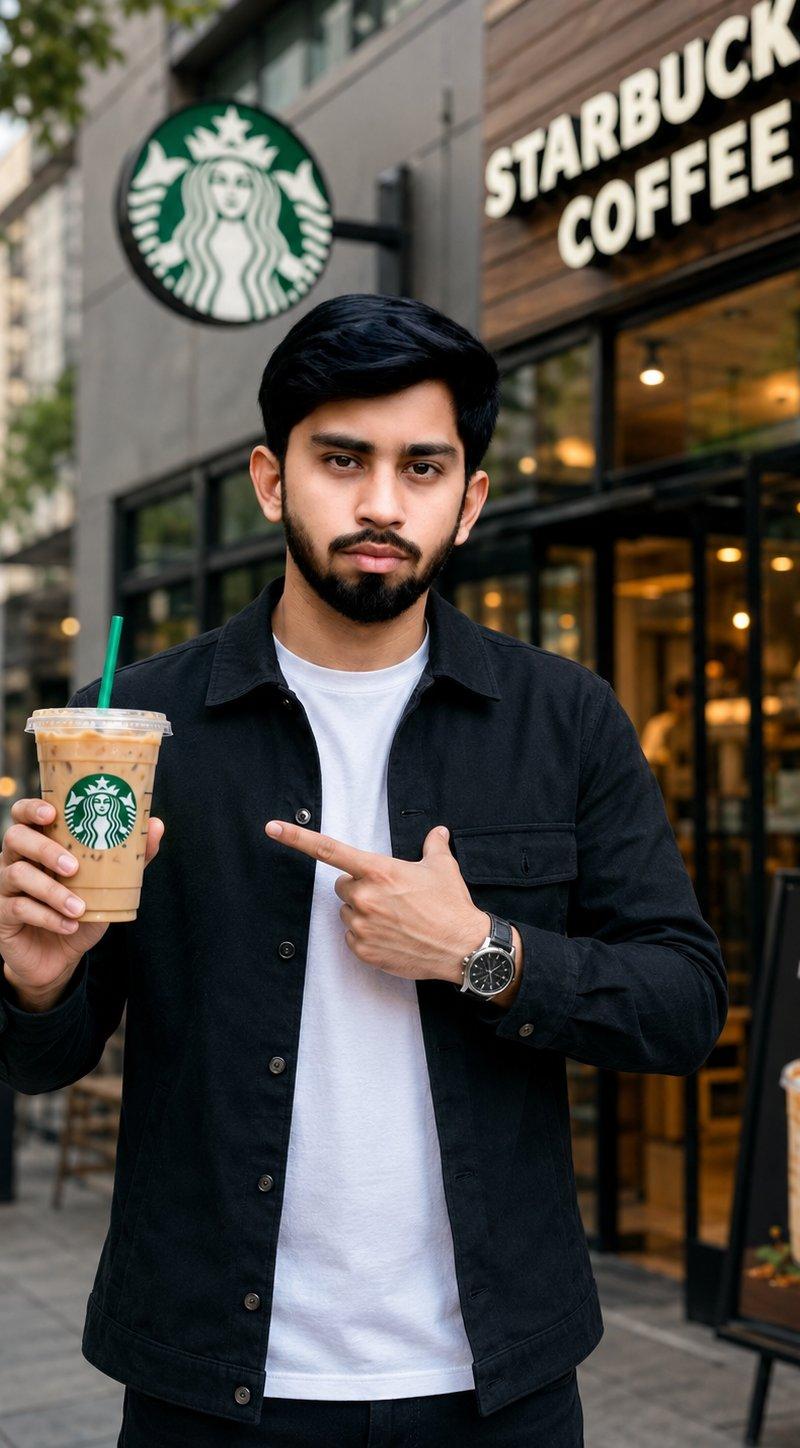
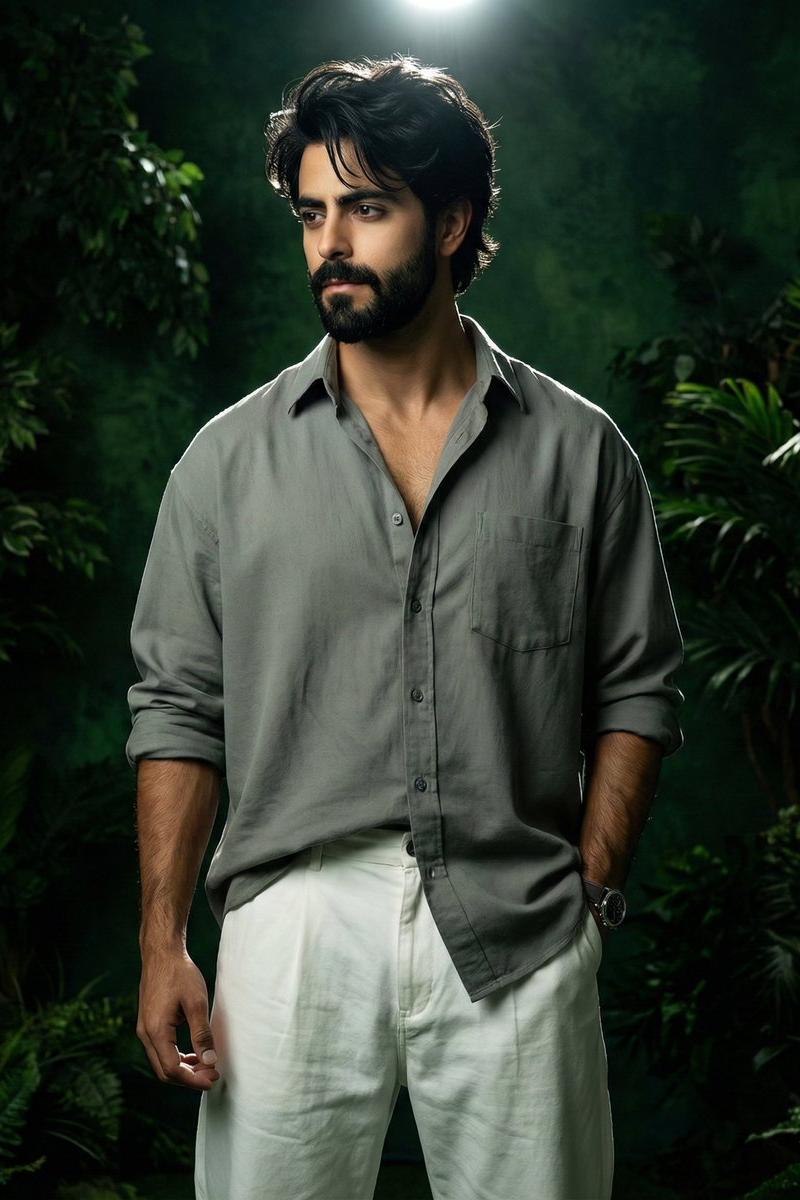
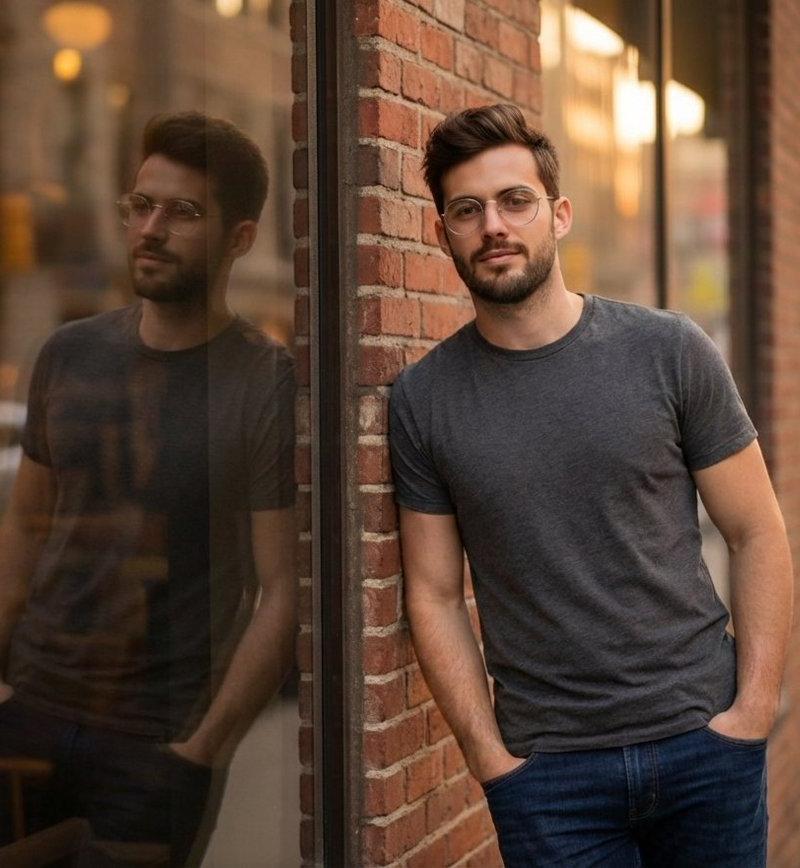
A stylish young man walking confidently through a modern city street outside a trendy café, holding a takeaway coffee cup. He wears a {argument name="shirt color" default="light gray"} button-down shirt with rolled-up sleeves, {argument name="pants style" default="oversized charcoal black jeans"}, white sneakers, a luxury wristwatch, and detailed forearm tattoos. {argument name="hair style" default="Messy textured dark hair"}, sharp facial features, relaxed yet fashionable expression.Urban lifestyle photography, candid walking pose, shallow depth of field, warm cinematic lighting, soft bokeh background, high-end fashion editorial, street style aesthetic, ultra-realistic, natural skin tones, professional DSLR photography, 85mm lens, f/1.8, highly detailed, 4K quality.
Category
Charts & Infographics
Model
GPT Image 2
Creator
Zar⭕on
Source language
en
Views0
Source ID
26593
Published
Jun 23, 2026
Studio

Guide

About "现代都市中的时尚男士"

What is this prompt for?

"现代都市中的时尚男士" AI image prompt for GPT Image 2 (Charts & Infographics). 一张高端生活方式人像,展示了一位时尚年轻男子走在潮流咖啡馆外的场景,呈现出专业 DSLR 的美学质感与电影级光影效果。 Copy it on Picva and recreate…

The full copyable prompt and example visuals above are ready for AI image generation or one-click recreate in Picva.

How to use this prompt

  1. Step 1

    Open the prompt detail

    Review the example visuals, category, and full prompt text for "现代都市中的时尚男士".

  2. Step 2

    Copy the prompt

    Copy the prompt body from this page, or load it directly in Studio.

  3. Step 3

    Pick a model (GPT Image 2)

    Prefer GPT Image 2. If you switch models, keep subject and composition and tweak style terms.

  4. Step 4

    Generate and export

    Recreate the look in Picva, or export into your workflow for editing and publishing.

FAQ

What is the "现代都市中的时尚男士" prompt?
It is an AI image-generation prompt for GPT Image 2 in the Charts & Infographics category. This page includes the full prompt text, example visuals, and a one-click recreate path in Picva.
How do I use this prompt to generate an image?
Copy the prompt from this page, or use Generate / Studio. Paste it into a compatible image model, or recreate the look in Picva with optional reference images.
Which model is this prompt for?
This page lists GPT Image 2. Most descriptive prompts also transfer to nearby image models such as GPT Image, Flux, or Midjourney with light style tweaks.
Can I use the result commercially?
You can usually copy the prompt for creation, but commercial use of the final image depends on the model terms, reference-image rights, and the generated content. Follow the source author and platform rules.