19

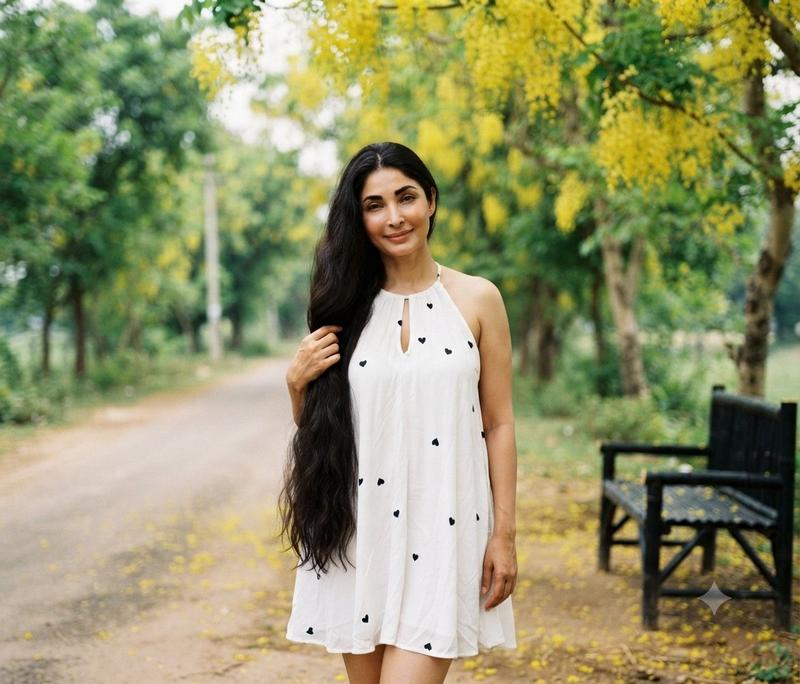
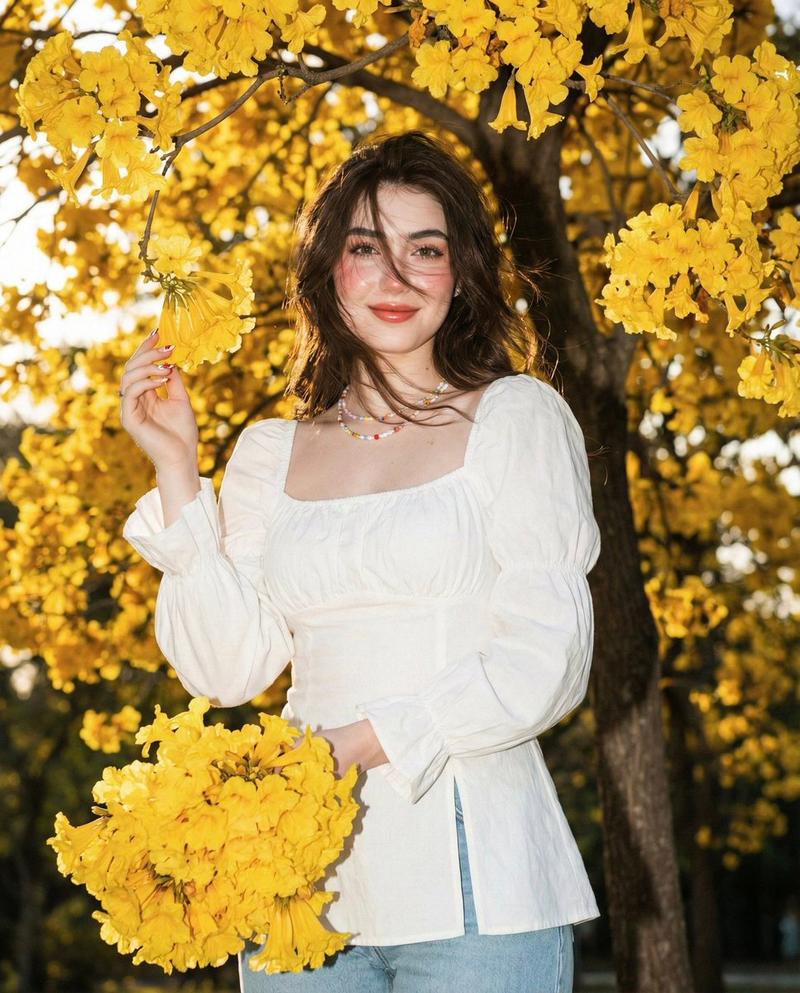
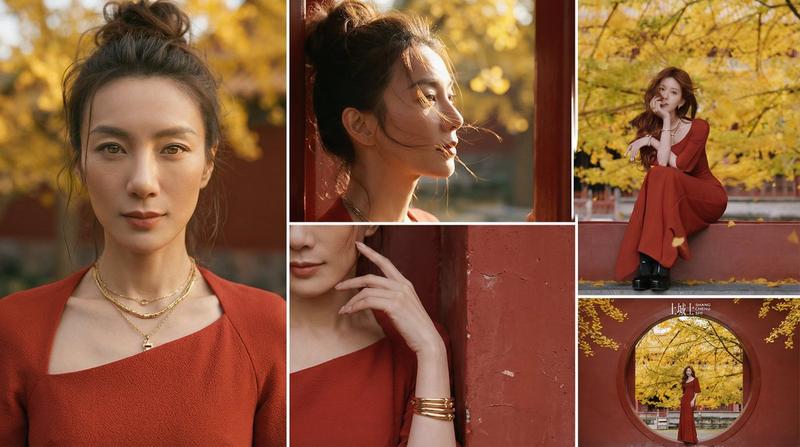
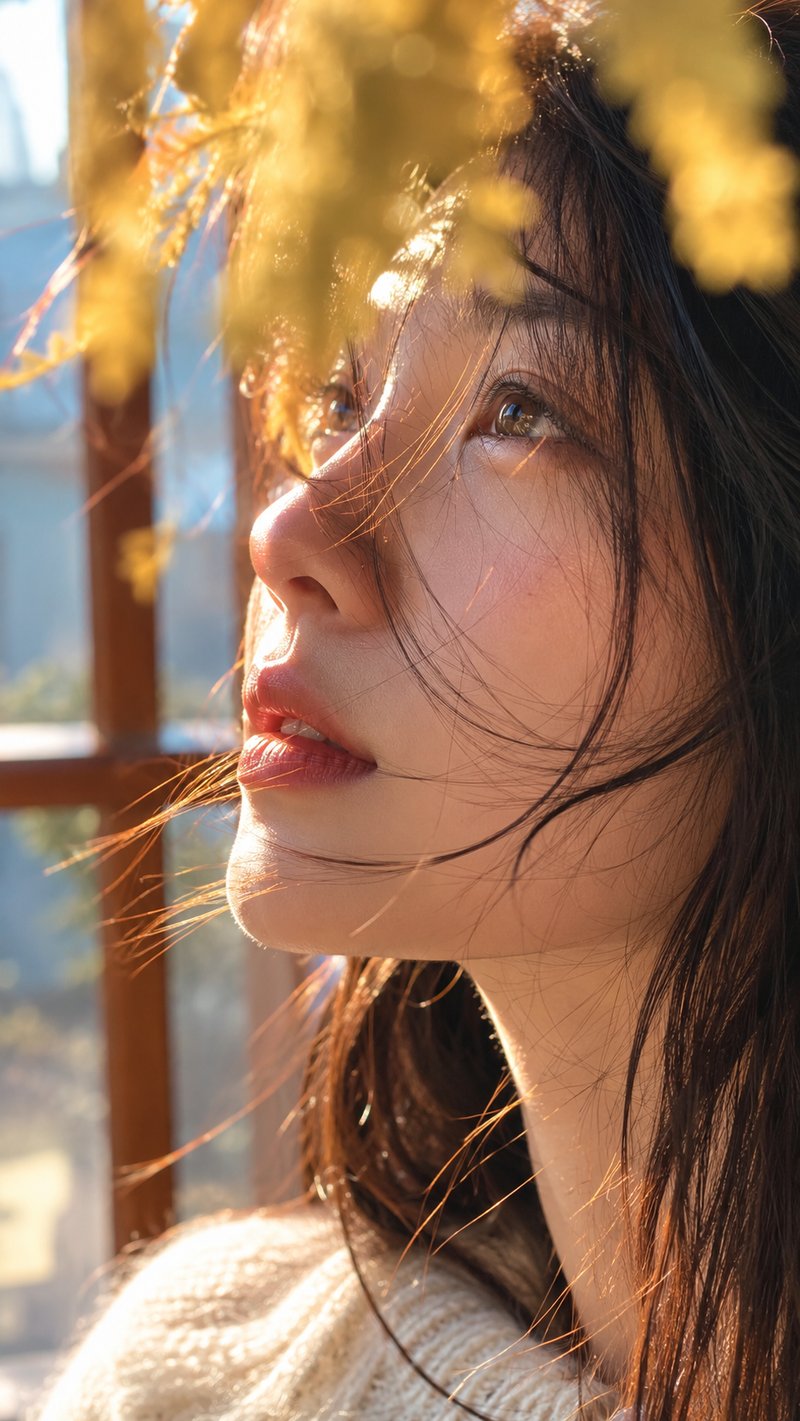
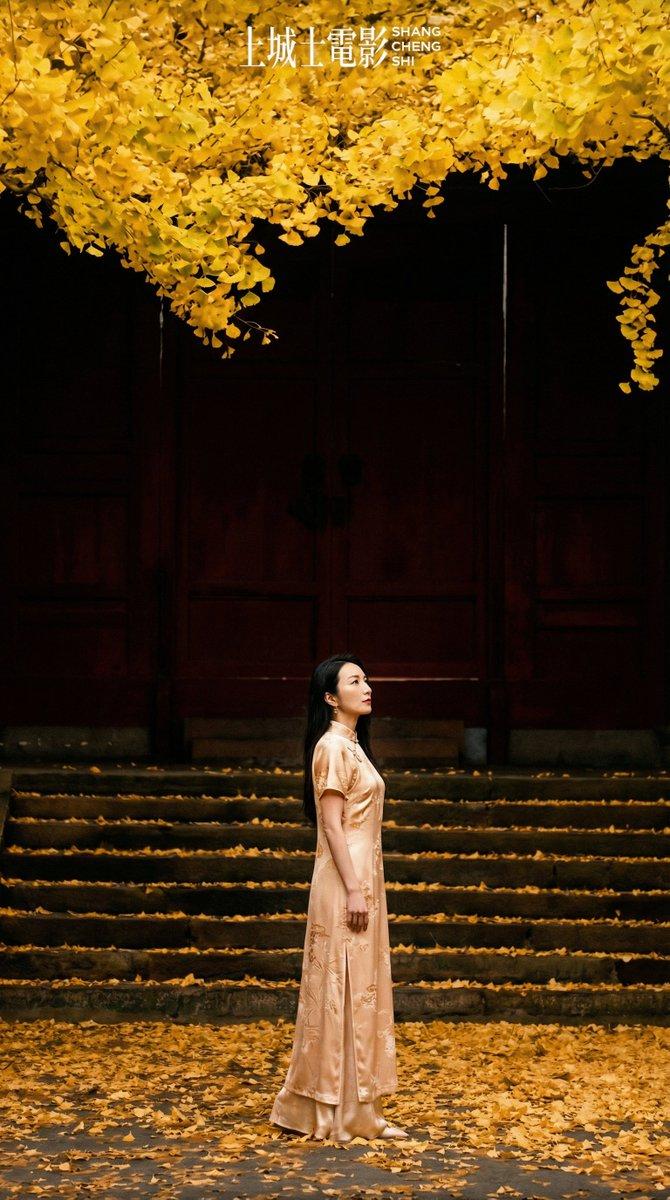
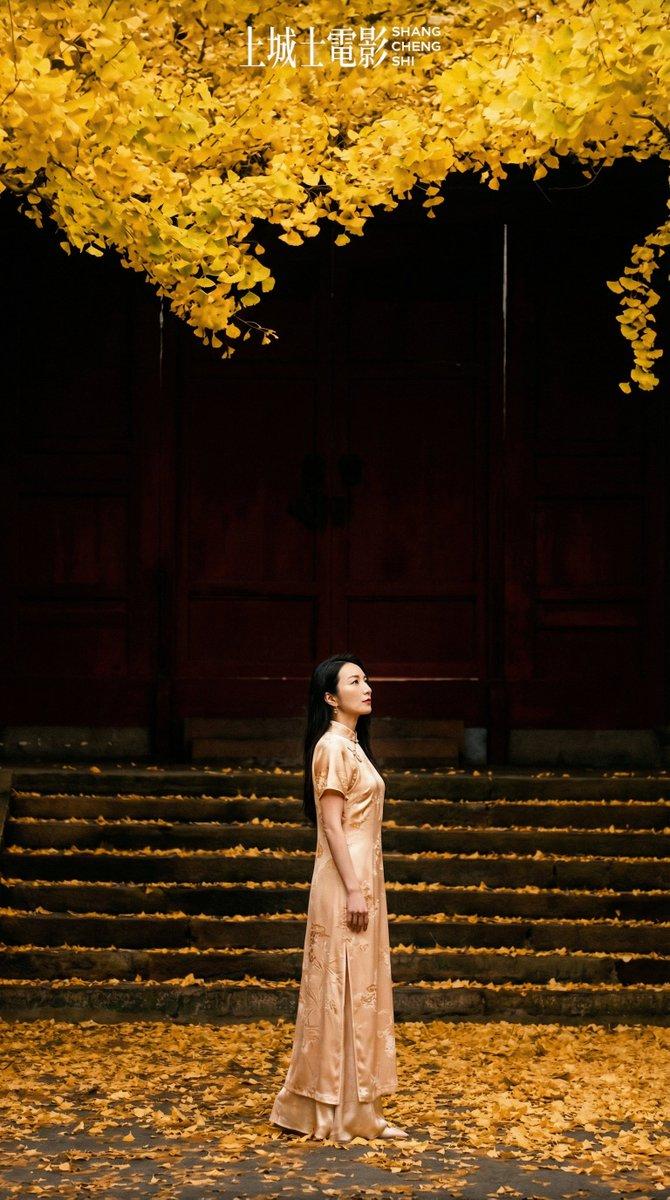
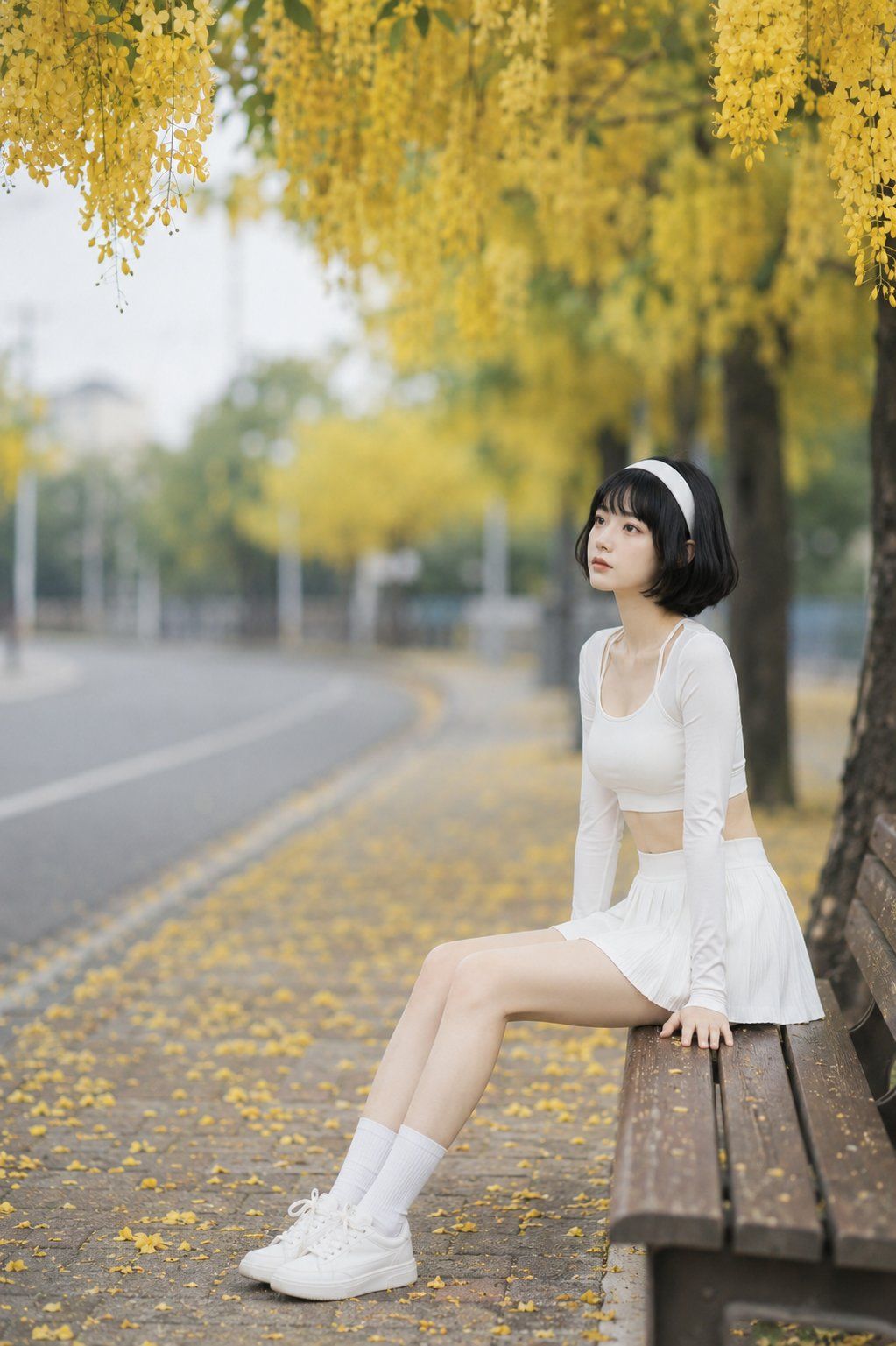
腊肠树大道人像
Enlarge

腊肠树大道人像

Prompt
Create a realistic vertical outdoor portrait photo on a quiet summer golden shower tree avenue. A young woman with {argument name="hair color and style" default="short black bob hair"} wears a wide white headband, a fitted white long-sleeve crop top with shoulder cutout straps, a high-waisted white pleated tennis skirt, white crew socks, and chunky white sneakers. She is seated sideways on a dark wooden park bench on the right side of the frame, leaning back slightly with both hands resting on the bench, legs extended diagonally toward the lower left, face softly blurred or anonymized. The setting is a peaceful sidewalk beside a gently curving empty road, covered with fallen yellow petals. Overhead, dense hanging clusters of {argument name="flower type" default="golden shower tree blossoms"} form a vivid yellow canopy across the top of the image, with more yellow-flowered trees receding into the background. Use shallow depth of field, soft natural daylight, creamy bokeh, muted green and gray background tones, and a dreamy editorial fashion-photography mood. Compose in a 2:3 vertical frame, subject placed on the right third, road and sidewalk leading lines fading into the left background. No text, no watermark, no extra people, no vehicles, no harsh shadows.
Category
Charts & Infographics
Model
GPT Image 2
Creator
Fox Zhang
Views0
Source ID
26621
Published
Jun 23, 2026

Guide

About "腊肠树大道人像"

What is this prompt for?

"腊肠树大道人像" AI image prompt for GPT Image 2 (Charts & Infographics). 一张垂直构图的写实时尚人像,一位身着白衣的女性坐在腊肠树下垂落的黄色花簇长椅上。 Copy it on Picva and recreate the look in one click.

The full copyable prompt and example visuals above are ready for AI image generation or one-click recreate in Picva.

How to use this prompt

  1. Step 1

    Open the prompt detail

    Review the example visuals, category, and full prompt text for "腊肠树大道人像".

  2. Step 2

    Copy the prompt

    Copy the prompt body from this page, or load it directly in Studio.

  3. Step 3

    Pick a model (GPT Image 2)

    Prefer GPT Image 2. If you switch models, keep subject and composition and tweak style terms.

  4. Step 4

    Generate and export

    Recreate the look in Picva, or export into your workflow for editing and publishing.

FAQ

What is the "腊肠树大道人像" prompt?
It is an AI image-generation prompt for GPT Image 2 in the Charts & Infographics category. This page includes the full prompt text, example visuals, and a one-click recreate path in Picva.
How do I use this prompt to generate an image?
Copy the prompt from this page, or use Generate / Studio. Paste it into a compatible image model, or recreate the look in Picva with optional reference images.
Which model is this prompt for?
This page lists GPT Image 2. Most descriptive prompts also transfer to nearby image models such as GPT Image, Flux, or Midjourney with light style tweaks.
Can I use the result commercially?
You can usually copy the prompt for creation, but commercial use of the final image depends on the model terms, reference-image rights, and the generated content. Follow the source author and platform rules.