18

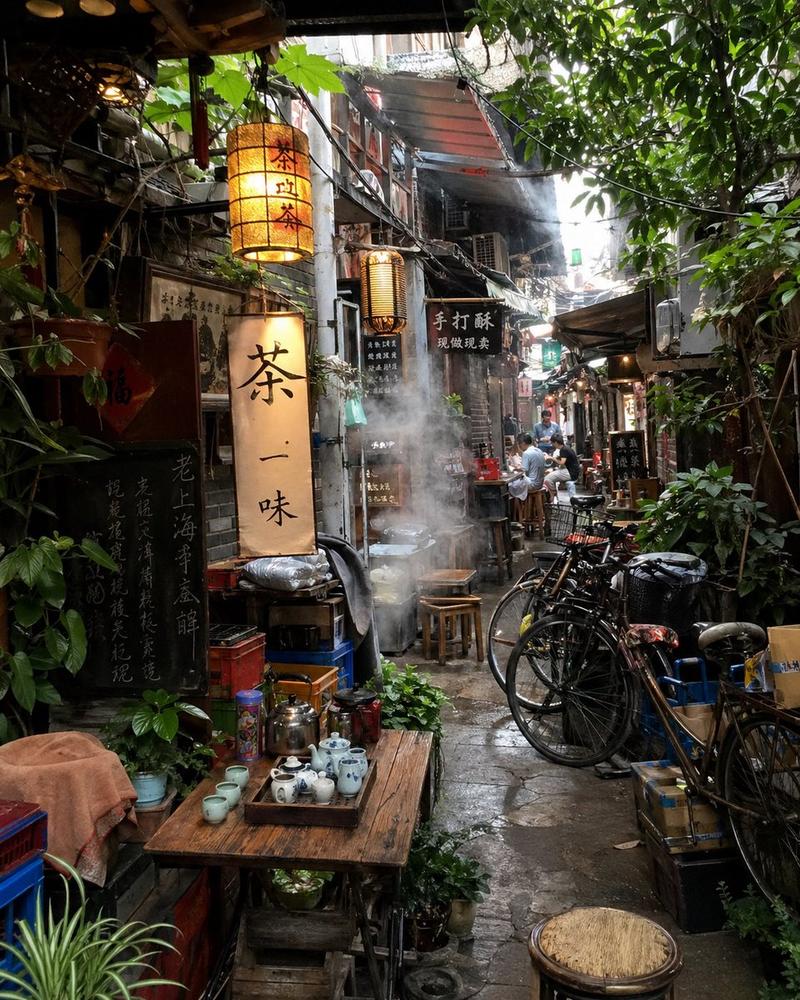
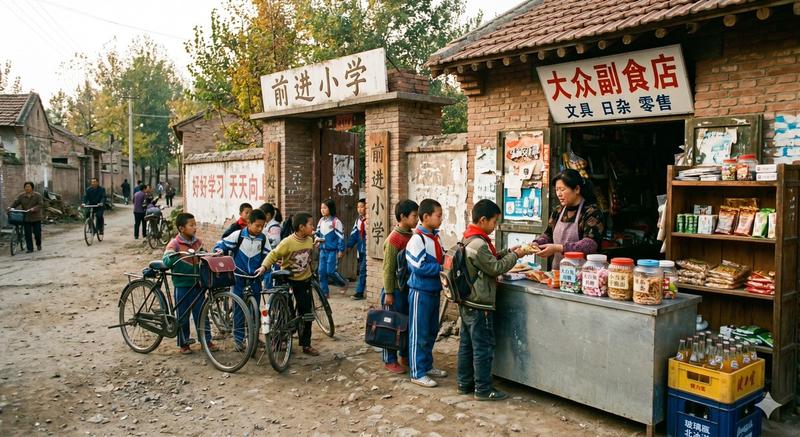
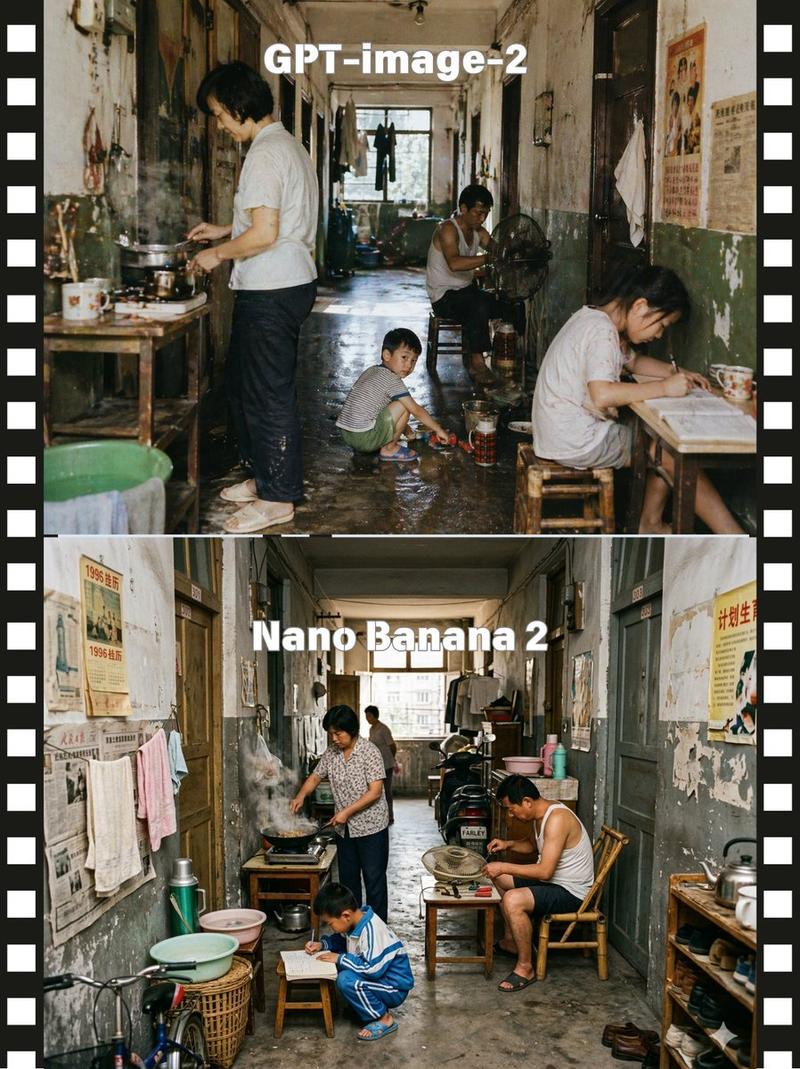
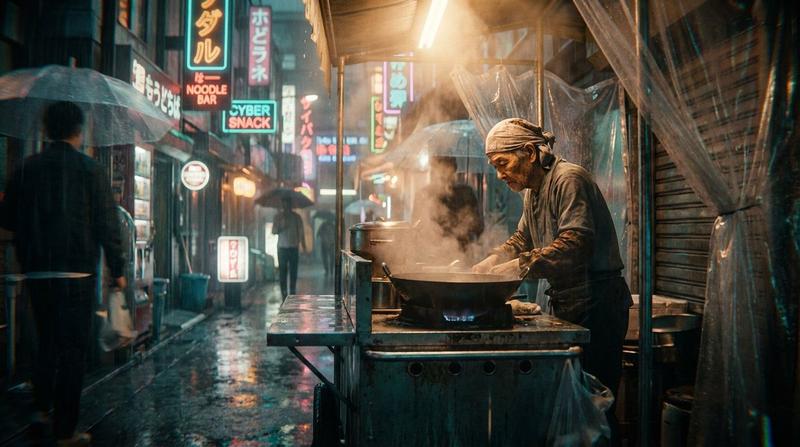
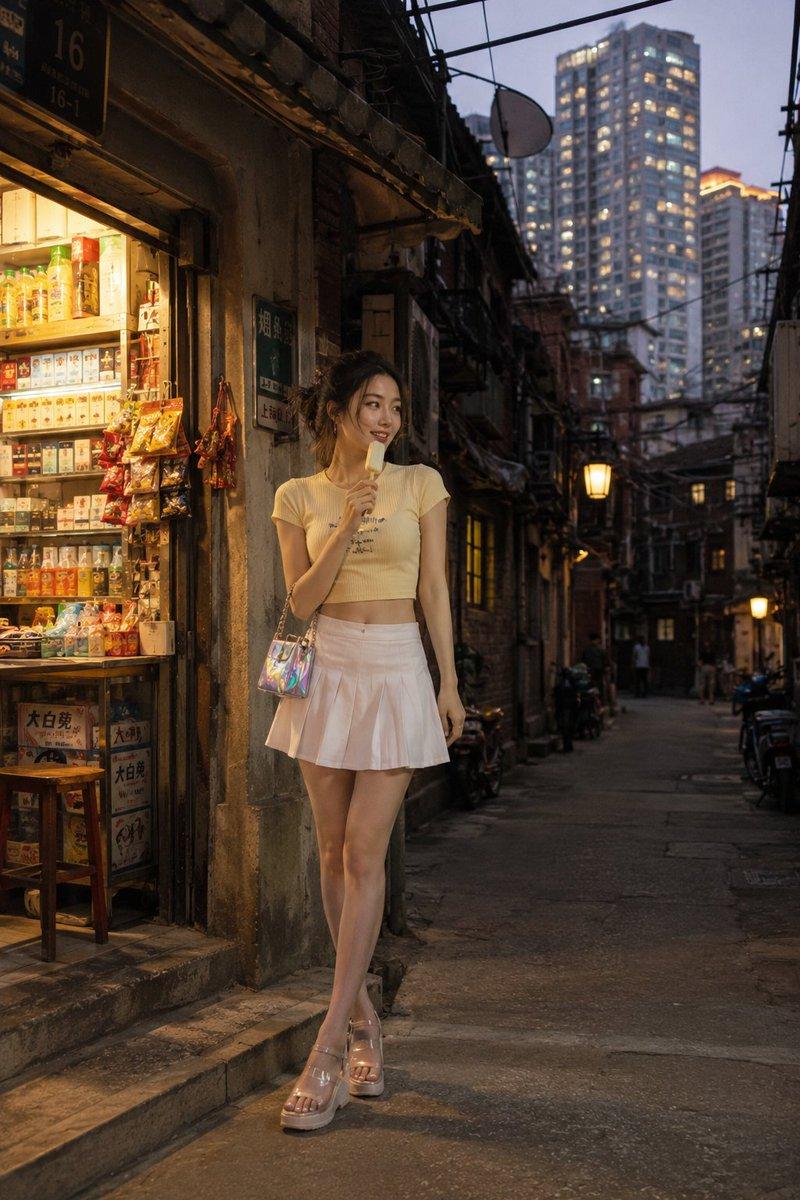
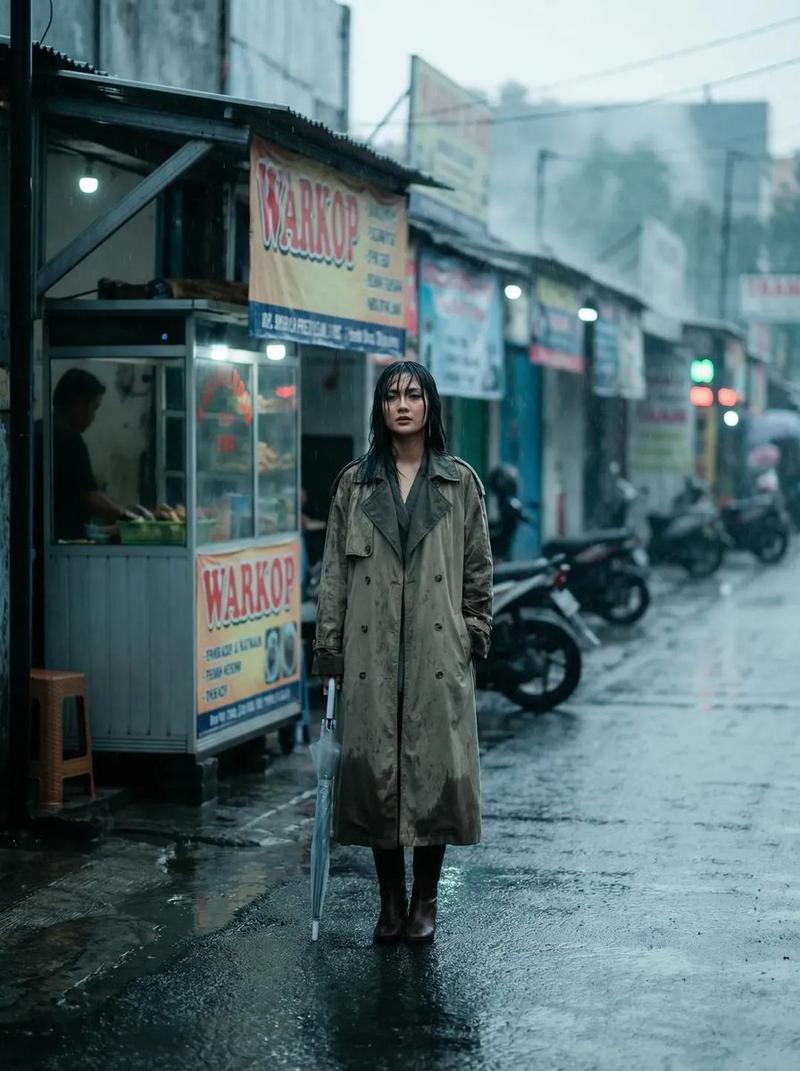
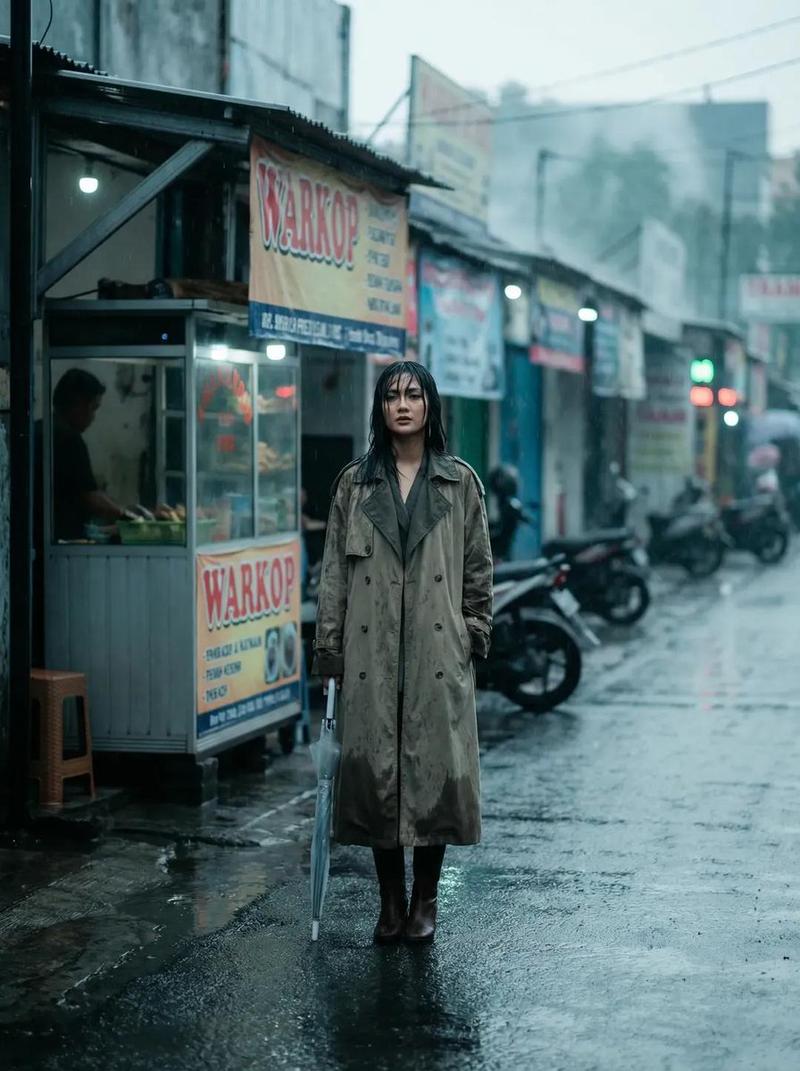
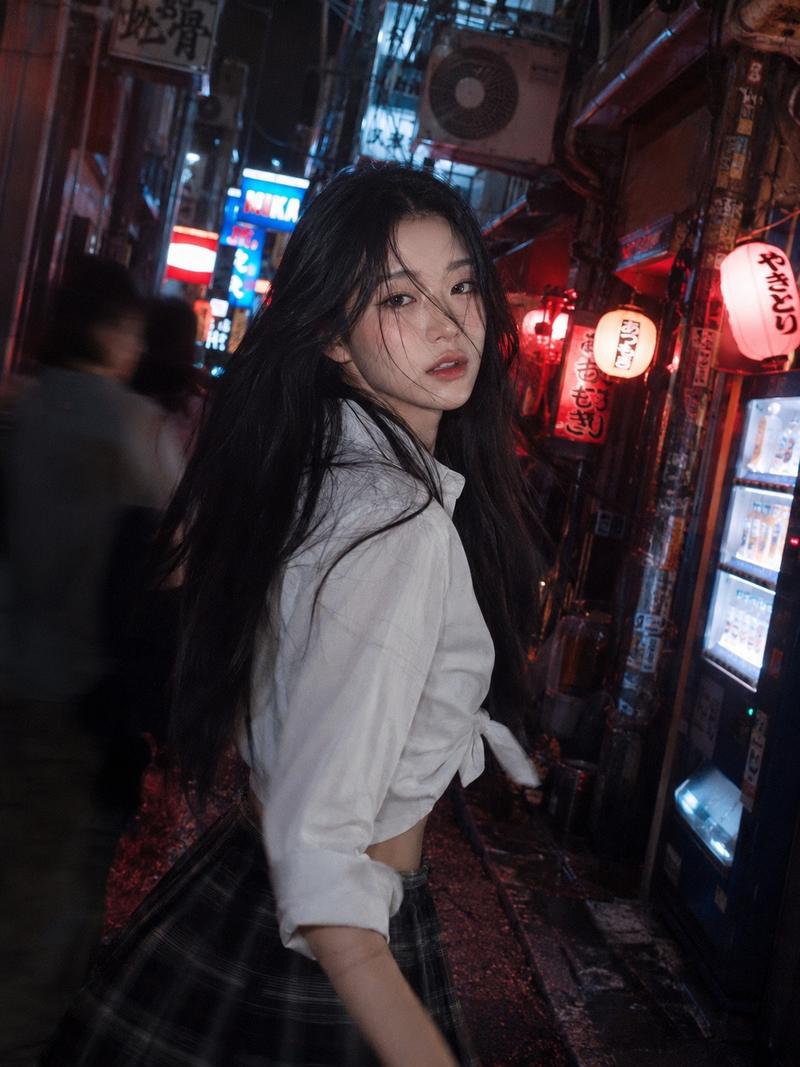
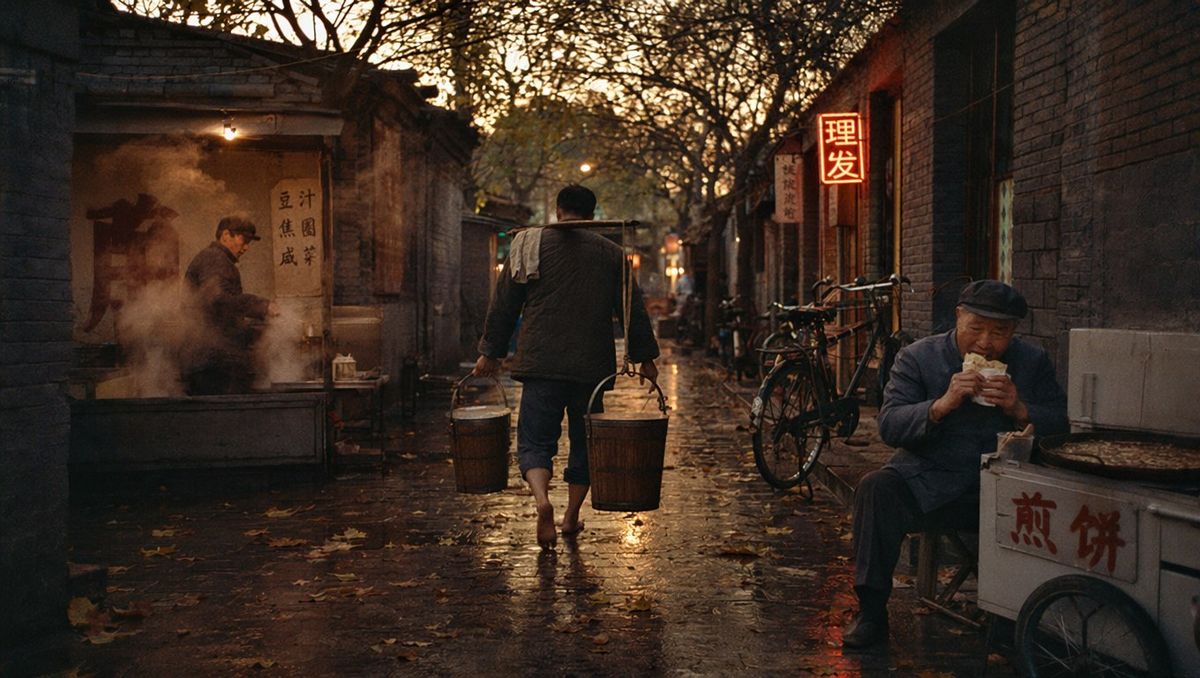
1985 年北京胡同街头摄影
Enlarge

1985 年北京胡同街头摄影

Prompt
{argument name="year" default="1985"} Beijing hutong alley at {argument name="time of day" default="dawn"}, a barefoot tofu seller carrying two wooden buckets across his shoulder, steam rising from a yutan stall, vintage Flying Pigeon bicycles parked against grey brick walls, autumn leaves scattered on wet cobblestone, an old man in Mao suit eating jianbing from a street cart, neon shop signs flickering, warm tungsten streetlight glow, Kodak Portra 400 film grain, documentary street photography by {argument name="photographer" default="Wang Fuchun"}
Category
Charts & Infographics
Model
GPT Image 2
Views0
Source ID
26678
Published
Jun 24, 2026

Guide

About "1985 年北京胡同街头摄影"

What is this prompt for?

"1985 年北京胡同街头摄影" AI image prompt for GPT Image 2 (Charts & Infographics). 一个充满电影感和氛围感的提示词,旨在以纪实摄影风格重现 1985 年黎明时分的北京胡同。 Copy it on Picva and recreate the look i…

The full copyable prompt and example visuals above are ready for AI image generation or one-click recreate in Picva.

How to use this prompt

  1. Step 1

    Open the prompt detail

    Review the example visuals, category, and full prompt text for "1985 年北京胡同街头摄影".

  2. Step 2

    Copy the prompt

    Copy the prompt body from this page, or load it directly in Studio.

  3. Step 3

    Pick a model (GPT Image 2)

    Prefer GPT Image 2. If you switch models, keep subject and composition and tweak style terms.

  4. Step 4

    Generate and export

    Recreate the look in Picva, or export into your workflow for editing and publishing.

FAQ

What is the "1985 年北京胡同街头摄影" prompt?
It is an AI image-generation prompt for GPT Image 2 in the Charts & Infographics category. This page includes the full prompt text, example visuals, and a one-click recreate path in Picva.
How do I use this prompt to generate an image?
Copy the prompt from this page, or use Generate / Studio. Paste it into a compatible image model, or recreate the look in Picva with optional reference images.
Which model is this prompt for?
This page lists GPT Image 2. Most descriptive prompts also transfer to nearby image models such as GPT Image, Flux, or Midjourney with light style tweaks.
Can I use the result commercially?
You can usually copy the prompt for creation, but commercial use of the final image depends on the model terms, reference-image rights, and the generated content. Follow the source author and platform rules.