18

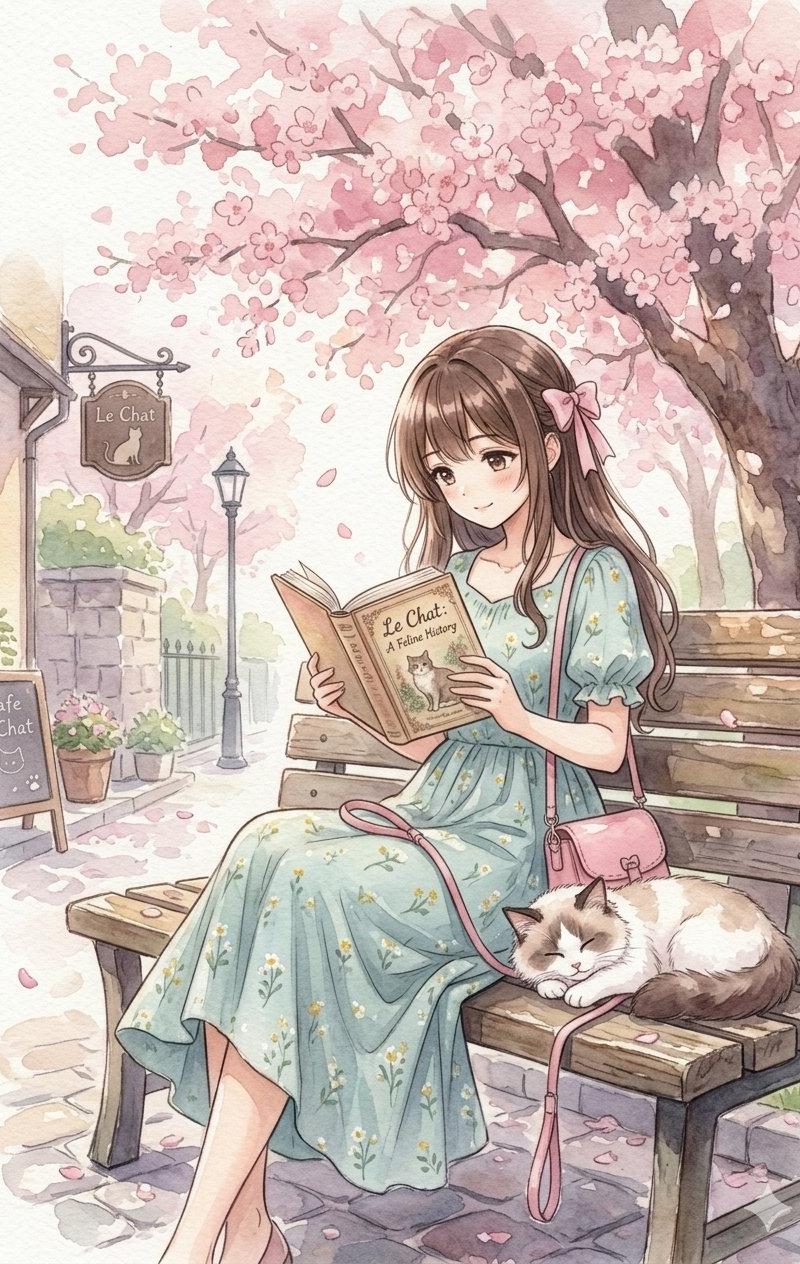
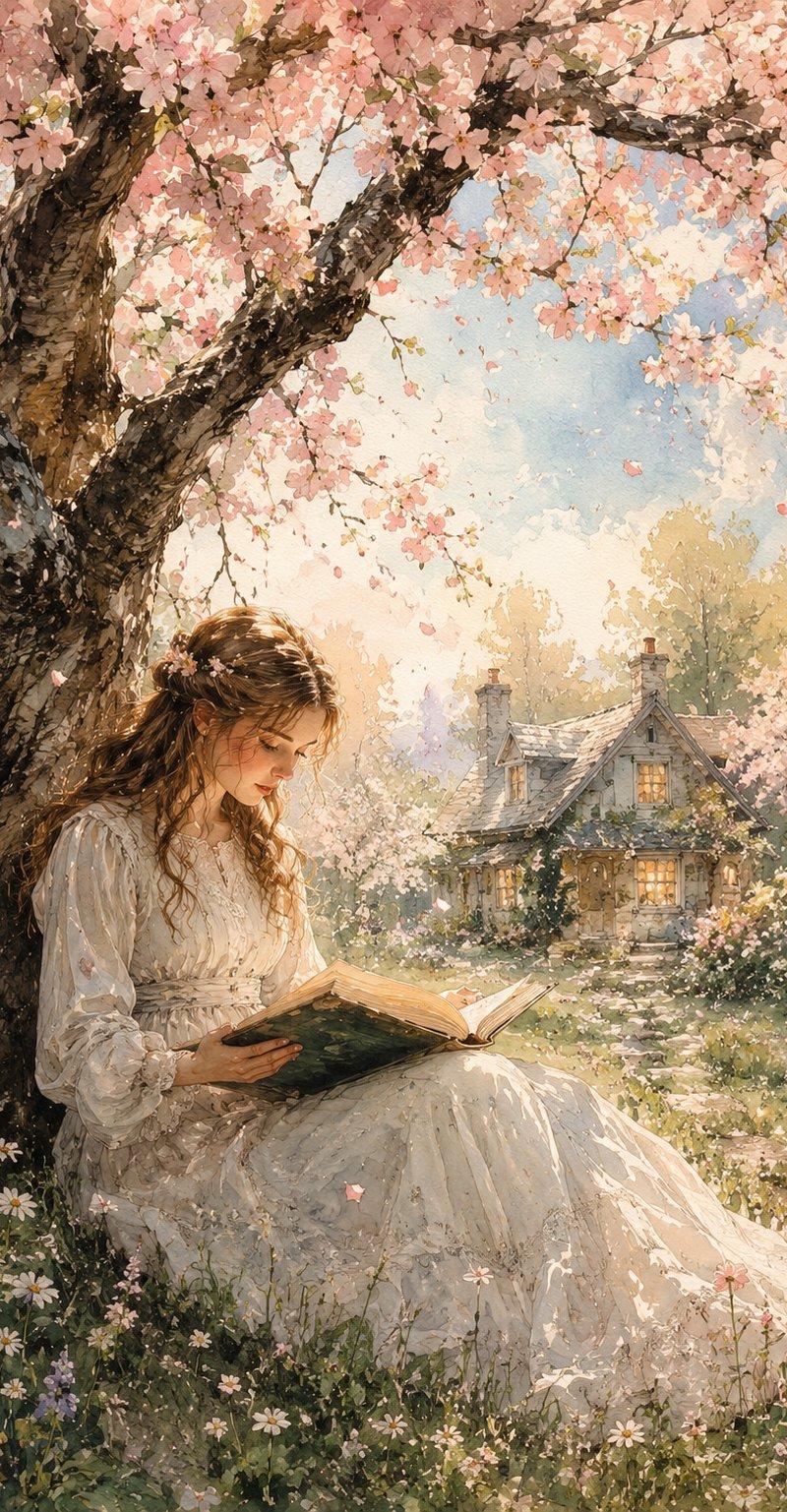
春日水彩阅读场景
Enlarge

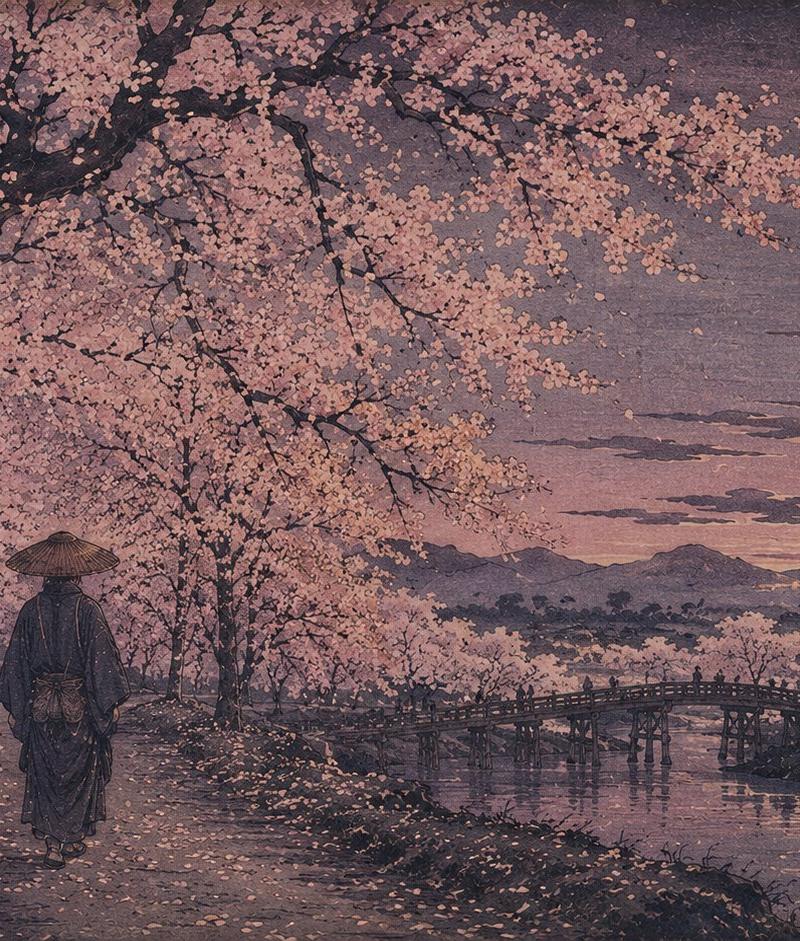
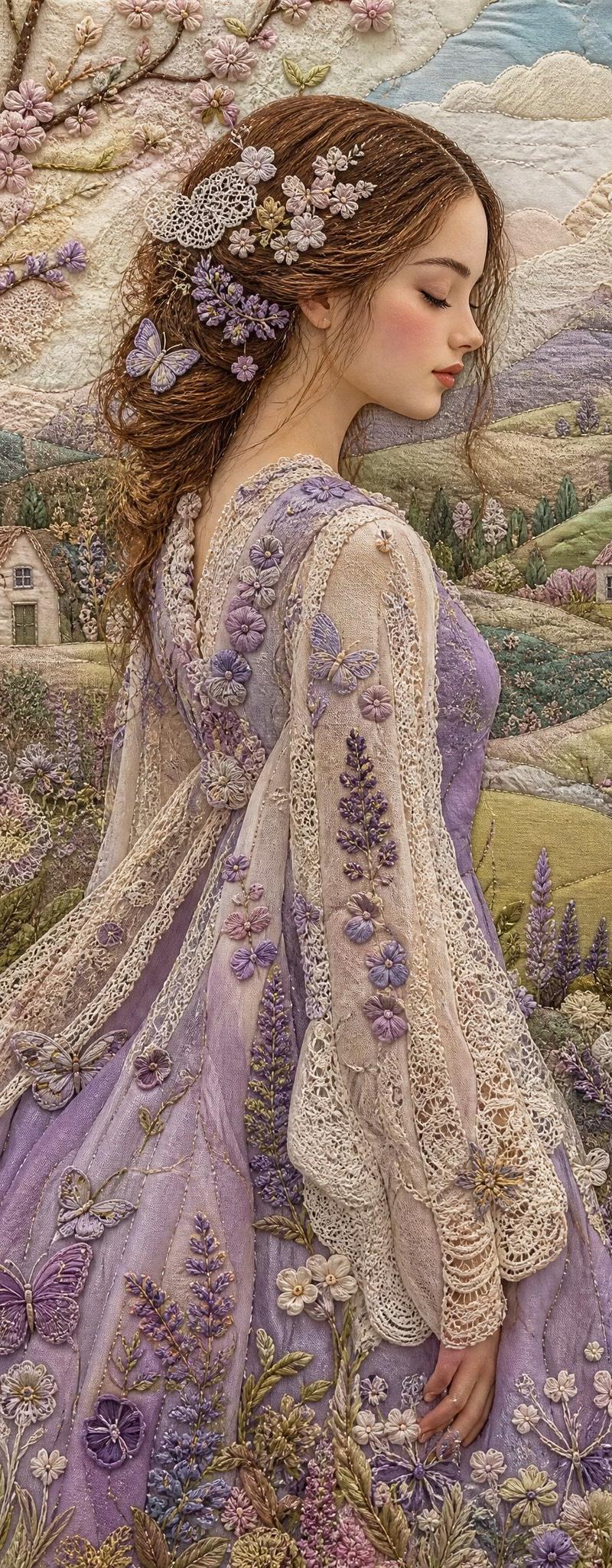
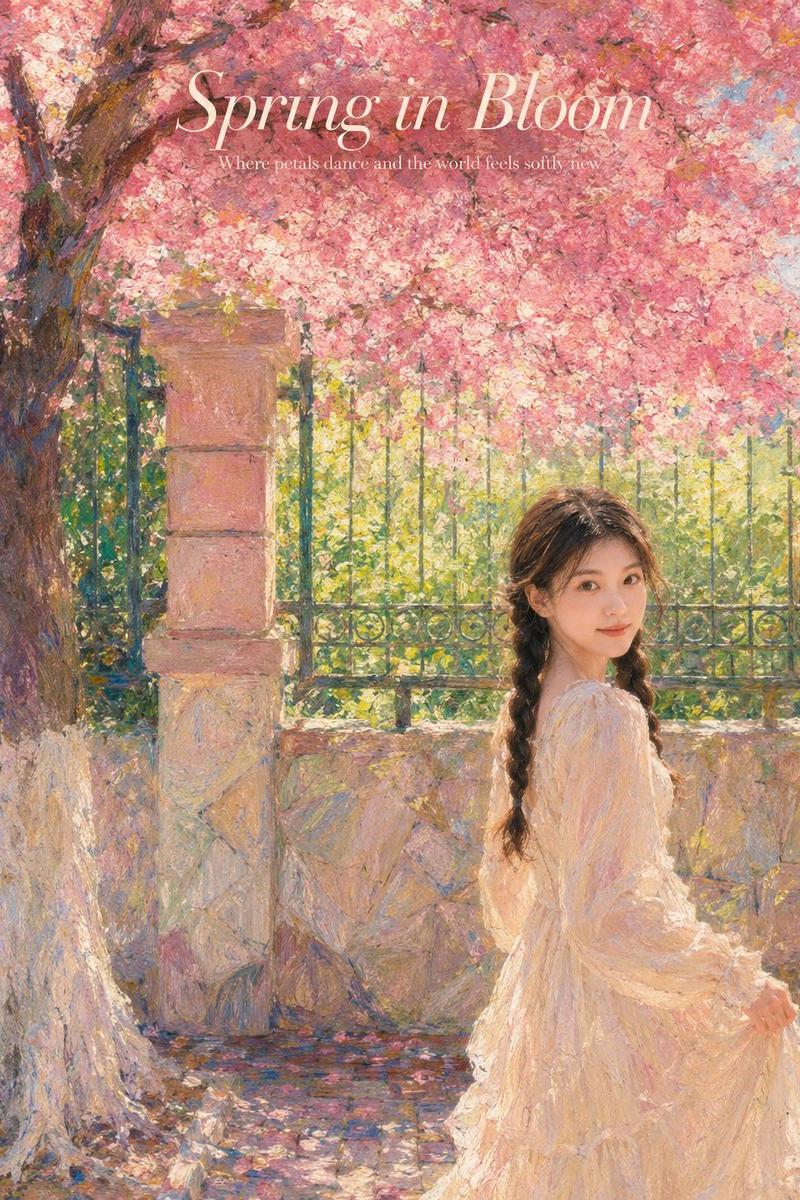
Example images

春日水彩阅读场景

Prompt
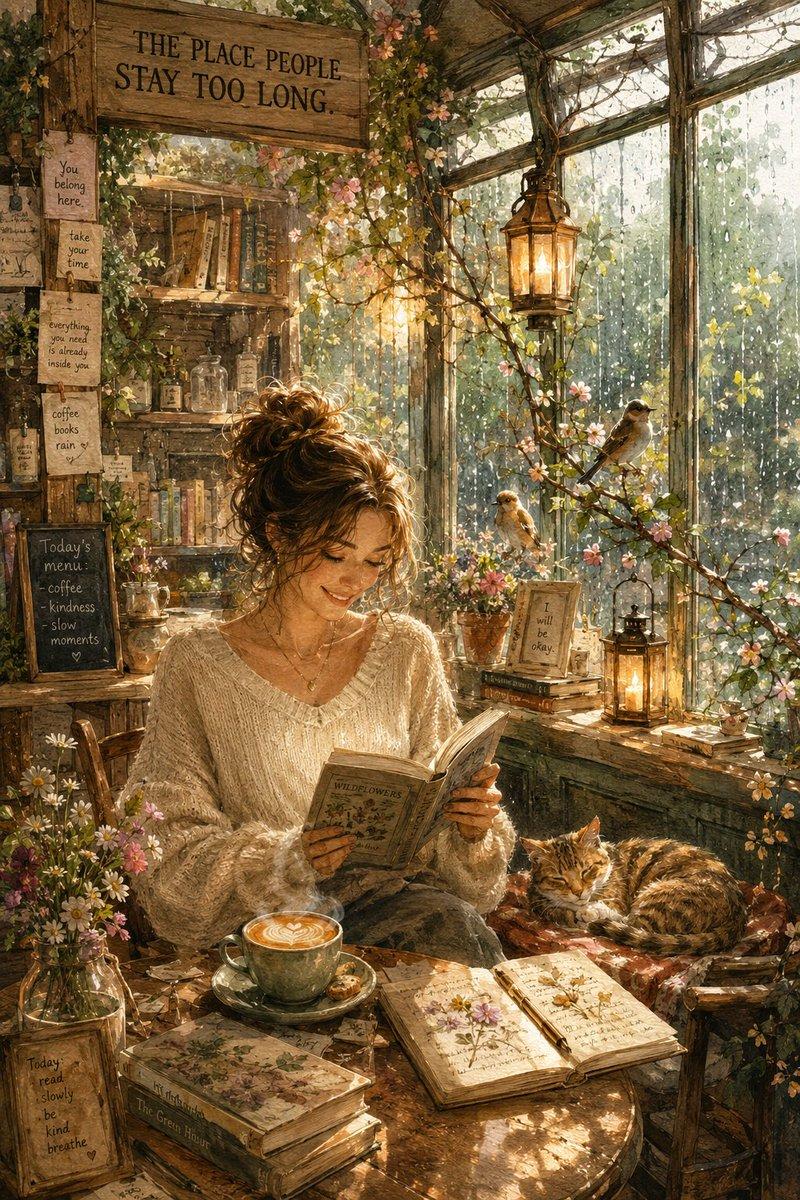
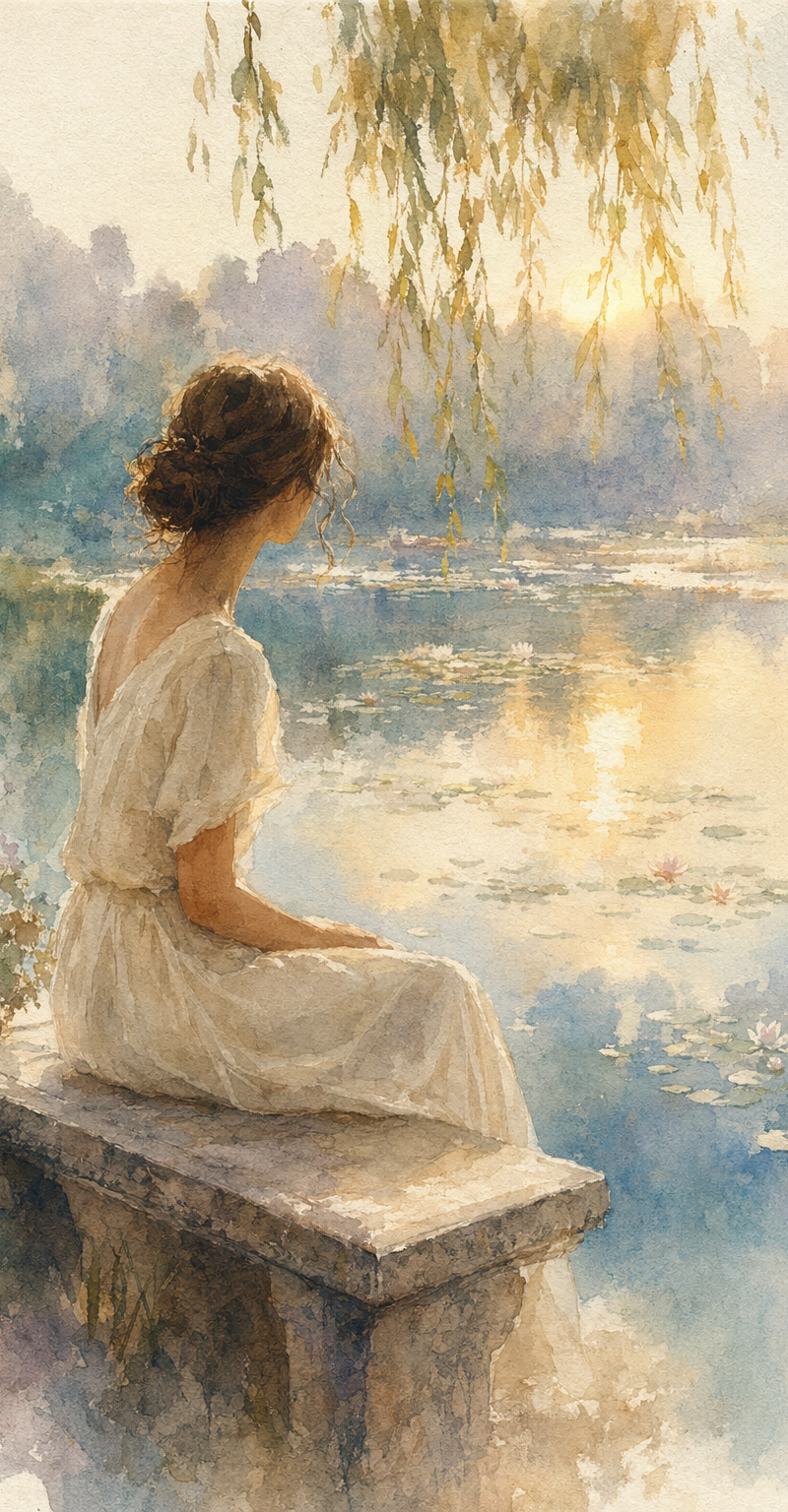
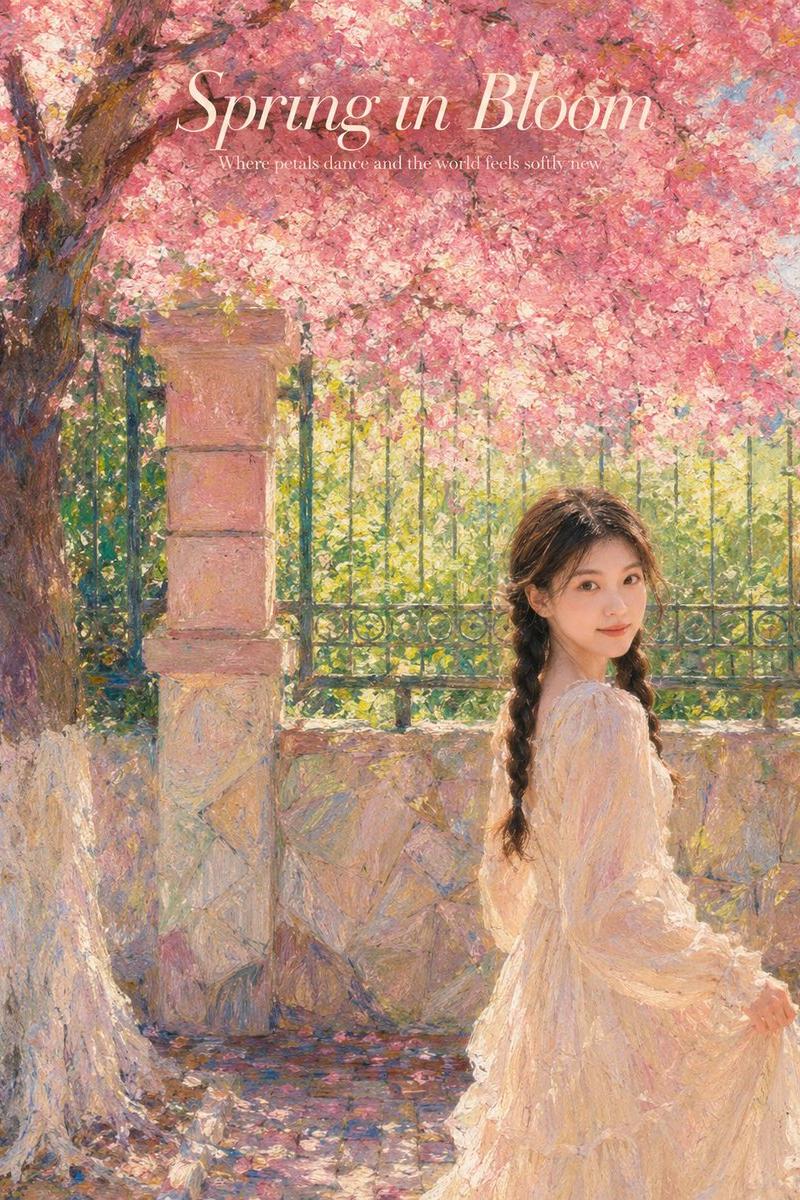
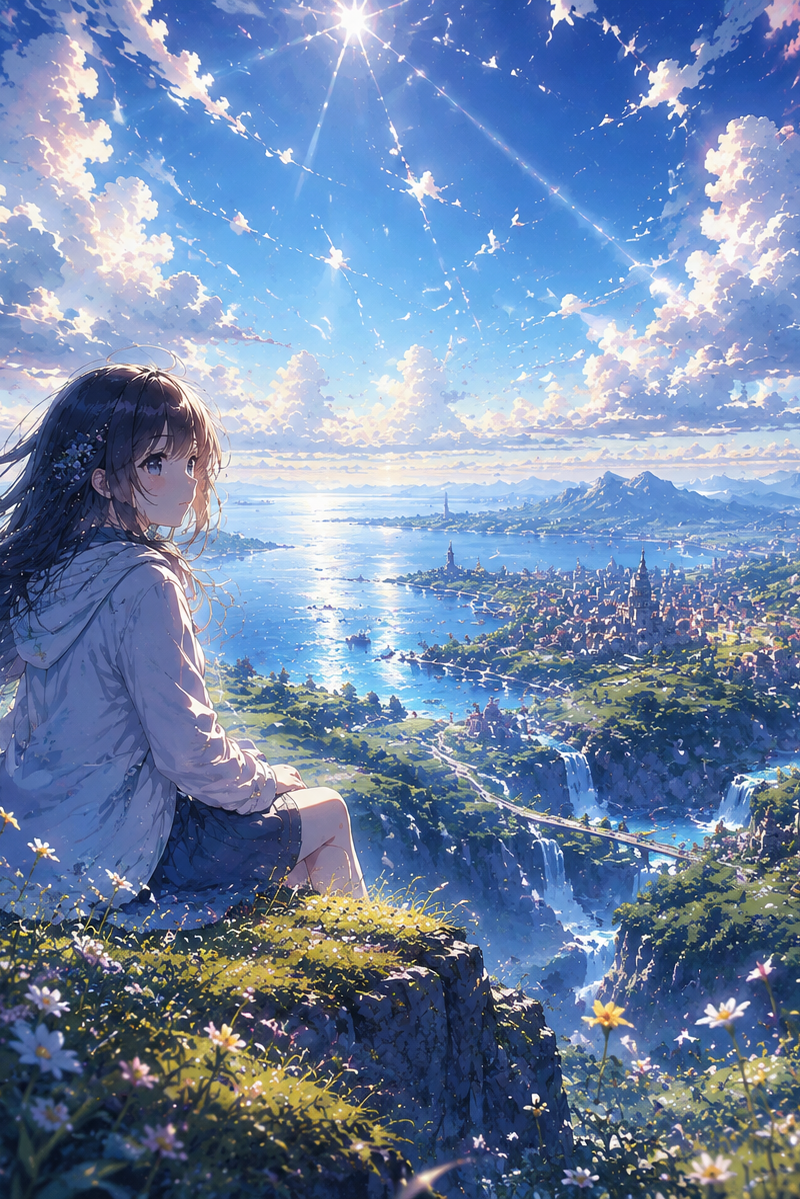
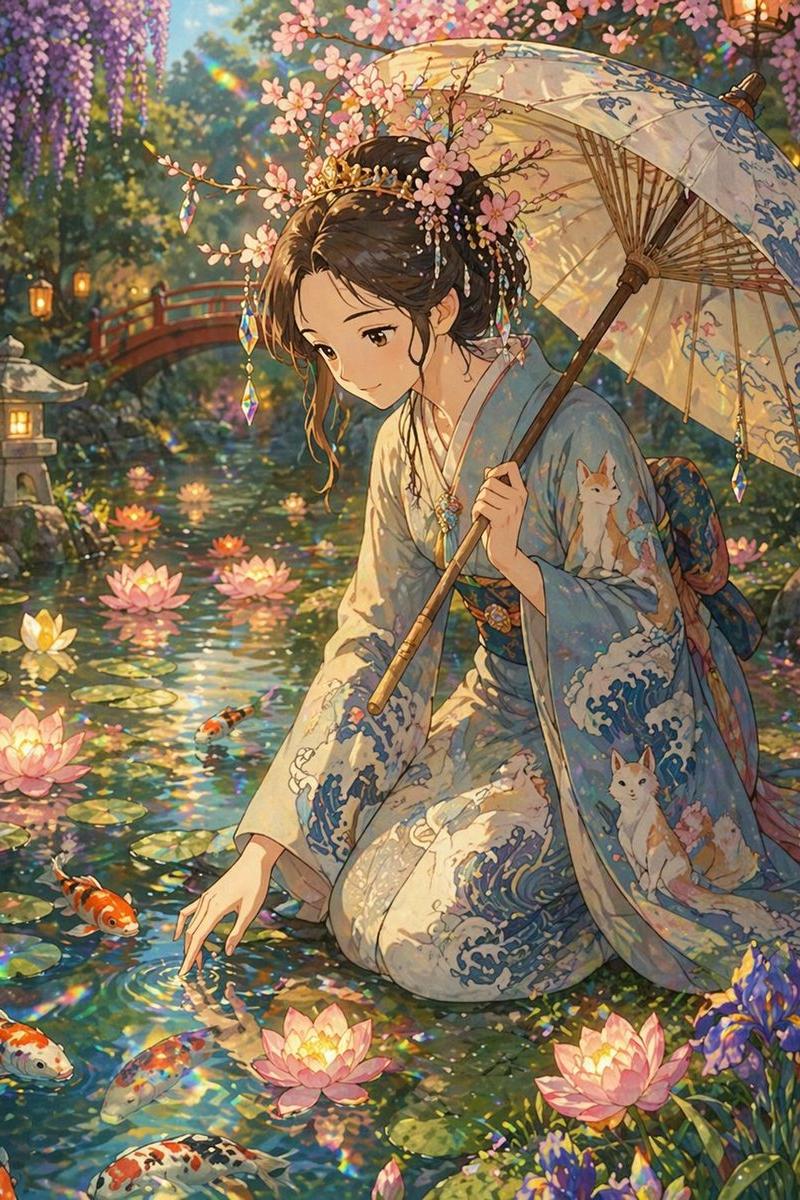
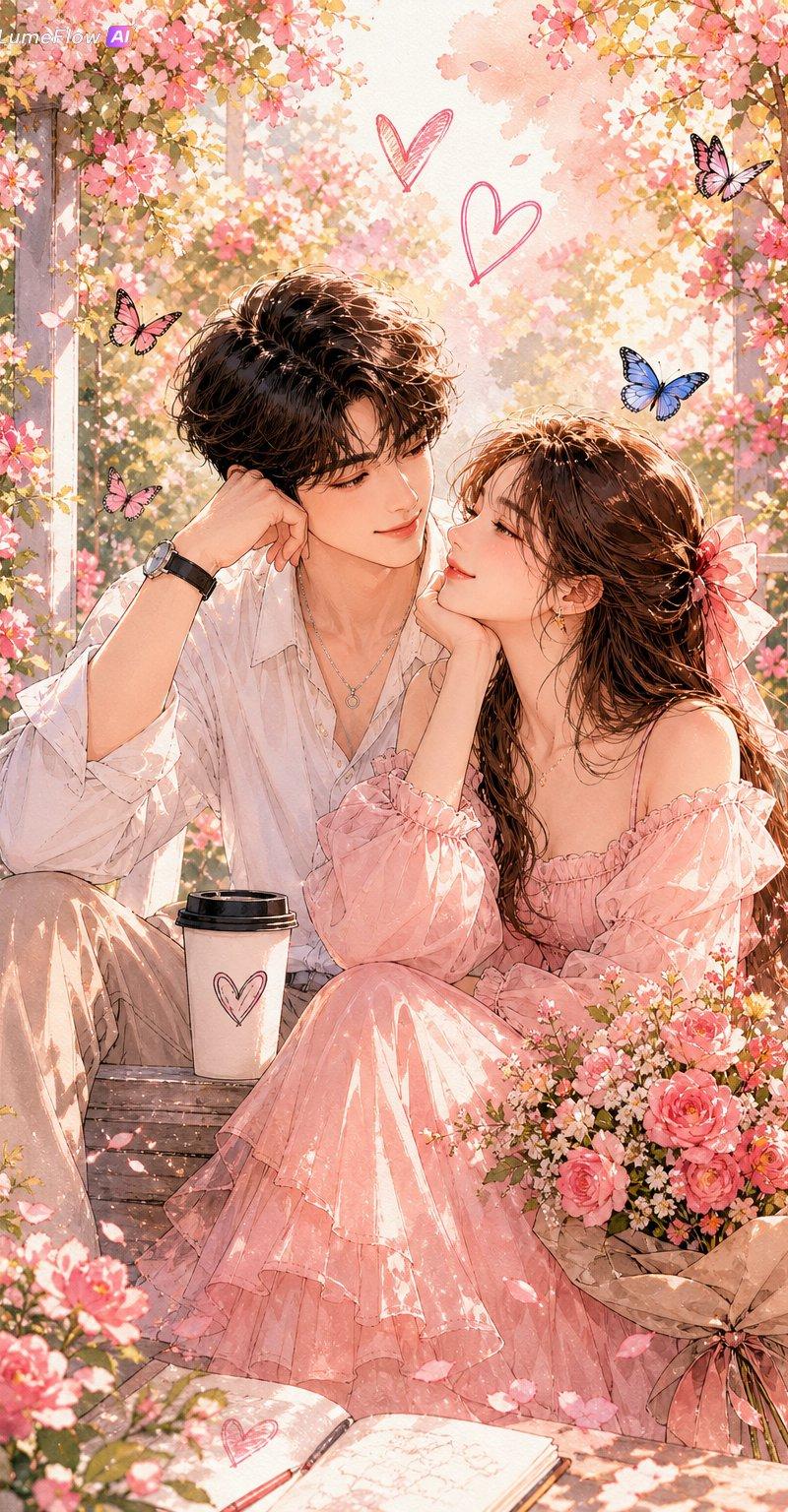
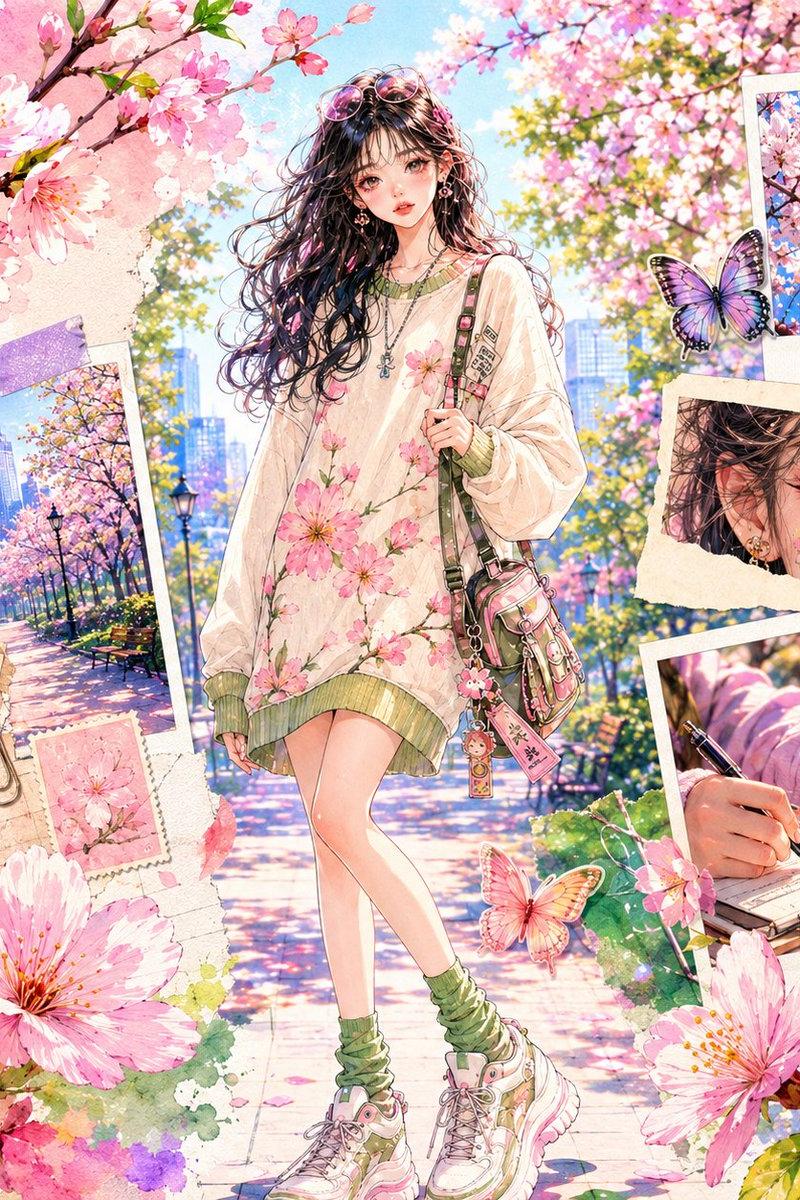
A vertical, dreamy watercolor scene of a young woman sitting beneath a gnarled {argument name="tree type" default="blossoming tree"}, reading a large open book; soft pastel palette with {argument name="flowers" default="pink cherry blossoms"}, muted greens and sky washes, delicate ink outlines and paper texture visible. The girl wears a {argument name="outfit" default="simple vintage white dress"}, long flowing hair, serene expression, warm rim light on her face. In the midground a small rustic cottage with glowing windows nestles among flowering bushes. Foreground filled with wildflowers, tall grass and scattered petals drifting in a gentle breeze. Soft, luminous sunlight filters through branches, subtle bokeh and watercolor bleeds, high detail on face, book and tree bark, loose painterly background, whimsical tranquil atmosphere, magical realism.
Category
Charts & Infographics
Model
GPT Image 2
Creator
Fatema
Source language
en
Views0
Source ID
26745
Published
Jun 25, 2026
Studio

Guide

About "春日水彩阅读场景"

What is this prompt for?

"春日水彩阅读场景" AI image prompt for GPT Image 2 (Charts & Infographics). 一幅梦幻且细节丰富的水彩插画,描绘了一位年轻女子在乡村小屋旁的樱花树下阅读的场景。 Copy it on Picva and recreate the look in one cli…

The full copyable prompt and example visuals above are ready for AI image generation or one-click recreate in Picva.

How to use this prompt

  1. Step 1

    Open the prompt detail

    Review the example visuals, category, and full prompt text for "春日水彩阅读场景".

  2. Step 2

    Copy the prompt

    Copy the prompt body from this page, or load it directly in Studio.

  3. Step 3

    Pick a model (GPT Image 2)

    Prefer GPT Image 2. If you switch models, keep subject and composition and tweak style terms.

  4. Step 4

    Generate and export

    Recreate the look in Picva, or export into your workflow for editing and publishing.

FAQ

What is the "春日水彩阅读场景" prompt?
It is an AI image-generation prompt for GPT Image 2 in the Charts & Infographics category. This page includes the full prompt text, example visuals, and a one-click recreate path in Picva.
How do I use this prompt to generate an image?
Copy the prompt from this page, or use Generate / Studio. Paste it into a compatible image model, or recreate the look in Picva with optional reference images.
Which model is this prompt for?
This page lists GPT Image 2. Most descriptive prompts also transfer to nearby image models such as GPT Image, Flux, or Midjourney with light style tweaks.
Can I use the result commercially?
You can usually copy the prompt for creation, but commercial use of the final image depends on the model terms, reference-image rights, and the generated content. Follow the source author and platform rules.