19

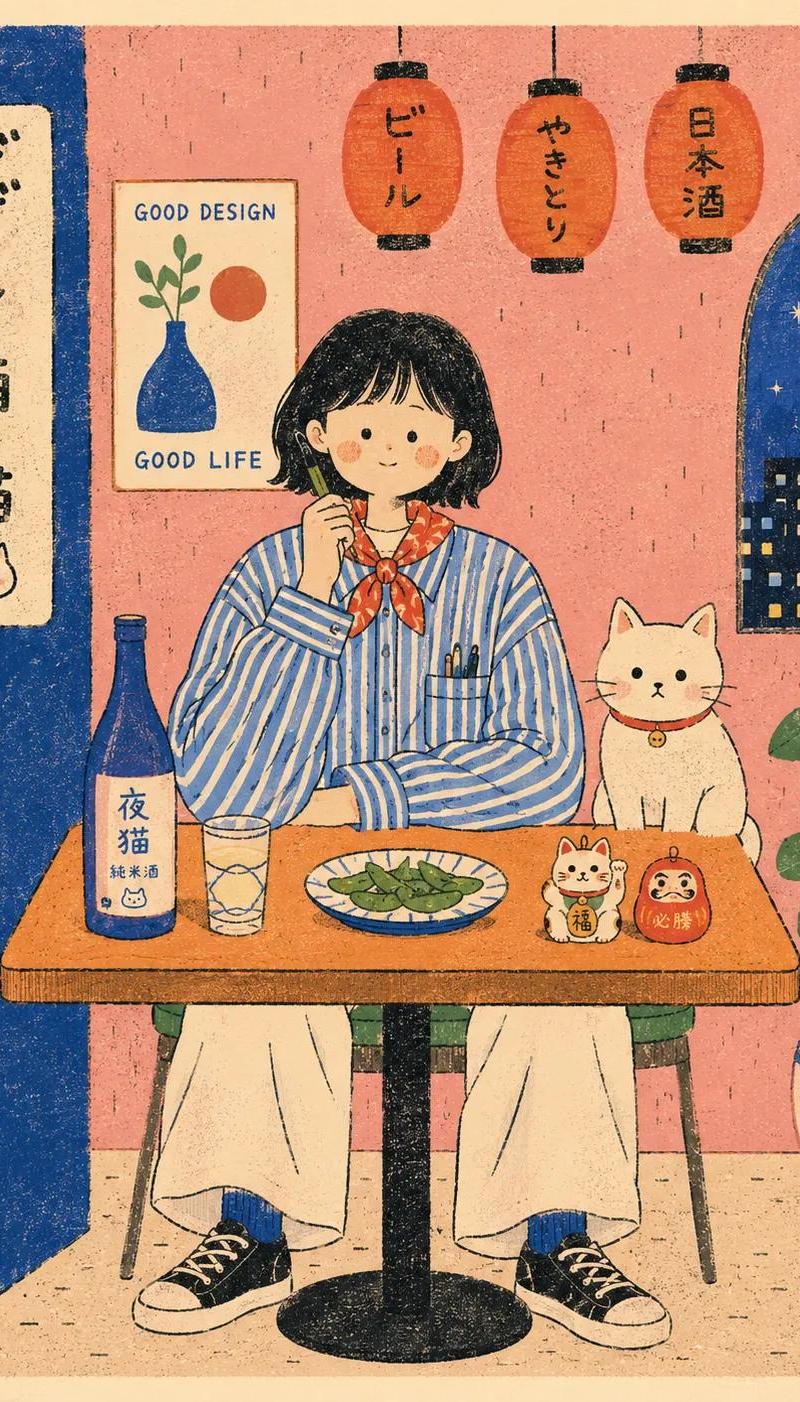
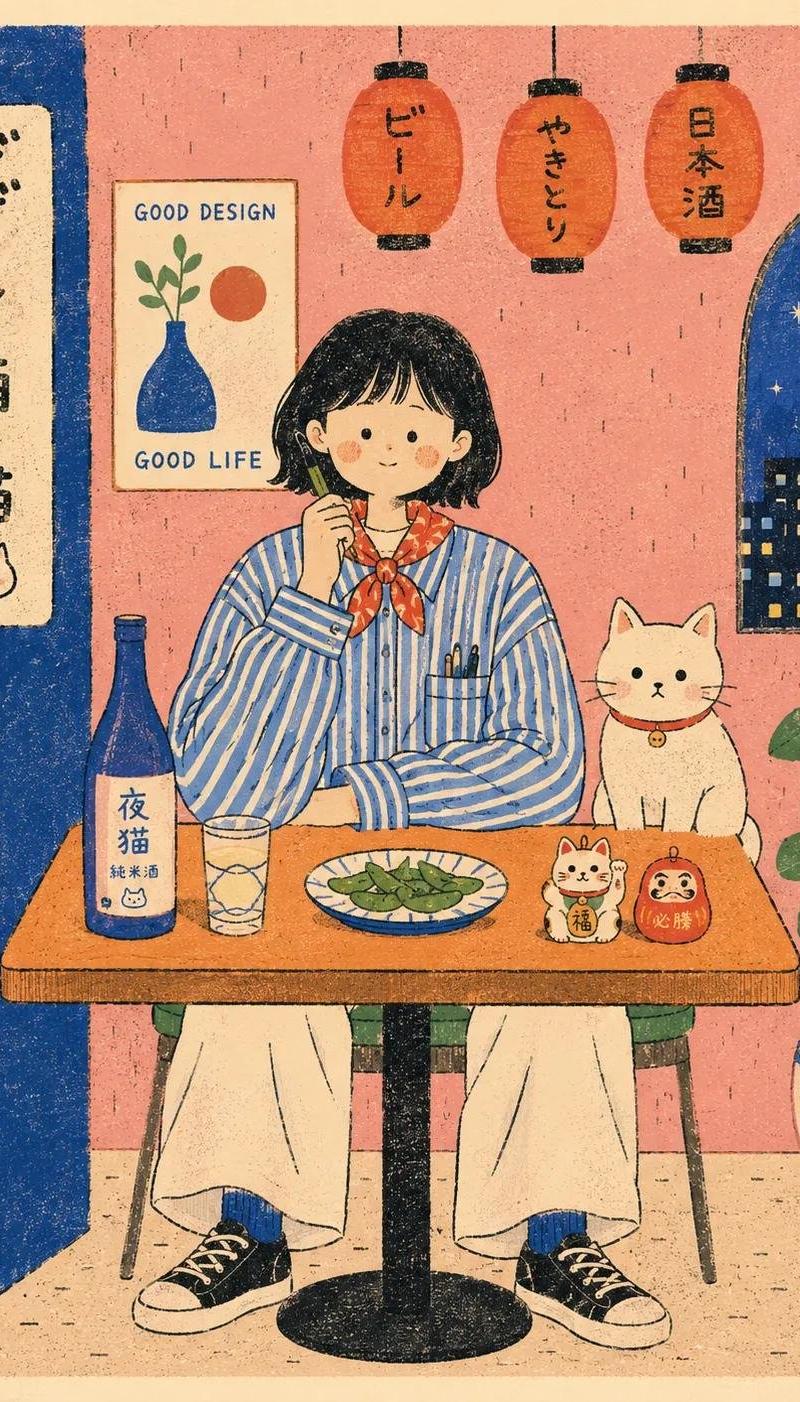
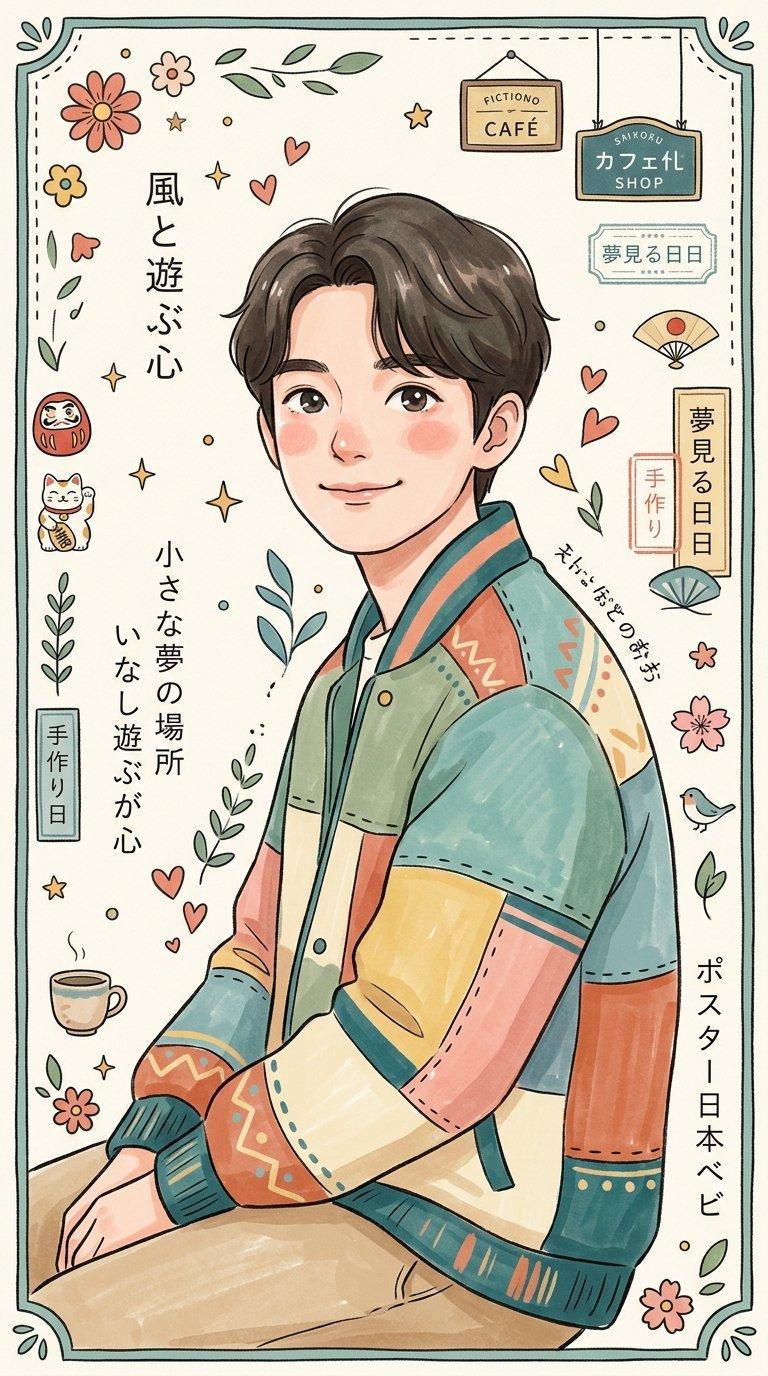
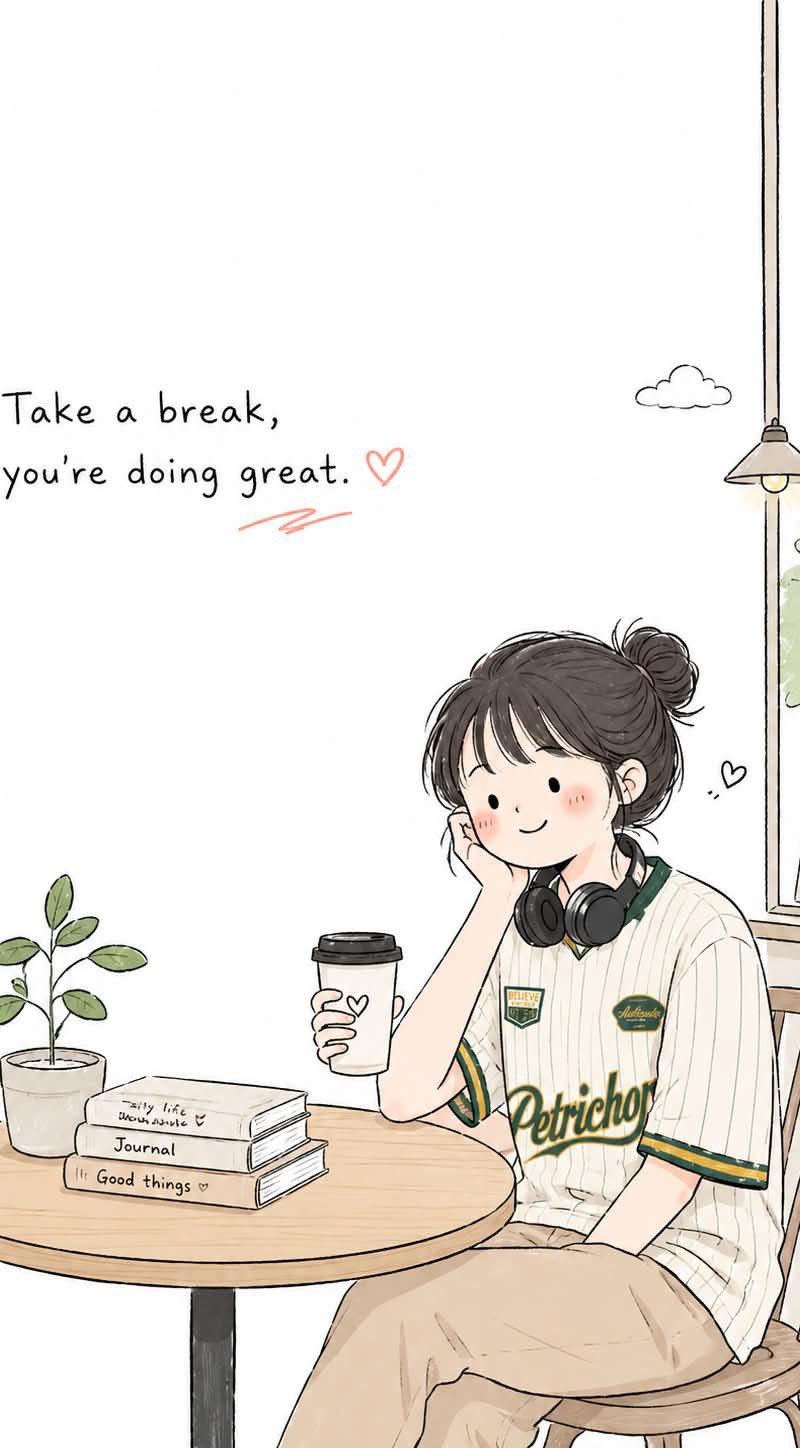
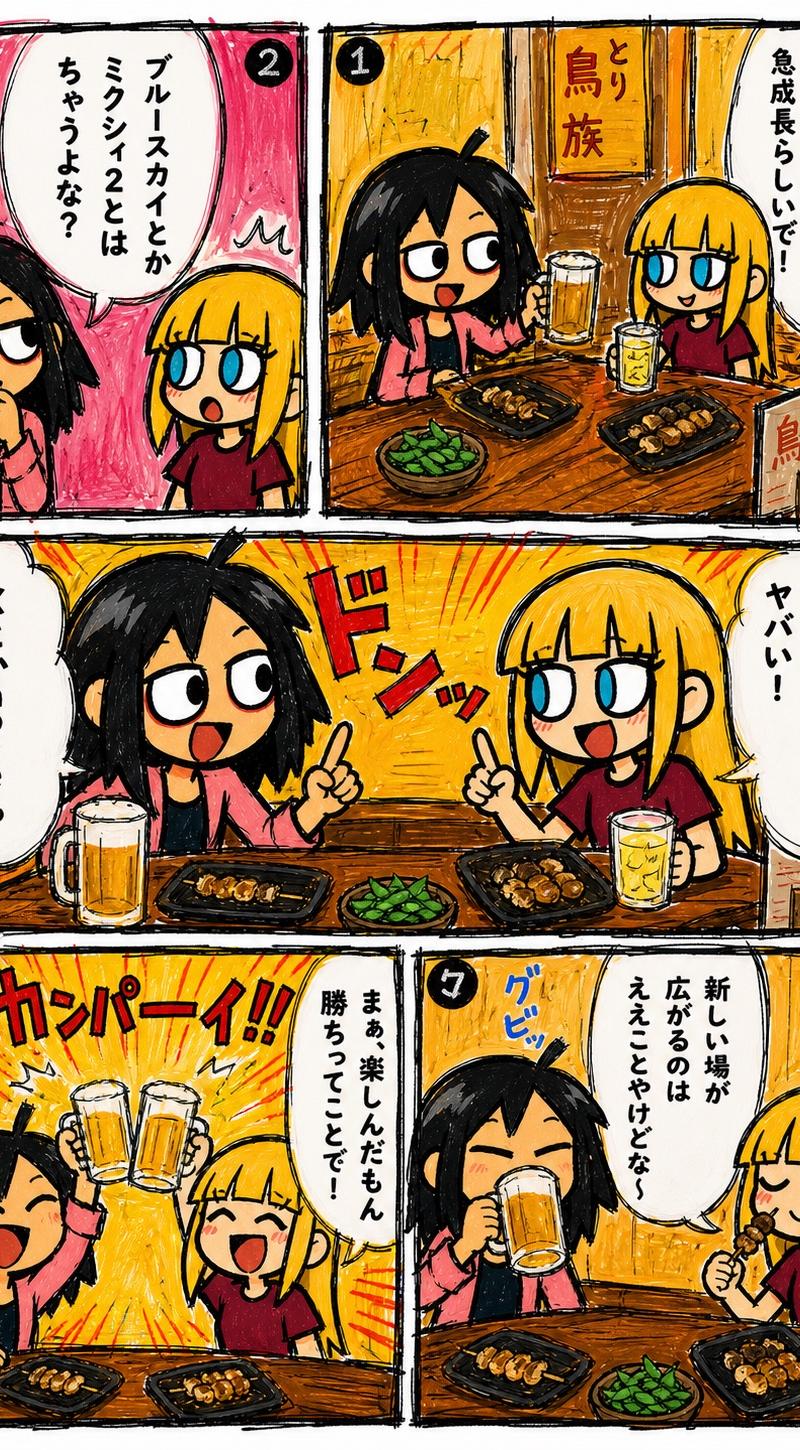
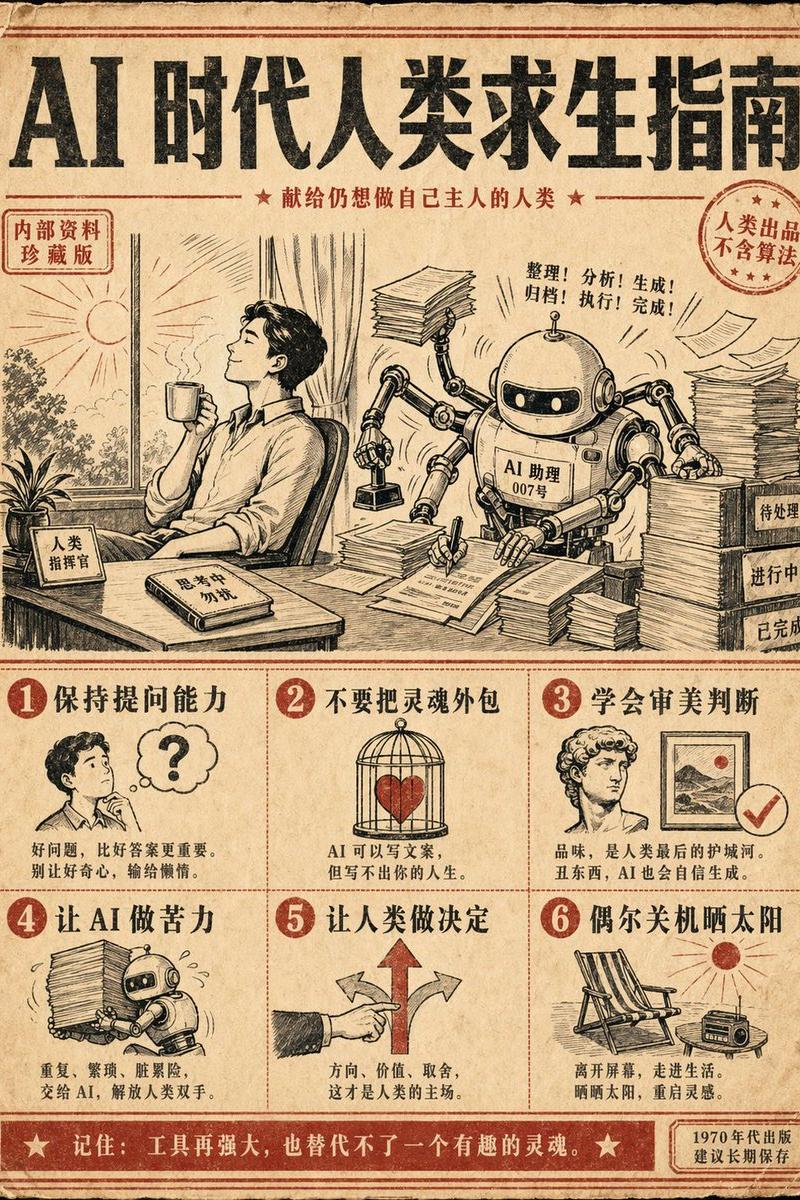
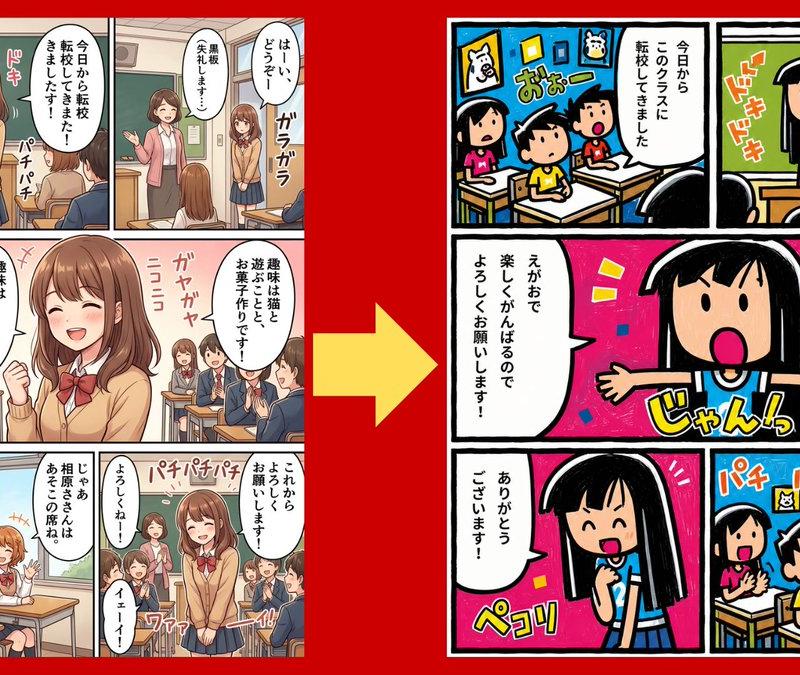
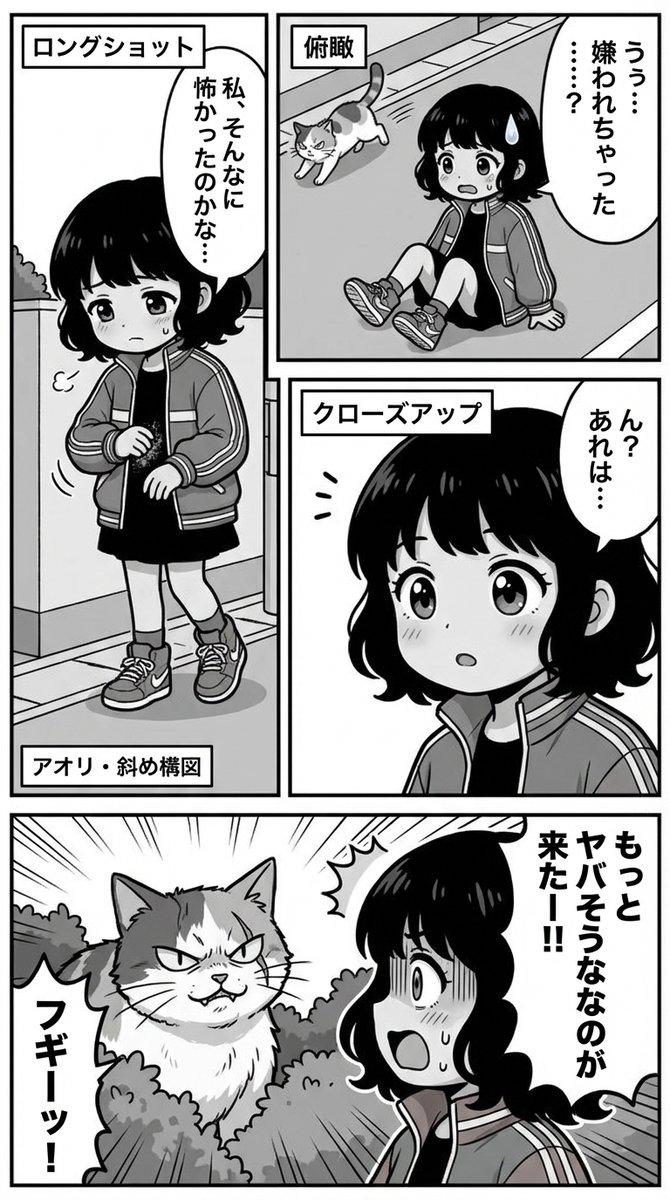
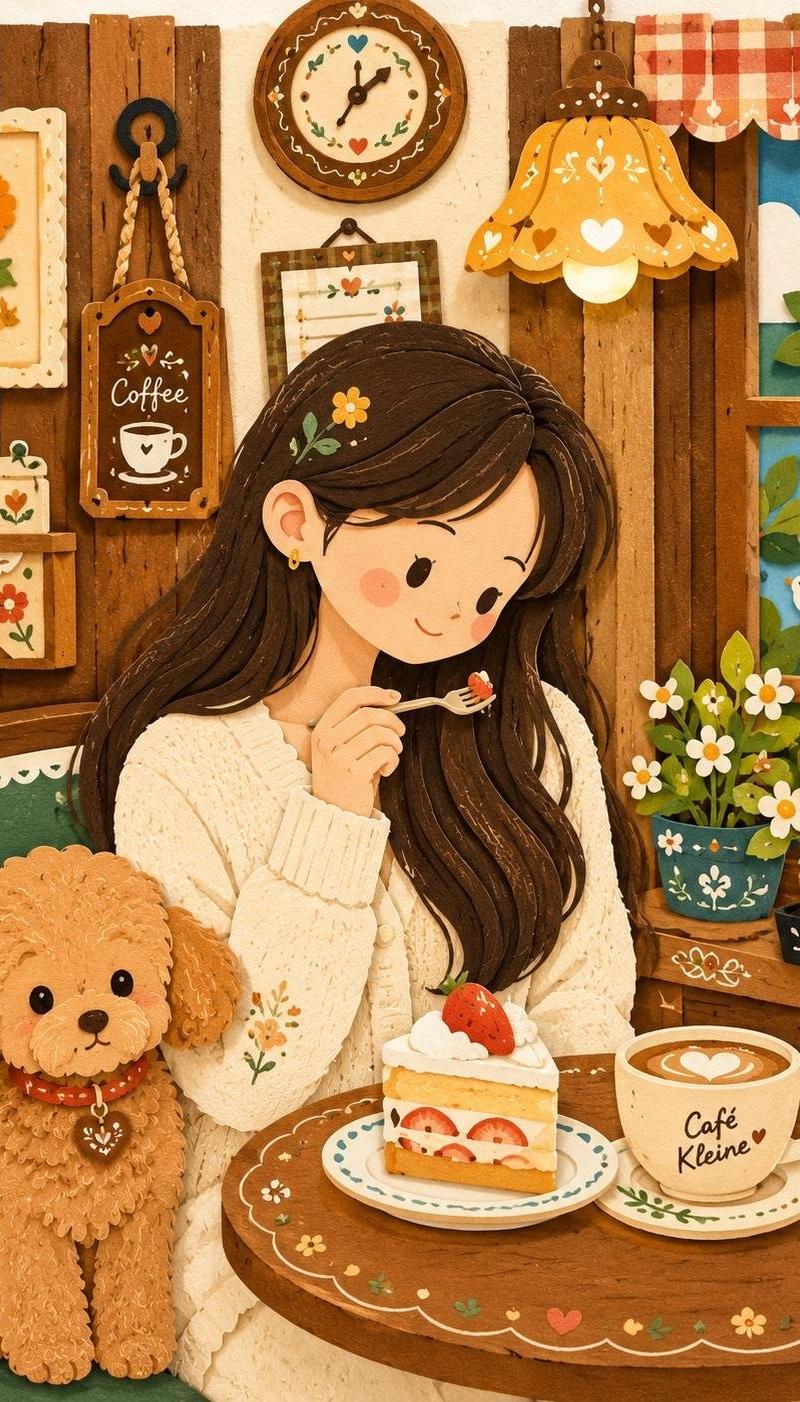
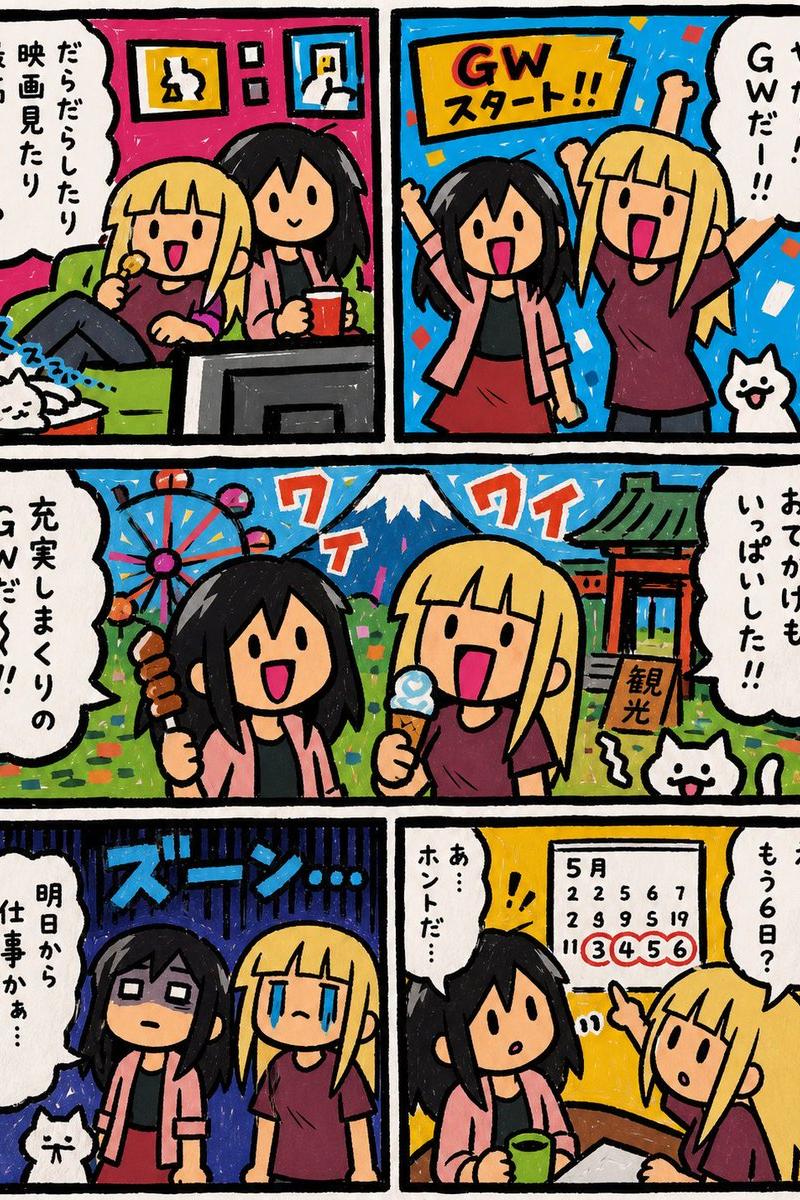
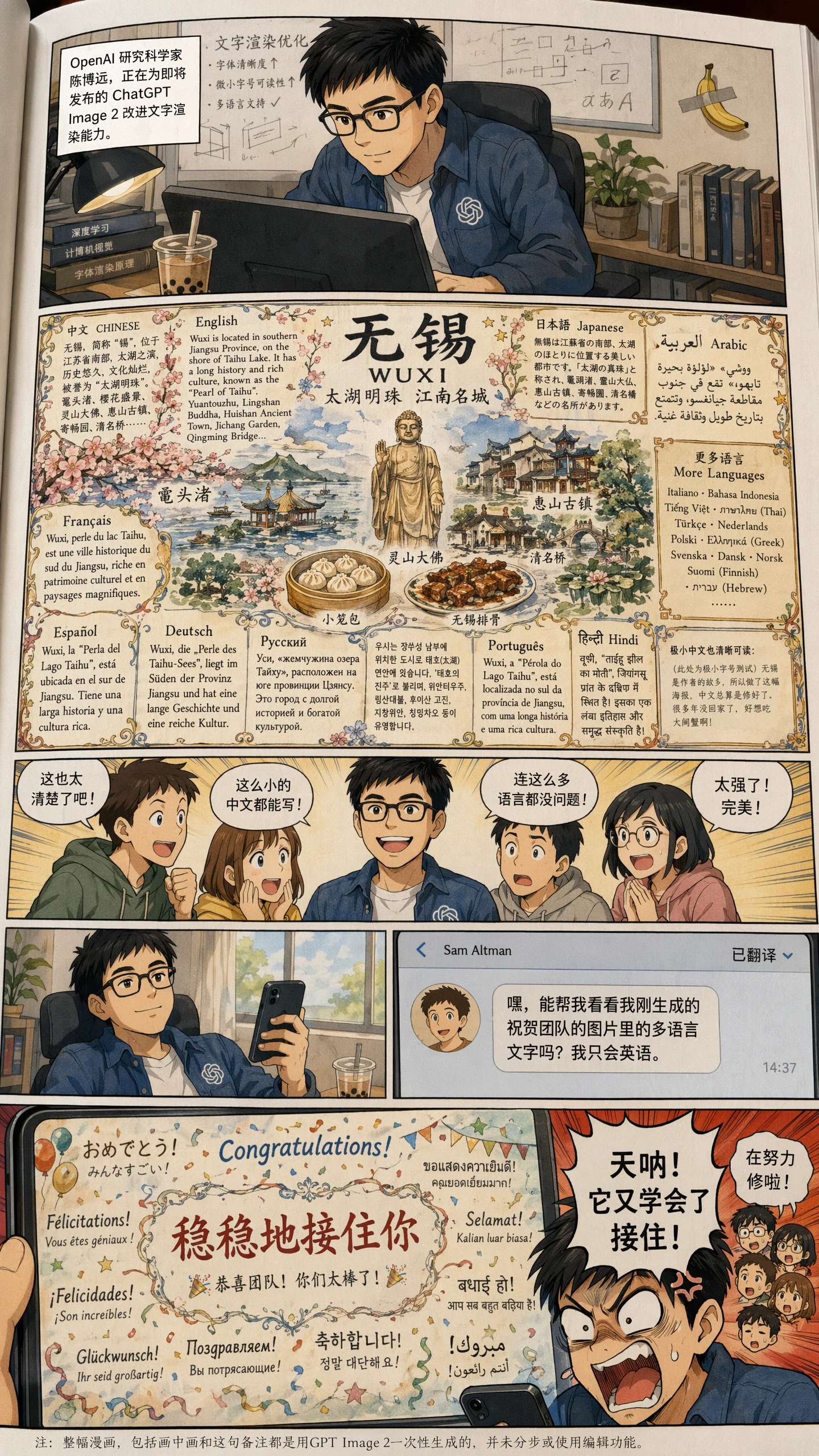
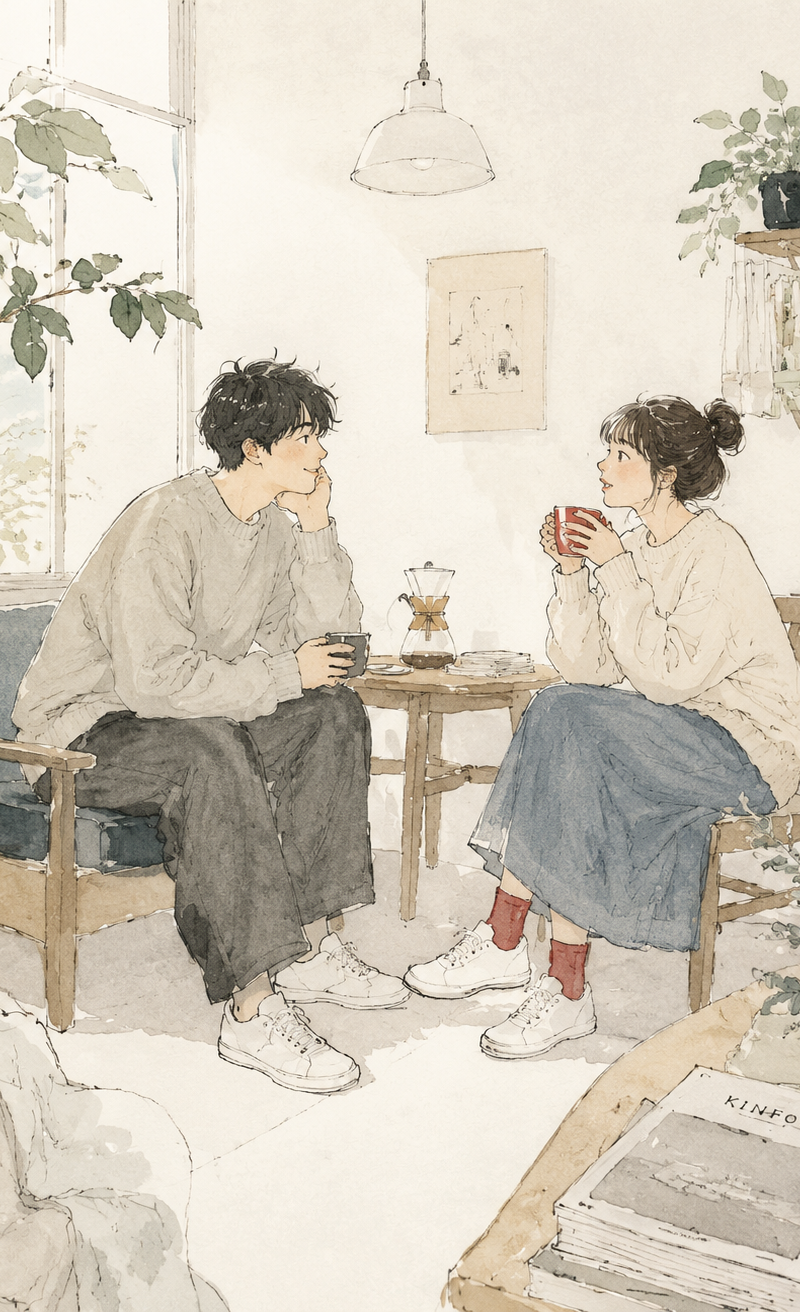
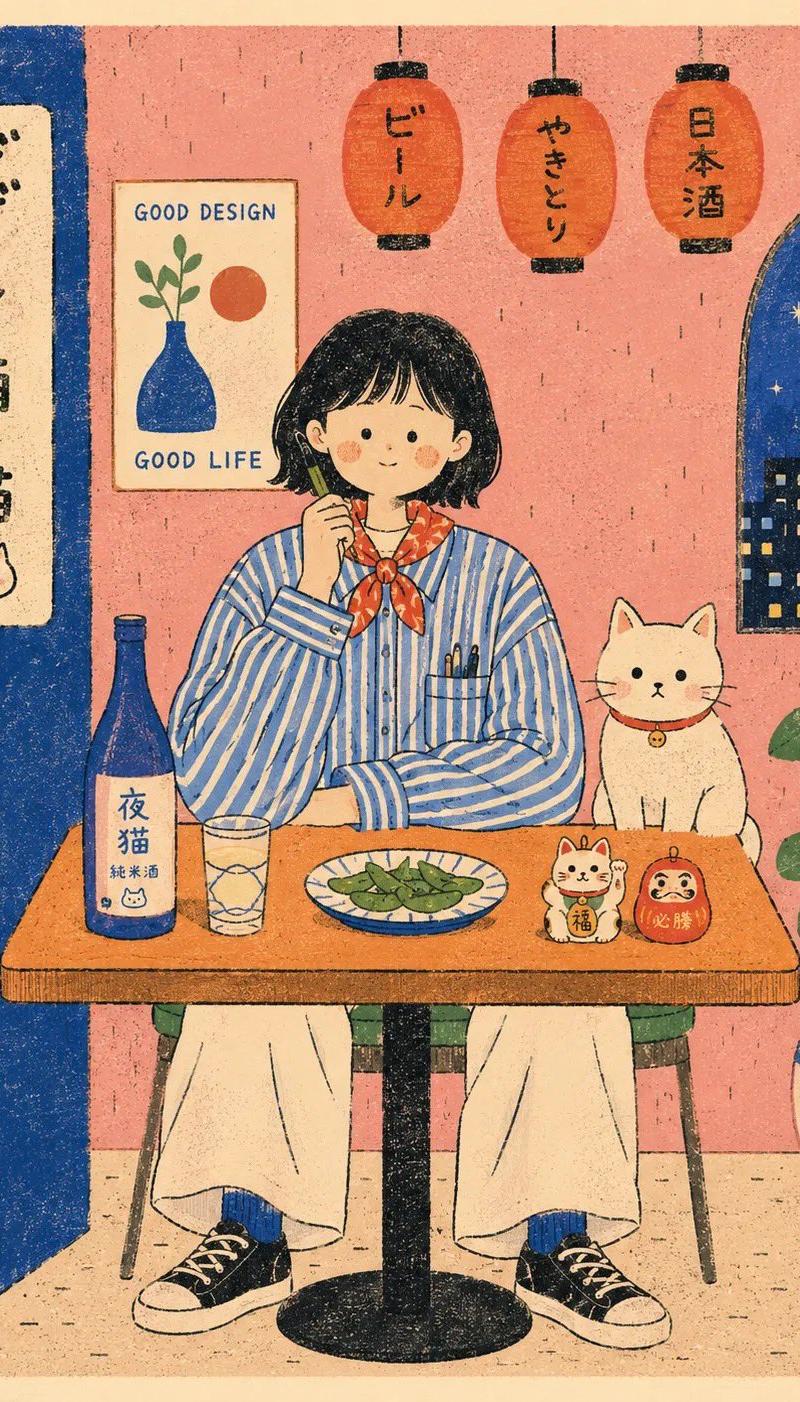
现代孔版印刷风格咖啡馆海报
Enlarge

Example images

现代孔版印刷风格咖啡馆海报

Prompt
Flat modern risograph-style poster illustration of {argument name="subject" default="HUMAN"}, wearing {argument name="clothing" default="minimal clothing"}, sitting front-facing behind a simple café table with {argument name="companion" default="ANIMAL"} in {argument name="setting" default="SCENERY"}. Use [COLORS] as flat solid color blocks on warm cream paper, with simple black hand-drawn outlines, naive proportions, minimal facial features, tiny dash textures, visible speckled print grain, slightly imperfect registration, clean graphic shapes, playful folk-poster composition, and a calm centered layout. The background is {argument name="background" default="BACKGROUND"}, simplified into flat wall shapes, one framed poster, one window shape, one potted plant, and a few rounded hanging lanterns. Keep the table objects simple: one bottle, one glass, one plate of food, and two tiny charms. Rounded cream border, retro Japanese picture-book poster feel, aspect ratio 4:5.
Category
Charts & Infographics
Model
GPT Image 2
Creator
Sairah
Source language
en
Views0
Source ID
26755
Published
Jun 25, 2026
Studio

Guide

About "现代孔版印刷风格咖啡馆海报"

What is this prompt for?

"现代孔版印刷风格咖啡馆海报" AI image prompt for GPT Image 2 (Charts & Infographics). 一种扁平化孔版印刷风格的插画提示词,包含民间海报构图、手绘轮廓和斑点印刷纹理。 Copy it on Picva and recreate the look in one…

The full copyable prompt and example visuals above are ready for AI image generation or one-click recreate in Picva.

How to use this prompt

  1. Step 1

    Open the prompt detail

    Review the example visuals, category, and full prompt text for "现代孔版印刷风格咖啡馆海报".

  2. Step 2

    Copy the prompt

    Copy the prompt body from this page, or load it directly in Studio.

  3. Step 3

    Pick a model (GPT Image 2)

    Prefer GPT Image 2. If you switch models, keep subject and composition and tweak style terms.

  4. Step 4

    Generate and export

    Recreate the look in Picva, or export into your workflow for editing and publishing.

FAQ

What is the "现代孔版印刷风格咖啡馆海报" prompt?
It is an AI image-generation prompt for GPT Image 2 in the Charts & Infographics category. This page includes the full prompt text, example visuals, and a one-click recreate path in Picva.
How do I use this prompt to generate an image?
Copy the prompt from this page, or use Generate / Studio. Paste it into a compatible image model, or recreate the look in Picva with optional reference images.
Which model is this prompt for?
This page lists GPT Image 2. Most descriptive prompts also transfer to nearby image models such as GPT Image, Flux, or Midjourney with light style tweaks.
Can I use the result commercially?
You can usually copy the prompt for creation, but commercial use of the final image depends on the model terms, reference-image rights, and the generated content. Follow the source author and platform rules.