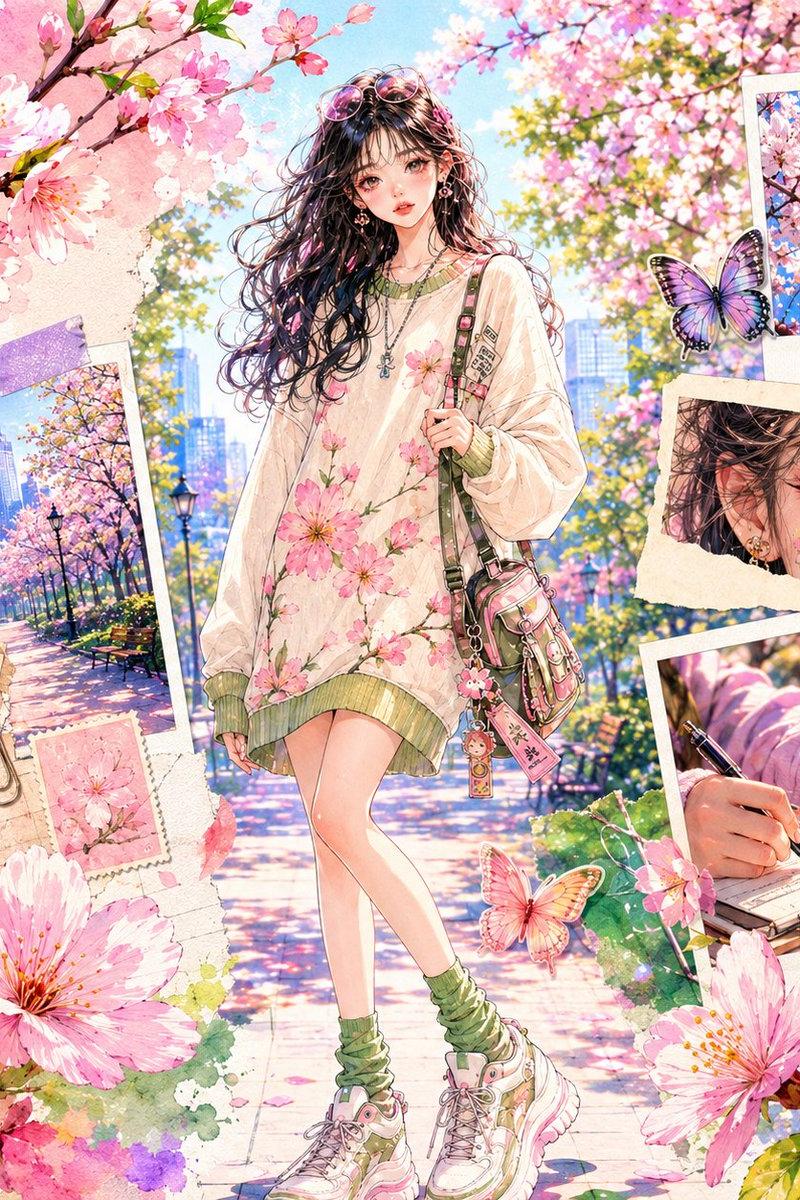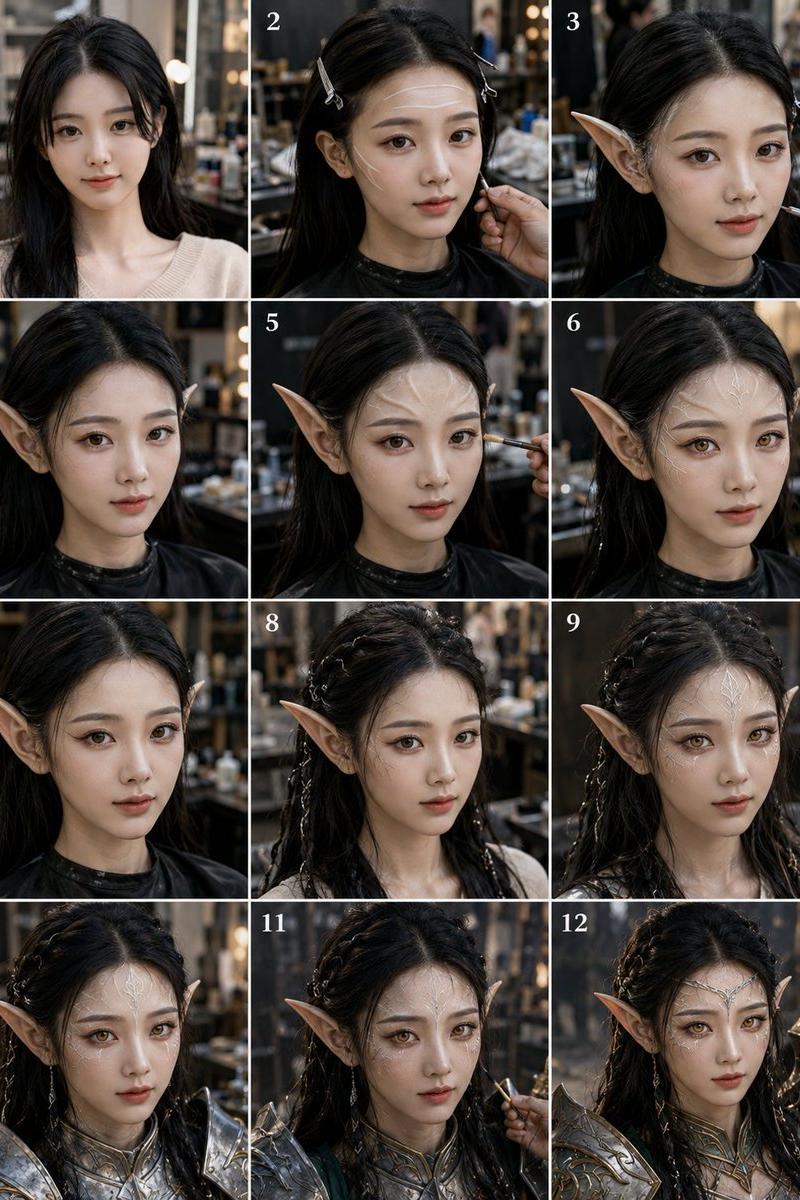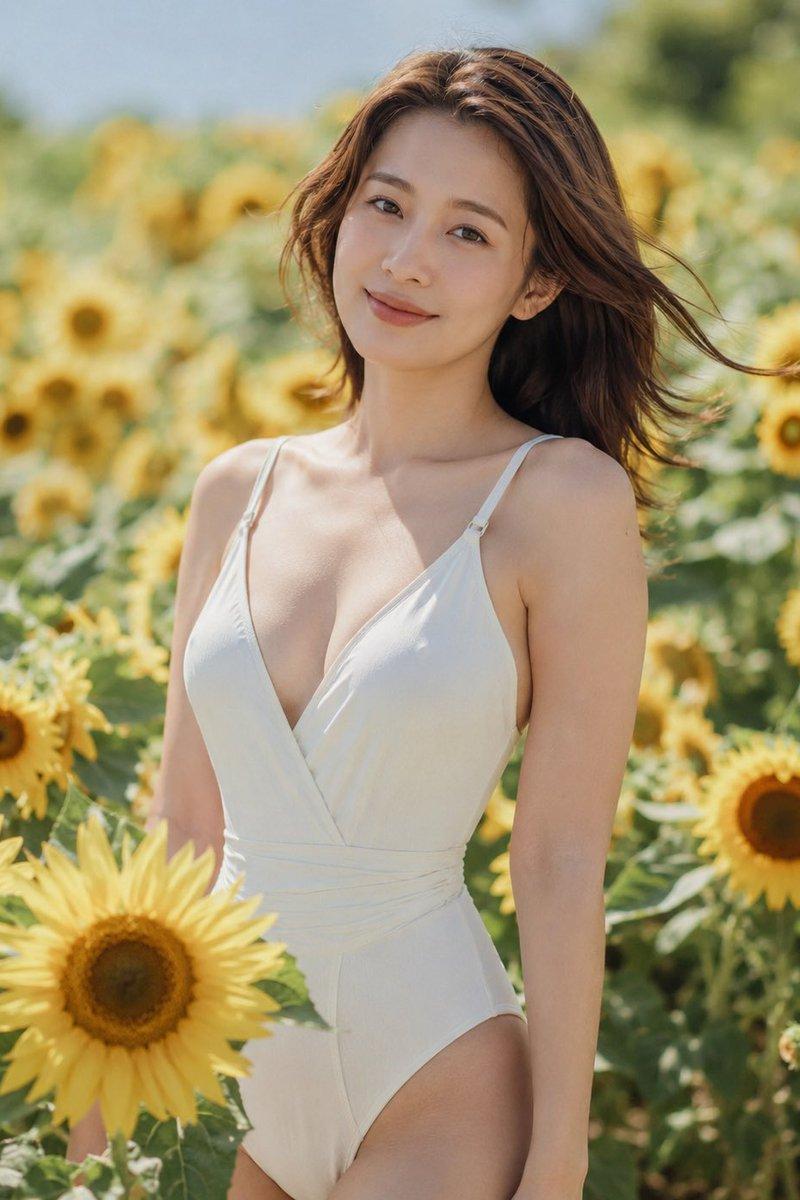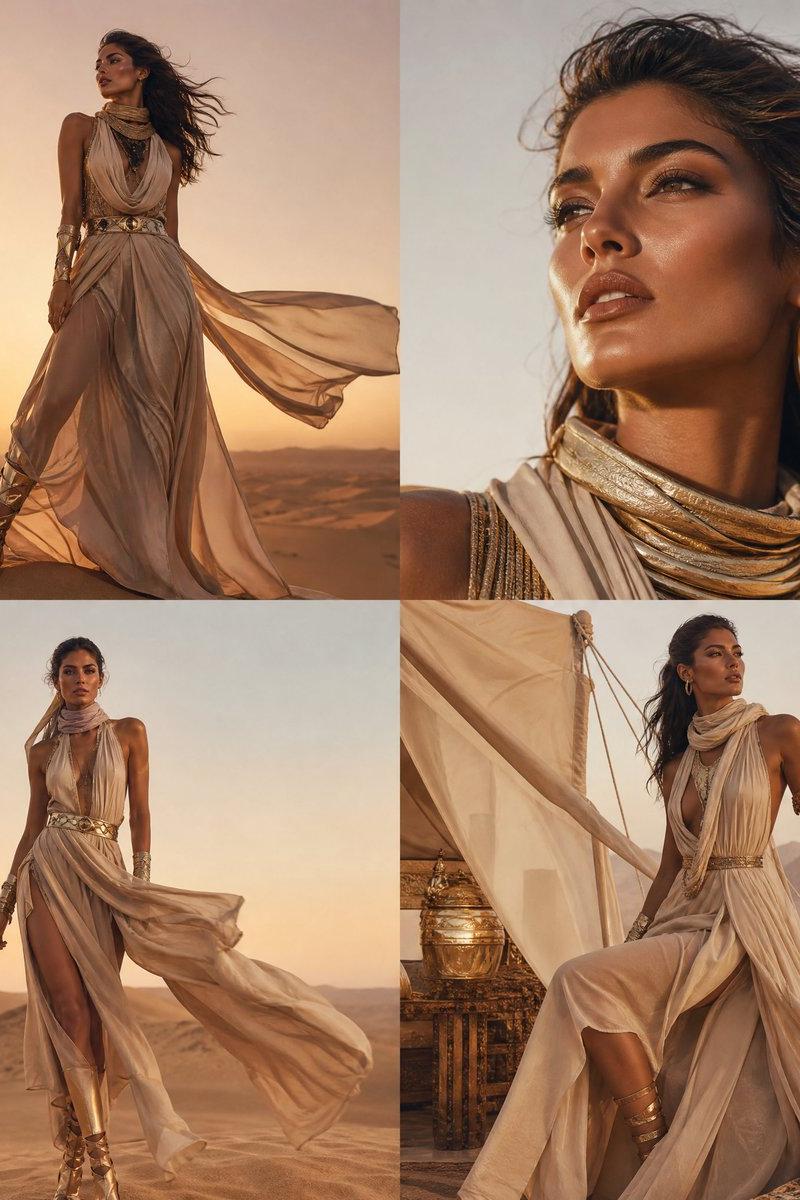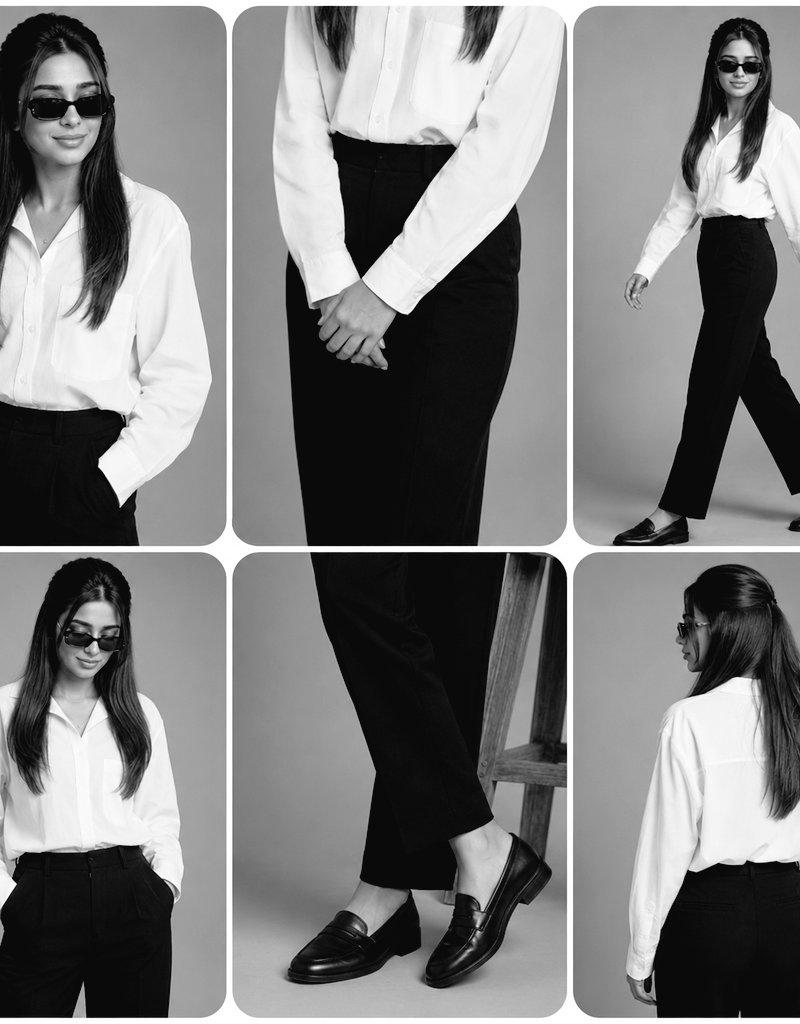
高级黑白时尚杂志拼贴画
Prompt
Create a premium black-and-white fashion editorial collage in a minimalist professional studio with a {argument name="background style" default="smooth light gray seamless background"}. The collage should have six rounded-rectangle panels with clean white spacing and a luxury magazine aesthetic.

Outfit:
• {argument name="outfit details" default="Oversized crisp white button-up shirt, high-waisted tailored black straight-leg trousers, black leather loafers, black rectangular sunglasses"}
• Natural hairstyle
Arrange the six panels as follows:
1. Top-left: Medium portrait, smiling naturally, looking slightly to the side, one hand in pocket.
2. Top-center: Waist close-up with hands gently clasped in front, highlighting the shirt and trousers.
3. Top-right: Full-body walking pose with confident stride, looking forward.
4. Bottom-left: Medium portrait looking downward with both hands in pockets.
5. Bottom-center: Close-up of crossed legs and black loafers, showing trouser fit and footwear details.
6. Bottom-right: Full back view standing naturally, showing the back of the shirt and trousers.

Photography style:
• {argument name="photography style" default="High-end fashion editorial, monochrome (black & white), soft diffused studio lighting"}
• Sharp focus with realistic fabric texture
• Natural skin texture
• Premium magazine-quality composition
• Rounded corners on every panel
• Balanced spacing
• Minimalist luxury aesthetic
• Ultra photorealistic
• 8K resolution
• No text, logos, watermarks, borders, or extra objects.- Category
- Charts & Infographics
- Model
- GPT Image 2
- Creator
- Laraib Fatima
- Source language
- en
- Source ID
- 26962
- Published
- Jun 27, 2026
Views0