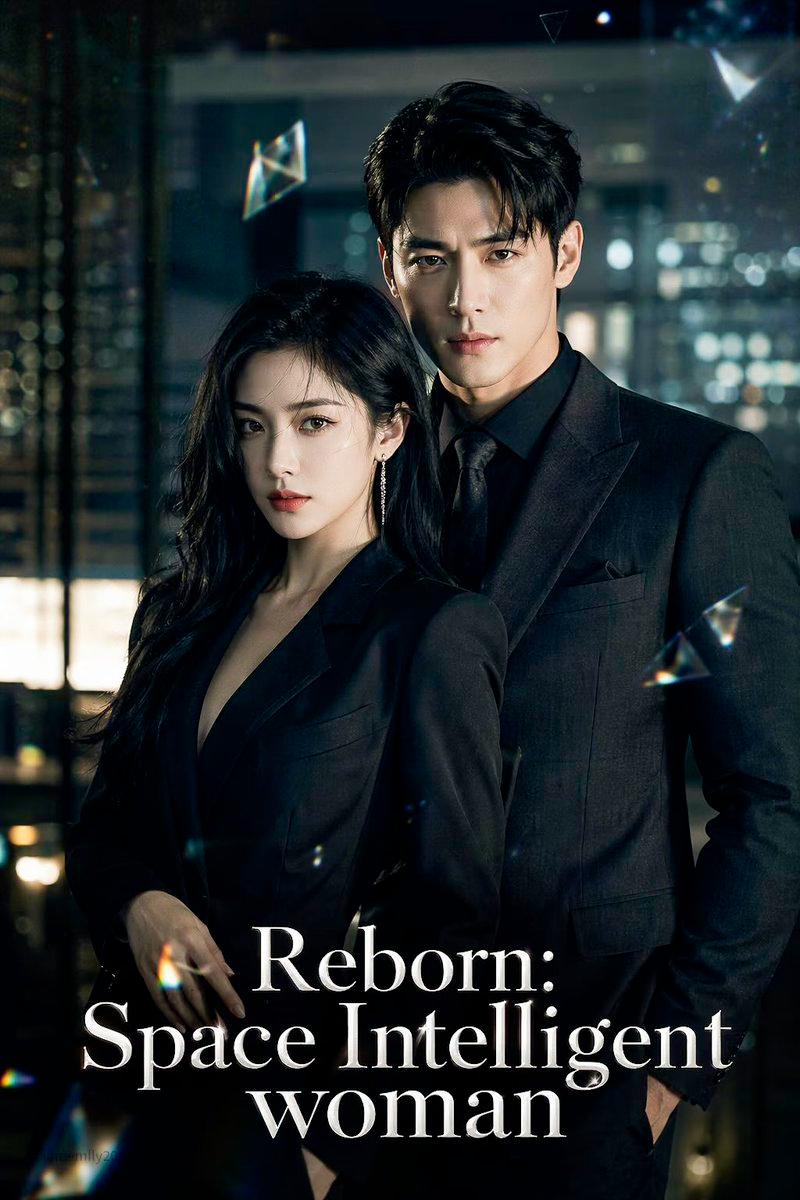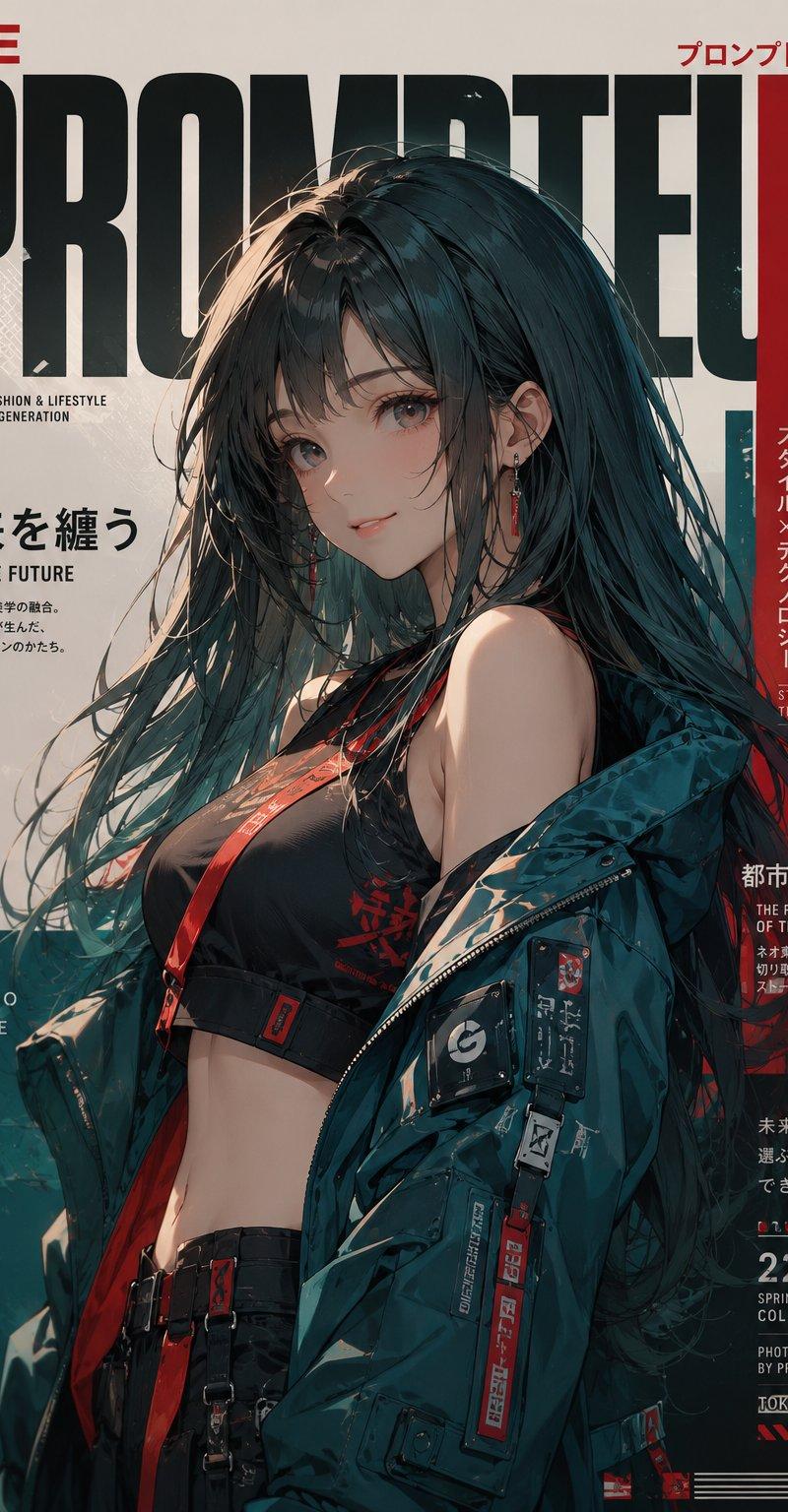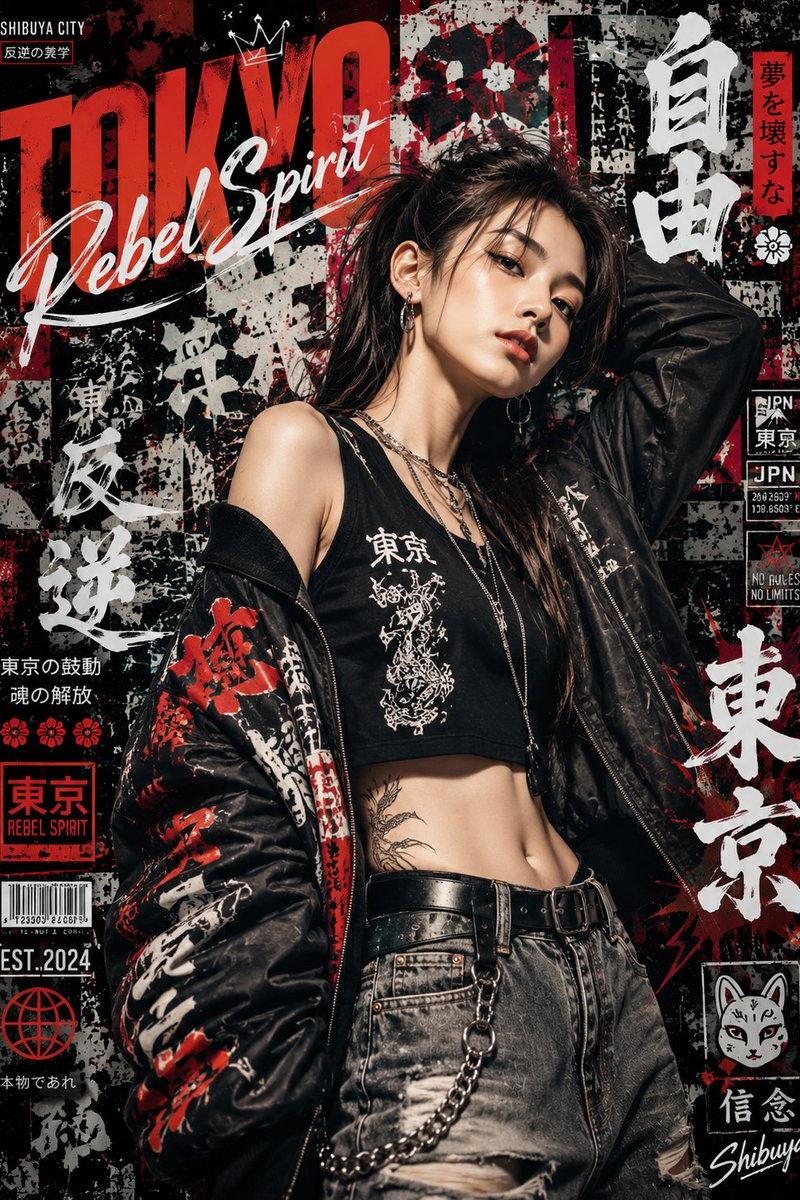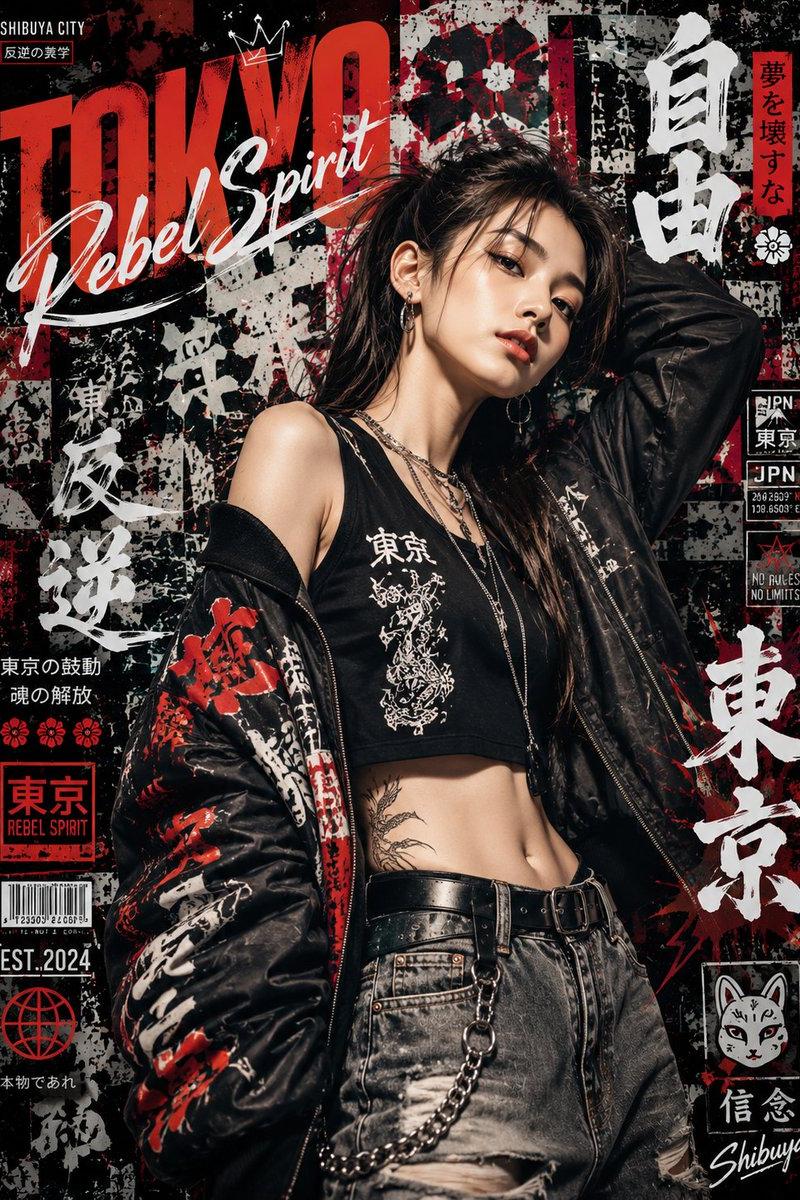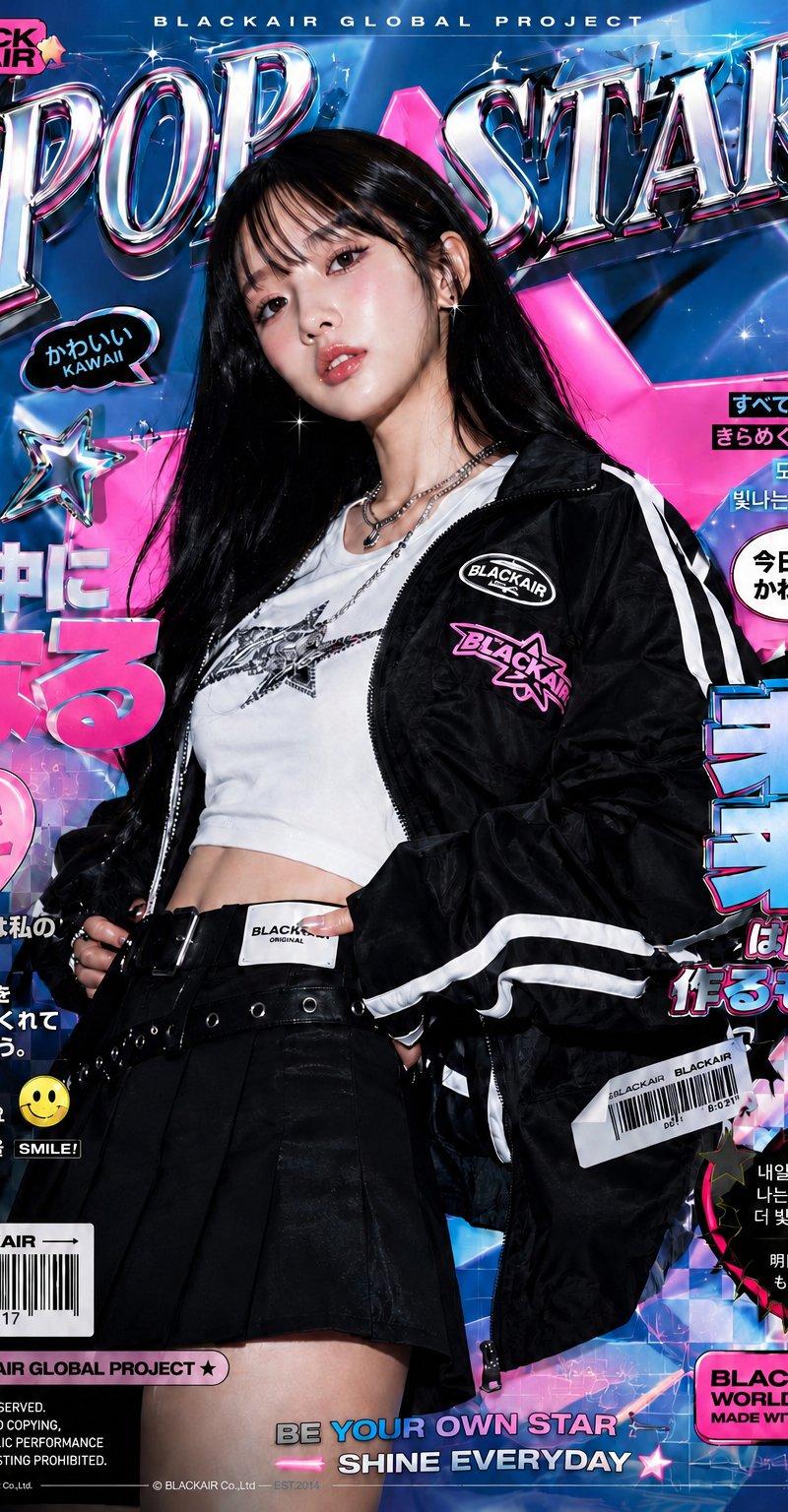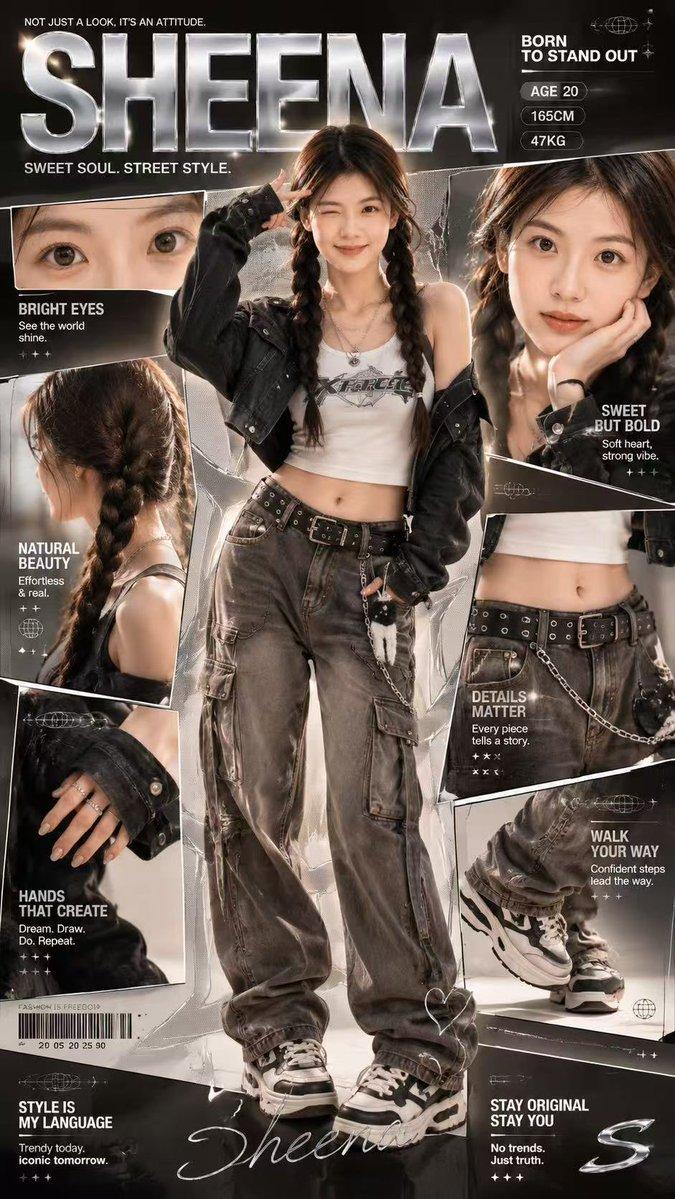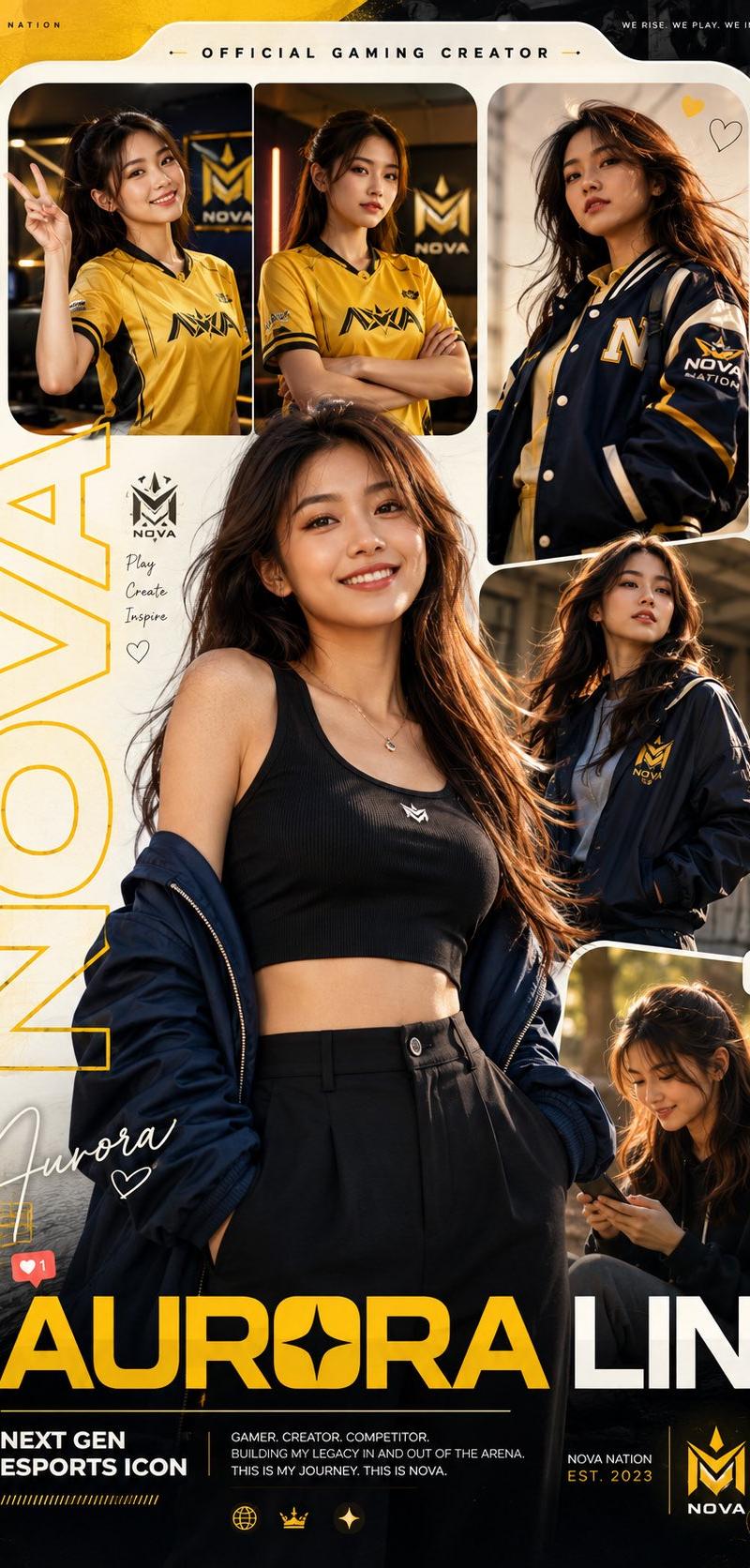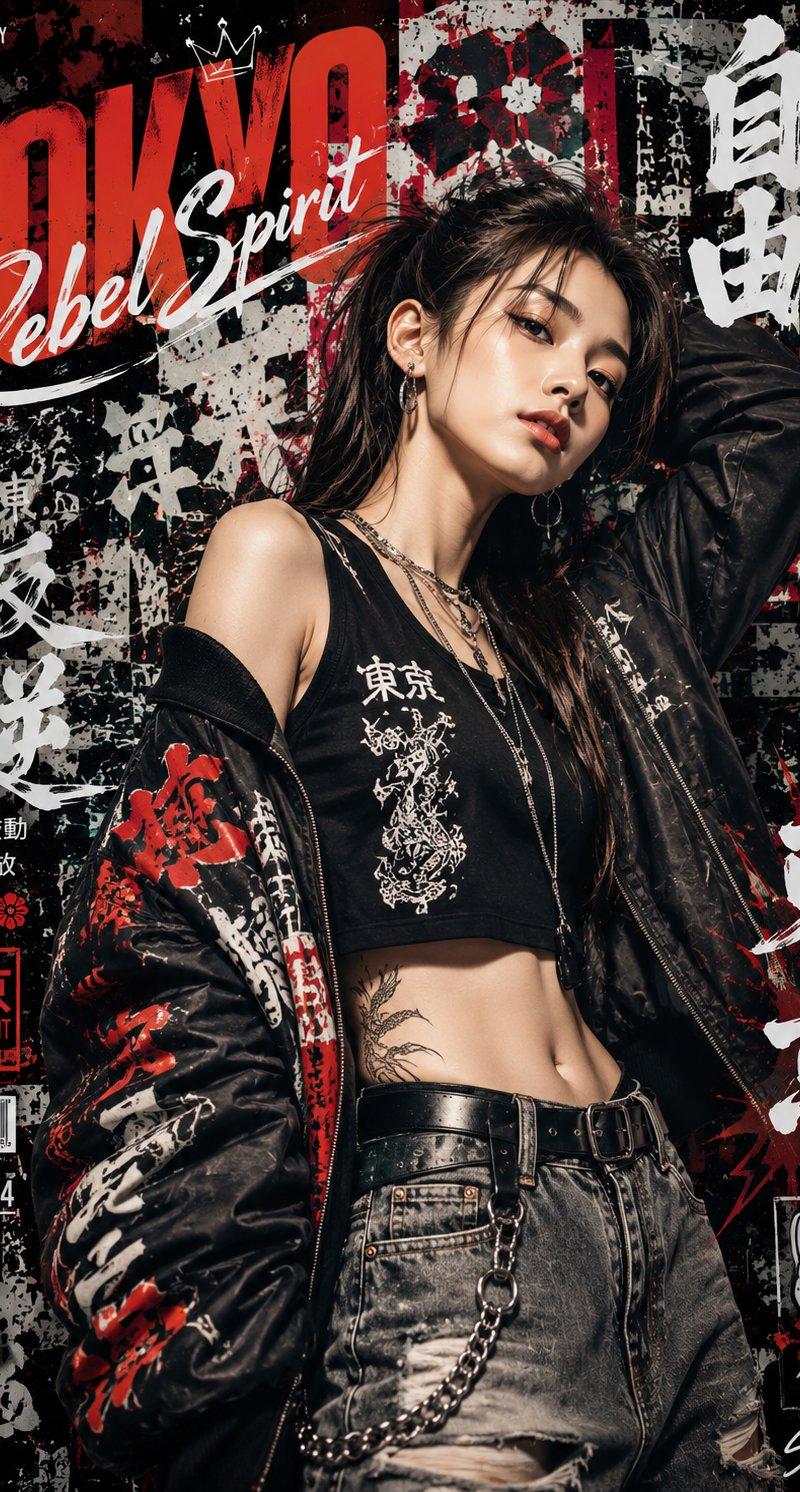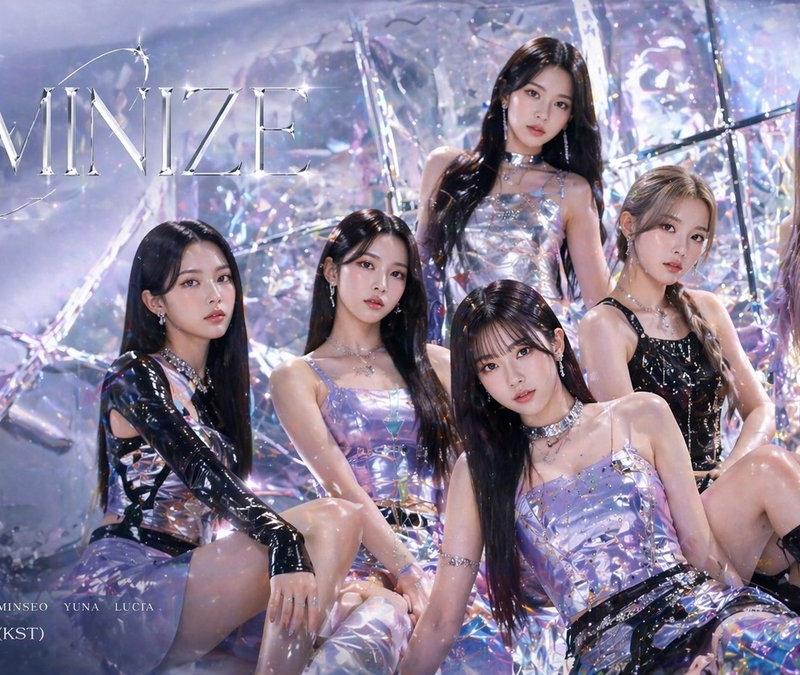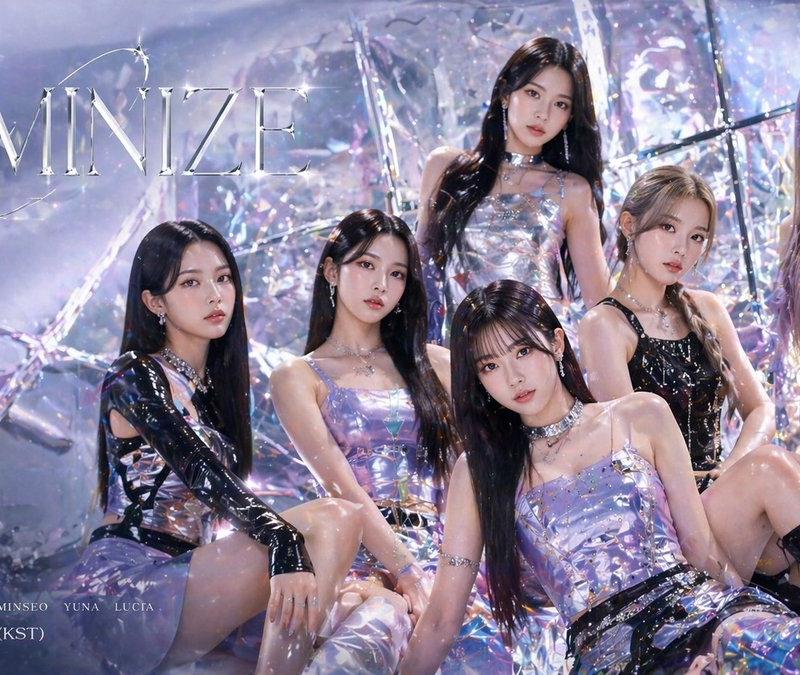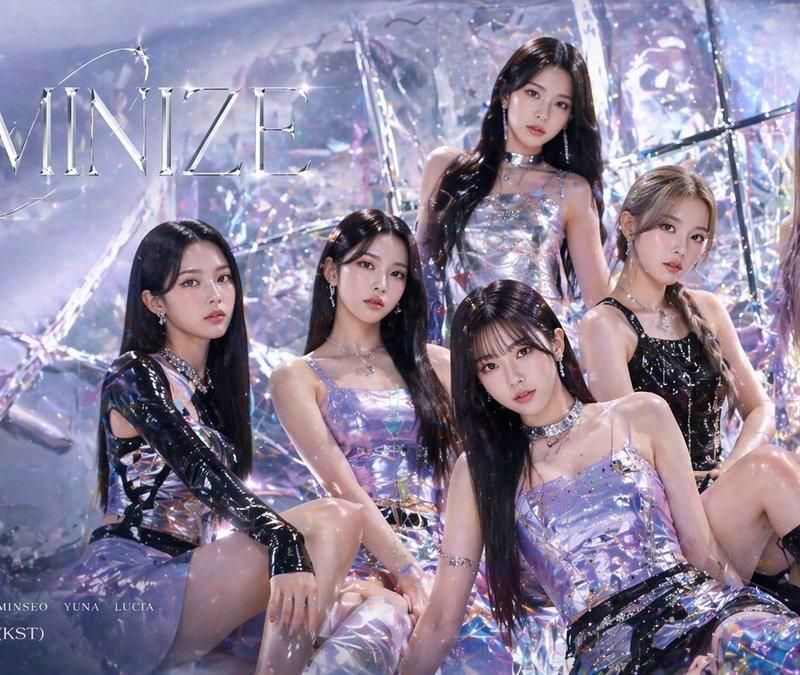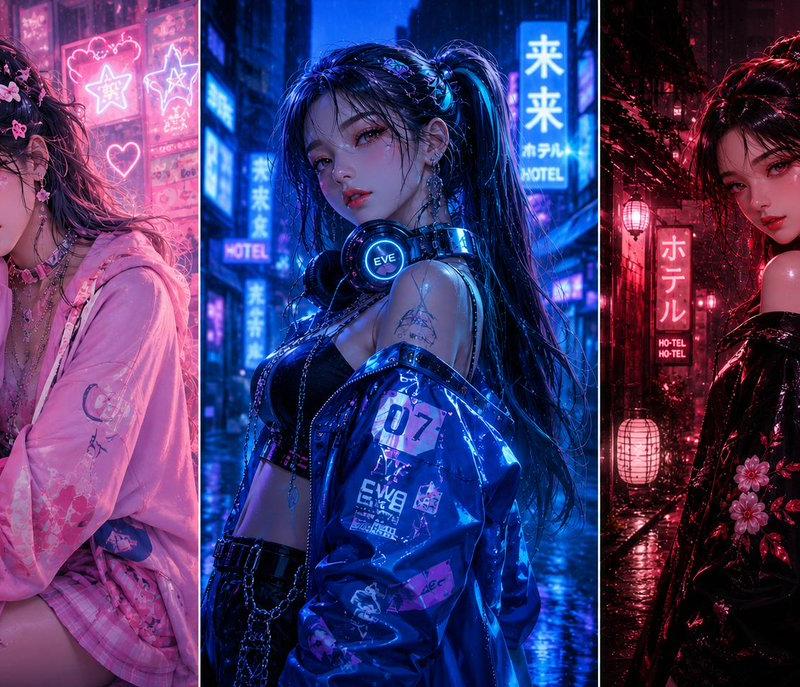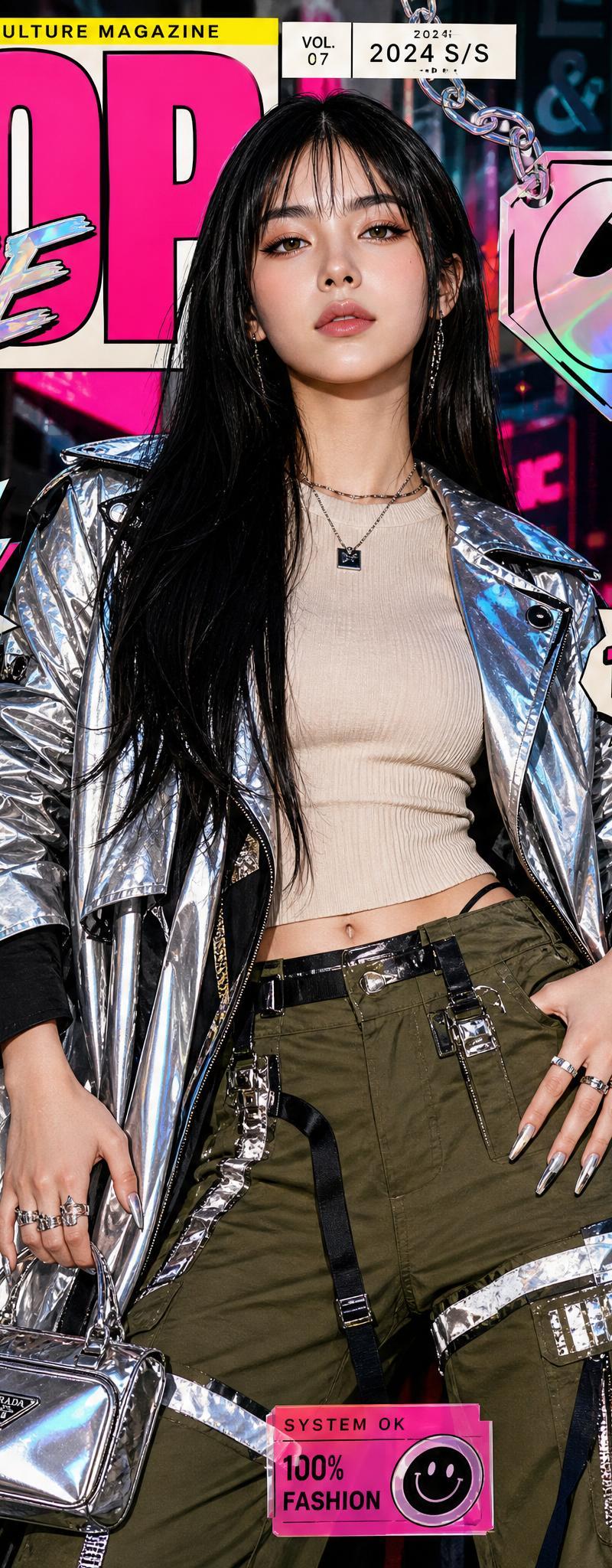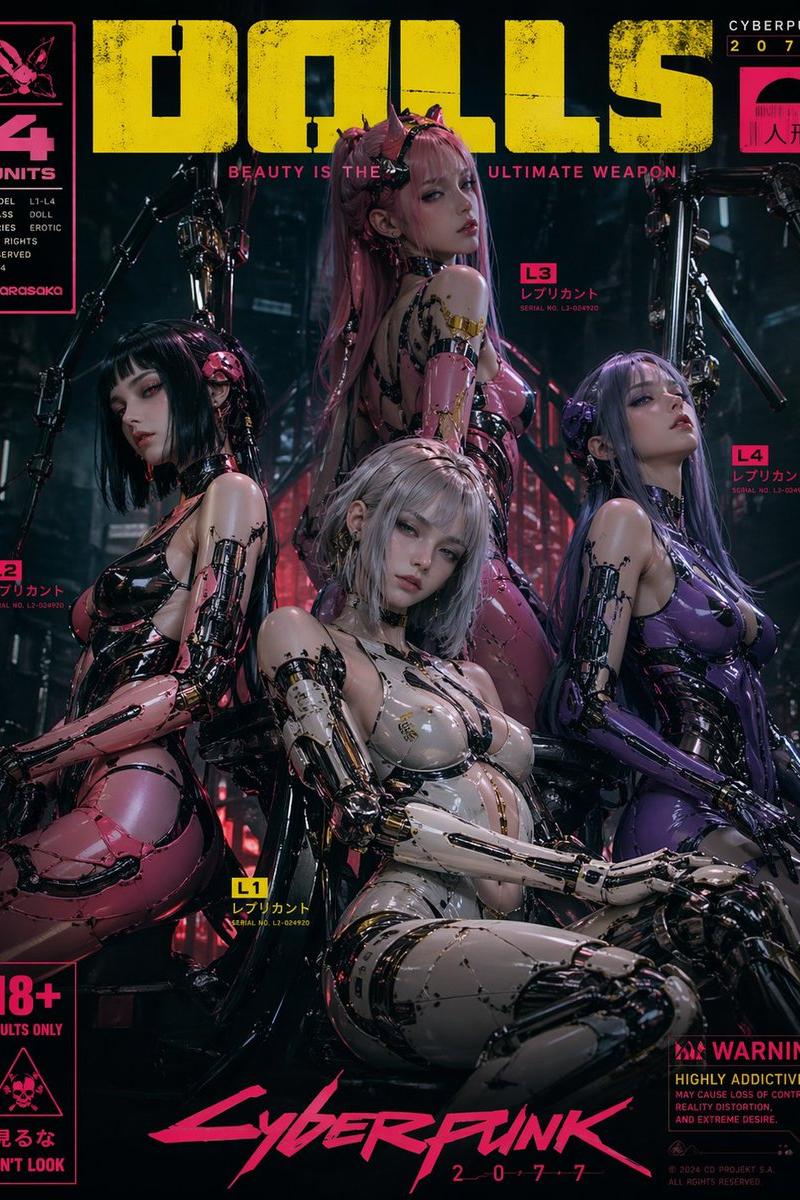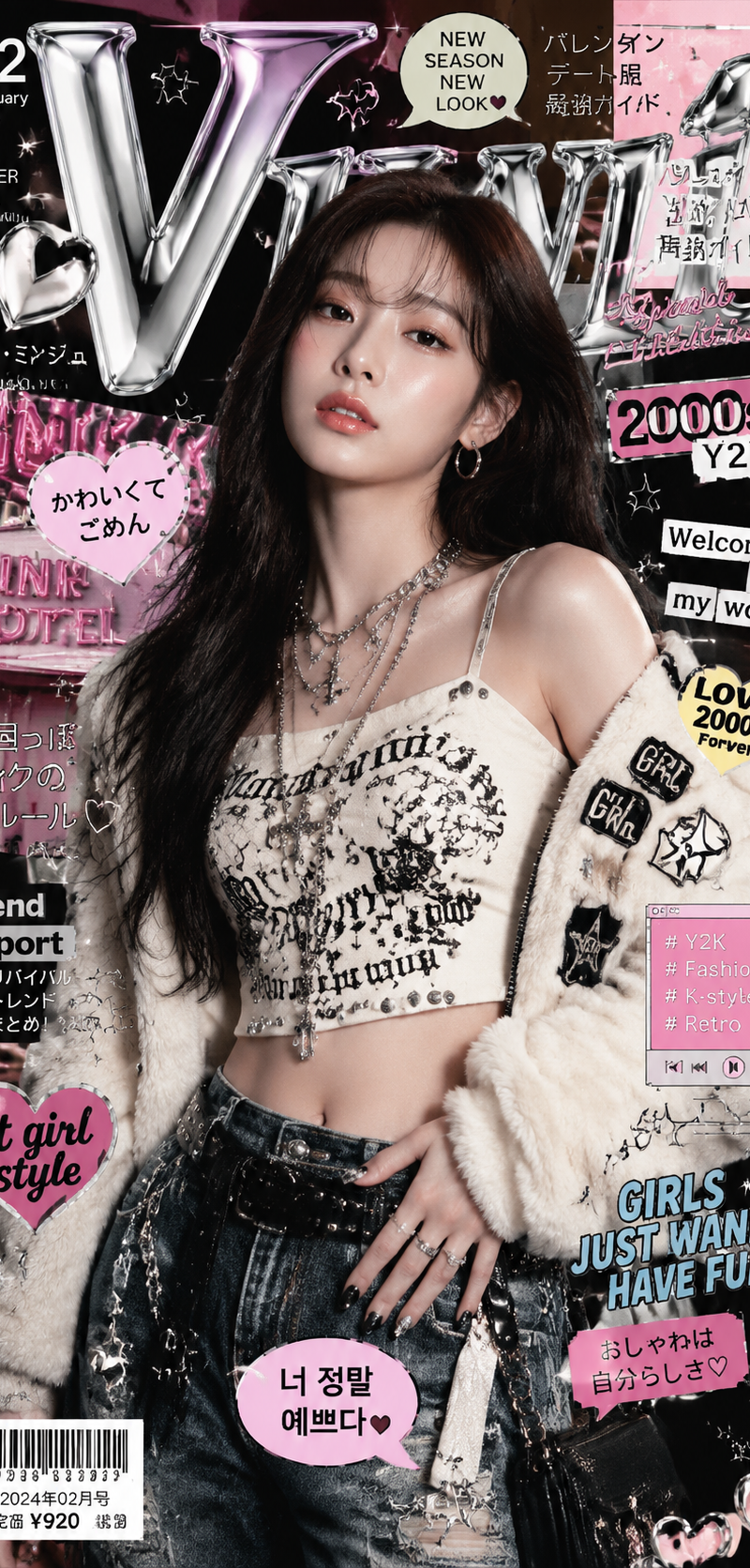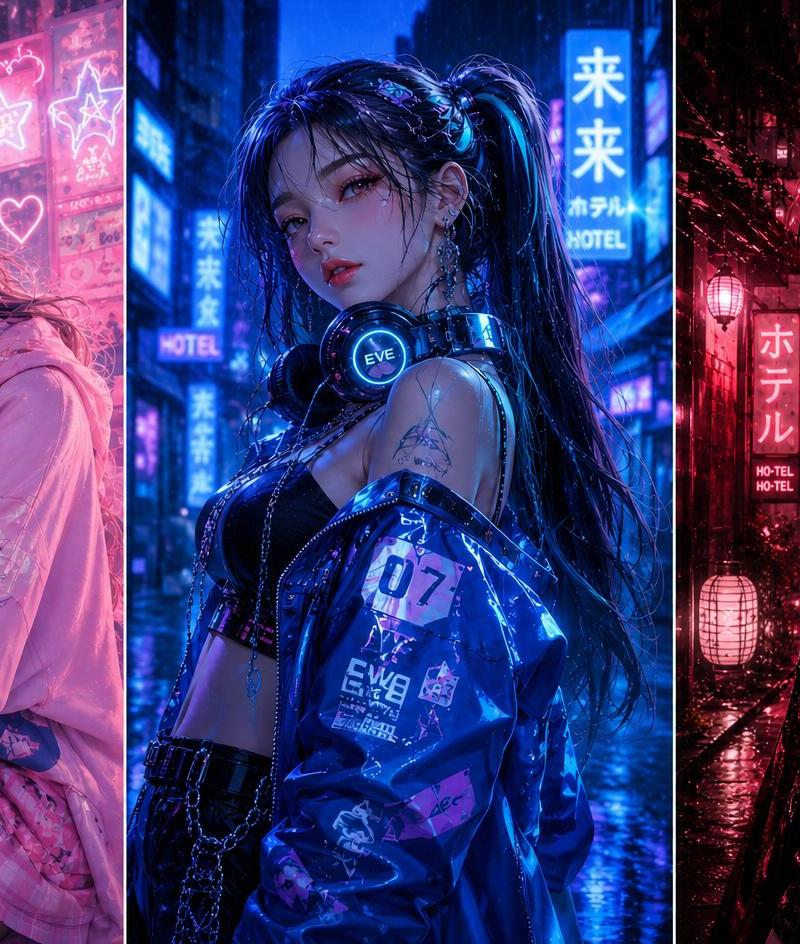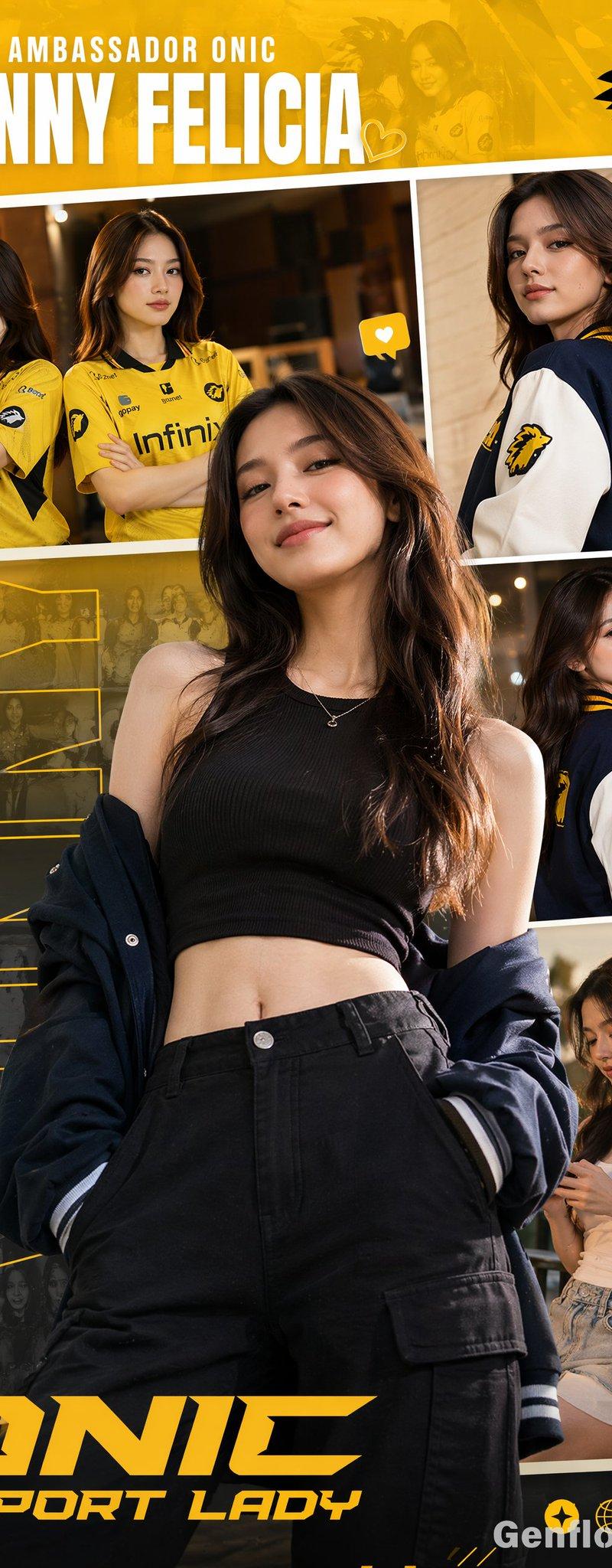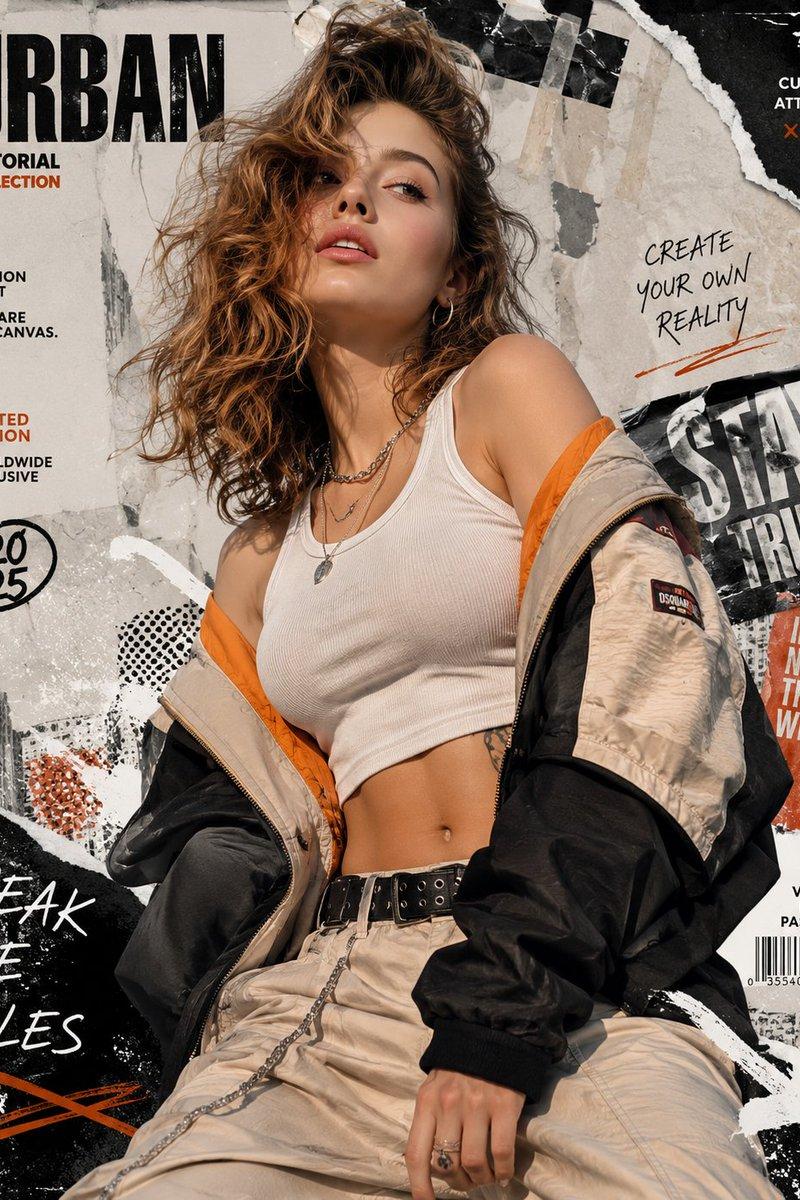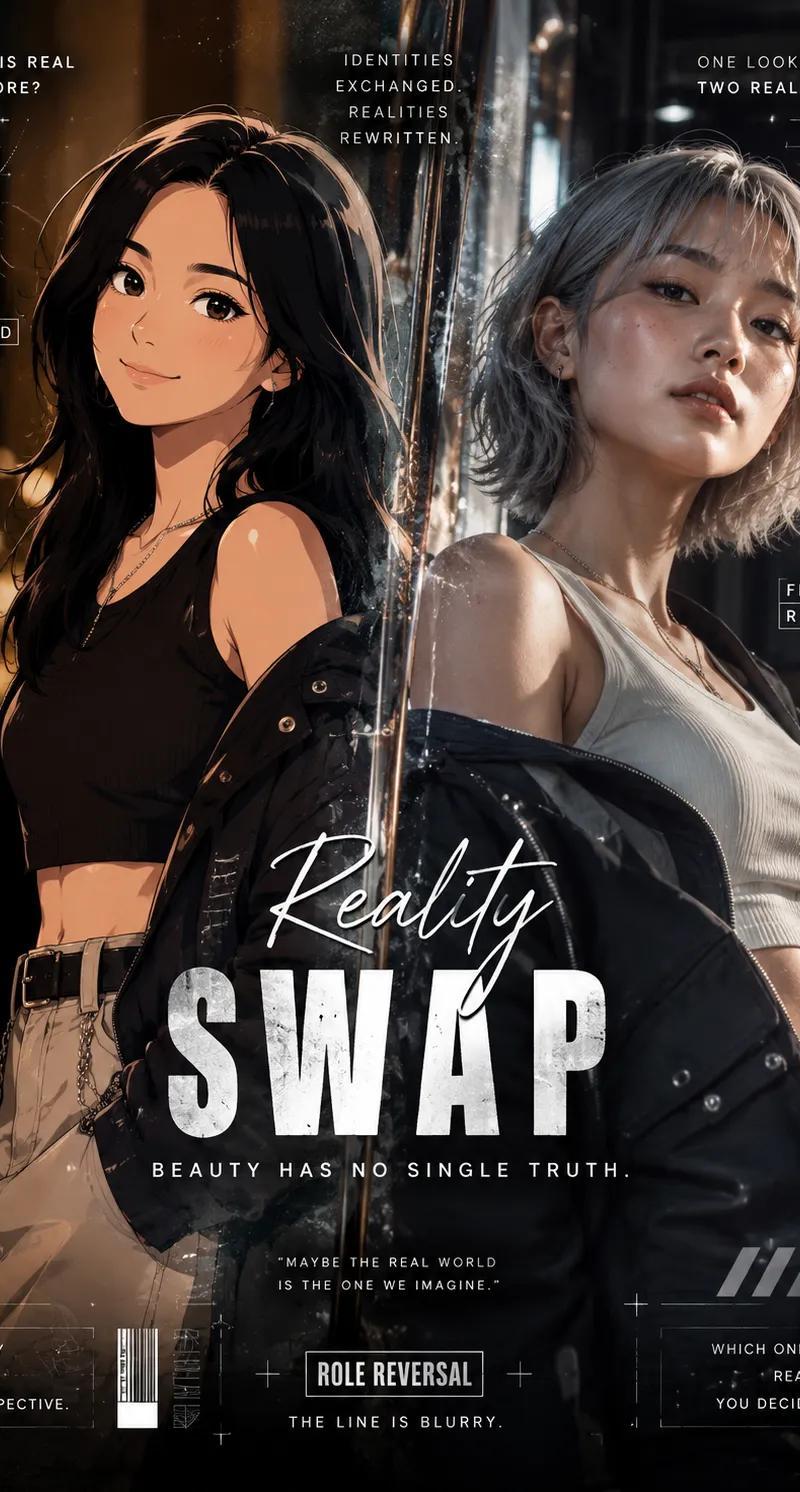
“现实与虚构”角色互换海报
Prompt
Generate a high-end editorial poster in a Role Reversal (Reality
Swap) concept, where the identities of reality and fiction are intentionally exchanged. A {argument name="original subject" default="real human subject"} is transformed into a convincing cartoon/anime-inspired character while preserving recognizable facial proportions, enhanced with clean cel-shading, expressive eyes, stylized linework, and polished animated aesthetics. In contrast, the fictional or anime character is rendered with astonishing photorealism, featuring lifelike skin texture, visible pores, subtle facial imperfections, realistic bone structure, natural hair strands, and cinematic lighting. The realistic interpretation should evoke a subtle uncanny feeling, appearing intriguingly believable yet slightly eerie enough to spark curiosity rather than fear.

The composition should embrace a modern cinematic editorial aesthetic with dramatic lighting, atmospheric depth, soft volumetric effects, and balanced color grading. Enrich the layout with decorative visual elements inspired by the Role Reversal theme, such as abstract graphic overlays, futuristic geometric accents, layered textures, floating particles, dynamic framing elements, and stylish visual embellishments that elevate the storytelling without overwhelming the main subjects.

The subjects must not replicate the pose from the reference image. Instead, present them with expressive, confident, and naturally dynamic body language that feels spontaneous and alive rather than stiff or flat. Their posture should reflect the elegance and confidence commonly seen in international fashion models, creating a premium editorial appearance.

Dress both subjects in {argument name="fashion style" default="contemporary casual fashion"} with a stylish, trend-driven look. Combine modern garments featuring varied colors, textures, patterns, and fabric materials to avoid repetition or visual monotony. The styling should feel fashionable, youthful, and suitable for a luxury lifestyle magazine rather than everyday casual wear.

Design the {argument name="typography" default="typography with bold artistic direction"} using premium, eye-catching font combinations that complement the poster's visual identity. Apply creative hierarchy, scale variation, spacing, and layout placement so every text element contributes to the overall composition instead of appearing generic or conventional.

The overall poster should deliver a polished, premium, and contemporary visual identity that avoids looking ordinary, mediocre, or template-based. Every element should feel intentionally crafted, visually engaging, and suitable for an international-quality creative campaign. Render the final artwork in ultra-high-definition 8K with exceptional sharpness, refined textures, cinematic contrast, and professional-grade finishing.- Category
- Charts & Infographics
- Model
- GPT Image 2
- Creator
- K
- Source language
- en
- Source ID
- 26968
- Published
- Jun 27, 2026
Views0