20

全息赛博流行偶像
Enlarge

Example images

全息赛博流行偶像

Prompt
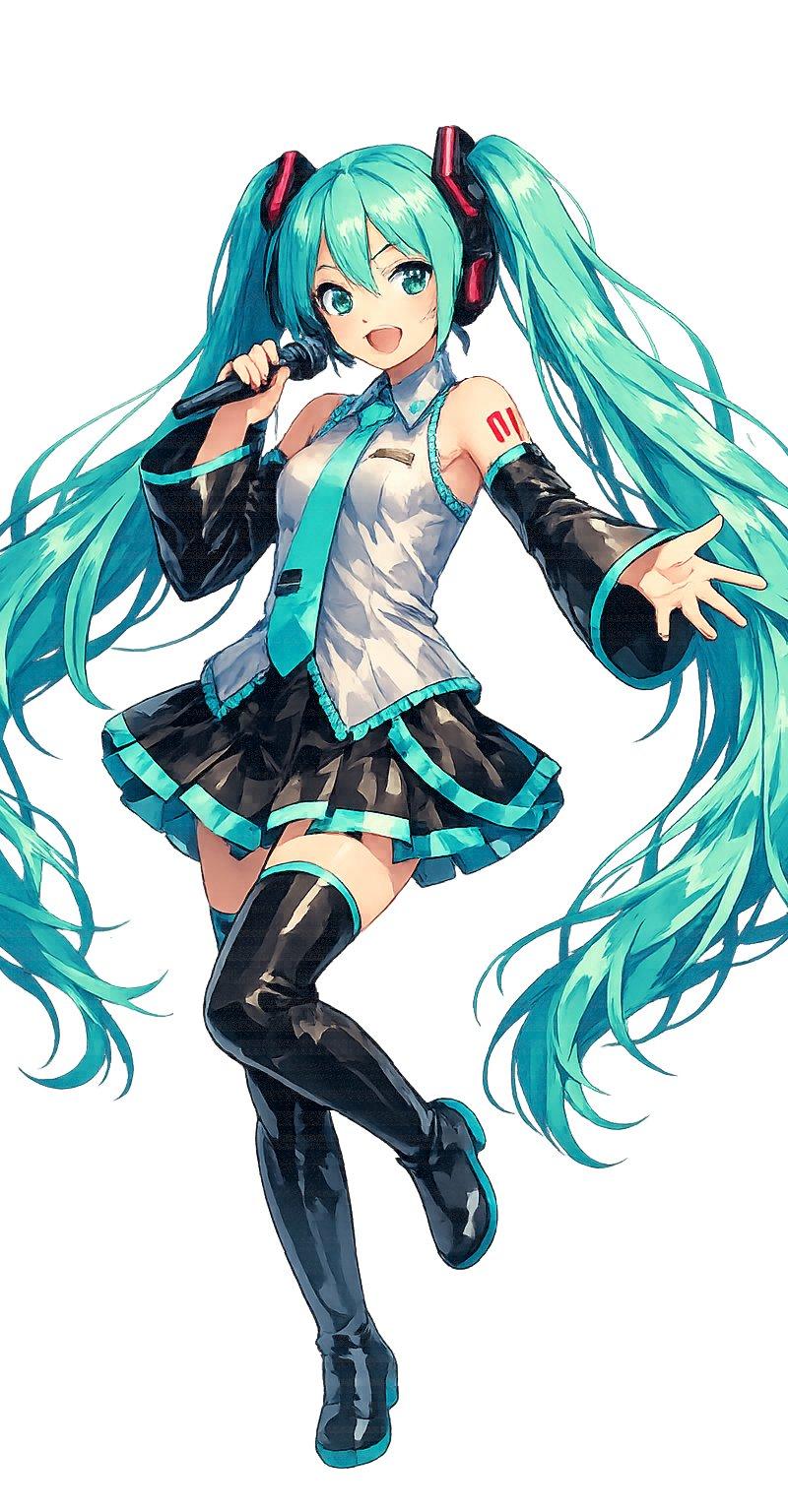
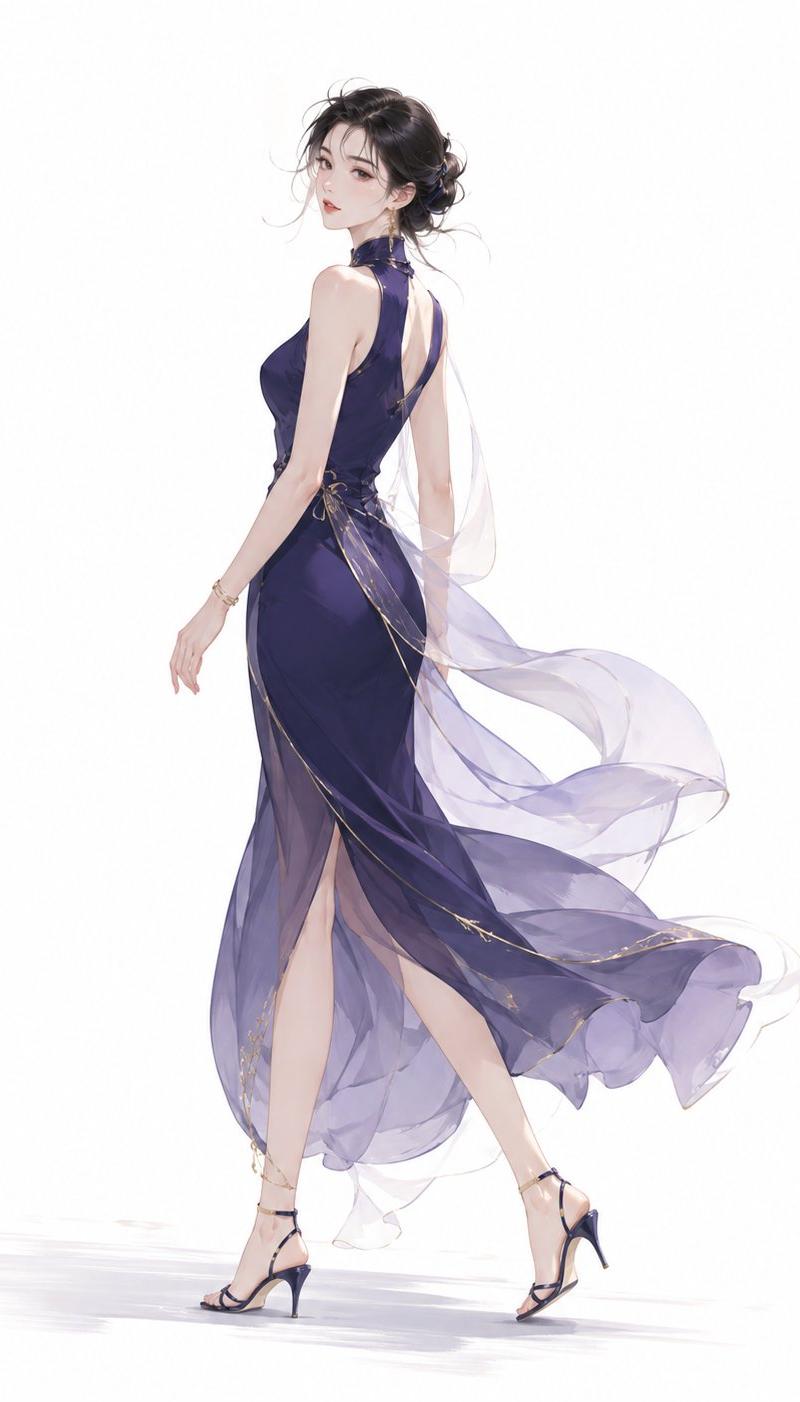
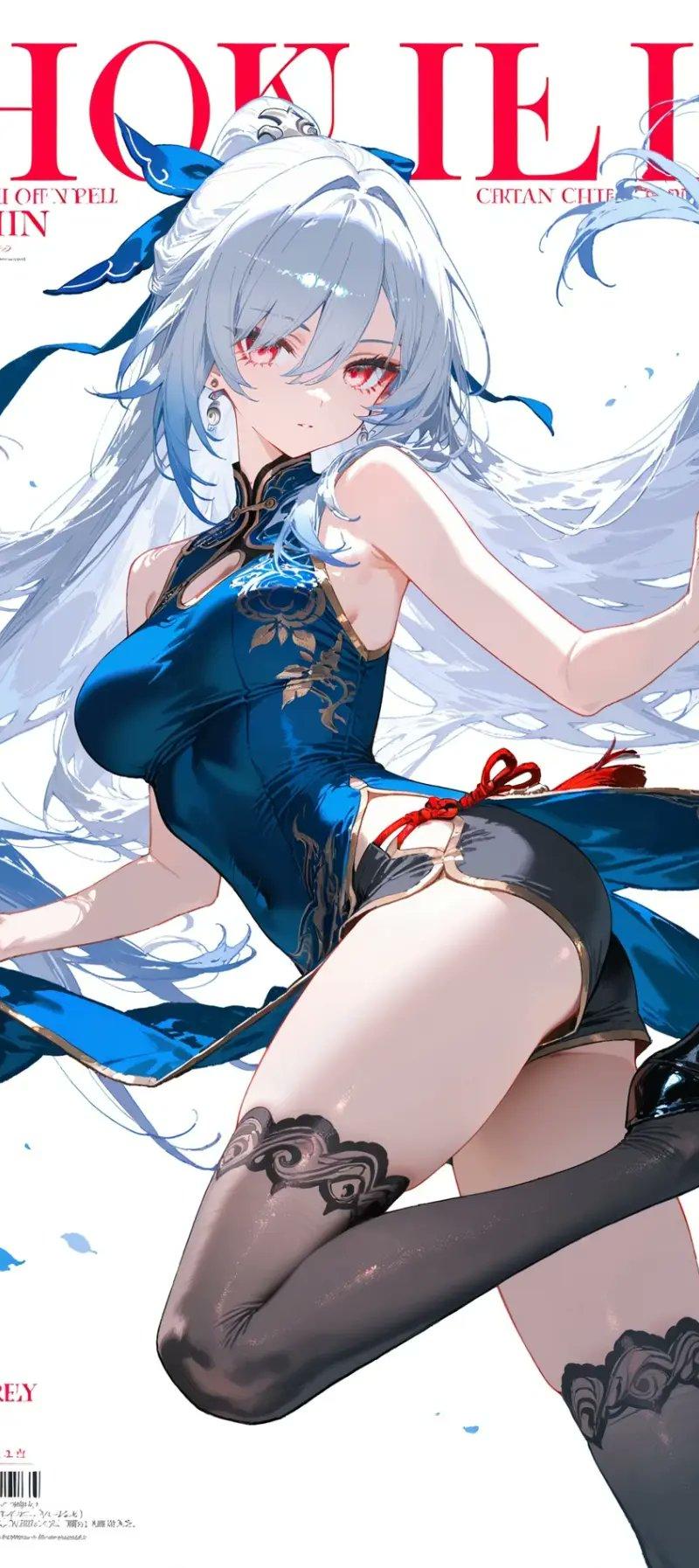
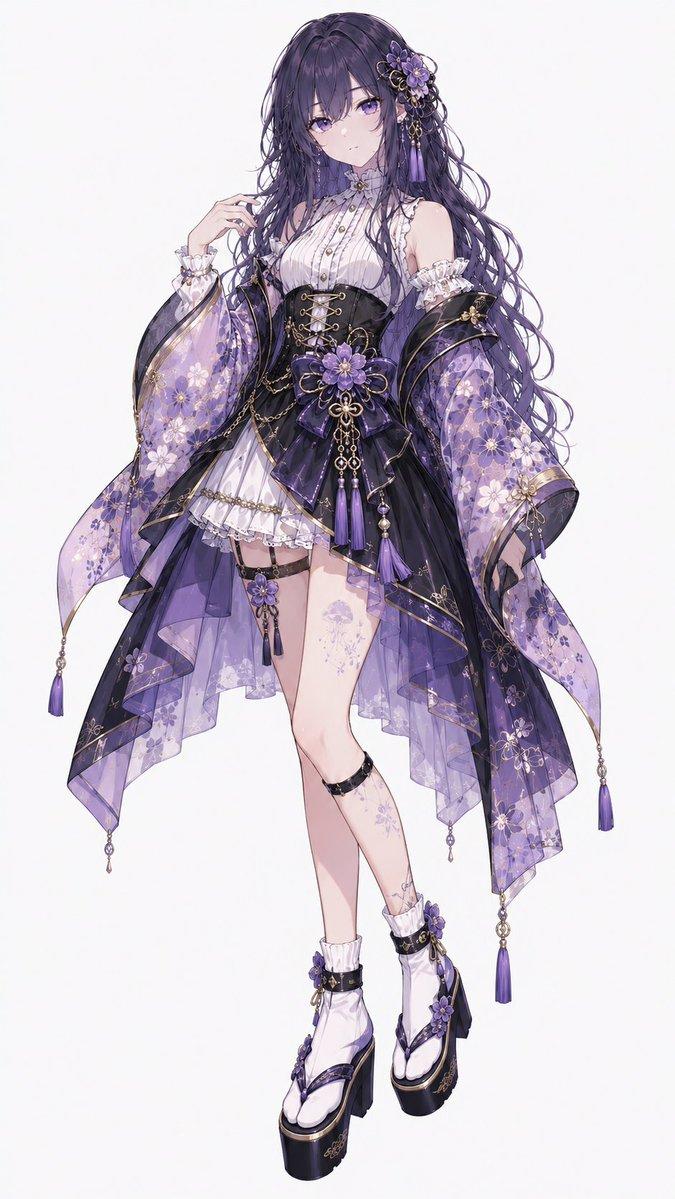
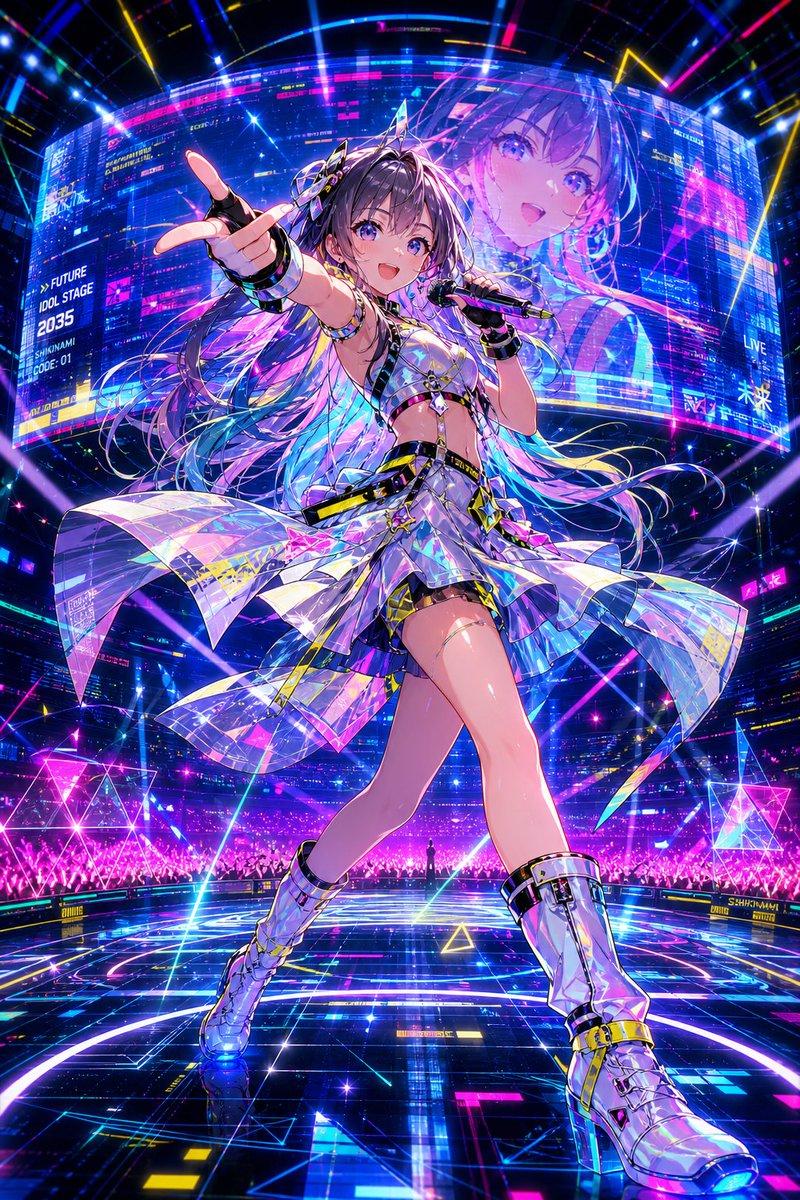
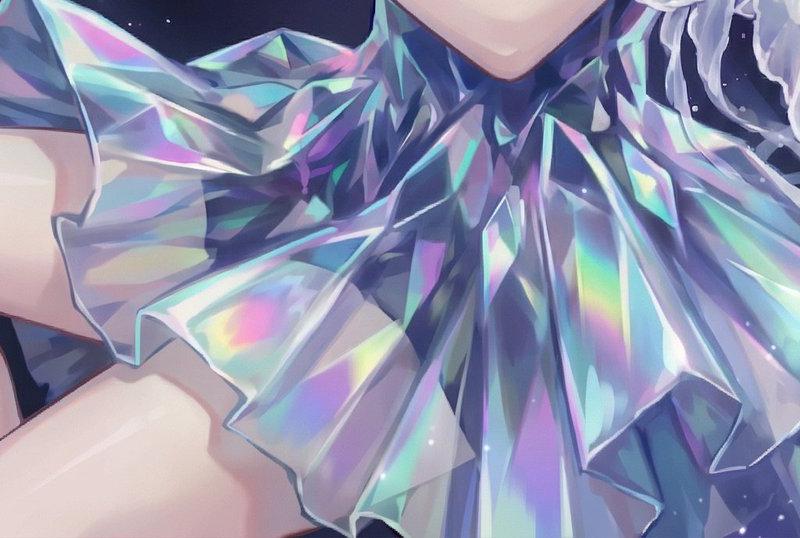
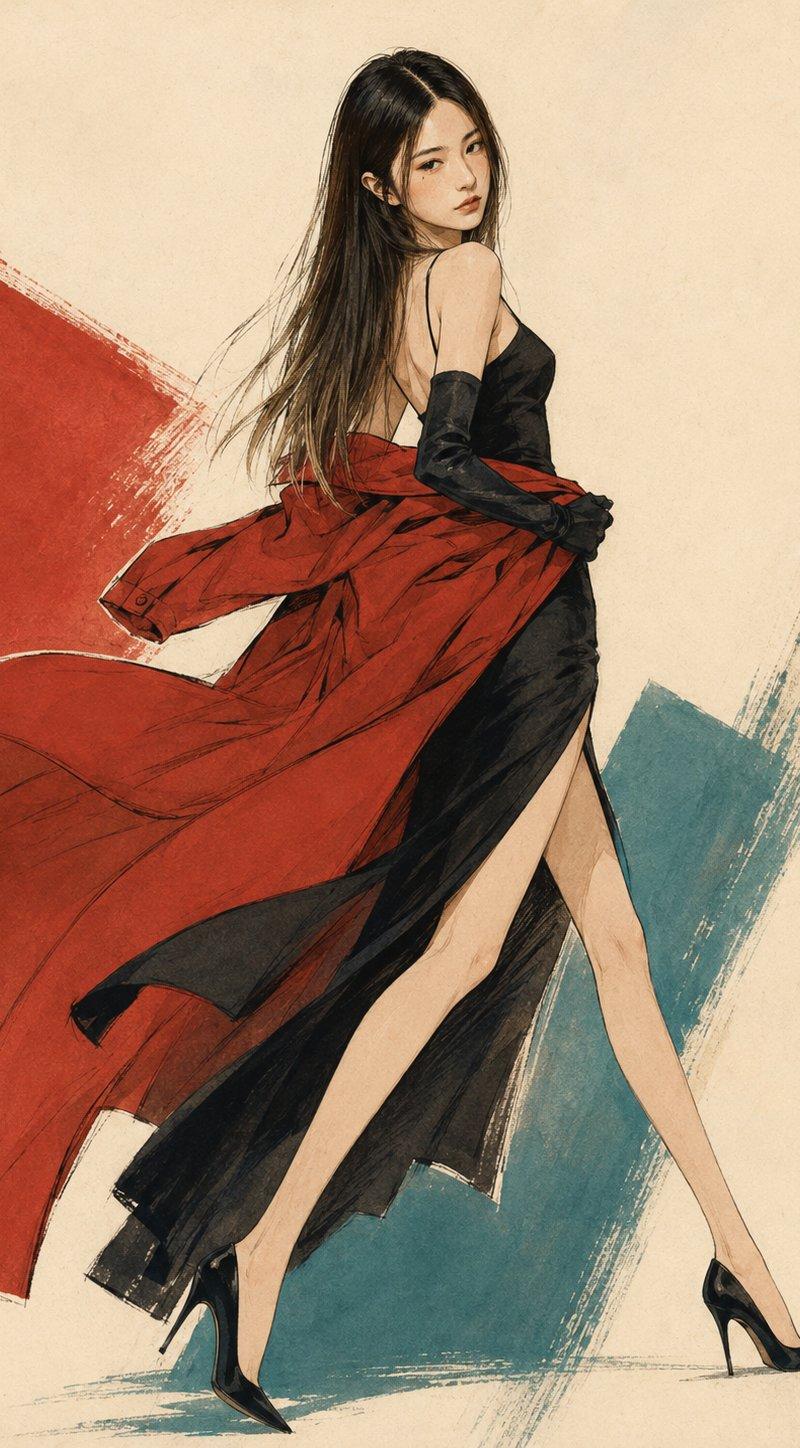
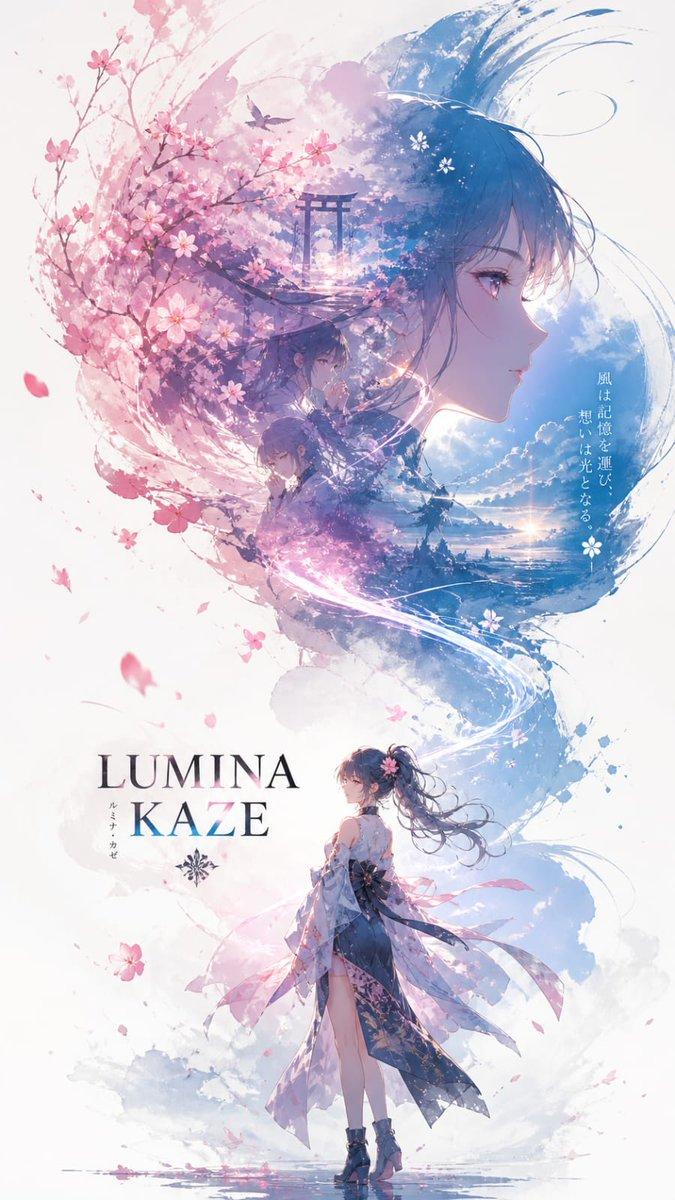
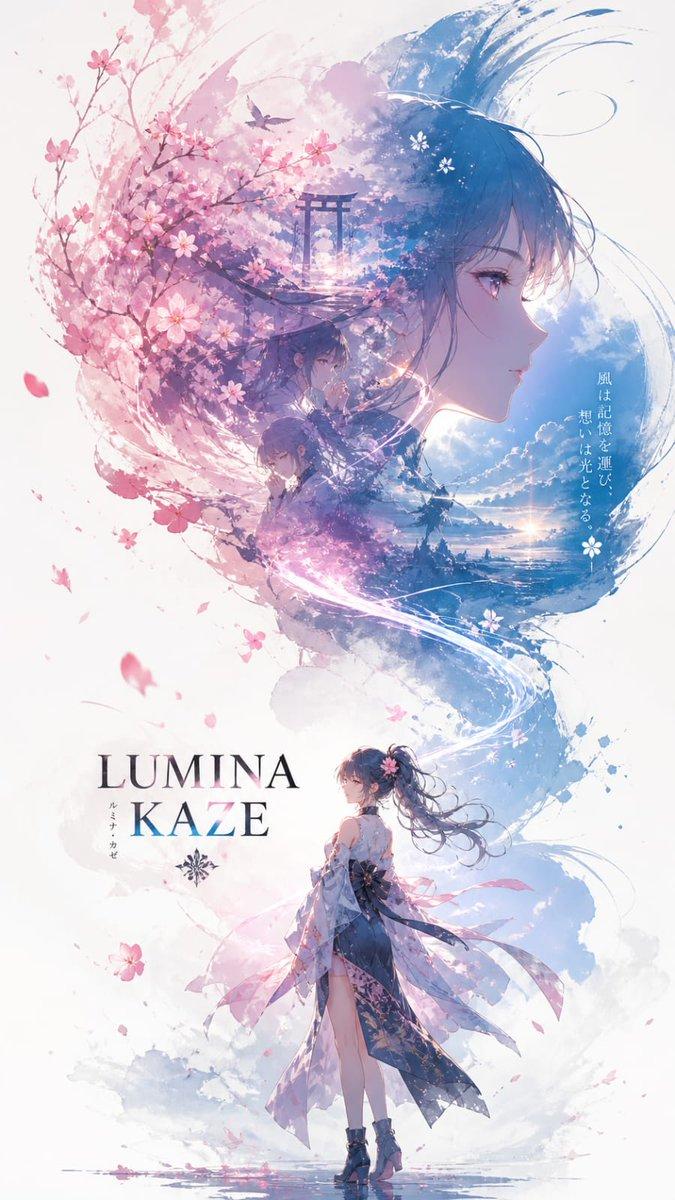
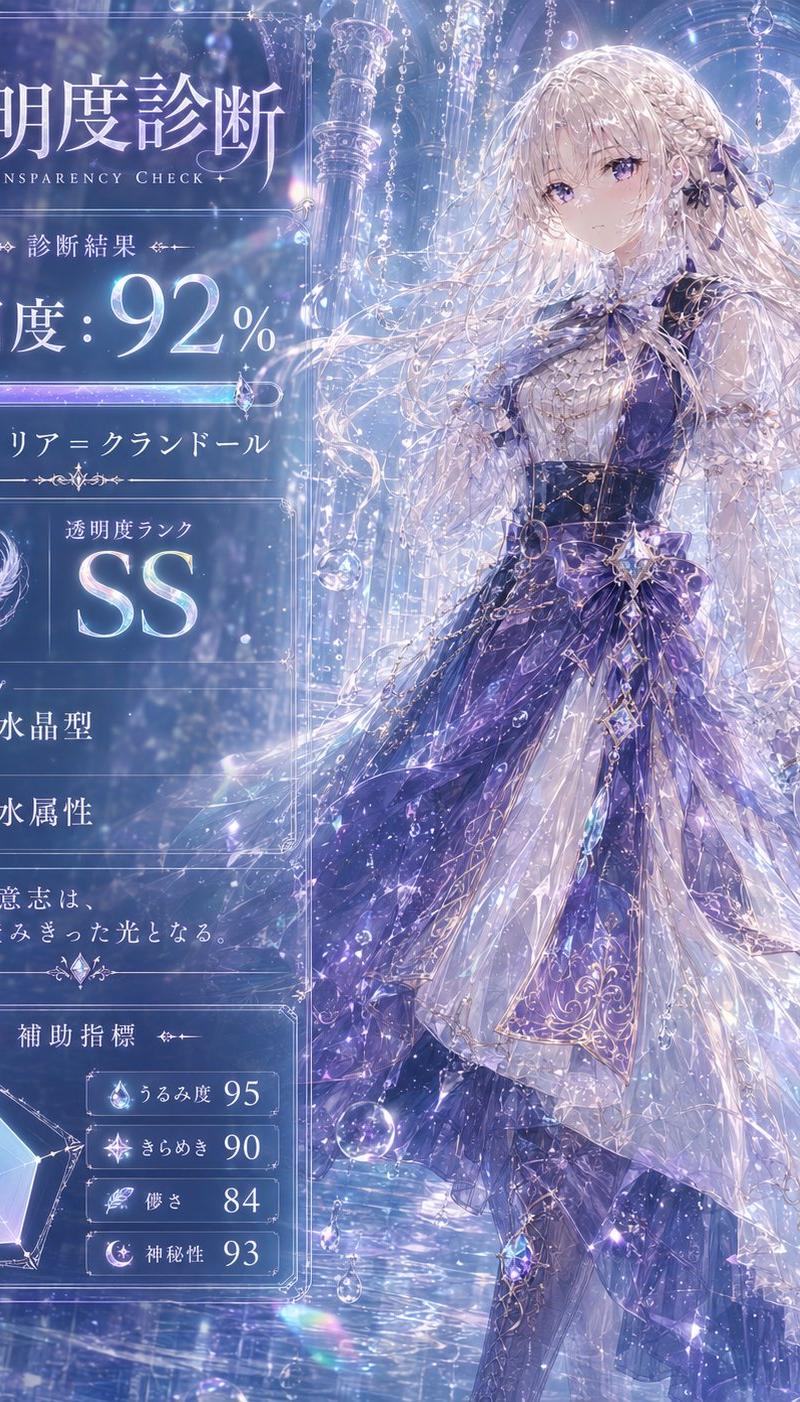
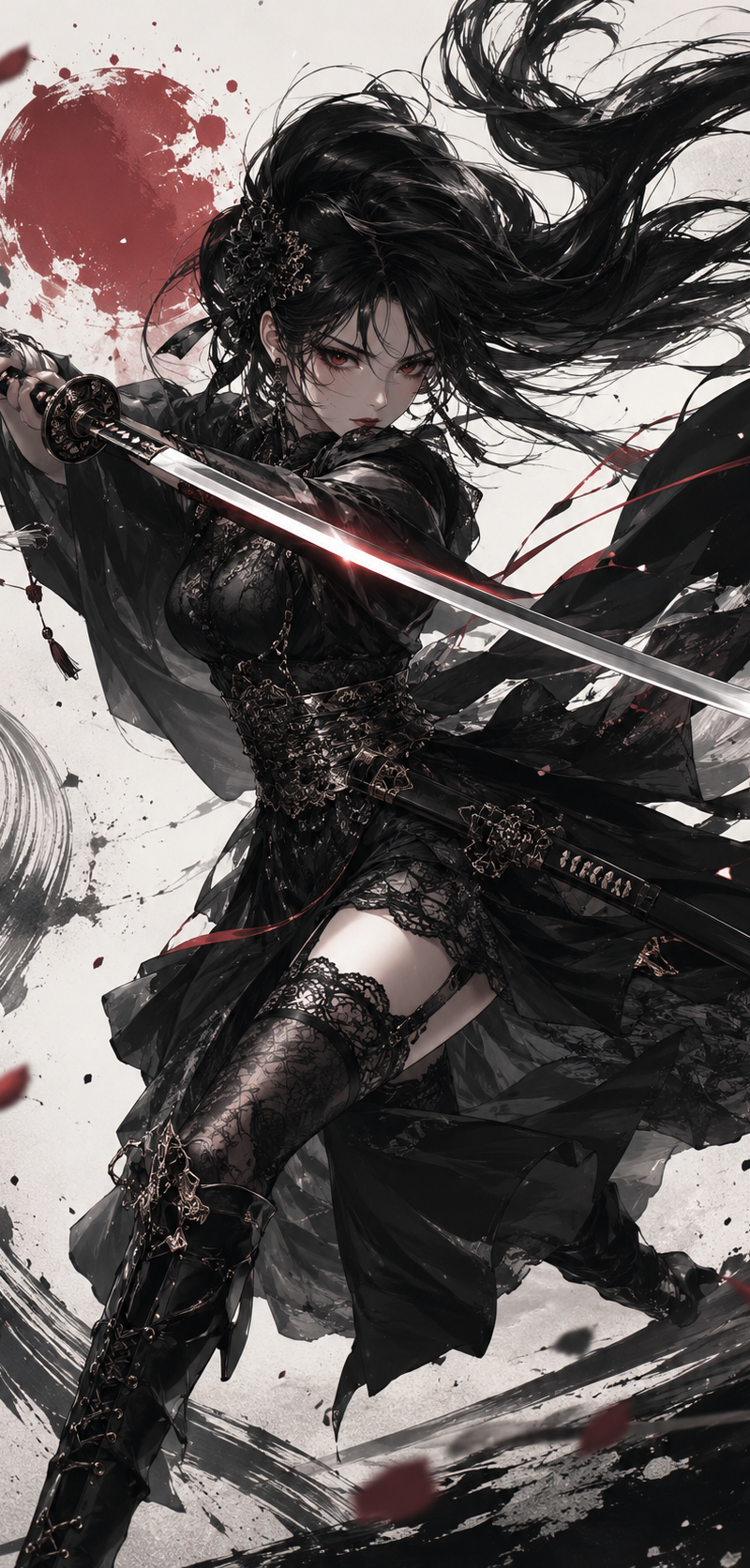
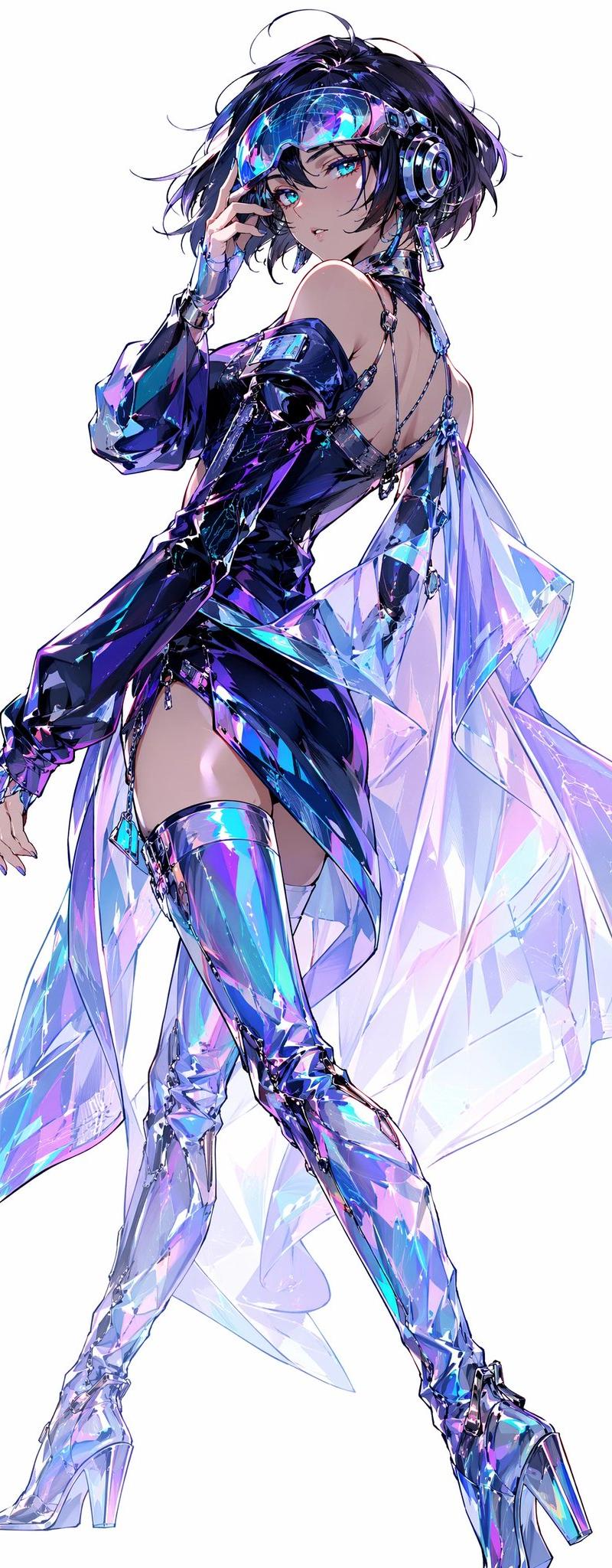
Create a full-body anime fashion illustration of a futuristic cyberpop idol woman on a clean white background. The character is {argument name="character type" default="a stylish young female DJ idol"} with short tousled {argument name="hair color" default="black hair with violet-blue highlights"}, bright teal eyes, glossy lips, and a confident over-the-shoulder pose. She wears large metallic headphones, a transparent neon visor across her forehead, dangling tech jewelry, fingerless gloves, and a sleek asymmetrical black-violet latex mini dress with one long sleeve, exposed shoulders, open back straps, and a high side slit. Add one dramatic translucent holographic cape or train flowing behind her, made of iridescent crystalline panels in cyan, lavender, pink, and electric blue. She also wears thigh-high reflective chrome boots with high heels, sharp angular highlights, and prismatic reflections. The pose should show her standing in three-quarter view with one hand near the visor/headphones, one leg extended forward, elegant long limbs, and a runway-like silhouette. Visual style: high-end Japanese anime character art, extremely detailed linework, luminous cyberpunk colors, glossy materials, glasslike reflections, holographic refractions, subtle sketchy hair strands, clean composition, no background objects, no text, no watermark. Color palette should emphasize {argument name="main palette" default="iridescent blue, violet, cyan, magenta, and black"}.
Category
Charts & Infographics
Model
GPT Image 2
Creator
空想製作所/AI4コマ漫画
Source language
en
Views0
Source ID
26990
Published
Jun 27, 2026
Studio

Guide

About "全息赛博流行偶像"

What is this prompt for?

"全息赛博流行偶像" AI image prompt for GPT Image 2 (Charts & Infographics). 生成全身动漫赛博流行偶像角色设计,采用虹彩未来主义时尚和光泽全息材质。 Copy it on Picva and recreate the look in one click.

The full copyable prompt and example visuals above are ready for AI image generation or one-click recreate in Picva.

How to use this prompt

  1. Step 1

    Open the prompt detail

    Review the example visuals, category, and full prompt text for "全息赛博流行偶像".

  2. Step 2

    Copy the prompt

    Copy the prompt body from this page, or load it directly in Studio.

  3. Step 3

    Pick a model (GPT Image 2)

    Prefer GPT Image 2. If you switch models, keep subject and composition and tweak style terms.

  4. Step 4

    Generate and export

    Recreate the look in Picva, or export into your workflow for editing and publishing.

FAQ

What is the "全息赛博流行偶像" prompt?
It is an AI image-generation prompt for GPT Image 2 in the Charts & Infographics category. This page includes the full prompt text, example visuals, and a one-click recreate path in Picva.
How do I use this prompt to generate an image?
Copy the prompt from this page, or use Generate / Studio. Paste it into a compatible image model, or recreate the look in Picva with optional reference images.
Which model is this prompt for?
This page lists GPT Image 2. Most descriptive prompts also transfer to nearby image models such as GPT Image, Flux, or Midjourney with light style tweaks.
Can I use the result commercially?
You can usually copy the prompt for creation, but commercial use of the final image depends on the model terms, reference-image rights, and the generated content. Follow the source author and platform rules.