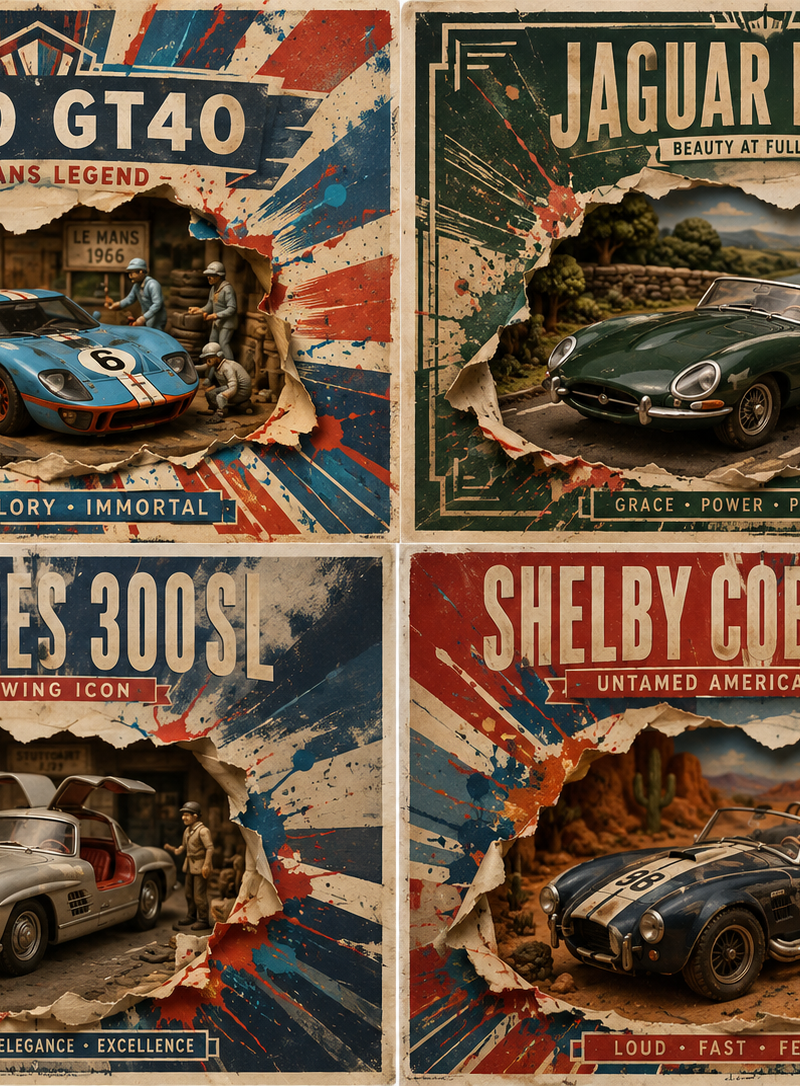
构成主义经典汽车编辑网格
Prompt
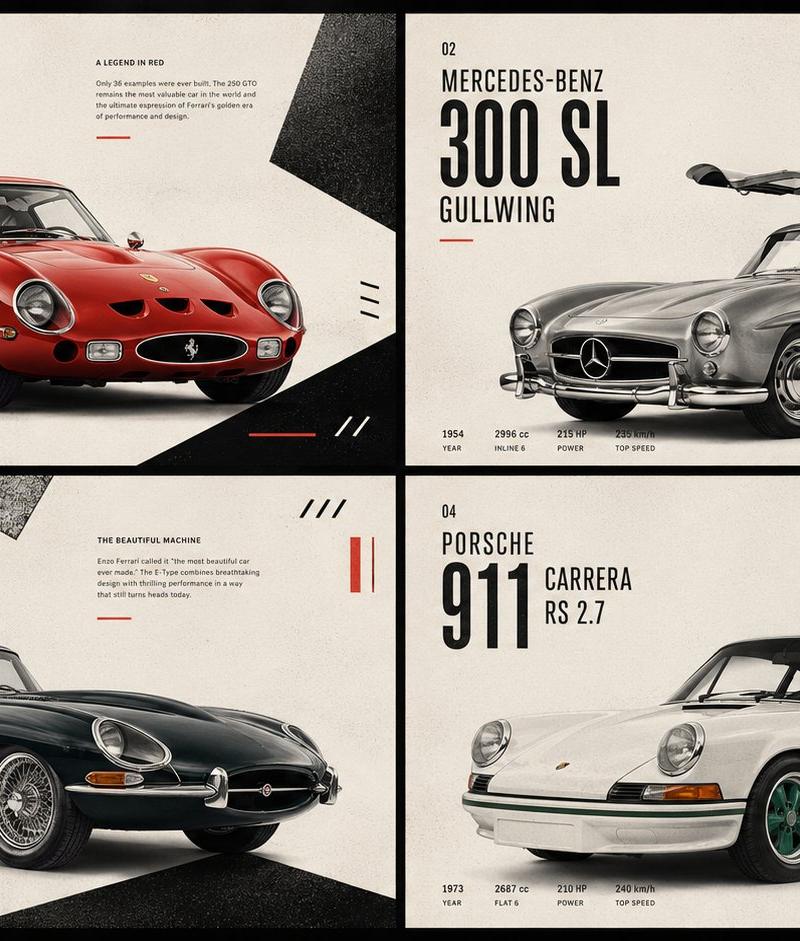
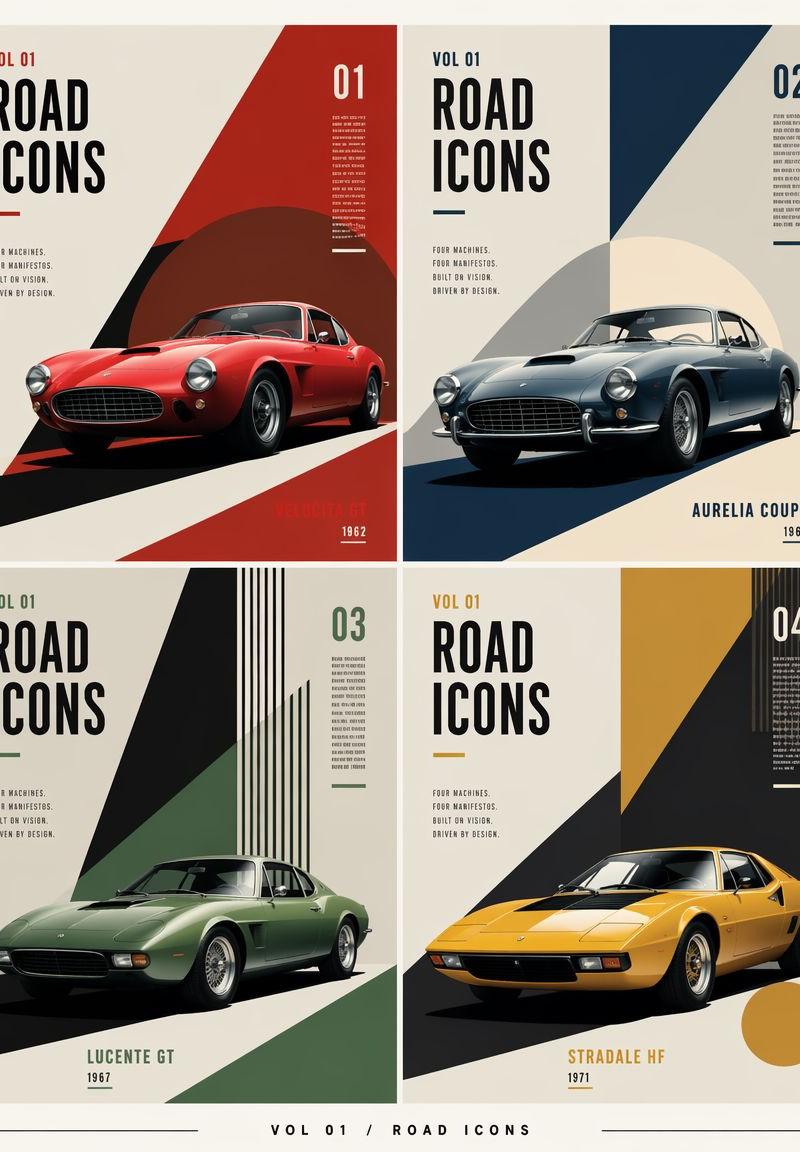
Goal: Create a constructivist editorial poster grid for {argument name="series title" default="ROAD ICONS"}, featuring exactly four fictional classic sports cars as collectible magazine-cover panels.

Canvas: Vertical poster, 4:5 aspect ratio, warm off-white paper background, subtle print grain, crisp high-resolution editorial design. Use a thin cream margin around the full composition and narrow gutters between panels.

Layout: Arrange exactly 4 equal rectangular panels in a 2×2 grid. Each panel is a separate cover design with the same typography system but different accent color and geometric composition. Add a small footer centered below the grid reading “VOL 01 / ROAD ICONS” with thin horizontal rules extending left and right.

Shared typography: Tall condensed bold sans-serif headline, black uppercase letters. Each panel includes “VOL 01” near the top left, a huge stacked “ROAD / ICONS” headline, a small manifesto block reading “FOUR MACHINES. FOUR MANIFESTOS. BUILT BY VISION. DRIVEN BY DESIGN.”, a large issue number in the upper right, tiny vertical microtext near the issue number, and a short underline accent matching the panel color. Keep all text sharp, aligned, and poster-like.

Panel 1, top left: Issue “01”. Accent color deep red. Show a glossy red 1960s grand touring coupe facing slightly left-front, low stance, round headlights, oval grille, chrome details, realistic studio lighting. Use bold diagonal constructivist shapes: a large red triangular field on the right, a dark maroon circle behind the car, and a black diagonal road shadow. Bottom right label: {argument name="car one label" default="VELOCITÀ GT"} with year “1962”.

Panel 2, top right: Issue “02”. Accent color dark navy blue. Show a silver-blue classic coupe facing slightly left-front, round headlamps, chrome bumper, wire wheels, realistic glossy reflections. Background uses a navy diagonal wedge from the top right and a pale cream circular sun shape behind the car, with a dark blue base shadow. Bottom right label: {argument name="car two label" default="AURELIA COUPE"} with year “1964”.

Panel 3, bottom left: Issue “03”. Accent color muted forest green. Show a matte green vintage sports coupe facing left-front, elongated hood, low roof, subtle chrome wheels, realistic lighting. Background uses a sharp black triangular wedge from the top, green diagonal planes, and a set of narrow vertical black-and-green stripes at the upper right. Bottom center label: {argument name="car three label" default="LUCENTE GT"} with year “1967”.

Panel 4, bottom right: Issue “04”. Accent color mustard yellow. Show a yellow wedge-shaped 1970s sports car facing left-front, pop-up-headlight silhouette, black glass canopy, low angular body, realistic paint shine. Background uses a large black diagonal wedge, mustard yellow rectangular field at the top, vertical stripe cluster at the upper right, and a mustard circle near the lower right. Bottom center label: {argument name="car four label" default="STRADALE HF"} with year “1971”.

Visual style: Mid-century constructivist meets luxury automotive editorial, geometric color blocking, dramatic diagonal shadows, precise Swiss-grid alignment, photorealistic cars integrated into flat graphic poster layouts. Palette: cream, black, red, navy, green, mustard, with subtle aged paper texture.

Constraints: Include exactly four cars and exactly four numbered panels. Keep all cars fictional but historically plausible. Do not add people, logos, watermarks, QR codes, or extra panels. Preserve clean gutters and strong poster composition.- Category
- Charts & Infographics
- Model
- GPT Image 2
- Creator
- Eric Kang
- Source language
- en
- Source ID
- 27086
- Published
- Jun 28, 2026
Views0