17

科学动物运动分析 HUD
Enlarge

科学动物运动分析 HUD

Prompt
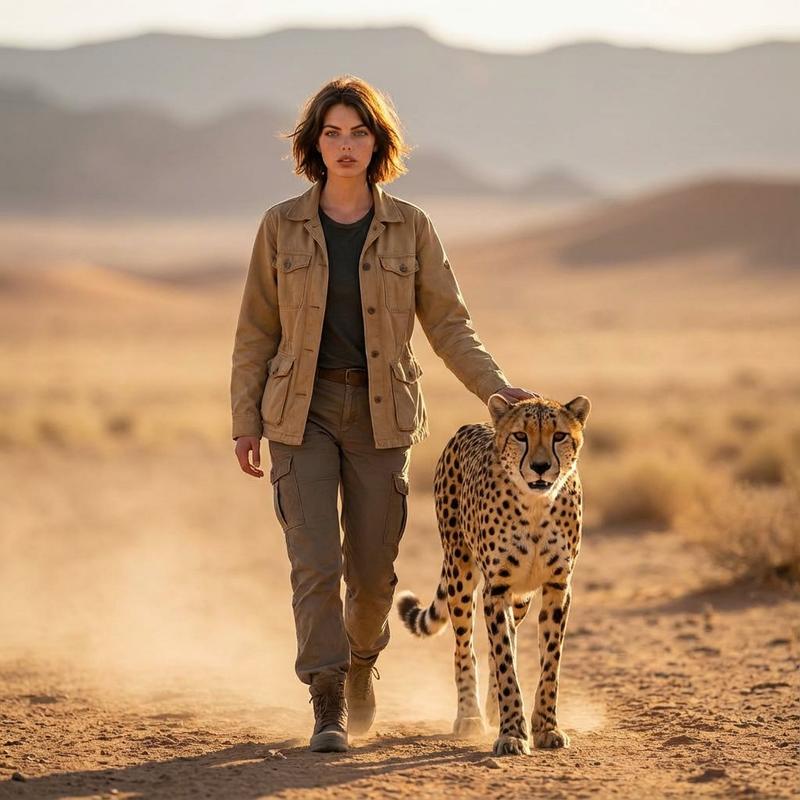
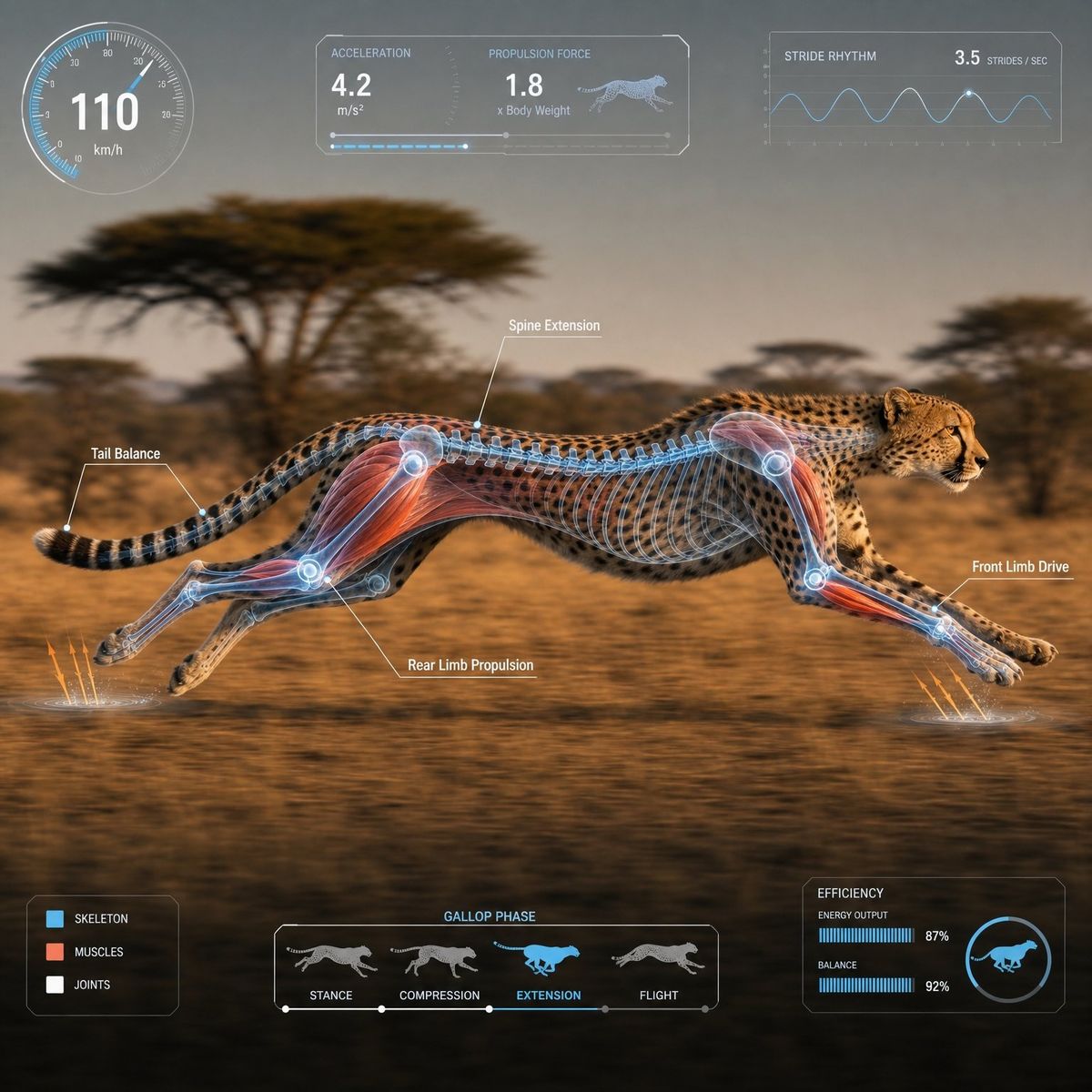
1:1 正方形构图。适用于视频素材。请提供一张照片级真实感的 {argument name="animal name" default="cheetah"} 在自然栖息地中运动的画面,采用侧面高速追踪镜头拍摄。
摄像机采用中远景,拉开足够距离。构图需确保整个身体完全处于画面内,头部、躯干、腿部、翅膀、鳍或尾巴等主要部位不得有任何裁剪。主体位于中心安全区域,占据水平宽度的 60-70%,四周留有边距。侧面轮廓从左向右移动。背景带有轻微的水平运动模糊,而主体则保持清晰对焦。
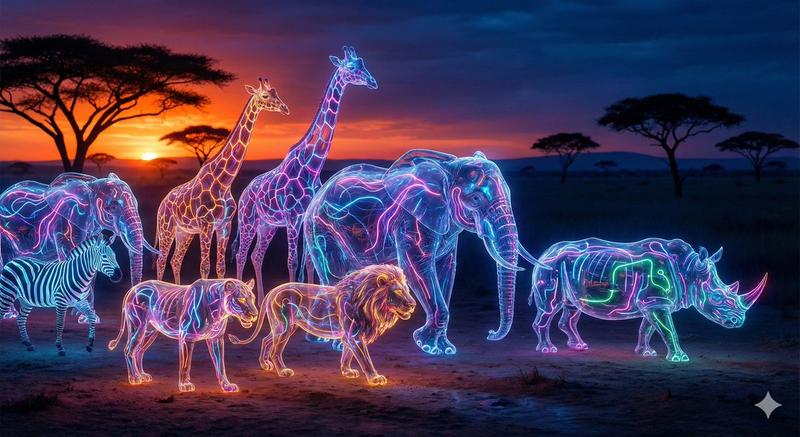
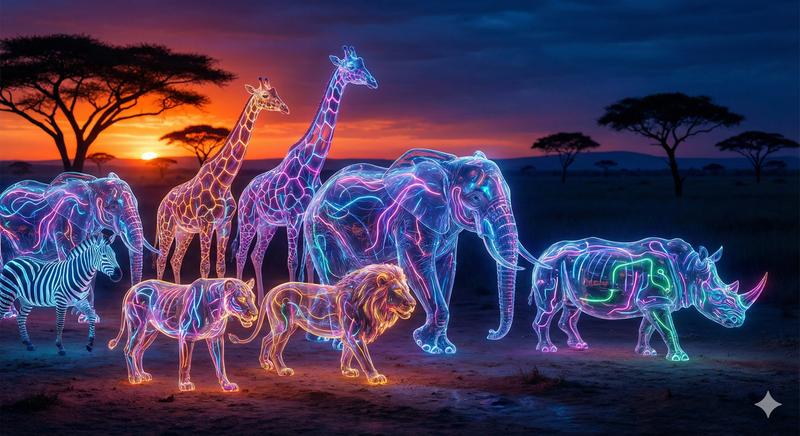
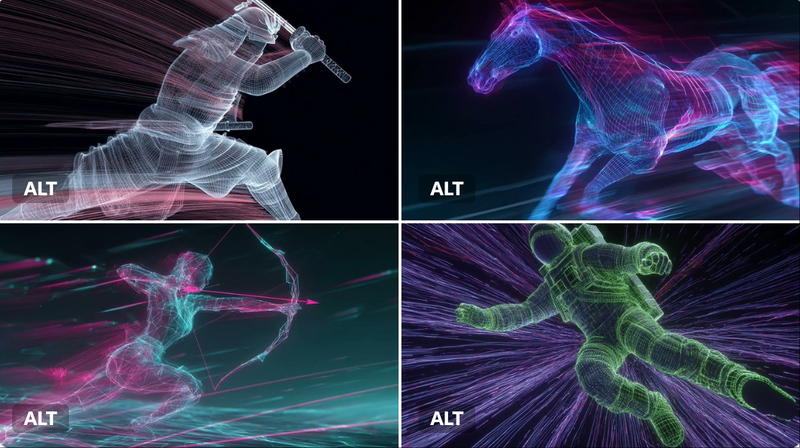
在身体上准确叠加透明的 3D 骨骼或相应的解剖层,重点展示肌肉、关节、脊柱和躯干的伸展,以及腿部、翅膀、鳍和尾巴等推进部位。半透明蓝/白色底色,关键区域带有红色或橙色点缀。
在屏幕边缘显示固定布局的半透明 HUD。UI 不得遮挡主体,且每次放置位置必须一致。
左上角:圆形速度计
顶部中心:加速度/力/推进力面板
右上角:步幅/拍动/游泳节奏图表
左下角:肌肉/骨骼/关节图例
底部中心:运动阶段时间轴
右下角:小型能量效率/平衡图表
最多 4 个标注。仅限简短的英文标签。简洁的科幻纪录片风格 UI,采用白色、青色和浅蓝色。数字仅供参考;避免长文本或密集的 UI。电影级自然光效,高清,照片级真实感,条理清晰的科学纪录片风格。
避免:特写镜头、身体裁剪、肢体超出画面、多只动物、多余的腿、关节扭曲、类人骨骼、难以辨认的文字、拥挤的 UI、巨大的图表、UI 遮挡主体、过度的光效。
Category
Charts & Infographics
Model
GPT Image 2
Views0
Source ID
27157
Published
Jun 29, 2026

Guide

About "科学动物运动分析 HUD"

What is this prompt for?

"科学动物运动分析 HUD" AI image prompt for GPT Image 2 (Charts & Infographics). 一份高度详细的技术提示词,用于生成具有透明解剖叠加层和科学 HUD 元素的照片级真实感动物运动研究影像。 Copy it on Picva and recreate the…

The full copyable prompt and example visuals above are ready for AI image generation or one-click recreate in Picva.

How to use this prompt

  1. Step 1

    Open the prompt detail

    Review the example visuals, category, and full prompt text for "科学动物运动分析 HUD".

  2. Step 2

    Copy the prompt

    Copy the prompt body from this page, or load it directly in Studio.

  3. Step 3

    Pick a model (GPT Image 2)

    Prefer GPT Image 2. If you switch models, keep subject and composition and tweak style terms.

  4. Step 4

    Generate and export

    Recreate the look in Picva, or export into your workflow for editing and publishing.

FAQ

What is the "科学动物运动分析 HUD" prompt?
It is an AI image-generation prompt for GPT Image 2 in the Charts & Infographics category. This page includes the full prompt text, example visuals, and a one-click recreate path in Picva.
How do I use this prompt to generate an image?
Copy the prompt from this page, or use Generate / Studio. Paste it into a compatible image model, or recreate the look in Picva with optional reference images.
Which model is this prompt for?
This page lists GPT Image 2. Most descriptive prompts also transfer to nearby image models such as GPT Image, Flux, or Midjourney with light style tweaks.
Can I use the result commercially?
You can usually copy the prompt for creation, but commercial use of the final image depends on the model terms, reference-image rights, and the generated content. Follow the source author and platform rules.