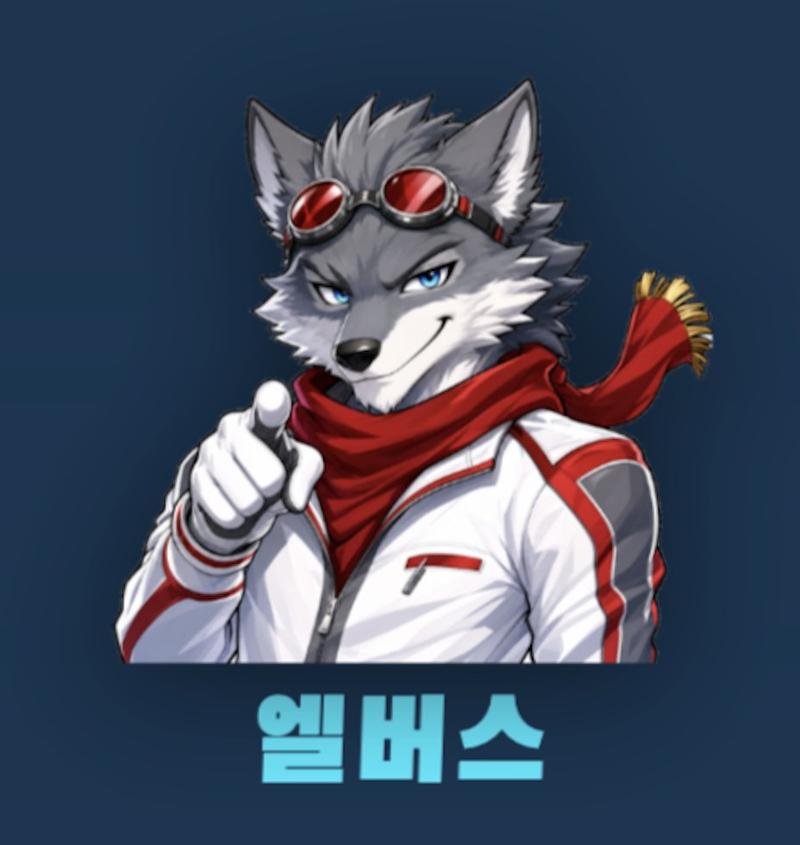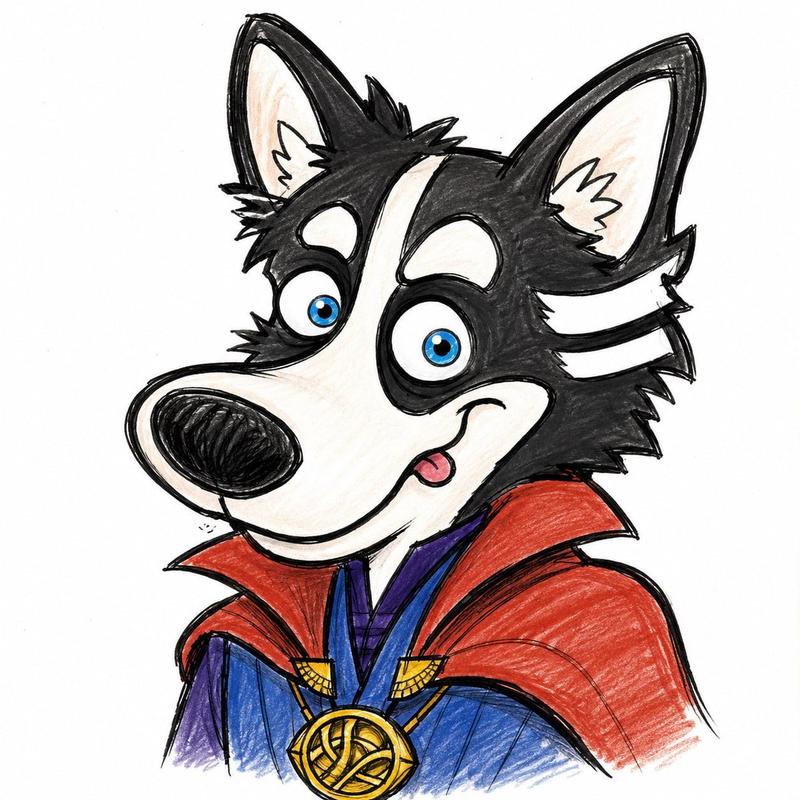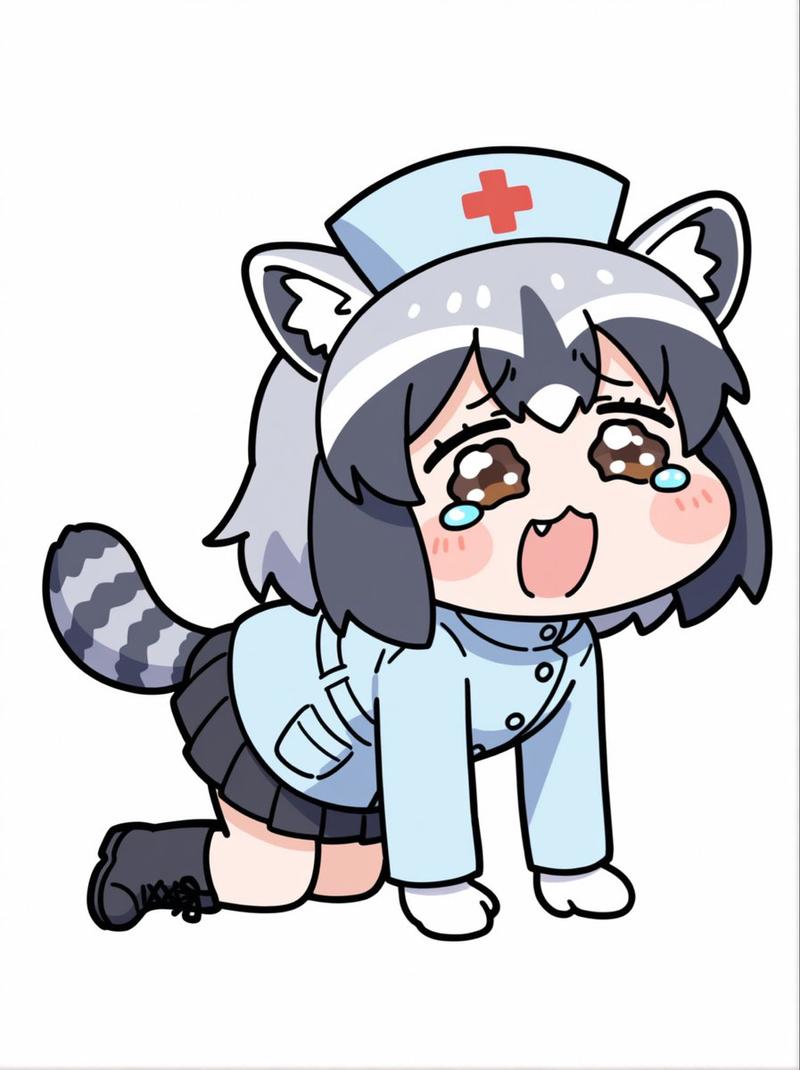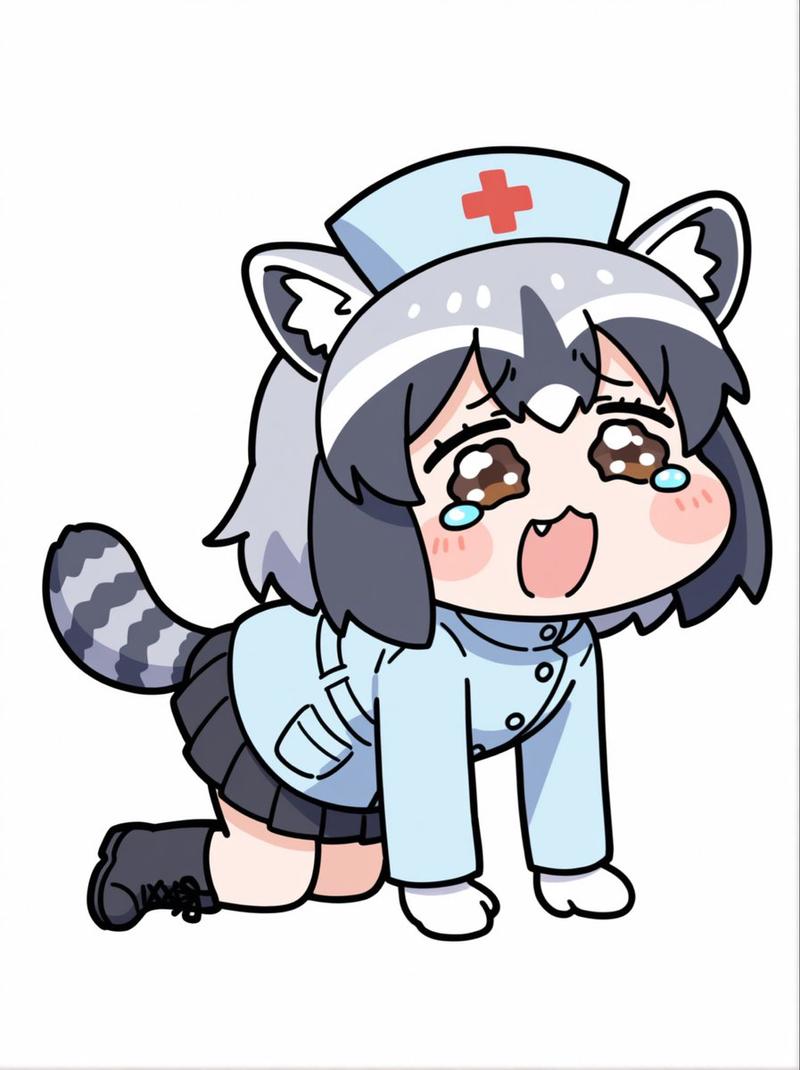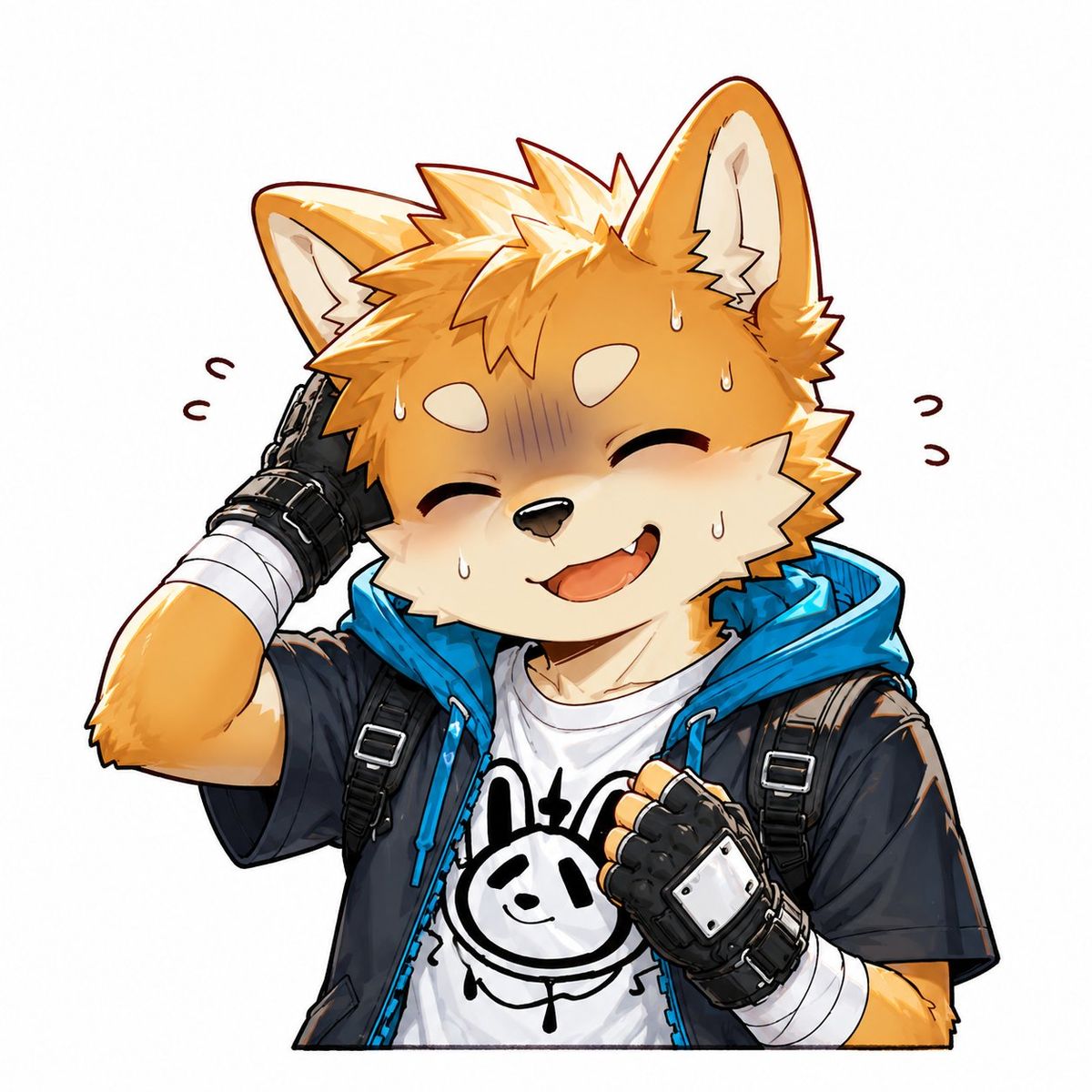
害羞狐狸少年动漫贴纸
Prompt
Create a square 1:1 anime-style sticker illustration on a clean white background, featuring a single cheerful anthropomorphic fox boy with orange fur and cream muzzle/cheeks, large upright fox ears, spiky golden-orange hair, and a fluffy youthful face. He is laughing with closed crescent eyes, an open smiling mouth with one small fang visible, and a slightly embarrassed expression shown by a bluish-purple shaded blush band across the upper face and exactly 5 visible sweat drops on the face. Pose him from the waist up, centered, with his left hand behind his head in a sheepish scratch and his right fist held near his chest. Add exactly 4 small curved motion/emotion marks around the head, 2 on the left and 2 on the right. Outfit: black short-sleeve jacket with a bright cyan-blue hood and zipper trim, black backpack straps with silver buckles over both shoulders, white T-shirt with a simple black doodle bunny face graphic, black fingerless gloves with metallic silver knuckle plates, and white bandage wraps on both wrists/forearms. Use crisp clean line art, cel-shaded anime rendering, glossy highlights on hair and ears, warm orange and cream fur tones, vivid cyan accents, and a cute expressive mascot/furry character style. Keep the background plain white with no text, no watermark, no extra characters, and no scenery. The character can be customized as {argument name="character species" default="anthropomorphic fox boy"}, {argument name="fur color" default="orange with cream muzzle and cheeks"}, {argument name="hood color" default="bright cyan blue"}, {argument name="shirt graphic" default="simple black doodle bunny face"}, and {argument name="expression" default="embarrassed laughing smile"}.- Category
- Charts & Infographics
- Model
- GPT Image 2
- Creator
- XuGiNo..
- Source ID
- 27225
- Published
- Jun 29, 2026
Views0