18

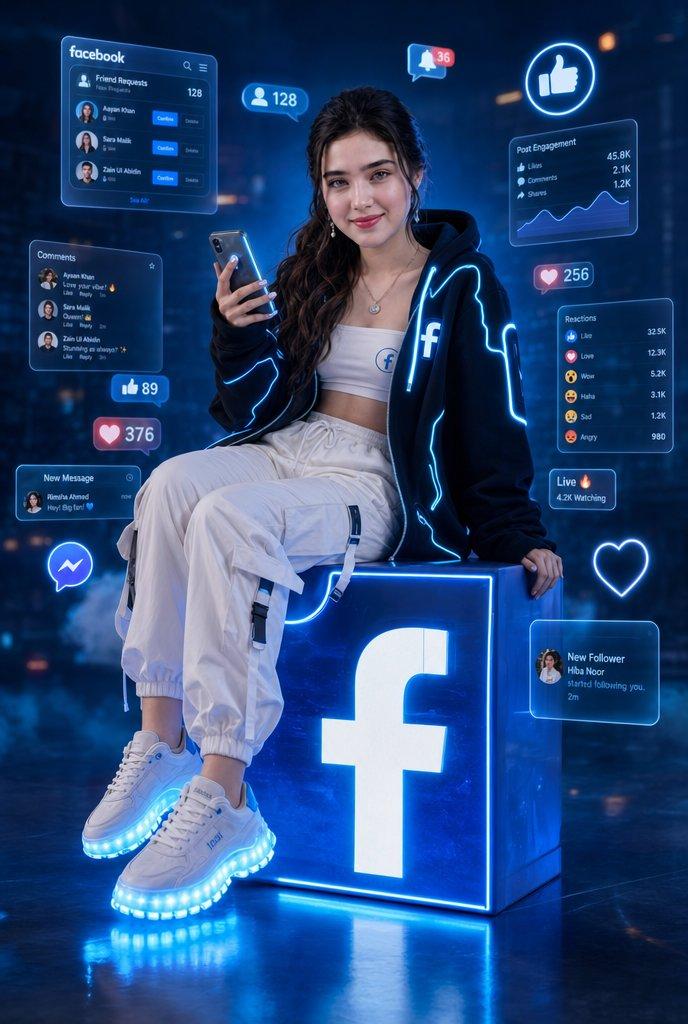
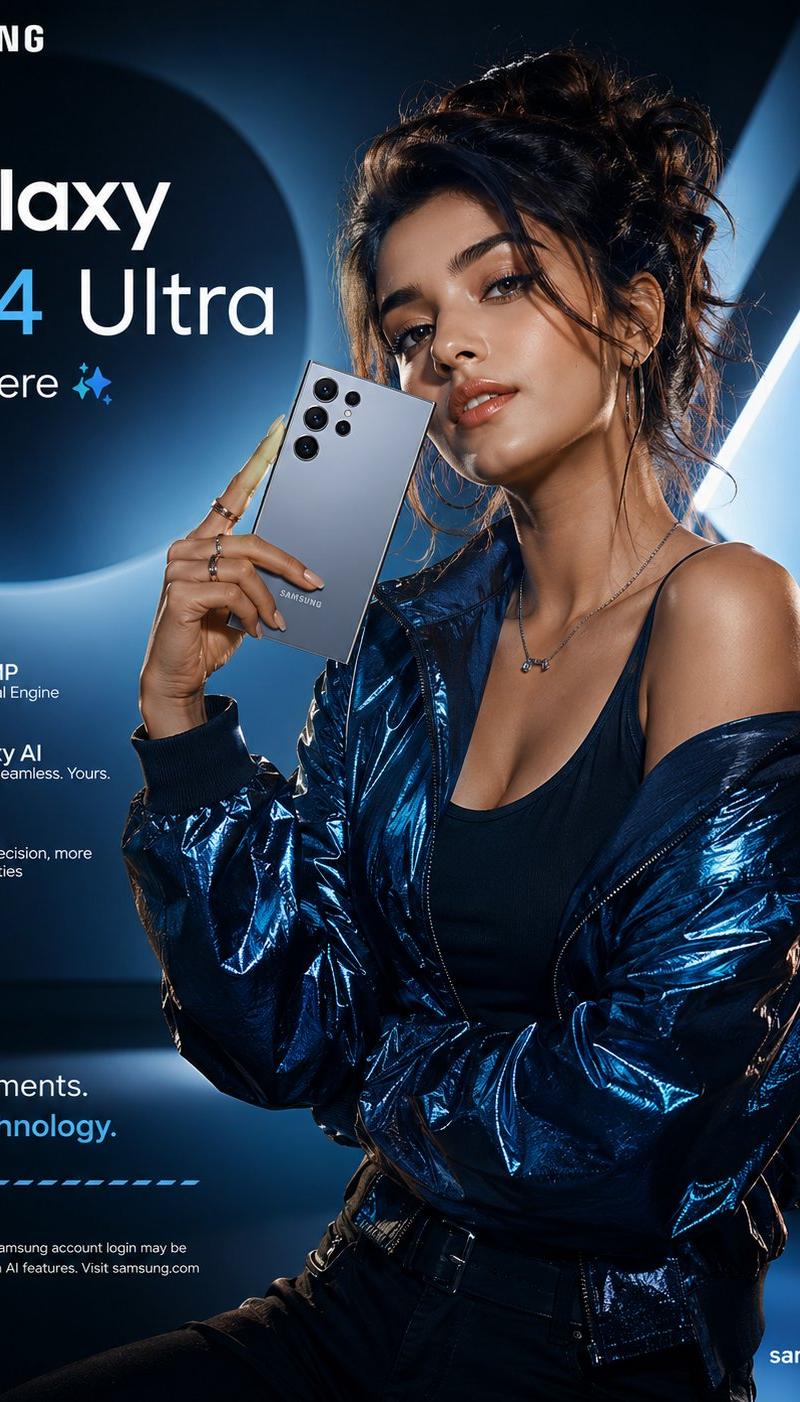
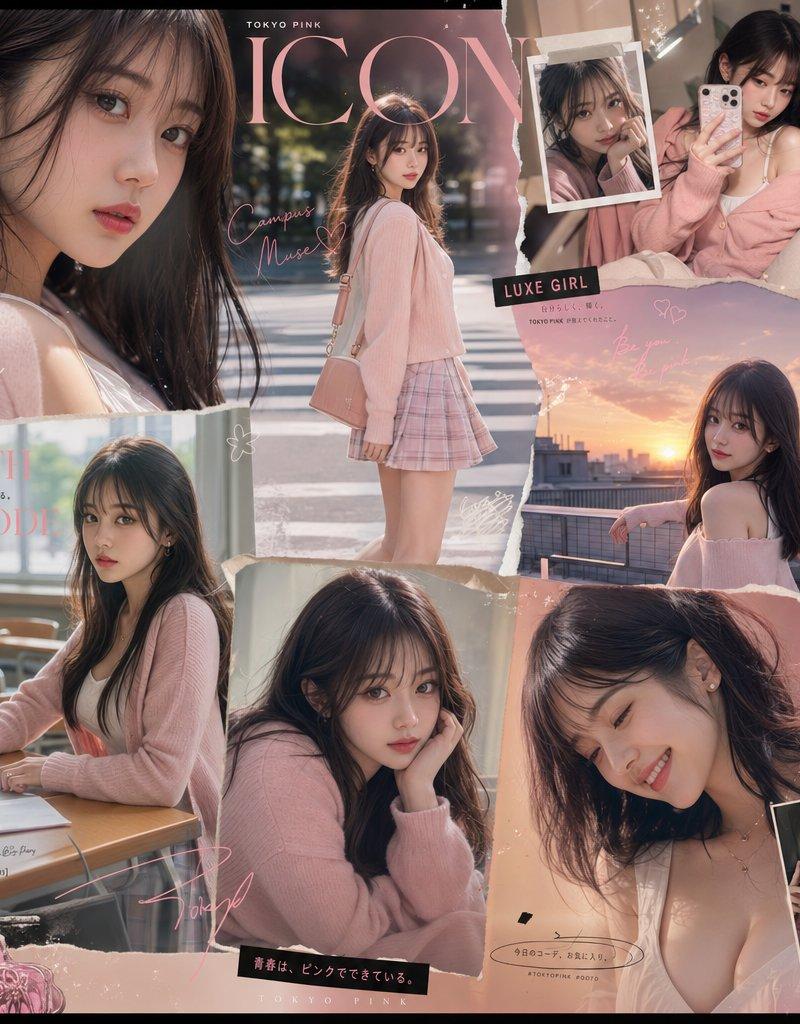
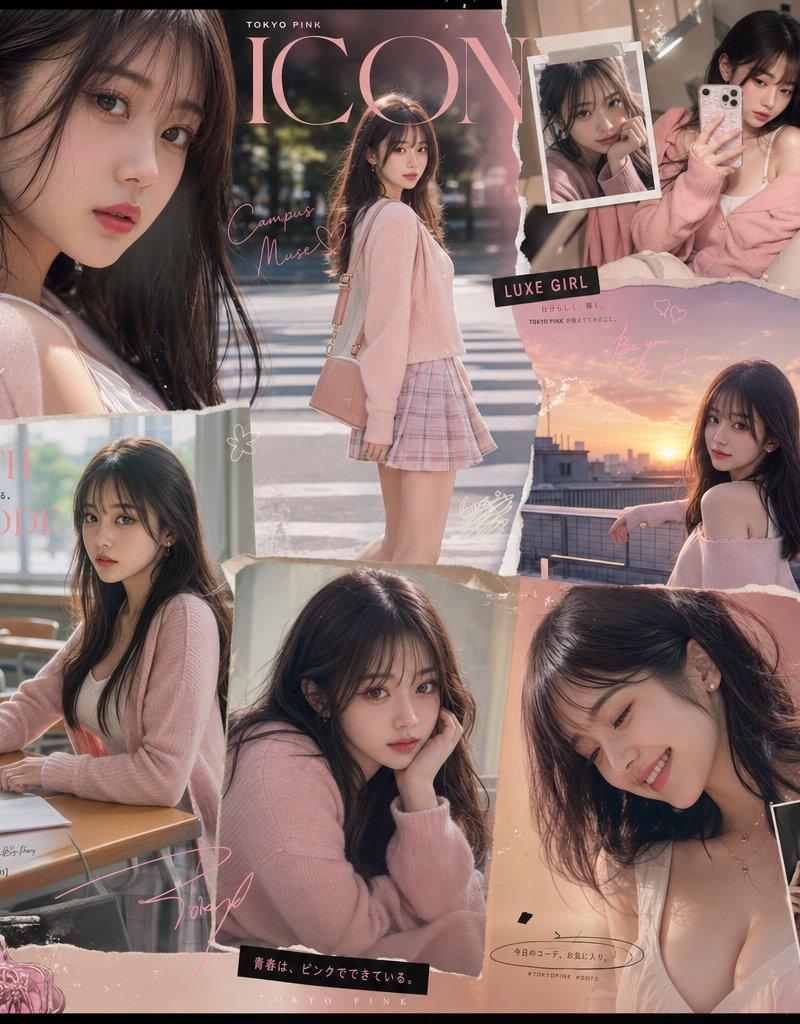
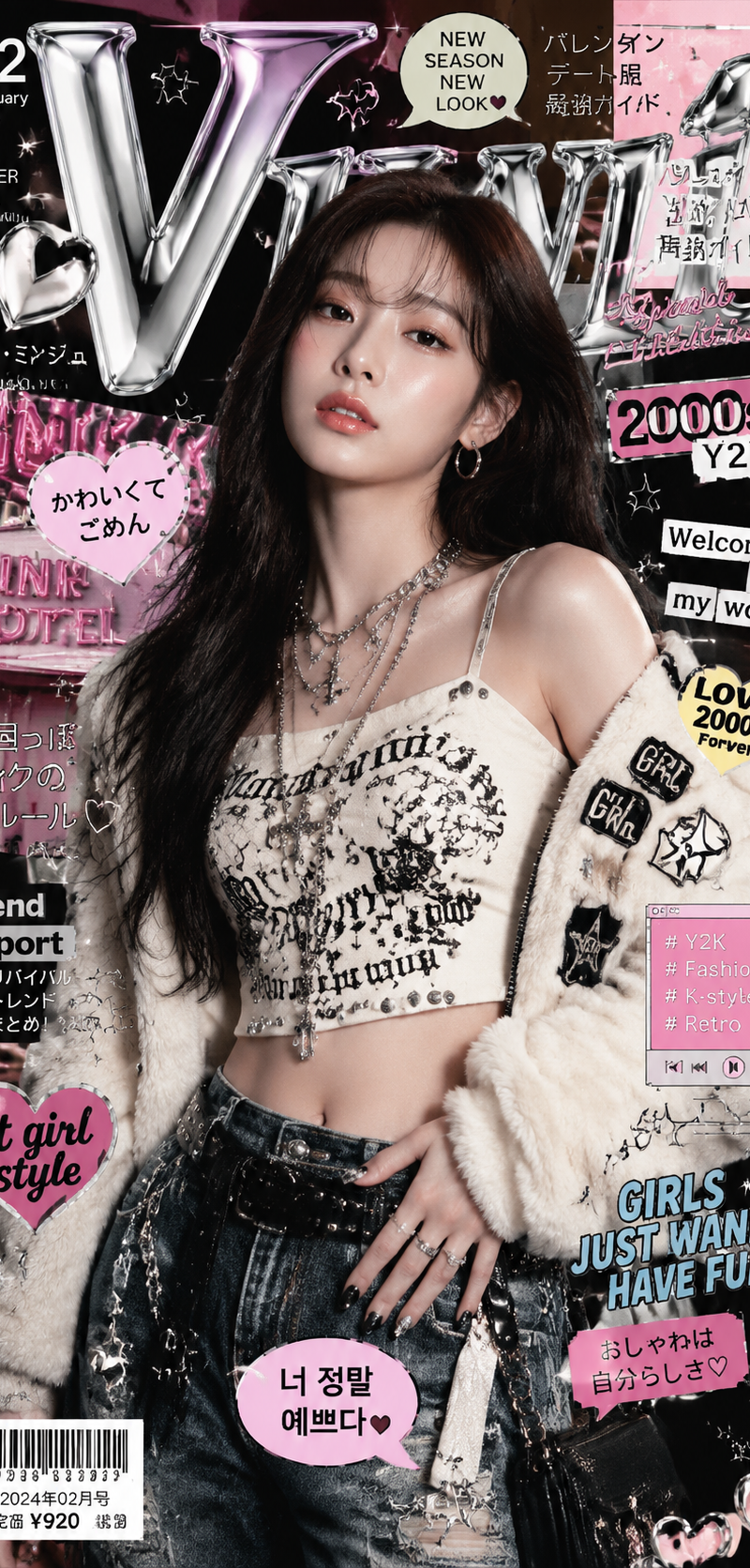
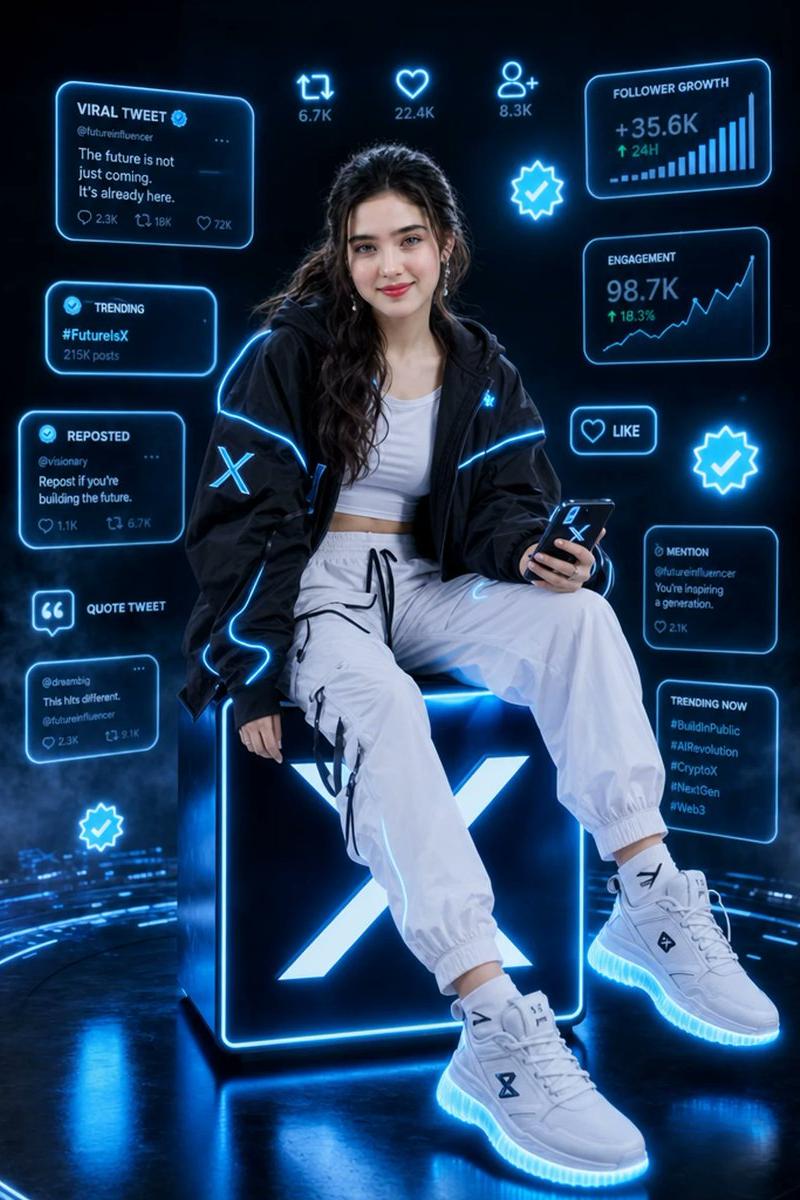
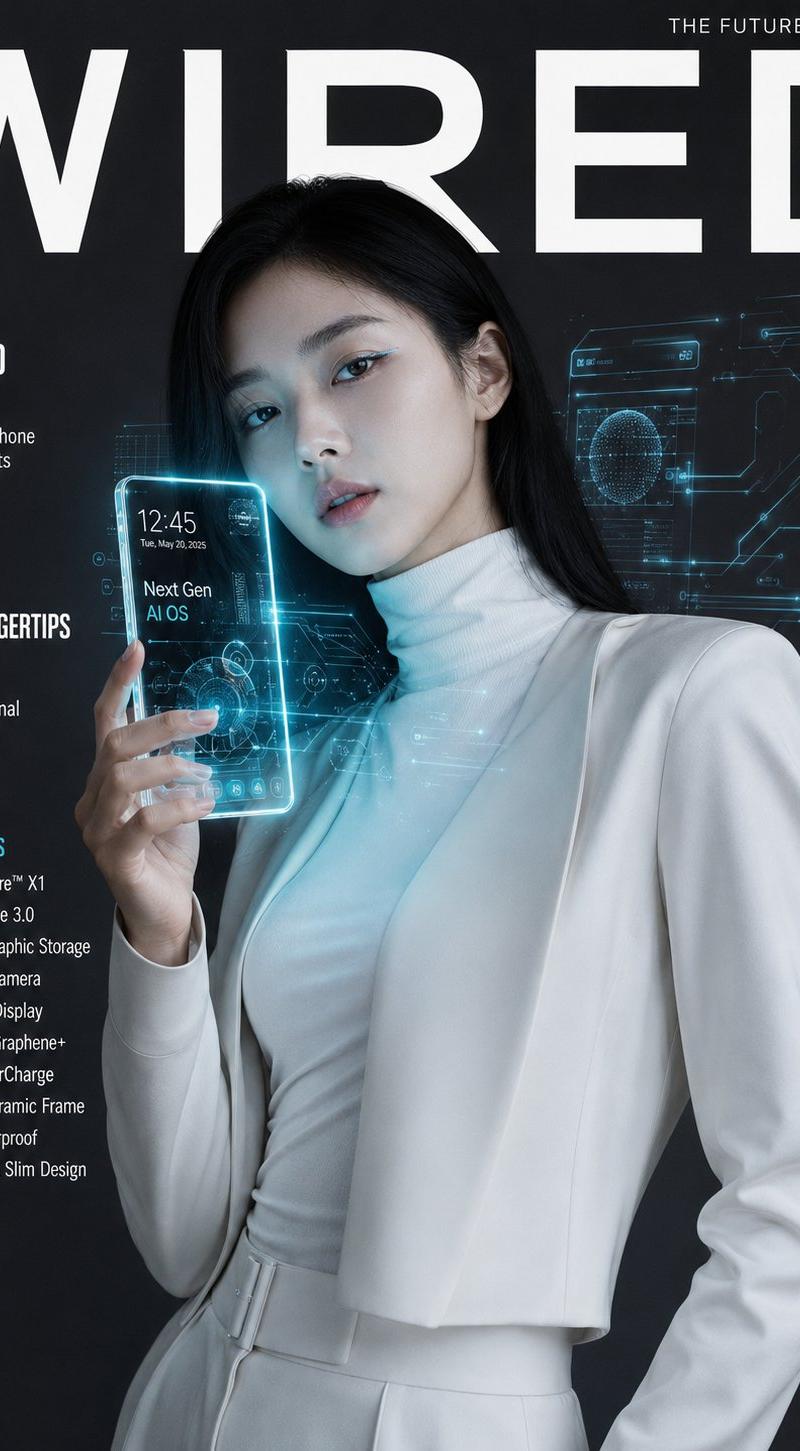
超写实科技杂志封面
Enlarge

Example images

超写实科技杂志封面

Prompt
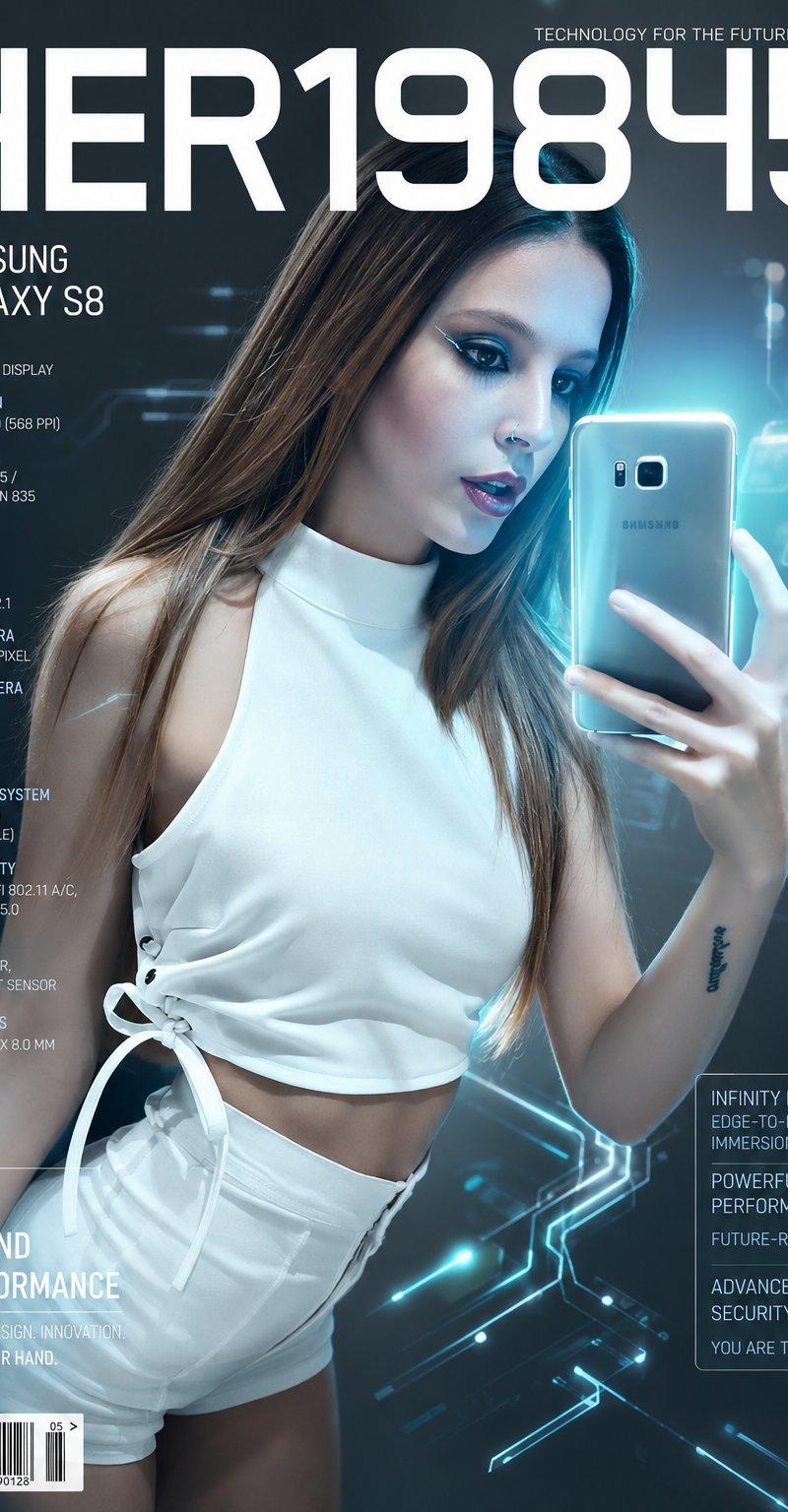
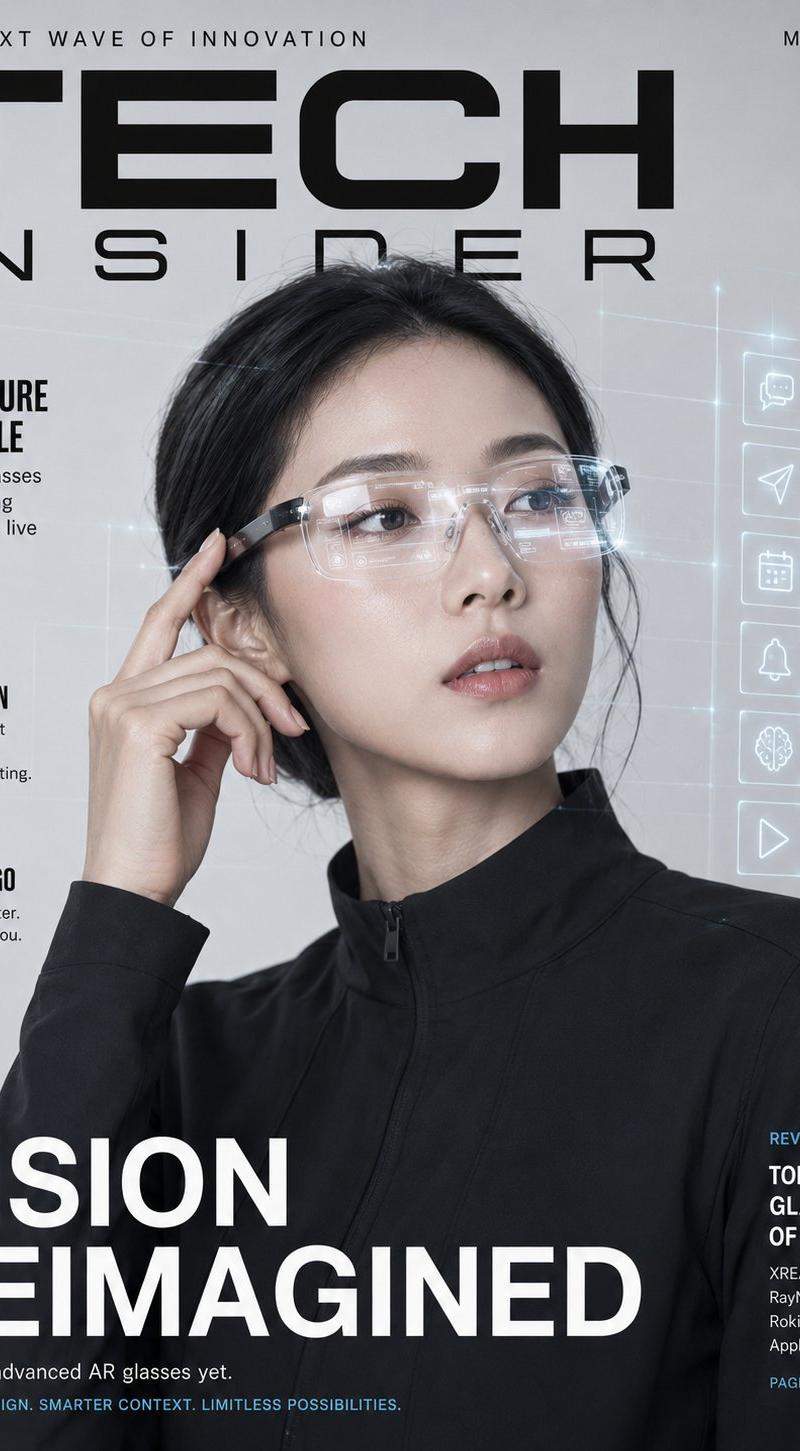
Ultra-realistic tech magazine cover featuring an elegant Korean woman in a sleek minimalist white tech-wear outfit — structured turtleneck and tailored trousers — holding a next-gen holographic-display smartphone up at chest level, its screen emitting a soft blue-cyan glow that illuminates her face. Flawless porcelain skin lit by the device's glow, sleek straight hair, minimal futuristic makeup with subtle metallic eyeliner. Background: seamless dark gunmetal studio with floating holographic UI elements and circuit-line light trails surrounding the phone. Bold "WIRED" masthead in clean modern sans-serif at top, with tech specs callout text along the side. 85mm lens, ultra-detailed device screen glow and skin lighting interaction, sharp focus, 8K photorealistic product tech editorial. 

Negative: blurry, cartoon, outdated tech design, watermark, distorted hands.
Category
UI & Interfaces
Model
GPT Image 2
Creator
Zephyra Leigh
Source language
en
Views0
Source ID
27348
Published
Jun 16, 2026
Studio

Guide

About "超写实科技杂志封面"

What is this prompt for?

"超写实科技杂志封面" AI image prompt for GPT Image 2 (UI & Interfaces). 一款科技杂志封面提示词,主角手持未来感全息手机,非常适合高端科技类编辑风格。 Copy it on Picva and recreate the look in one click.

The full copyable prompt and example visuals above are ready for AI image generation or one-click recreate in Picva.

How to use this prompt

  1. Step 1

    Open the prompt detail

    Review the example visuals, category, and full prompt text for "超写实科技杂志封面".

  2. Step 2

    Copy the prompt

    Copy the prompt body from this page, or load it directly in Studio.

  3. Step 3

    Pick a model (GPT Image 2)

    Prefer GPT Image 2. If you switch models, keep subject and composition and tweak style terms.

  4. Step 4

    Generate and export

    Recreate the look in Picva, or export into your workflow for editing and publishing.

FAQ

What is the "超写实科技杂志封面" prompt?
It is an AI image-generation prompt for GPT Image 2 in the UI & Interfaces category. This page includes the full prompt text, example visuals, and a one-click recreate path in Picva.
How do I use this prompt to generate an image?
Copy the prompt from this page, or use Generate / Studio. Paste it into a compatible image model, or recreate the look in Picva with optional reference images.
Which model is this prompt for?
This page lists GPT Image 2. Most descriptive prompts also transfer to nearby image models such as GPT Image, Flux, or Midjourney with light style tweaks.
Can I use the result commercially?
You can usually copy the prompt for creation, but commercial use of the final image depends on the model terms, reference-image rights, and the generated content. Follow the source author and platform rules.