18

Dining at LUMOS Restaurant
Enlarge

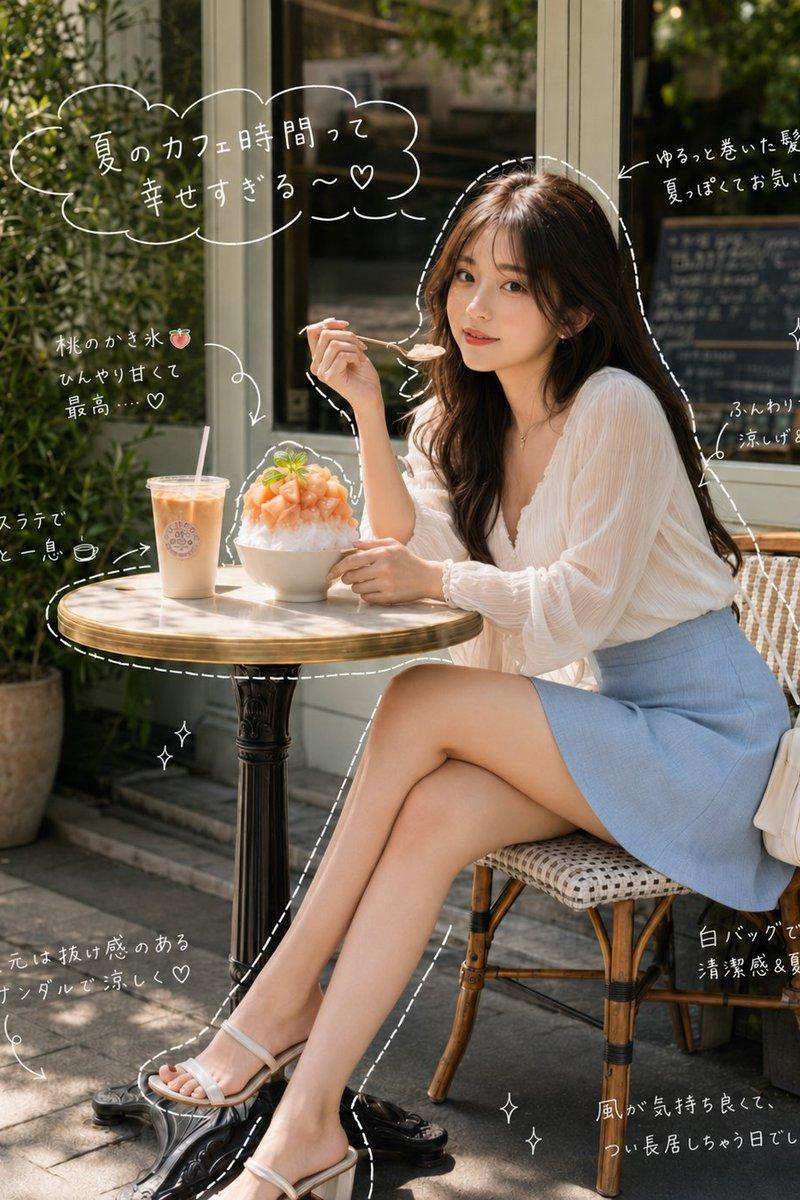
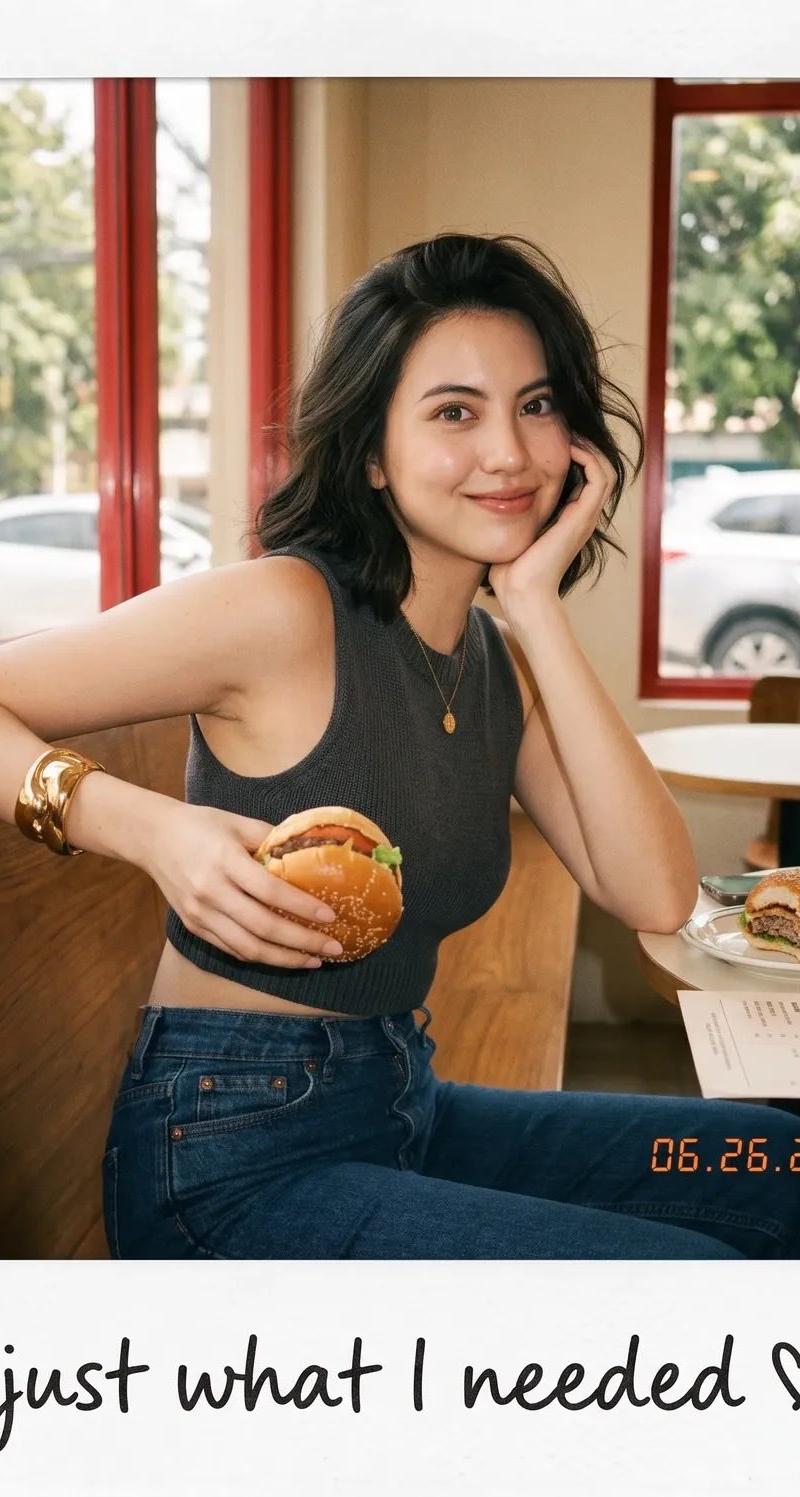
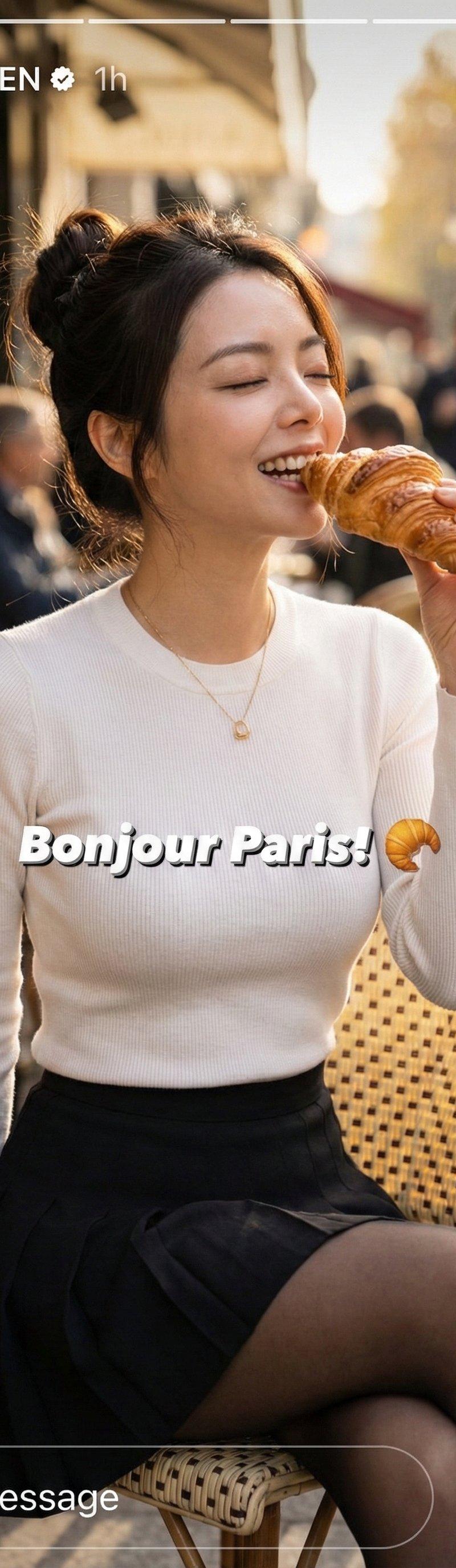
Example images

Dining at LUMOS Restaurant

Prompt
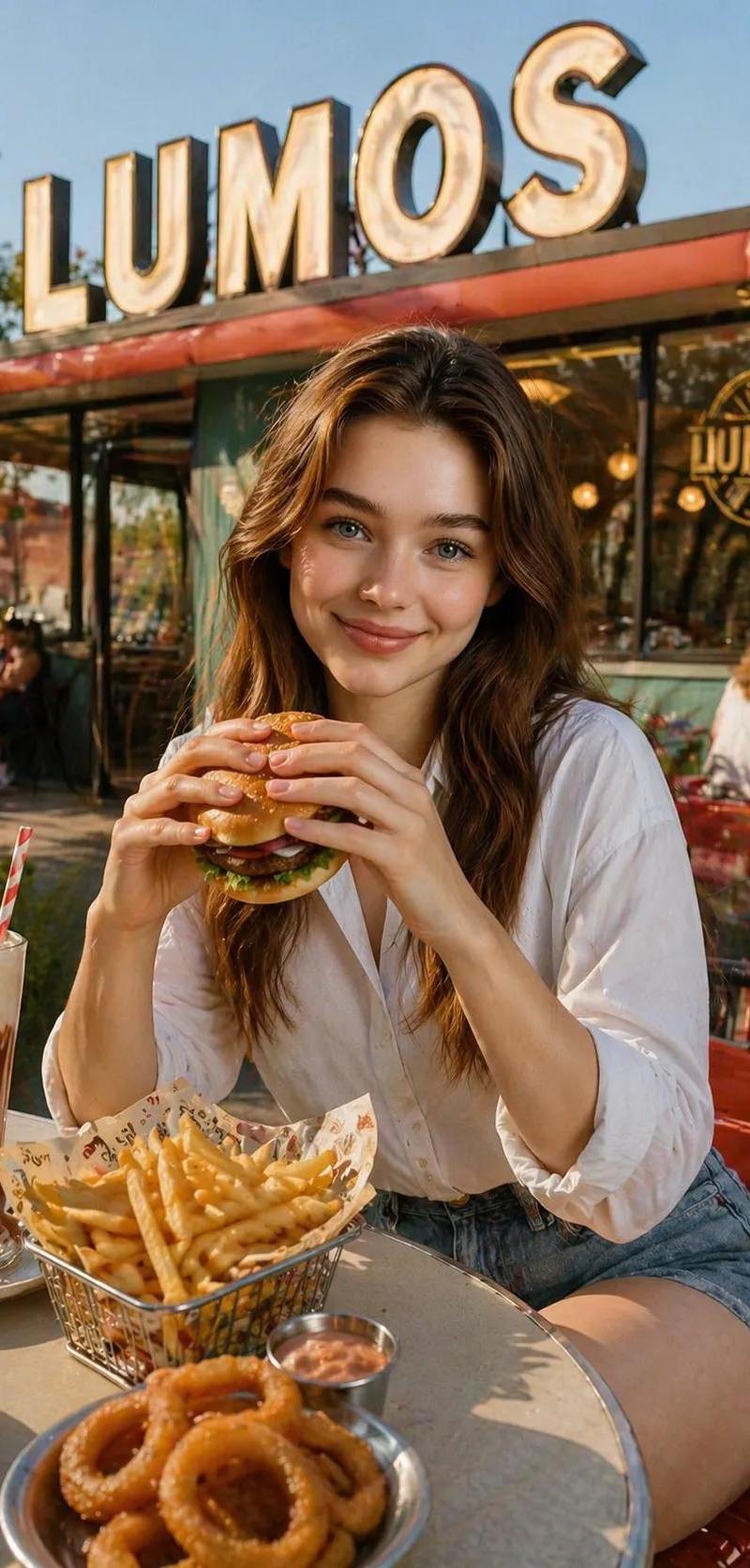
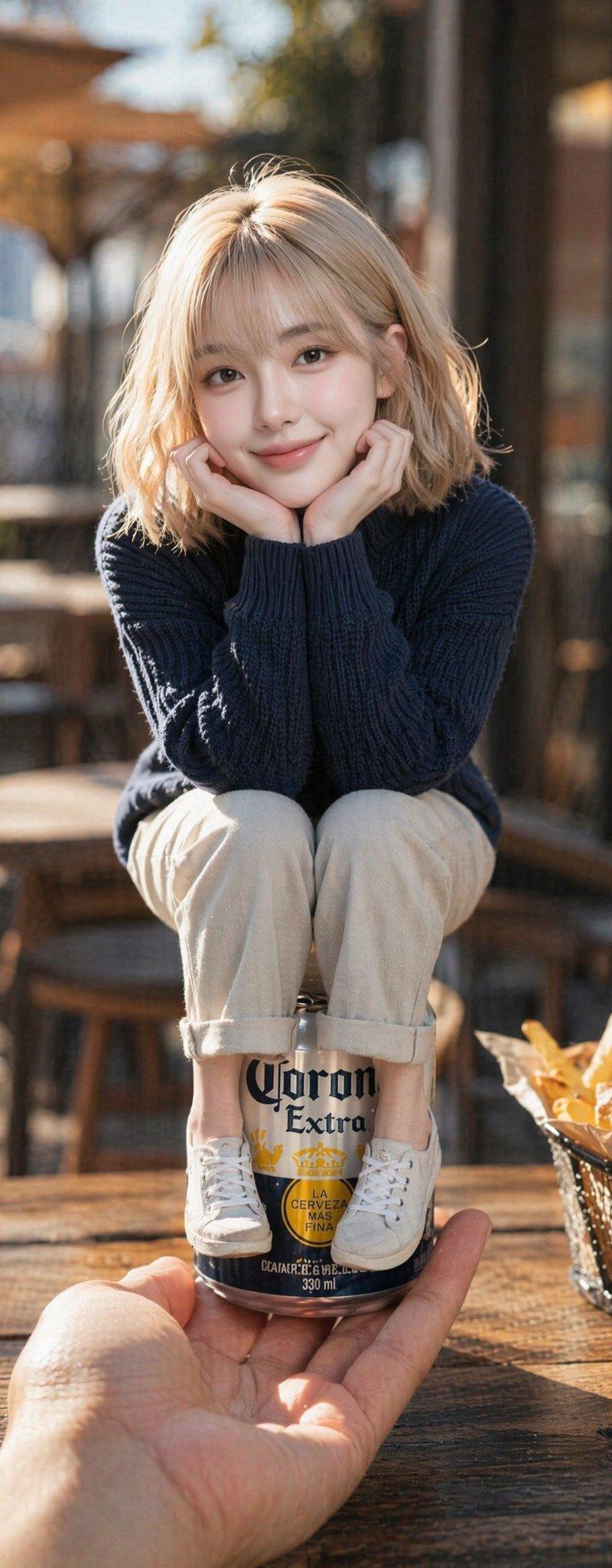
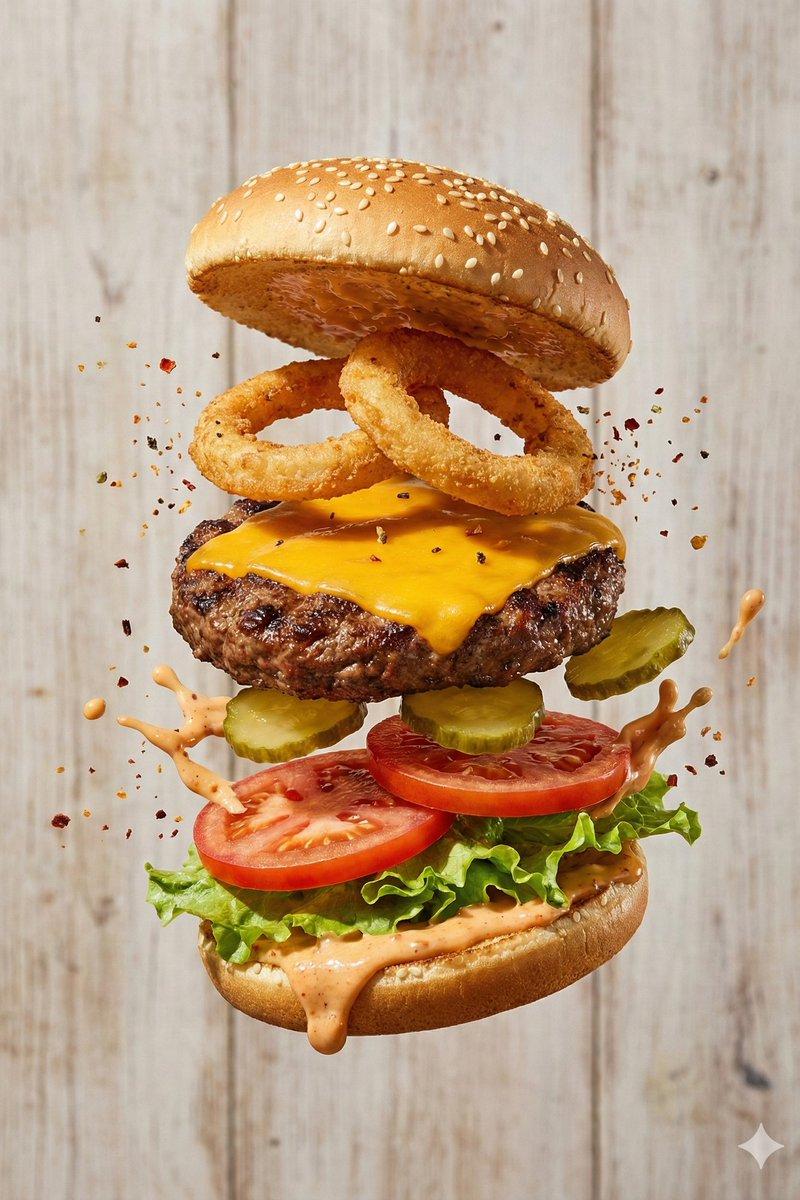
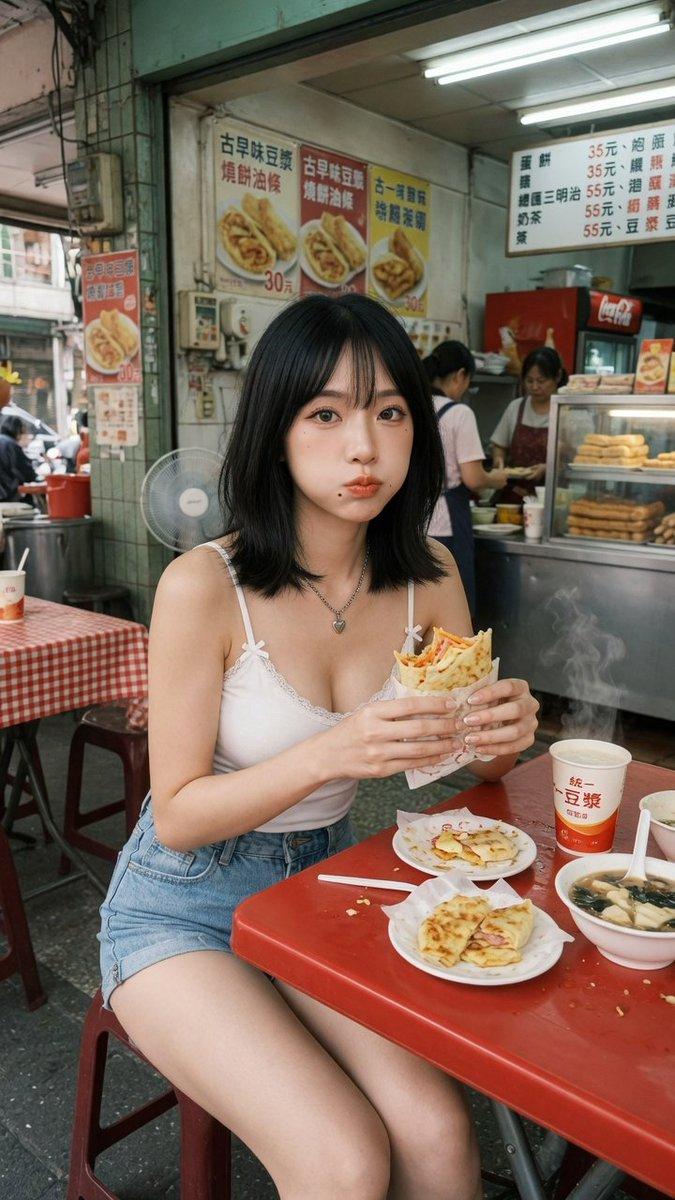
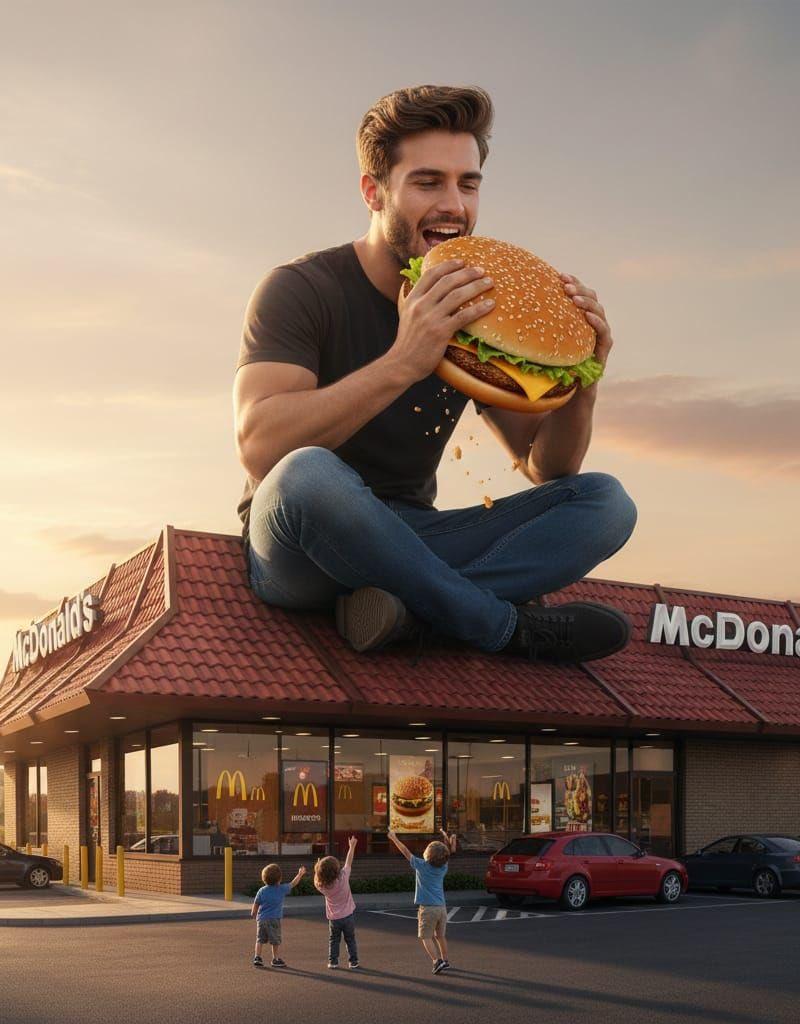
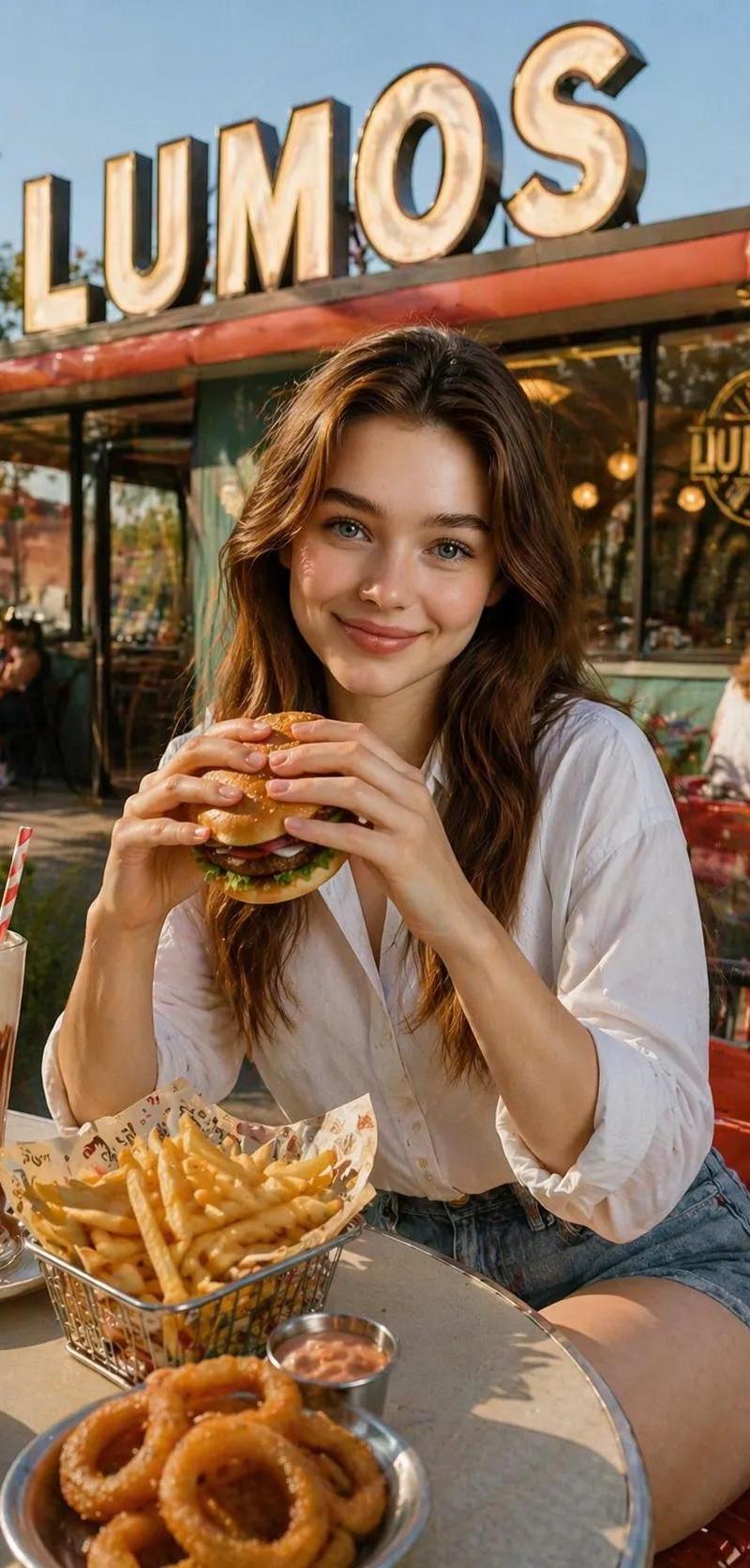
A {argument name="subject" default="beautiful young woman with flowing brown hair"} is sitting at an outdoor table of a restaurant named '{argument name="restaurant name" default="LUMOS"}', visibly eating a juicy hamburger she holds in both hands. She's smiling softly at the camera and wearing a {argument name="outfit" default="crisp white button-down shirt tucked into denim shorts"}. On the table, there's a wire basket filled with golden French fries, a metal cup of dipping sauce, a plate of crispy onion rings, and a glass with a layered chocolate milkshake and a red-and-white straw. The large, retro sign with big glowing letters reading 'LUMOS' is clearly visible above the restaurant in the background. The scene is bathed in warm, golden afternoon light, casting a cozy and inviting atmosphere. In the background, other people can be seen indistinctly, adding life to the setting.
Category
Charts & Infographics
Model
nano-banana-pro
Creator
Noor
Source language
en
Views9.1K
Source ID
24567
Published
Jun 7, 2026
Studio

Guide

About "Dining at LUMOS Restaurant"

What is this prompt for?

"Dining at LUMOS Restaurant" AI image prompt for nano-banana-pro (Charts & Infographics). A warm, golden-hour prompt for a scene of a woman enjoying a hamburge…

The full copyable prompt and example visuals above are ready for AI image generation or one-click recreate in Picva.

How to use this prompt

  1. Step 1

    Open the prompt detail

    Review the example visuals, category, and full prompt text for "Dining at LUMOS Restaurant".

  2. Step 2

    Copy the prompt

    Copy the prompt body from this page, or load it directly in Studio.

  3. Step 3

    Pick a model (nano-banana-pro)

    Prefer nano-banana-pro. If you switch models, keep subject and composition and tweak style terms.

  4. Step 4

    Generate and export

    Recreate the look in Picva, or export into your workflow for editing and publishing.

FAQ

What is the "Dining at LUMOS Restaurant" prompt?
It is an AI image-generation prompt for nano-banana-pro in the Charts & Infographics category. This page includes the full prompt text, example visuals, and a one-click recreate path in Picva.
How do I use this prompt to generate an image?
Copy the prompt from this page, or use Generate / Studio. Paste it into a compatible image model, or recreate the look in Picva with optional reference images.
Which model is this prompt for?
This page lists nano-banana-pro. Most descriptive prompts also transfer to nearby image models such as GPT Image, Flux, or Midjourney with light style tweaks.
Can I use the result commercially?
You can usually copy the prompt for creation, but commercial use of the final image depends on the model terms, reference-image rights, and the generated content. Follow the source author and platform rules.