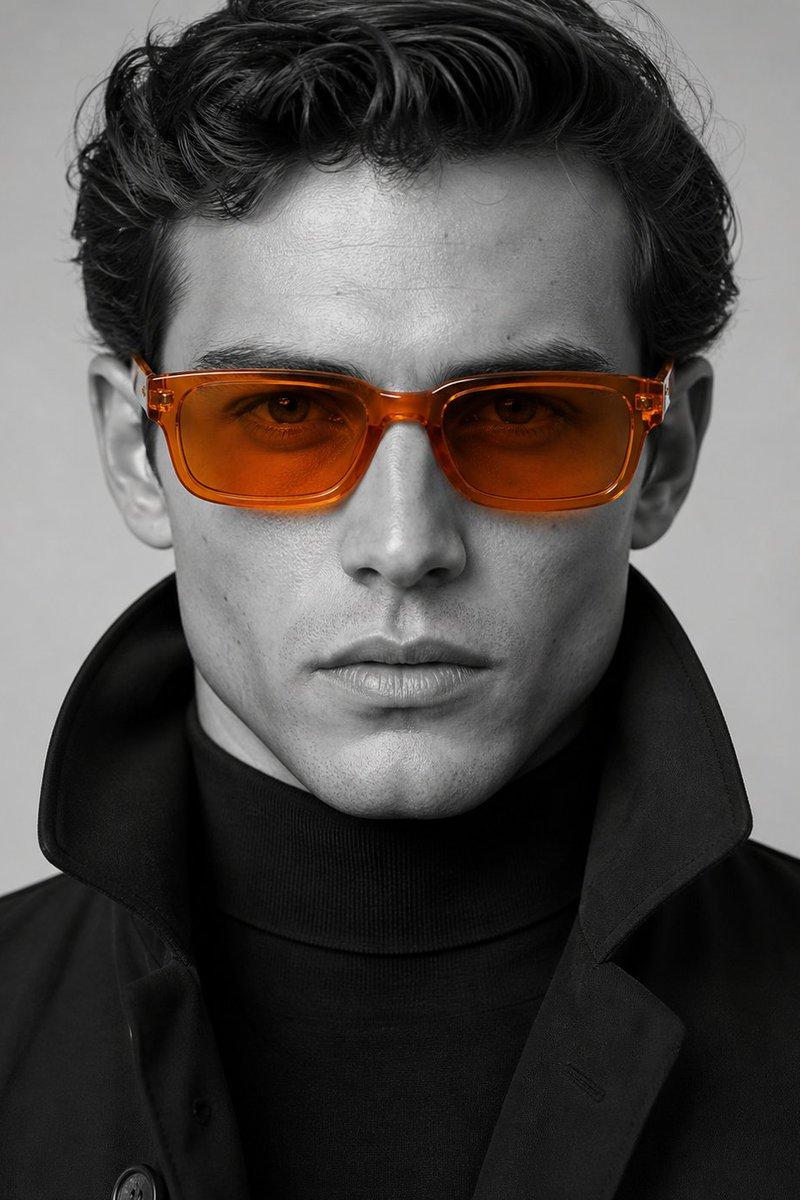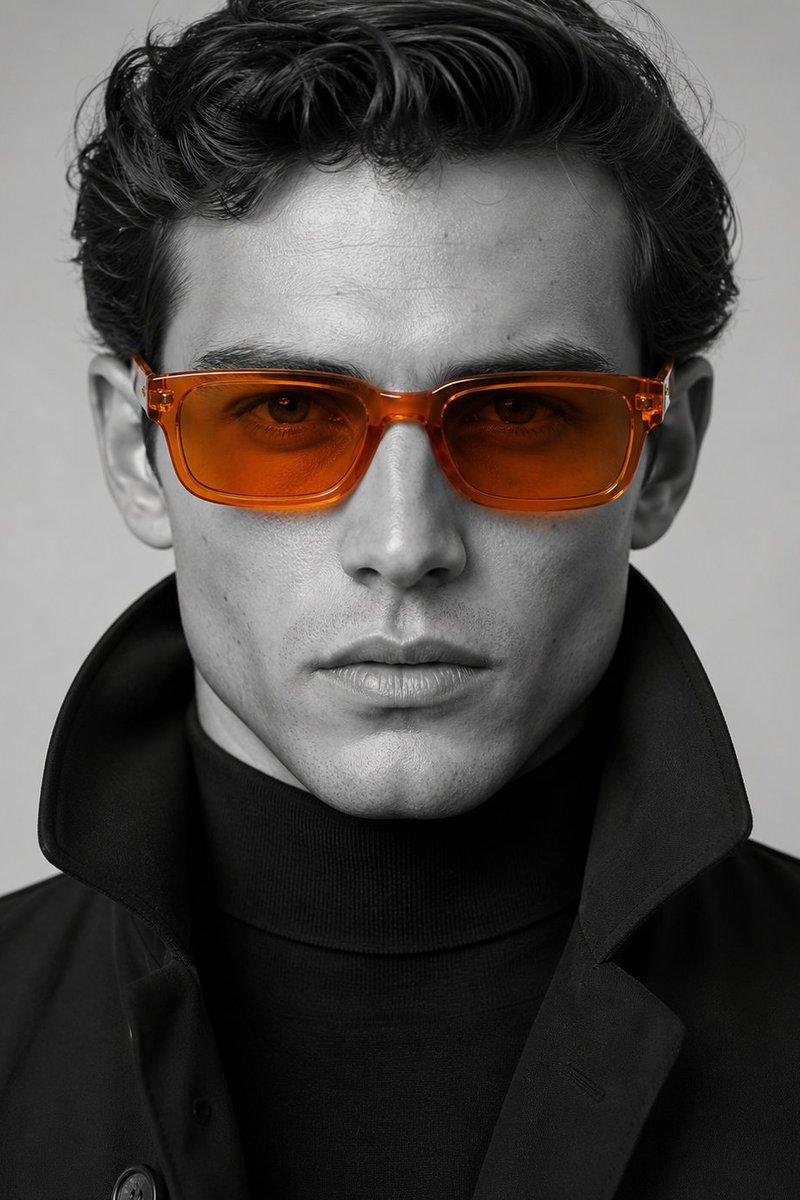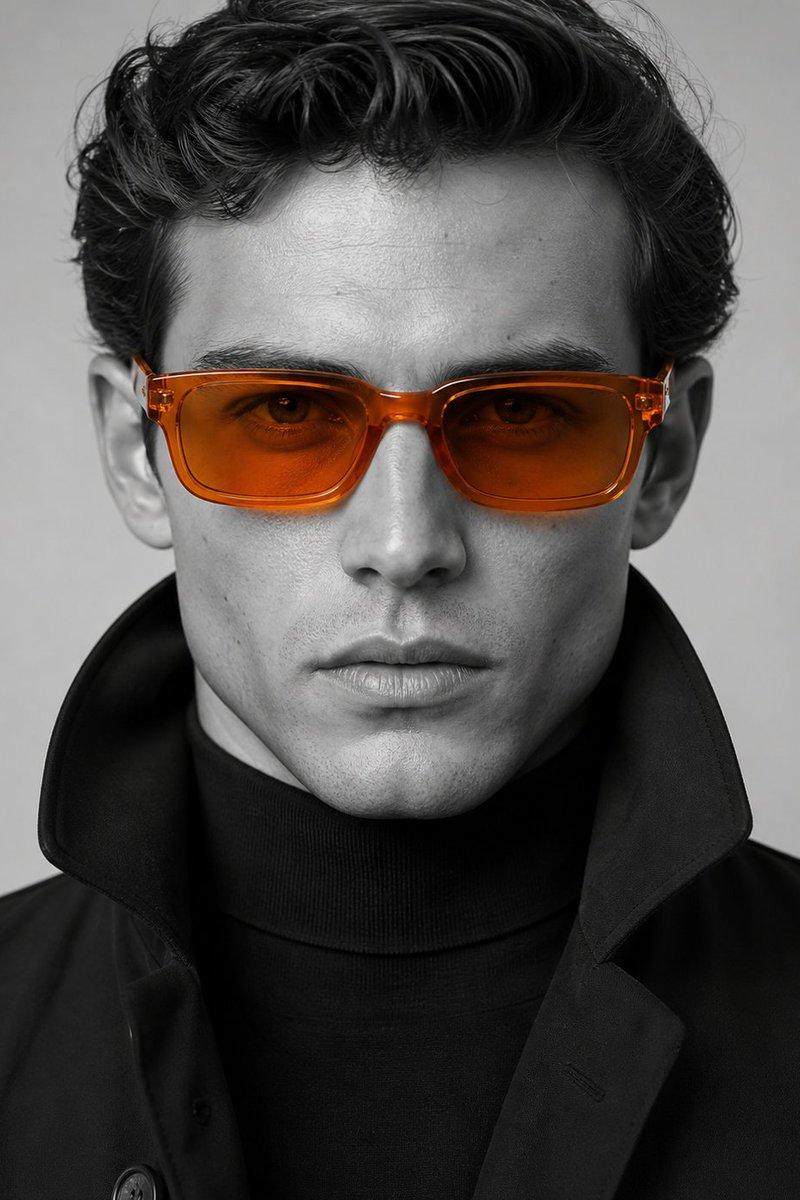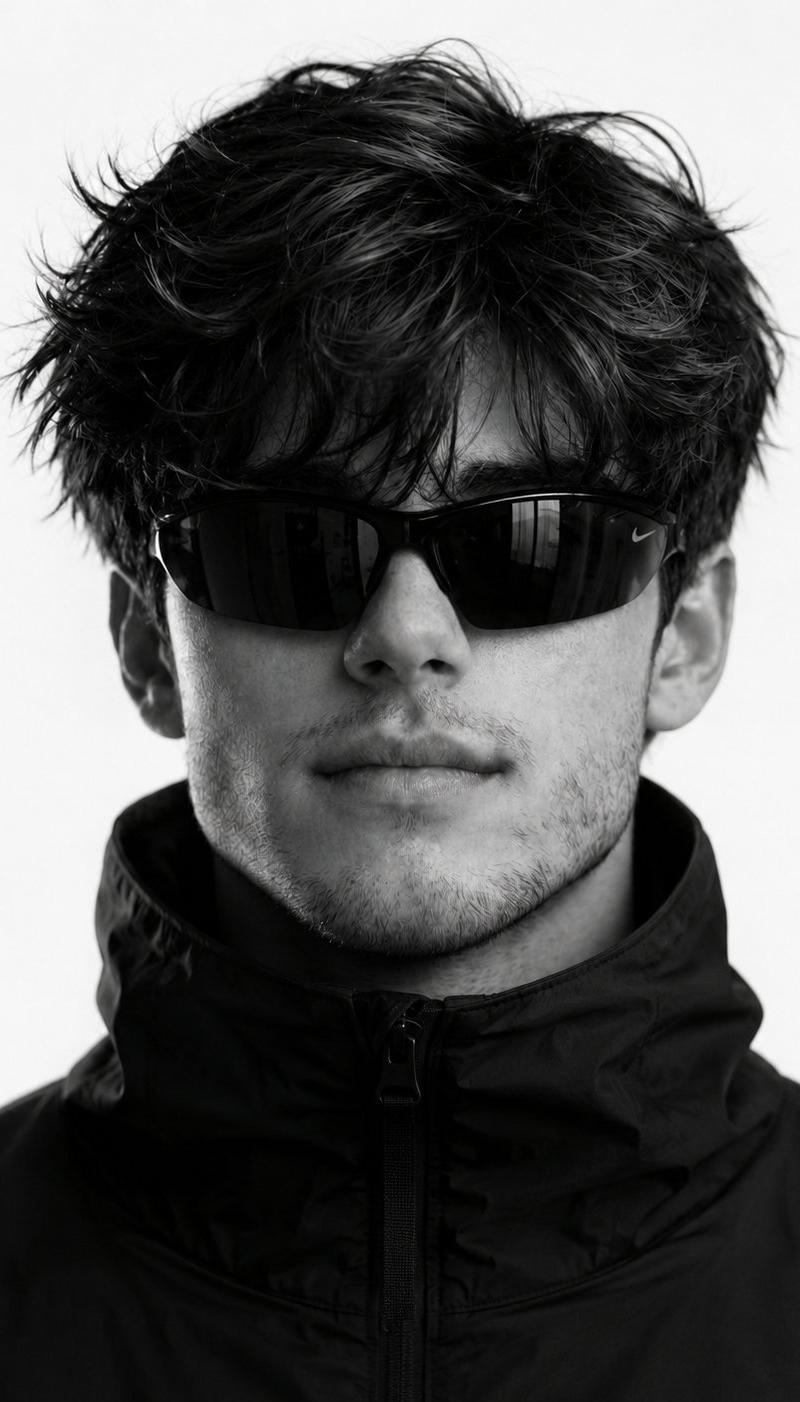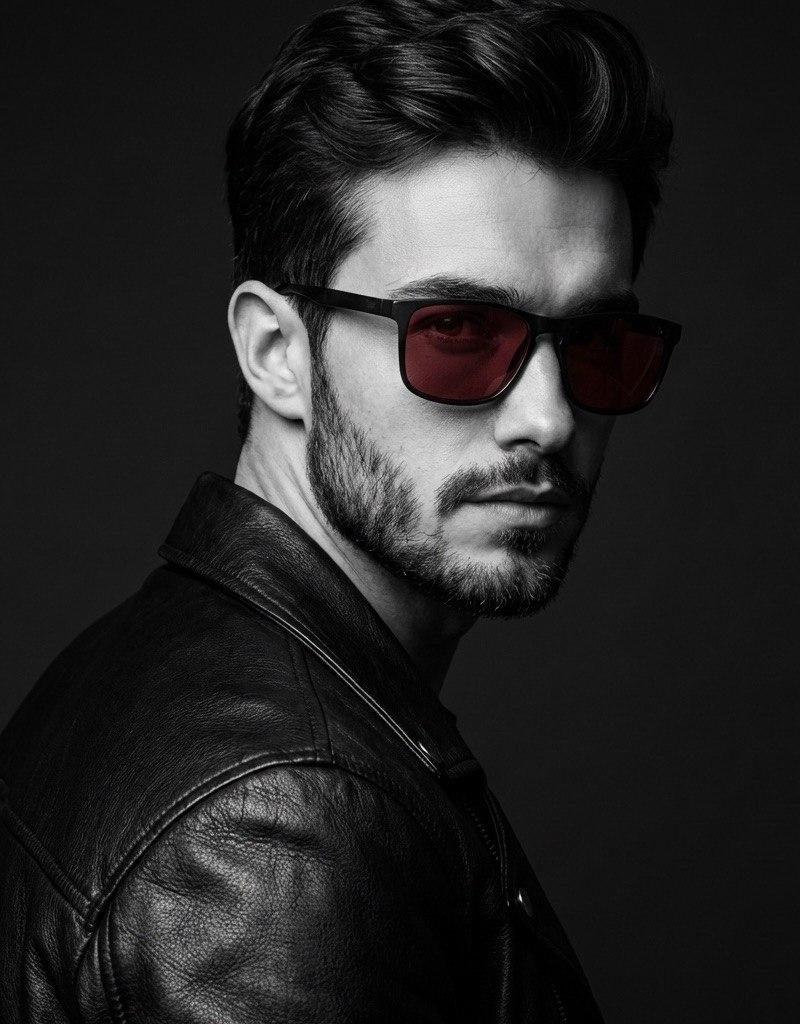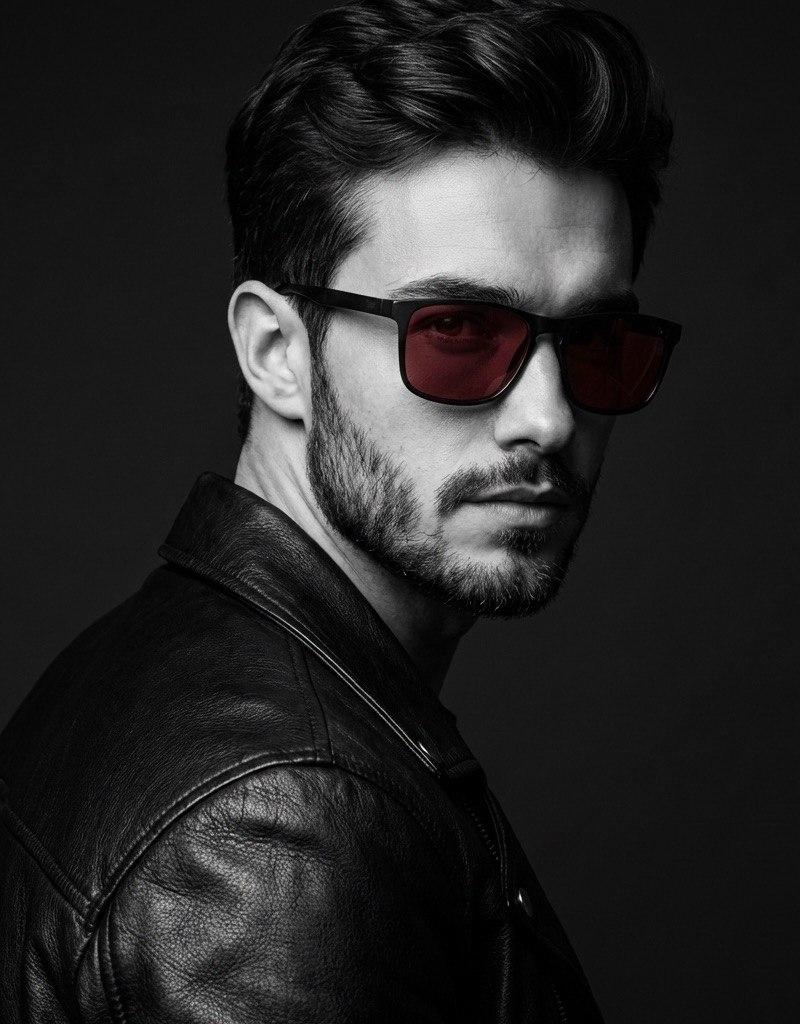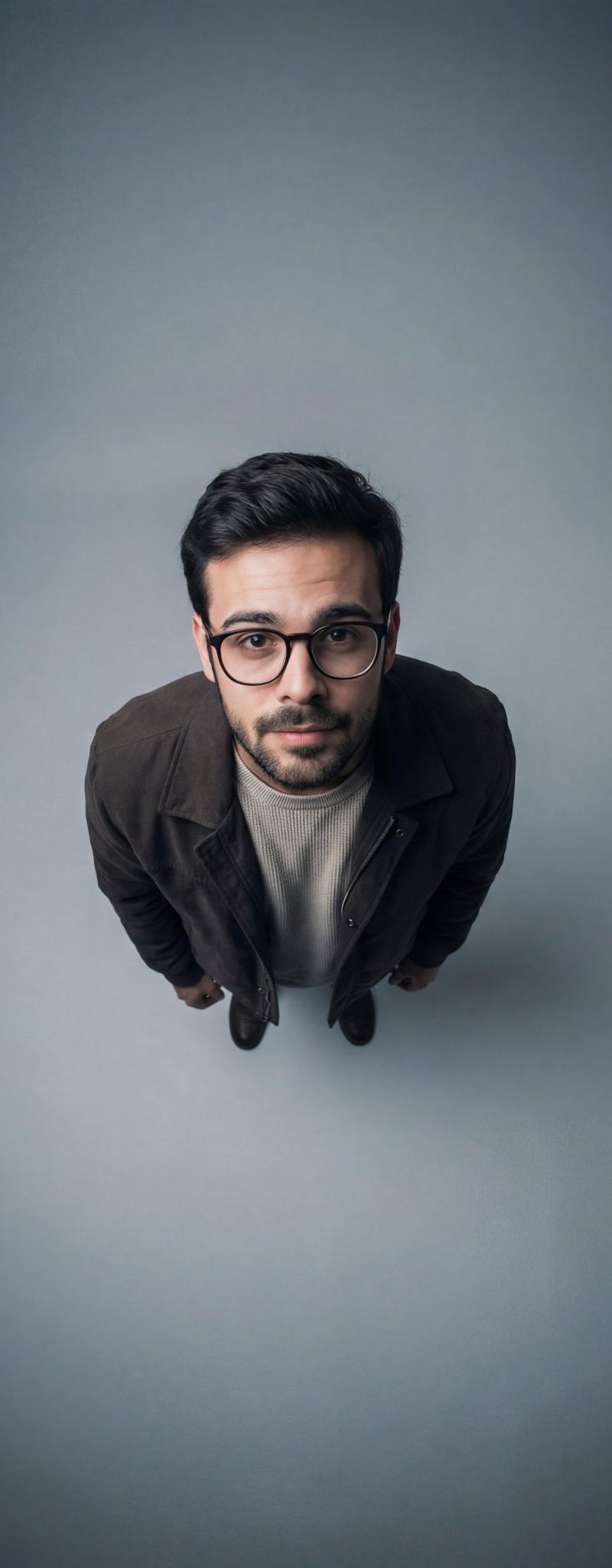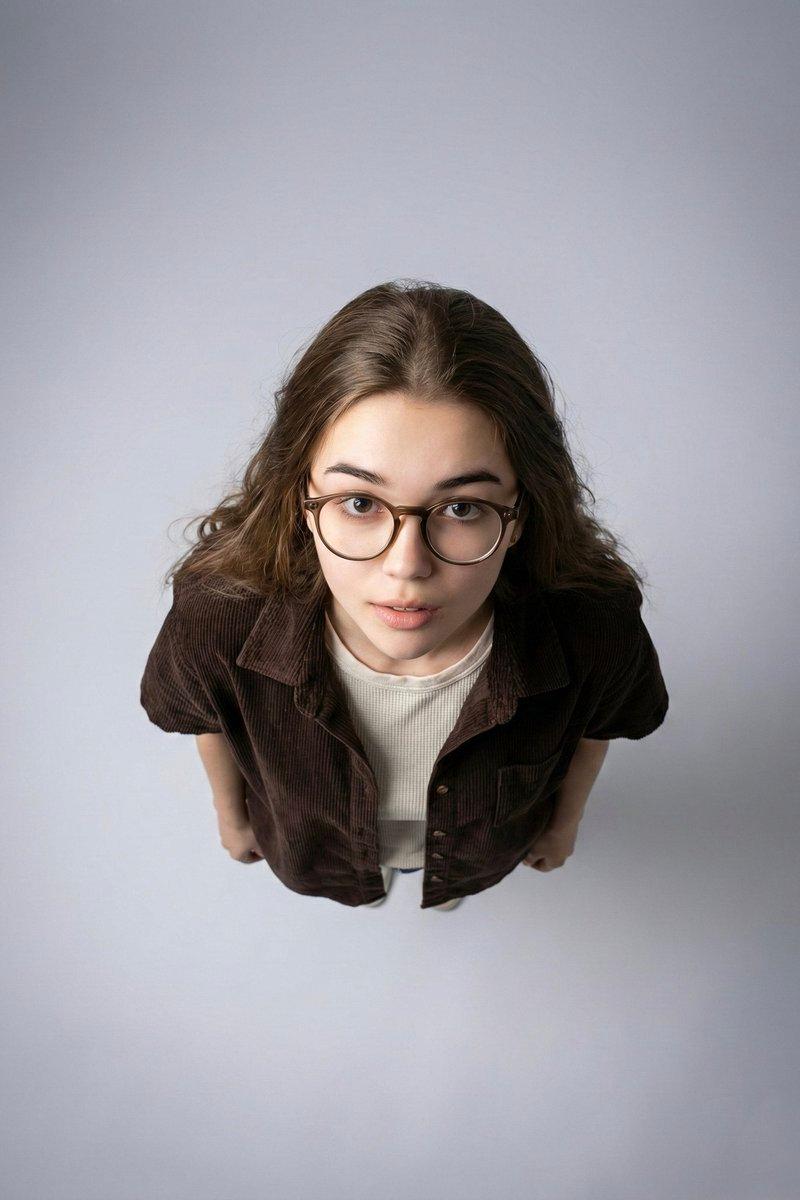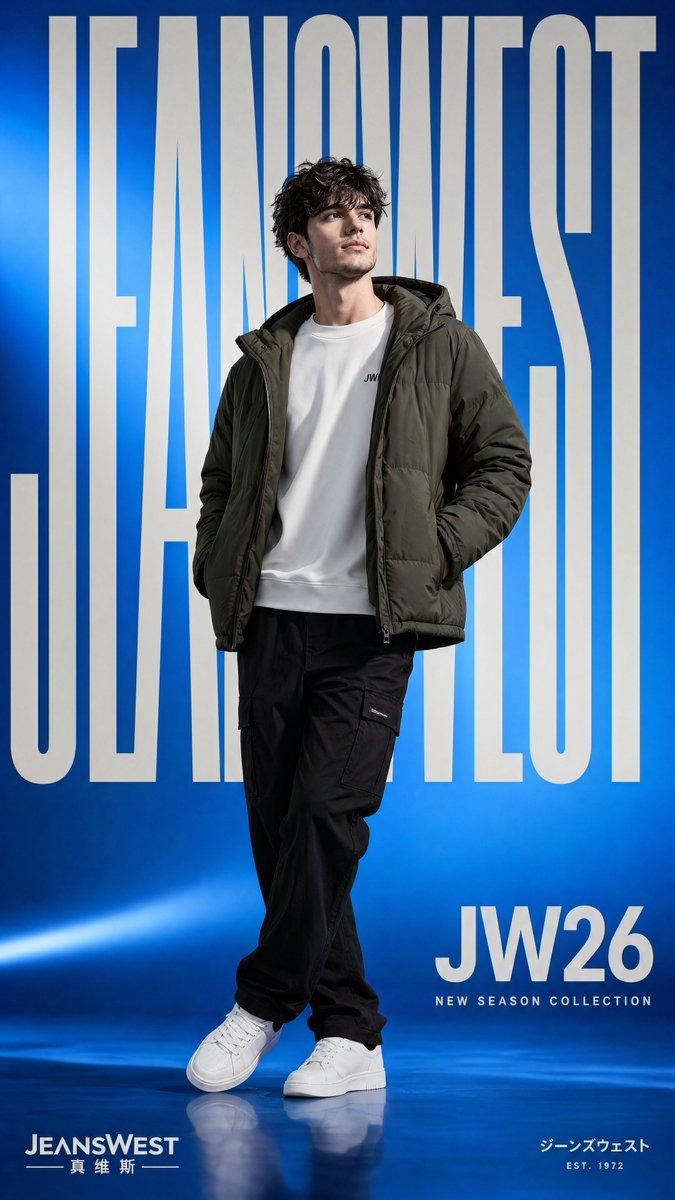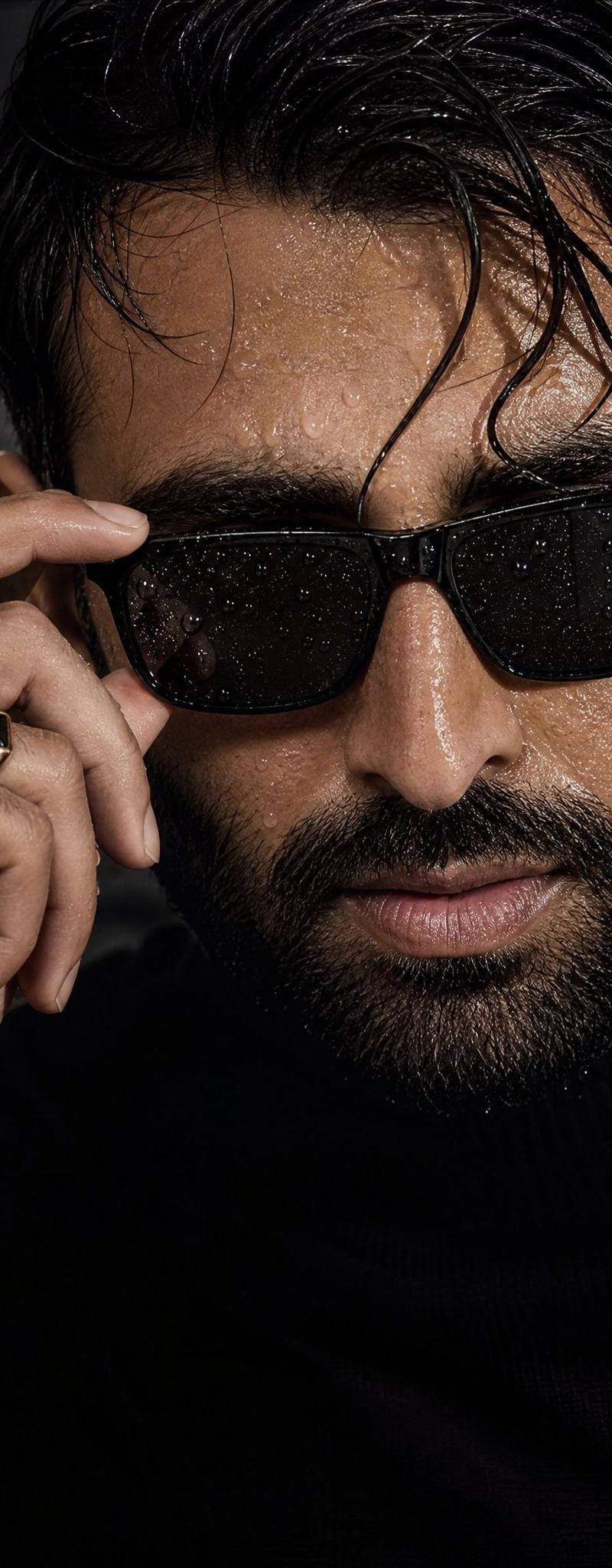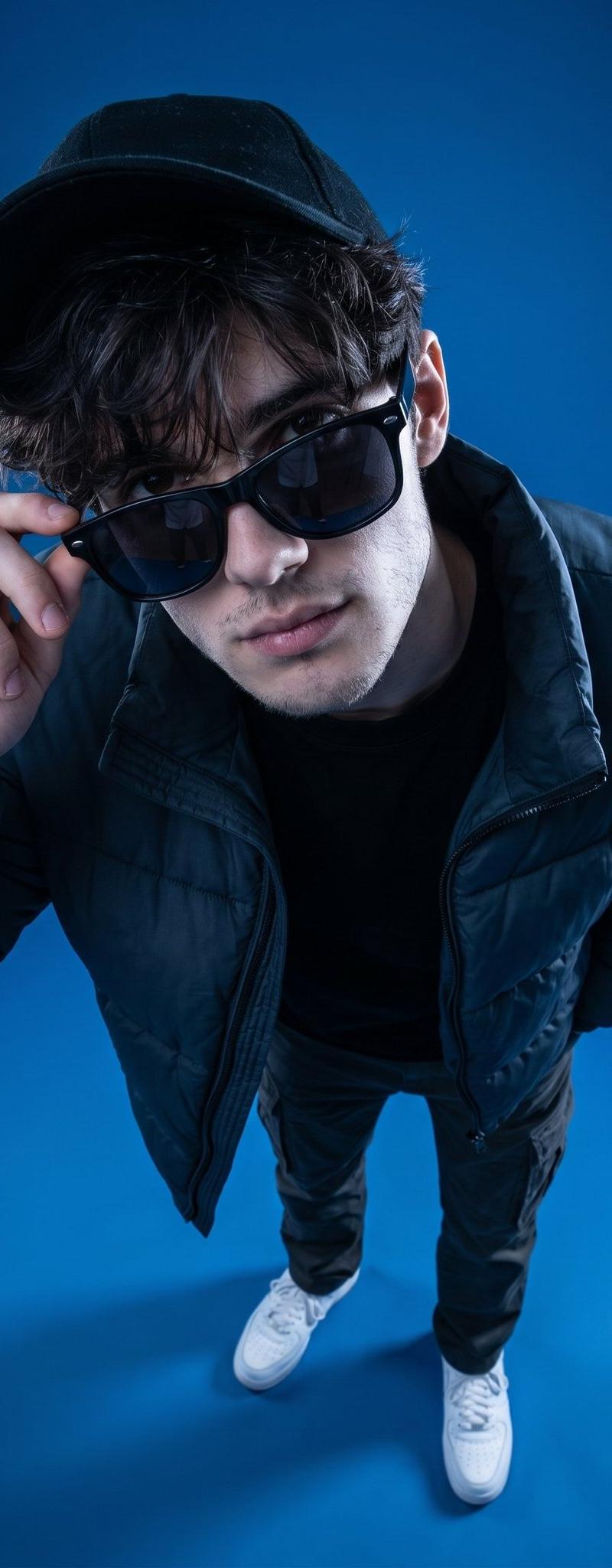
Blue Studio Character Transformation
Prompt
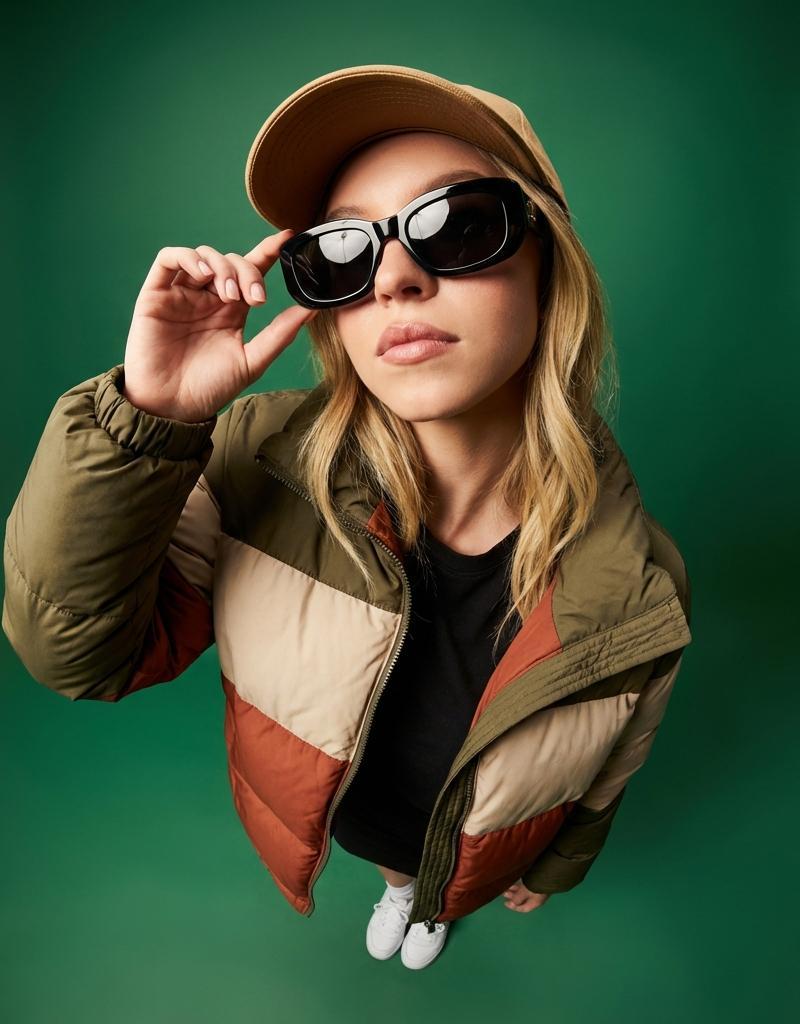
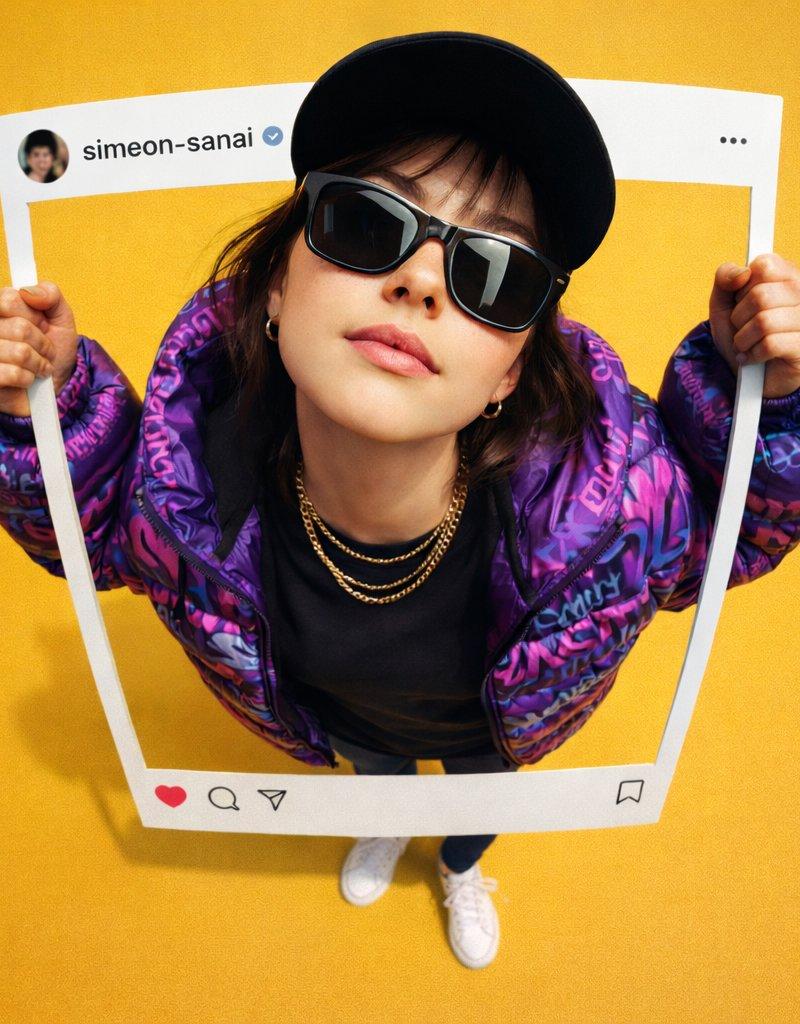
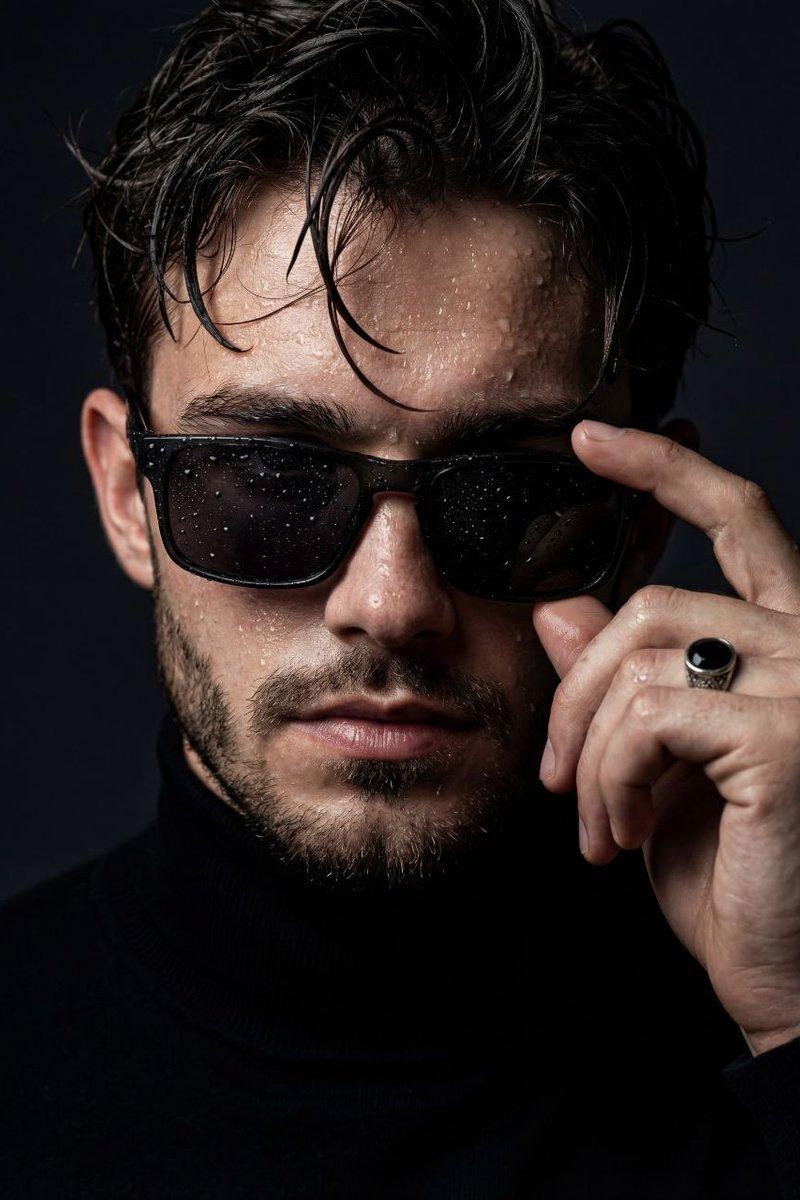
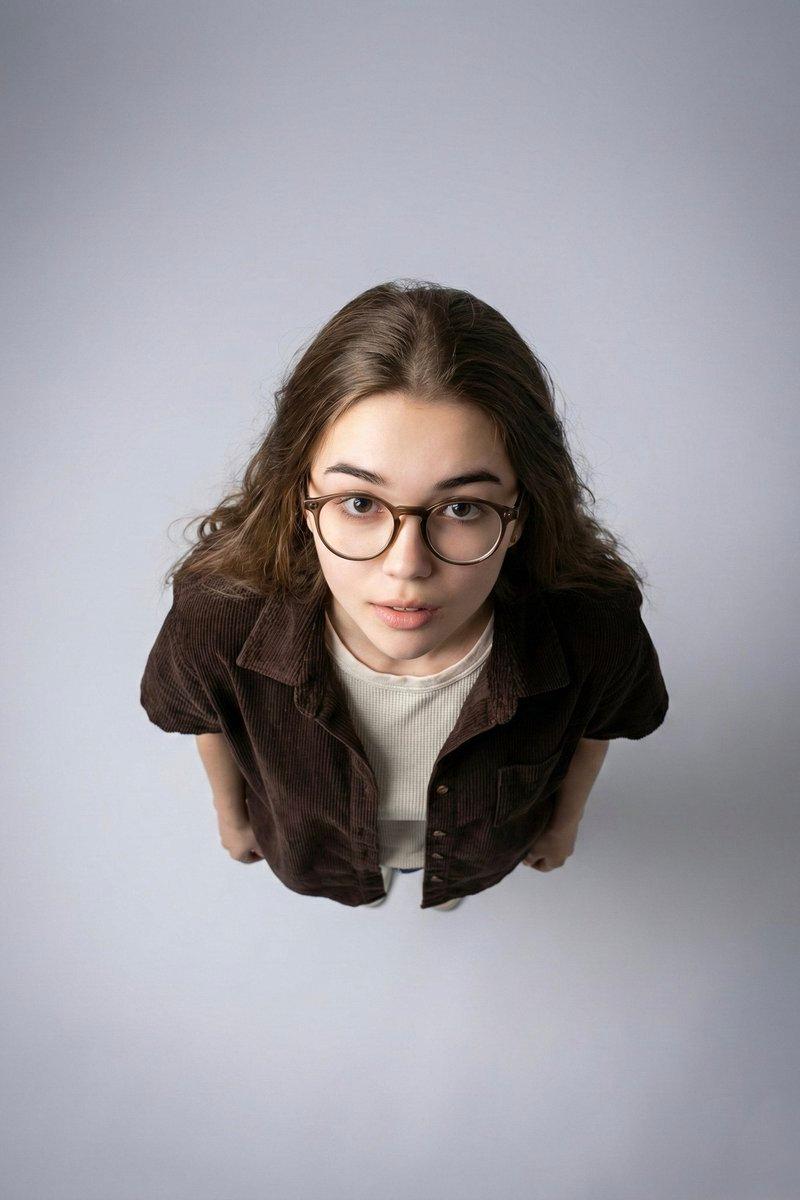
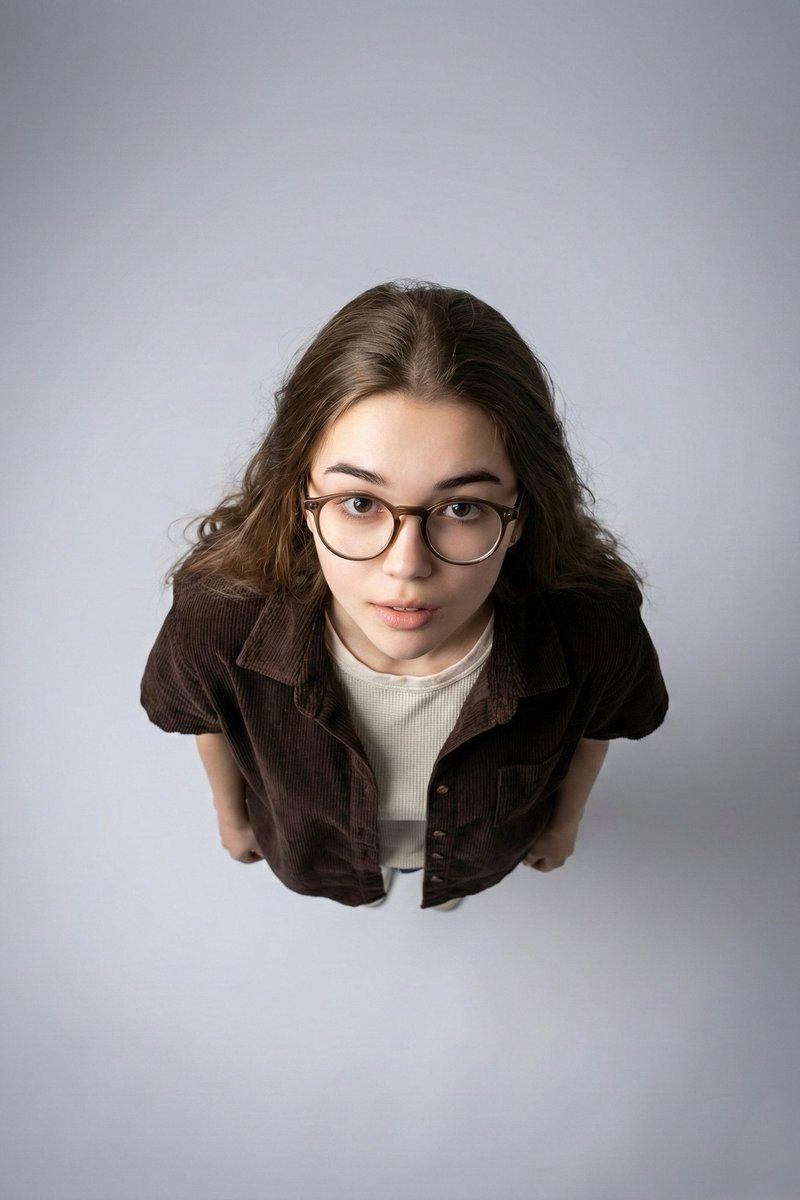
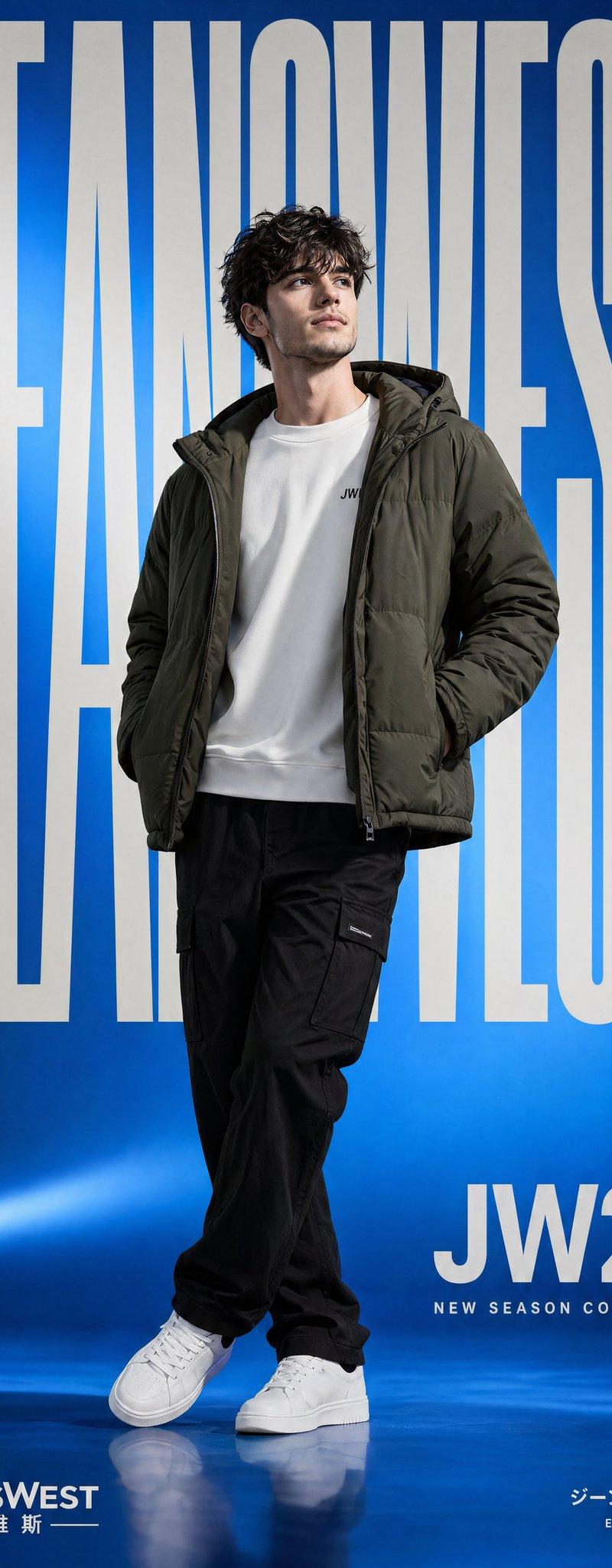
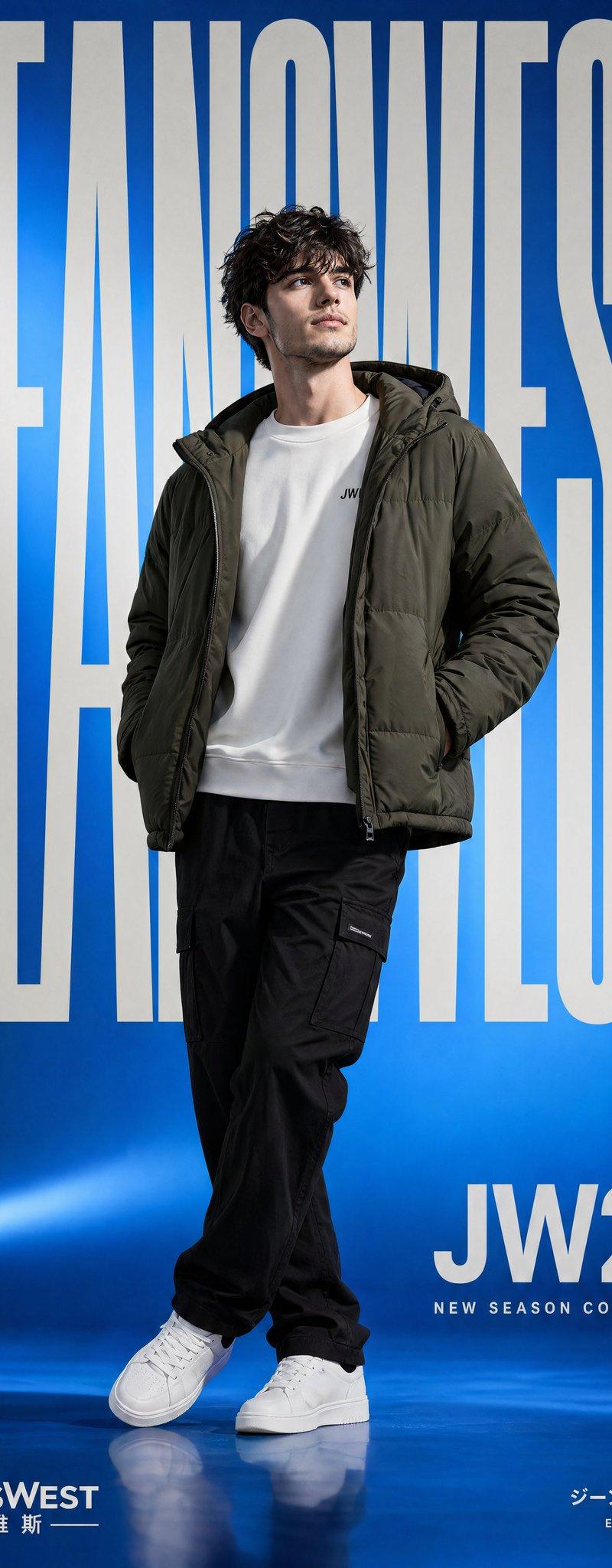
Create a realistic cinematic portrait based on the uploaded blue studio reference image. Keep the exact same camera angle, close-up medium framing, lens perspective, character distance, pose, lighting direction, {argument name="background color" default="blue background color"}, shadows, contrast, depth and overall fashion editorial mood. Replace the original person in the image with the target character from the provided character reference. The target character must keep their original facial identity, face shape, skin tone, hairstyle, facial proportions and natural expression. The character should be positioned exactly like the original model: upper body visible, head tilted slightly upward, gaze directed upward, calm and confident expression, neck extended naturally, shoulders relaxed. Keep the same blue studio background with a rich deep blue tone. Maintain the same soft but dramatic studio lighting, with highlights on the face, glasses and clothing, and natural shadows under the chin and around the neck. The image should feel like a modern music/fashion campaign. The {argument name="clothing style" default="clothing can be adapted to the target character, but it should preserve the same oversized streetwear feeling"}: large soft sweater, relaxed fit, clean fashion styling, {argument name="accessory" default="chain necklace"} and transparent or light-colored sunglasses. The sweater may change according to the target character's style, but the overall silhouette, volume and fabric softness must remain very close to the reference. Preserve the same crop ratio and composition. The character should occupy the same area in the frame. Do not change the background, camera distance, lighting, pose or lens. The final image must look like the target character was originally photographed in this exact setup. Ultra realistic portrait photography, blue monochrome studio background, modern streetwear fashion, cinematic lighting, natural skin texture, realistic fabric texture, professional campaign photo. Negative Prompt: Do not change the blue background. Do not change the pose, head angle, camera angle, crop, lighting or lens. Do not distort the face or change the identity of the target character. Do not add text, logo, watermark, extra objects or extra people. Do not make the sweater flat or unrealistic. Do not over-edit the skin.- Category
- Charts & Infographics
- Model
- nano-banana-pro
- Creator
- Harboris
- Source language
- en
- Source ID
- 24725
- Published
- Jun 8, 2026
Views3.1K