20

Seedance 2.0 视频提示词:写实生活 Vlog 场景

Prompt
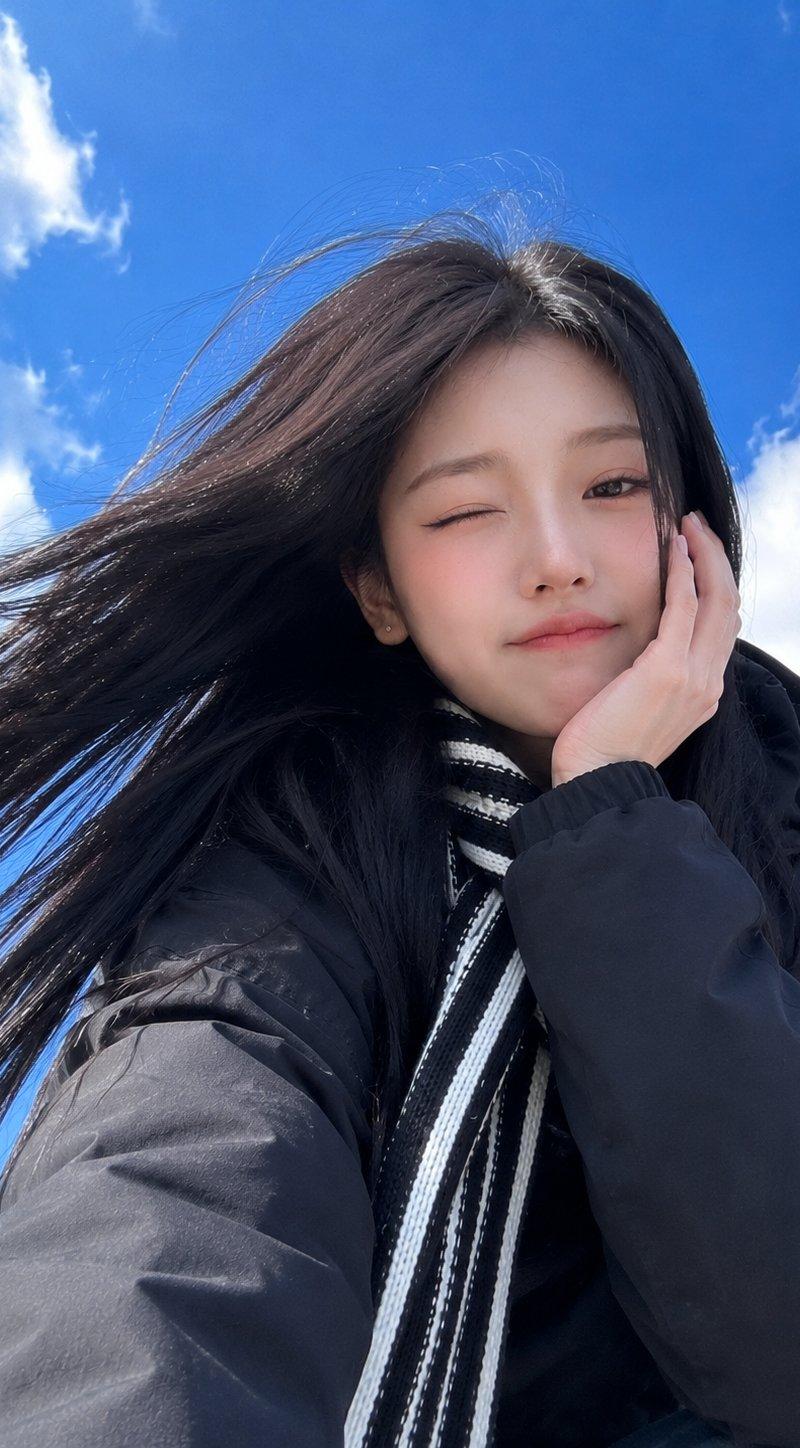
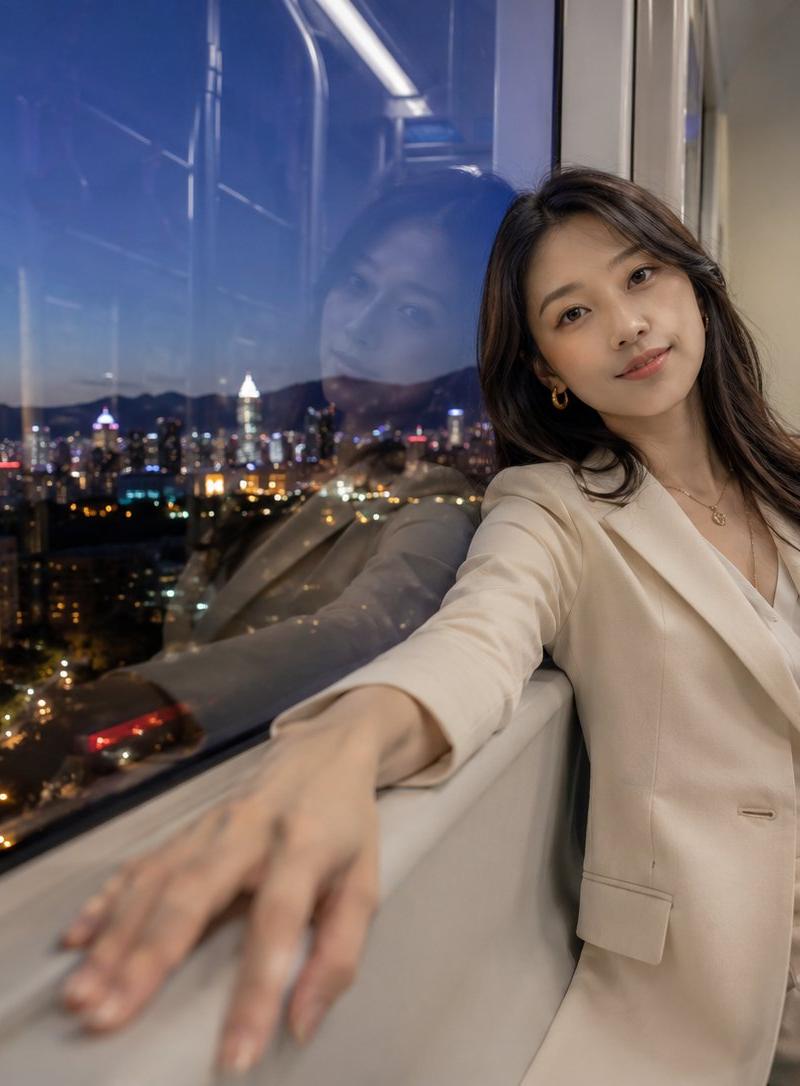
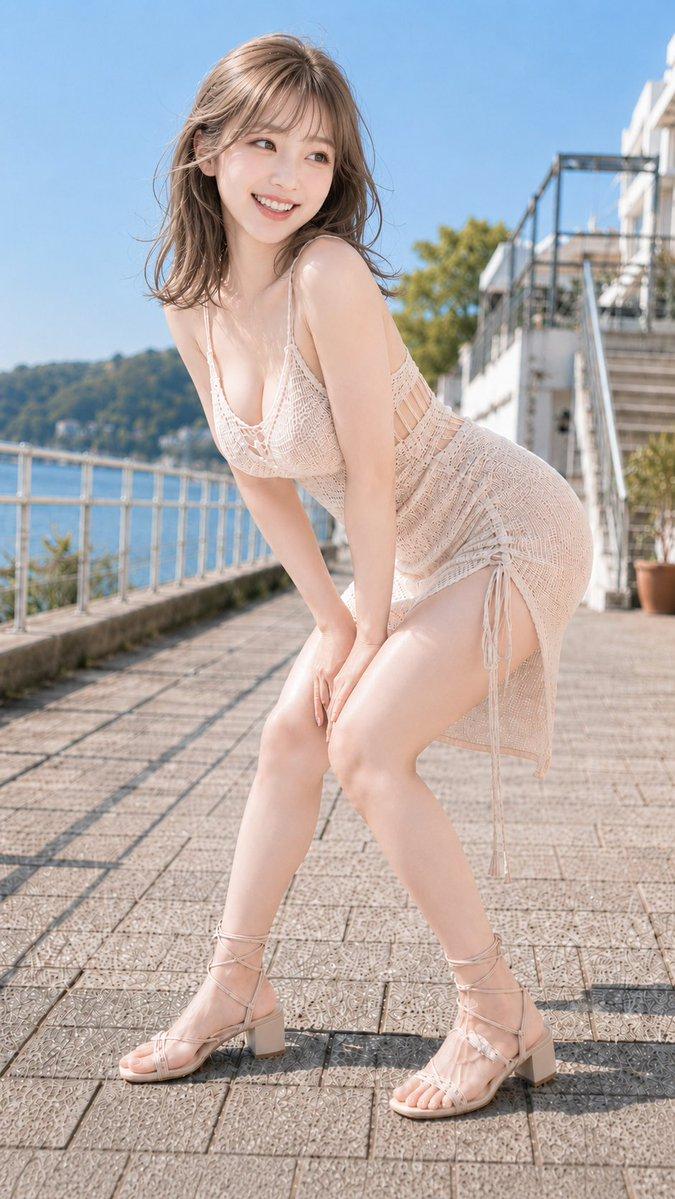
9:16 竖屏,15 秒,写实生活风格,室内暖黄色灯光,手机支架视角的微俯拍镜头。画面中,一位二十多岁的女孩 [Image 1] 坐在出租屋的小桌旁,素面朝天仅涂了口红,头发随意扎成丸子头,穿着一件洗得发旧的灰色大码连帽衫。她面前是一份刚打开的麻辣烫外卖,冒着热气,红油汤底,旁边散落着手机、纸巾和一罐打开的可乐。背景是典型的出租屋客厅,墙上贴着一个小“福”字,窗外隐约可见对面楼栋的万家灯火。女孩用筷子夹起一片藕片,吹了吹气送入口中,对着镜头含糊地说话,嘴角沾了一点红油,她随手用手背抹掉,接着夹起一筷子粉丝吸溜进嘴里。中途她突然笑了起来,筷子指着镜头,嘴里还在嚼着东西,眼睛弯成月牙状,随后低头继续吃麻辣烫,神情自然放松。对话(女孩,语气随性放松,讲潮州话):“今年没回家过年,一个人在深圳……嘿,这麻辣烫真不赖!我妈打电话问我什么时候结婚,我说我跟麻辣烫结婚了,哈哈哈。”音效:筷子碰撞塑料碗的声音、吸溜粉丝的声音、窗外隐约的鞭炮声、偶尔响起的手机提示音。禁用:任何文字、字幕、LOGO 或水印
Category
Brand & Logos
Model
seedance-2.0
Creator
Changning Liu
Source language
zh-CN
Views0
Source ID
1969
Published
Mar 23, 2026
Studio

Guide

About "Seedance 2.0 视频提示词:写实生活 Vlog 场景"

What is this prompt for?

"Seedance 2.0 视频提示词:写实生活 Vlog 场景" AI image prompt for seedance-2.0 (Brand & Logos). 一段针对 Seedance 2.0 编写的 15 秒竖屏视频详细提示词:生成一段写实且色调温暖的场景,画面中一位年轻女性正在出租屋内吃着麻辣烫(Mal…

The full copyable prompt and example visuals above are ready for AI image generation or one-click recreate in Picva.

How to use this prompt

  1. Step 1

    Open the prompt detail

    Review the example visuals, category, and full prompt text for "Seedance 2.0 视频提示词:写实生活 Vlog 场景".

  2. Step 2

    Copy the prompt

    Copy the prompt body from this page, or load it directly in Studio.

  3. Step 3

    Pick a model (seedance-2.0)

    Prefer seedance-2.0. If you switch models, keep subject and composition and tweak style terms.

  4. Step 4

    Generate and export

    Recreate the look in Picva, or export into your workflow for editing and publishing.

FAQ

What is the "Seedance 2.0 视频提示词:写实生活 Vlog 场景" prompt?
It is an AI image-generation prompt for seedance-2.0 in the Brand & Logos category. This page includes the full prompt text, example visuals, and a one-click recreate path in Picva.
How do I use this prompt to generate an image?
Copy the prompt from this page, or use Generate / Studio. Paste it into a compatible image model, or recreate the look in Picva with optional reference images.
Which model is this prompt for?
This page lists seedance-2.0. Most descriptive prompts also transfer to nearby image models such as GPT Image, Flux, or Midjourney with light style tweaks.
Can I use the result commercially?
You can usually copy the prompt for creation, but commercial use of the final image depends on the model terms, reference-image rights, and the generated content. Follow the source author and platform rules.