Seedance 2.0 香水产品广告生成提示
Prompt
根据 @Image 1 的脚本,为 @Image 2 香水产品生成广告内容。画外音应为自然的女性英语朗读。请注意香水瓶的比例,利用自然光将其融入背景,避免过重的纹理贴图和抠图感,节奏应更快。
- Category
- Posters & Typography
- Model
- seedance-2.0
- Creator
- 尾鳍Vicky
- Source ID
- 209
- Published
- Feb 7, 2026
Views0
20
根据 @Image 1 的脚本,为 @Image 2 香水产品生成广告内容。画外音应为自然的女性英语朗读。请注意香水瓶的比例,利用自然光将其融入背景,避免过重的纹理贴图和抠图感,节奏应更快。
Guide
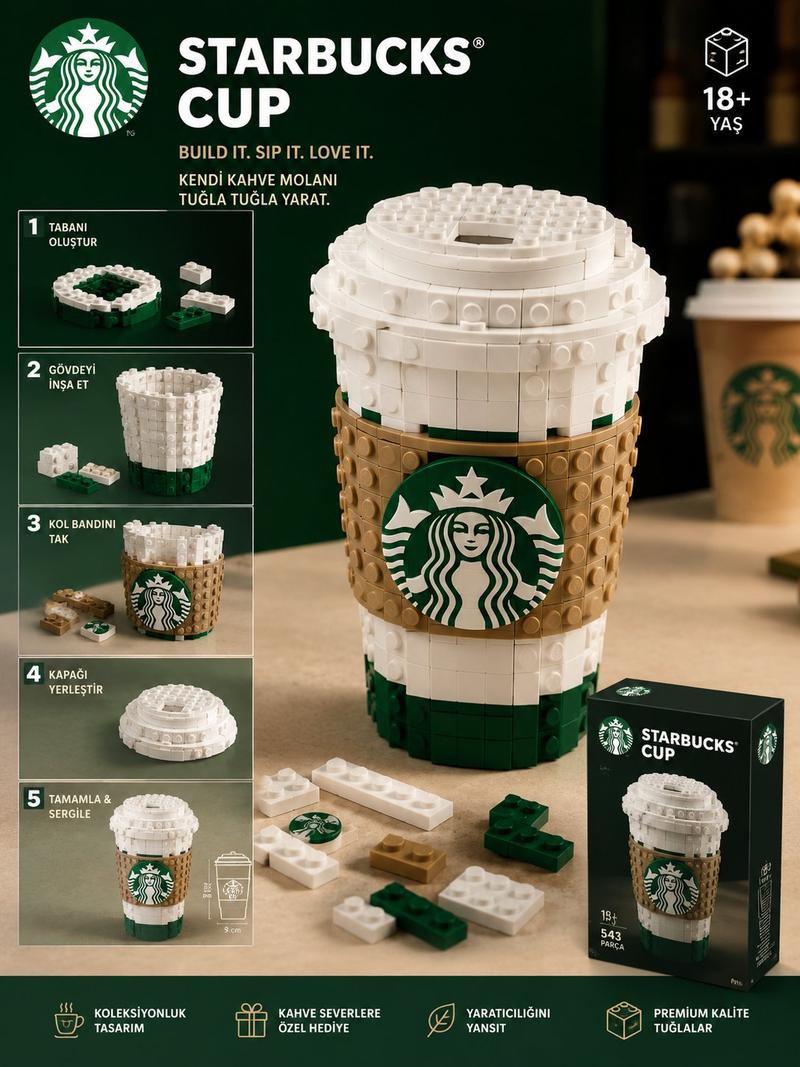
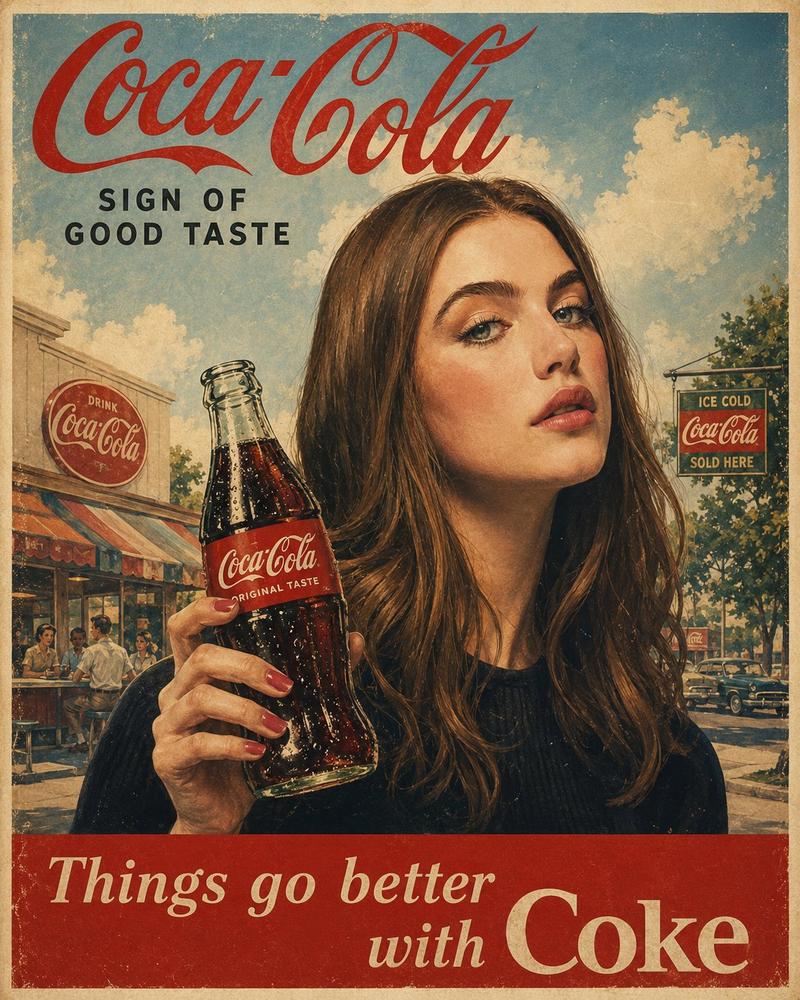
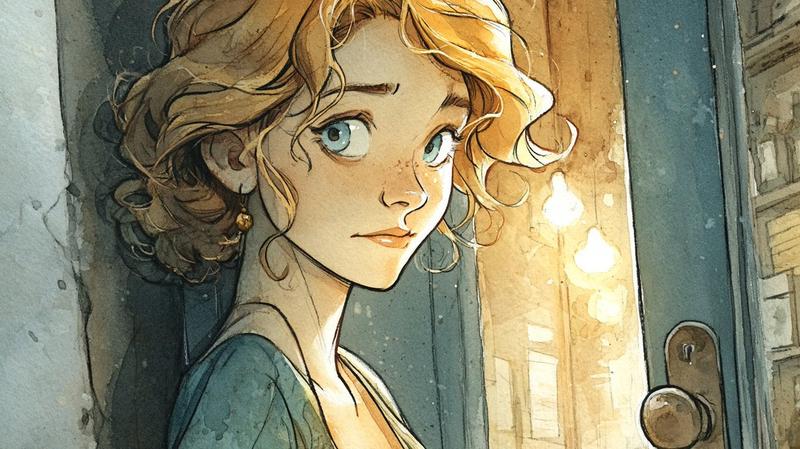
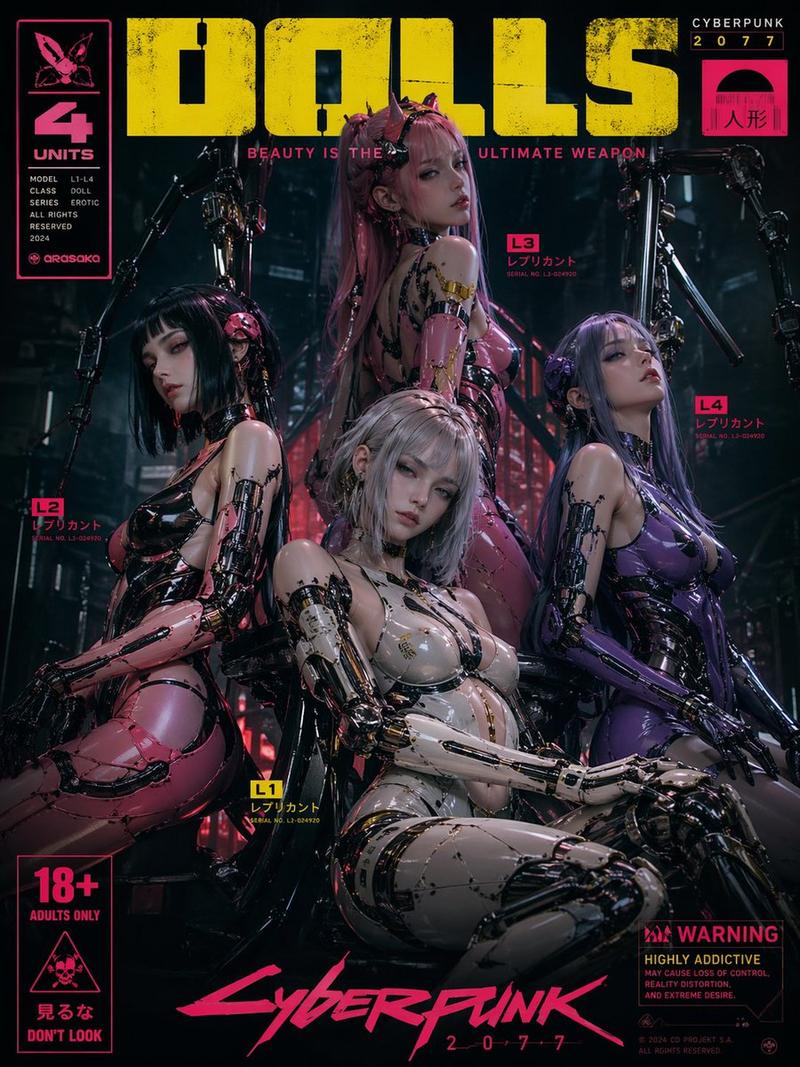
"Seedance 2.0 香水产品广告生成提示" AI image prompt for seedance-2.0 (Posters & Typography). 一个用于生成香水产品广告视频的详细提示,使用 Seedance 2.0,指定使用两张参考图片作为脚本和产品外观,要求采用自然的女性英语画外音,仔细注意香…
The full copyable prompt and example visuals above are ready for AI image generation or one-click recreate in Picva.
Step 1
Review the example visuals, category, and full prompt text for "Seedance 2.0 香水产品广告生成提示".
Step 2
Copy the prompt body from this page, or load it directly in Studio.
Step 3
Prefer seedance-2.0. If you switch models, keep subject and composition and tweak style terms.
Step 4
Recreate the look in Picva, or export into your workflow for editing and publishing.