20

动漫女巫蝙蝠翅膀变身

Prompt
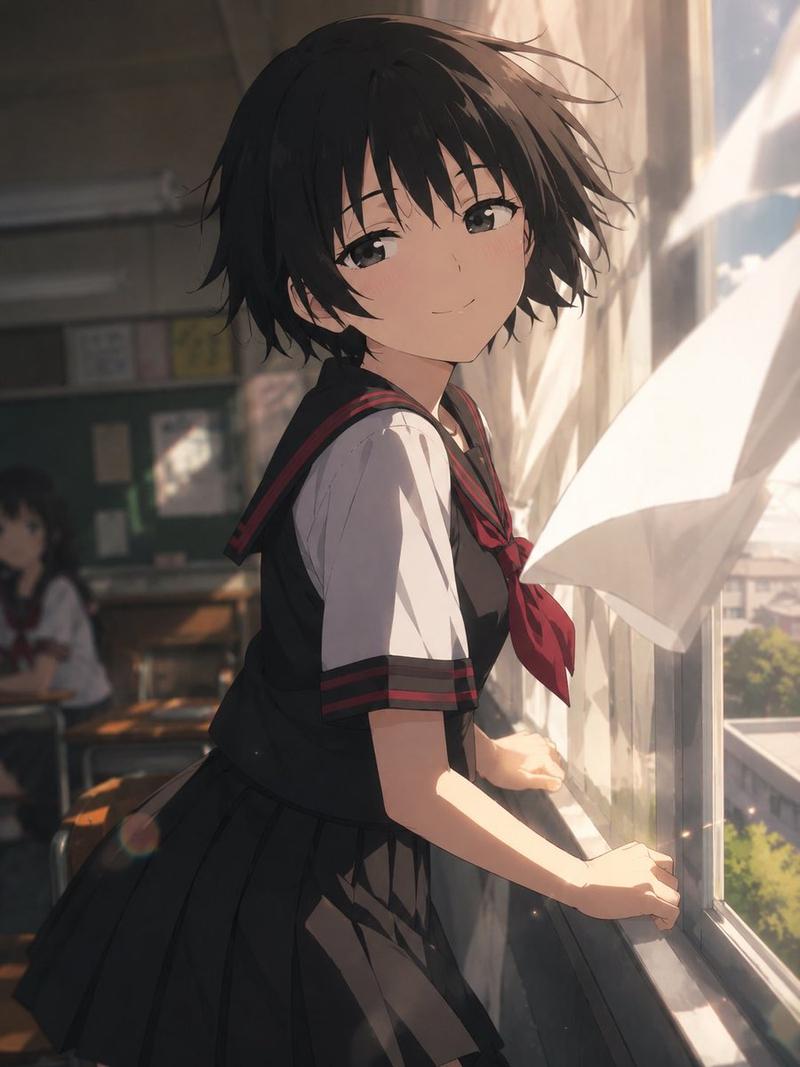
"Image1 is the reference for the entire video. It is a sketch art anime style.
1sec-3seconds the woman is standing still and the wind is blowing hard. Her dress and hair are blowing in the wind.
4sec-6sec the woman magically causes the staff in her hand to disappear. She smiles with an evil smile.
7sec-15sec She holds out her arms and large bat wings appear from her back draping down from her arms. (the wings should be attached to her as the wings are attached to a bat). She turns her back to the camera and jumps off the cliff flying towards the castle in the distance, wings flapping like a bat. She should have bat wimgs and not bird wings. The sketch art anime style should be used throughout the video just like the reference image1"
Category
Photography & Realism
Model
seedance-2.0
Views0
Source ID
2119
Published
Mar 26, 2026

Guide

About "动漫女巫蝙蝠翅膀变身"

What is this prompt for?

"动漫女巫蝙蝠翅膀变身" AI image prompt for seedance-2.0 (Photography & Realism). 一份详细的多场景视频提示,内容描绘了一位动漫风格的素描艺术女性,她通过让一根法杖消失并长出巨大的蝙蝠翅膀来完成变身,随后从悬崖飞向一座城堡。 Copy it on Picva…

The full copyable prompt and example visuals above are ready for AI image generation or one-click recreate in Picva.

How to use this prompt

  1. Step 1

    Open the prompt detail

    Review the example visuals, category, and full prompt text for "动漫女巫蝙蝠翅膀变身".

  2. Step 2

    Copy the prompt

    Copy the prompt body from this page, or load it directly in Studio.

  3. Step 3

    Pick a model (seedance-2.0)

    Prefer seedance-2.0. If you switch models, keep subject and composition and tweak style terms.

  4. Step 4

    Generate and export

    Recreate the look in Picva, or export into your workflow for editing and publishing.

FAQ

What is the "动漫女巫蝙蝠翅膀变身" prompt?
It is an AI image-generation prompt for seedance-2.0 in the Photography & Realism category. This page includes the full prompt text, example visuals, and a one-click recreate path in Picva.
How do I use this prompt to generate an image?
Copy the prompt from this page, or use Generate / Studio. Paste it into a compatible image model, or recreate the look in Picva with optional reference images.
Which model is this prompt for?
This page lists seedance-2.0. Most descriptive prompts also transfer to nearby image models such as GPT Image, Flux, or Midjourney with light style tweaks.
Can I use the result commercially?
You can usually copy the prompt for creation, but commercial use of the final image depends on the model terms, reference-image rights, and the generated content. Follow the source author and platform rules.