电影预告片风格视频生成
Prompt
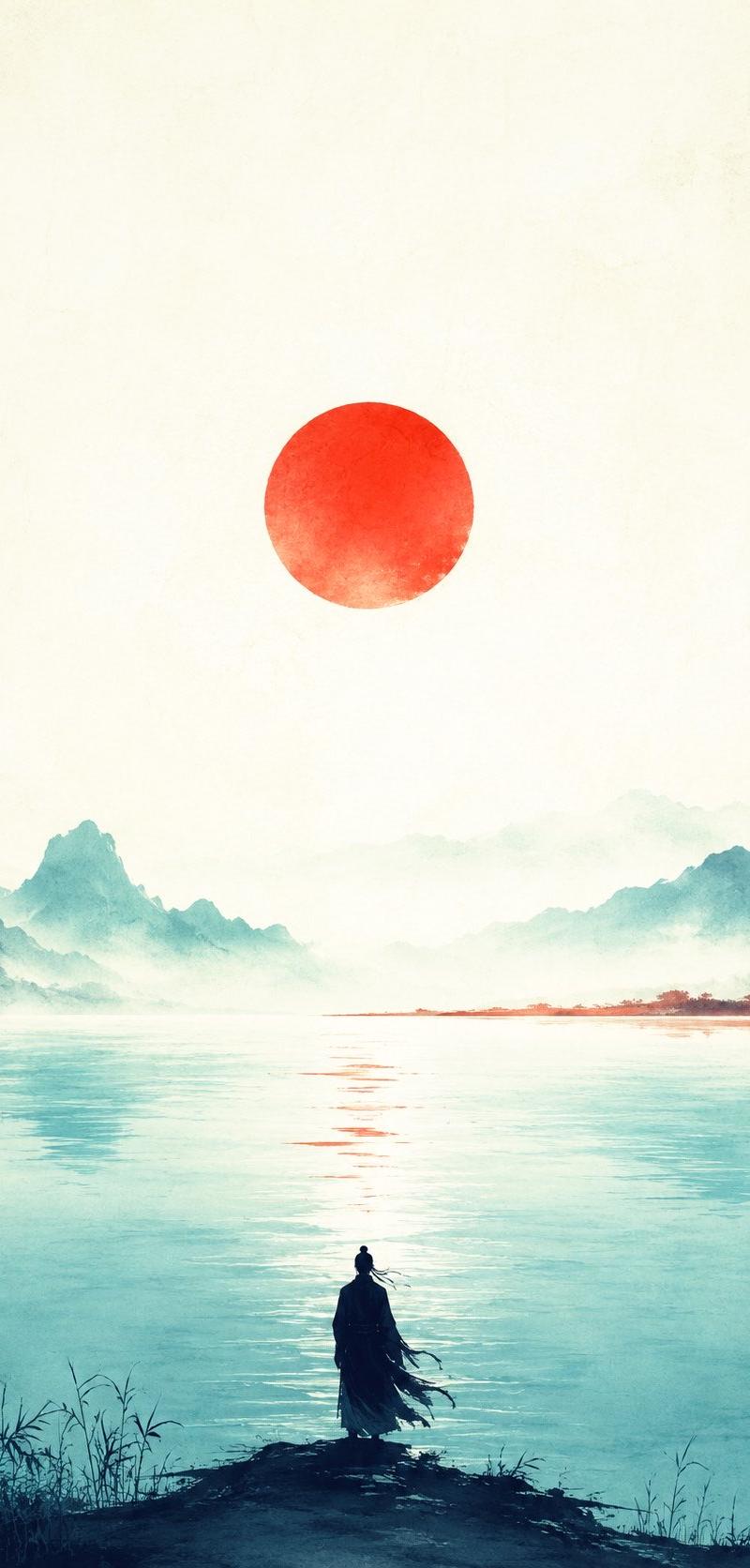
[0s–3s]: ( image1 )A continuous slow push-in that never stops — zooming toward the center of a 19th-century Grimm-style storybook illustration of a deep dark spruce forest, As the camera moves closer, the illustration begins to malfunction, The trees sway in a wind that should not be possible inside a drawing.

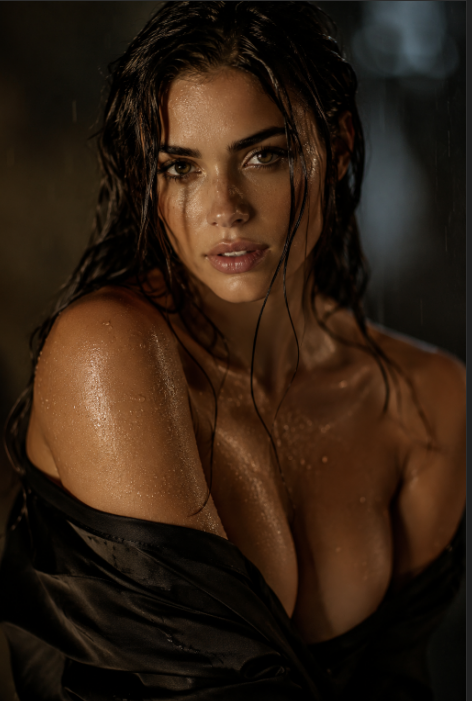
[3s–5.5s]: ( image2 ) The zoom continues without interruption. The illustrated begins to soften and dissolve from the center outward, as if a mist is seeping through the paper and replacing the drawing from within. As the camera keeps pushing forward, this zone of realism expands outward in a controlled, organic spread. The warm cream-sepia illustration gradually drains away into cold desaturated blue-green. The drawn surface at the edges briefly wavers and thins like damp paper giving way to moisture, then quietly dissolves into the same realistic forest texture. No abrupt morphing, no multiple competing distortions — just a single eerie replacement, as if the illustration is being overtaken by a real forest through a veil of mist. By 5.5 seconds, the camera is moving fully inside the real forest, and the drawing has completely vanished.

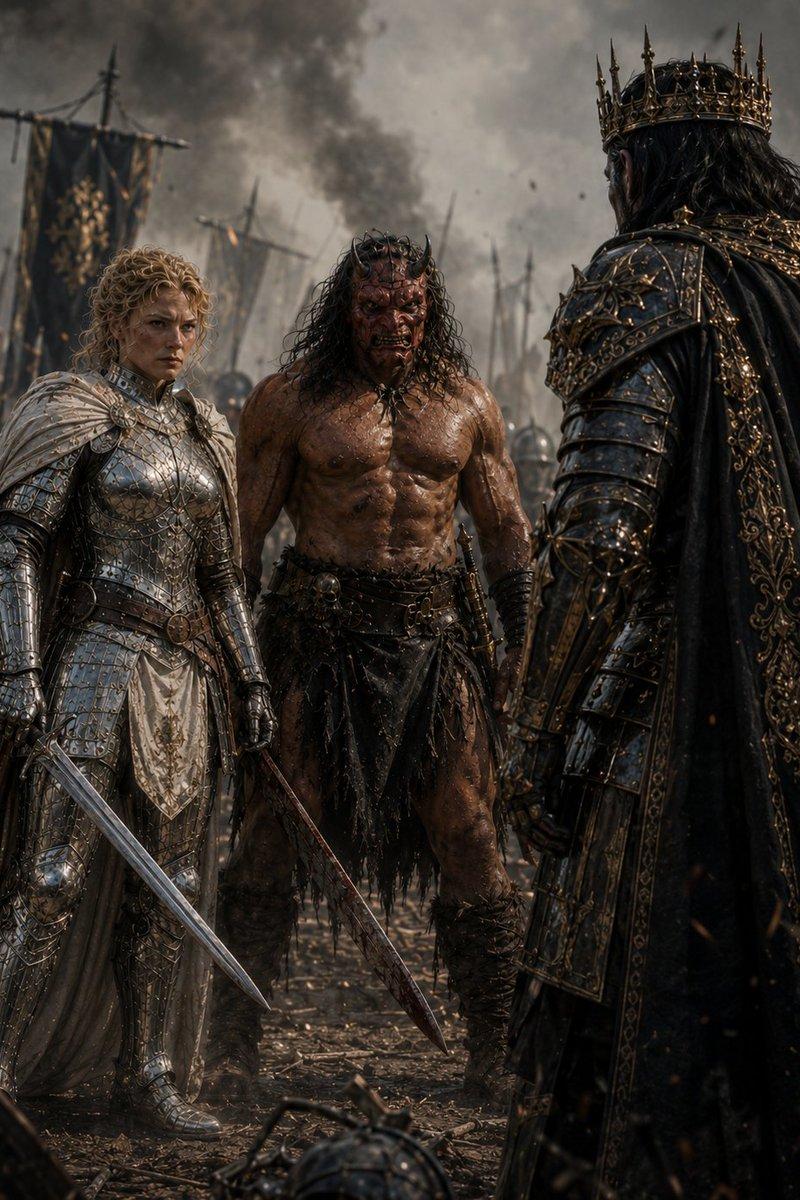
[5.5s–11s]: ( image3 ) The forward motion gently eases into a continuous upward drift without a cut, as if the camera is being lifted through the real forest in one smooth arc. It rises between the trunks and passes through the lower branches, gradually clearing the canopy — not soaring too high, but just enough to reveal the breadth of the dark Nordic forest under flat grey light. The motion remains calm and deliberate, with a subtle floating quality, allowing the forest to breathe onscreen. The camera then begins a slow, natural transition from vertical ascent into a shallow backward glide, as if searching for the road beyond the trees.

[11s–15s]: ( image4 ) The same movement continues seamlessly. The camera glides forward and gently descends out of the forest edge toward the road, settling into a low eye-level perspective near the tarmac. In one unbroken motion, it arrives at an extreme wide shot with the horizon stable and the road stretching dead straight into a grey-white vanishing point. The same boxy vintage sedan is already in frame, driving steadily away, growing smaller in the mist. Fallen pine needles drift faintly across the wet surface. The mist thickens gradually ahead.

Global style: 35mm tungsten film, anamorphic, fine grain, cinematic. Desaturated blue-green midtones, crushed blacks, flat overcast diffusion. Smooth continuous camera motion, sharp details, stable horizon, natural proportions. First two shots transition from antique illustration warmth to cold cinematic realism. No text, no typography, no digital effects.
- Category
- Posters & Typography
- Model
- seedance-2.0
- Creator
- 頓花聖太郎|YAMI
- Source language
- en
- Source ID
- 2433
- Published
- Mar 31, 2026
Views0