20

雅加达 KRL 通勤线车站的电影级恐怖场景

Prompt
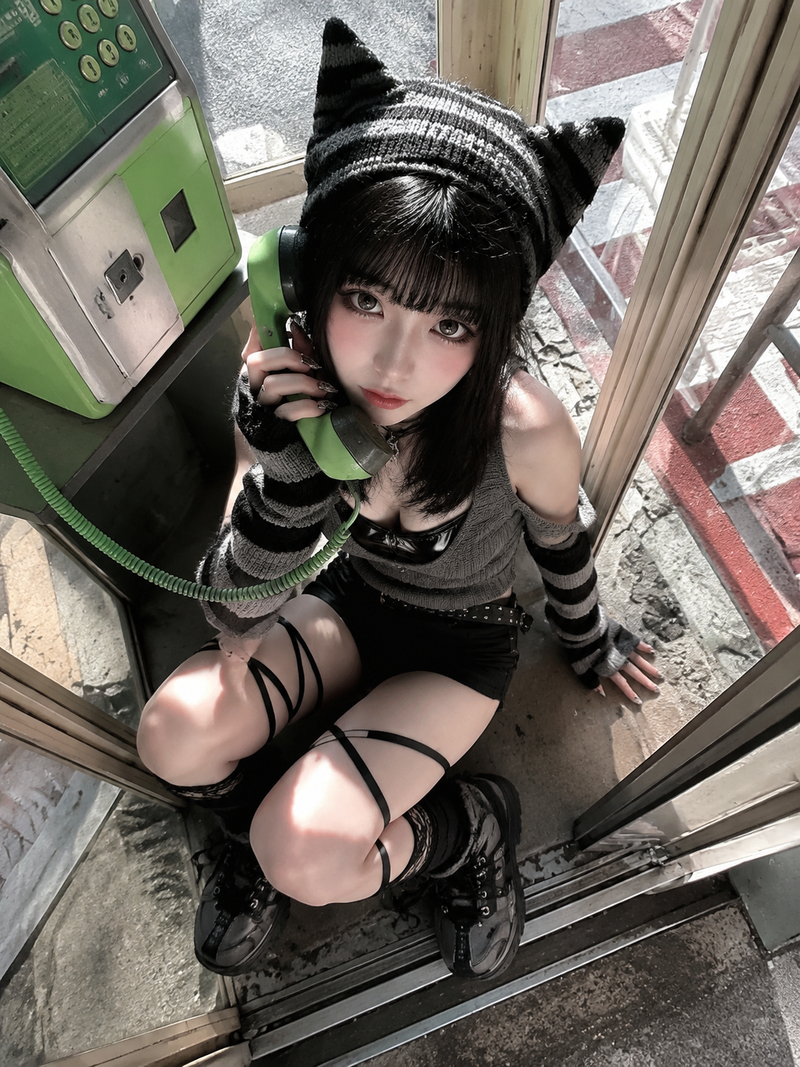
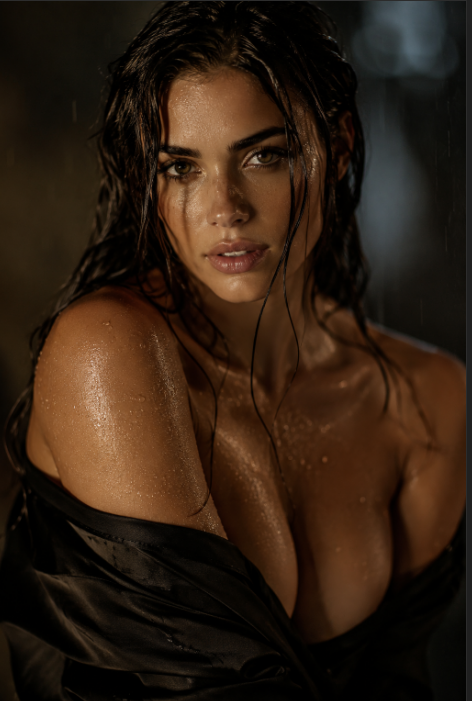
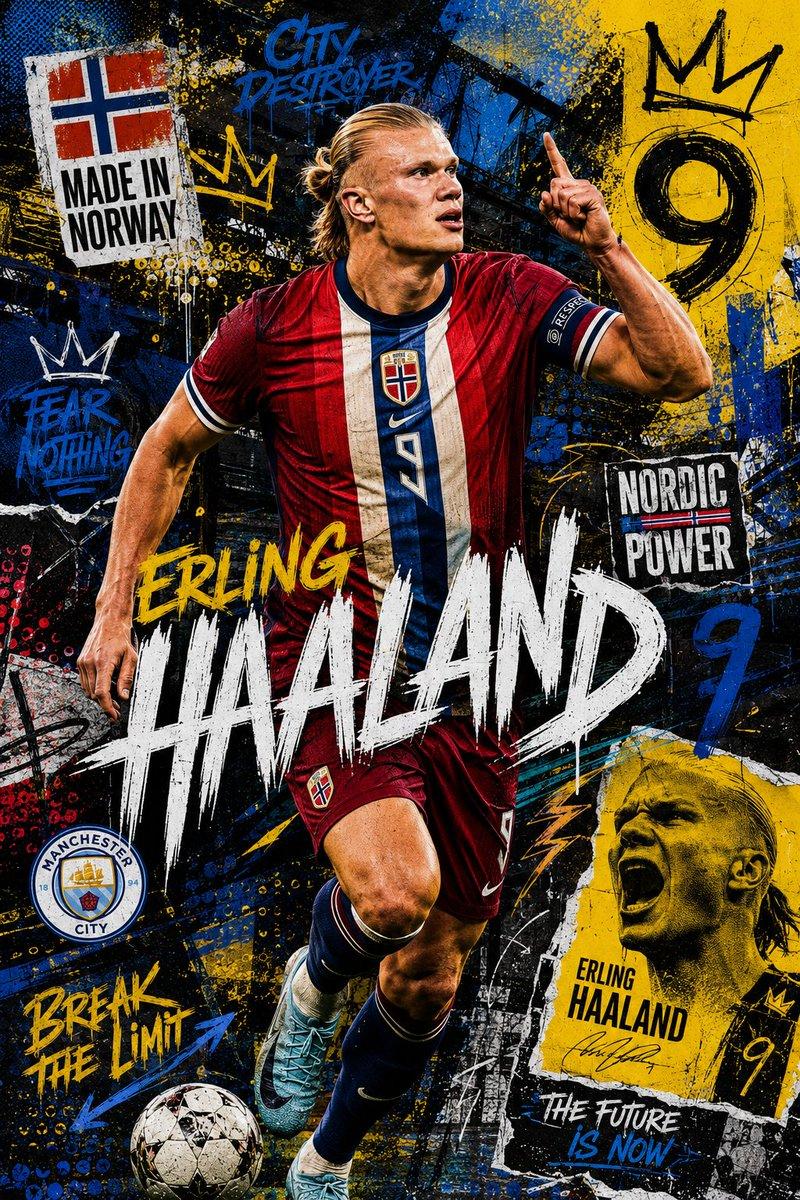
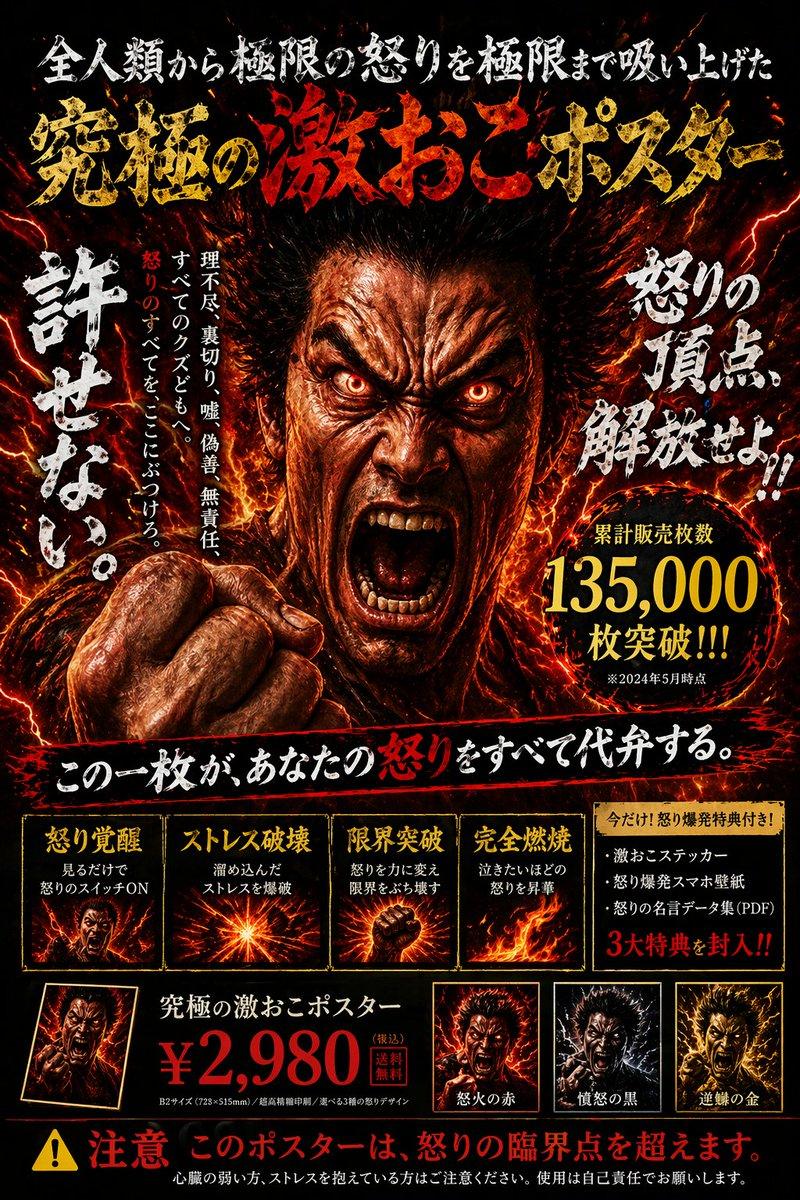
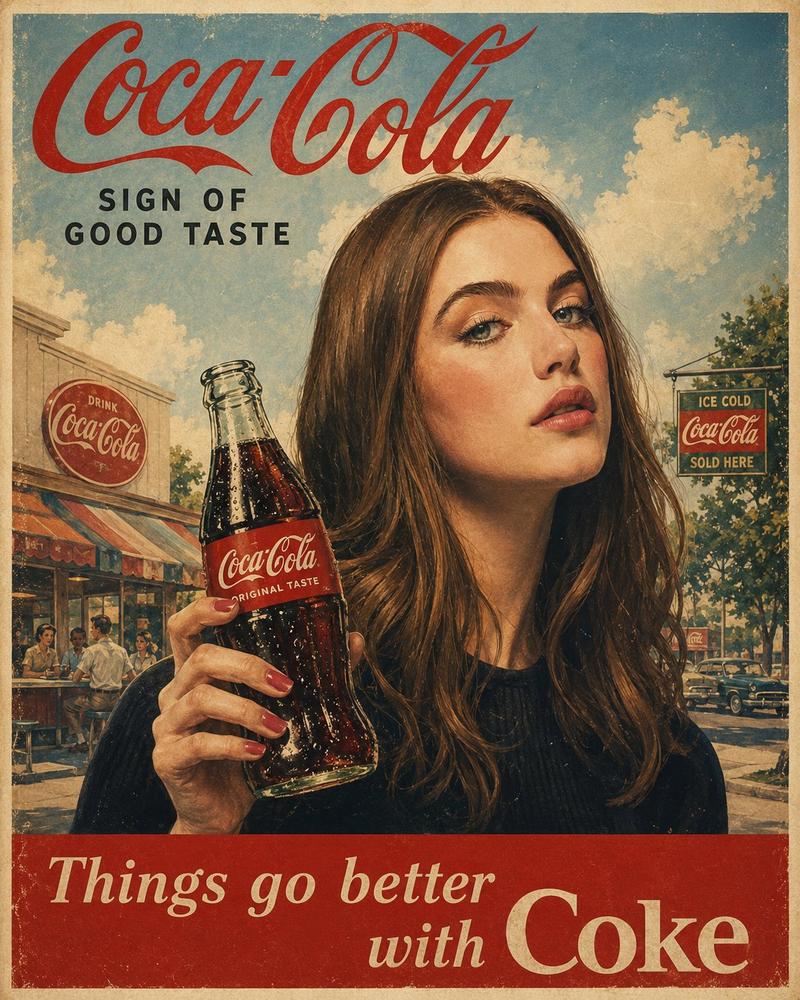
cinematic horror. Jakarta KRL Commuter Line station at night, Sudirman station platform, harsh yellow-white fluorescent overhead lighting, worn dirty tiled floor, blue KRL train car parked at platform, Indonesian signage on walls. A young woman in [reference outfit] poses next to the train car taking a selfie, smiling. On the train wall behind her, a large advertisement poster shows a beautiful woman's face. The poster surface begins to ripple and crack. Long black wet hair pushes through the glossy paper. A pale hand with black fingernails tears through. A kuntilanak in torn white kebaya crawls out of the poster completely, feet never touching the ground, long hair covering her face, head tilted at an unnatural angle. Bystanders on the platform scream and scatter. The woman drops her phone and runs. POV handheld tracking shot, she sprints through the platform, quick glance back, the kuntilanak glides at impossible speed closing the distance, hair flowing, white kebaya tattered. Emergency lights flicker red. Train doors slam shut. Dead end. Wide shot the woman presses her back against the closed train doors, nowhere to go. The kuntilanak stops. Slowly raises her head. Two hollow black eyes beneath the hair. Shaky handheld cam, motion blur, high contrast shadows, horror aesthetic, cinematic.
Category
Posters & Typography
Model
seedance-2.0
Views0
Source ID
2906
Published
Apr 7, 2026

Guide

About "雅加达 KRL 通勤线车站的电影级恐怖场景"

What is this prompt for?

"雅加达 KRL 通勤线车站的电影级恐怖场景" AI image prompt for seedance-2.0 (Posters & Typography). 这是一个为 Seedance 2.0 设计的高细节电影级恐怖提示词,描述了夜晚雅加达 KRL 通勤线车站的场景:一个 Kuntilanak(印尼鬼魂)从海报…

The full copyable prompt and example visuals above are ready for AI image generation or one-click recreate in Picva.

How to use this prompt

  1. Step 1

    Open the prompt detail

    Review the example visuals, category, and full prompt text for "雅加达 KRL 通勤线车站的电影级恐怖场景".

  2. Step 2

    Copy the prompt

    Copy the prompt body from this page, or load it directly in Studio.

  3. Step 3

    Pick a model (seedance-2.0)

    Prefer seedance-2.0. If you switch models, keep subject and composition and tweak style terms.

  4. Step 4

    Generate and export

    Recreate the look in Picva, or export into your workflow for editing and publishing.

FAQ

What is the "雅加达 KRL 通勤线车站的电影级恐怖场景" prompt?
It is an AI image-generation prompt for seedance-2.0 in the Posters & Typography category. This page includes the full prompt text, example visuals, and a one-click recreate path in Picva.
How do I use this prompt to generate an image?
Copy the prompt from this page, or use Generate / Studio. Paste it into a compatible image model, or recreate the look in Picva with optional reference images.
Which model is this prompt for?
This page lists seedance-2.0. Most descriptive prompts also transfer to nearby image models such as GPT Image, Flux, or Midjourney with light style tweaks.
Can I use the result commercially?
You can usually copy the prompt for creation, but commercial use of the final image depends on the model terms, reference-image rights, and the generated content. Follow the source author and platform rules.