20

西部叙事多镜头视频提示词

Prompt
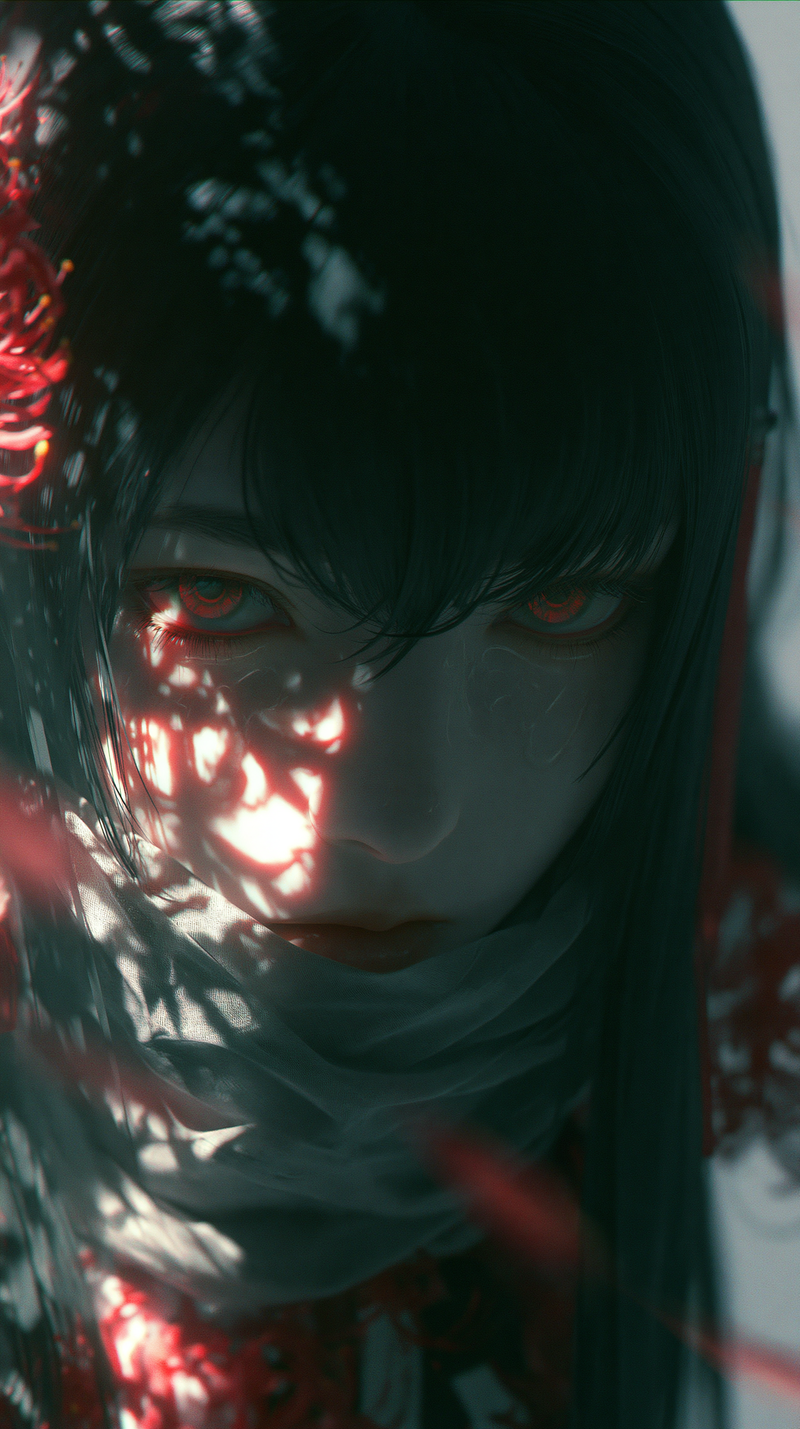
@_girl01: 第一张图像 __b6p3w5d.png。
@_man01: 第二张图像 _r4t8v1n.png。
场景设定为尘土飞扬的西部电影画面。
[镜头 0]
@_girl01 从左侧进入画面,撩起刘海仿佛感受到了热浪,并抬头望向天空。
[镜头 1]
一轮明亮耀眼的太阳。
[镜头 2]
过肩镜头,@_girl01 看向 @_man01。@_girl01 的背影在屏幕左侧,@_man01 的正面在右侧。
[镜头 3]
特写 @_man01 的脸,他露出了一个邪恶且歪斜的笑容。
[镜头 4]
侧拍镜头,@_girl01 和 @_man01 面对面。@_girl01 在左侧,@_man01 在右侧。
[镜头 5]
两人开始掰手腕。
[镜头 6]
@_girl01 咬牙切齿的脸部特写,略微仰拍。@_girl01 的脸在左侧,右侧是 @_man01 虚焦的手臂。
[镜头 7]
俯拍镜头,@_girl01 在掰手腕比赛中战胜了 @_man01。摄像机顺时针轻微旋转并推近。
[镜头 8]
@_girl01 站起身,摆出胜利姿势欢呼。
Category
Photography & Realism
Model
seedance-2.0
Views0
Source ID
3157
Published
Apr 11, 2026

Guide

About "西部叙事多镜头视频提示词"

What is this prompt for?

"西部叙事多镜头视频提示词" AI image prompt for seedance-2.0 (Photography & Realism). 这是一个为 Seedance 2.0 设计的详细故事板风格提示词,用于构建一场电影质感的西部主题掰手腕场景。它利用角色参考和特定的镜头指令进行多次剪辑,展示了该模型处理复杂…

The full copyable prompt and example visuals above are ready for AI image generation or one-click recreate in Picva.

How to use this prompt

  1. Step 1

    Open the prompt detail

    Review the example visuals, category, and full prompt text for "西部叙事多镜头视频提示词".

  2. Step 2

    Copy the prompt

    Copy the prompt body from this page, or load it directly in Studio.

  3. Step 3

    Pick a model (seedance-2.0)

    Prefer seedance-2.0. If you switch models, keep subject and composition and tweak style terms.

  4. Step 4

    Generate and export

    Recreate the look in Picva, or export into your workflow for editing and publishing.

FAQ

What is the "西部叙事多镜头视频提示词" prompt?
It is an AI image-generation prompt for seedance-2.0 in the Photography & Realism category. This page includes the full prompt text, example visuals, and a one-click recreate path in Picva.
How do I use this prompt to generate an image?
Copy the prompt from this page, or use Generate / Studio. Paste it into a compatible image model, or recreate the look in Picva with optional reference images.
Which model is this prompt for?
This page lists seedance-2.0. Most descriptive prompts also transfer to nearby image models such as GPT Image, Flux, or Midjourney with light style tweaks.
Can I use the result commercially?
You can usually copy the prompt for creation, but commercial use of the final image depends on the model terms, reference-image rights, and the generated content. Follow the source author and platform rules.