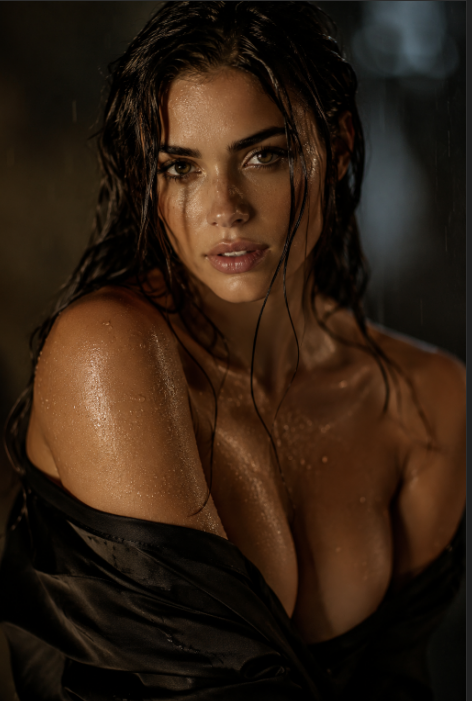
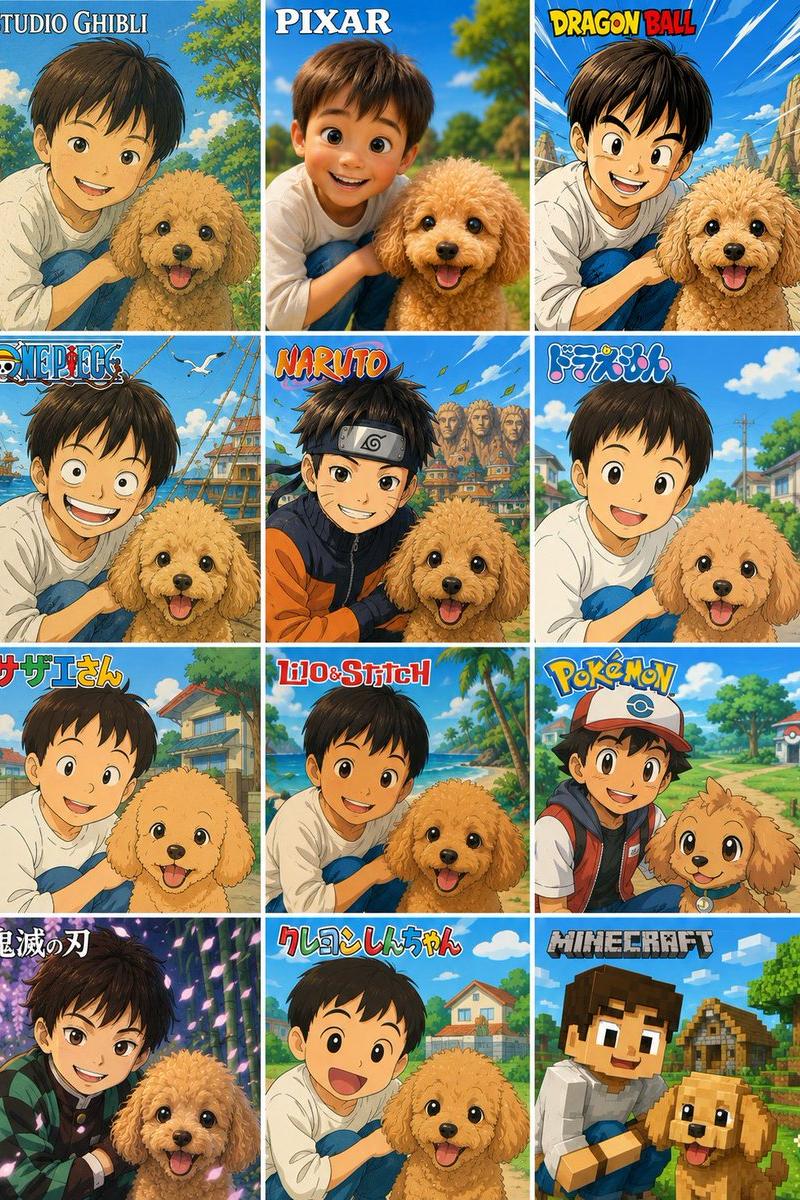
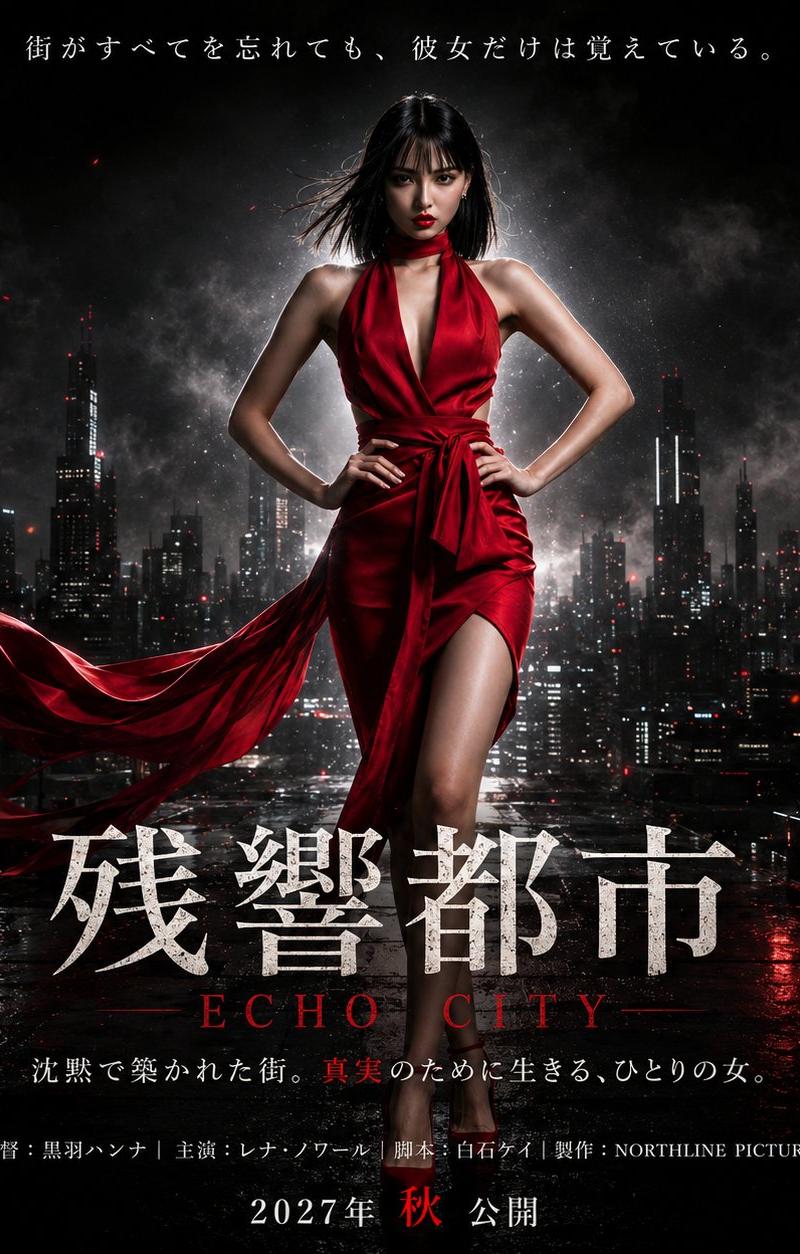
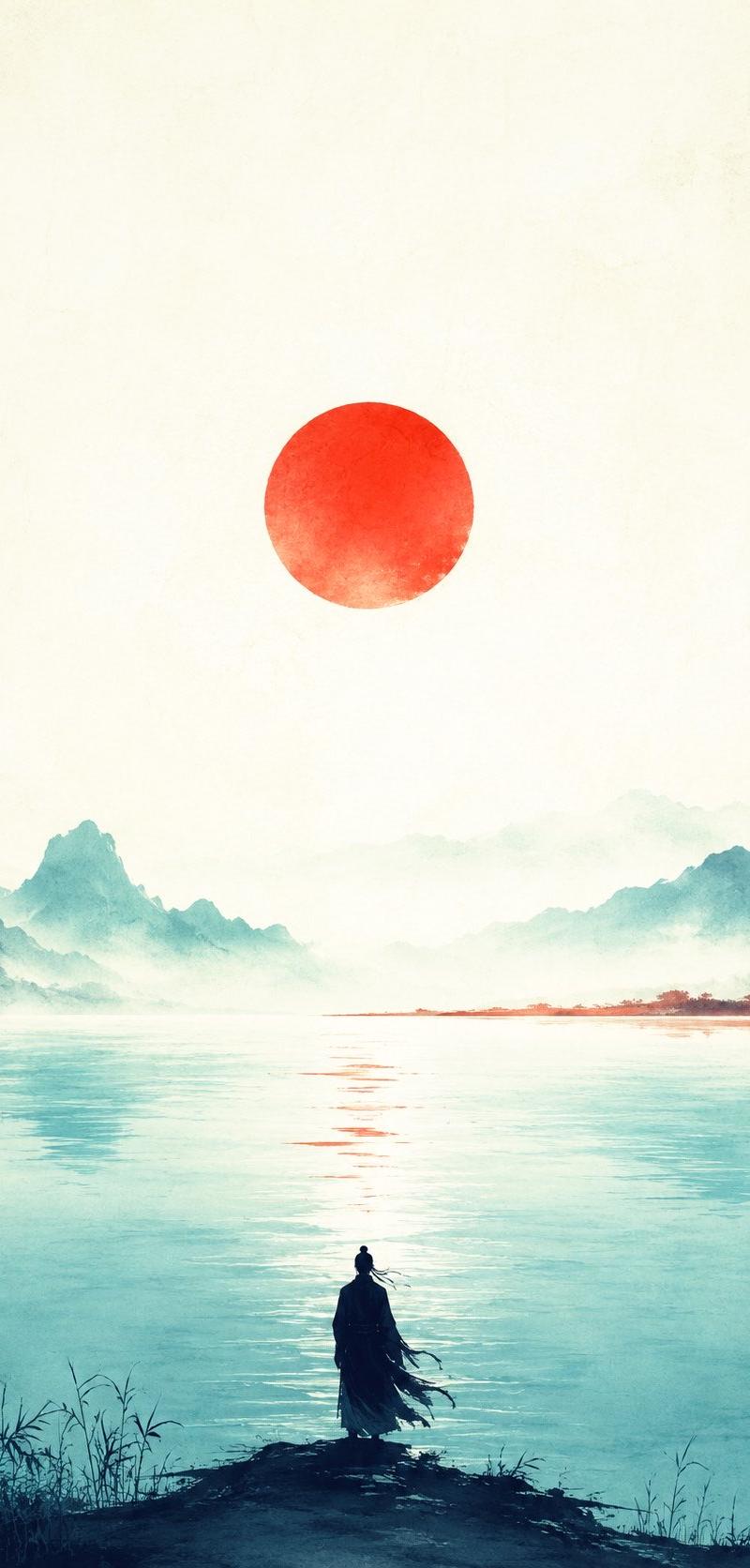
现实破碎的故障变形
Prompt
Video begins as a completely black screen. A single digital cursor blinks. Code begins scrolling upward, then FRACTURES. The screen shatters like glass, and through the cracks, golden light bleeds in. A hand reaches through, then a FULL FIGURE steps out of the broken screen into reality. Camera pulls back dramatically revealing a young man standing in an empty infinite white void, dressed in a sharp monochrome suit, completely still. He looks down at his hands
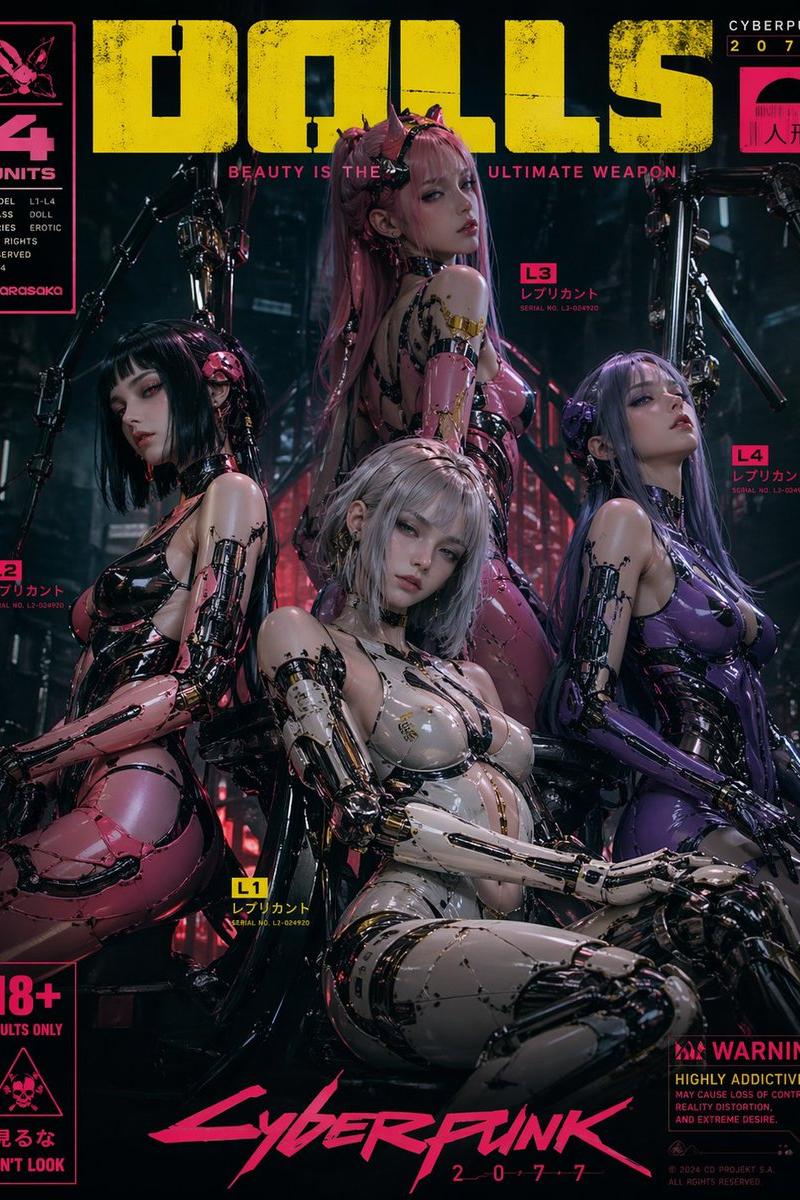
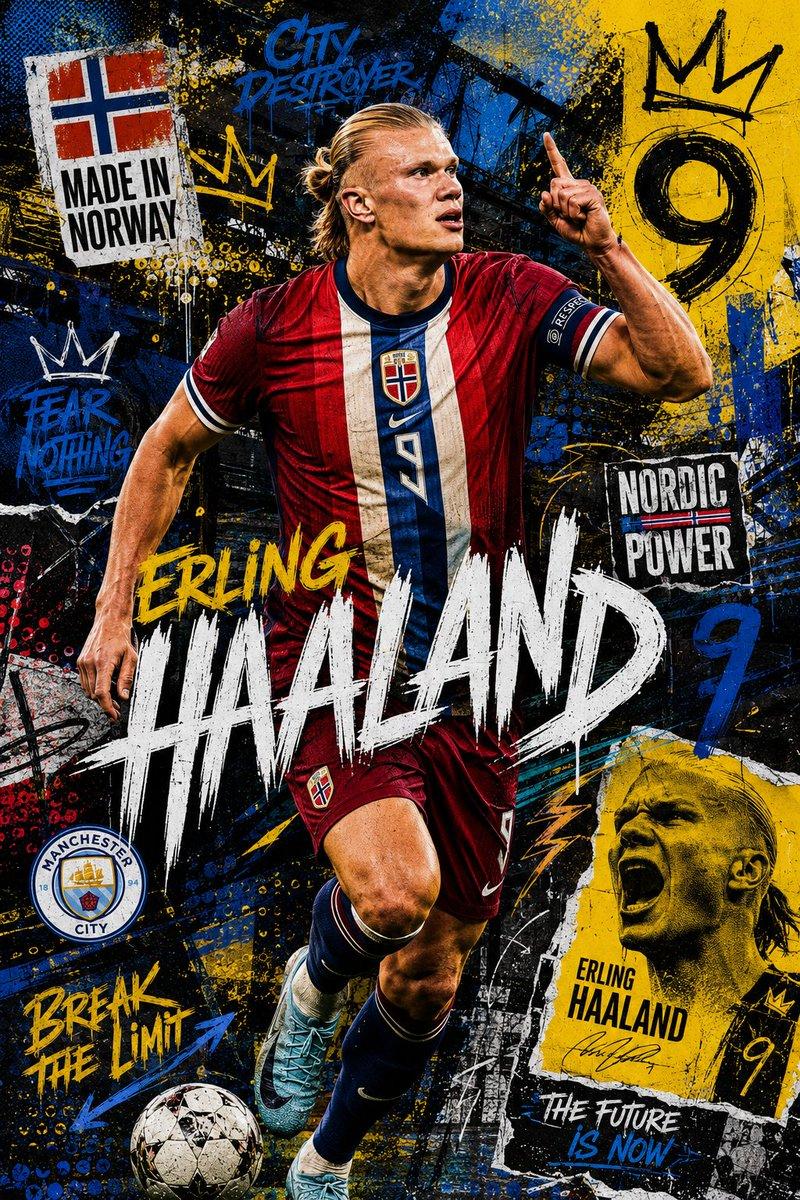
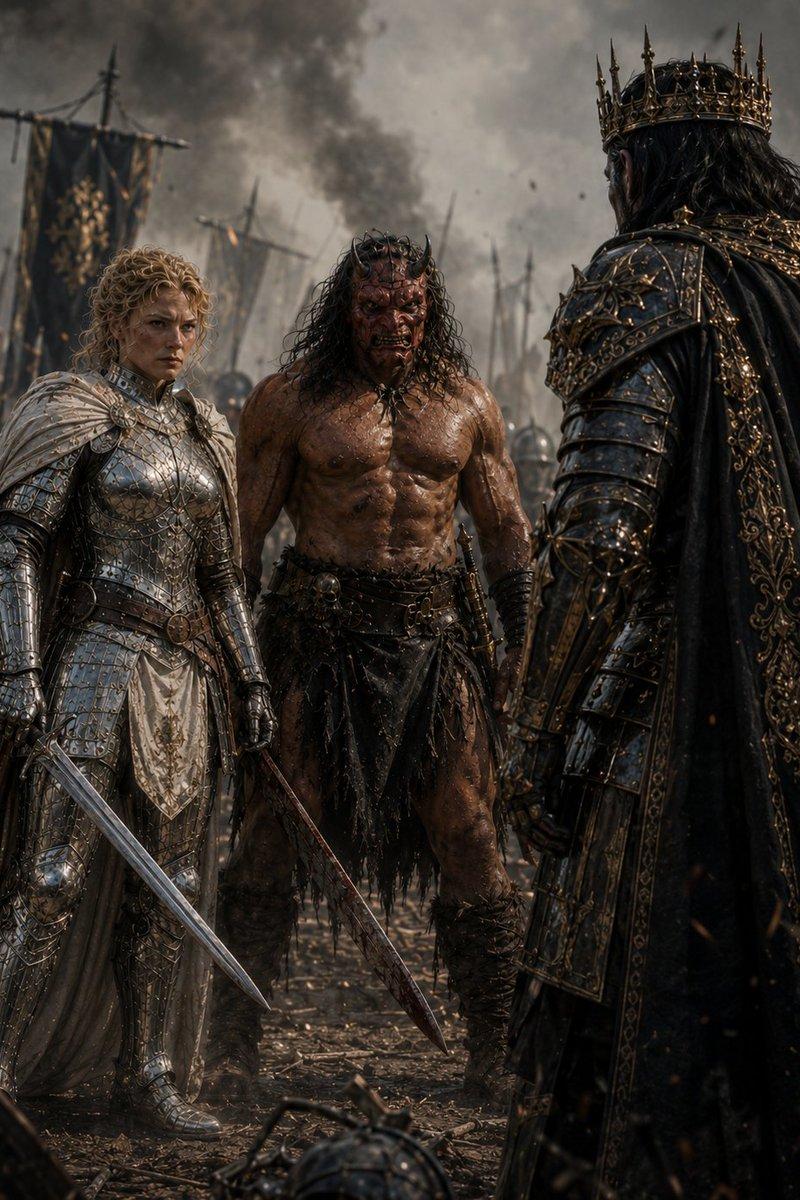
they're glitching, flickering between art styles. He looks up at the camera — and smirks. CHARACTER DESCRIPTION: Male figure, late 20s, striking angular features, calm but electric presence. Sharp jawline, dark expressive eyes, short textured hair. Tall, lean, perfectly composed. Wears a base outfit of an all-black slim-fit suit with no tie, open collar this suit morphs in texture/material each scene but silhouette stays constant. CORE ACTION — THE ARCHITECT'S WALK: He walks. Not dances — walks. But every step is intentional, cinematic, powerful. Slow-motion stride. Each footfall sends ripples of color and style transformation radiating outward across the entire frame. He gestures — points, adjusts his collar, looks over his shoulder — every micro-movement triggering a reality shift. The void around him constructs and deconstructs entire worlds per frame. THE WORLD TRANSFORMS WITH HIM (not just his clothing): Each style shift changes the entire environment, not just him: Neo-Tokyo cyberpunk alley — rain, neon signs, holographic billboards Ancient Roman marble courtyard — columns, golden hour, white stone Floating Japanese zen garden — cherry blossoms frozen mid-fall 1920s jazz club — smoky amber light, art deco geometry Arctic ice cave — bioluminescent blue, crystalline formations Abstract geometric void — Mondrian color blocks, pure math Baroque oil painting universe — dark chiaroscuro, dramatic shadows Brutalist concrete megastructure — raw texture, harsh overhead light Deep ocean abyss — bioluminescent creatures drifting past Burning desert at golden hour — heat shimmer, cracked earth STYLE TRANSFORMATION (Full frame shifts — not just the character): Photorealistic cinematic rendering (Arri Alexa look) Ukiyo-e woodblock print style 3D isometric illustration Brutalist graphic poster art Expressionist oil painting (thick brushstrokes) Blueprint / architectural draft style 16-bit pixel art Linocut print style (high contrast carved look) Risograph print (limited palette, slight misprint offset) Byzantine mosaic tile style Technical wireframe / hologram rendering Sumi-e ink wash (extreme minimalism) Constructivist propaganda poster style Stipple engraving illustration Studio Ghibli background painting style STYLE BURSTS: Occasionally two aesthetic universes collide mid-frame — one half of the screen is Ukiyo-e, the other is cyberpunk. They fight for dominance, then snap to a new unified style.
- Category
- Posters & Typography
- Model
- seedance-2.0
- Creator
- aditii
- Source language
- en
- Source ID
- 4274
- Published
- May 6, 2026
Views0