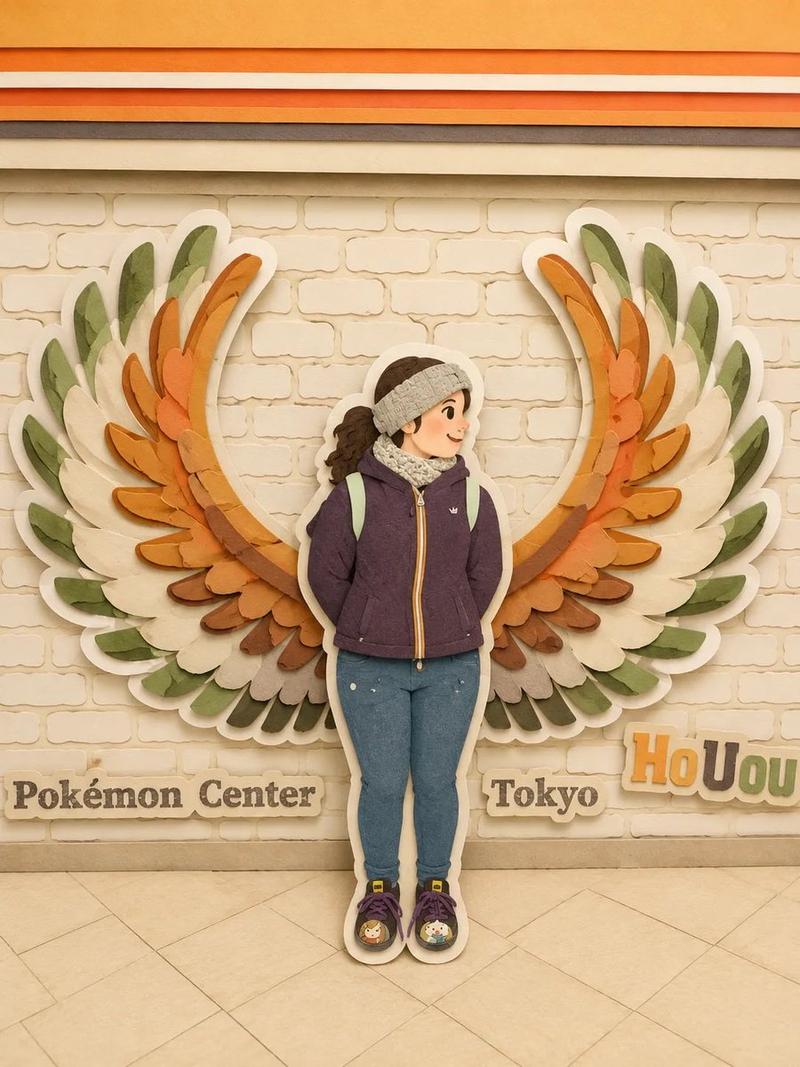
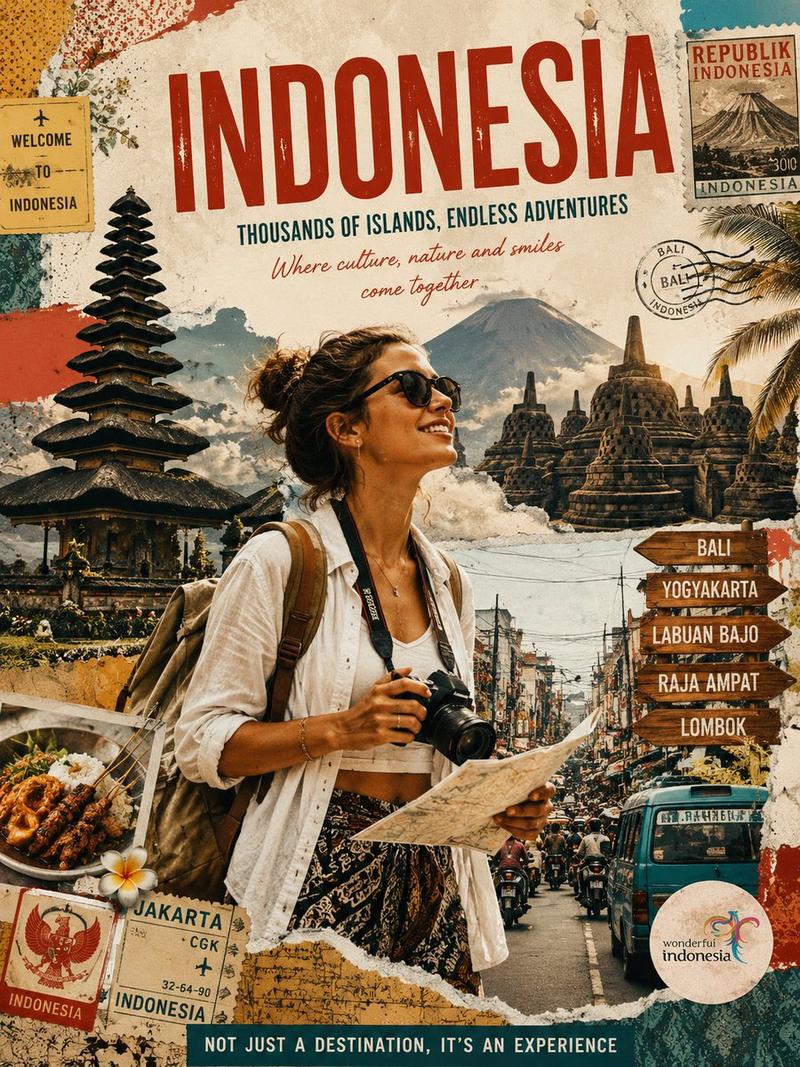
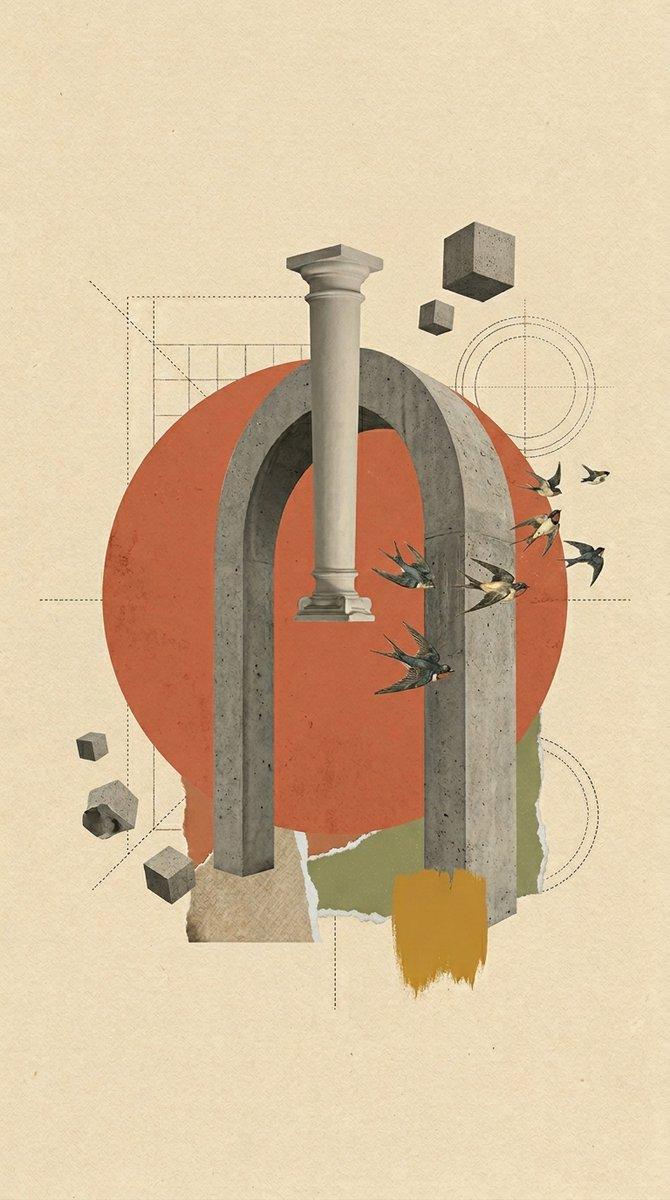
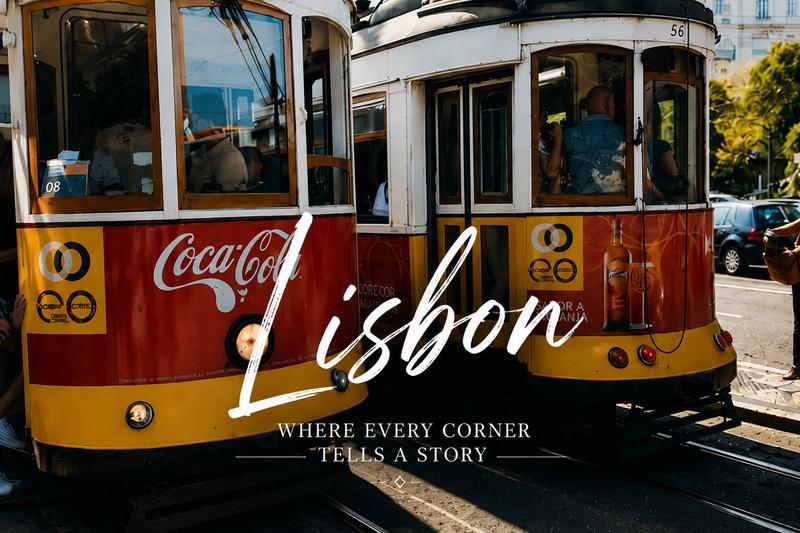
复古日式纸艺拼贴动画
Prompt
Create a 15-second wide cinematic landscape video intro, 16:9, using Seedance 2.0 style motion. A seamless one-take digital paper collage animation inspired by classic 1950s–1960s illustrated Japan travel books, especially the charming mood of mid-century Japanese tourism posters, vintage picture books, and editorial travel illustrations, but do not copy any exact existing artwork or page.

The video combines realistic photographic magazine cutouts of Japan with hand-drawn paper illustration elements. Use stop-motion cutout animation, torn paper edges, visible paper grain, offset print texture, halftone dots, gouache color patches, pastel pencil marks, imperfect handmade shapes, and layered collage depth. The mood is nostalgic, elegant, warm, refined, optimistic, and distinctly Japanese. Keep generous off-white negative space throughout, like a sophisticated vintage travel postcard coming alive.

The camera moves continuously in one smooth tracking shot, like an animated pop-up book. Paper layers slide, fold, flip, rotate, and snap into place with rhythmic motion. Use dynamic parallax between photo cutouts and illustrated paper shapes. Fast-paced but never chaotic. Premium After Effects-style paper collage motion graphics, tactile and handmade, not glossy.

Timeline flow:

From 0 to 4 seconds, begin on a warm off-white paper background. A realistic photographic cutout of Mount Fuji emerges from the bottom of the frame. Layered paper clouds drift gently across the scene. A stylized red torii gate pops up like a vintage travel-book illustration, painted with loose gouache strokes and pastel textures. Small paper cherry blossoms, koi fish motifs, folding fans, and tiny expressive travelers appear with stop-motion snaps. Traditional rooftops unfold in the background like paper accordion structures.

From 4 to 8 seconds, the camera tracks smoothly across a Kyoto-inspired streetscape. Wooden machiya buildings are constructed from layered paper strips, combining illustrated linework with photographic architectural fragments. Decorative lantern shapes, bicycles, tea cups, and paper umbrellas briefly animate into view before sliding away. The composition remains airy with large areas of elegant off-white paper. In the distance, layered pagodas and temple silhouettes rise from textured paper cutouts.

From 8 to 12 seconds, transition seamlessly into a stylized Tokyo cityscape made from layered photographic building clippings and hand-painted paper rectangles. The city feels vibrant but translated into soft printed color blocks rather than realistic neon. A simplified Tokyo Tower rises from the center like a pop-up book structure, built from cream, vermilion red, muted navy, mustard yellow, warm gray, and soft teal paper layers. Tiny illustrated figures look upward in wonder. All signs, screens, and billboards remain abstract and completely unreadable, with no real brands, logos
- Category
- Charts & Infographics
- Model
- seedance-2.0
- Creator
- Zara
- Source ID
- 5727
- Published
- Jun 5, 2026
Views0