20

电影级饮料商业广告视频提示词

Prompt
Use the supplied 9 reference images as time-ordered 16:9 real video keyframes, not as a storyboard sheet. Each reference image represents the intended full-screen composition for that moment. Do not show panel borders, panel numbers, captions, grid layout, or UI. Close-up of a tall clear cola glass / highball tumbler filled with dark fizzy cola-like soda and ice. The glass must be slim and taller than a whiskey rocks glass. The glass must have no logo or text printed on it. Only the can may carry the BAD SIP logo. Every section must have a distinct motion language. Vary between explosive macro impact, smooth bubble drift, lateral slide, product push-in, shelf grab tracking, glass orbit, handheld food push, rack focus, near-static hero arrangement, and final subtle energy pulse.
Category
UI & Interfaces
Model
seedance-2.0
Creator
フッキー / 世界観ビジネス × AI自動化
Source language
en
Views0
Source ID
5875
Published
Jun 9, 2026
Studio

Guide

About "电影级饮料商业广告视频提示词"

What is this prompt for?

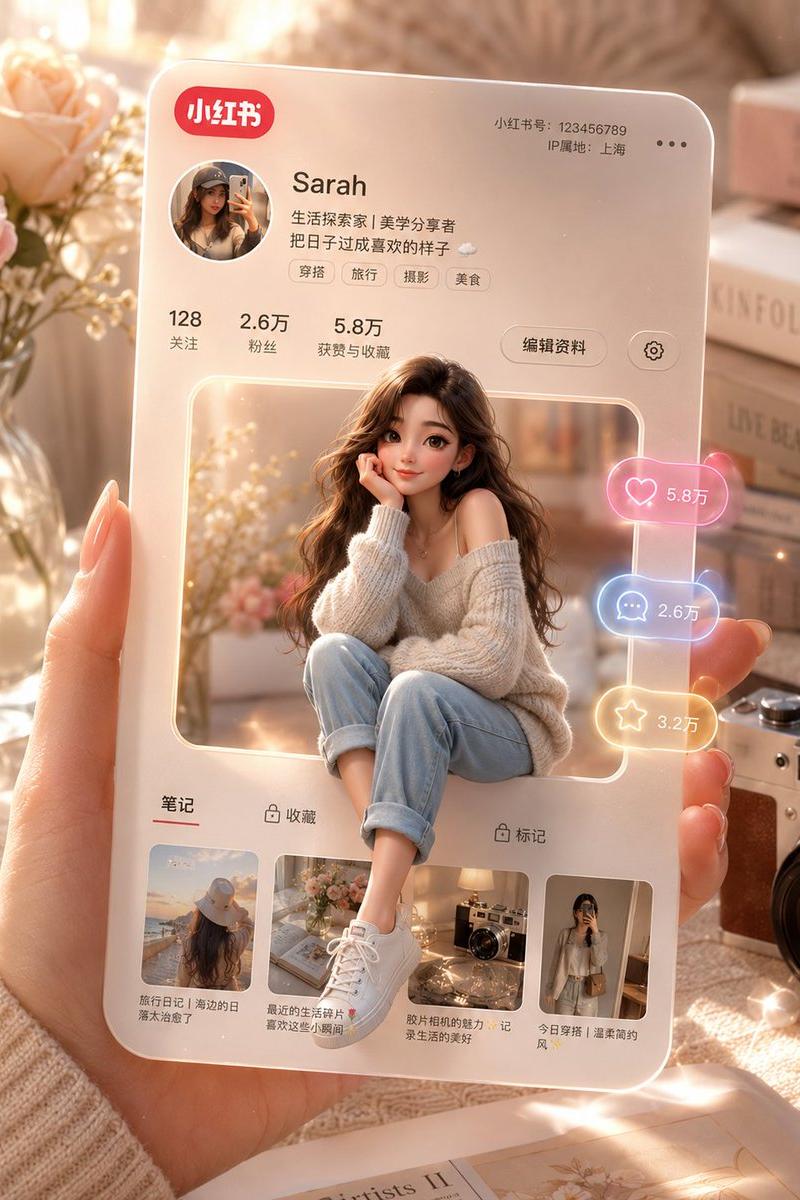
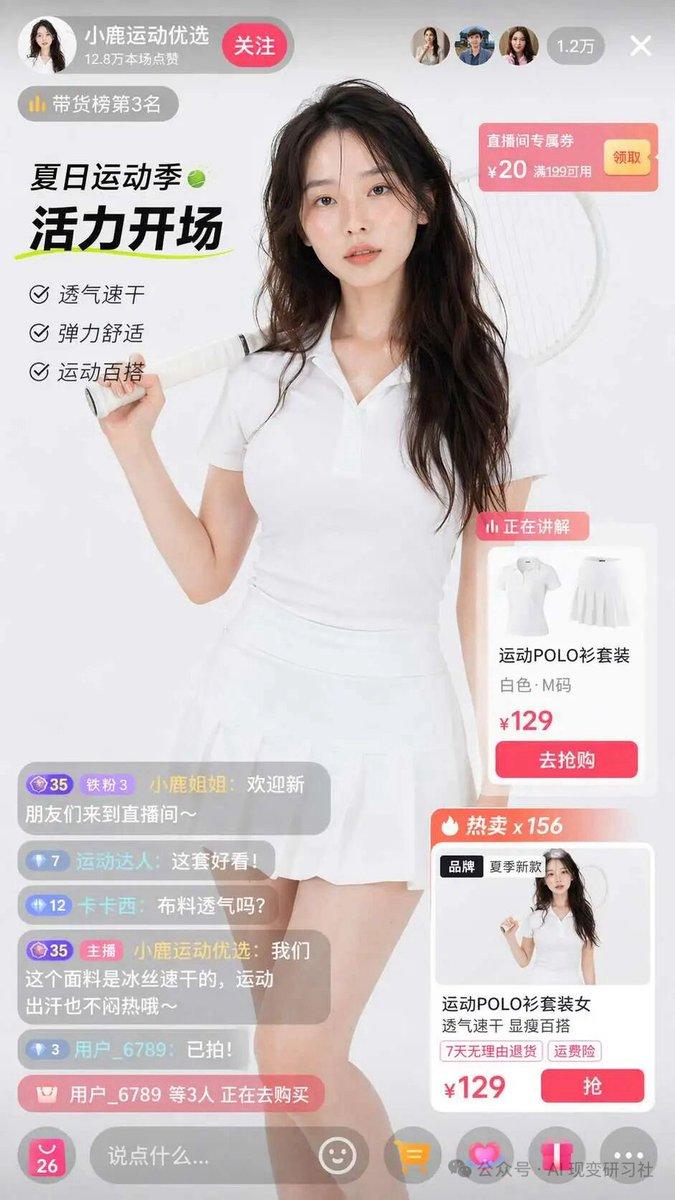
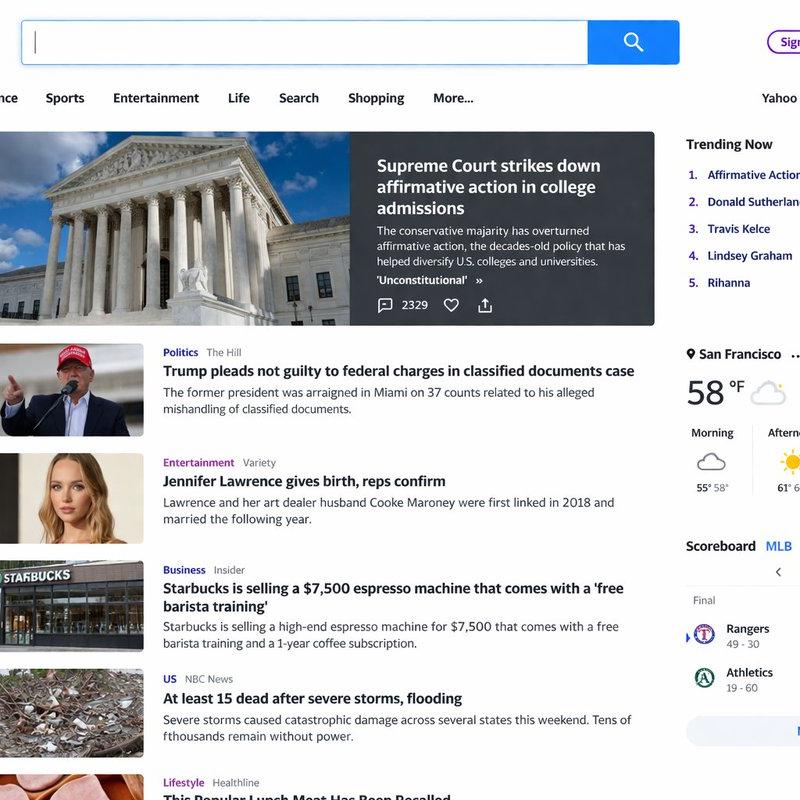
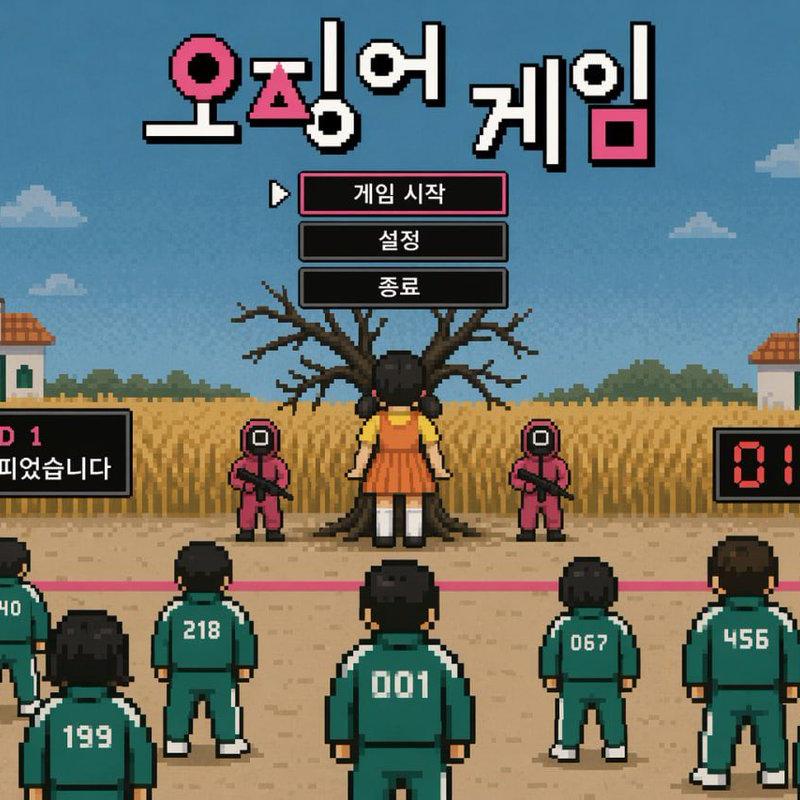
"电影级饮料商业广告视频提示词" AI image prompt for seedance-2.0 (UI & Interfaces). 一份用于制作 15 秒电影级汽水商业广告的详细策略,包含关键帧处理、物体细节要求以及动态摄像机运动指令。 Copy it on Picva and recreate the loo…

The full copyable prompt and example visuals above are ready for AI image generation or one-click recreate in Picva.

How to use this prompt

  1. Step 1

    Open the prompt detail

    Review the example visuals, category, and full prompt text for "电影级饮料商业广告视频提示词".

  2. Step 2

    Copy the prompt

    Copy the prompt body from this page, or load it directly in Studio.

  3. Step 3

    Pick a model (seedance-2.0)

    Prefer seedance-2.0. If you switch models, keep subject and composition and tweak style terms.

  4. Step 4

    Generate and export

    Recreate the look in Picva, or export into your workflow for editing and publishing.

FAQ

What is the "电影级饮料商业广告视频提示词" prompt?
It is an AI image-generation prompt for seedance-2.0 in the UI & Interfaces category. This page includes the full prompt text, example visuals, and a one-click recreate path in Picva.
How do I use this prompt to generate an image?
Copy the prompt from this page, or use Generate / Studio. Paste it into a compatible image model, or recreate the look in Picva with optional reference images.
Which model is this prompt for?
This page lists seedance-2.0. Most descriptive prompts also transfer to nearby image models such as GPT Image, Flux, or Midjourney with light style tweaks.
Can I use the result commercially?
You can usually copy the prompt for creation, but commercial use of the final image depends on the model terms, reference-image rights, and the generated content. Follow the source author and platform rules.