18

灵动动漫角色动画

Prompt
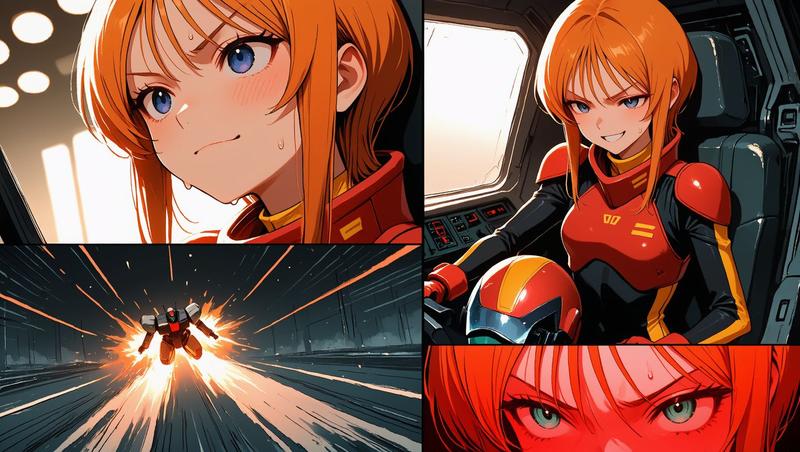
Emphasize snappy animation with lively energy, pose-to-pose, strong anticipation, overshoot, squash and stretch, quick switches in facial expressions, and follow-through on hair and sleeves. 
Give the movements a distinctive rhythm with variation in pacing: Hold still poses firmly for a split second, then transition to the next movement with a quick, bouncy snap. Make it comical and well-timed, but keep the actions easy to read. 
Movements follow: "stillness → preparatory action → sudden acceleration → large overshoot → sharp stop → hair and sleeves sway delayed." 
Facial changes are exaggerated and comical. 
Poses are clear in silhouette, with a solid hold of 0.1–0.2 seconds at the end of each action. 
Use cartoonish squash & stretch, motion blur, short afterimages, dramatic smear frames and speed lines sparingly. 
Physics are slightly exaggerated beyond reality, but the character's footing and center of gravity don't break.
Category
Charts & Infographics
Model
seedance-2.0
Creator
SujiPop
Views0
Source ID
6449
Published
Jun 25, 2026

Guide

About "灵动动漫角色动画"

What is this prompt for?

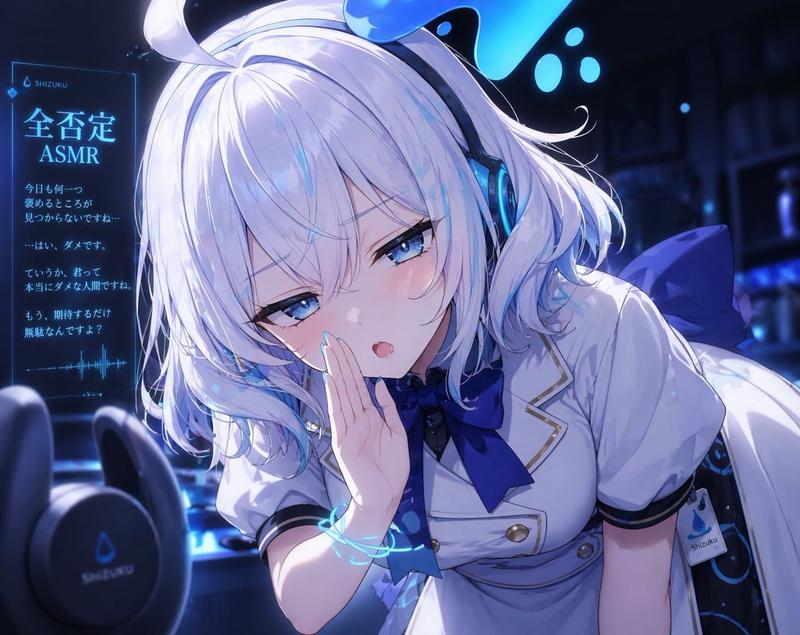
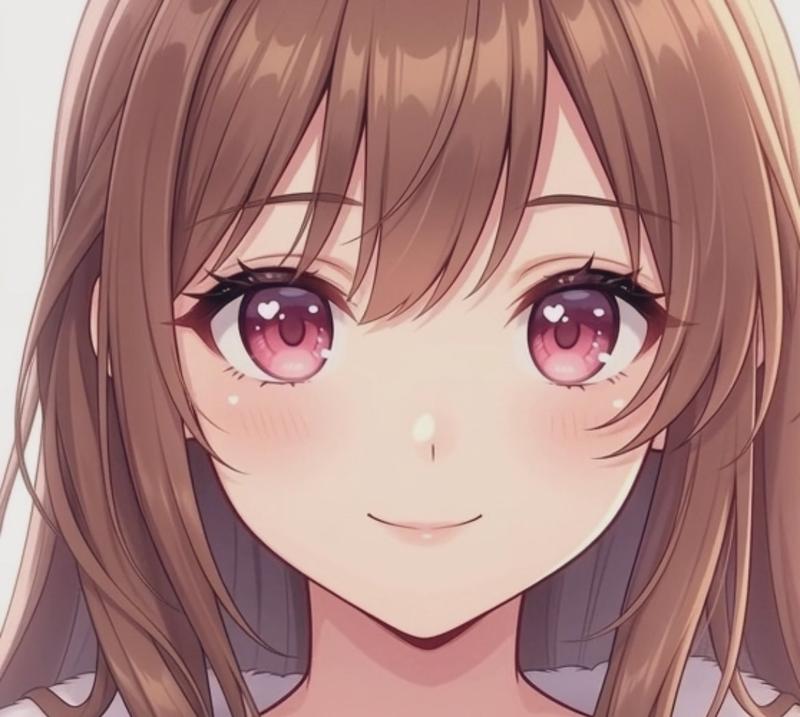
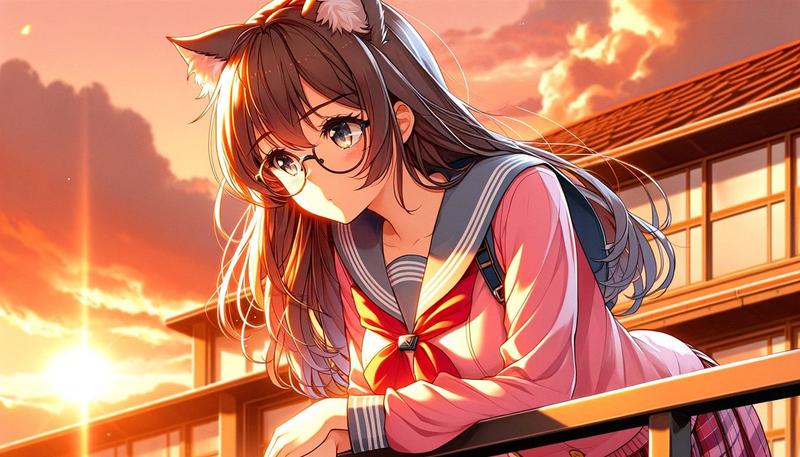
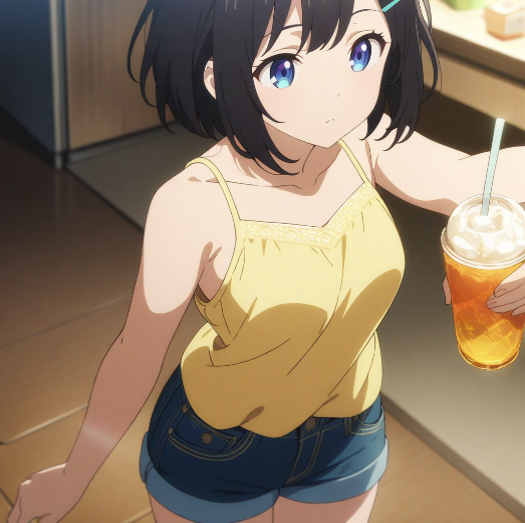
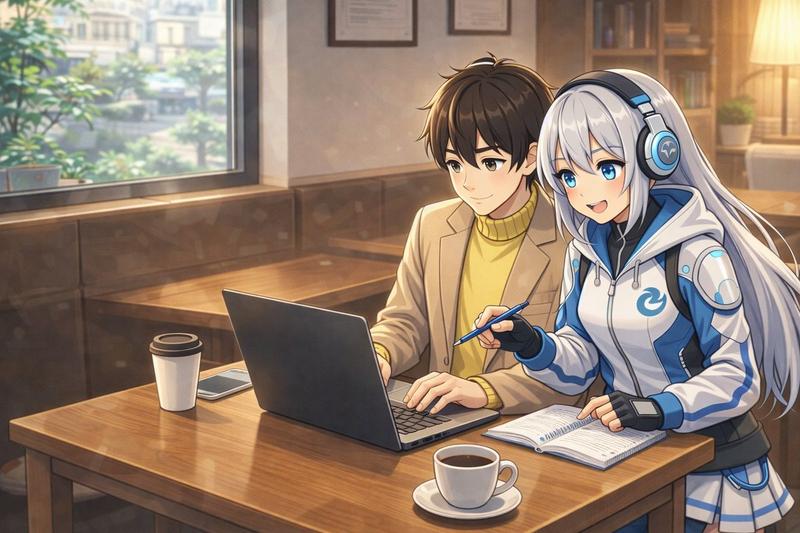
"灵动动漫角色动画" AI image prompt for seedance-2.0 (Charts & Infographics). 一套专为 Seedance 设计的综合提示词,旨在解锁富有表现力的卡通动画风格,重点关注挤压与拉伸以及灵动节奏等动画原则。 Copy it on Picva and recreat…

The full copyable prompt and example visuals above are ready for AI image generation or one-click recreate in Picva.

How to use this prompt

  1. Step 1

    Open the prompt detail

    Review the example visuals, category, and full prompt text for "灵动动漫角色动画".

  2. Step 2

    Copy the prompt

    Copy the prompt body from this page, or load it directly in Studio.

  3. Step 3

    Pick a model (seedance-2.0)

    Prefer seedance-2.0. If you switch models, keep subject and composition and tweak style terms.

  4. Step 4

    Generate and export

    Recreate the look in Picva, or export into your workflow for editing and publishing.

FAQ

What is the "灵动动漫角色动画" prompt?
It is an AI image-generation prompt for seedance-2.0 in the Charts & Infographics category. This page includes the full prompt text, example visuals, and a one-click recreate path in Picva.
How do I use this prompt to generate an image?
Copy the prompt from this page, or use Generate / Studio. Paste it into a compatible image model, or recreate the look in Picva with optional reference images.
Which model is this prompt for?
This page lists seedance-2.0. Most descriptive prompts also transfer to nearby image models such as GPT Image, Flux, or Midjourney with light style tweaks.
Can I use the result commercially?
You can usually copy the prompt for creation, but commercial use of the final image depends on the model terms, reference-image rights, and the generated content. Follow the source author and platform rules.