赛博朋克动漫风格翼装飞行近距离飞行提示词
Prompt
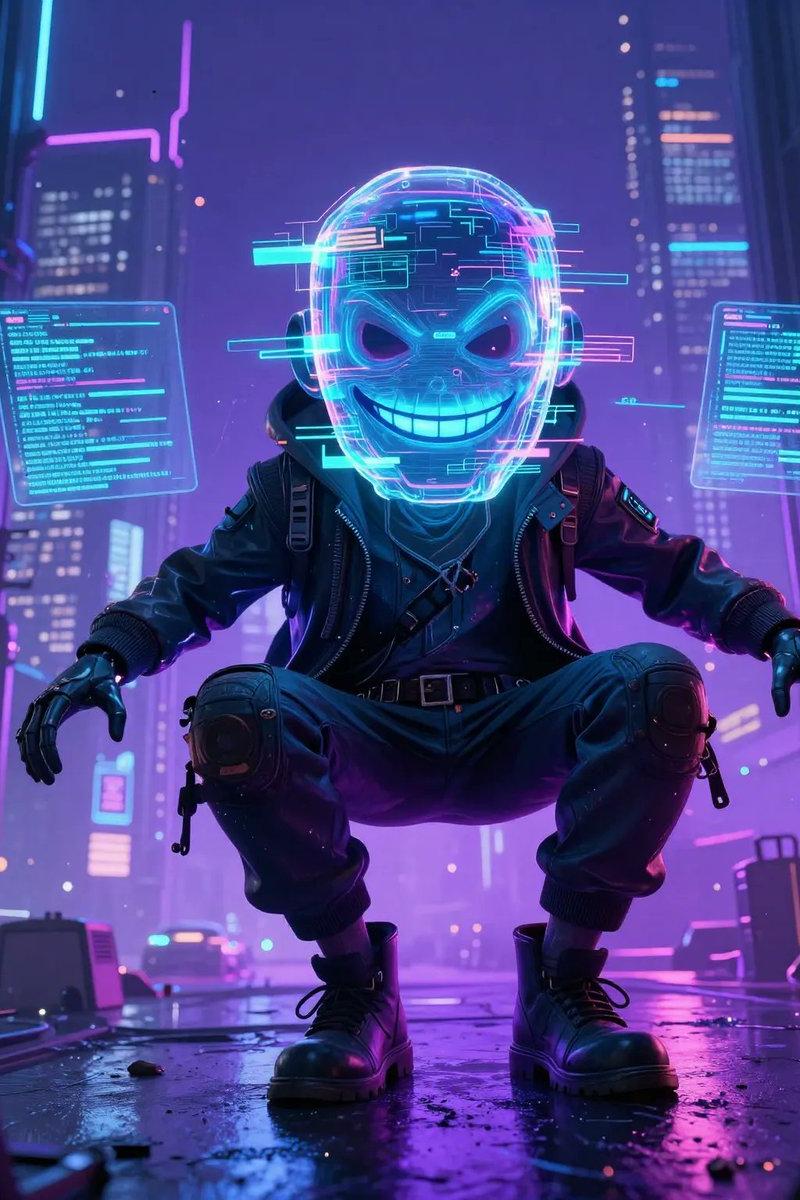
use @[Image 1] as character sheet An ultra-dynamic cyberpunk anime cinematic wingsuit proximity-flying video featuring Jax Storm. Preserve his exact face, glowing cyan cybernetic eyes, messy neon-green hair styled in a sharp undercut, sleek matte-black tech wingsuit with glowing green circuitry lines, integrated helmet with a retractable mirrored visor, carbon-fiber gauntlets, and a pulsing energy core on his chest. Keep perfect character consistency the whole time. Never change his outfit, hair, or face.
STYLE: ultra-premium anime feature-film quality, high-energy futuristic sports-anime cinematography, aggressive dynamic action animation, realistic aerodynamics in an stylized anime aesthetic, dramatic twilight lighting, detailed wind and particle simulation, lively expressive facial acting. Absolutely no slow motion at any point. Constant high speed and momentum.
SETTING: high-speed flight through a massive futuristic canyon city at dusk, brilliant neon sun flares from towering skyscrapers, fast-rushing holographic advertisements, distant streams of hover-traffic far below, vivid cyberpunk summer atmosphere.
FORMAT: one continuous single-take shot, no cuts, no transitions, no montage, one uninterrupted aggressive camera move.
HOOK (first 2 seconds): open EXTREMELY close on Jax's face mid-dive from a skyscraper ledge, looking straight into the lens with a fearless, confident smirk, neon hair whipping violently in the wind, helmet visor retracted up. He gives a quick nod toward the camera. Instant speed and energy from frame one.
CAMERA: the camera rips backward off his face and whips into a fast 360-degree orbit around his body as he drops. In one unbroken motion, it swings overhead, revealing the massive vertical city drop below, then dives down alongside him. It chases tightly, snapping between front, side, and over-the-shoulder angles, always fast, always handheld-energetic, never static.
ACTION FLOW: Jax slams his visor down, snaps his arms out to engage the wingsuit, and slices through the air, accelerating hard as neon clouds blast past. He spreads into a tight tracking glide, weaving dangerously close between two holographic billboards, his body angling sideways across the screen. He throws a cheeky thumbs-up at the camera mid-turn. Then, with a sudden powerful shift in body weight, he pulls up hard—his suit's thrusters fire open with a neon green burst, snapping him upward into a hard, punchy braking maneuver (fast and forceful, NOT slow). The air ripples, his body tenses, and the camera shakes violently with the impact of the deceleration.
FINAL MOMENT: now dropping cleanly onto a high-altitude landing platform, the camera swings around to his front. He slides to a halt, the glowing city horizon stretching behind him. He stands up, flips his visor open, grins, and gives a confident two-finger salute toward the lens. The camera pushes in slightly on his smile as the video ends on his triumphant exp
- Category
- Charts & Infographics
- Model
- seedance-2.0
- Creator
- Iqra Saifi
- Source language
- en
- Source ID
- 6620
- Published
- Jun 29, 2026
Views0