20

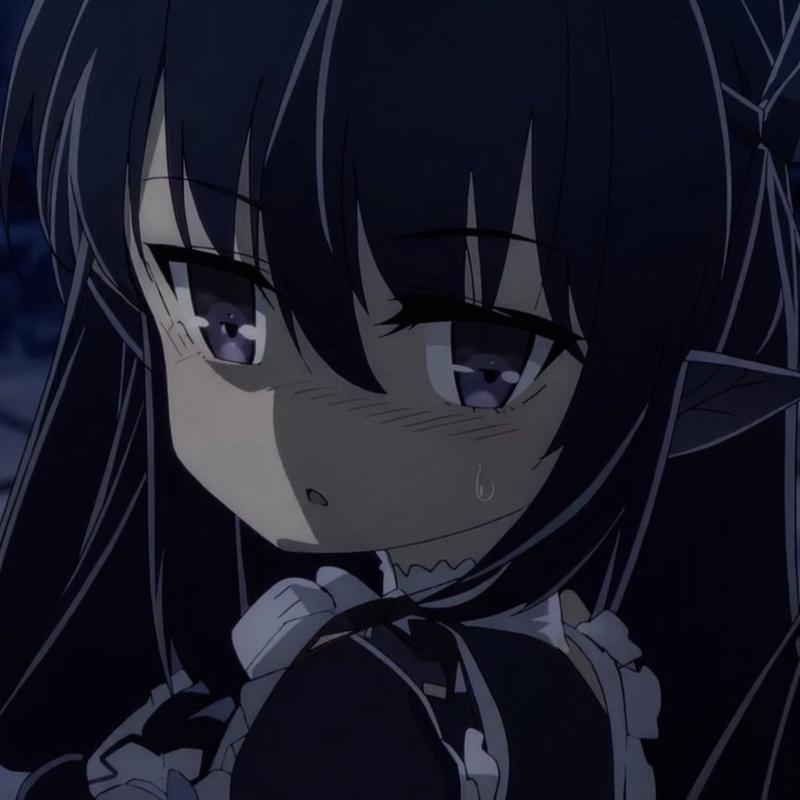
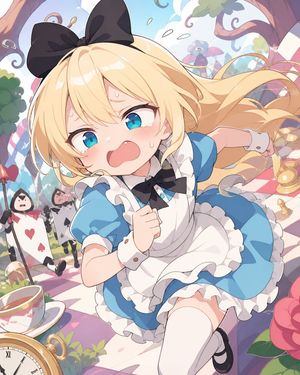
结构化 Q 版角色动画提示

Prompt
{
 "video_generation_prompt": {
 "scenes": [
 {
 "scene_name": "Intro Jump",
 "description": "Chibi character pops up from bottom of screen, big sparkling eyes, tiny hands waving, oversized head, cheerful smile, colorful outfit with cute accessories, soft pastel gradient background, short jump animation, cinematic soft lighting, adorable expression, 2 seconds"
 },
 {
 "scene_name": "Magic Sparkle",
 "description": "Chibi character casts tiny sparkles from hands, sparkles float around, eyes wide with excitement, dynamic movement, outfit shimmering, pastel-colored magical effect, playful bouncing motion, 3 seconds"
 },
 {
 "scene_name": "Happy Dance",
 "description": "Chibi character does a cute spin and small dance step, waving tiny hands, bouncing slightly, big smile, bright pastel background, soft shading and highlights, 3 seconds"
 },
 {
 "scene_name": "Cute Wave Goodbye",
 "description": "Chibi character waves goodbye, jumps slightly and lands, eyes sparkling, happy expression, background soft pink gradient, end of video loop, 2 seconds"
 }
 ],
 "style": "Ultra-cute chibi, anime-inspired, large sparkling eyes, tiny round body, oversized head, soft pastel color palette, highly detailed cartoon textures, cinematic lighting, smooth fluid animation, 1080x1080 resolution, energetic, playful, kawaii mood",
 "transitions": "Quick cute fade between cut scenes, smooth movement, 0.5 second each",
 "output": {
 "format": "mp4",
 "frame_rate": 24,
 "duration": "total 10 seconds",
 "loop": false
 }
 }
}
Category
Characters & People
Model
seedance-2.0
Views0
Source ID
863
Published
Mar 8, 2026

Guide

About "结构化 Q 版角色动画提示"

What is this prompt for?

"结构化 Q 版角色动画提示" AI image prompt for seedance-2.0 (Characters & People). 一个高度结构化的 JSON 提示,用于 Seedance 2.0,详细描述了四段 Q 版角色动画场景,包括描述、风格、转场和输出规格。 Copy it on Picva an…

The full copyable prompt and example visuals above are ready for AI image generation or one-click recreate in Picva.

How to use this prompt

  1. Step 1

    Open the prompt detail

    Review the example visuals, category, and full prompt text for "结构化 Q 版角色动画提示".

  2. Step 2

    Copy the prompt

    Copy the prompt body from this page, or load it directly in Studio.

  3. Step 3

    Pick a model (seedance-2.0)

    Prefer seedance-2.0. If you switch models, keep subject and composition and tweak style terms.

  4. Step 4

    Generate and export

    Recreate the look in Picva, or export into your workflow for editing and publishing.

FAQ

What is the "结构化 Q 版角色动画提示" prompt?
It is an AI image-generation prompt for seedance-2.0 in the Characters & People category. This page includes the full prompt text, example visuals, and a one-click recreate path in Picva.
How do I use this prompt to generate an image?
Copy the prompt from this page, or use Generate / Studio. Paste it into a compatible image model, or recreate the look in Picva with optional reference images.
Which model is this prompt for?
This page lists seedance-2.0. Most descriptive prompts also transfer to nearby image models such as GPT Image, Flux, or Midjourney with light style tweaks.
Can I use the result commercially?
You can usually copy the prompt for creation, but commercial use of the final image depends on the model terms, reference-image rights, and the generated content. Follow the source author and platform rules.