Social Media Postawesome-gpt-image-2GPT Image 2Social Media Post

Social Media Post - Tokyo Expressway Fashion Editorial

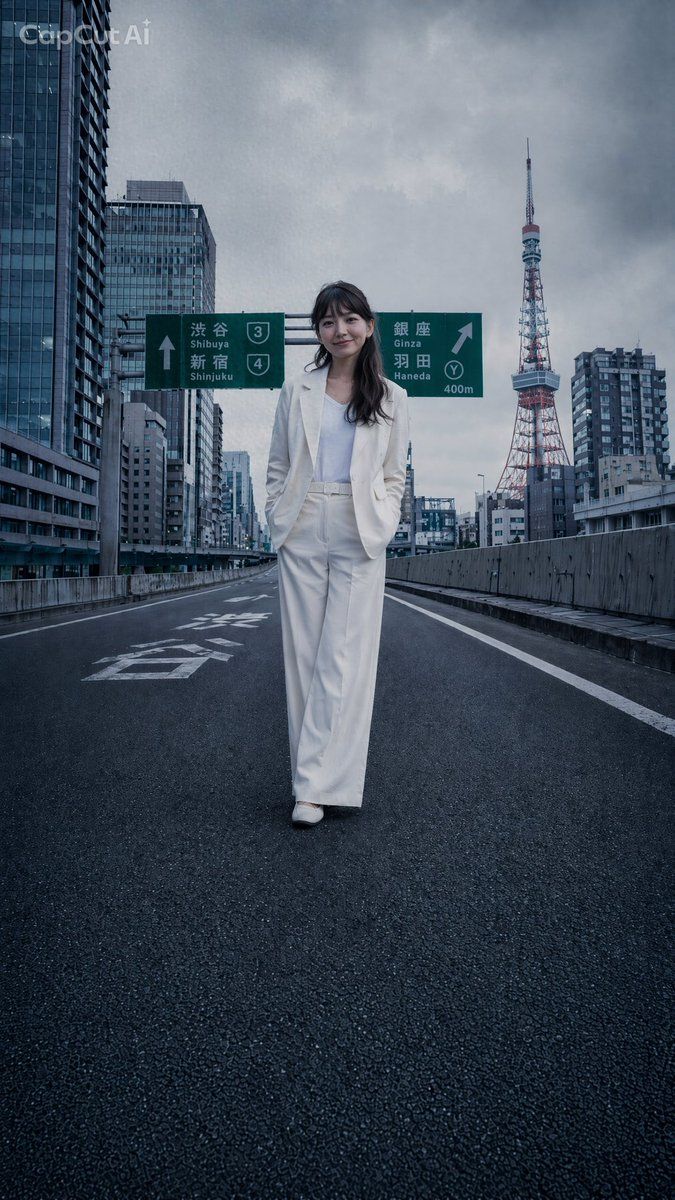
A photorealistic vertical fashion shot of a woman in a white suit walking on an empty Tokyo expressway with Tokyo Tower in the background.

Best used for
awesome-gpt-image-2, GPT Image 2, Social Media Post, social-media-post
Aspect ratios
9:16, 4:5, 1:1, 16:9
Styles
GPT Image 2 模板风, awesome-gpt-image-2, GPT Image 2, Social Media Post, social-media-post
Model
GPT Image 2
Language
Multi-language prompts supported

About this template

A photorealistic vertical fashion shot of a woman in a white suit walking on an empty Tokyo expressway with Tokyo Tower in the background.

  • Highlight product features and key ingredients
  • Use soft natural lighting to enhance texture
  • Clean hierarchy for posters, ads, and ecommerce banners
  • Customize subject, brand, and scene details

Example results

Social Media Post - Tokyo Expressway Fashion Editorial example 1
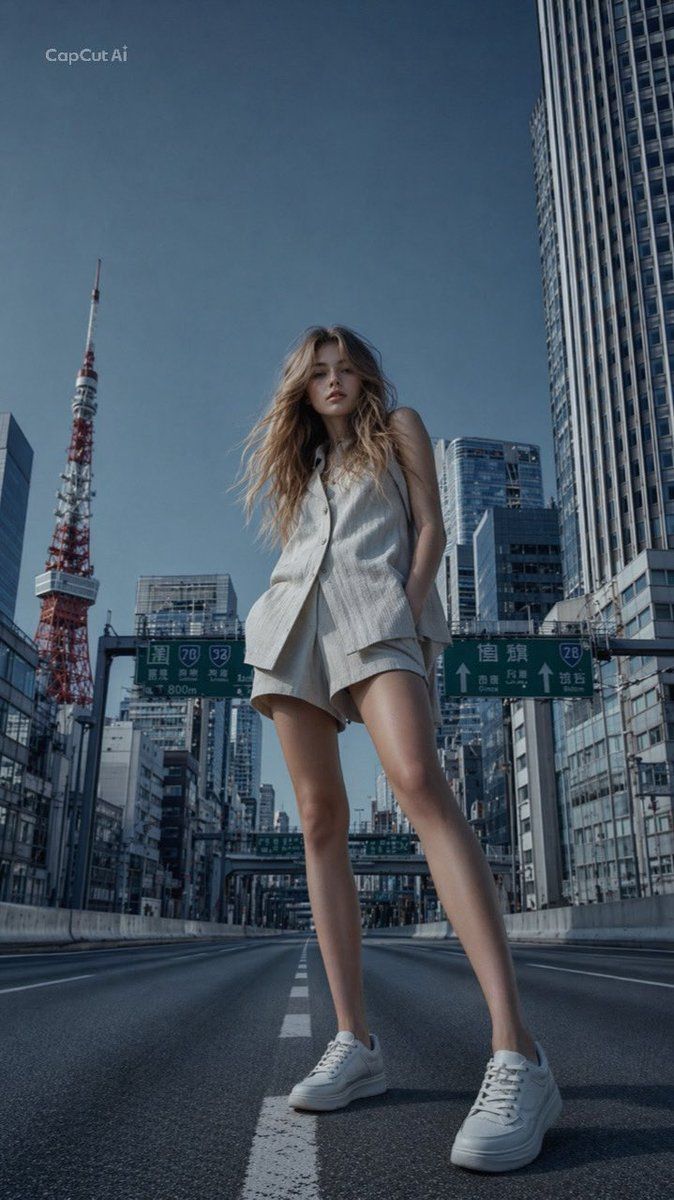
Social Media Post - Tokyo Expressway Fashion Editorial example 2

Prompt (Multi-language)

Create a cinematic photorealistic editorial fashion image of {argument name="subject" default="a stylish young woman"} walking alone down the center of an empty elevated Tokyo expressway, as if the entire Shuto Expressway has been closed for a private shoot. She wears a crisp {argument name="outfit" default="all-white tailored pantsuit with a white top and white shoes"}, hands in trouser pockets, confident relaxed posture, full-body centered composition, long dark wavy hair, face softly anonymized or blurred. The road surface is dark wet-looking asphalt with strong perspective lines, white lane markings, concrete guardrails on both sides, no cars and no pedestrians. In the background, show dense modern Tokyo high-rise buildings and {argument name="landmark" default="Tokyo Tower"} on the right side under a dramatic cloudy gray sky. Include two green Japanese highway direction signs above and behind the subject: one pointing straight with “Shibuya” and “Shinjuku,” route shields 3 and 4; one pointing right with “Ginza,” “Haneda,” route shield Y, and “400m.” Use a cool blue-gray color grade, moody overcast lighting, wide-angle low street-level perspective, realistic lens depth, sharp architectural detail, high-fashion magazine atmosphere. Add a subtle semi-transparent {argument name="watermark text" default="CapCut AI"} watermark in the upper-left corner. Vertical {argument name="aspect ratio" default="9:16"} composition, ultra-realistic, no extra text beyond the signs and watermark.

How to use this template

Choose this template

Browse templates and select this one.

Edit the prompt

Adjust product, brand, language, and details.

Generate image

Create a consistent AI image.

Download and use

Export a high-resolution asset for publishing.

Frequently asked questions

Can I use this template commercially?

Yes. Confirm final usage rights against your plan and model provider terms.

Do I need design skills?

No. Replace the product, scene, and copy in the prompt.

What image sizes are supported?

Common ratios such as 9:16, 4:5, 1:1, and 16:9 are supported.

Can I modify the prompt?

Yes. The template is designed for reusable composition, lighting, and style.