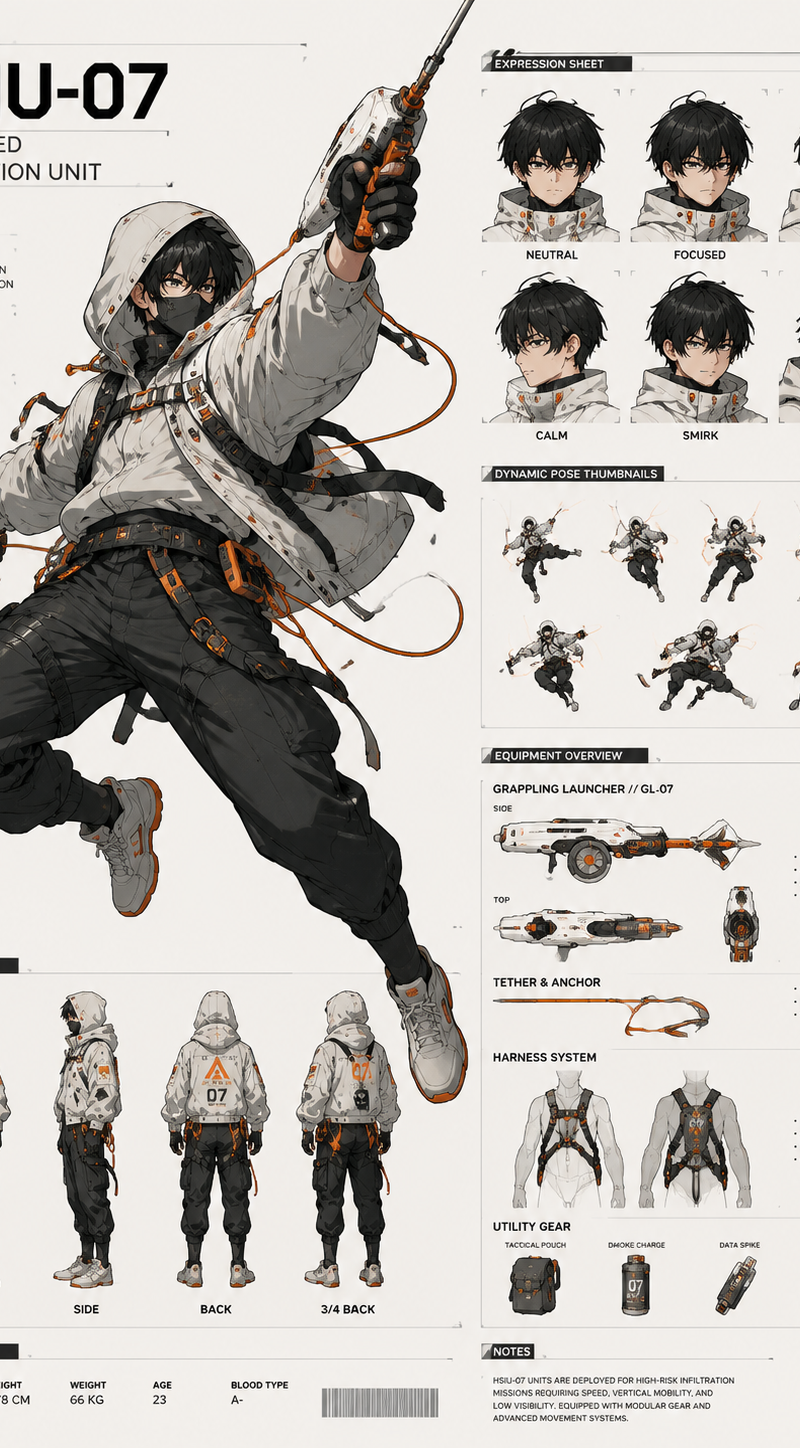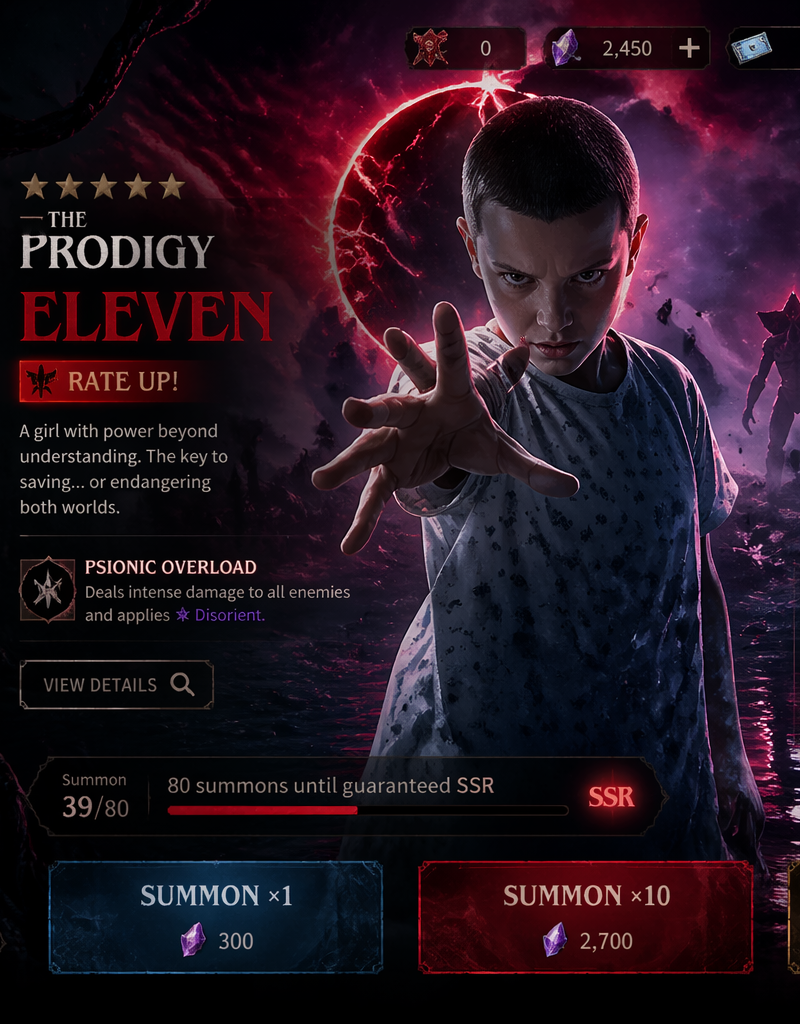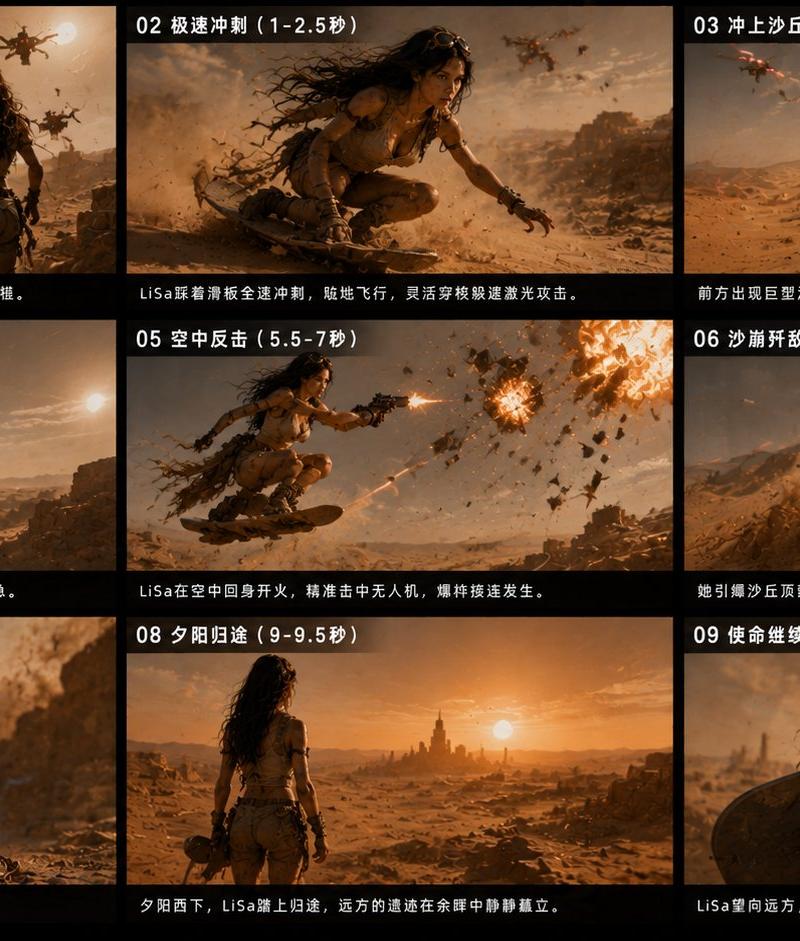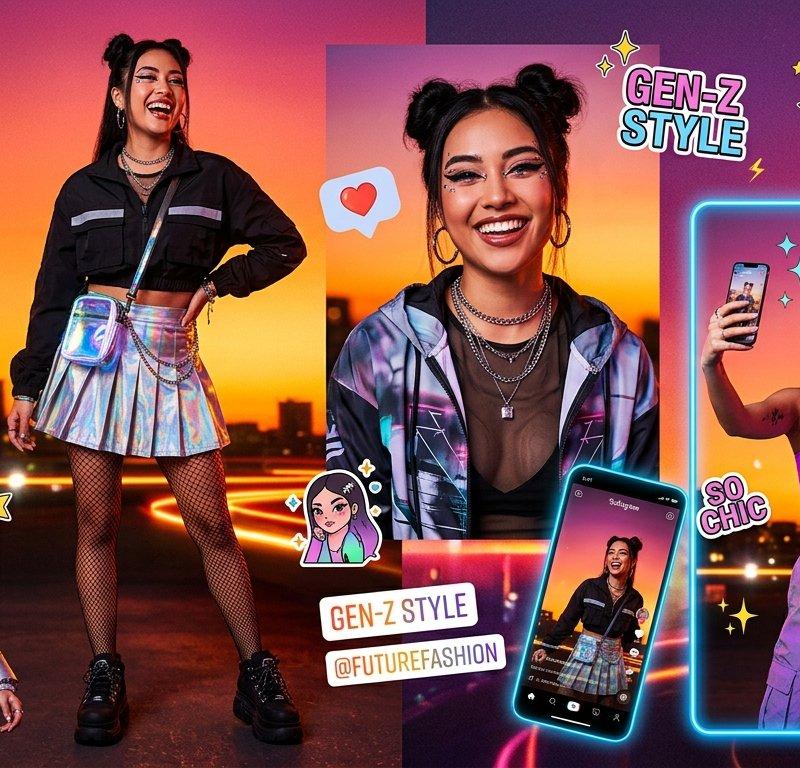
Cinematic Contact Sheet Generator
提示词
Given the scene context, generate the Cinematic Contact Sheet based on the instructions:
<instruction>
Analyze the entire composition of the input image. Identify ALL key subjects present (whether it's a single person, a group/couple, a vehicle, or a specific object) and their spatial relationship/interaction.
Generate a cohesive 3x3 grid "Cinematic Contact Sheet" featuring 9 distinct camera shots of exactly these subjects in the same environment.
You must adapt the standard cinematic shot types to fit the content (e.g., if a group, keep the group together; if an object, frame the whole object):
Row 1 (Establishing Context):
Extreme Long Shot (ELS): The subject(s) are seen small within the vast environment.
Long Shot (LS): The complete subject(s) or group is visible from top to bottom (head to toe / wheels to roof).
Medium Long Shot (American/3-4): Framed from knees up (for people) or a 3/4 view (for objects).
Row 2 (The Core Coverage):
4. Medium Shot (MS): Framed from the waist up (or the central core of the object). Focus on interaction/action.
5. Medium Close-Up (MCU): Framed from chest up. Intimate framing of the main subject(s).
6. Close-Up (CU): Tight framing on the face(s) or the "front" of the object.
Row 3 (Details & Angles):
7. Extreme Close-Up (ECU): Macro detail focusing intensely on a key feature (eyes, hands, logo, texture).
8. Low Angle Shot (Worm's Eye): Looking up at the subject(s) from the ground (imposing/heroic).
9. High Angle Shot (Bird's Eye): Looking down on the subject(s) from above.
Ensure strict consistency: The same people/objects, same clothes, and same lighting across all 9 panels. The depth of field should shift realistically (bokeh in close-ups).
</instruction>
A professional 3x3 cinematic storyboard grid containing 9 panels.
The grid showcases the specific subjects/scene from the input image in a comprehensive range of focal lengths.
Top Row: Wide environmental shot, Full body view, 3/4 cut.
Middle Row: Waist-up view, Chest-up view, Face/Front close-up.
Bottom Row: Macro detail, Low Angle, High Angle.
All frames feature photorealistic textures, consistent cinematic color grading, and correct framing for the specific number of subjects or objects analyzed.

Here is the scene context:
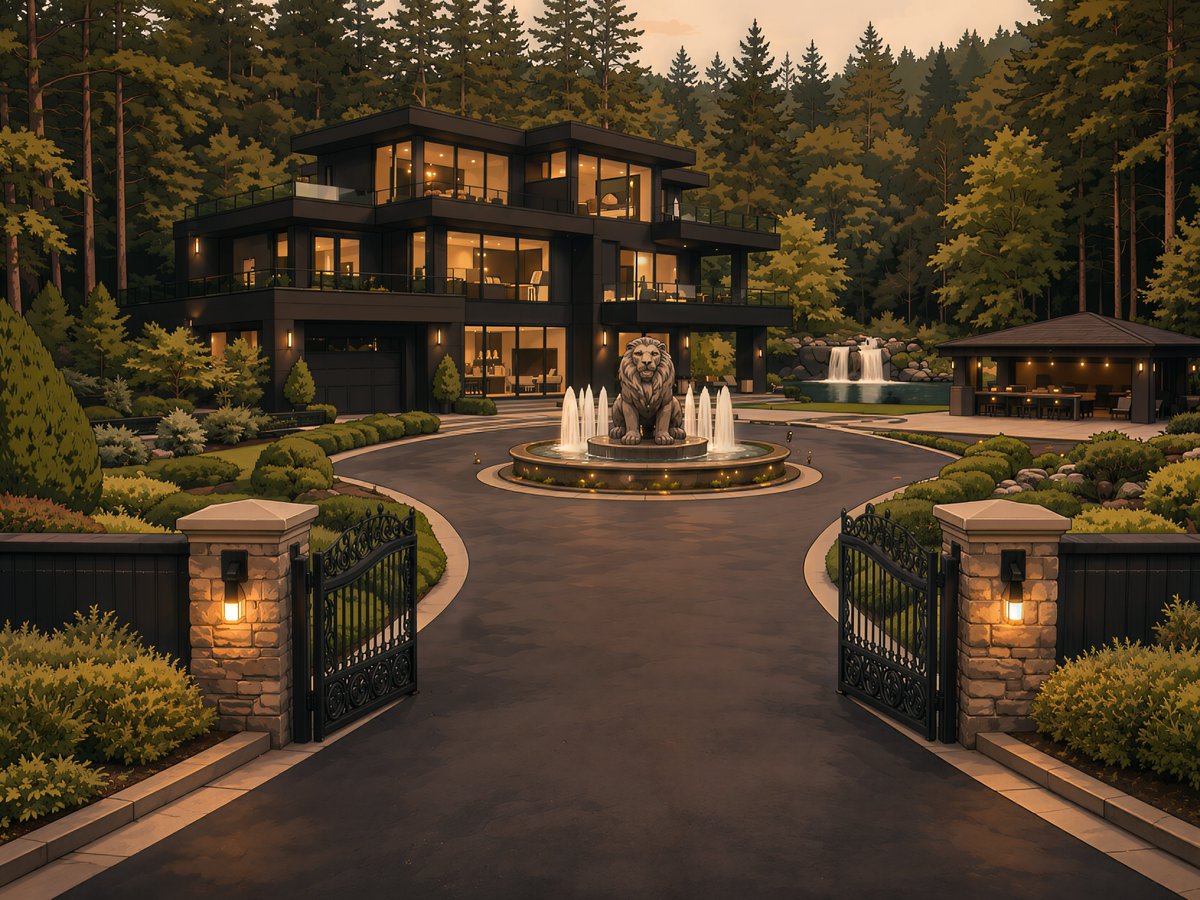
A wide cinematic exterior of the Whitmore estate at dusk in Buckhead, Atlanta. The massive gated modern mansion glows with warm amber lights against the dark tree line, with the circular driveway, lion fountain, and polished landscaping fully visible. The estate feels quiet, powerful, and untouchable — like a private world hidden behind wealth and security.
- 分类
- UI 与界面
- 模型
- GPT Image 2
- 来源作者
- KingNyalTut
- 原始语言
- en
- 来源 ID
- evolink-kingnyaltut-2062330612279611656
- 发布时间
- 2026年6月4日
浏览量3