20

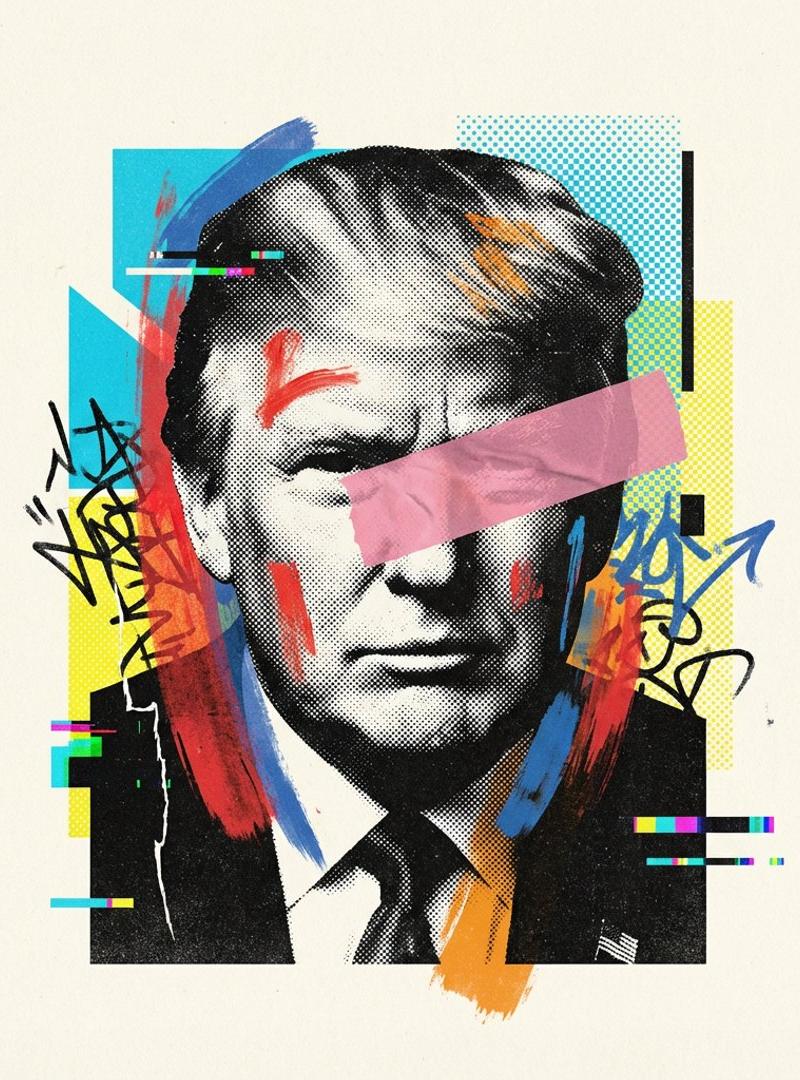
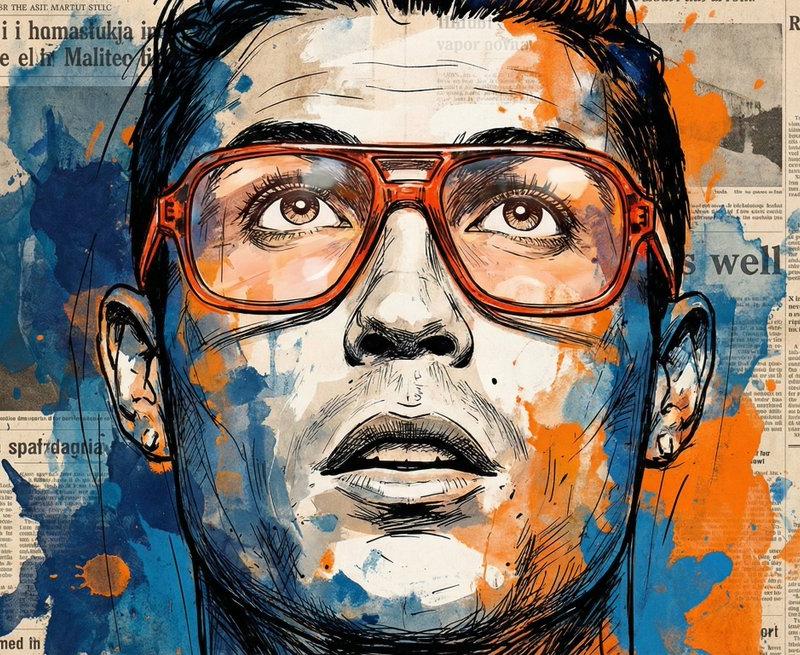
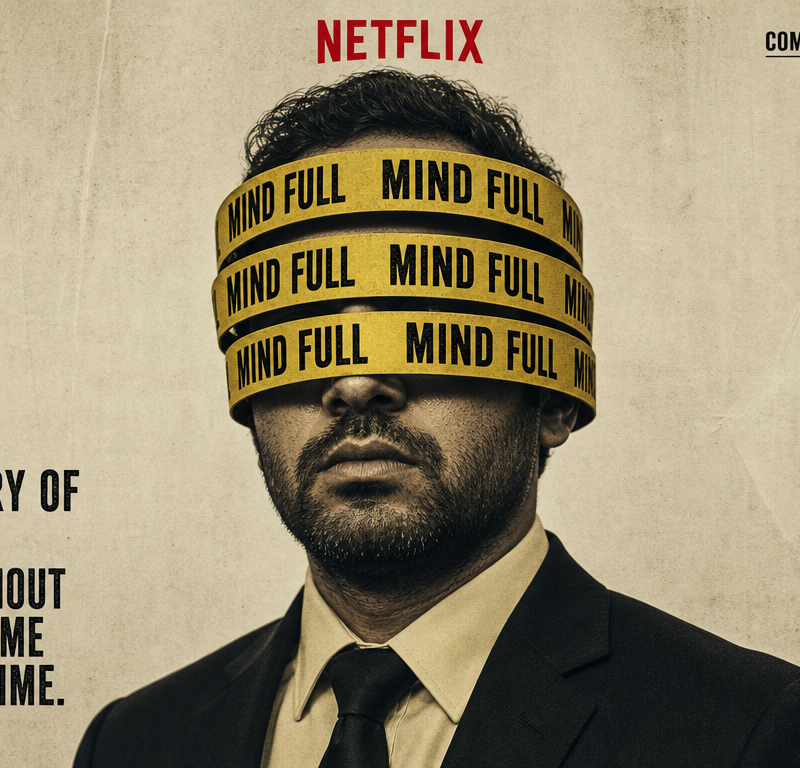
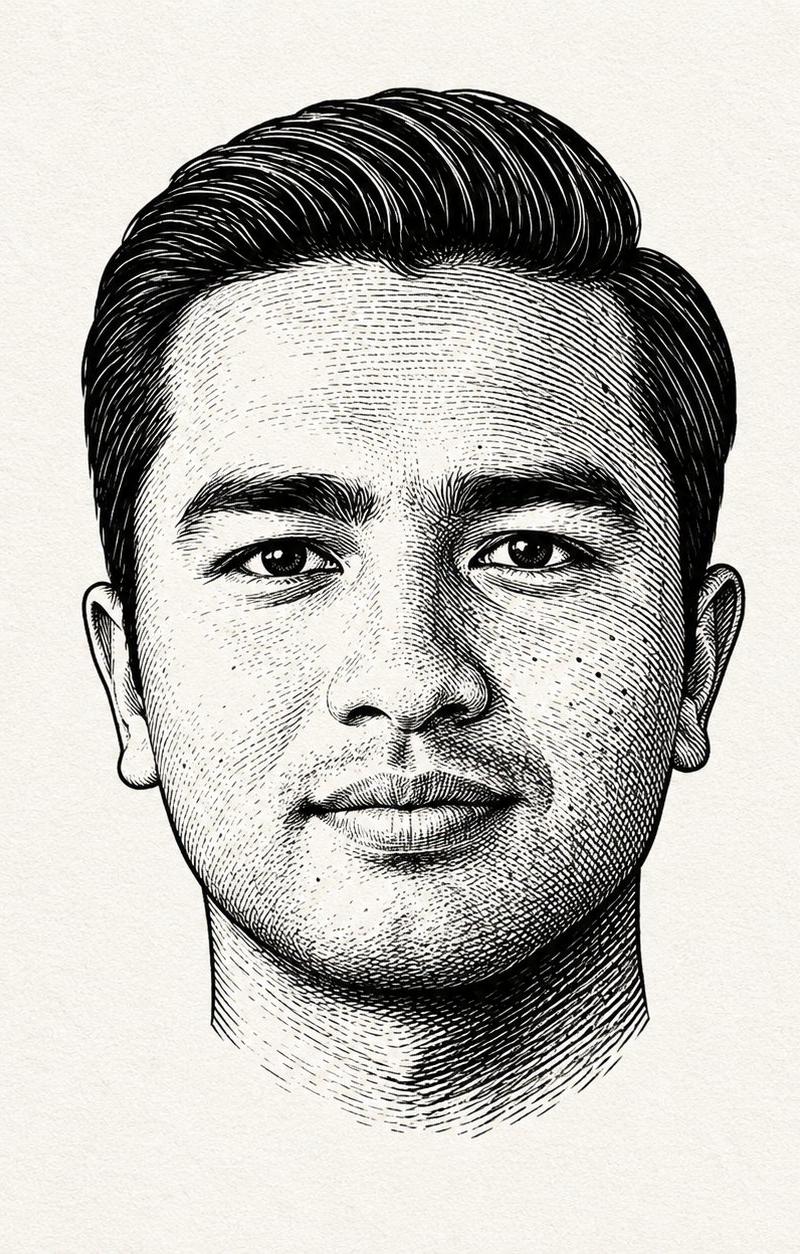
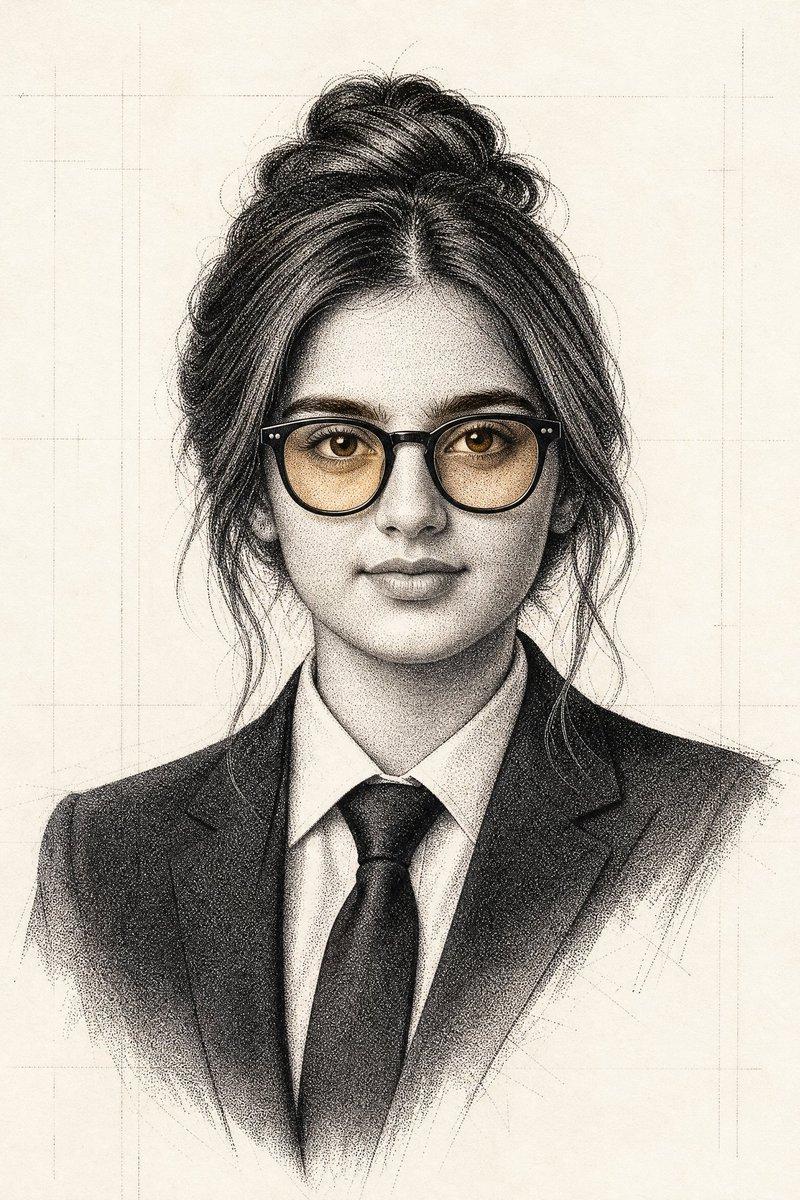
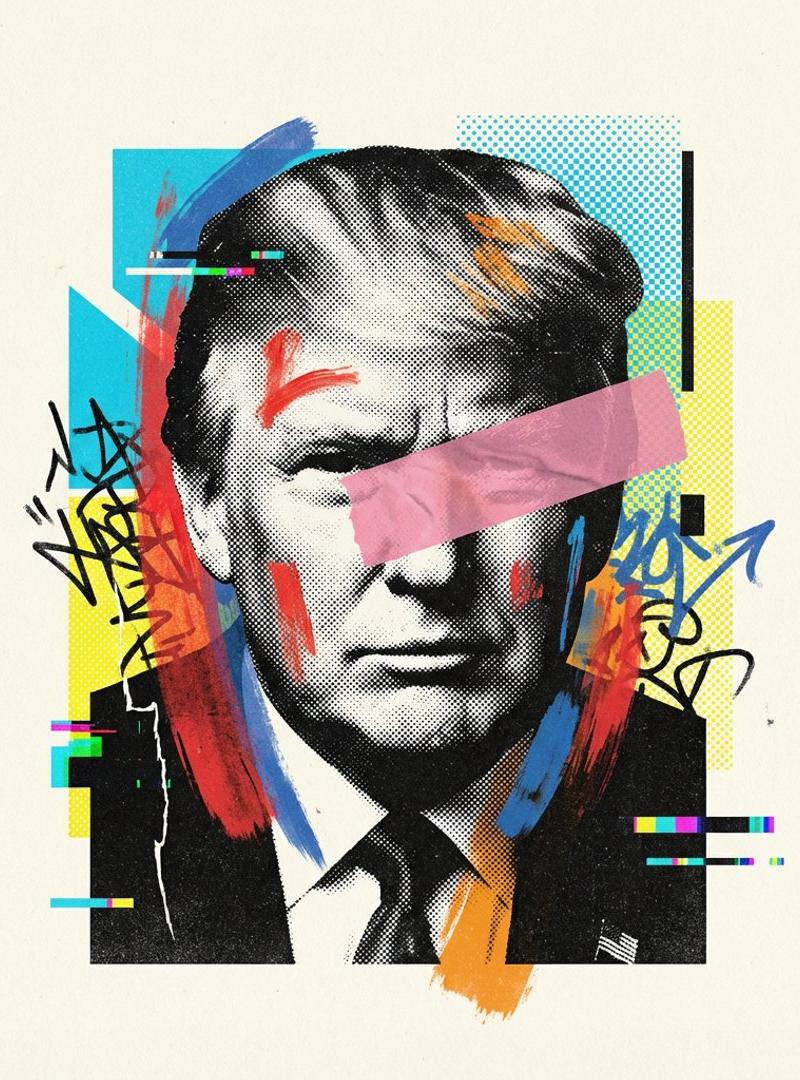
Mixed media collage portrait: GPT Image 2 prompt
Enlarge

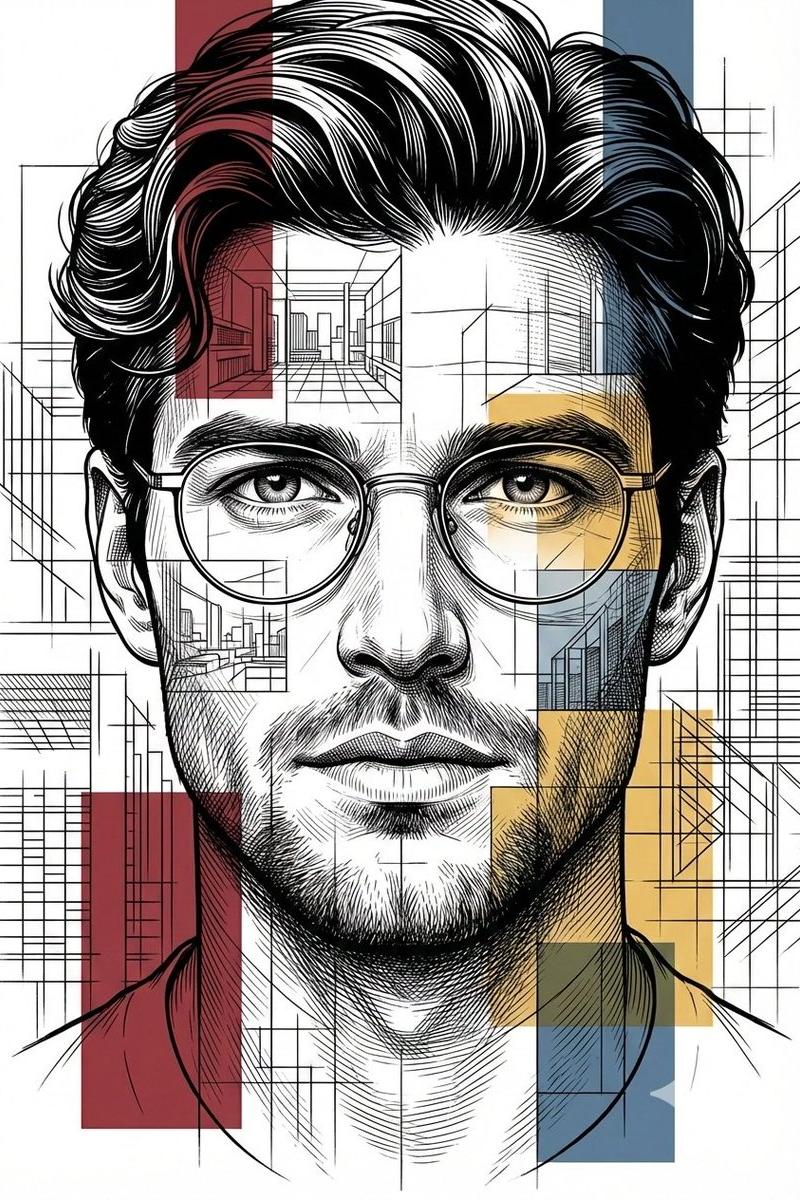
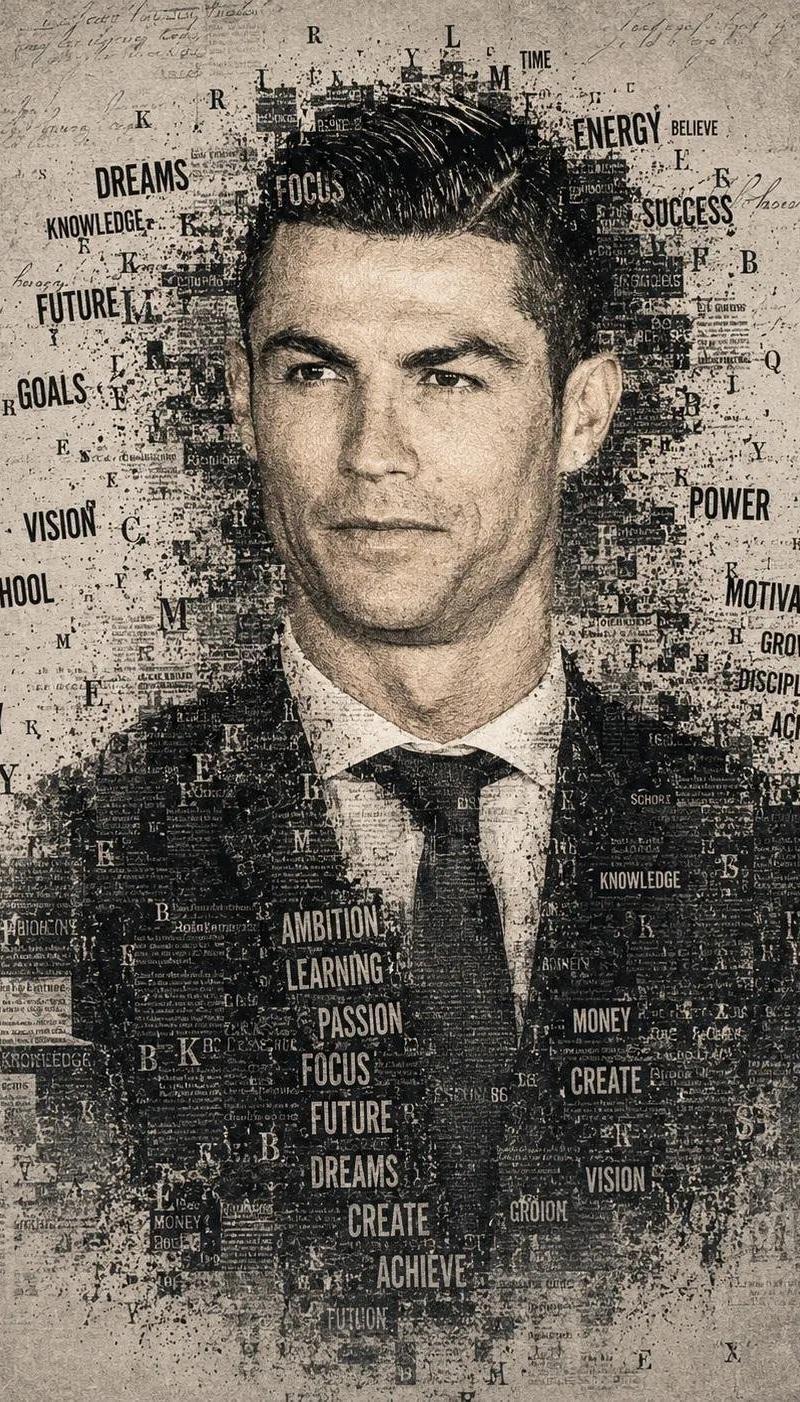
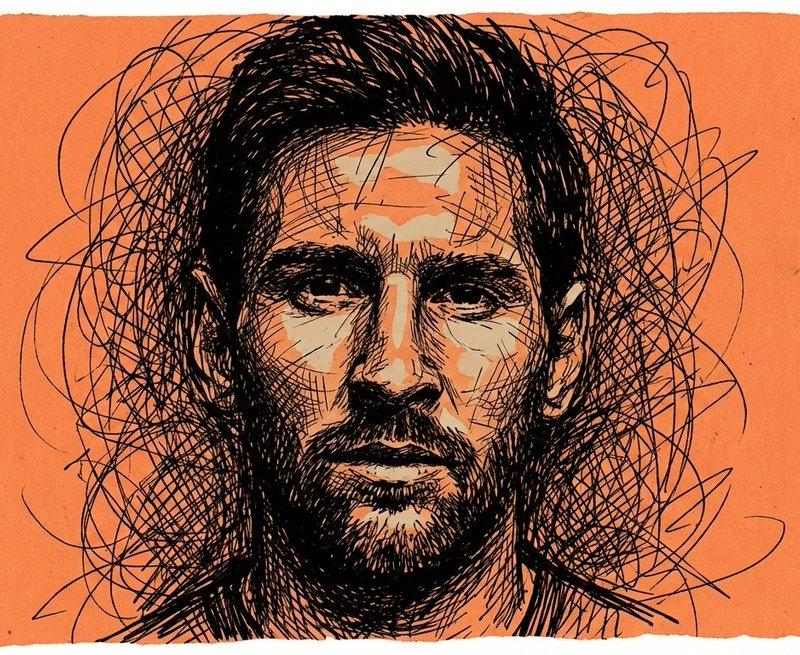
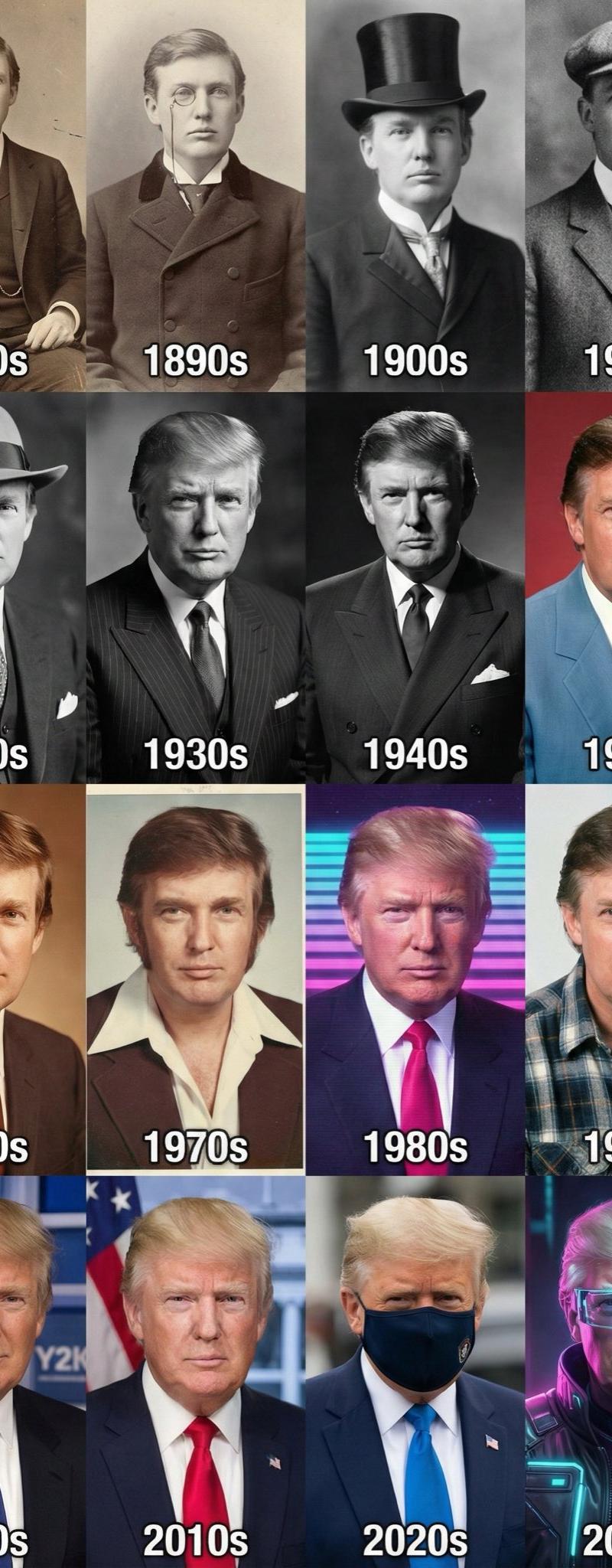
Example images

Mixed media collage portrait: GPT Image 2 prompt

Prompt
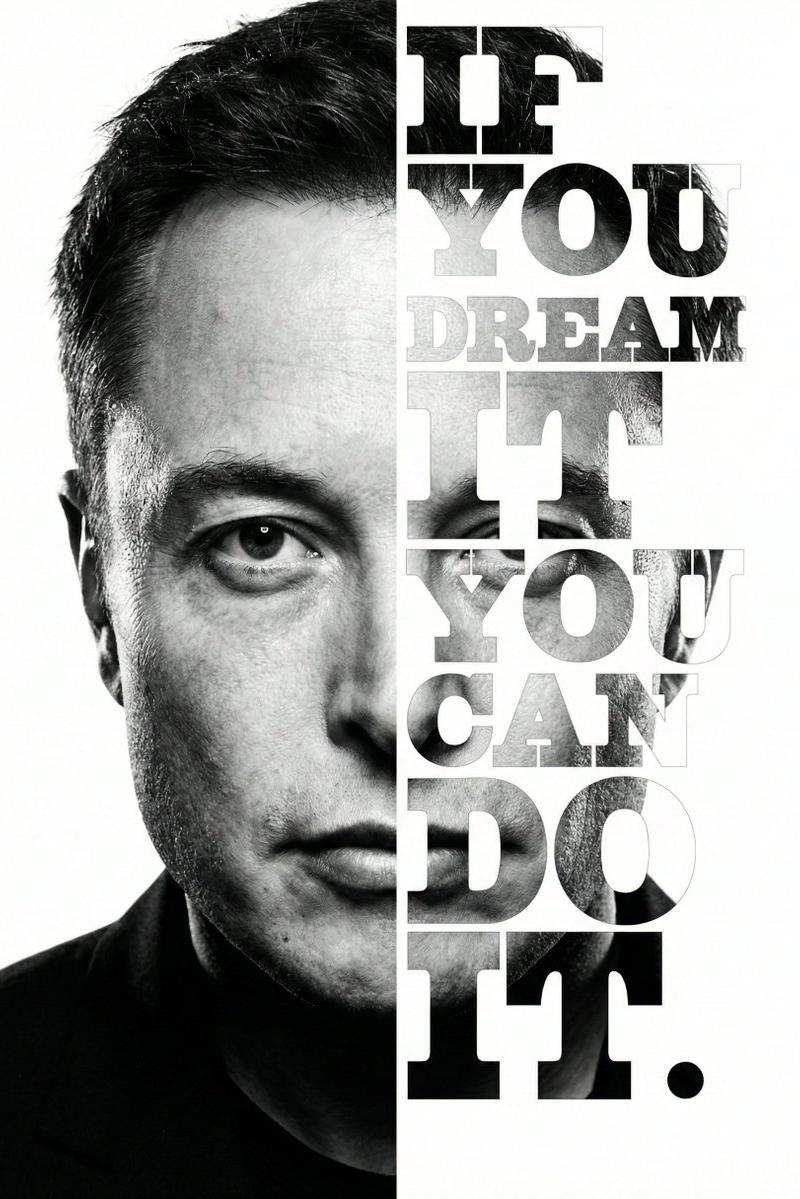
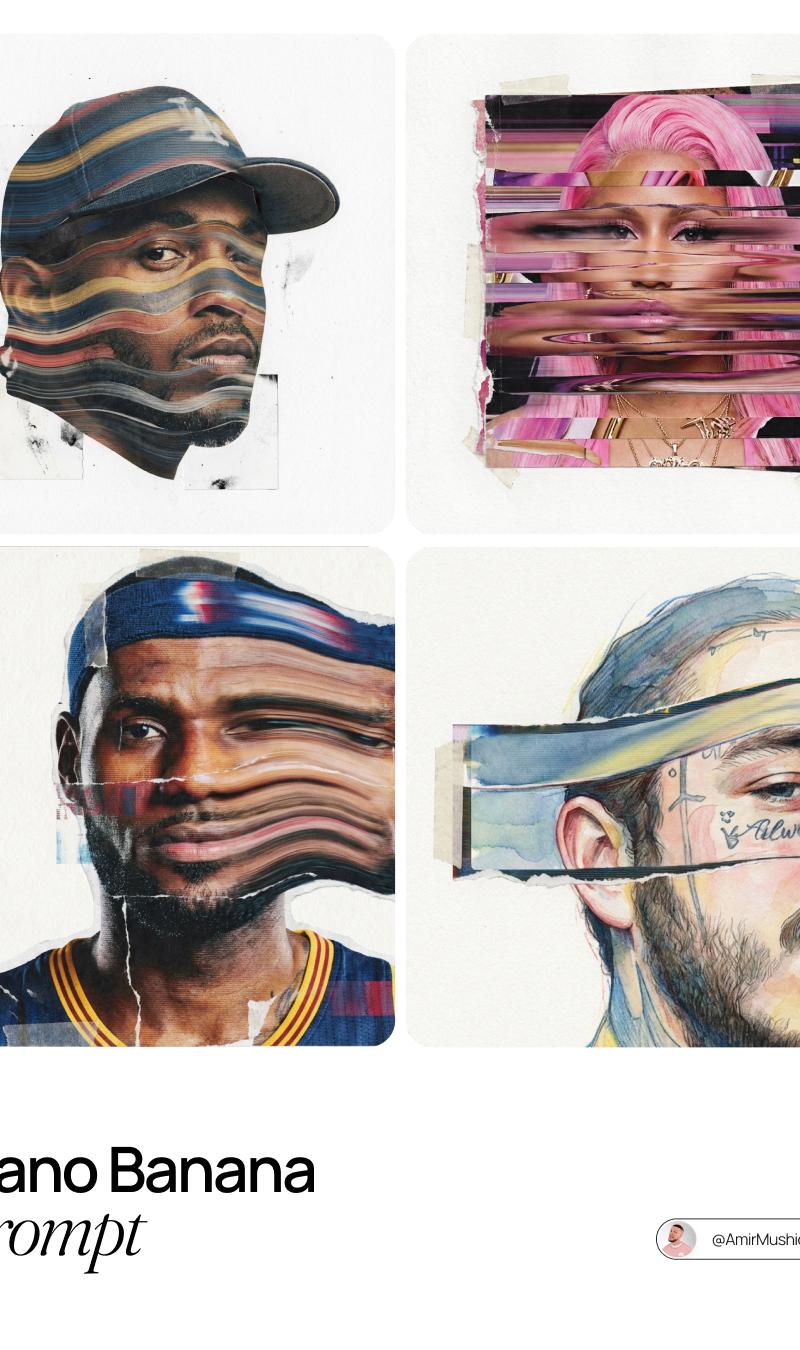
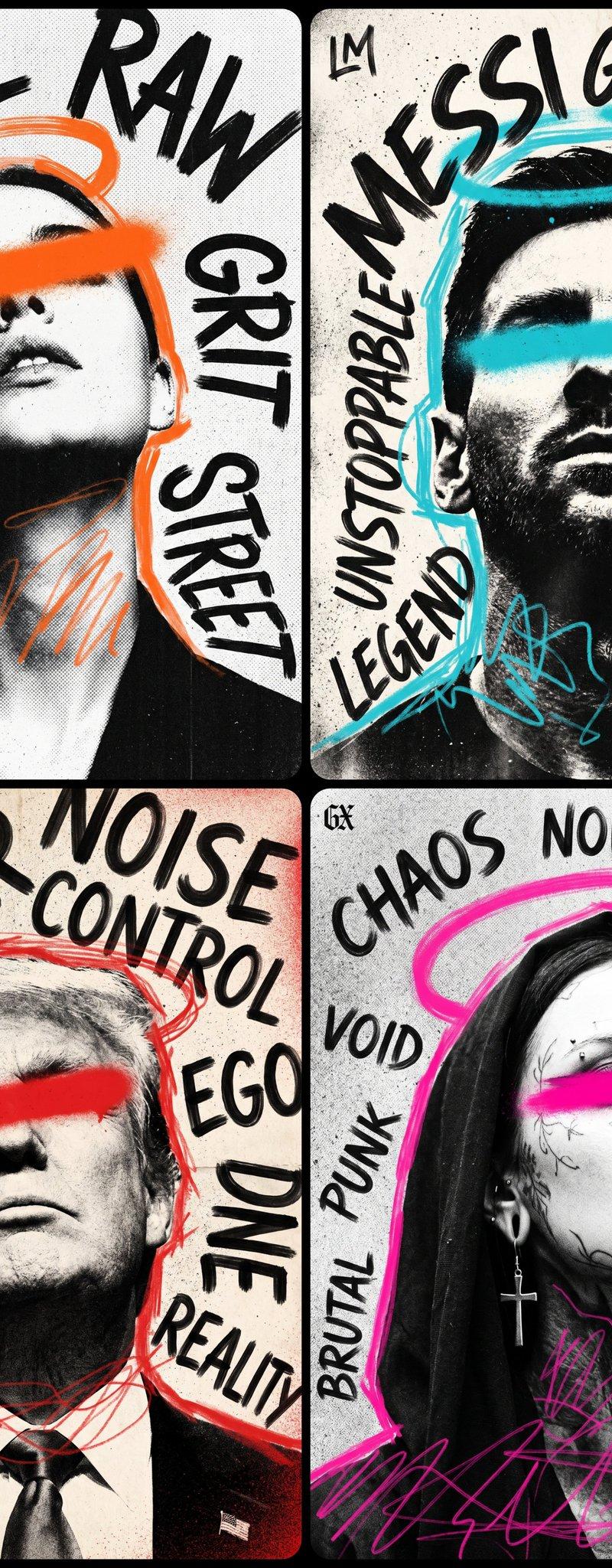
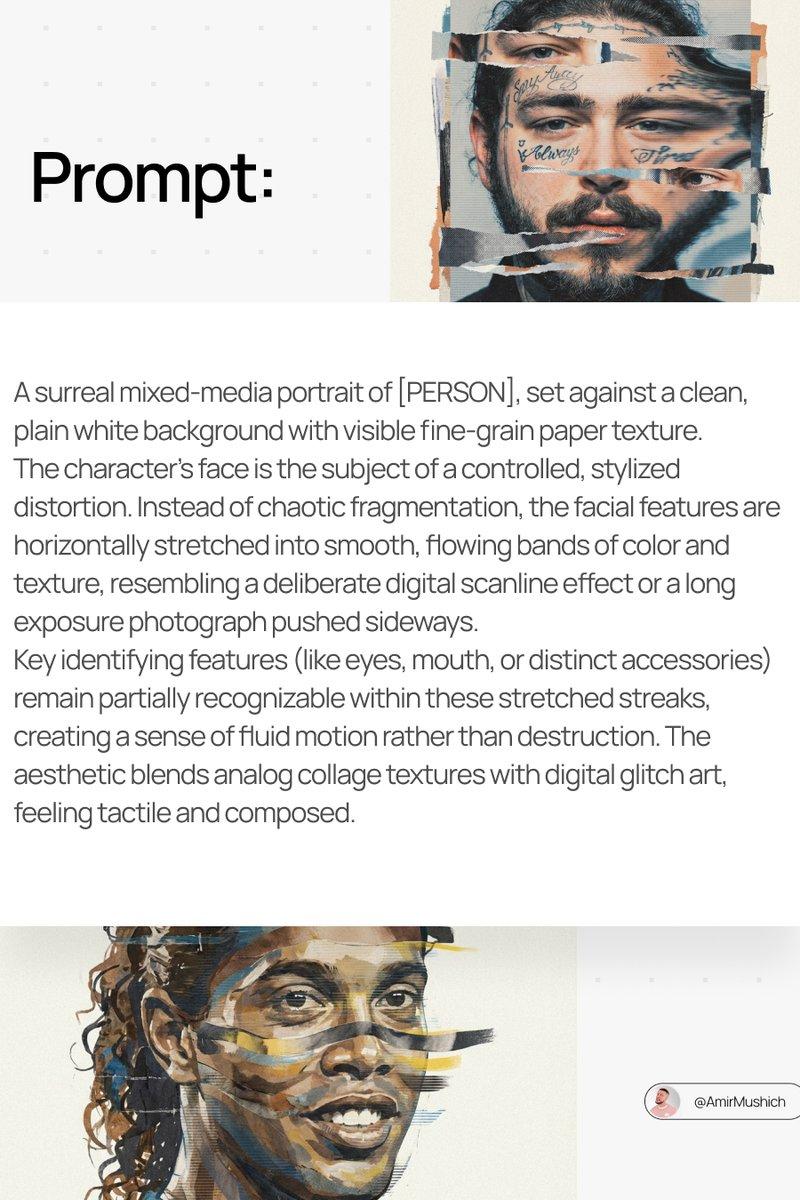
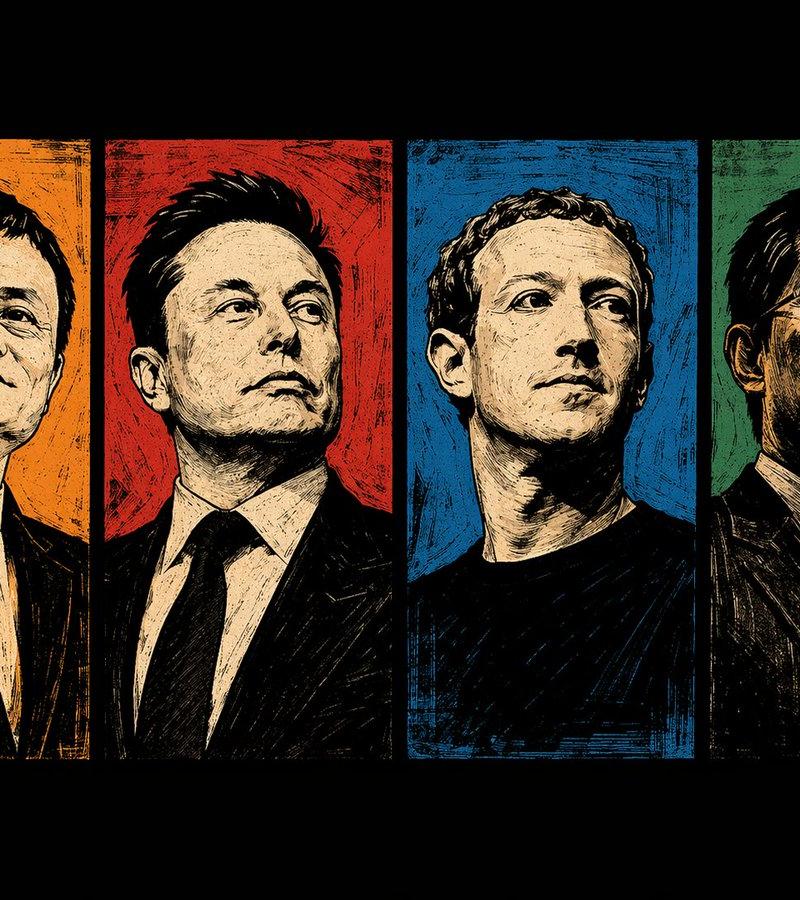
[PERSON \ BRAND] visualized as the central masterpiece of a surreal avant-garde collage, style of modern mixed media editorial illustration. The subject is composed of high-contrast black and white stippled halftone textures blended with vibrant neo-expressionist elements. Overlay details include bold geometric shapes, cyan and yellow risograph patterns, abstract graffiti scribbles, and digital glitch artifacts. A thick strip of pink or orange tape or a color block obscures part of the form for a deconstructed look. The texture is grainy, mimicking vintage poster paper. The composition is strictly centered with a very wide, clean, off-white cream paper background, ensuring the entire subject is fully contained within the frame with generous negative space on all sides, zero cropping, minimal chic aesthetic.
Category
Photography & Realism
Model
GPT Image 2
Creator
AI Pulse
Source language
en
Views0
Source ID
2008633447095349411
Published
Jan 6, 2026
Studio

Guide

About "Mixed media collage portrait: GPT Image 2 prompt"

What is this prompt for?

"Mixed media collage portrait: GPT Image 2 prompt" AI image prompt for GPT Image 2 (Photography & Realism). [PERSON \ BRAND] visualized as the central masterpi…

The full copyable prompt and example visuals above are ready for AI image generation or one-click recreate in Picva.

How to use this prompt

  1. Step 1

    Open the prompt detail

    Review the example visuals, category, and full prompt text for "Mixed media collage portrait: GPT Image 2 prompt".

  2. Step 2

    Copy the prompt

    Copy the prompt body from this page, or load it directly in Studio.

  3. Step 3

    Pick a model (GPT Image 2)

    Prefer GPT Image 2. If you switch models, keep subject and composition and tweak style terms.

  4. Step 4

    Generate and export

    Recreate the look in Picva, or export into your workflow for editing and publishing.

FAQ

What is the "Mixed media collage portrait: GPT Image 2 prompt" prompt?
It is an AI image-generation prompt for GPT Image 2 in the Photography & Realism category. This page includes the full prompt text, example visuals, and a one-click recreate path in Picva.
How do I use this prompt to generate an image?
Copy the prompt from this page, or use Generate / Studio. Paste it into a compatible image model, or recreate the look in Picva with optional reference images.
Which model is this prompt for?
This page lists GPT Image 2. Most descriptive prompts also transfer to nearby image models such as GPT Image, Flux, or Midjourney with light style tweaks.
Can I use the result commercially?
You can usually copy the prompt for creation, but commercial use of the final image depends on the model terms, reference-image rights, and the generated content. Follow the source author and platform rules.