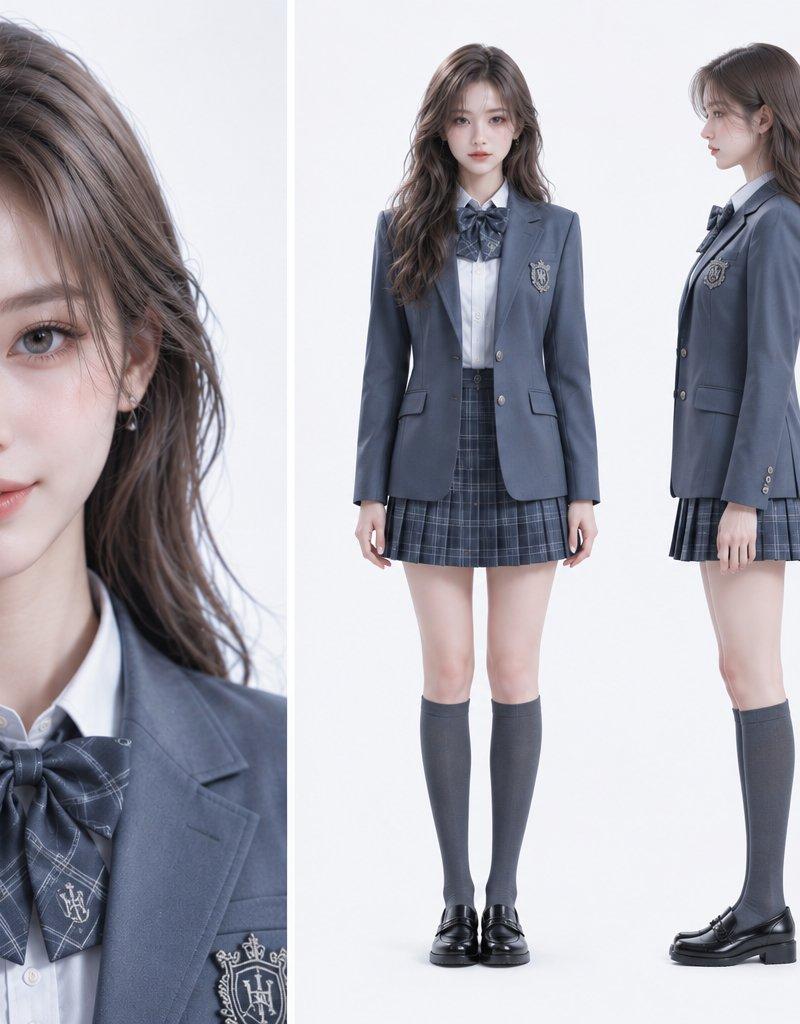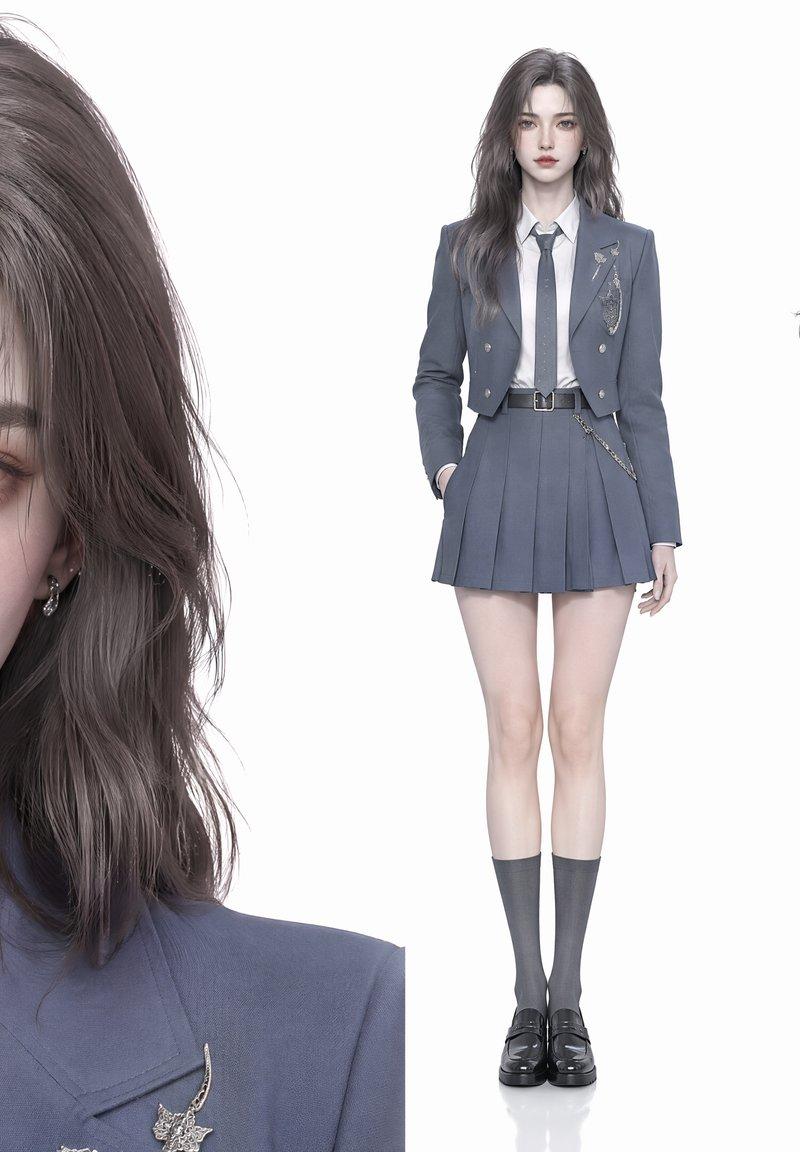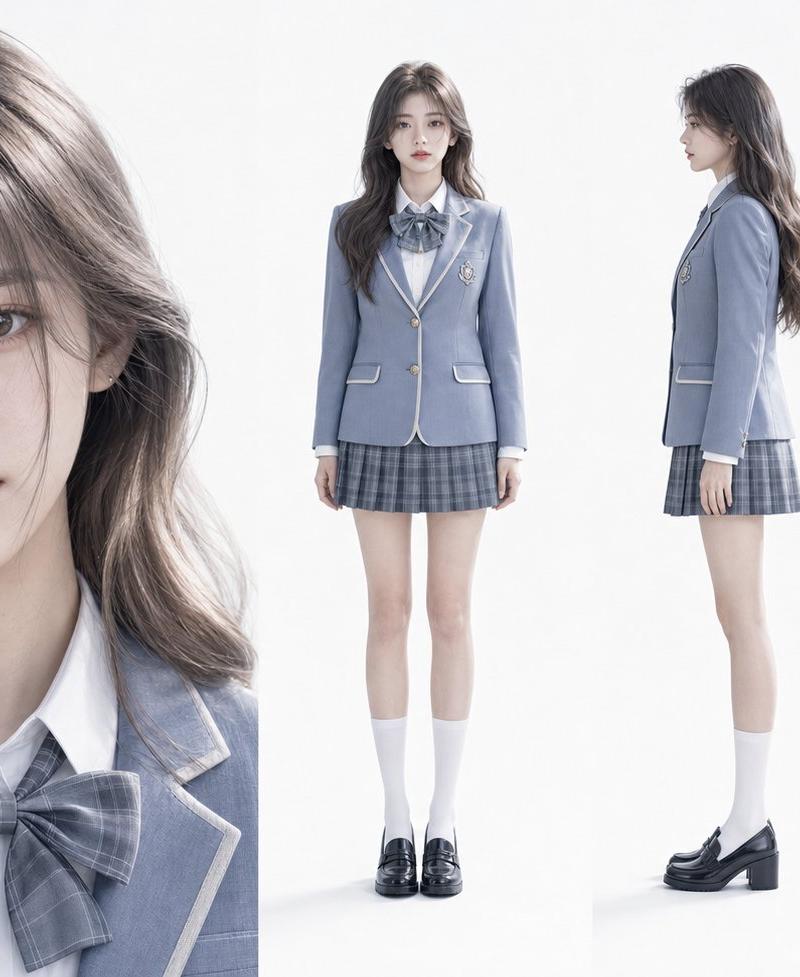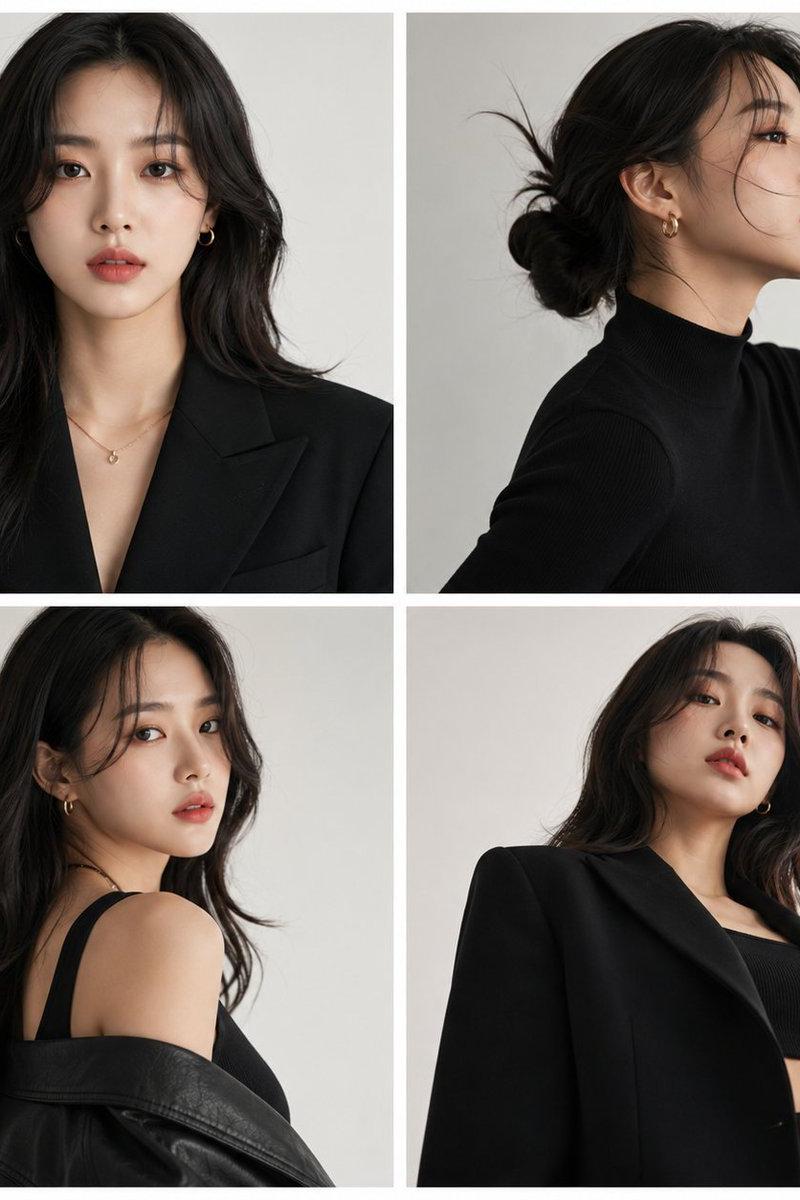
Asian schoolgirl streetwear portrait: GPT Image 2 prompt
Prompt
{
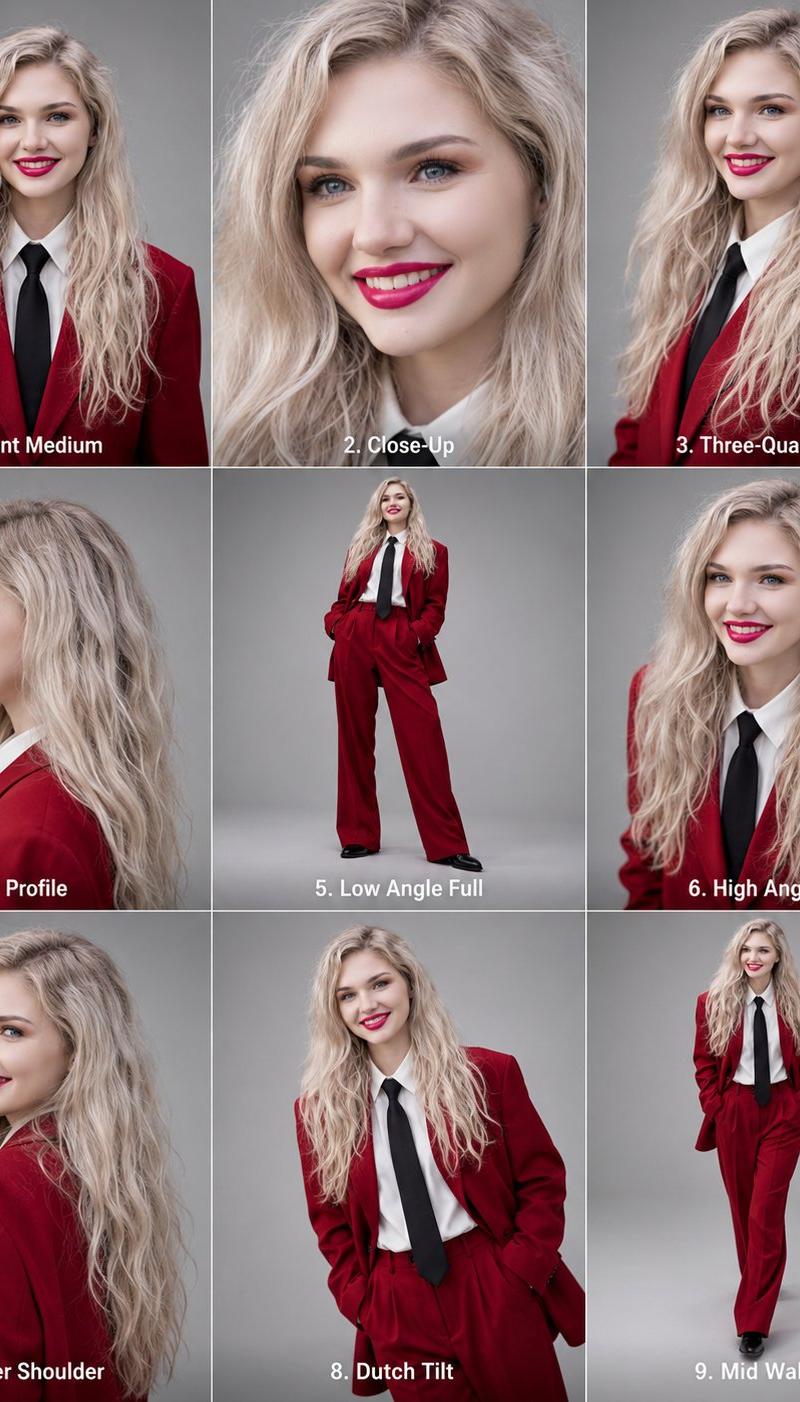
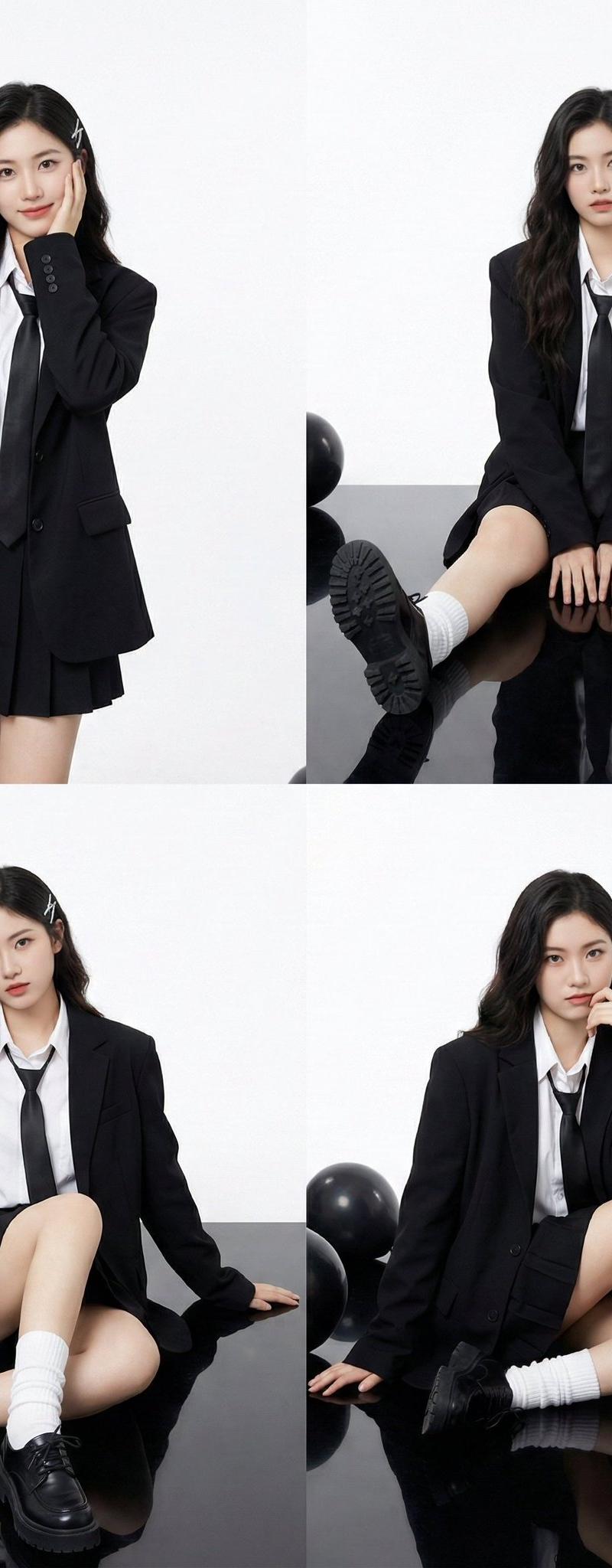
"Young Asian woman, pale porcelain skin, long dark wavy hair with side bangs.",
 "accessories": "A silver rectangular hair clip on the left side of the head.",
 "apparel": {
 "outerwear": "Oversized black structured blazer (suit jacket).",
 "inner": "White collared button-up shirt, loose black necktie.",
 "bottoms": "Black pleated mini skirt (mostly obscured by the oversized blazer).",
 "legwear": "White loose slouch socks (leg warmers style) scrunching at the ankles.",
 "footwear": "Black chunky leather platform derby shoes."
 },
 "makeup": "K-pop/Douyin style: fair skin, soft gradient red lips, subtle blush, defined eyeliner."

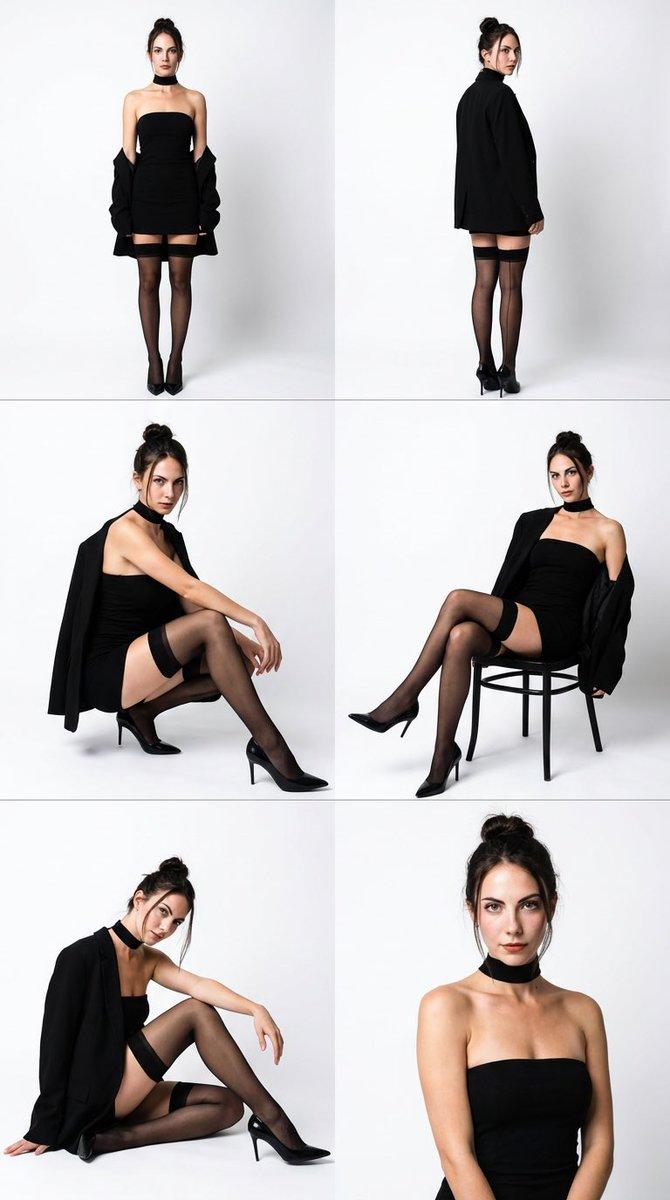
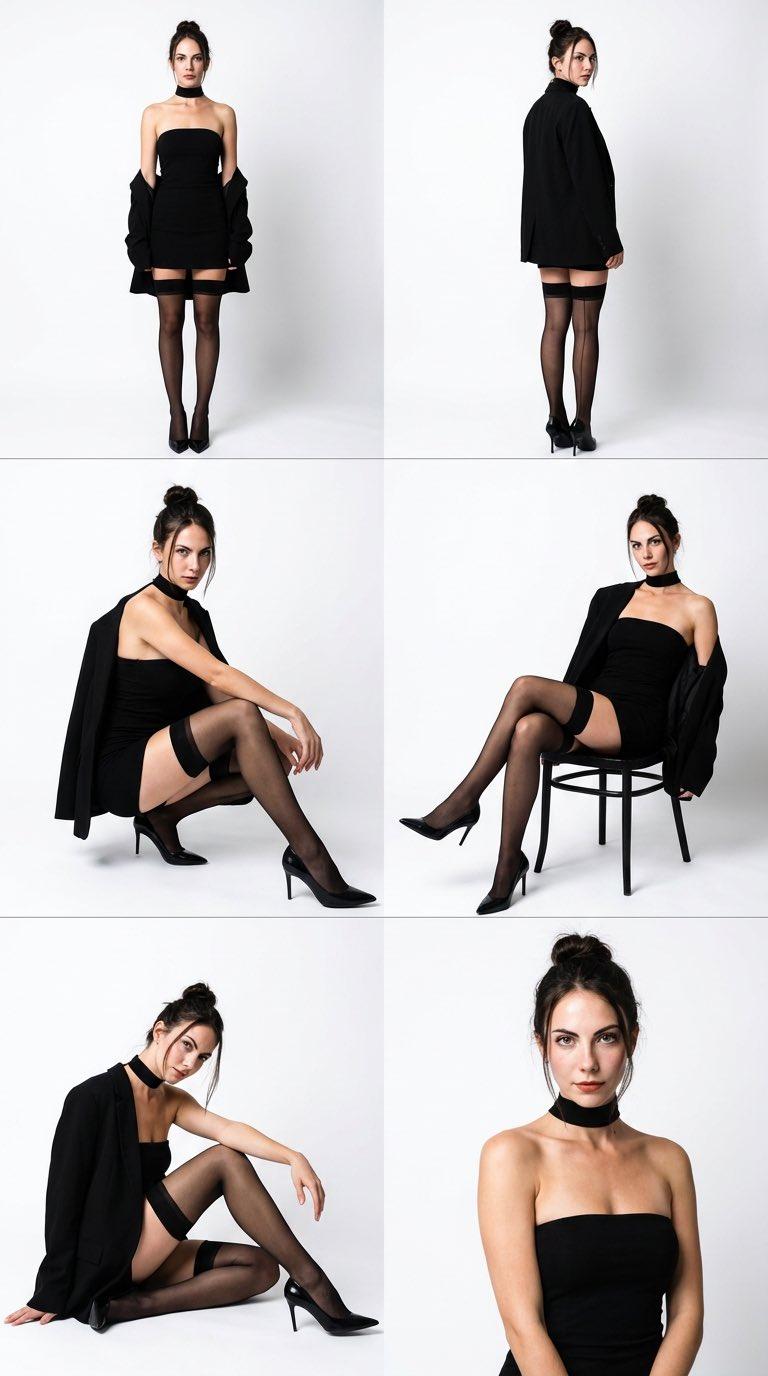
"2x2 Photo Collage (4-Panel Grid).",
 },
 "environment_and_props": {
 "studio_setting": "High-key photography studio.",
 "background": "Seamless bright white backdrop.",
 "flooring": "Glossy black reflective floor (creating clear reflections of the shoes and legs).",
 "props": "Cluster of black helium balloons (matte and glossy finish) visible in the top-left and scattered on the floor in other panels."
 },
 "panel_pose_breakdown": {
 "panel_1_top_left": {
 "framing": "Thigh-up shot.",
 "pose": "Standing straight. Left hand rests gently against the left cheek (palm facing jaw). Right arm hangs naturally by side. Head tilted slightly.",
 "gaze": "Looking directly at camera with a soft smile.",
 "prop_placement": "Black balloons floating in the top left corner."
 },
 "panel_2_top_right": {
 "framing": "Full body, seated.",
 "pose": "Sitting on the floor with knees bent upwards and feet flat on the ground. Hands resting loosely on the floor between legs or on shins.",
 "gaze": "Direct eye contact, neutral expression.",
 "details": "Symmetrical composition."
 },
 "panel_3_bottom_left": {
 "framing": "Full body, seated angle.",
 "pose": "Sitting on the floor, leaning torso back, supporting weight with both arms extended behind her. Legs bent, one knee angled higher than the other.",
 "gaze": "Looking slightly to the side with a cool attitude."
 },
 "panel_4_bottom_right": {
 "framing": "Full body, seated.",
 "pose": "Sitting with legs bent to the side. Left hand is raised, touching the chin/neck area thoughtfully. Right arm extended back for support.",
 "gaze": "Direct eye contact, slight smirk."
 }
 },
 "camera_technical_values": {
 "lens": "50mm to 85mm (Standard portrait lens).",
 "aperture": "f/8.0 (Deep depth of field, keeping the entire subject sharp against the white background).",
 "shutter_speed": "1/160s (Studio sync).",
 "iso": "ISO 100 (Clean, noise-free image).",
 "lighting_setup": "Softbox lighting. Large diffuse light source from the front to create shadowless, flattering illumination on the face ('Beauty Light').",
"contrast": "High contrast between the black outfit and the stark white background."- Category
- Photography & Realism
- Model
- GPT Image 2
- Creator
- Iqra Saifi
- Source language
- en
- Source ID
- 2010421791613919416
- Published
- Jan 11, 2026
Views0