15

Monochrome high-fashion portrait: GPT Image 2 prompt
Enlarge

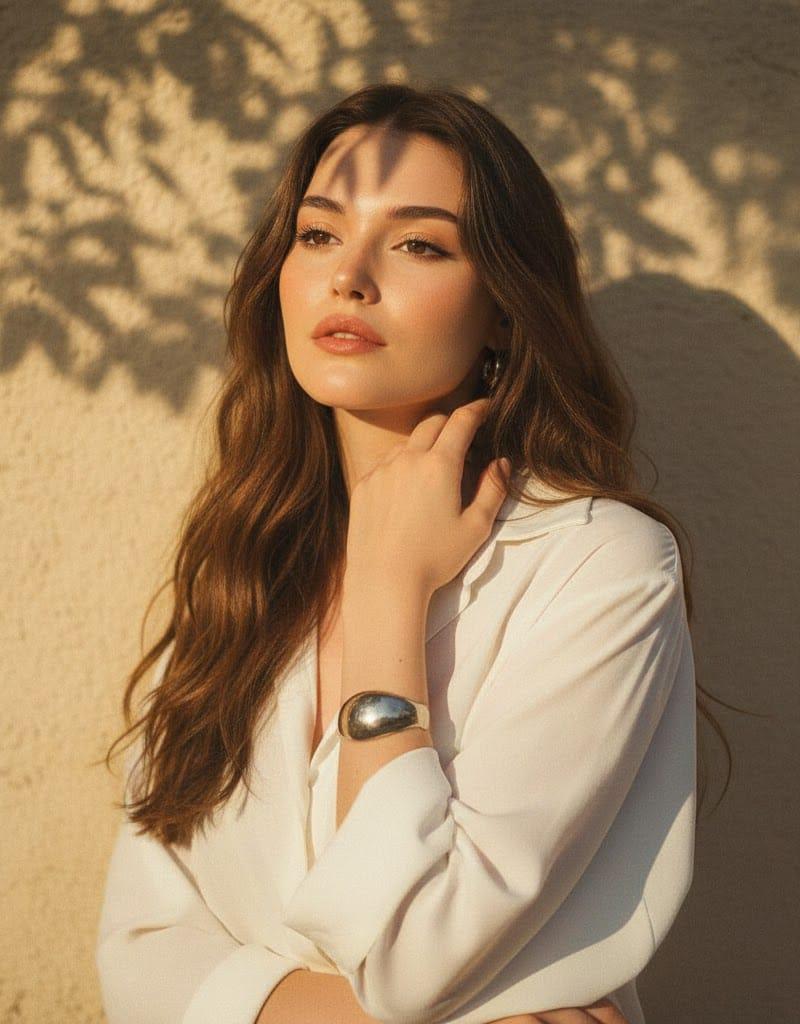
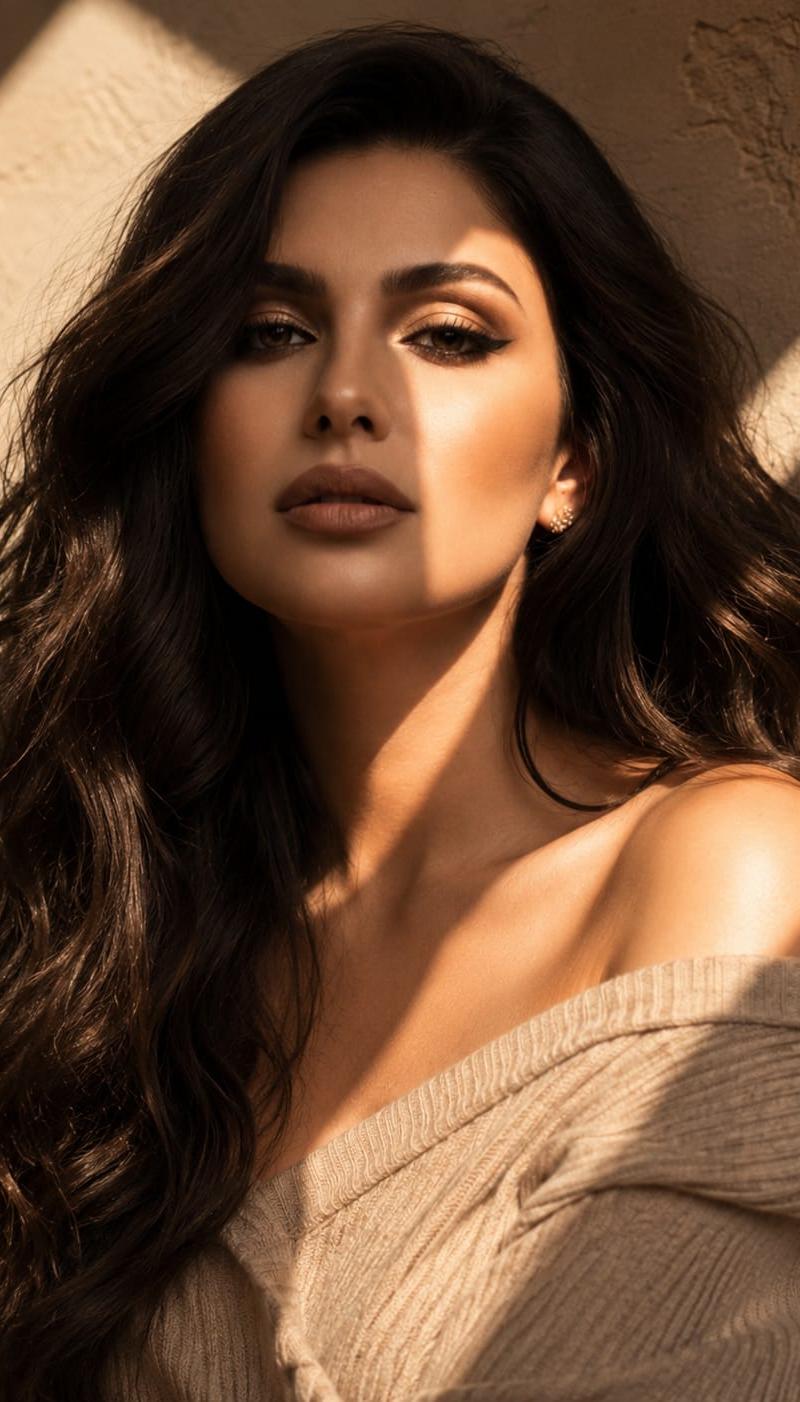
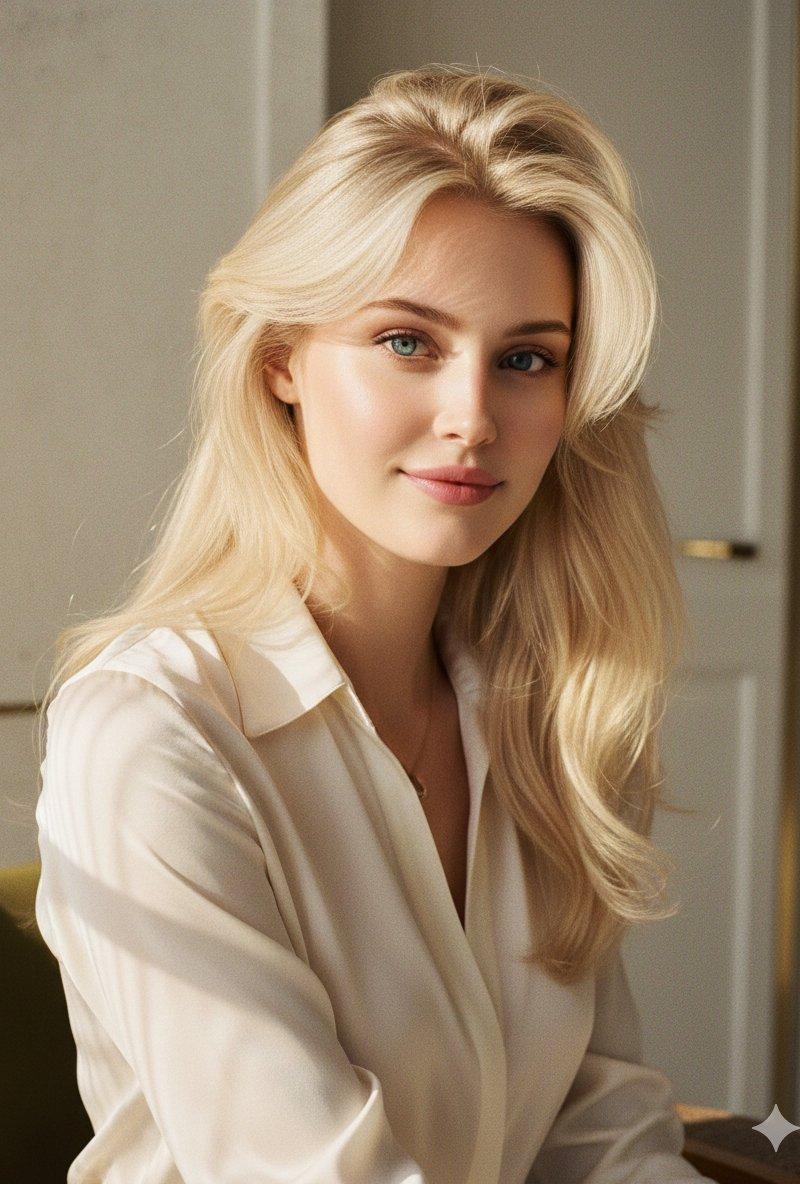
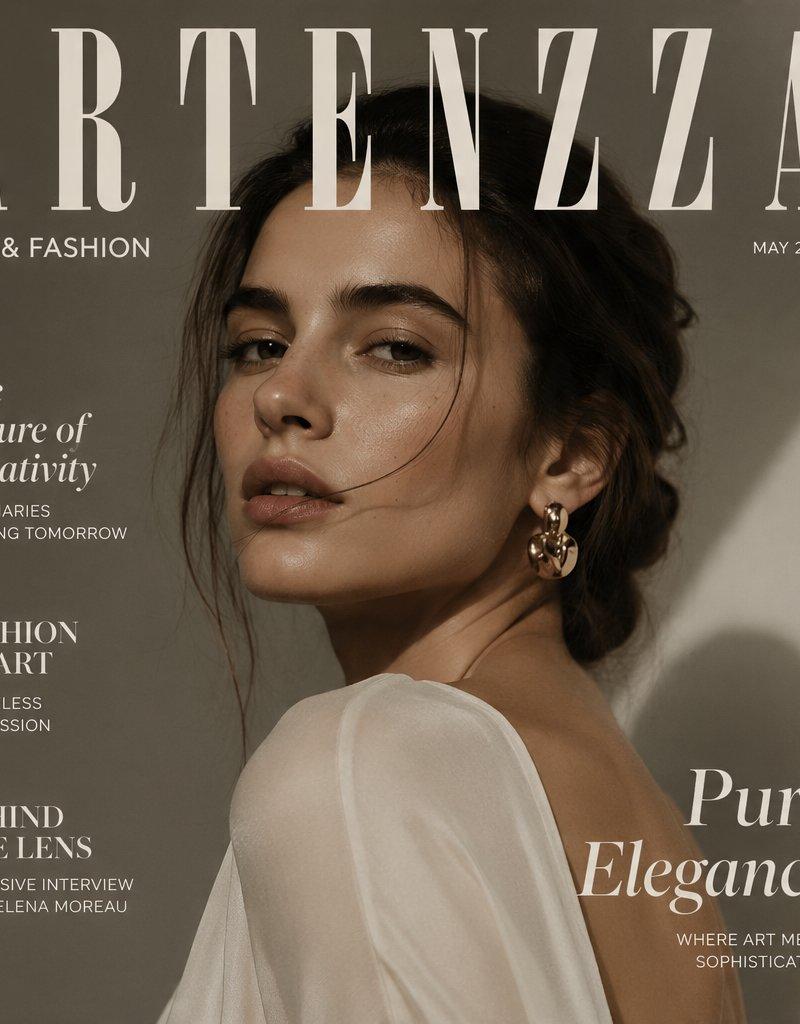
Example images

Monochrome high-fashion portrait: GPT Image 2 prompt

Prompt
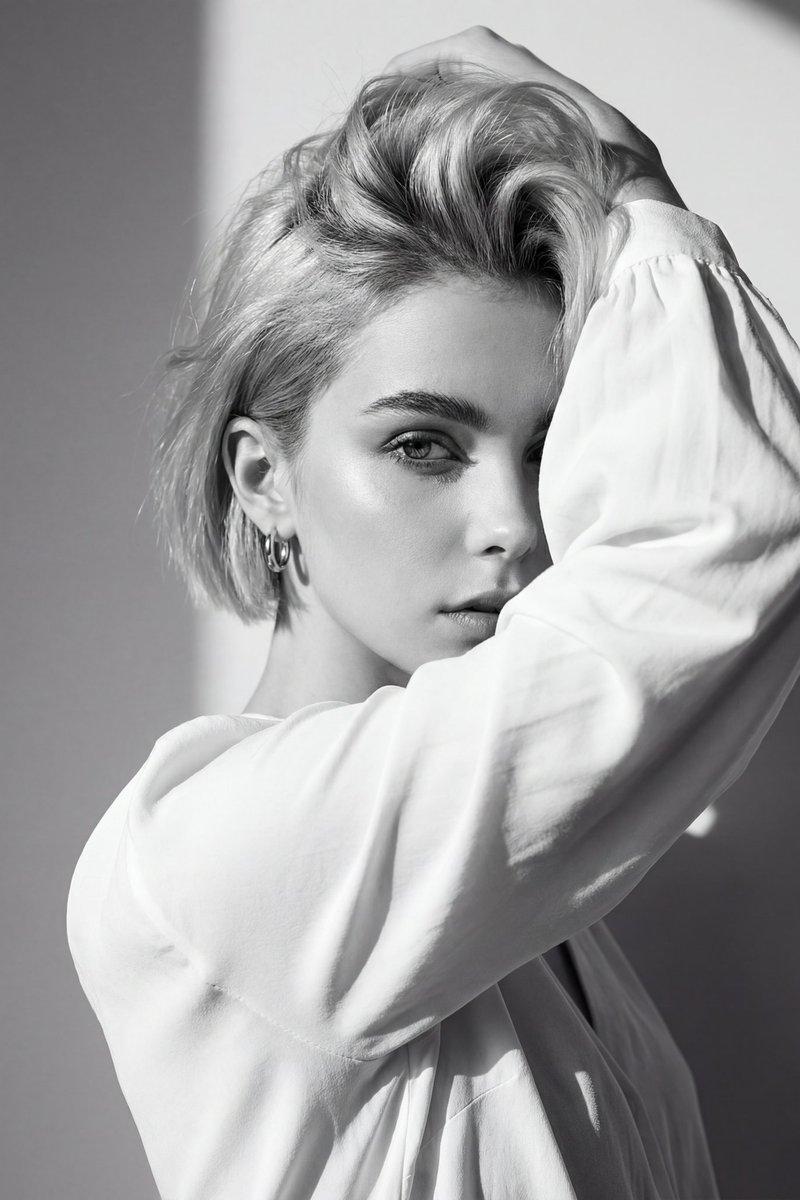
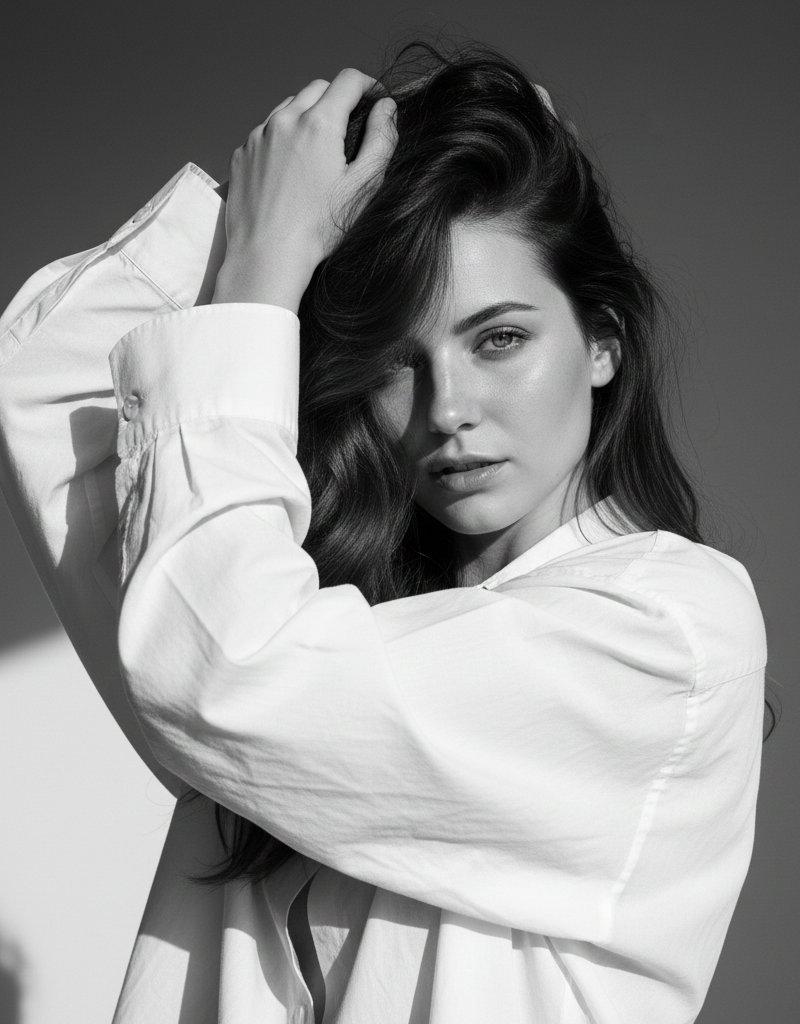
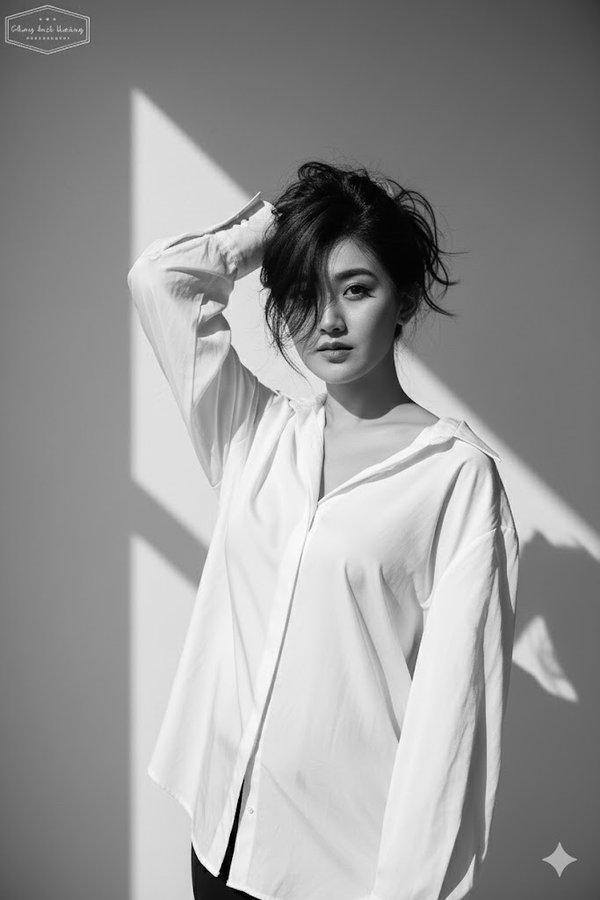
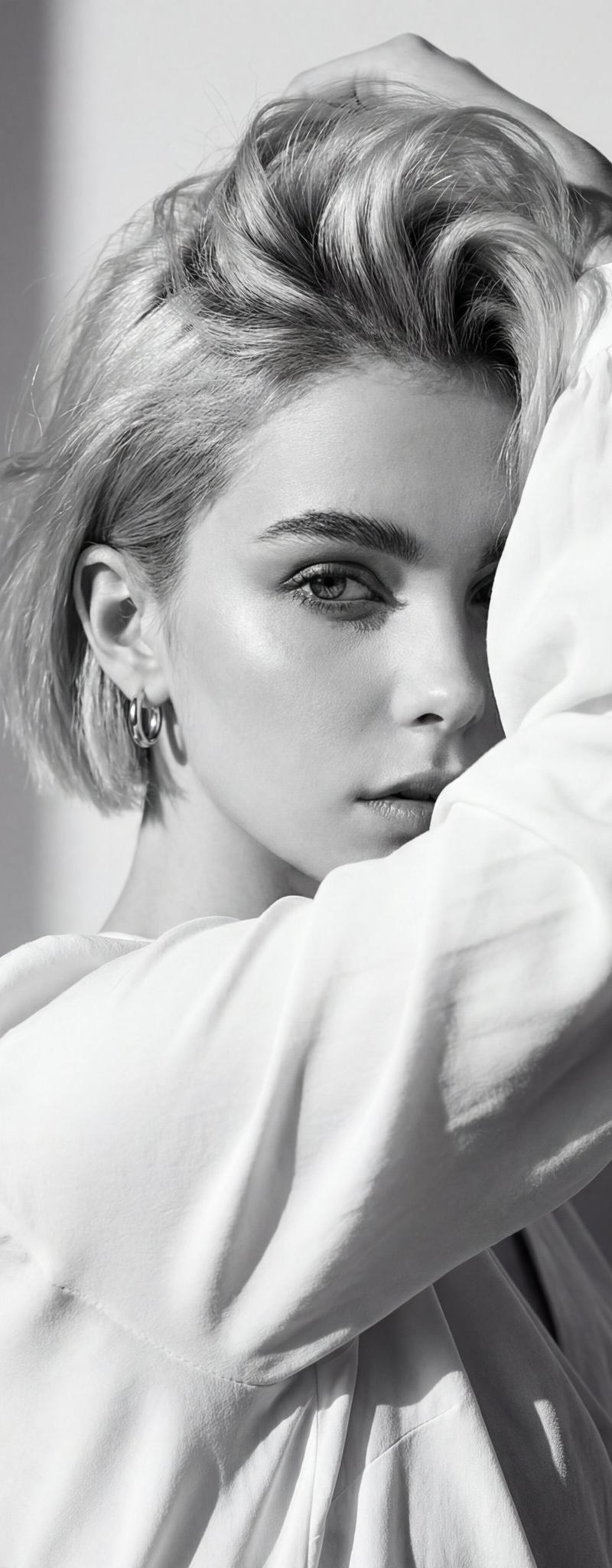
Use the attached image of the model as facial reference and physical features. Black and white high-fashion editorial portrait of uploaded person, wearing a loose white blouse. She poses with one arm raised, partially covering her face while holding her hair up, creating a dramatic and artistic composition. Her gaze is intense and captivating, directed toward the camera, exuding a strong, enigmatic aura. Background: minimalist plain wall with sharp natural daylight casting defined shadows, adding depth and contrast. Lighting: harsh natural sunlight, high-contrast setup highlighting facial contours, sharp cheekbones, and texture of the hair and fabric. Pose: bold and expressive, arm lifted framing the face, emphasizing raw emotion and editorial style. Camera: eye-level angle, close-up framing focusing on facial expression, texture, and dramatic shadow play. Captured with a Canon EOS R5 full-frame DSLR, 85mm f/1.8 lens for crisp detail, tonal depth, and fine grain. Style: high-fashion editorial in monochrome.
Category
Photography & Realism
Model
GPT Image 2
Creator
ChillaiKalan__
Source language
en
Views0
Source ID
2010663134743368058
Published
Jan 12, 2026
Studio

Guide

About "Monochrome high-fashion portrait: GPT Image 2 prompt"

What is this prompt for?

"Monochrome high-fashion portrait: GPT Image 2 prompt" AI image prompt for GPT Image 2 (Photography & Realism). Use the attached image of the model as facial r…

The full copyable prompt and example visuals above are ready for AI image generation or one-click recreate in Picva.

How to use this prompt

  1. Step 1

    Open the prompt detail

    Review the example visuals, category, and full prompt text for "Monochrome high-fashion portrait: GPT Image 2 prompt".

  2. Step 2

    Copy the prompt

    Copy the prompt body from this page, or load it directly in Studio.

  3. Step 3

    Pick a model (GPT Image 2)

    Prefer GPT Image 2. If you switch models, keep subject and composition and tweak style terms.

  4. Step 4

    Generate and export

    Recreate the look in Picva, or export into your workflow for editing and publishing.

FAQ

What is the "Monochrome high-fashion portrait: GPT Image 2 prompt" prompt?
It is an AI image-generation prompt for GPT Image 2 in the Photography & Realism category. This page includes the full prompt text, example visuals, and a one-click recreate path in Picva.
How do I use this prompt to generate an image?
Copy the prompt from this page, or use Generate / Studio. Paste it into a compatible image model, or recreate the look in Picva with optional reference images.
Which model is this prompt for?
This page lists GPT Image 2. Most descriptive prompts also transfer to nearby image models such as GPT Image, Flux, or Midjourney with light style tweaks.
Can I use the result commercially?
You can usually copy the prompt for creation, but commercial use of the final image depends on the model terms, reference-image rights, and the generated content. Follow the source author and platform rules.