18

Neo-Tokyo rainy alley red jacket: GPT Image 2 prompt
Enlarge

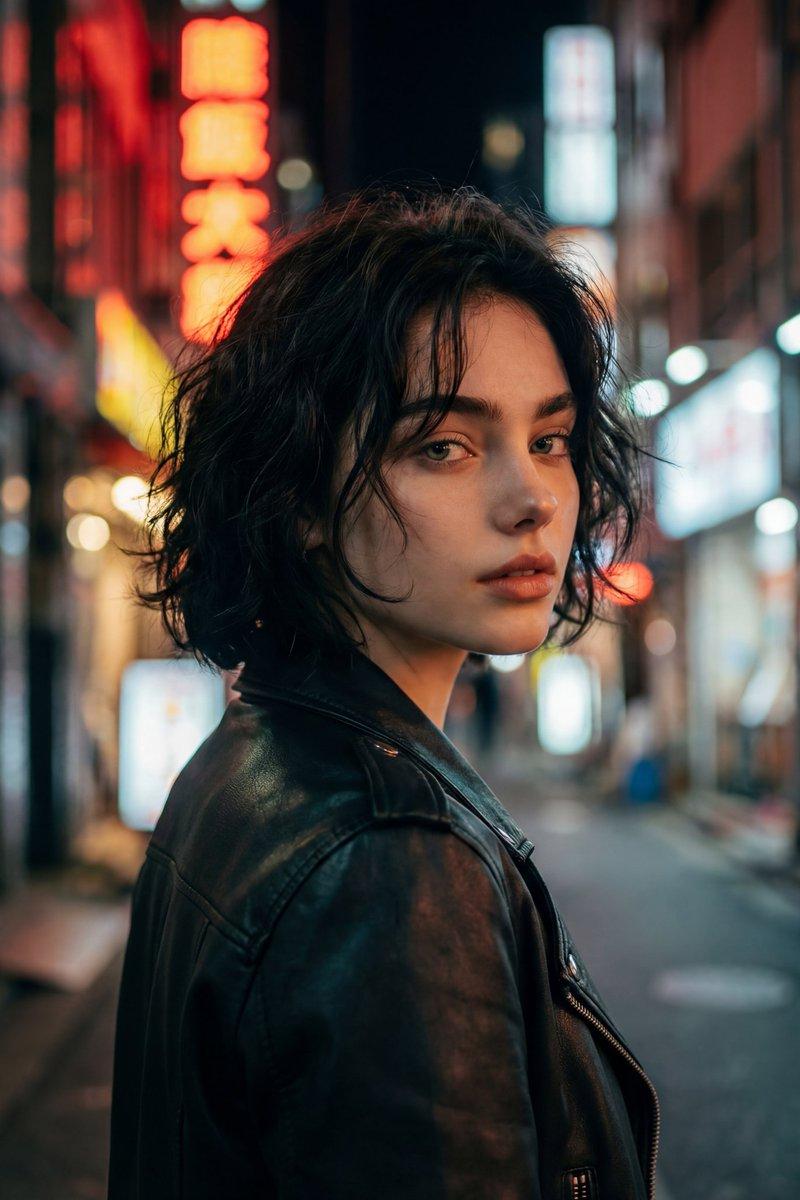
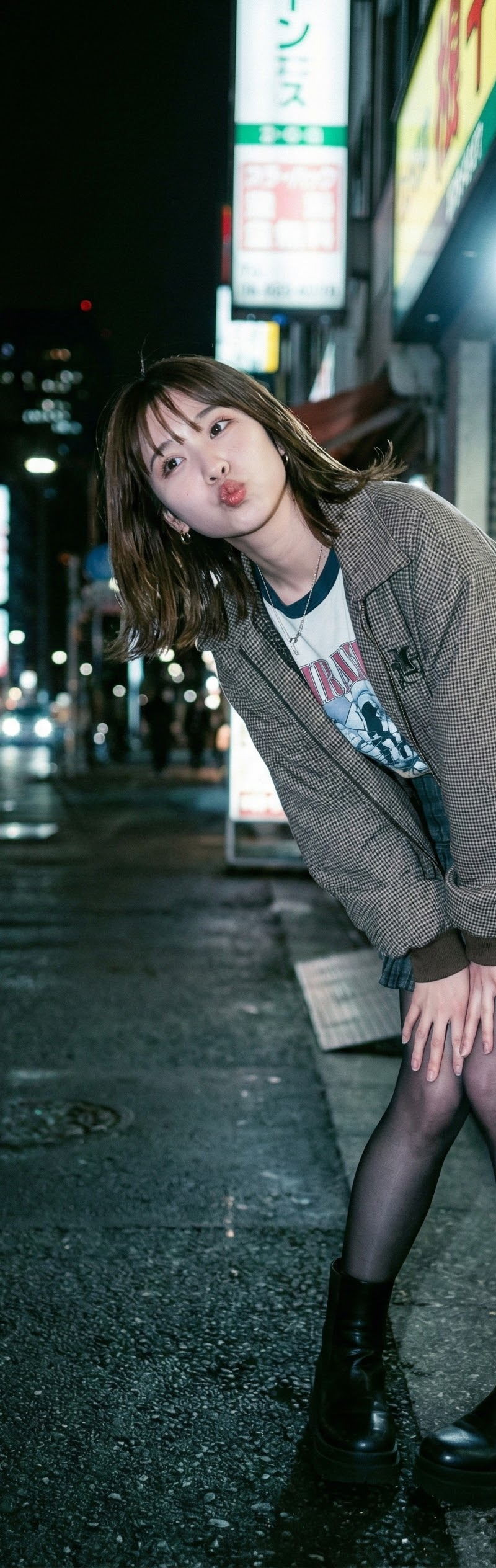
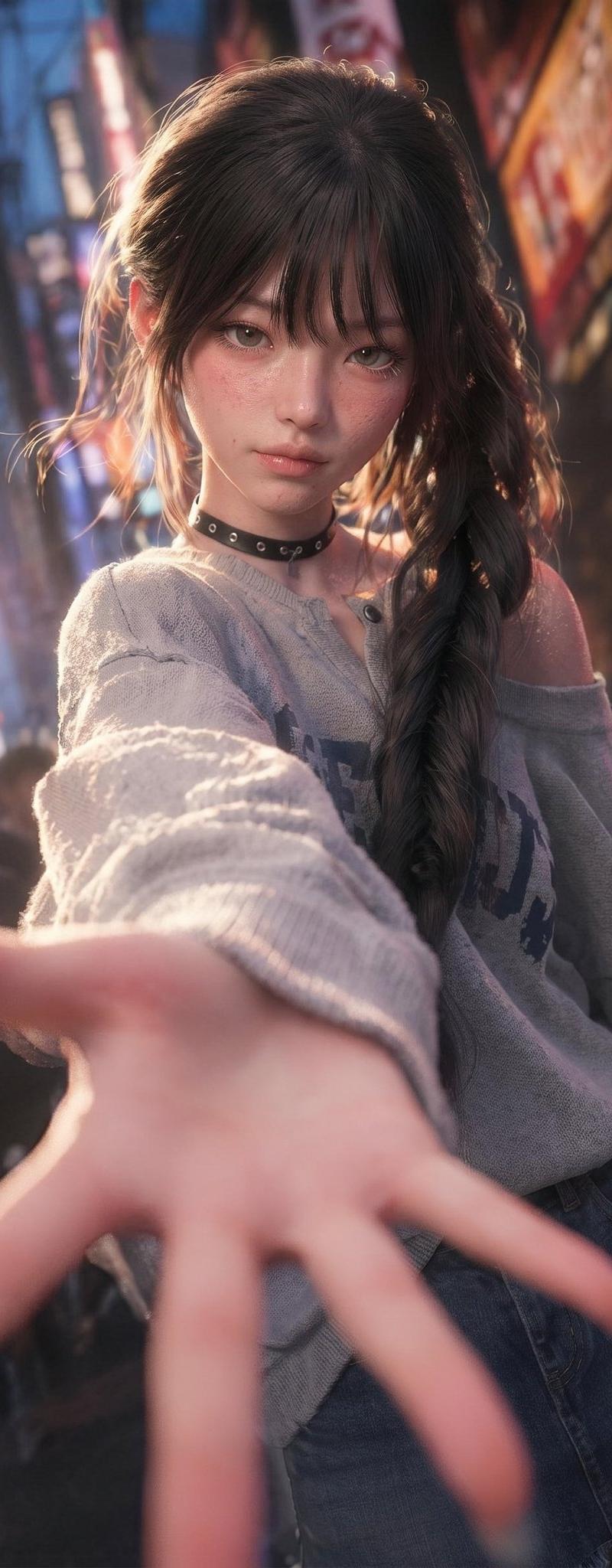
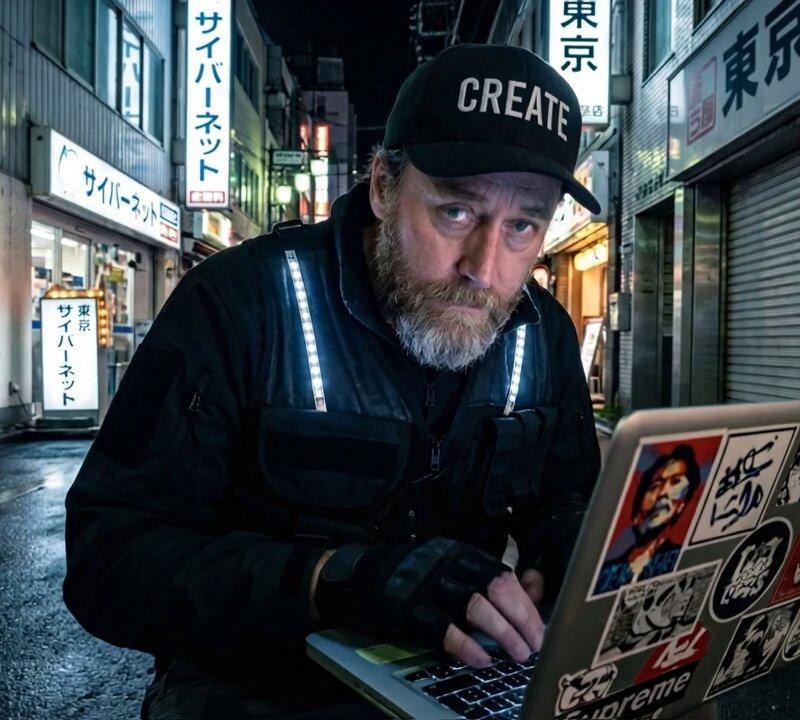
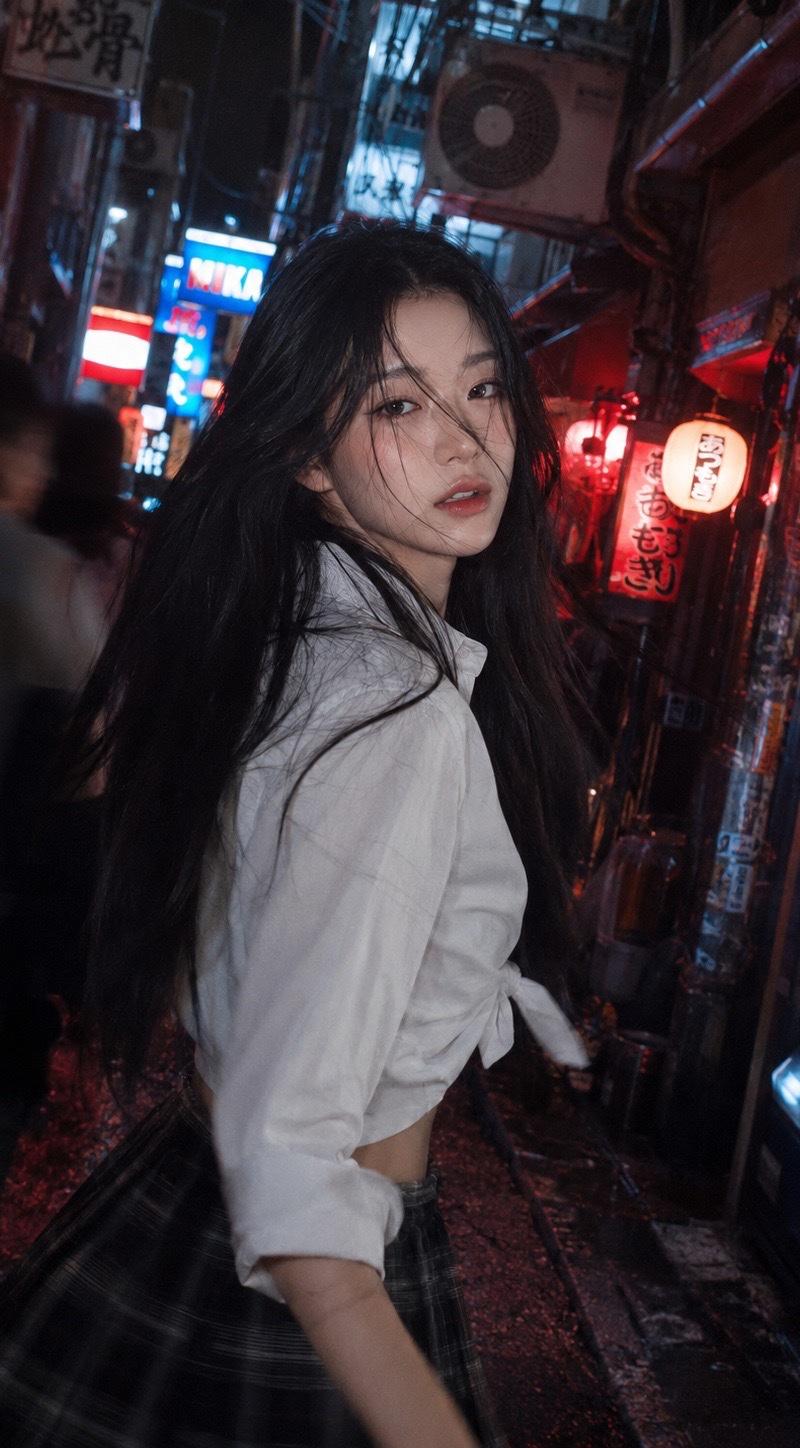
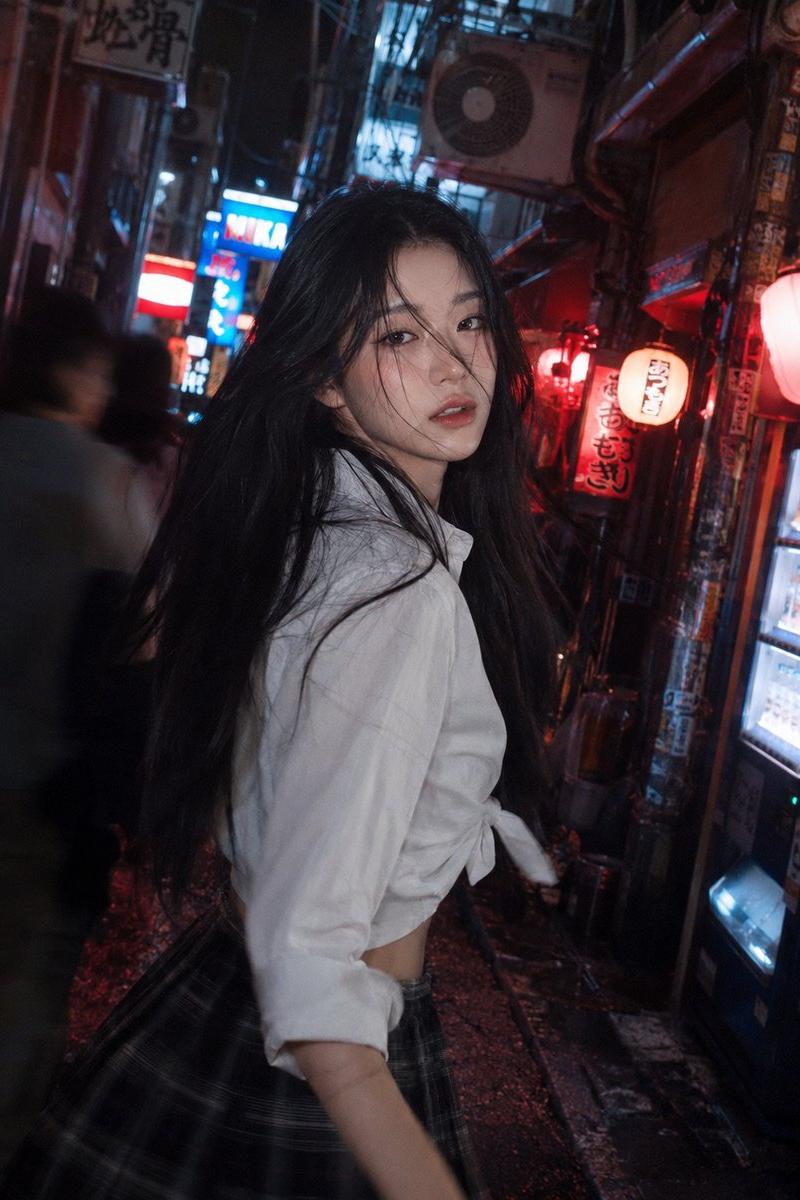
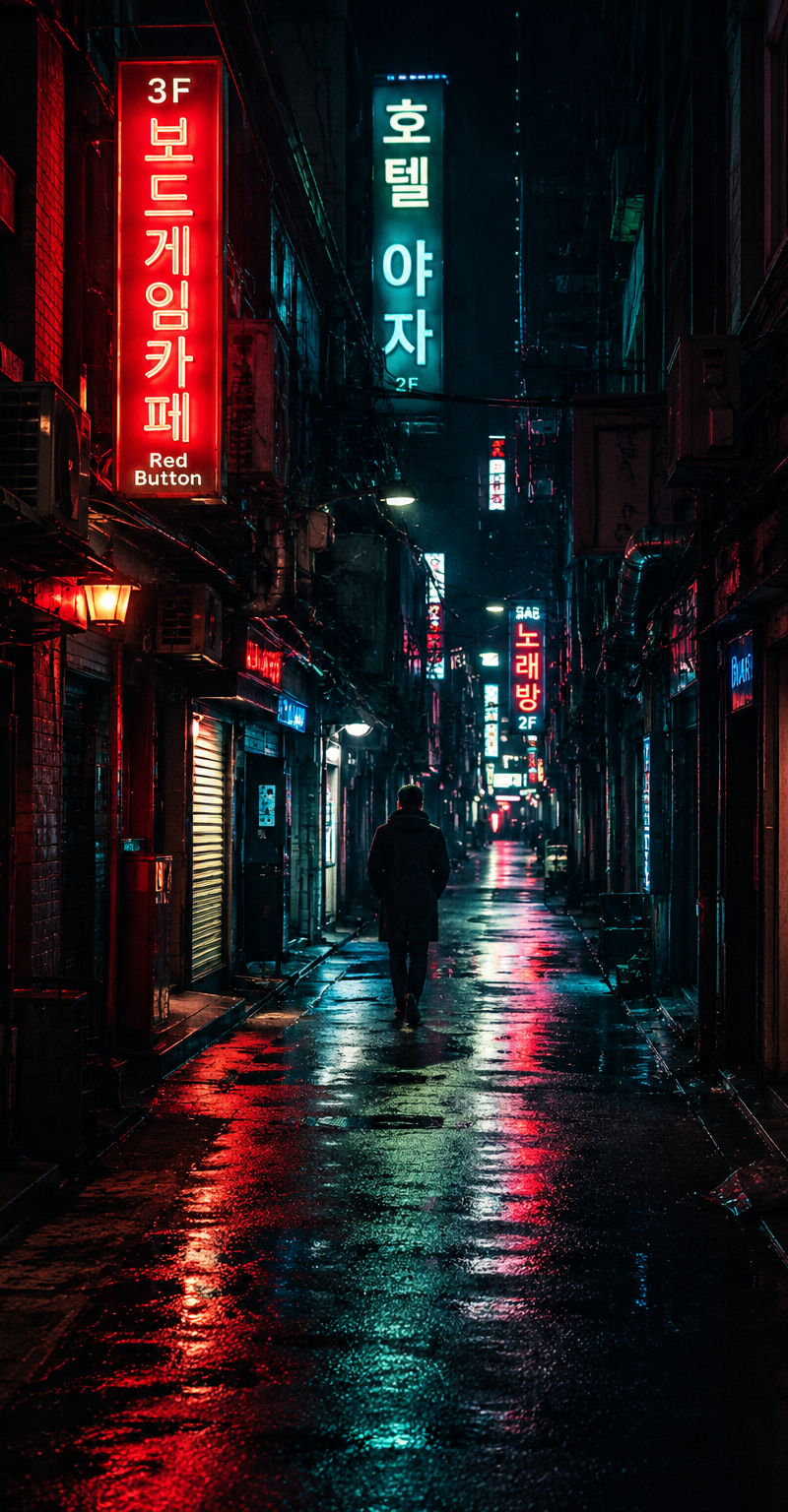
Example images

Neo-Tokyo rainy alley red jacket: GPT Image 2 prompt

Prompt
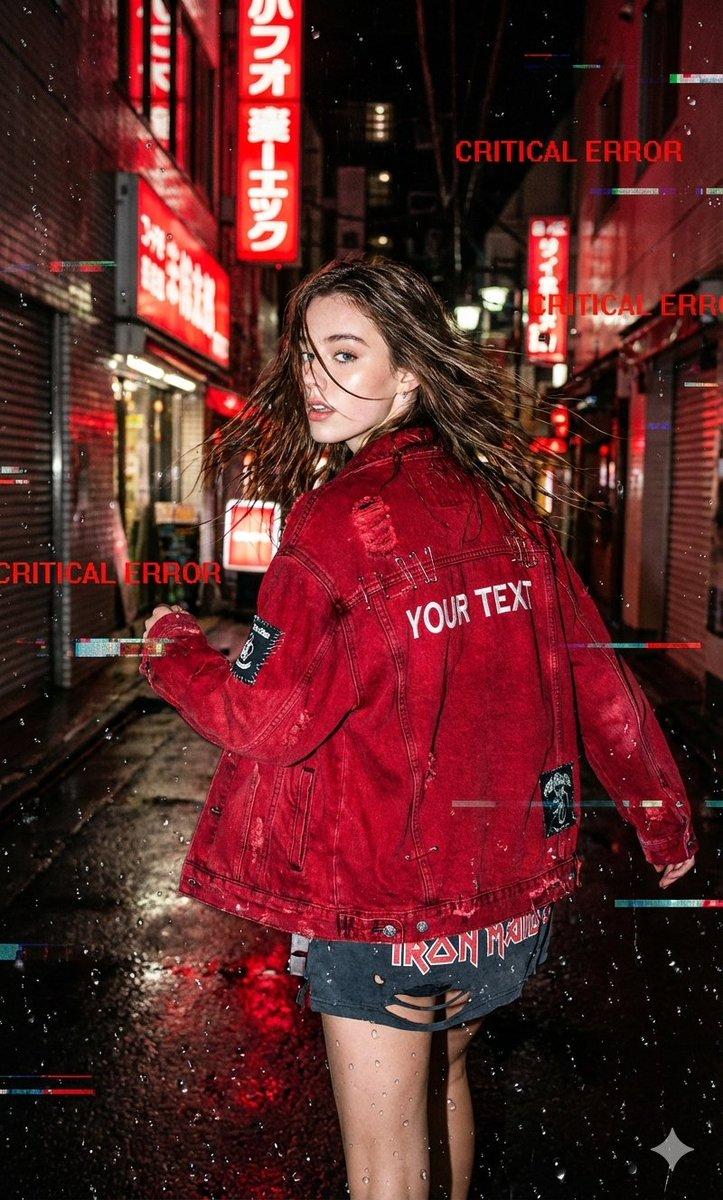
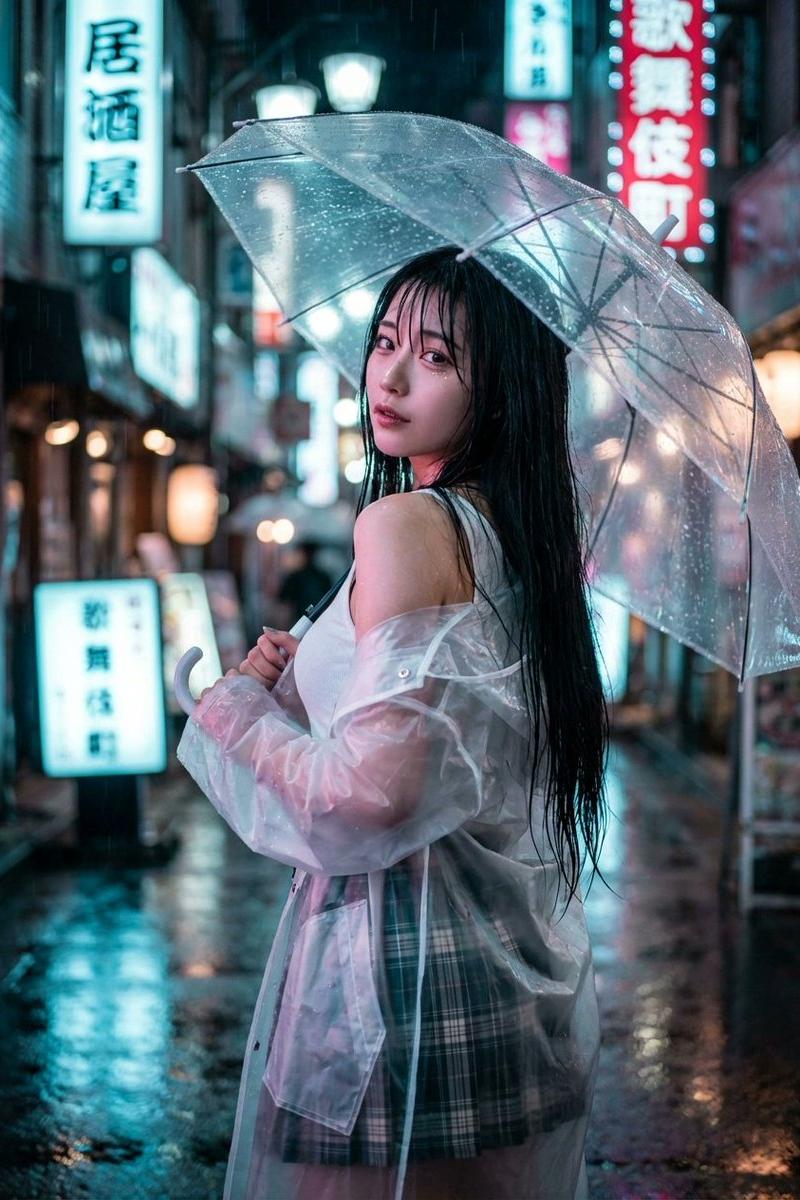
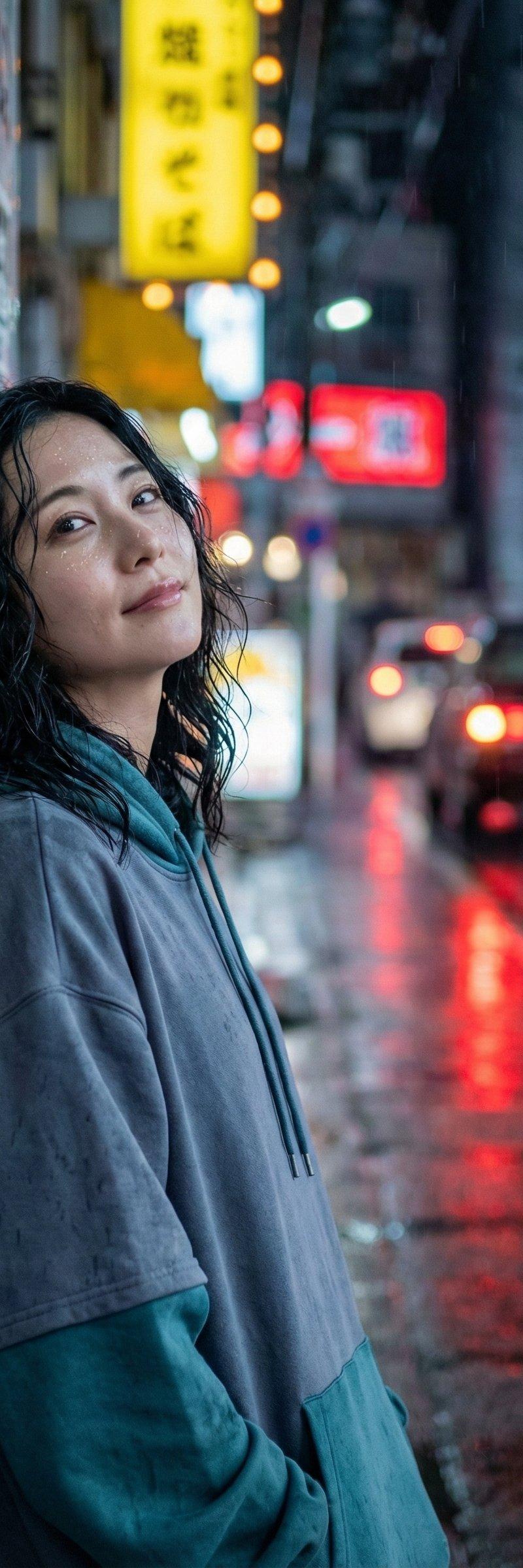
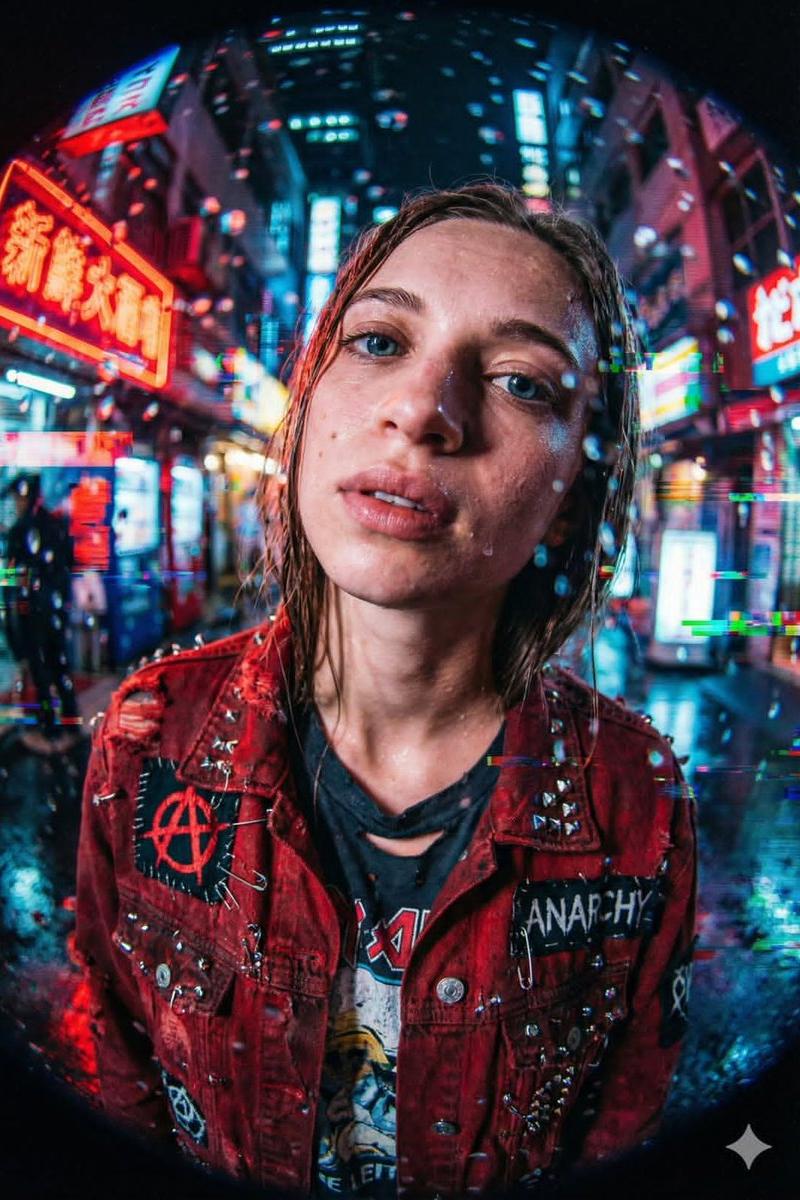
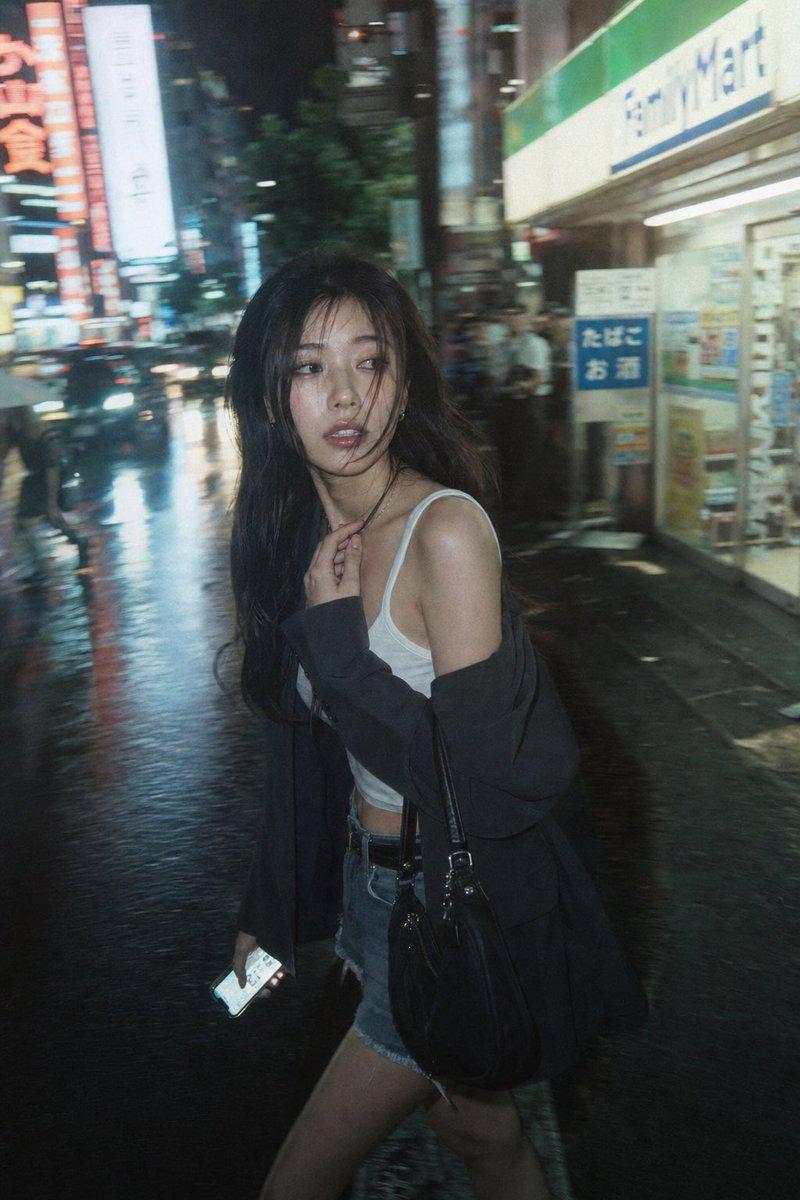
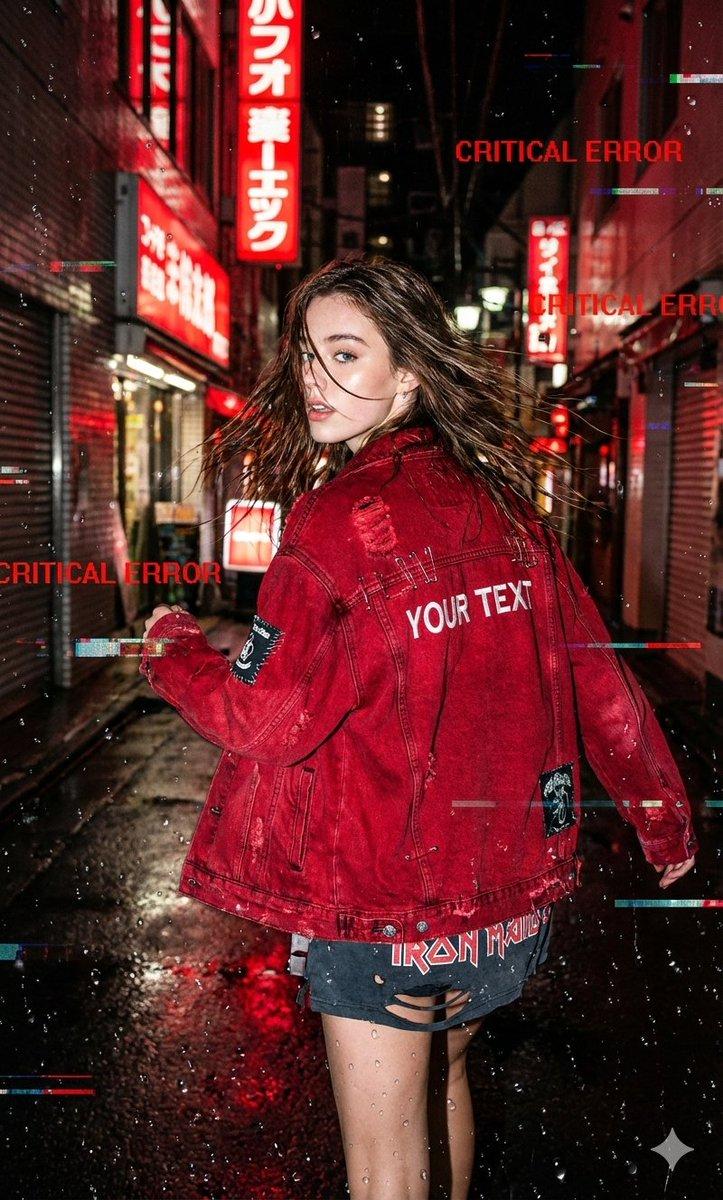
A raw, candid street-style shot of reference running through a rain-soaked Neo-Tokyo alleyway, glancing over her shoulder. She is wearing an oversized "Crimson Red" distressed denim jacket with safety pins and patches, the [YOUR TEXT] branding is embroidered in white on the back. Underneath, a torn band tee. Raindrops on the camera lens create natural distortion. The background is blurred red neon signs reflecting on wet asphalt. The image is heavily processed with "Critical Error" red text overlays and glitch artifacts. Style: Flash photography, high contrast, adrenaline rush.
Category
Brand & Logos
Model
GPT Image 2
Creator
Harboris
Source language
en
Views0
Source ID
2011634939490672664
Published
Jan 15, 2026
Studio

Guide

About "Neo-Tokyo rainy alley red jacket: GPT Image 2 prompt"

What is this prompt for?

"Neo-Tokyo rainy alley red jacket: GPT Image 2 prompt" AI image prompt for GPT Image 2 (Brand & Logos). A raw, candid street-style shot of reference running th…

The full copyable prompt and example visuals above are ready for AI image generation or one-click recreate in Picva.

How to use this prompt

  1. Step 1

    Open the prompt detail

    Review the example visuals, category, and full prompt text for "Neo-Tokyo rainy alley red jacket: GPT Image 2 prompt".

  2. Step 2

    Copy the prompt

    Copy the prompt body from this page, or load it directly in Studio.

  3. Step 3

    Pick a model (GPT Image 2)

    Prefer GPT Image 2. If you switch models, keep subject and composition and tweak style terms.

  4. Step 4

    Generate and export

    Recreate the look in Picva, or export into your workflow for editing and publishing.

FAQ

What is the "Neo-Tokyo rainy alley red jacket: GPT Image 2 prompt" prompt?
It is an AI image-generation prompt for GPT Image 2 in the Brand & Logos category. This page includes the full prompt text, example visuals, and a one-click recreate path in Picva.
How do I use this prompt to generate an image?
Copy the prompt from this page, or use Generate / Studio. Paste it into a compatible image model, or recreate the look in Picva with optional reference images.
Which model is this prompt for?
This page lists GPT Image 2. Most descriptive prompts also transfer to nearby image models such as GPT Image, Flux, or Midjourney with light style tweaks.
Can I use the result commercially?
You can usually copy the prompt for creation, but commercial use of the final image depends on the model terms, reference-image rights, and the generated content. Follow the source author and platform rules.