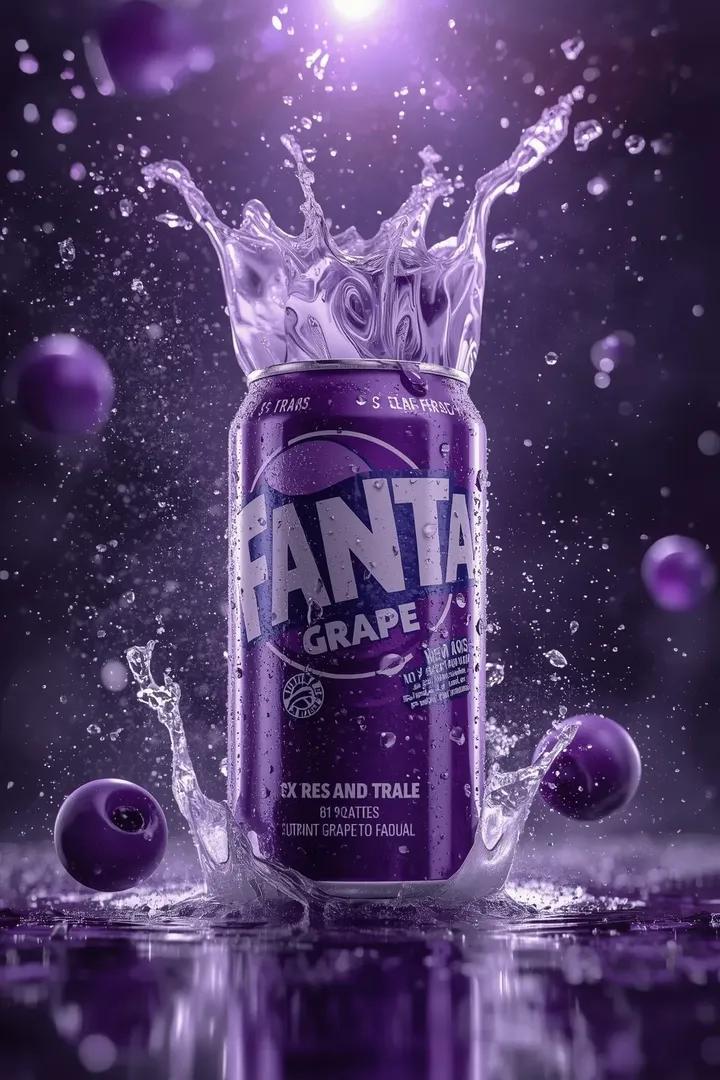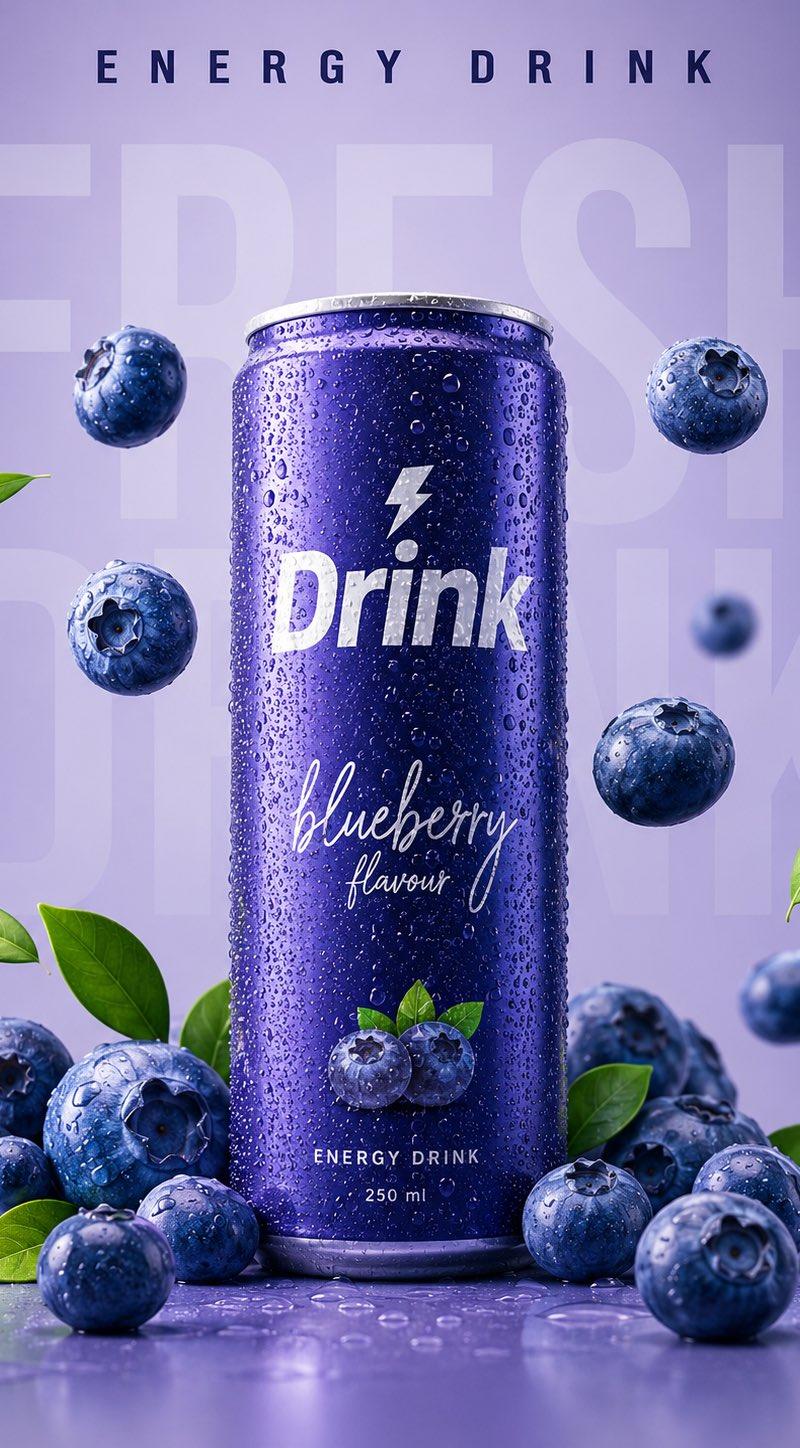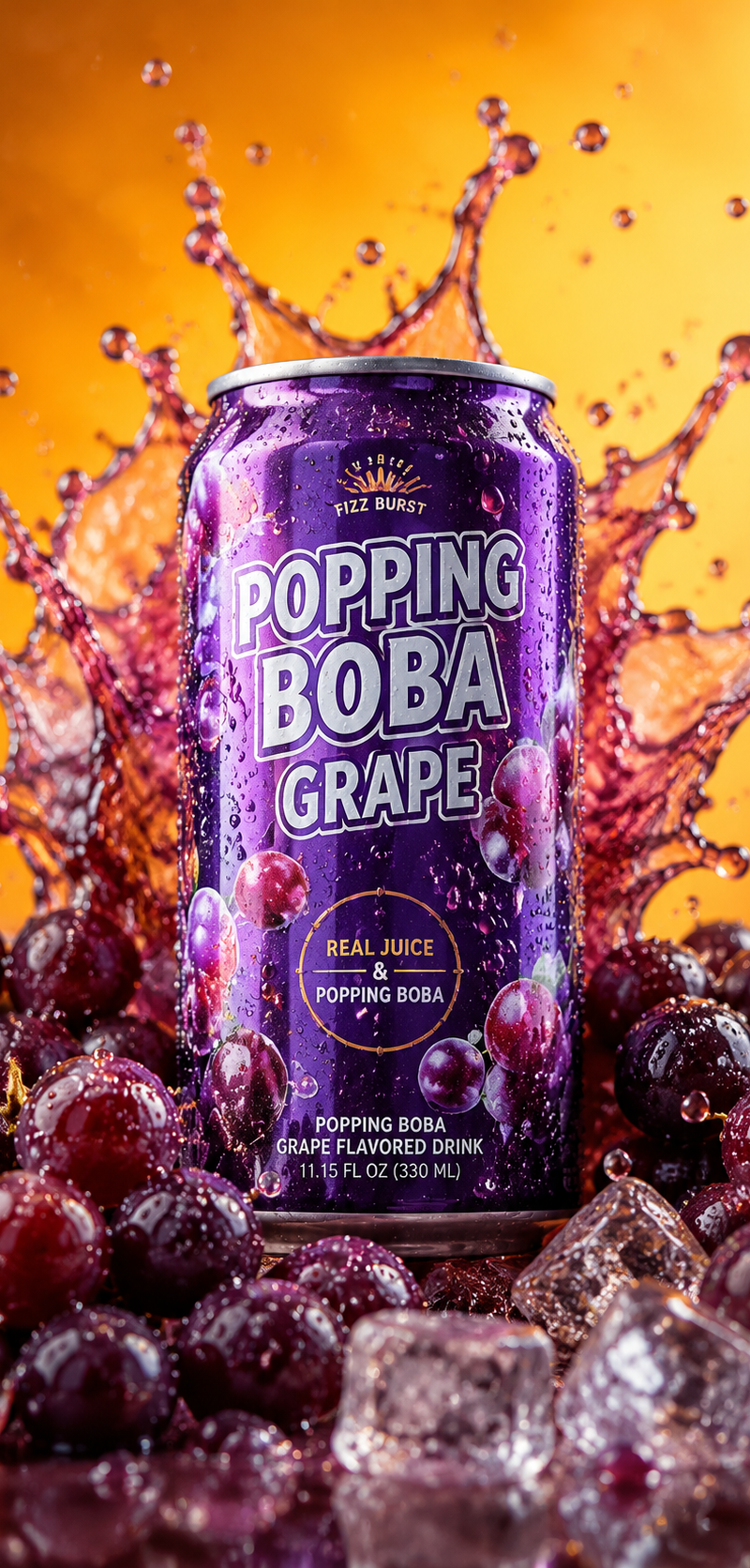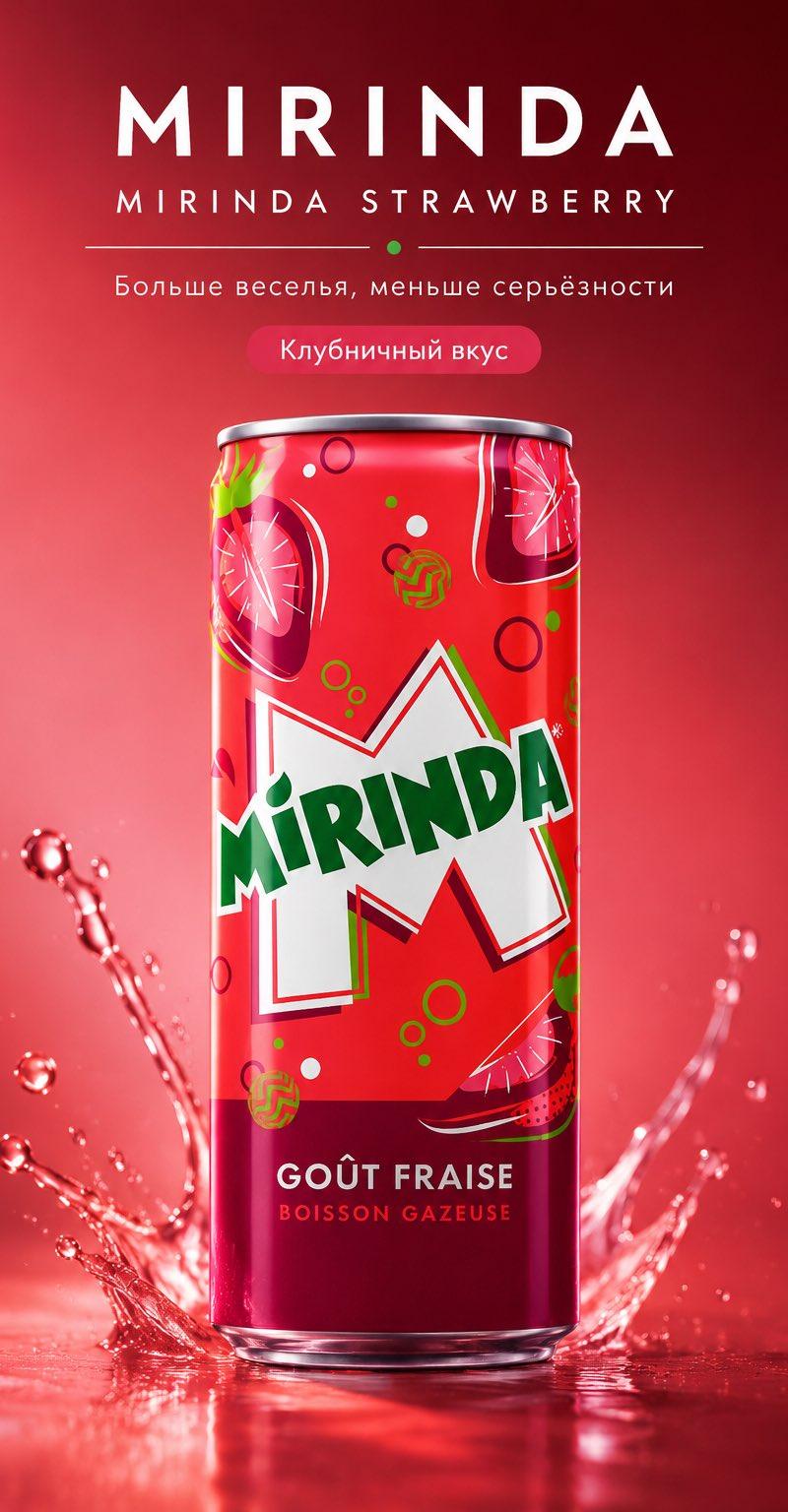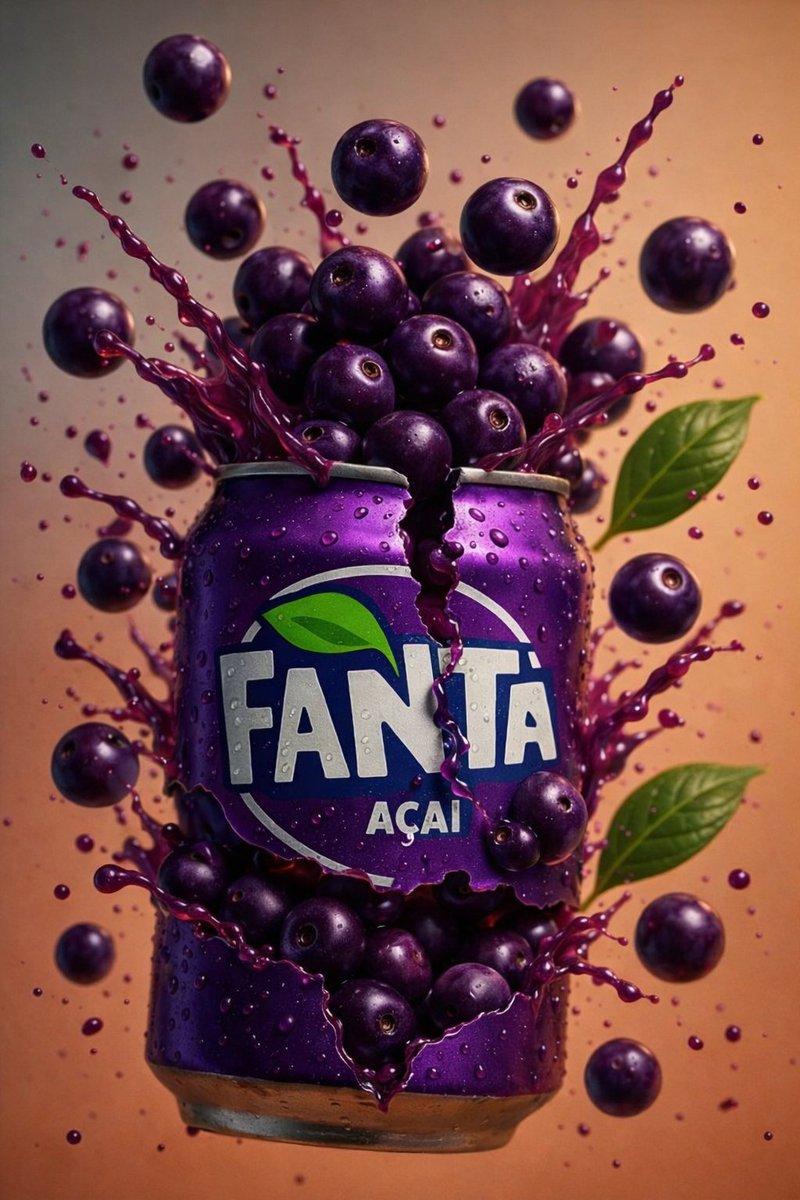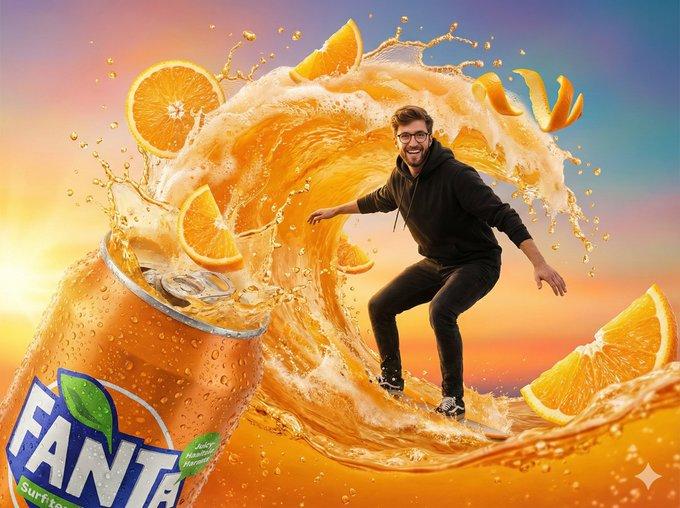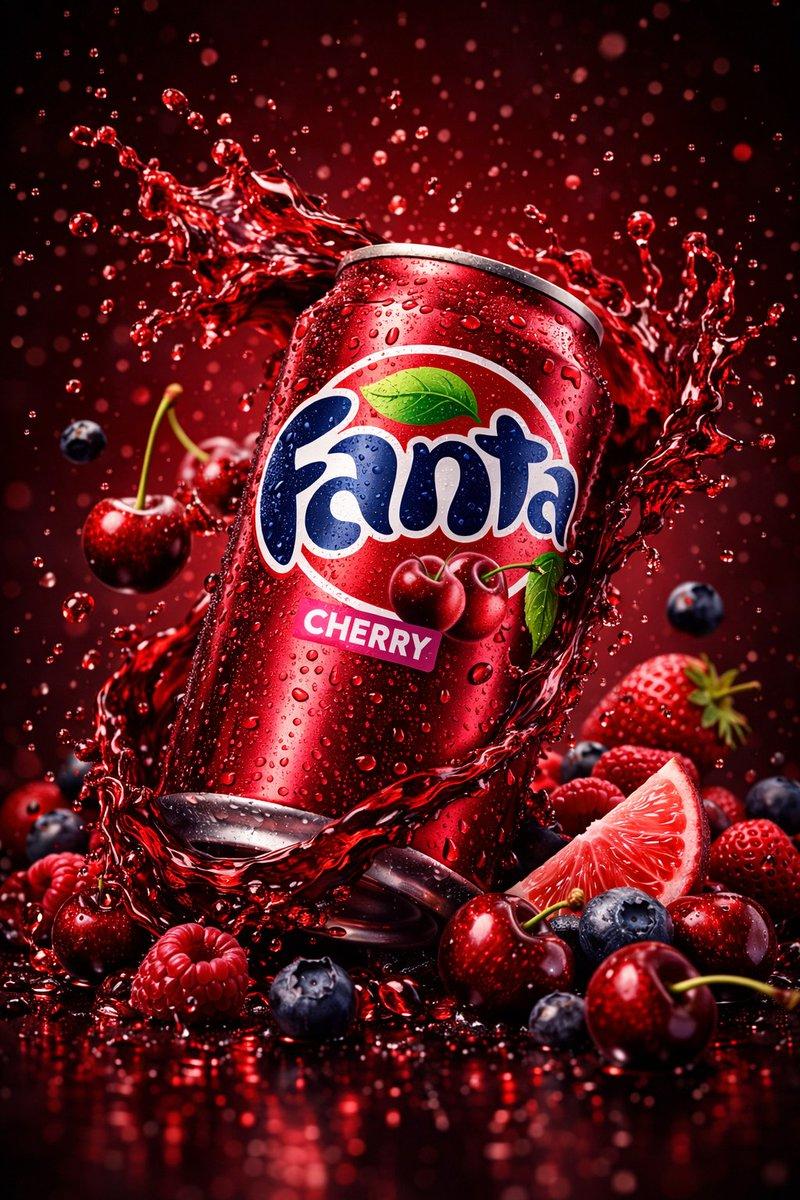
Cinematic 3:4 commercial product shoot: GPT Image 2 prompt
Prompt
{
 "master_prompt": {
 "global_settings": {
 "resolution": "8K ultra-high-definition",
 "aspect_ratio": "3:4 vertical",
 "style": "hyper-realistic AI-edited commercial product photography",
 "sharpness": "extreme clarity, micro-detail visibility",
 "lighting_quality": "cinematic studio lighting with controlled highlights and shadows",
 "motion_freeze": "high-speed capture, frozen splashes and particles",
 "noise": "none",
 "artifacts": "none"
 },

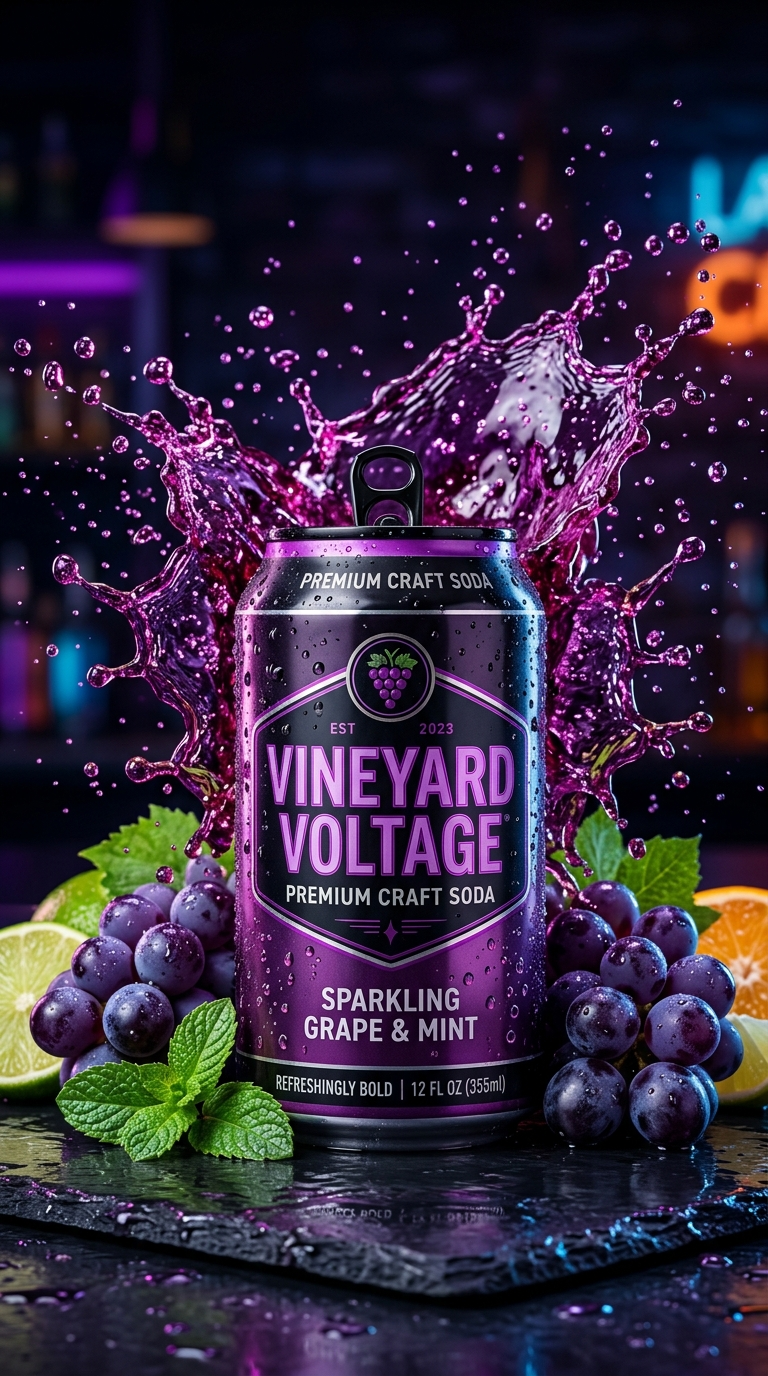
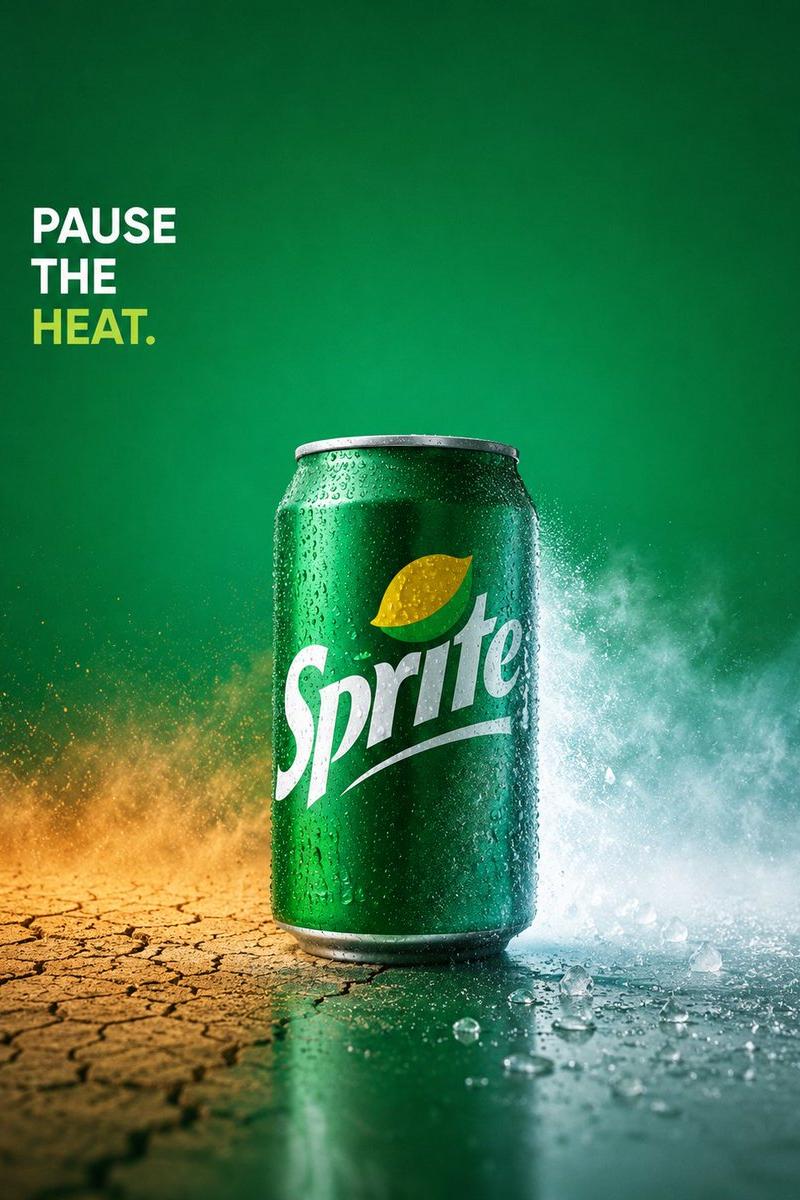
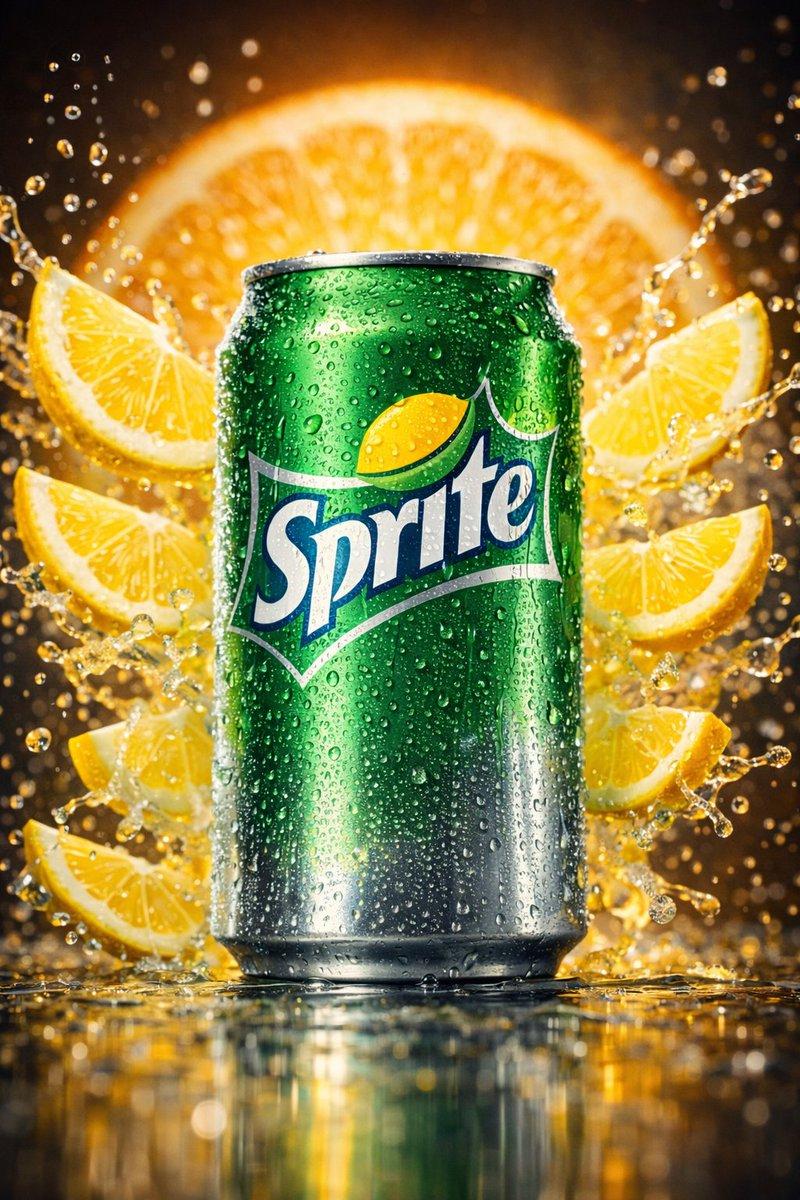
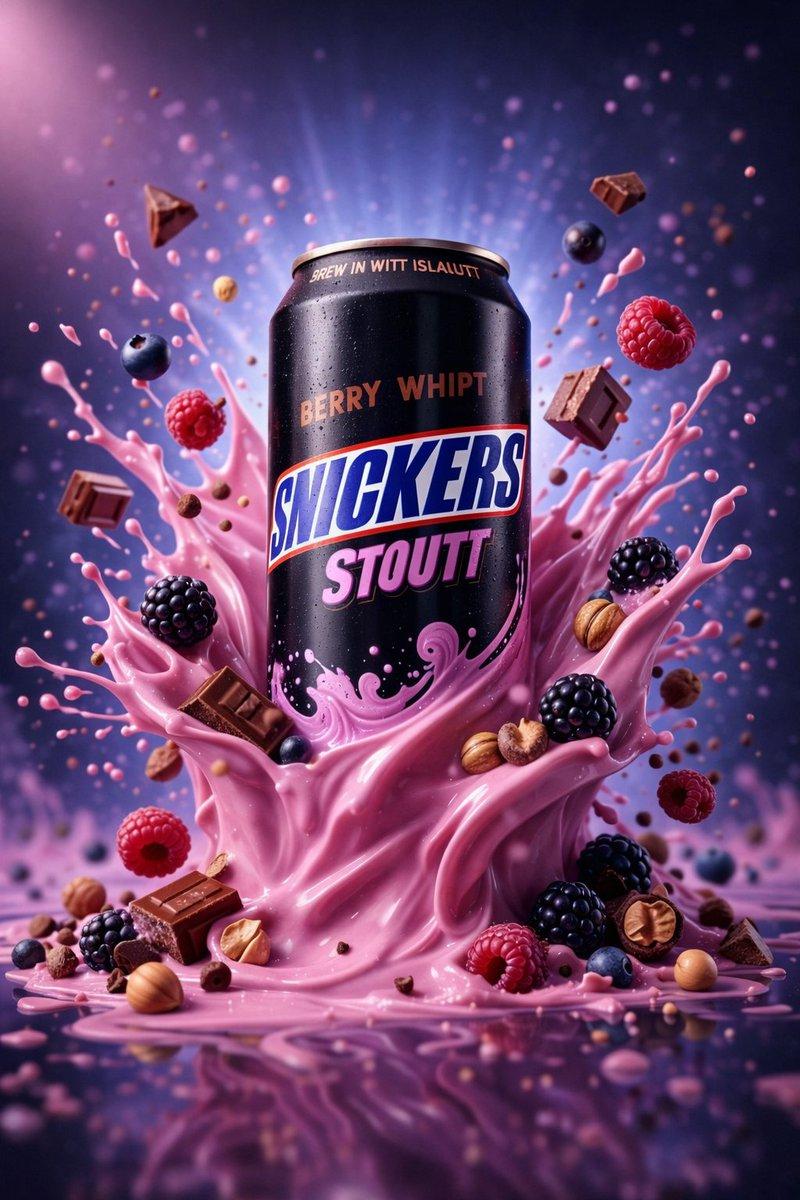
 "module_1_image_1_style": {
 "subject": {
 "type": "beverage can",
 "material": "matte black metal",
 "surface_details": "fine condensation droplets evenly distributed",
 "branding_text_visible": [
 "SNICKERS",
 "STOUTT",
 "BERRY WHIPT",
 "BREW IN WITT ISLAUTT"
 ]
 },
 "pose_and_orientation": {
 "position": "upright, centered",
 "angle": "slight forward-facing perspective",
 "scale": "dominant foreground subject"
 },
 "liquid_and_motion": {
 "liquid_color": "glossy pink",
 "liquid_texture": "thick, creamy, whipped consistency",
 "motion": "explosive upward splash wrapping around the can",
 "splash_shape": "curved arcs with sharp liquid peaks and droplets"
 },
 "floating_elements": {
 "berries": [
 "raspberries",
 "blackberries",
 "blueberries"
 ],
 "chocolate_pieces": "rectangular chocolate chunks with sharp edges",
 "nuts": "round and halved nuts scattered near base and mid-air",
 "distribution": "suspended at various depths around the can"
 },
 "background": {
 "color_gradient": "purple to blue",
 "light_effects": "soft radial glow behind can",
 "particles": "small pink droplets and specks floating"
 },
 "surface_and_reflection": {
 "base": "glossy reflective surface",
 "reflection_quality": "clear mirrored reflection with slight ripple distortion"
 }
 },

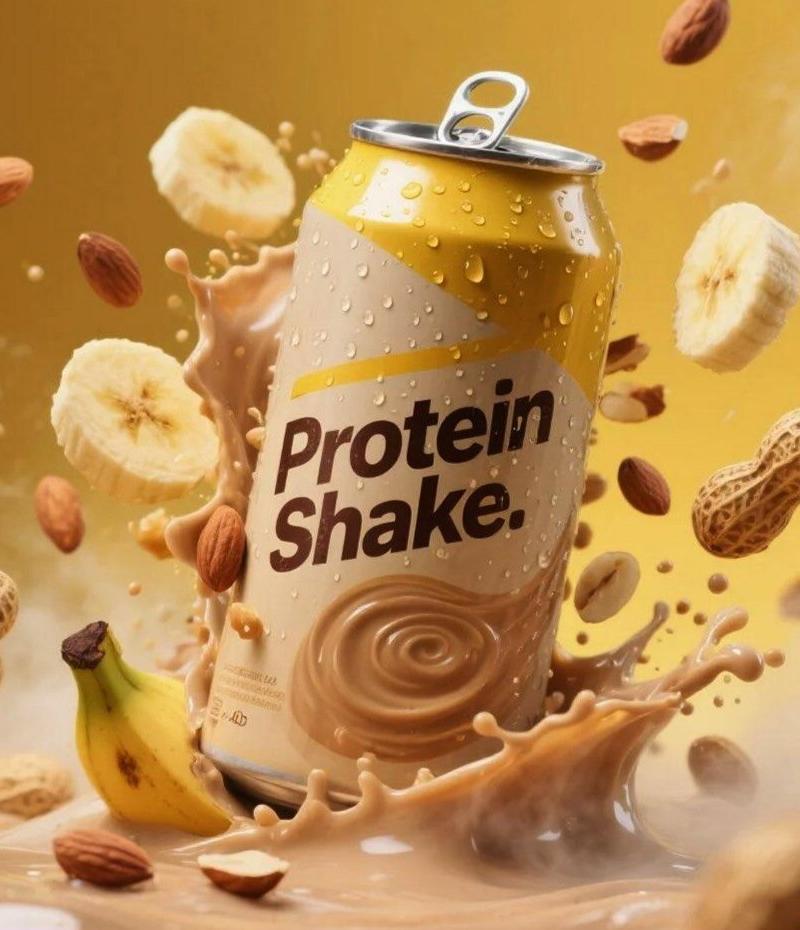
 "module_2_image_2_style": {
 "subject": {
 "type": "plastic protein drink bottle",
 "color": "deep matte blue",
 "surface_details": "condensation droplets across entire bottle",
 "label_text_visible": [
 "milk & yogurt",
 "mock up",
 "protein",
 "SEPARATED SHADOWS"
 ]
 },
 "pose_and_orientation": {
 "position": "slightly tilted to the right",
 "angle": "three-quarter view",
 "motion_feel": "dynamic, leaning into splash"
 },
 "liquid_and_motion": {
 "liquid_color": "white and light beige milk mixture",
 "texture": "smooth, creamy, fluid",
 "motion": "swirling splash rising around bottle base and sides"
 },
 "floating_elements": {
 "blueberries": "whole and halved blueberries at different depths",
 "mint_leaves": "small green leaves with visible veins",
 "droplets": "milk droplets and spheres suspended mid-air"
 },
 "background": {
 "color_gradient": "dark blue to warm amber",
 "bokeh": "soft circular light particles scattered throughout"
 },
 "surface_and_reflection": {
 "base": "matte ground with light liquid pooling",
 "shadow_style": "soft separated shadow under bottle"
 }
},- Category
- Brand & Logos
- Model
- GPT Image 2
- Creator
- Shahid Wani
- Source language
- en
- Source ID
- 2011708873418424581
- Published
- Jan 15, 2026
Views0