16

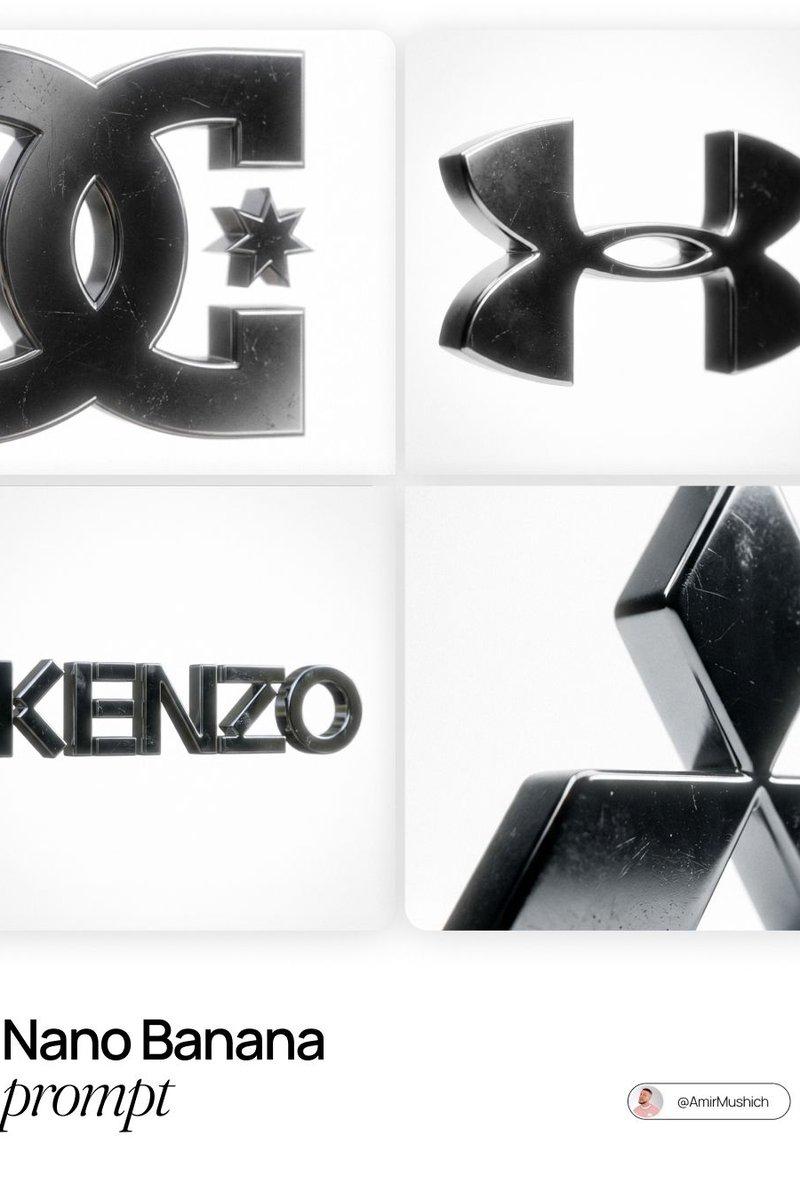
Chrome 3D logo render: GPT Image 2 prompt
Enlarge

Example images

Chrome 3D logo render: GPT Image 2 prompt

Prompt
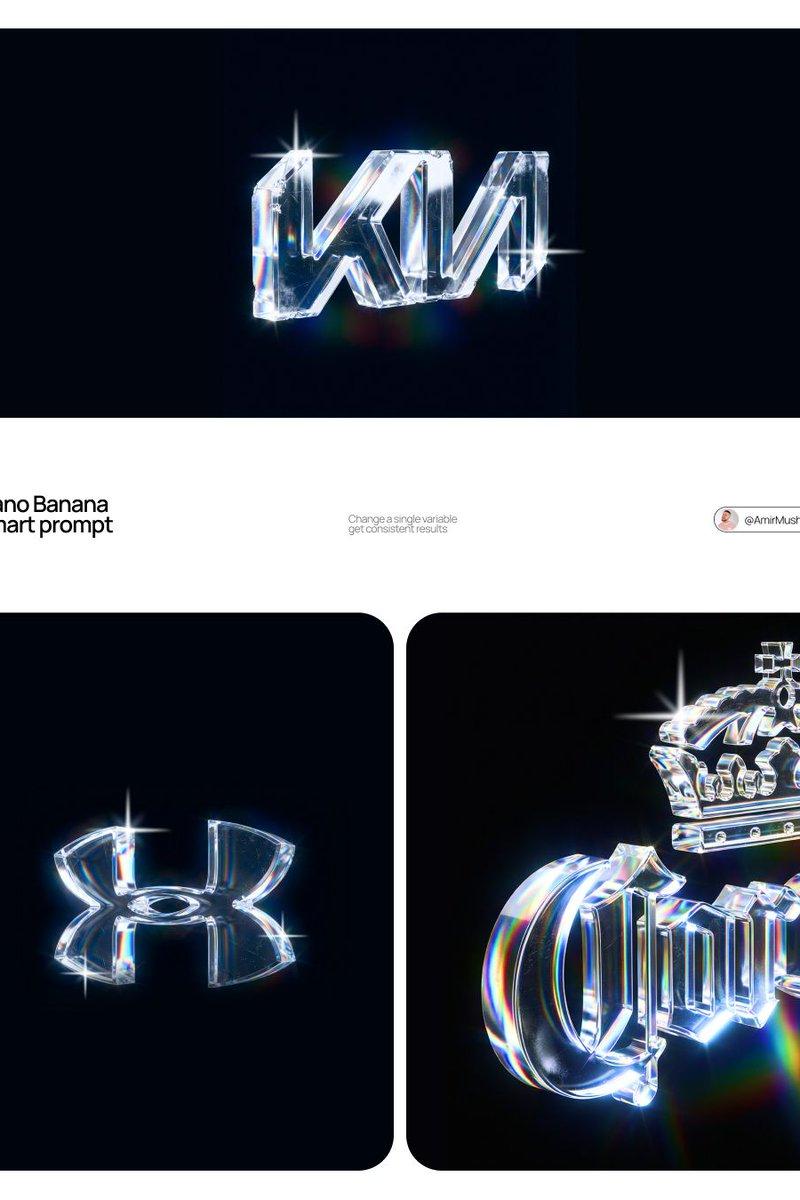
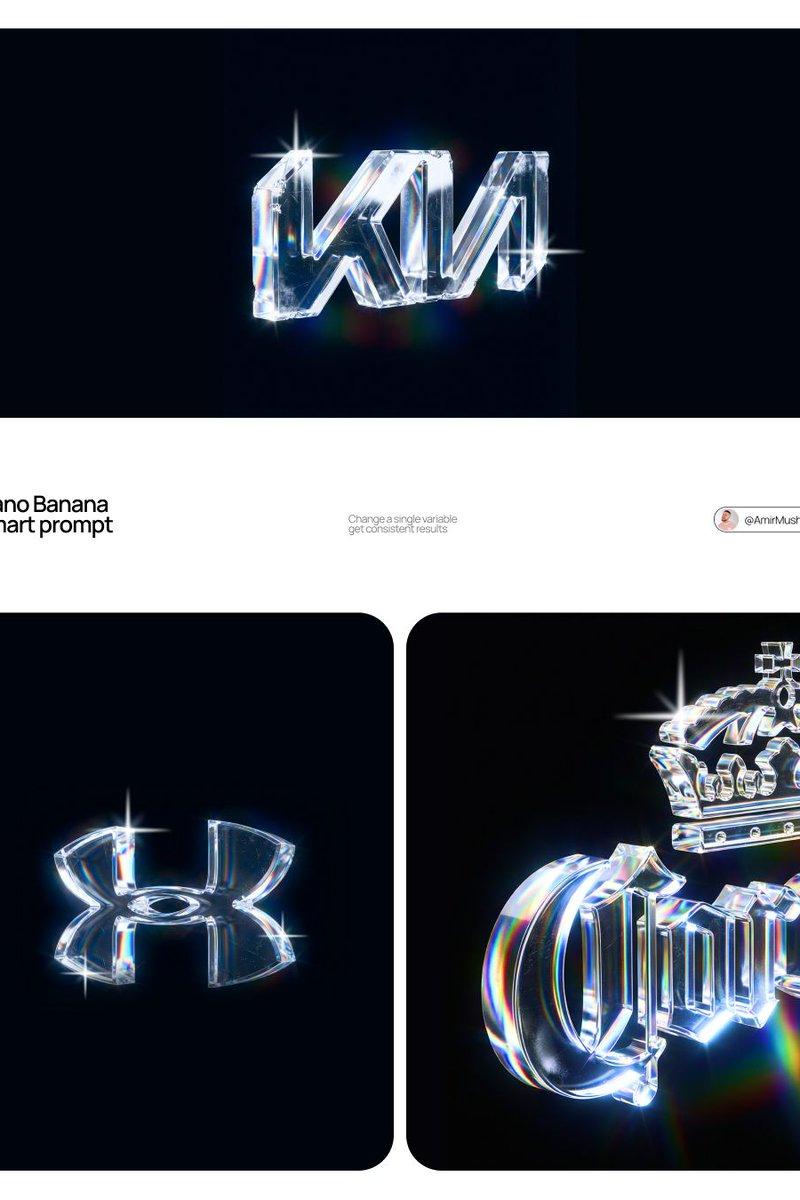
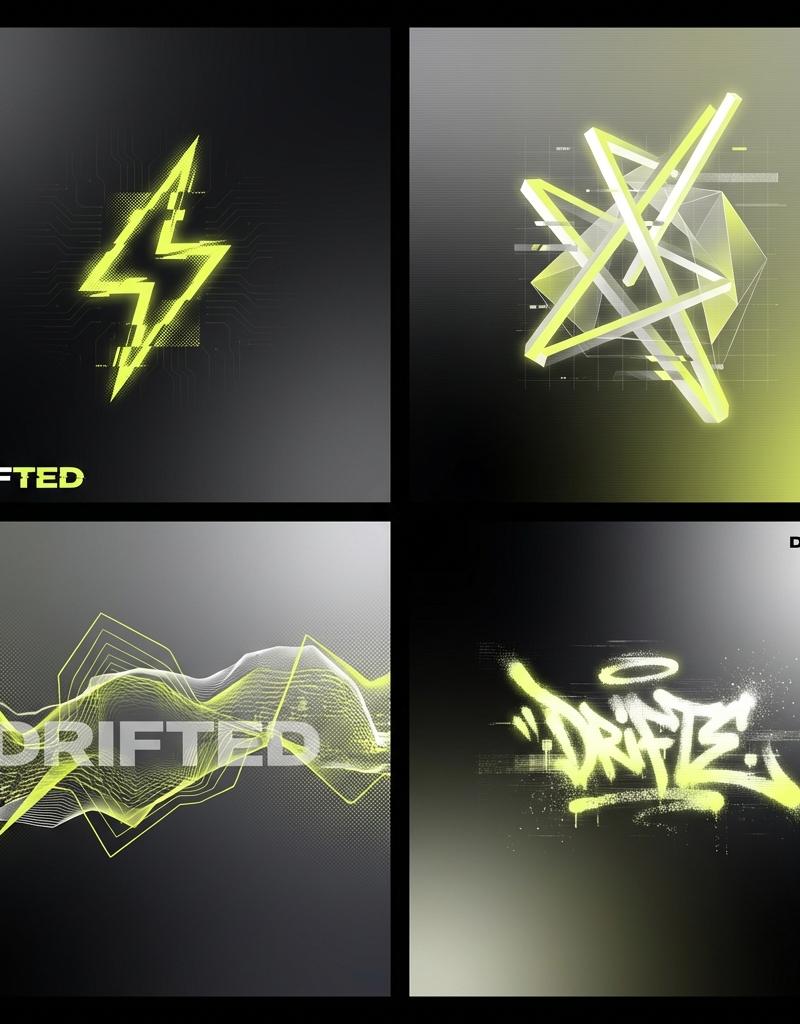
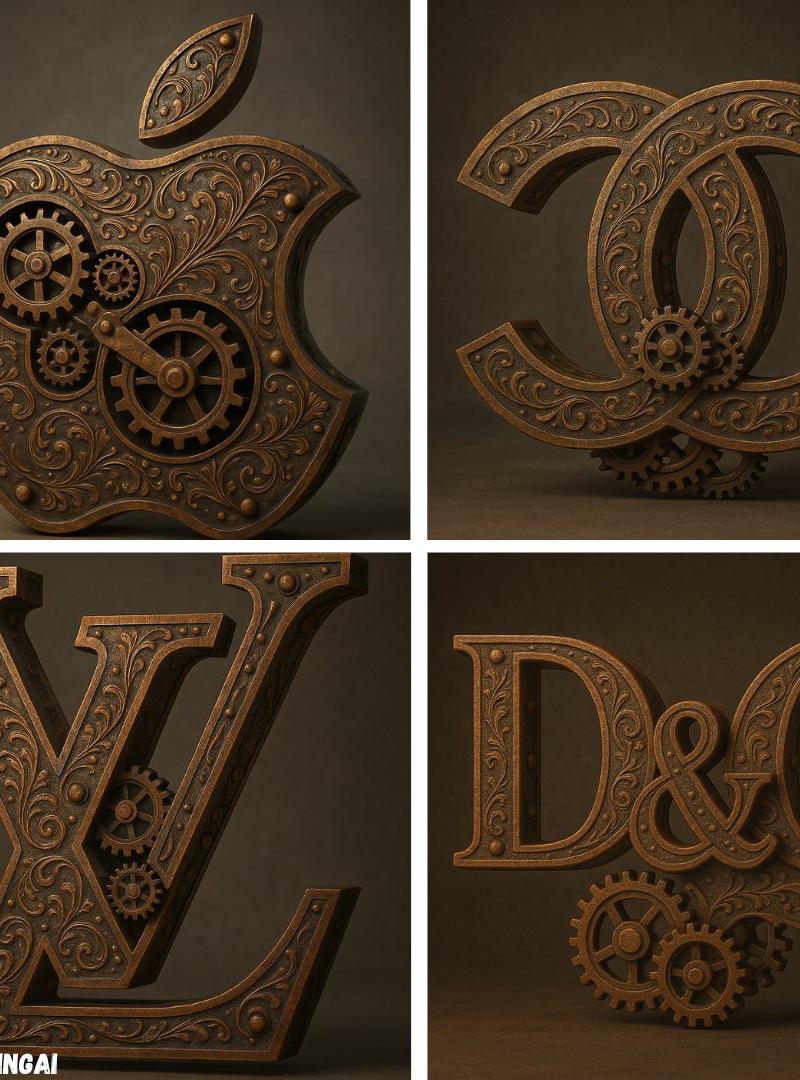
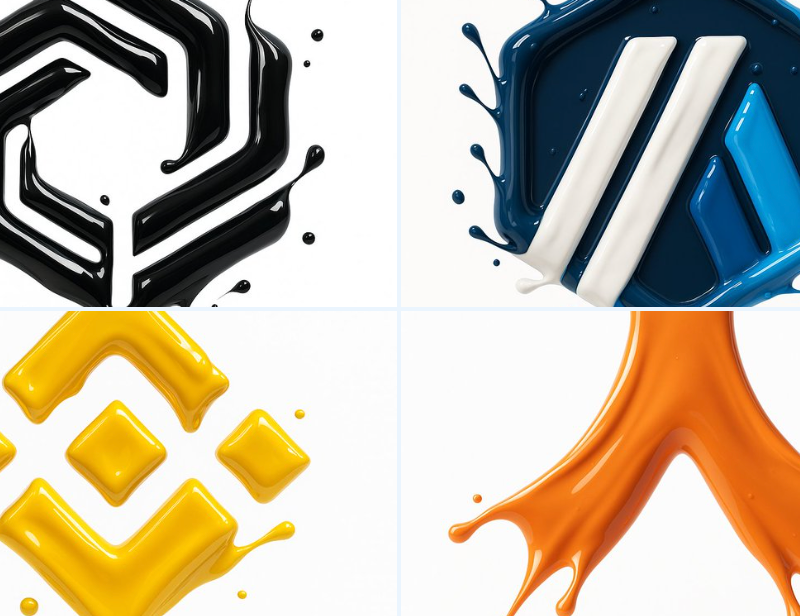
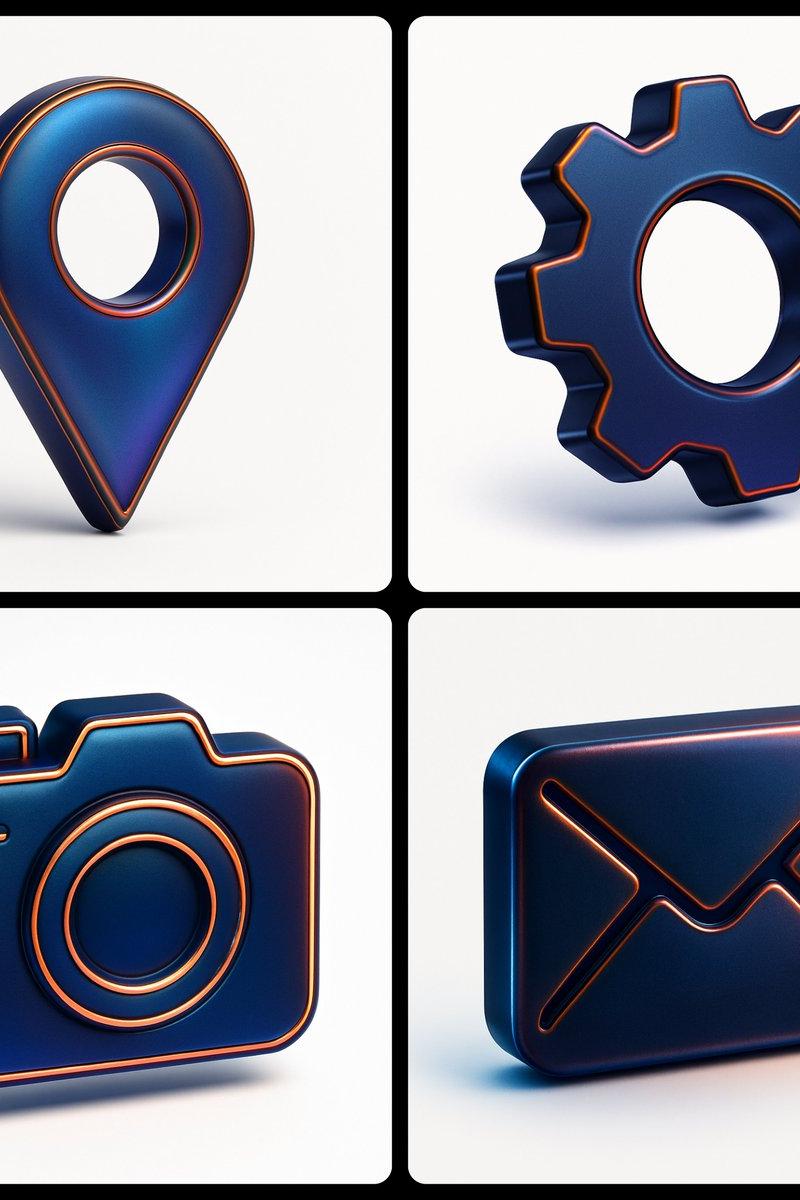
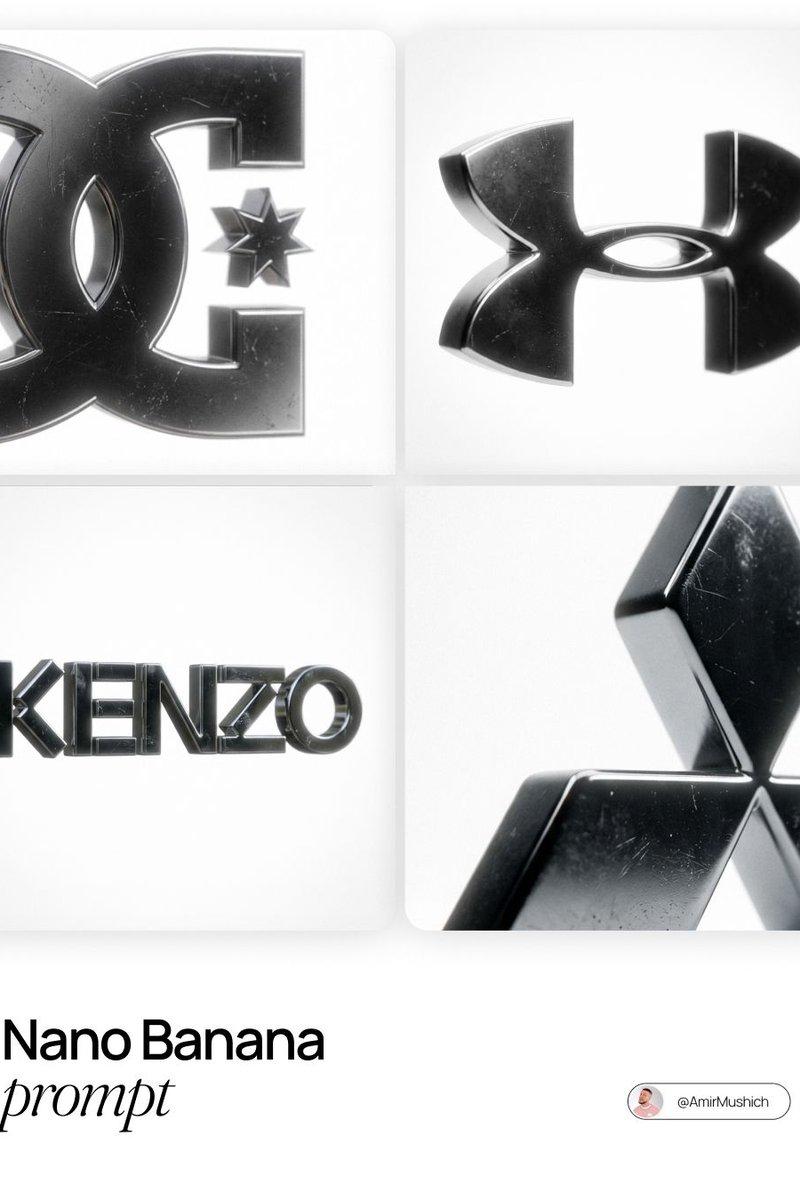
[BRAND NAME], the official trademark logo rendered strictly as a solid 3D object, maintaining the exact original vector shape and proportions without any artistic reinterpretation or distortion. The logo is crafted from dark, highly polished chrome metal with subtle surface micro-scratches and imperfections that break the mirror finish. The object is perfectly centered in a vast, infinite pure white void with no visible background elements or studio equipment. The lighting creates a soft, cinematic bloom (halo effect) along the metallic edges. 50mm lens aesthetic with a shallow depth of field gently blurring the furthest points of the object. A pronounced, visible film grain overlay is applied to the entire image.
Category
Brand & Logos
Model
GPT Image 2
Creator
AmirMušić
Source language
en
Views0
Source ID
2012978382812635204
Published
Jan 18, 2026
Studio

Guide

About "Chrome 3D logo render: GPT Image 2 prompt"

What is this prompt for?

"Chrome 3D logo render: GPT Image 2 prompt" AI image prompt for GPT Image 2 (Brand & Logos). [BRAND NAME], the official trademark logo rendered strictly as a s…

The full copyable prompt and example visuals above are ready for AI image generation or one-click recreate in Picva.

How to use this prompt

  1. Step 1

    Open the prompt detail

    Review the example visuals, category, and full prompt text for "Chrome 3D logo render: GPT Image 2 prompt".

  2. Step 2

    Copy the prompt

    Copy the prompt body from this page, or load it directly in Studio.

  3. Step 3

    Pick a model (GPT Image 2)

    Prefer GPT Image 2. If you switch models, keep subject and composition and tweak style terms.

  4. Step 4

    Generate and export

    Recreate the look in Picva, or export into your workflow for editing and publishing.

FAQ

What is the "Chrome 3D logo render: GPT Image 2 prompt" prompt?
It is an AI image-generation prompt for GPT Image 2 in the Brand & Logos category. This page includes the full prompt text, example visuals, and a one-click recreate path in Picva.
How do I use this prompt to generate an image?
Copy the prompt from this page, or use Generate / Studio. Paste it into a compatible image model, or recreate the look in Picva with optional reference images.
Which model is this prompt for?
This page lists GPT Image 2. Most descriptive prompts also transfer to nearby image models such as GPT Image, Flux, or Midjourney with light style tweaks.
Can I use the result commercially?
You can usually copy the prompt for creation, but commercial use of the final image depends on the model terms, reference-image rights, and the generated content. Follow the source author and platform rules.