18

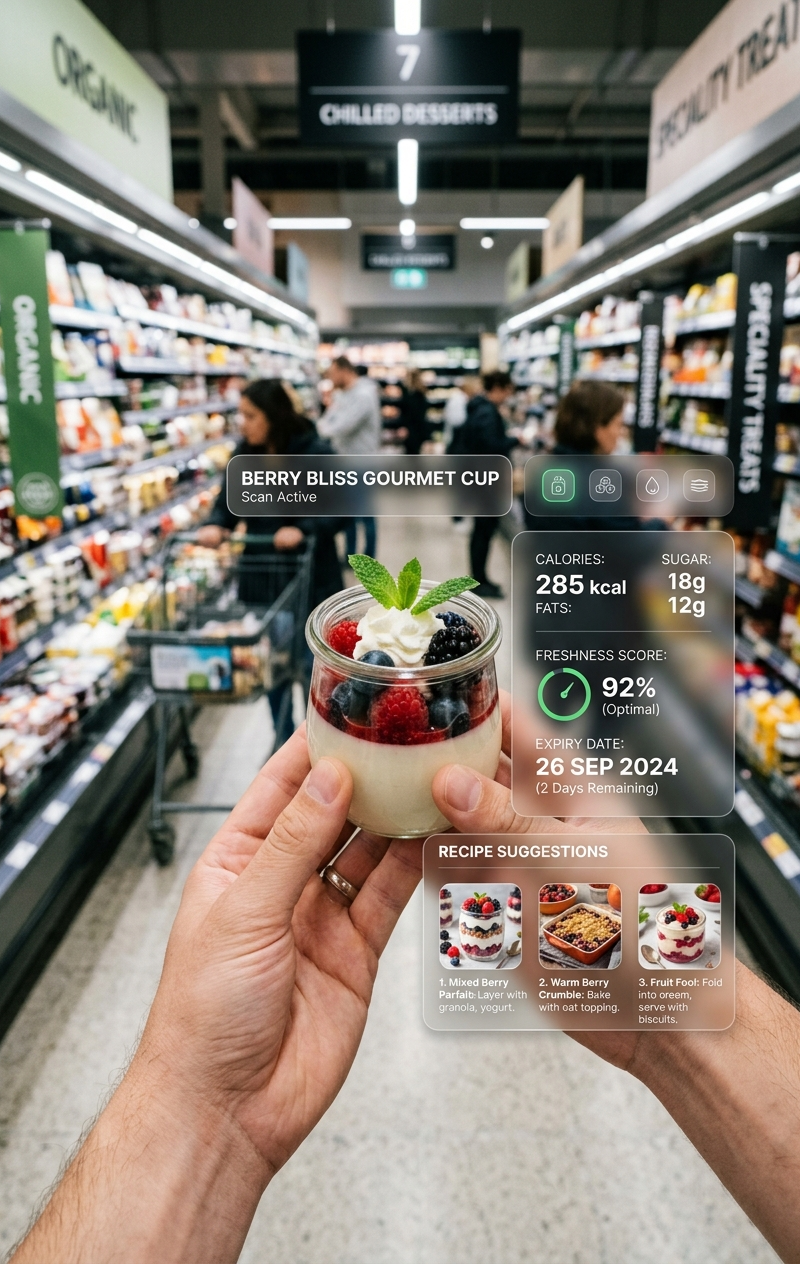
Jam jar AR HUD POV: GPT Image 2 prompt
Enlarge

Example images

Jam jar AR HUD POV: GPT Image 2 prompt

Prompt
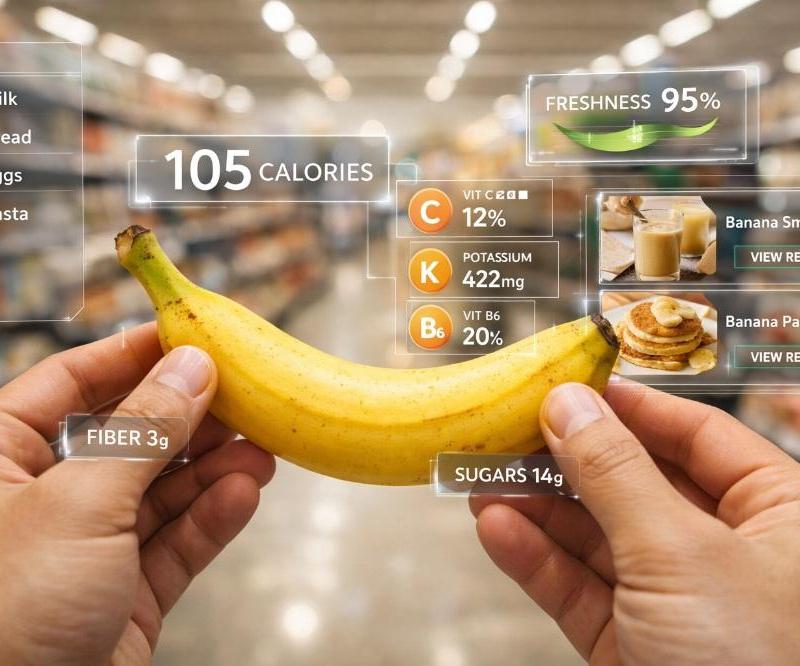
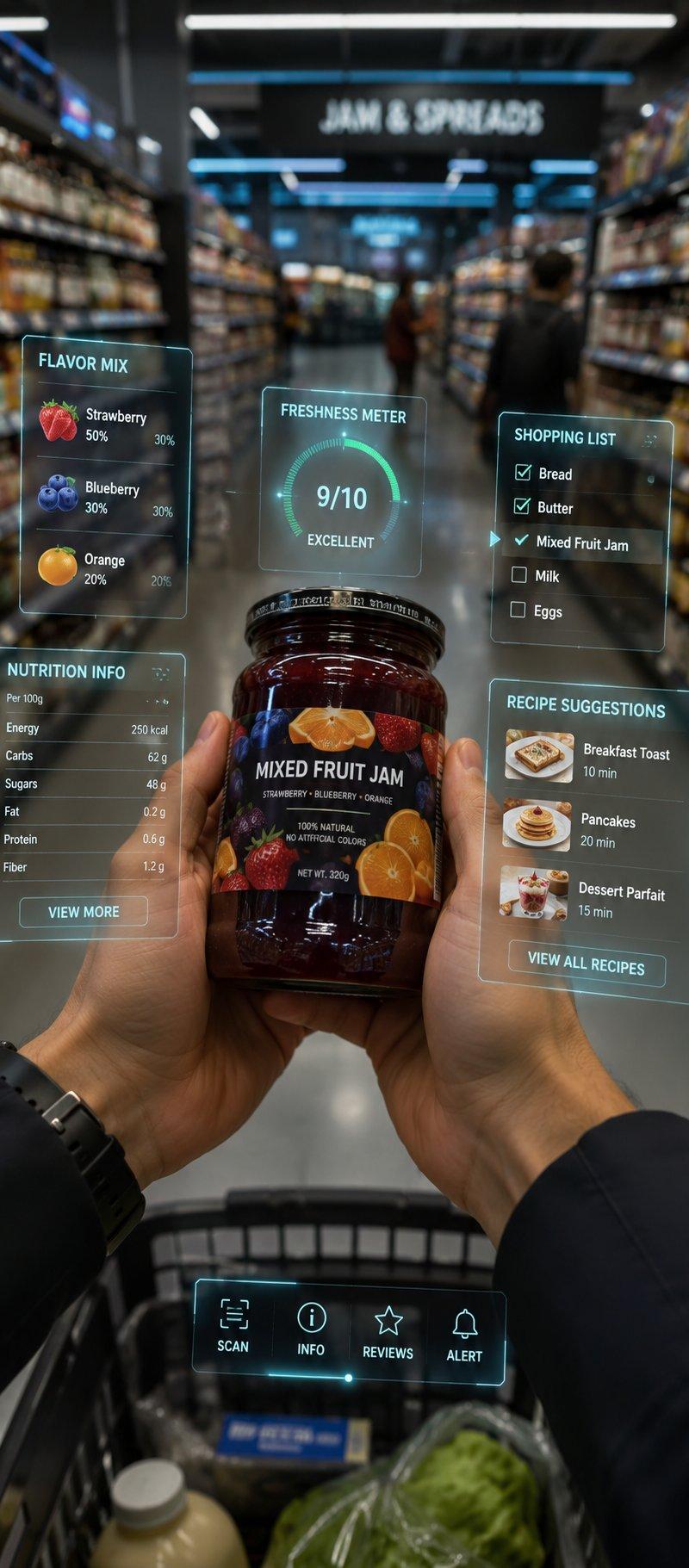
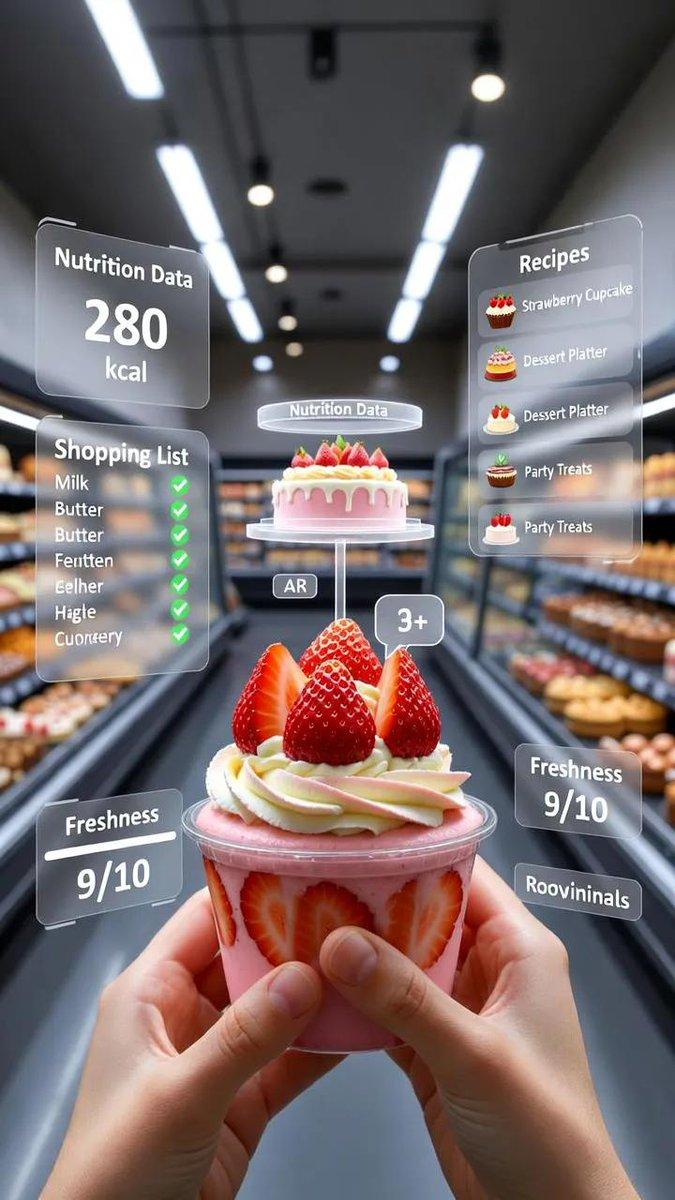
A first-person point-of-view (POV) shot inside a modern supermarket aisle. The viewer's hands are holding a mixed fruit jam jar with colorful branding, showing a blend of strawberry, blueberry, and orange flavors. Floating around the jar are sleek, semi-transparent Augmented Reality (AR) digital interfaces and holographic HUDs. The overlays display "Flavor Mix" with fruit icons, "Nutrition Info," and a glowing "Freshness Meter" reading 9/10. A digital shopping list with checkmarks for bread and butter appears beside the jar, along with small recipe suggestions like breakfast toast, pancakes, and desserts. The background shelves are slightly blurred with other products and shoppers, creating realistic depth of field. Bright, clean lighting with a futuristic retail atmosphere, ultra-realistic, cinematic look, high-tech AR glasses perspective, vertical composition.
Category
Brand & Logos
Model
GPT Image 2
Creator
𝐌
Source language
en
Views0
Source ID
2015794054110552310
Published
Jan 26, 2026
Studio

Guide

About "Jam jar AR HUD POV: GPT Image 2 prompt"

What is this prompt for?

"Jam jar AR HUD POV: GPT Image 2 prompt" AI image prompt for GPT Image 2 (Brand & Logos). A first-person point-of-view (POV) shot inside a modern supermarket a…

The full copyable prompt and example visuals above are ready for AI image generation or one-click recreate in Picva.

How to use this prompt

  1. Step 1

    Open the prompt detail

    Review the example visuals, category, and full prompt text for "Jam jar AR HUD POV: GPT Image 2 prompt".

  2. Step 2

    Copy the prompt

    Copy the prompt body from this page, or load it directly in Studio.

  3. Step 3

    Pick a model (GPT Image 2)

    Prefer GPT Image 2. If you switch models, keep subject and composition and tweak style terms.

  4. Step 4

    Generate and export

    Recreate the look in Picva, or export into your workflow for editing and publishing.

FAQ

What is the "Jam jar AR HUD POV: GPT Image 2 prompt" prompt?
It is an AI image-generation prompt for GPT Image 2 in the Brand & Logos category. This page includes the full prompt text, example visuals, and a one-click recreate path in Picva.
How do I use this prompt to generate an image?
Copy the prompt from this page, or use Generate / Studio. Paste it into a compatible image model, or recreate the look in Picva with optional reference images.
Which model is this prompt for?
This page lists GPT Image 2. Most descriptive prompts also transfer to nearby image models such as GPT Image, Flux, or Midjourney with light style tweaks.
Can I use the result commercially?
You can usually copy the prompt for creation, but commercial use of the final image depends on the model terms, reference-image rights, and the generated content. Follow the source author and platform rules.