17

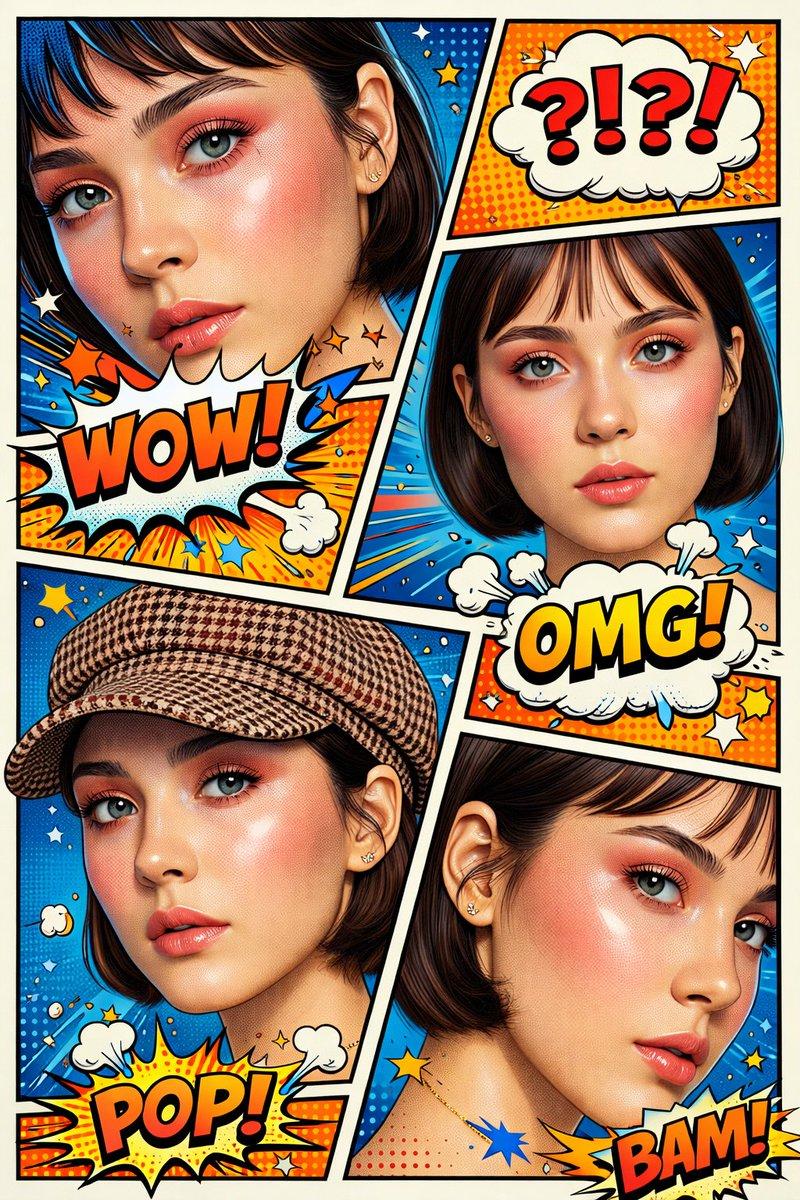
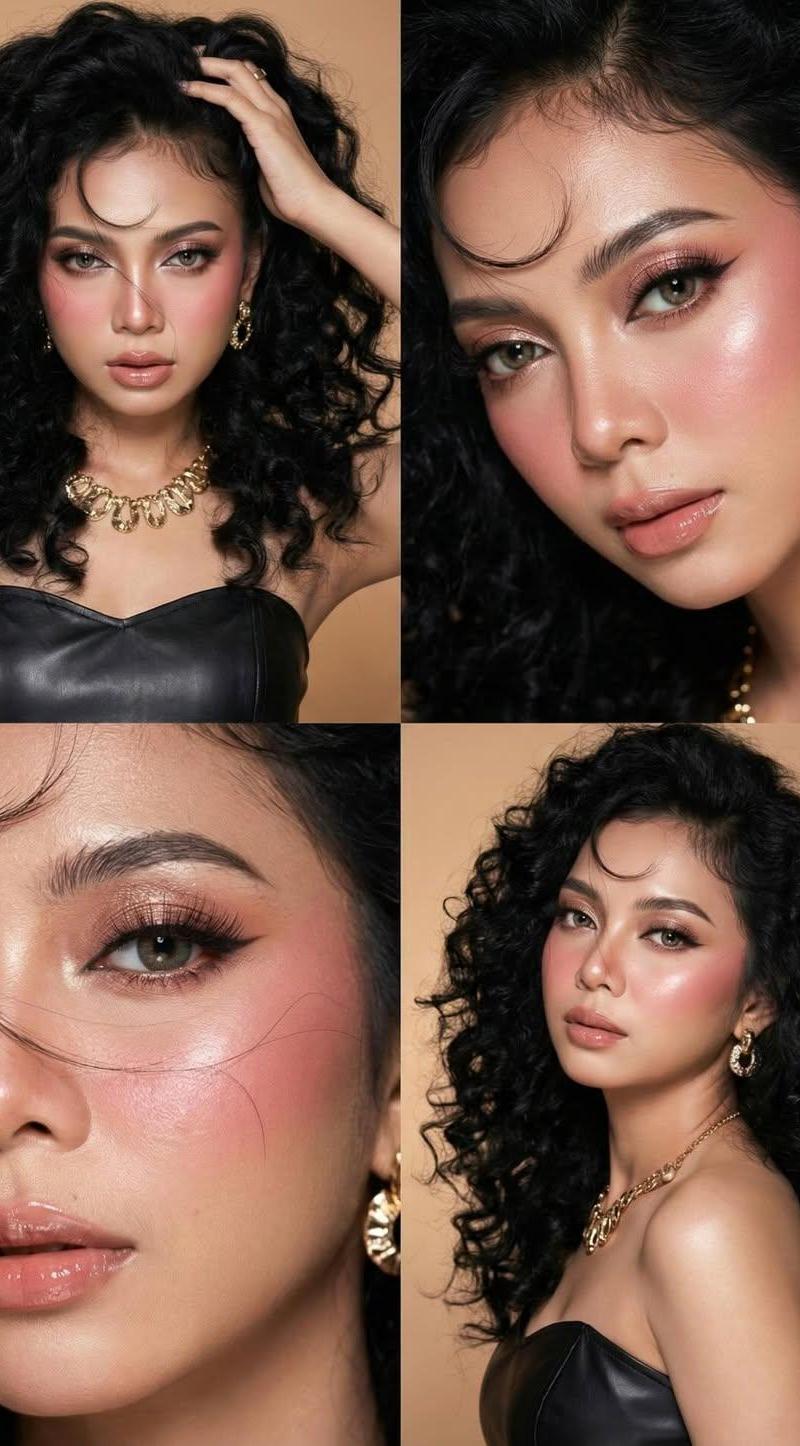
K-beauty 4-panel collage: GPT Image 2 prompt
Enlarge

Example images

K-beauty 4-panel collage: GPT Image 2 prompt

Prompt
{
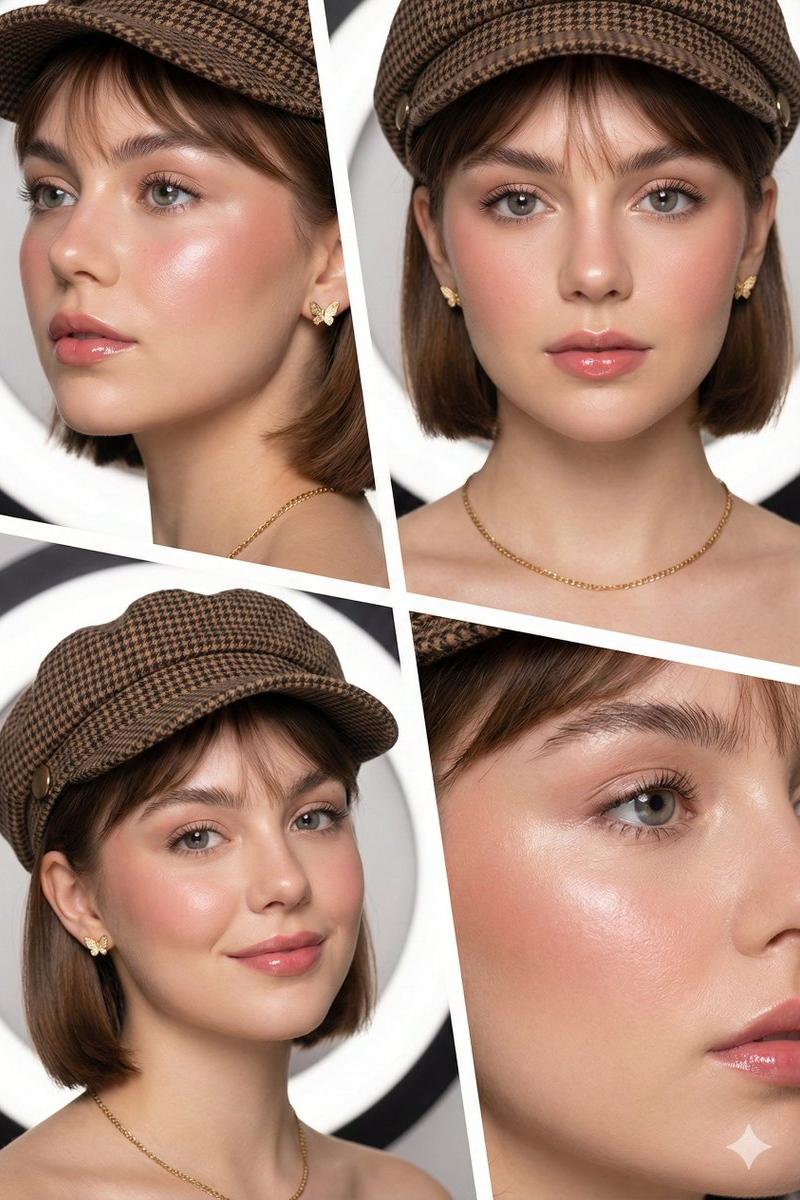
 "prompt_type": "beauty_editorial_collage",
 "layout": {
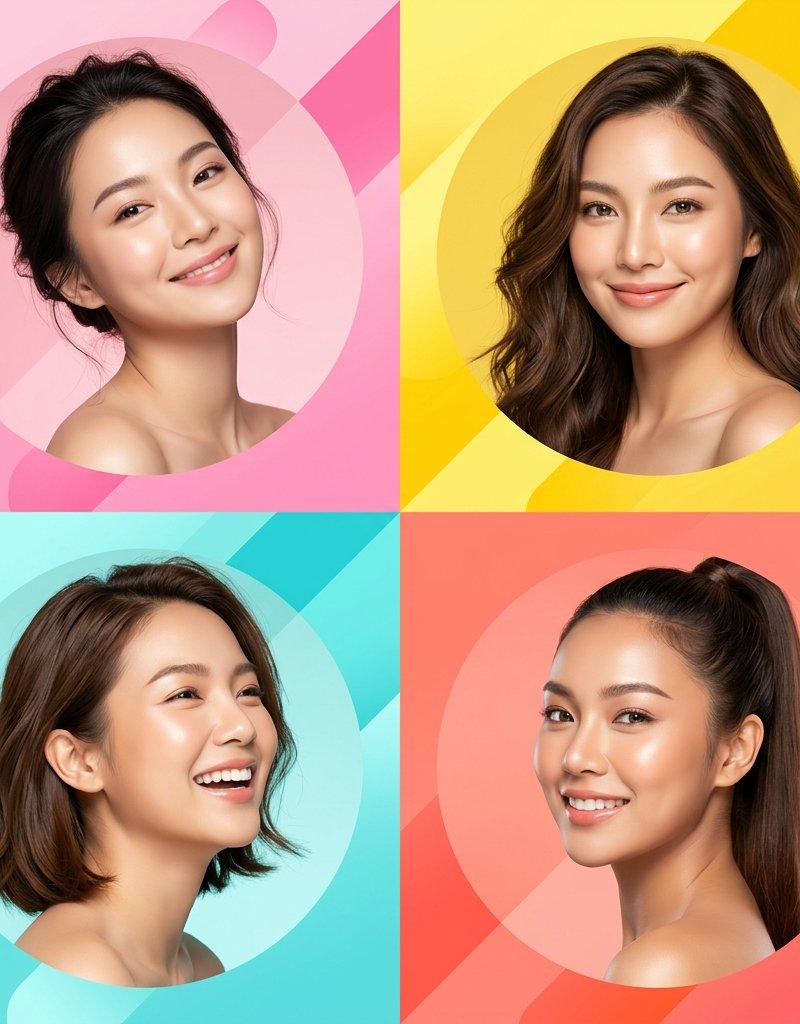
 "structure": "4-panel split-screen grid",
 "dividers": "Thick white diagonal borders",
 "style": "Modern magazine spread aesthetic"
 },
 "subject": {
 "demographic": "Young woman",
 "aesthetic": "Clean girl / K-beauty influence",
 "features": {
 "skin": "Flawless, dewy, 'glass skin' texture, high luminosity",
 "hair": "Short brown bob cut with wispy bangs, smooth texture",
 "eyes": "Soft grey/hazel contacts"
 }
 },
 "makeup": {
 "style": "No-makeup makeup look",
 "details": [
 "Soft rosy blush high on cheeks",
 "Glossy pink lip tint",
 "Groomed natural fluffy brows",
 "Subtle mascara"
 ]
 },
 "attire_and_accessories": {
 "headwear": "Brown houndstooth pattern newsboy cap (Baker boy hat)",
 "jewelry": "Small delicate gold butterfly stud earrings, thin gold chain necklace"
 },
 "panel_composition": {
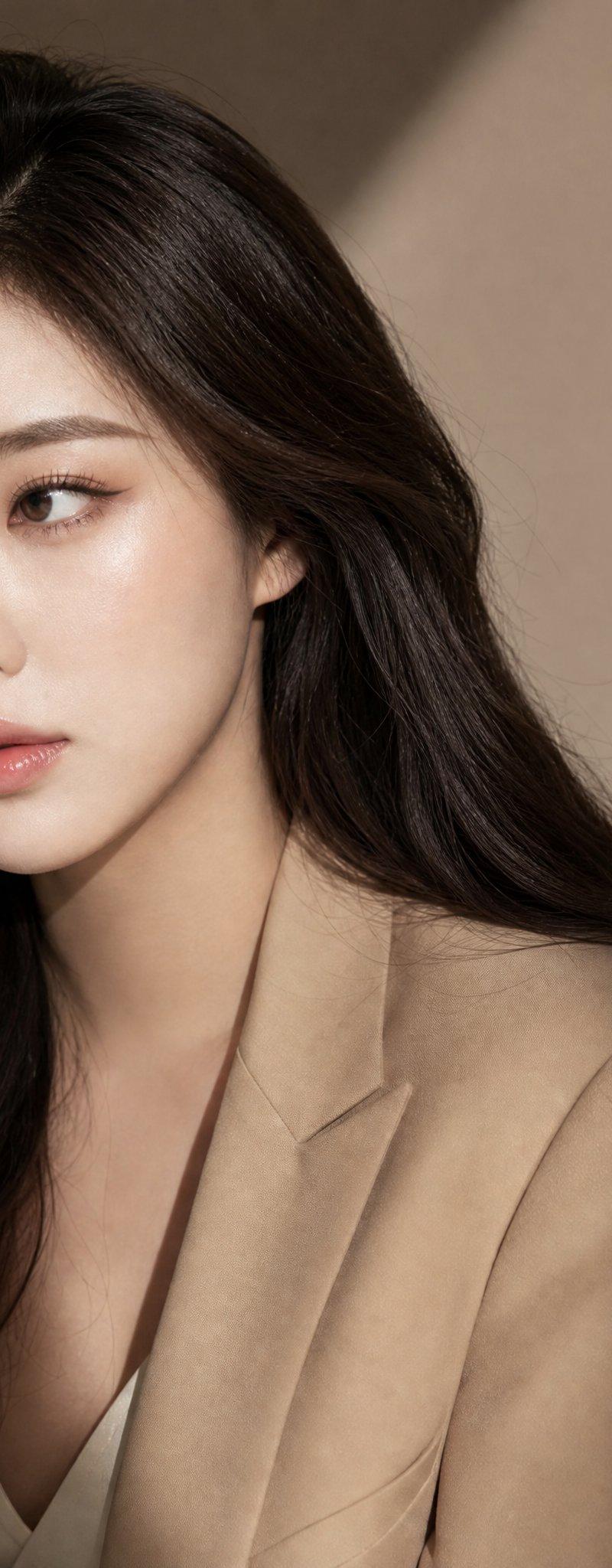
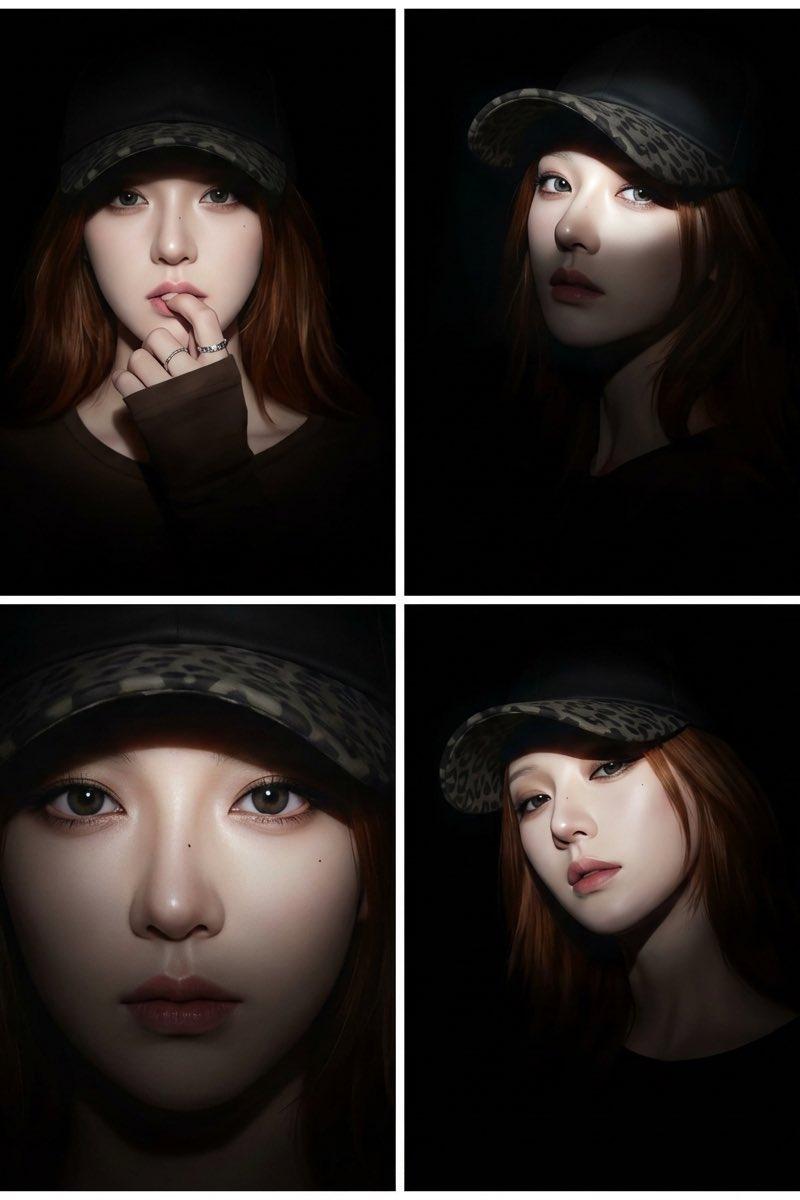
 "top_left": "Close-up 3/4 angle, focus on cheek highlight and earring",
 "top_right": "Direct front-facing portrait, symmetrical composition",
 "bottom_left": "Portrait with hat, 3/4 turn, looking at camera",
 "bottom_right": "Extreme close-up side profile, cropping into face"
 },
 "technical_specs": {
 "resolution": "8K",
 "lighting": "Soft commercial studio lighting, ring light reflection in eyes",
 "color_grading": "Desaturated background, warm skin tones, high contrast",
 "style": "High-end beauty photography, hyper-realistic"
 }
}
Category
Photography & Realism
Model
GPT Image 2
Creator
simeon-sanai
Source language
en
Views0
Source ID
2016088856077205937
Published
Jan 27, 2026
Studio

Guide

About "K-beauty 4-panel collage: GPT Image 2 prompt"

What is this prompt for?

"K-beauty 4-panel collage: GPT Image 2 prompt" AI image prompt for GPT Image 2 (Photography & Realism). { "prompt_type": "beauty_editorial_collage", "layout":…

The full copyable prompt and example visuals above are ready for AI image generation or one-click recreate in Picva.

How to use this prompt

  1. Step 1

    Open the prompt detail

    Review the example visuals, category, and full prompt text for "K-beauty 4-panel collage: GPT Image 2 prompt".

  2. Step 2

    Copy the prompt

    Copy the prompt body from this page, or load it directly in Studio.

  3. Step 3

    Pick a model (GPT Image 2)

    Prefer GPT Image 2. If you switch models, keep subject and composition and tweak style terms.

  4. Step 4

    Generate and export

    Recreate the look in Picva, or export into your workflow for editing and publishing.

FAQ

What is the "K-beauty 4-panel collage: GPT Image 2 prompt" prompt?
It is an AI image-generation prompt for GPT Image 2 in the Photography & Realism category. This page includes the full prompt text, example visuals, and a one-click recreate path in Picva.
How do I use this prompt to generate an image?
Copy the prompt from this page, or use Generate / Studio. Paste it into a compatible image model, or recreate the look in Picva with optional reference images.
Which model is this prompt for?
This page lists GPT Image 2. Most descriptive prompts also transfer to nearby image models such as GPT Image, Flux, or Midjourney with light style tweaks.
Can I use the result commercially?
You can usually copy the prompt for creation, but commercial use of the final image depends on the model terms, reference-image rights, and the generated content. Follow the source author and platform rules.