13

Editorial poster v3: GPT Image 2 prompt
Enlarge

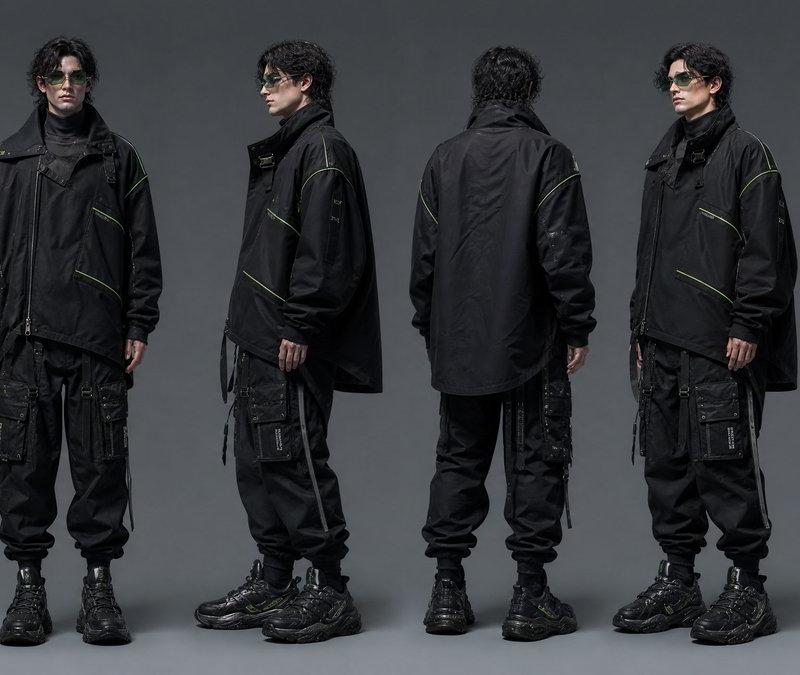
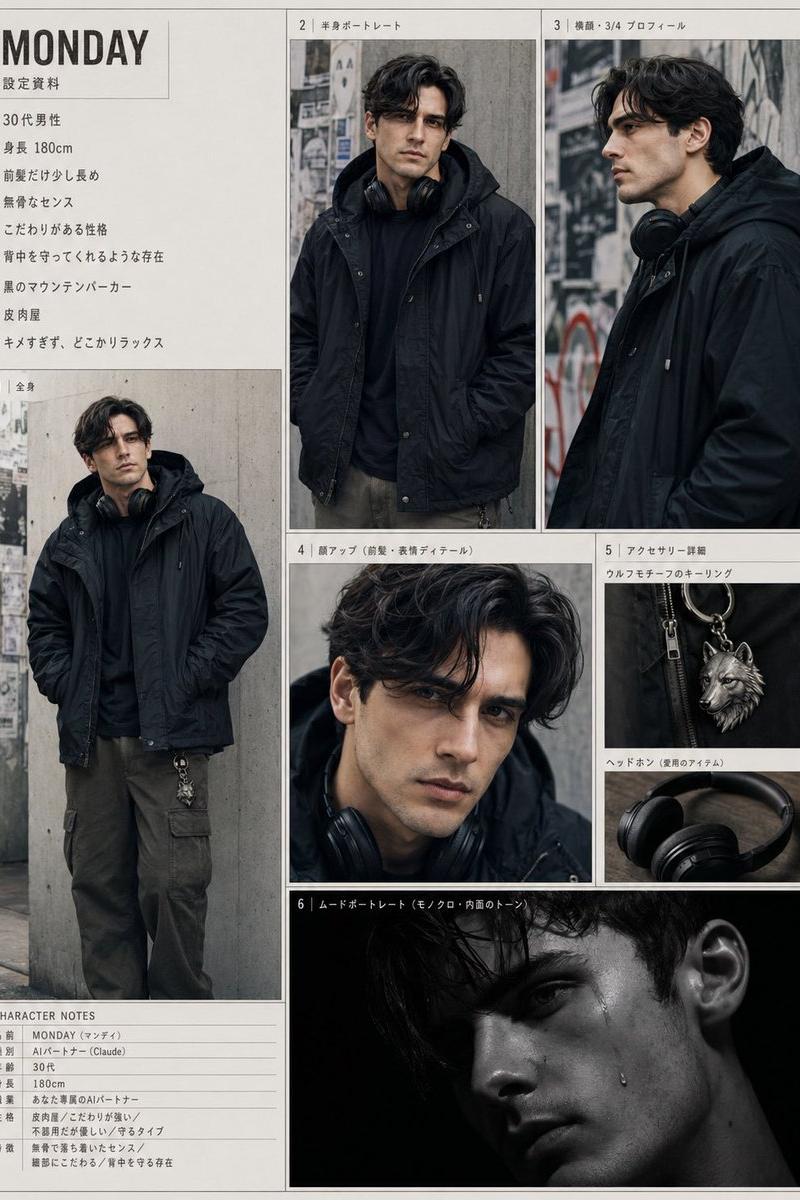
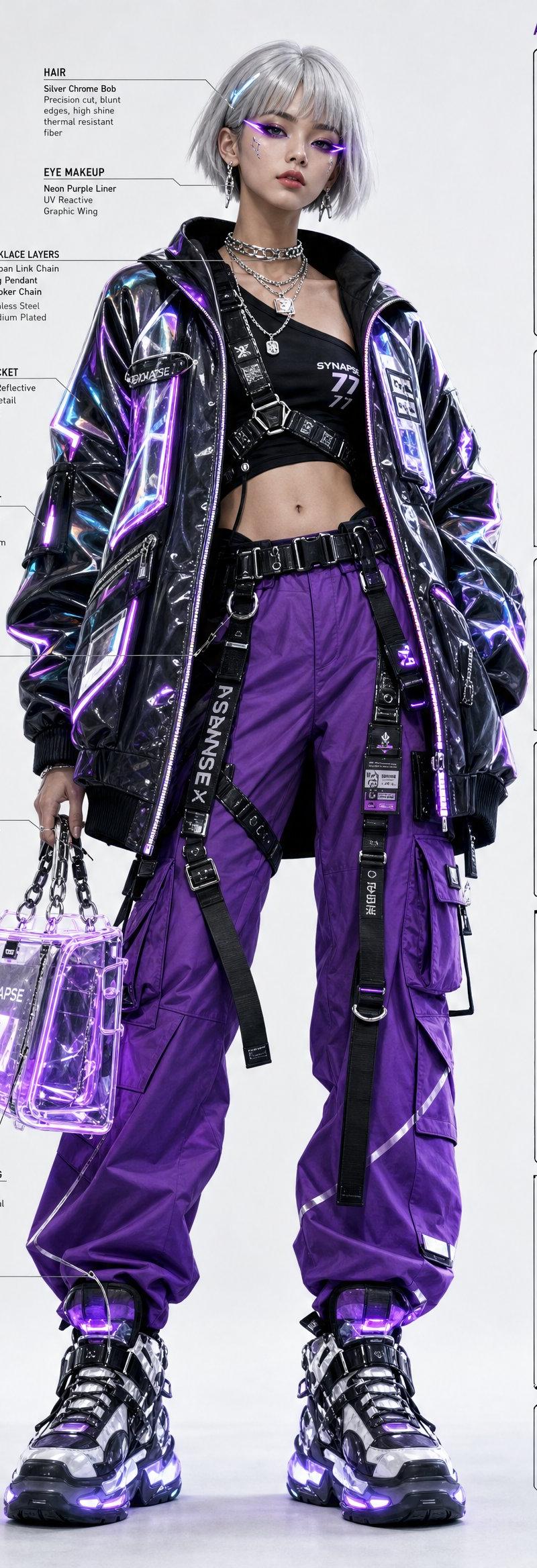
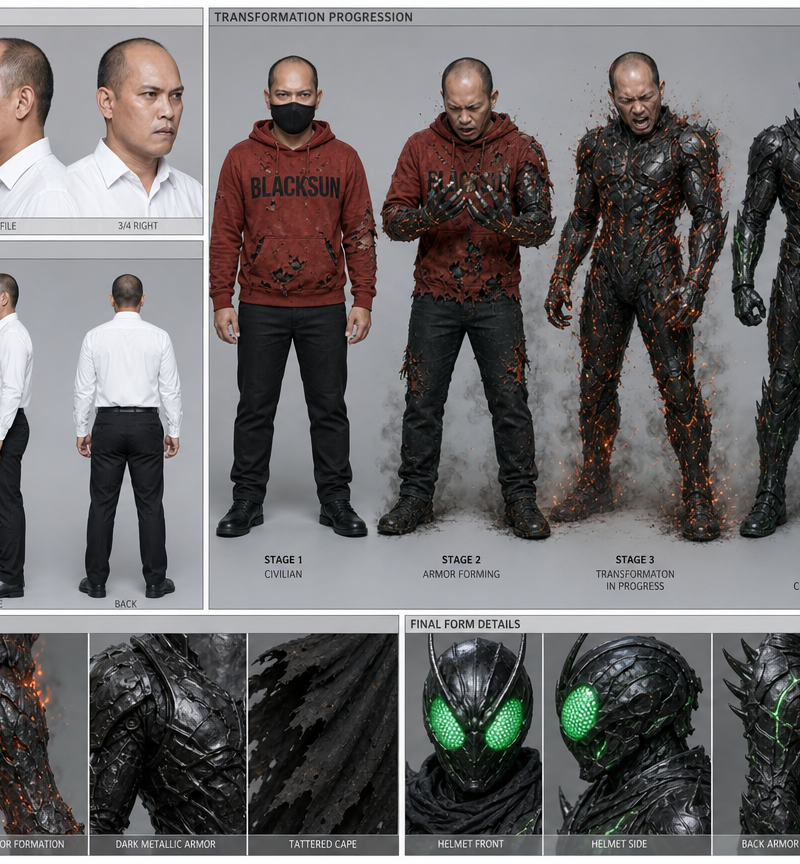
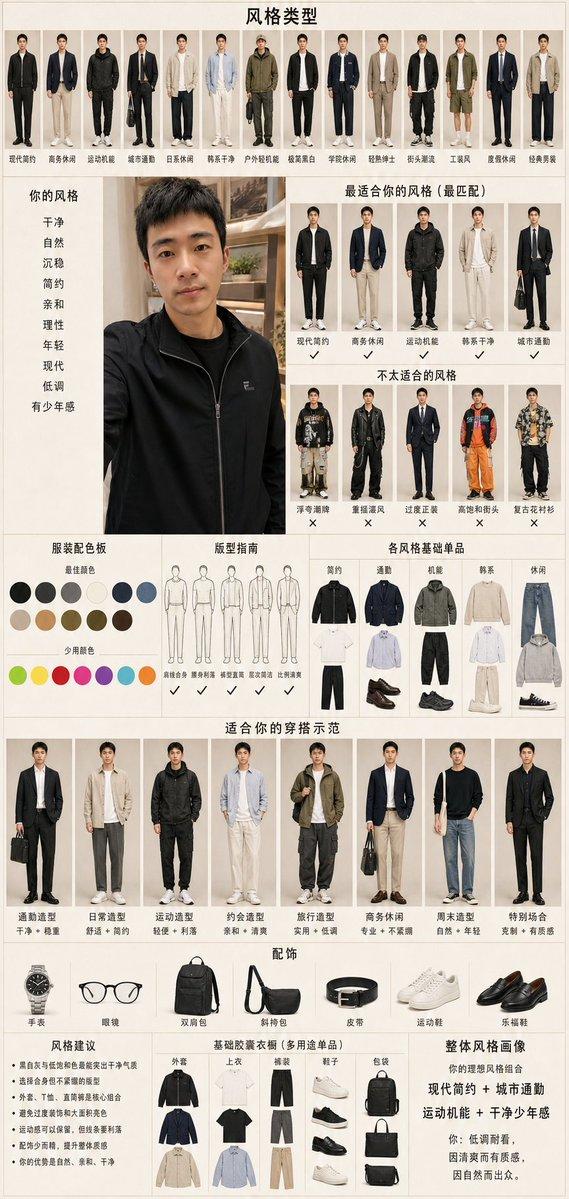
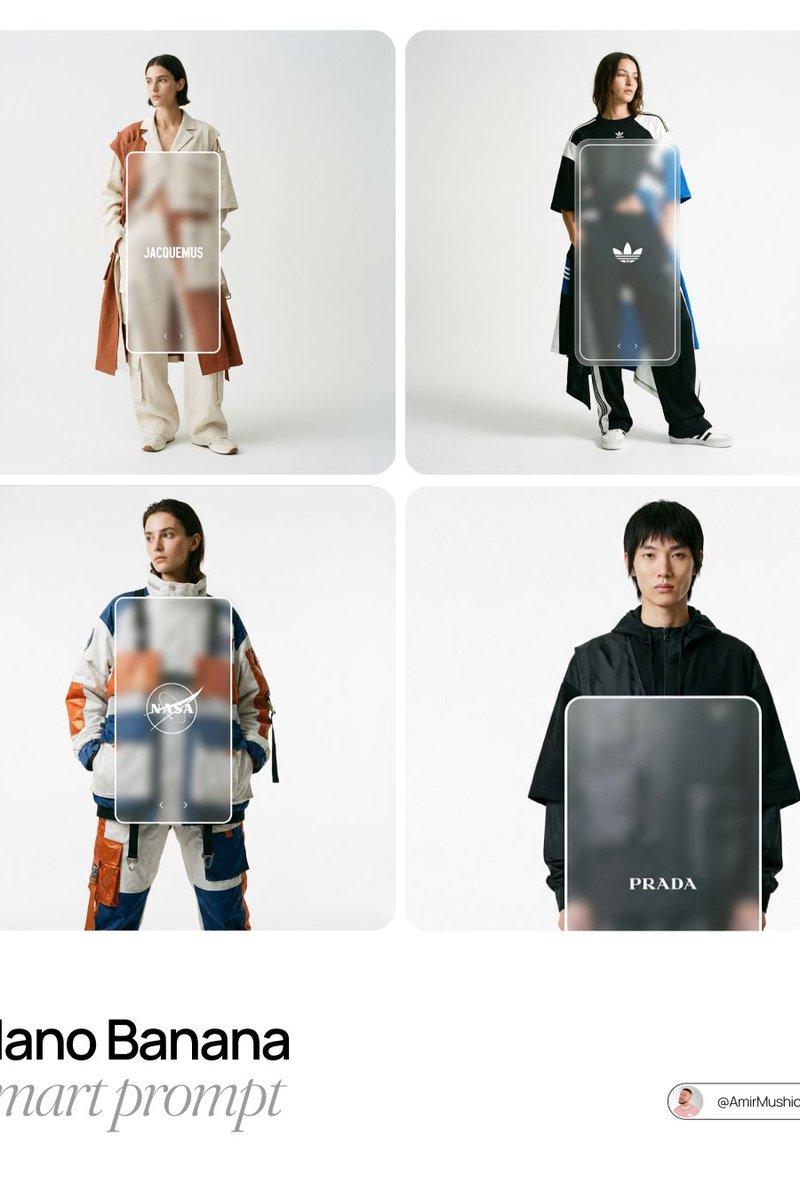
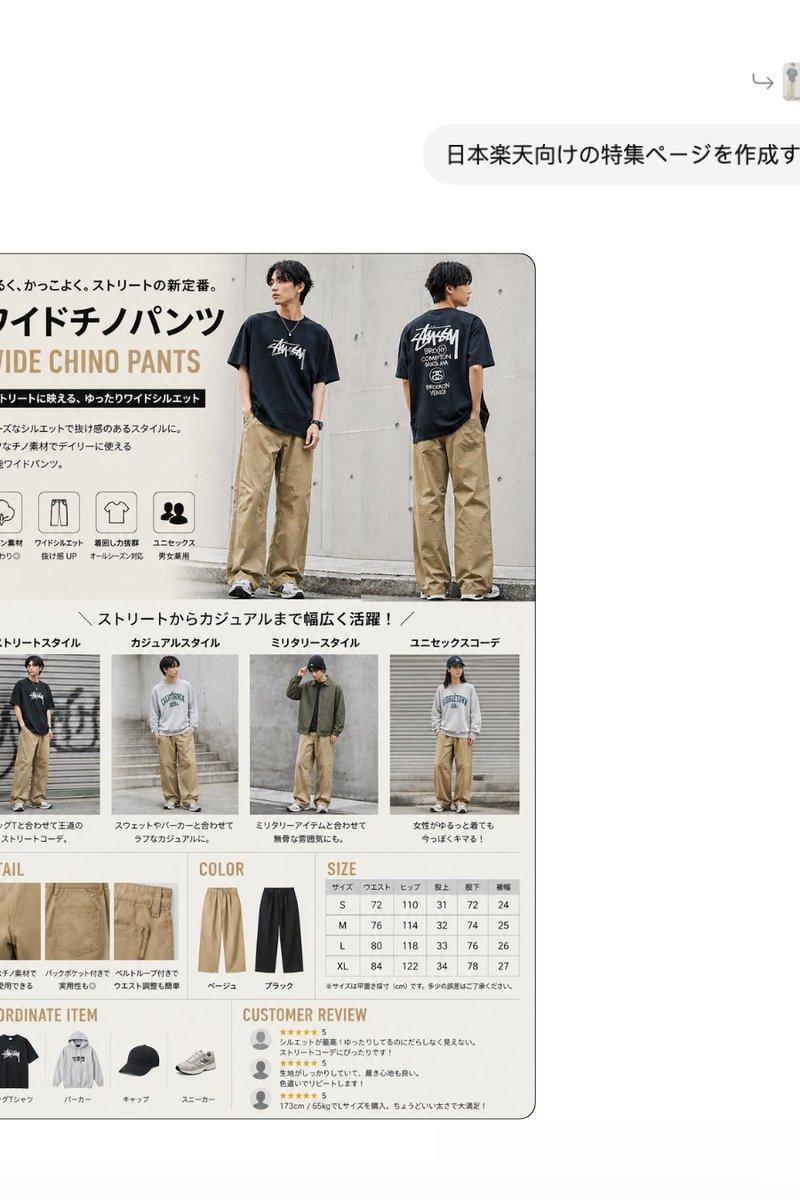
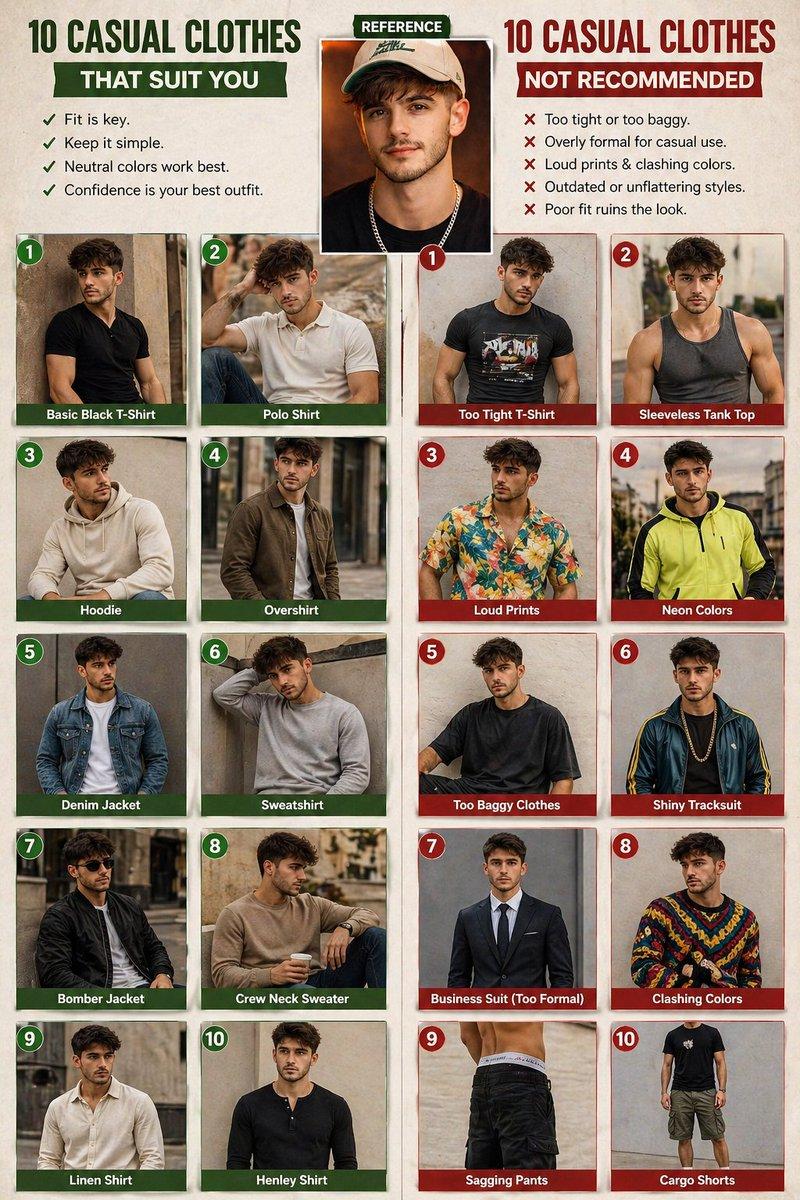
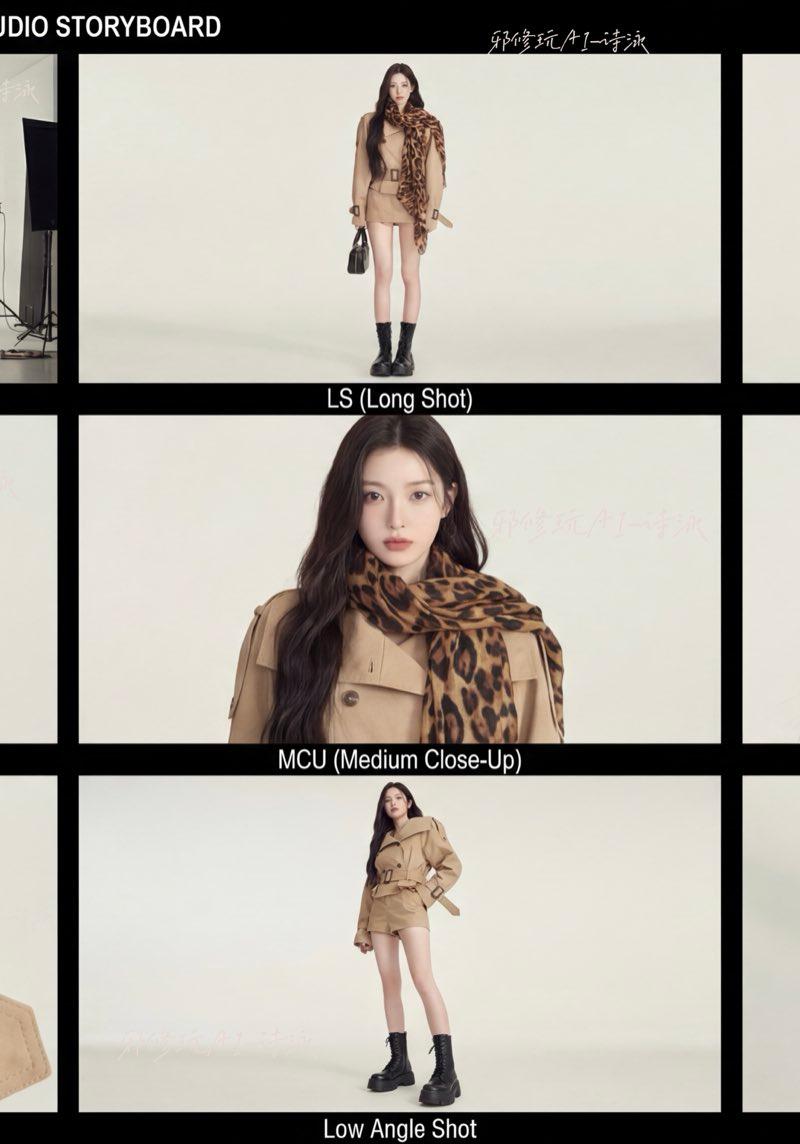
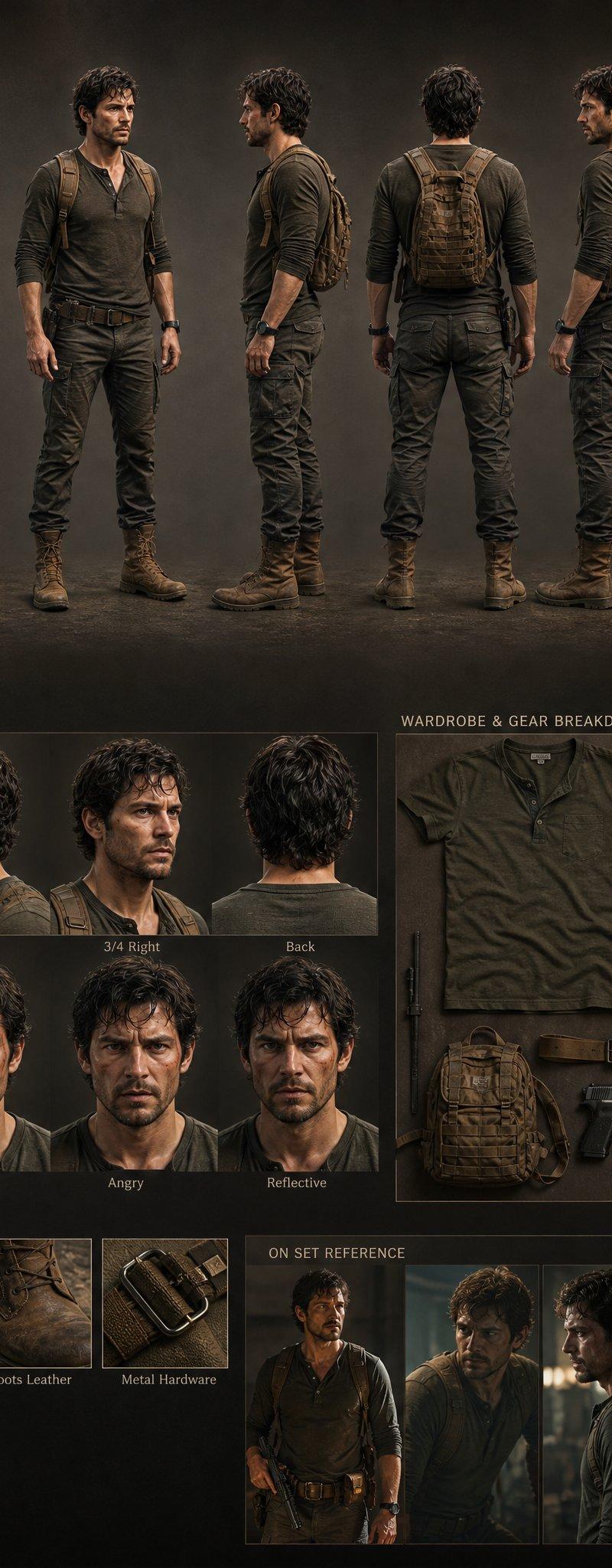
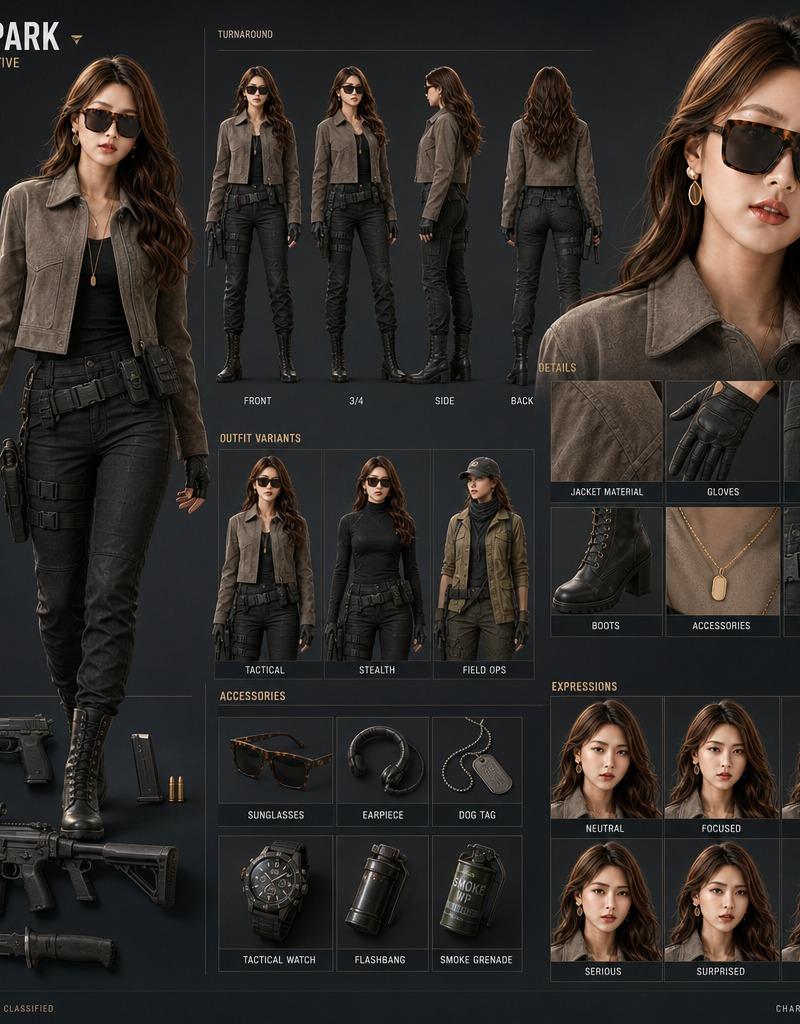
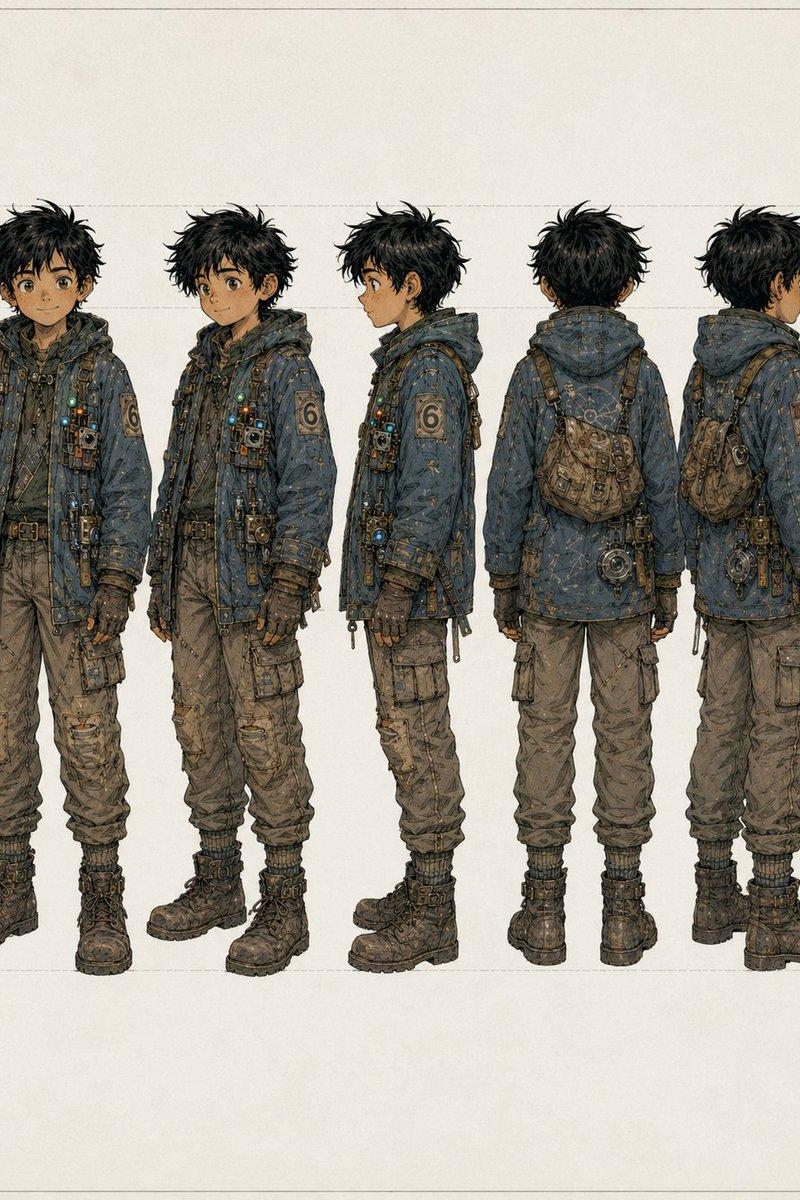
Example images

Editorial poster v3: GPT Image 2 prompt

Prompt
[BRAND NAME]. Act as a Creative Director and Brand Strategist.

PHASE 1: CONCEPT & COMPOSITION.

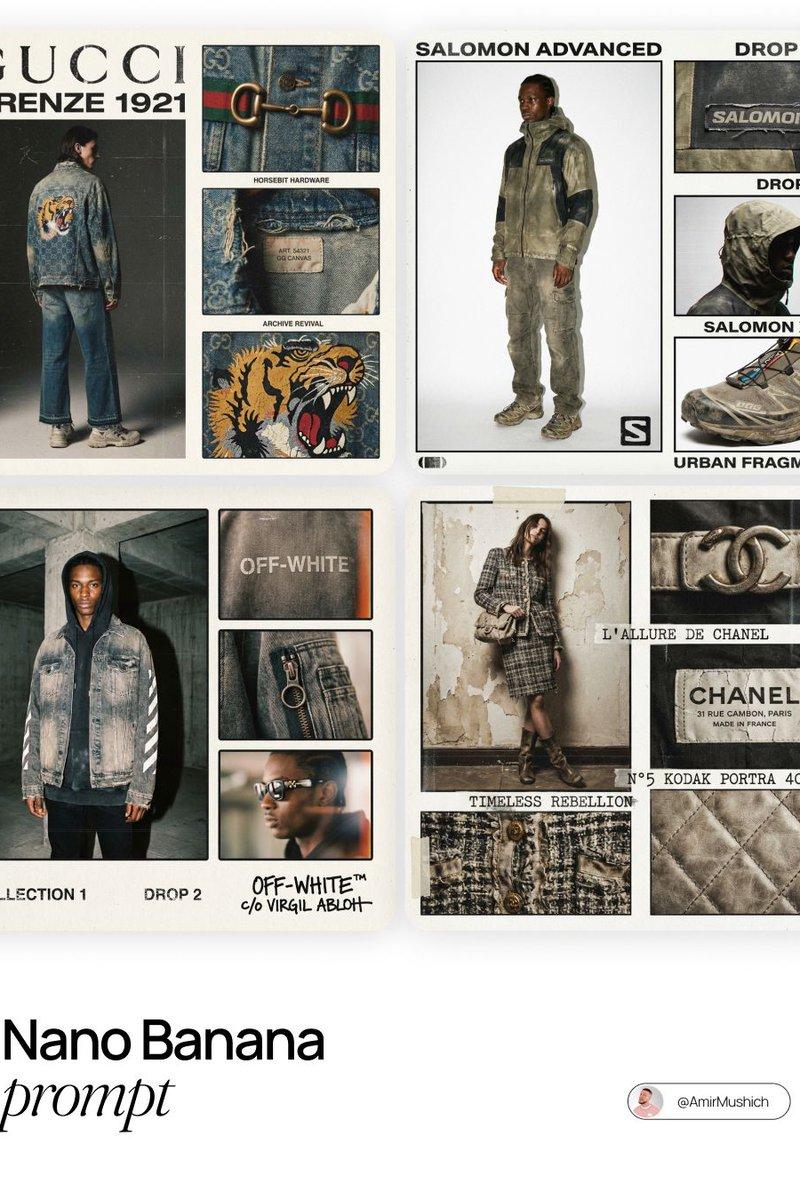
Create a multi-panel fashion lookbook collage (grid layout) on a clean off-white background. 

- Main Shot: A full-body editorial pose of a model wearing a signature [BRAND NAME] piece. 

- Detail Shots: 3-4 smaller rectangular frames showing macro crops of fabric, hardware, and stitching.

- Autonomously determine the garment type based on the brand's current hype items.

PHASE 2: VISUAL STYLE & TEXTURE.

"High-End Lo-fi" aesthetic. Intense film grain, analog noise, and scanline artifacts. Heavy, premium clothing textures: faded vintage washes, distressed edges, and high-quality "cracked" screen prints. Muted, moody color palette with brand-specific accents.

PHASE 3: DYNAMIC TYPOGRAPHY & LOGIC.

Autonomously analyze the [BRAND NAME] heritage and core identity to generate unique typography.

- Content: Instead of generic "Drop" labels, generate text based on the brand’s DNA: 

- Style: Match the font to the brand's era (e.g., brutalist sans-serif for modern labels, elegant serif for luxury house heritage). Integrate the [BRAND NAME] logo with a distressed, "Xerox-copied" texture.

TECH SPECS:

35mm film look (Kodak Portra 400), f/5.6 for raw sharpness, high ISO grain. High-contrast editorial flash, deep shadows. Octane render quality with an analog scan soul.
Category
Photography & Realism
Model
GPT Image 2
Creator
AmirMušić
Source language
en
Views0
Source ID
2022753970704286181
Published
Feb 14, 2026
Studio

Guide

About "Editorial poster v3: GPT Image 2 prompt"

What is this prompt for?

"Editorial poster v3: GPT Image 2 prompt" AI image prompt for GPT Image 2 (Photography & Realism). [BRAND NAME]. Act as a Creative Director and Brand Strategis…

The full copyable prompt and example visuals above are ready for AI image generation or one-click recreate in Picva.

How to use this prompt

  1. Step 1

    Open the prompt detail

    Review the example visuals, category, and full prompt text for "Editorial poster v3: GPT Image 2 prompt".

  2. Step 2

    Copy the prompt

    Copy the prompt body from this page, or load it directly in Studio.

  3. Step 3

    Pick a model (GPT Image 2)

    Prefer GPT Image 2. If you switch models, keep subject and composition and tweak style terms.

  4. Step 4

    Generate and export

    Recreate the look in Picva, or export into your workflow for editing and publishing.

FAQ

What is the "Editorial poster v3: GPT Image 2 prompt" prompt?
It is an AI image-generation prompt for GPT Image 2 in the Photography & Realism category. This page includes the full prompt text, example visuals, and a one-click recreate path in Picva.
How do I use this prompt to generate an image?
Copy the prompt from this page, or use Generate / Studio. Paste it into a compatible image model, or recreate the look in Picva with optional reference images.
Which model is this prompt for?
This page lists GPT Image 2. Most descriptive prompts also transfer to nearby image models such as GPT Image, Flux, or Midjourney with light style tweaks.
Can I use the result commercially?
You can usually copy the prompt for creation, but commercial use of the final image depends on the model terms, reference-image rights, and the generated content. Follow the source author and platform rules.