20

Editorial poster: GPT Image 2 prompt
Enlarge

Example images

Editorial poster: GPT Image 2 prompt

Prompt
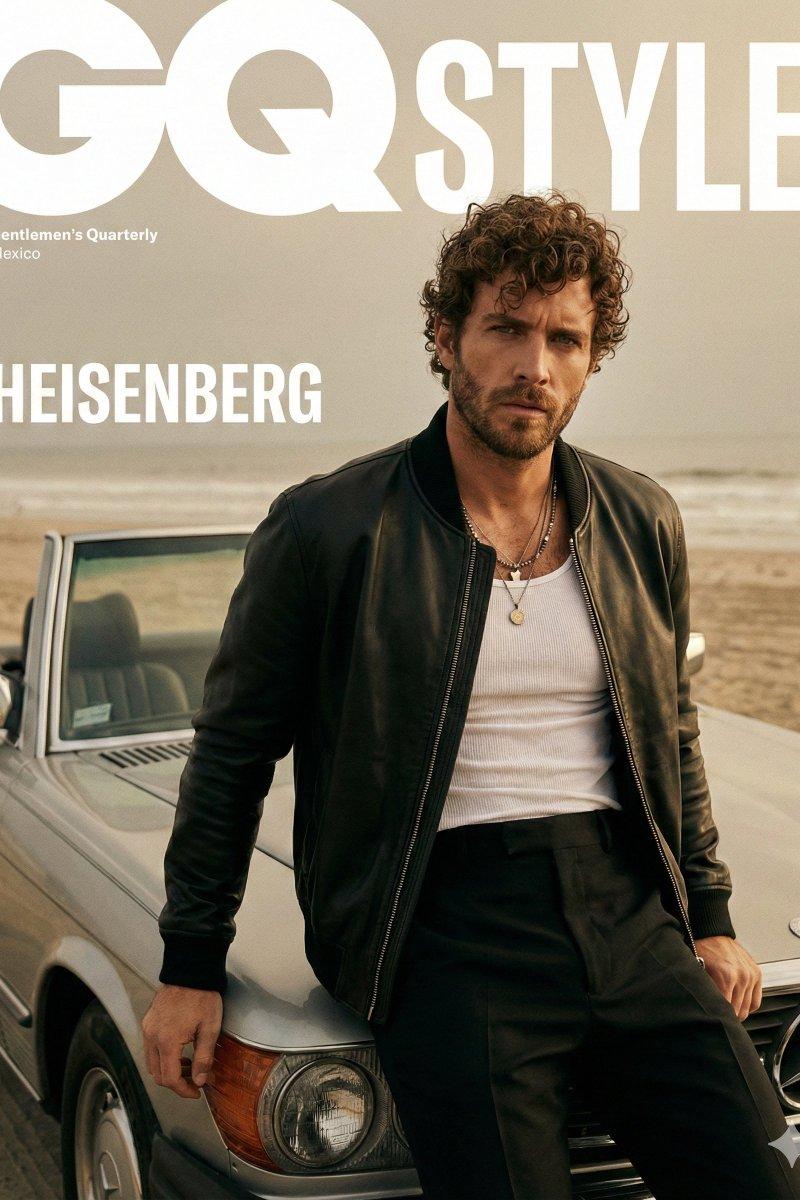
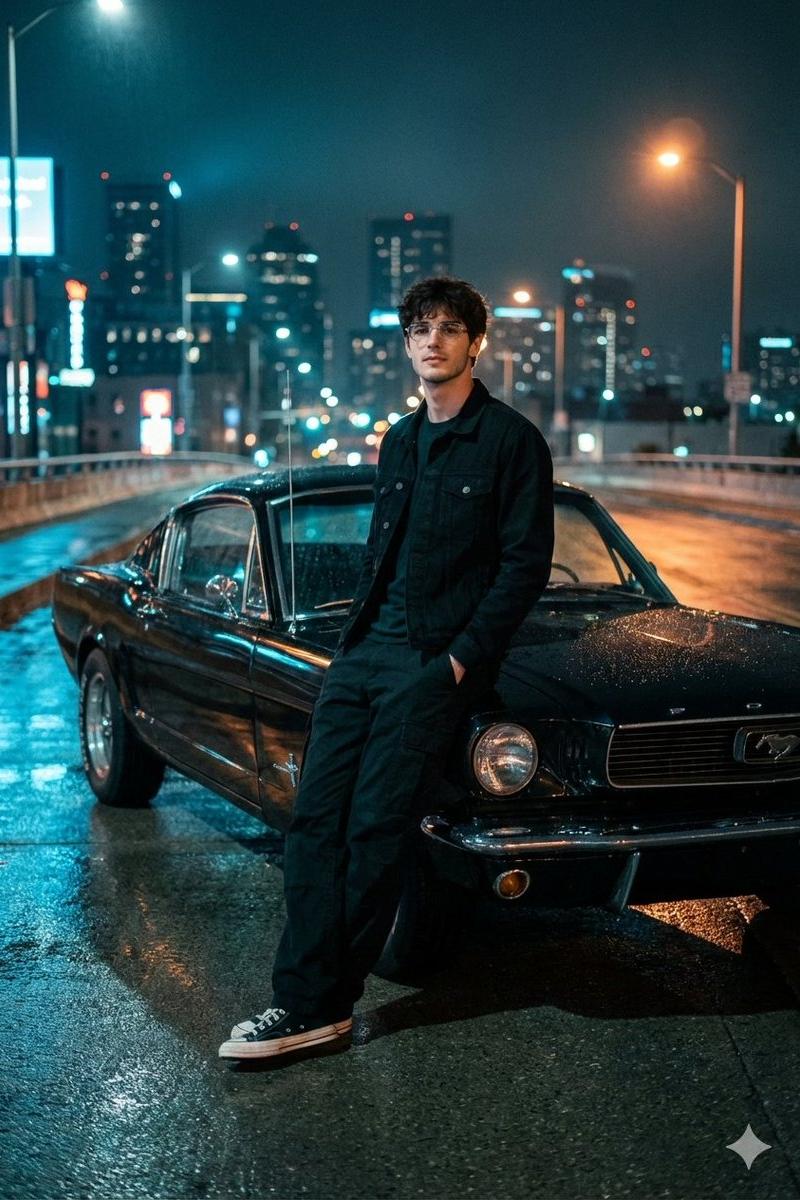
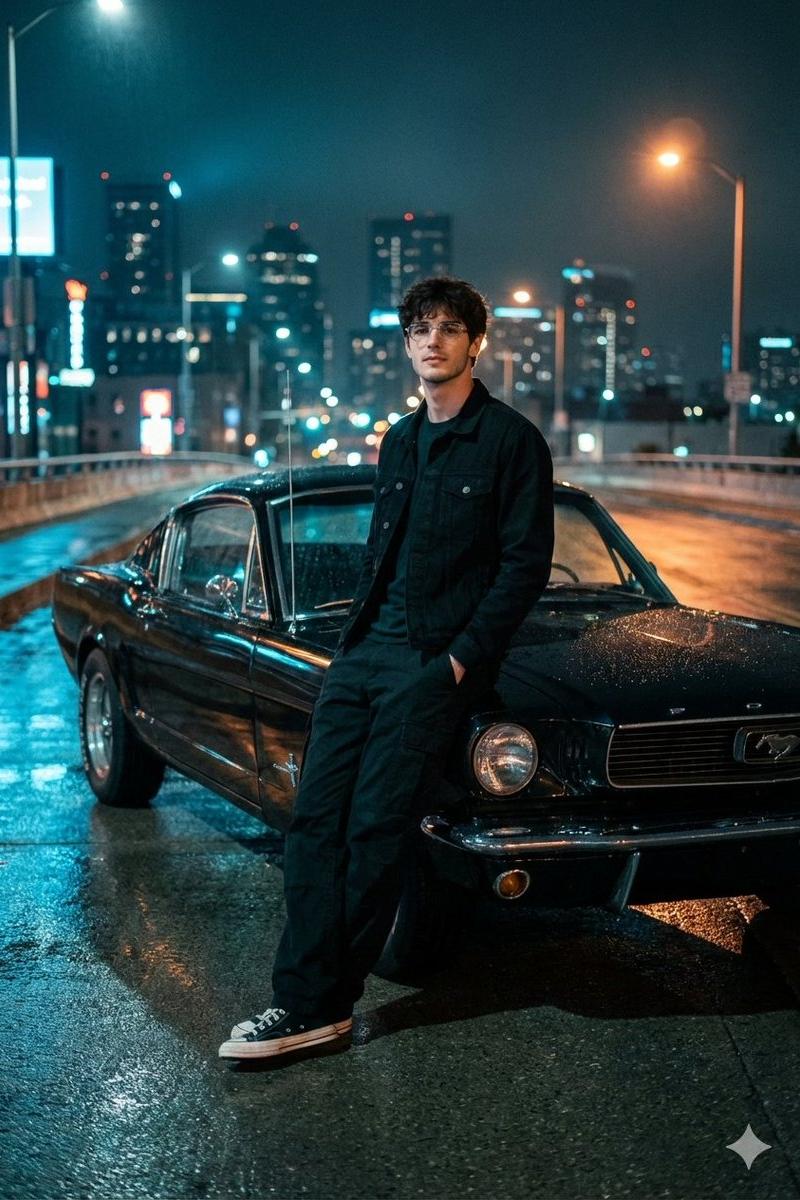
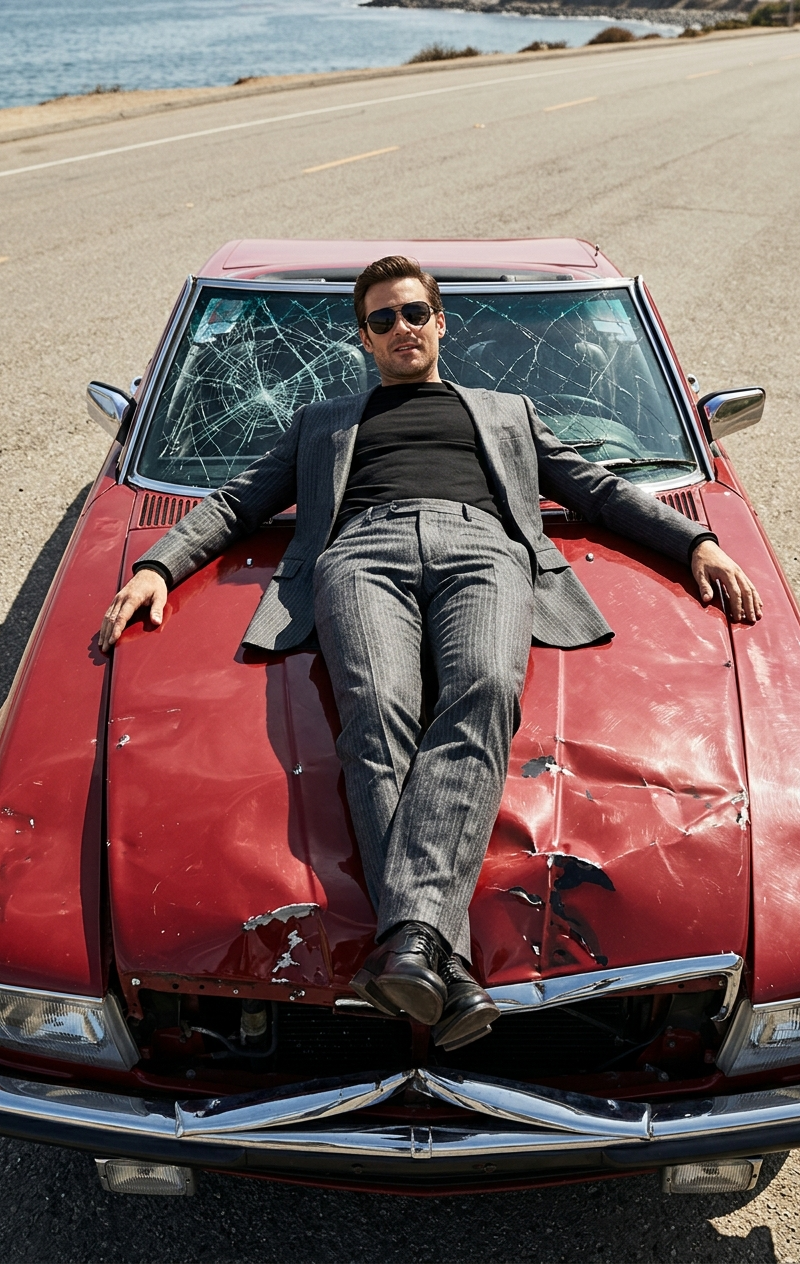
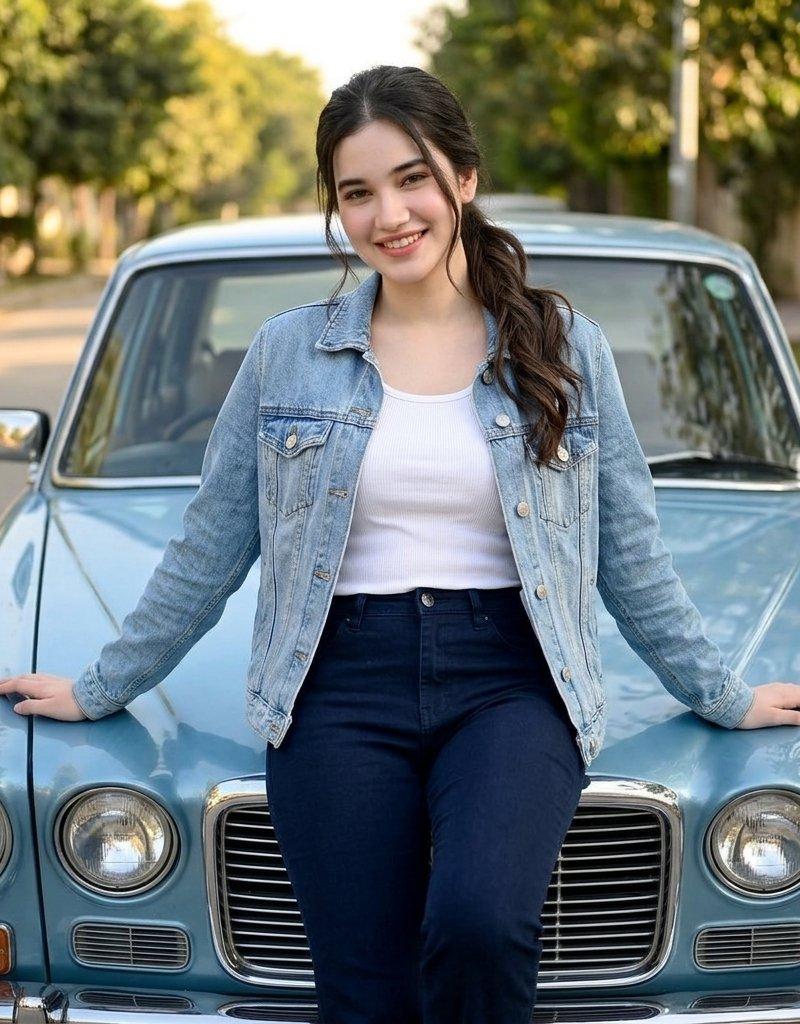
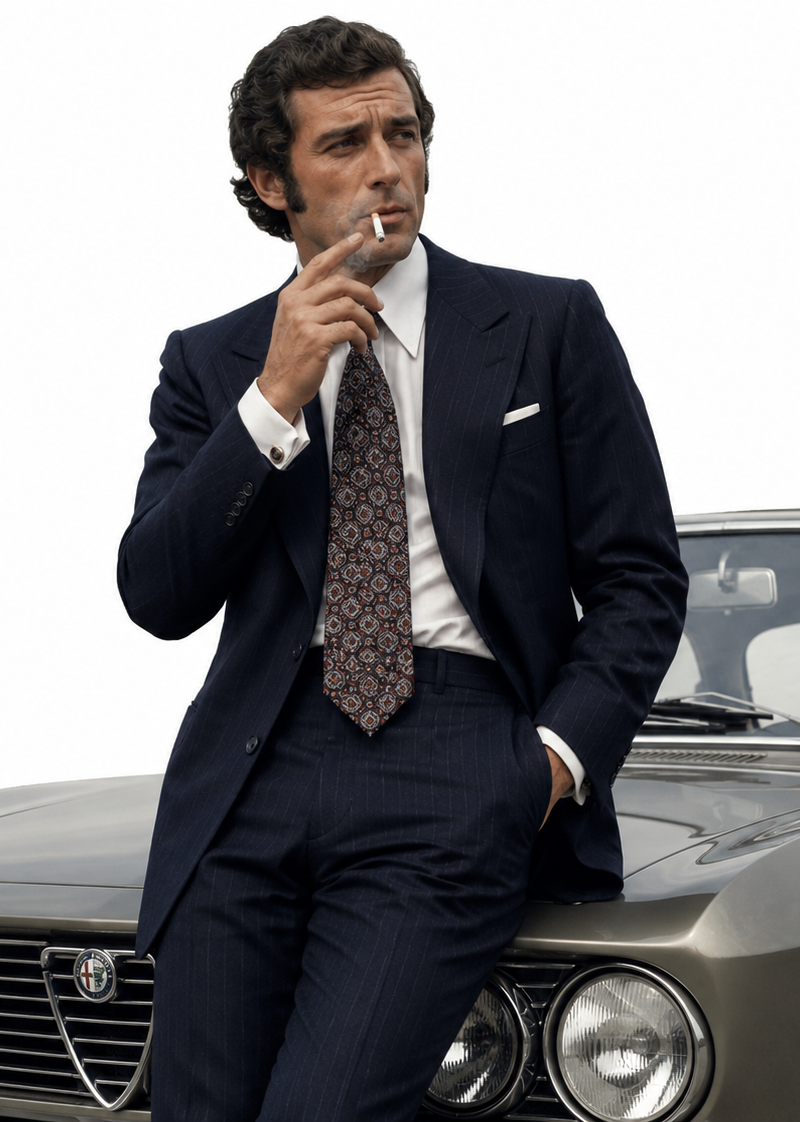
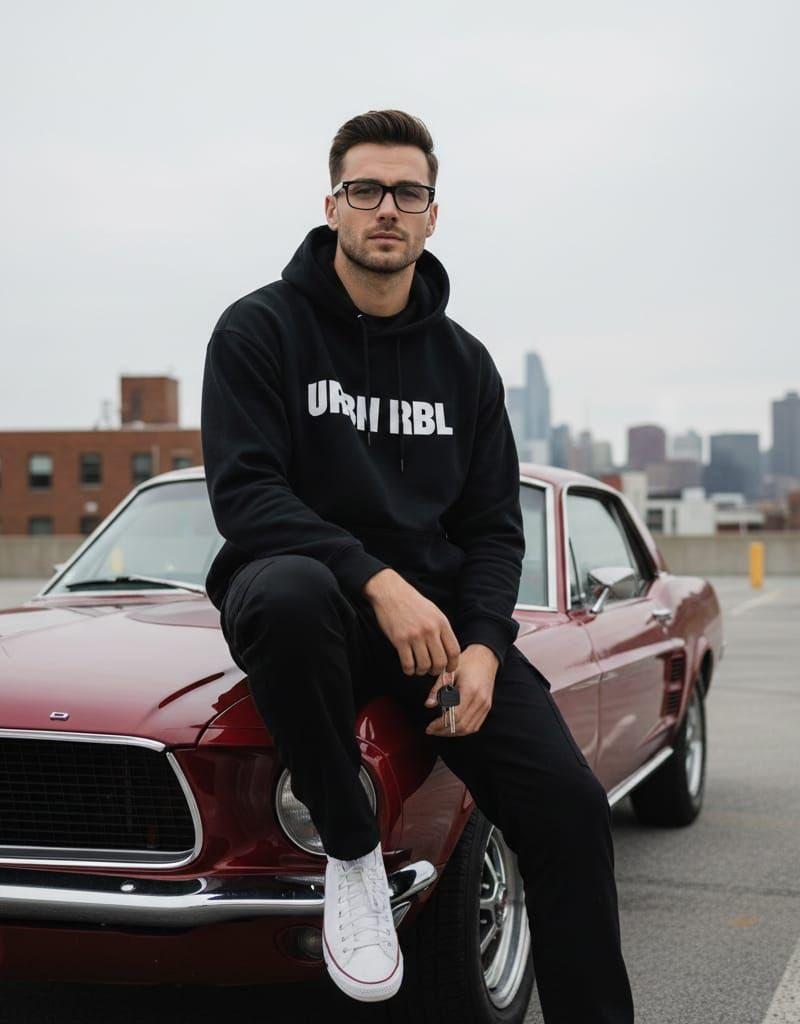
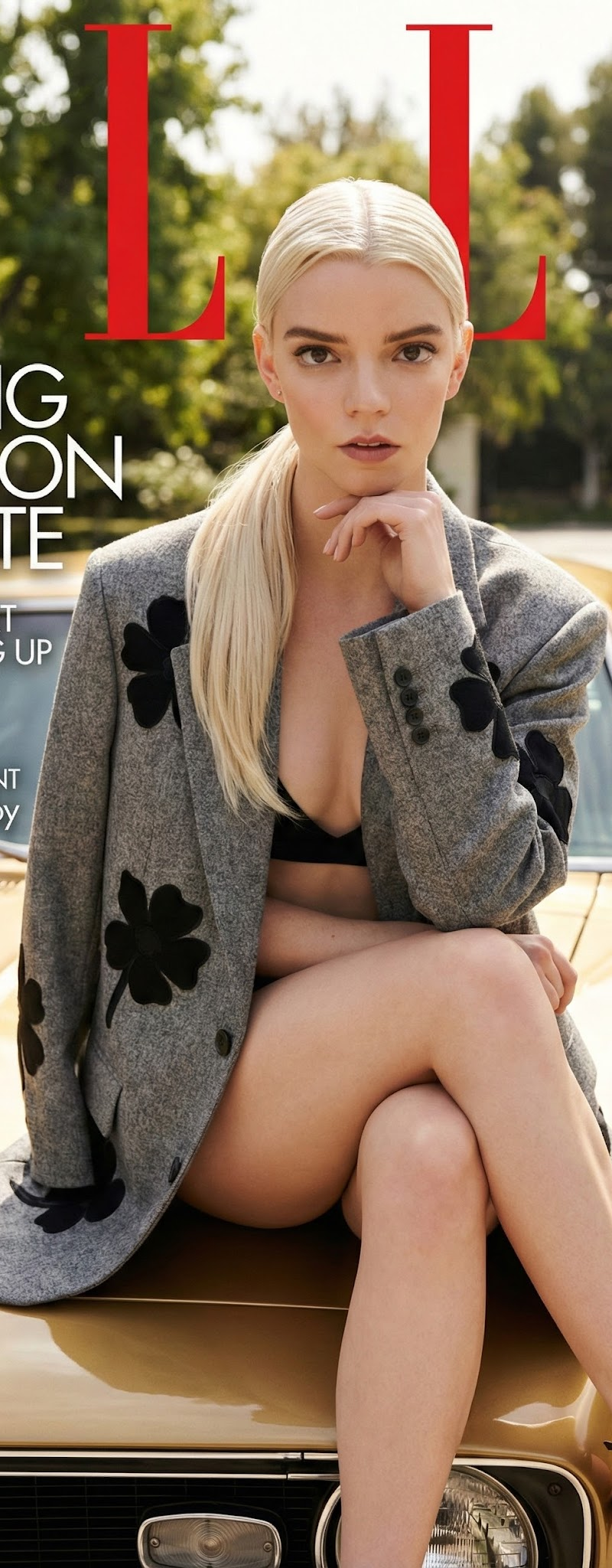
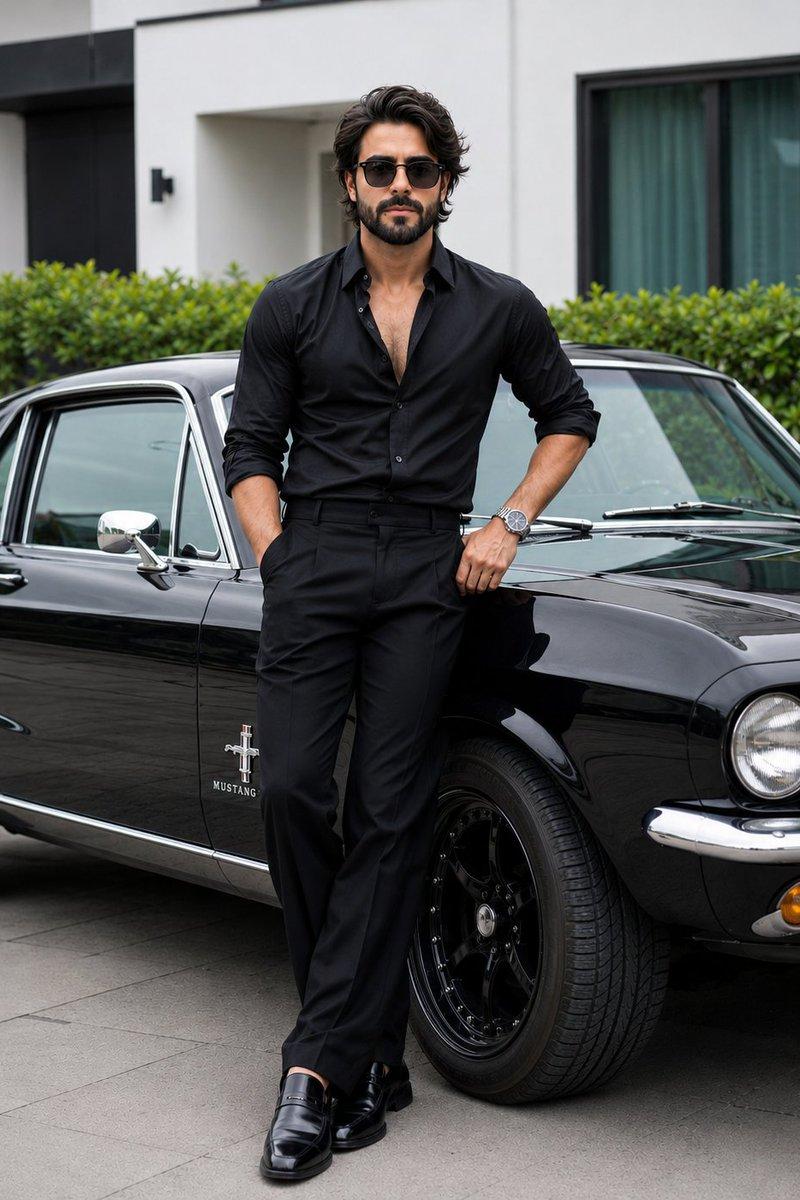
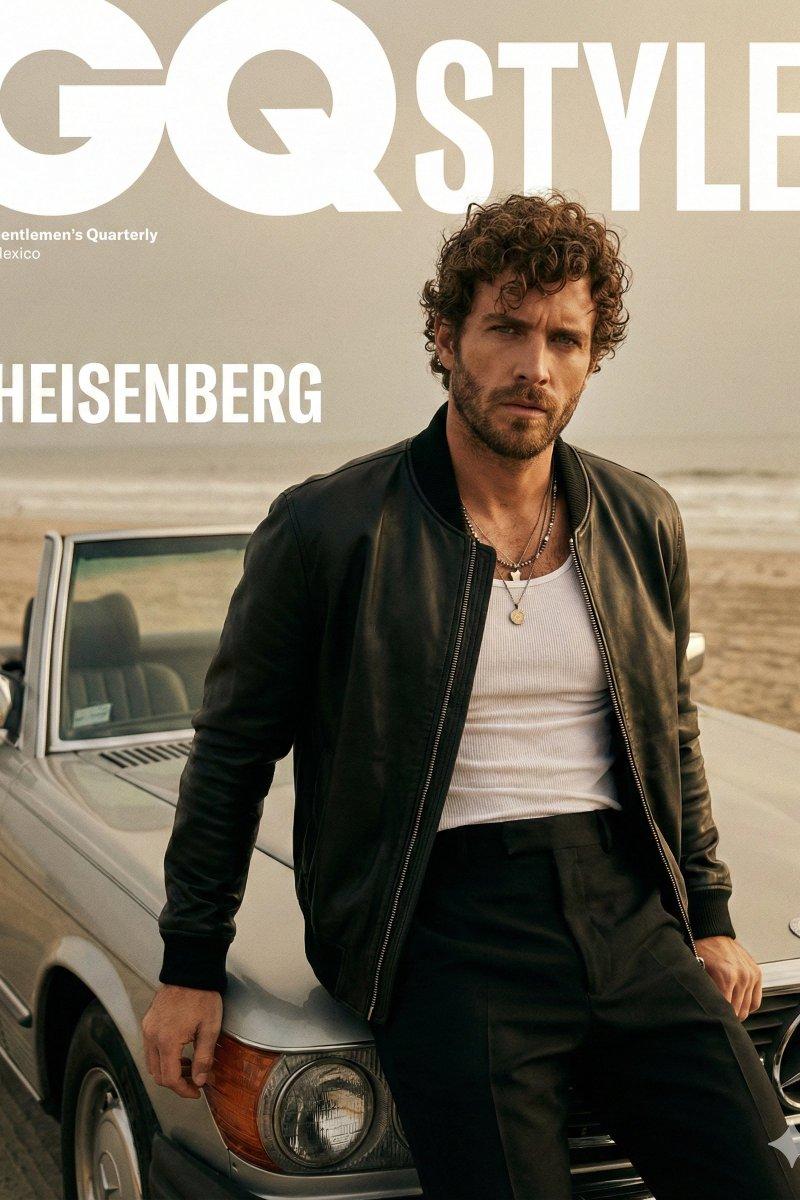
A cinematic fashion editorial portrait of male model for a GQ Style magazine cover. He is leaning against the hood of a vintage 1960s silver convertible on a hazy, overcast beach.

Subject & Pose: A male model with a well-groomed dark beard and messy, curly dark hair. He is looking directly at the camera with an intense, neutral expression. He is wearing a heavy, oversized black leather bomber jacket with large utility pockets, worn open over a white ribbed tank top and high-waisted black trousers with double-buckle belt detailing. Two thin gold necklaces with small pendants hang mid-chest.

Setting & Composition: Outdoor beach setting with a very shallow depth of field. The background shows a desaturated, sandy shore and a pale, misty sky with a soft horizon line. The car is a polished metallic silver, reflecting the flat light of the sky. The camera angle is at eye-level, framing the subject from the waist up.

Lighting & Color: Soft, diffused daylight with a moody, cinematic color grade. The palette is dominated by muted earth tones, blacks, and silvers. High-end film grain is visible throughout.

Typography (Overlay): Large, bold white "GQ Style" logo across the top in a classic serif font. Smaller white sans-serif text on the mid-left reads "HEISENBERG"
Category
Photography & Realism
Model
GPT Image 2
Creator
Heisenberg
Source language
en
Views0
Source ID
2025093067787960824
Published
Feb 21, 2026
Studio

Guide

About "Editorial poster: GPT Image 2 prompt"

What is this prompt for?

"Editorial poster: GPT Image 2 prompt" AI image prompt for GPT Image 2 (Photography & Realism). A cinematic fashion editorial portrait of male model for a GQ S…

The full copyable prompt and example visuals above are ready for AI image generation or one-click recreate in Picva.

How to use this prompt

  1. Step 1

    Open the prompt detail

    Review the example visuals, category, and full prompt text for "Editorial poster: GPT Image 2 prompt".

  2. Step 2

    Copy the prompt

    Copy the prompt body from this page, or load it directly in Studio.

  3. Step 3

    Pick a model (GPT Image 2)

    Prefer GPT Image 2. If you switch models, keep subject and composition and tweak style terms.

  4. Step 4

    Generate and export

    Recreate the look in Picva, or export into your workflow for editing and publishing.

FAQ

What is the "Editorial poster: GPT Image 2 prompt" prompt?
It is an AI image-generation prompt for GPT Image 2 in the Photography & Realism category. This page includes the full prompt text, example visuals, and a one-click recreate path in Picva.
How do I use this prompt to generate an image?
Copy the prompt from this page, or use Generate / Studio. Paste it into a compatible image model, or recreate the look in Picva with optional reference images.
Which model is this prompt for?
This page lists GPT Image 2. Most descriptive prompts also transfer to nearby image models such as GPT Image, Flux, or Midjourney with light style tweaks.
Can I use the result commercially?
You can usually copy the prompt for creation, but commercial use of the final image depends on the model terms, reference-image rights, and the generated content. Follow the source author and platform rules.