20

Editorial poster v3: GPT Image 2 prompt
Enlarge

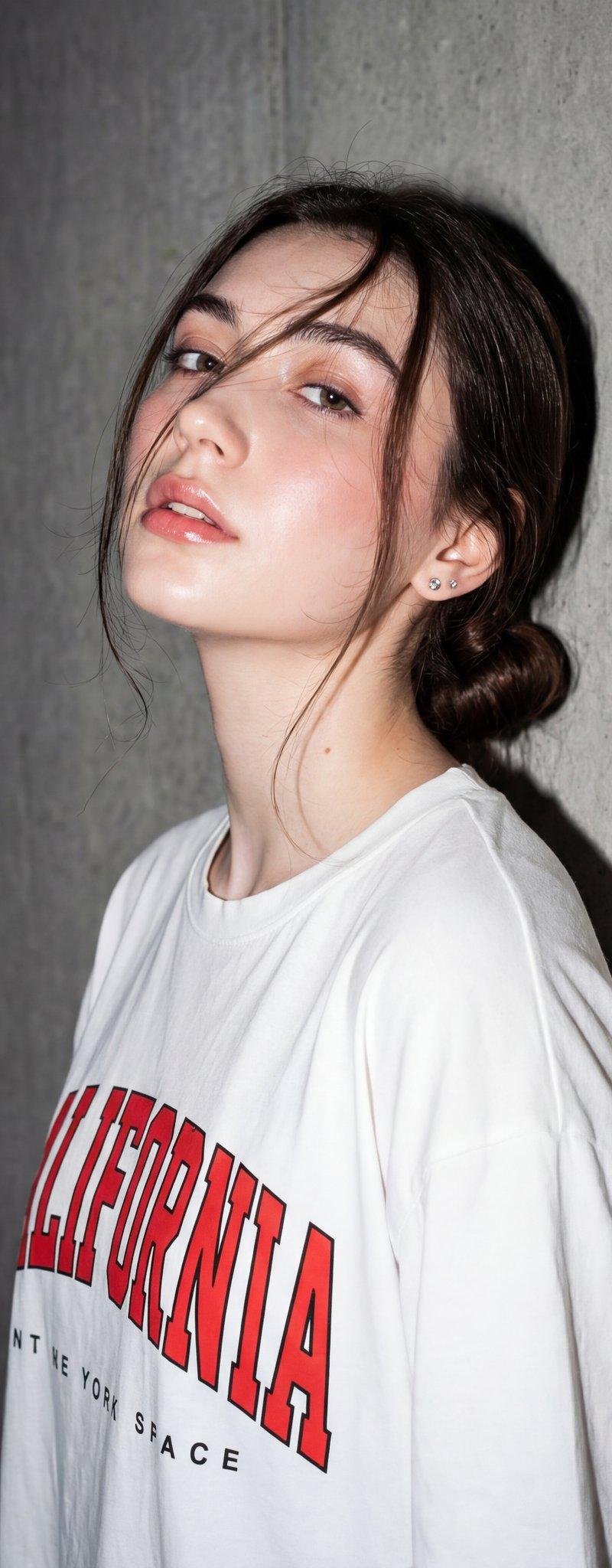
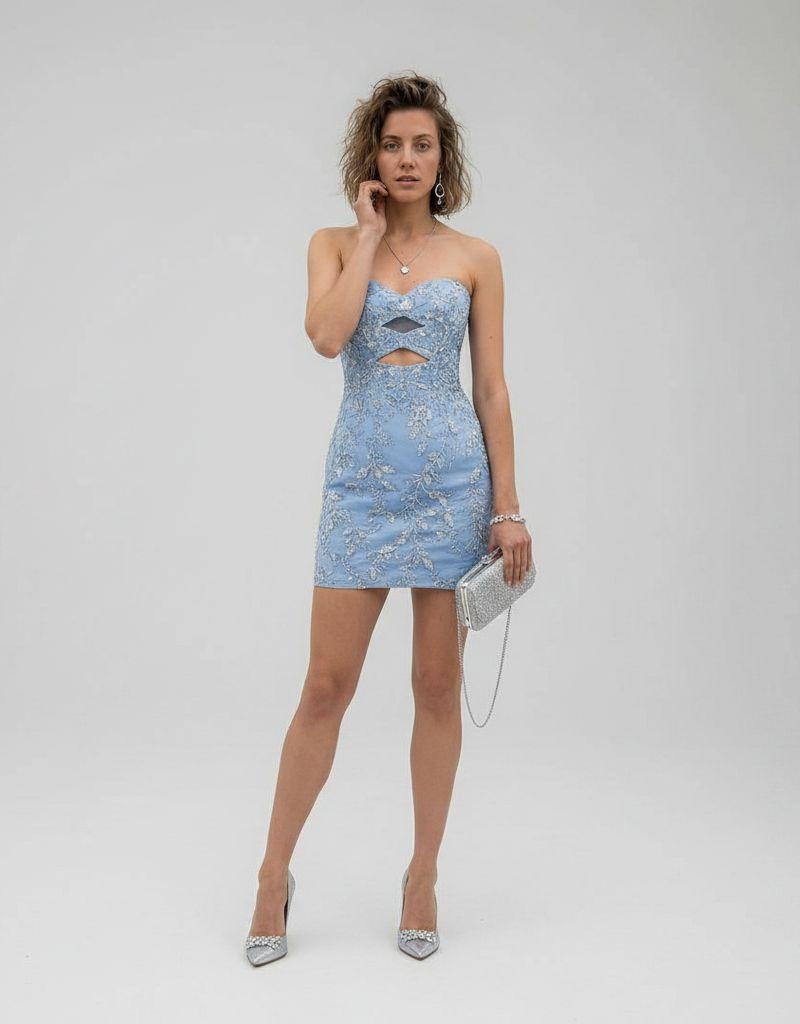
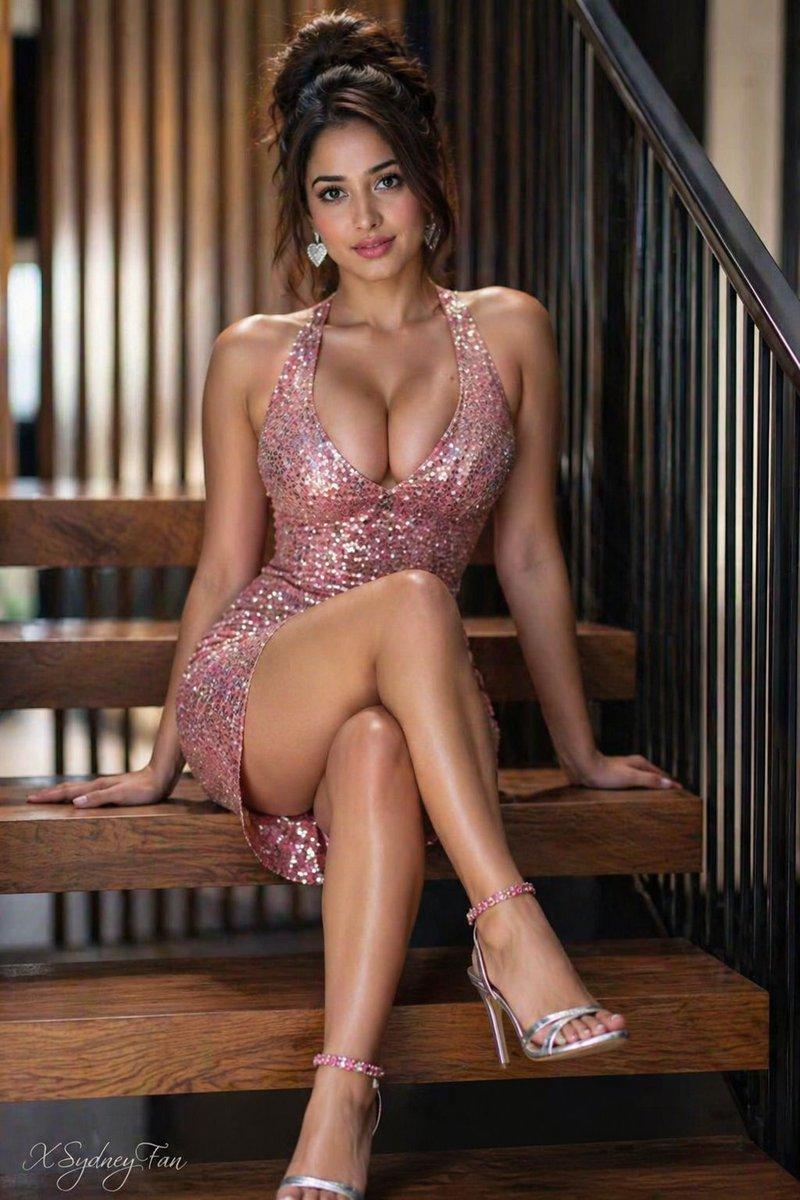
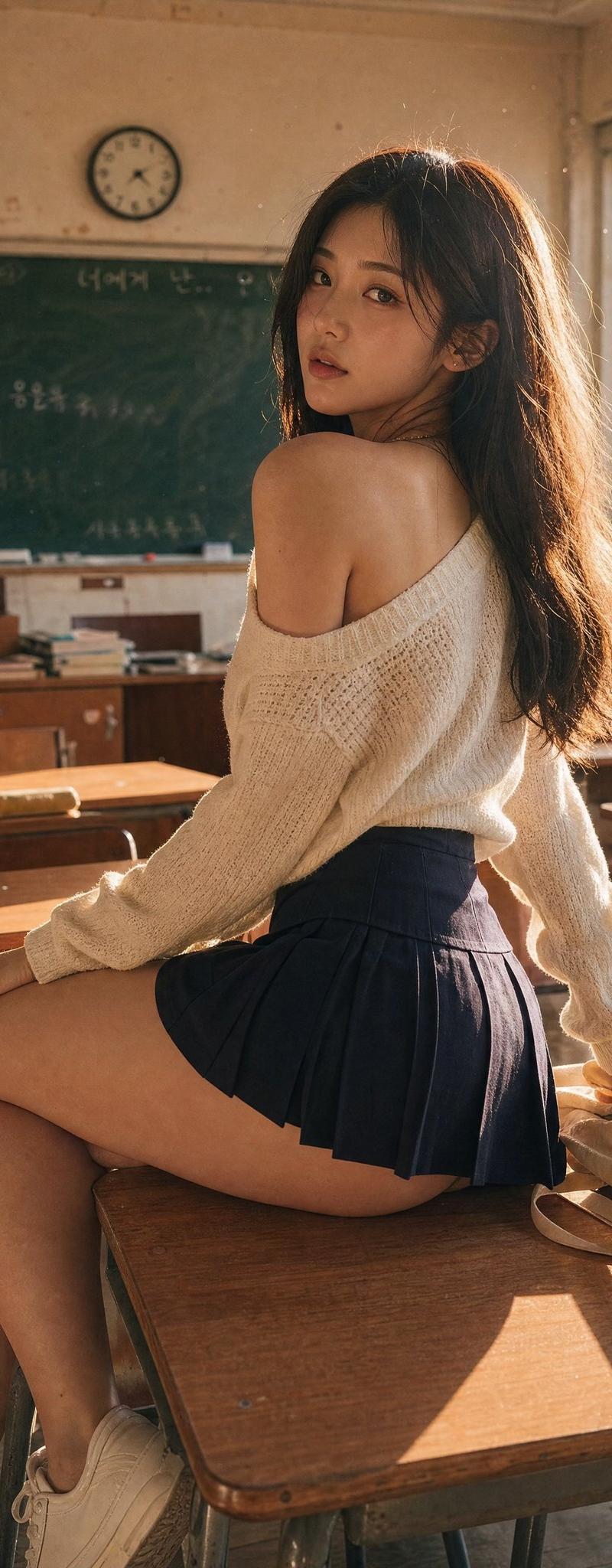
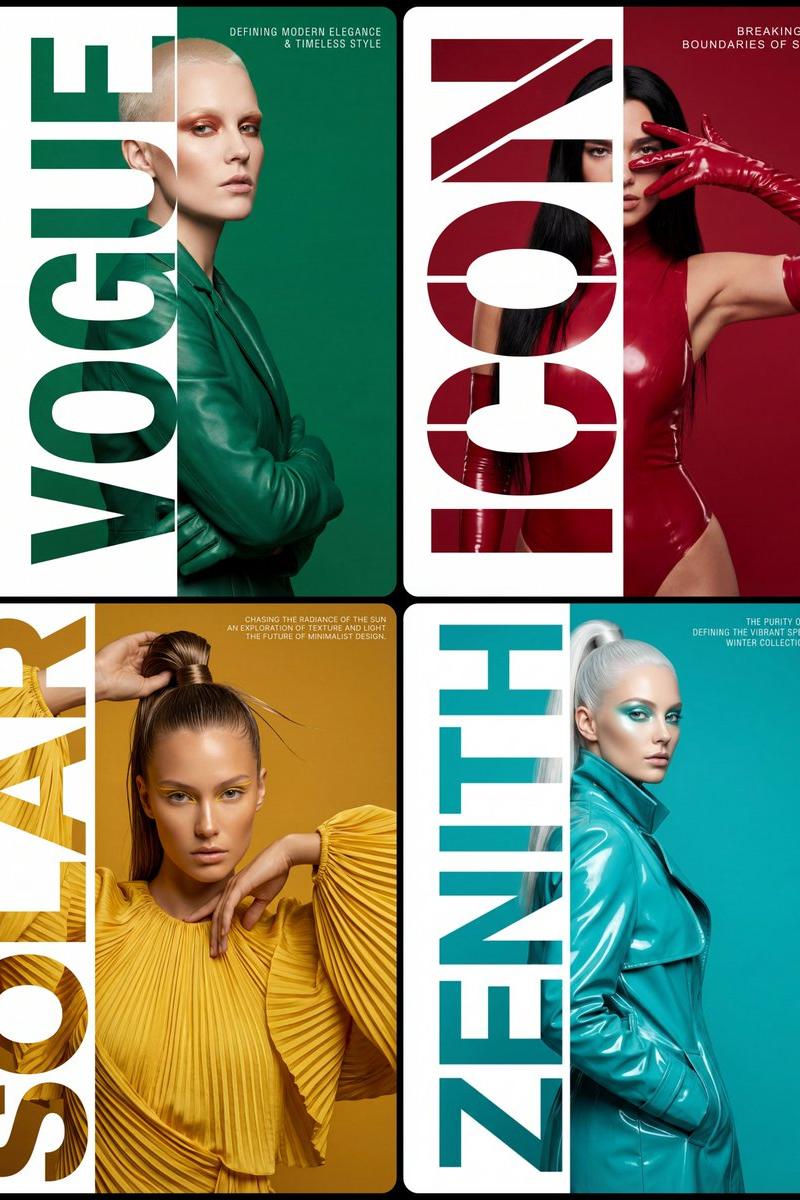
Example images

Editorial poster v3: GPT Image 2 prompt

Prompt
Style & Composition: High-fashion editorial typography poster with a strict 1:2 composition split. Layout & Ratio: The frame is divided so that the right two-thirds show the full subject and background, while the left one-third is reserved for the typography masking section.

Typography Masking: A massive, ultra-bold, vertical word "[WORD]" is placed on the left third. The text is strictly full-bleed, stretching perfectly and touching the absolute top and absolute bottom edges of the frame with zero vertical padding, gaps, or margins. This typography acts as a stencil mask: the letters reveal the underlying character, while the space to the far left of the letters is a solid, clean white.

Subject Details & Positioning: An upper-body shot of [CHARACTER DESCRIPTION]. The model is positioned so that only her left-most side is visible through the letters, while the rest of her body is fully visible and contained on the right side against a solid [COLOR] background, ensuring no part of the subject is cropped by the right edge of the frame. Pose: [POSE DESCRIPTION], ensuring the silhouette remains within the center of the right two-thirds area.

Secondary Text: In the top right corner, add the text: "[TEXT]". Use a small, sophisticated, white "Helvetica Condensed" style font with wide letter spacing (kerning) for a premium, minimalist look. Color Palette: A strict monochromatic [COLOR] theme, sharply contrasted by the crisp white negative space on the left. 8k resolution, photorealistic textures, sharp studio lighting, high contrast, clean graphic design aesthetic.
Category
Photography & Realism
Model
GPT Image 2
Creator
ΛRMIN | AI
Source language
en
Views0
Source ID
2026374679276216569
Published
Feb 24, 2026
Studio

Guide

About "Editorial poster v3: GPT Image 2 prompt"

What is this prompt for?

"Editorial poster v3: GPT Image 2 prompt" AI image prompt for GPT Image 2 (Photography & Realism). Style & Composition: High-fashion editorial typography poste…

The full copyable prompt and example visuals above are ready for AI image generation or one-click recreate in Picva.

How to use this prompt

  1. Step 1

    Open the prompt detail

    Review the example visuals, category, and full prompt text for "Editorial poster v3: GPT Image 2 prompt".

  2. Step 2

    Copy the prompt

    Copy the prompt body from this page, or load it directly in Studio.

  3. Step 3

    Pick a model (GPT Image 2)

    Prefer GPT Image 2. If you switch models, keep subject and composition and tweak style terms.

  4. Step 4

    Generate and export

    Recreate the look in Picva, or export into your workflow for editing and publishing.

FAQ

What is the "Editorial poster v3: GPT Image 2 prompt" prompt?
It is an AI image-generation prompt for GPT Image 2 in the Photography & Realism category. This page includes the full prompt text, example visuals, and a one-click recreate path in Picva.
How do I use this prompt to generate an image?
Copy the prompt from this page, or use Generate / Studio. Paste it into a compatible image model, or recreate the look in Picva with optional reference images.
Which model is this prompt for?
This page lists GPT Image 2. Most descriptive prompts also transfer to nearby image models such as GPT Image, Flux, or Midjourney with light style tweaks.
Can I use the result commercially?
You can usually copy the prompt for creation, but commercial use of the final image depends on the model terms, reference-image rights, and the generated content. Follow the source author and platform rules.