18

Pepsi through phone screen: GPT Image 2 prompt
Enlarge

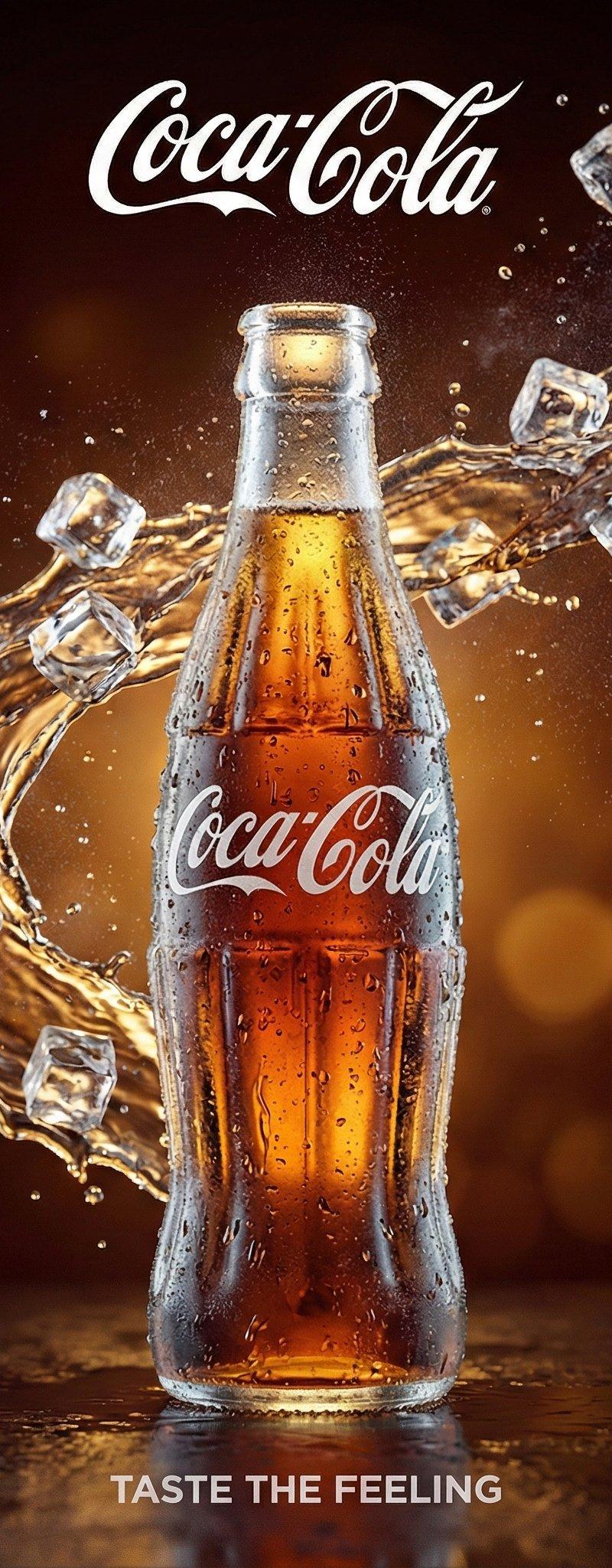
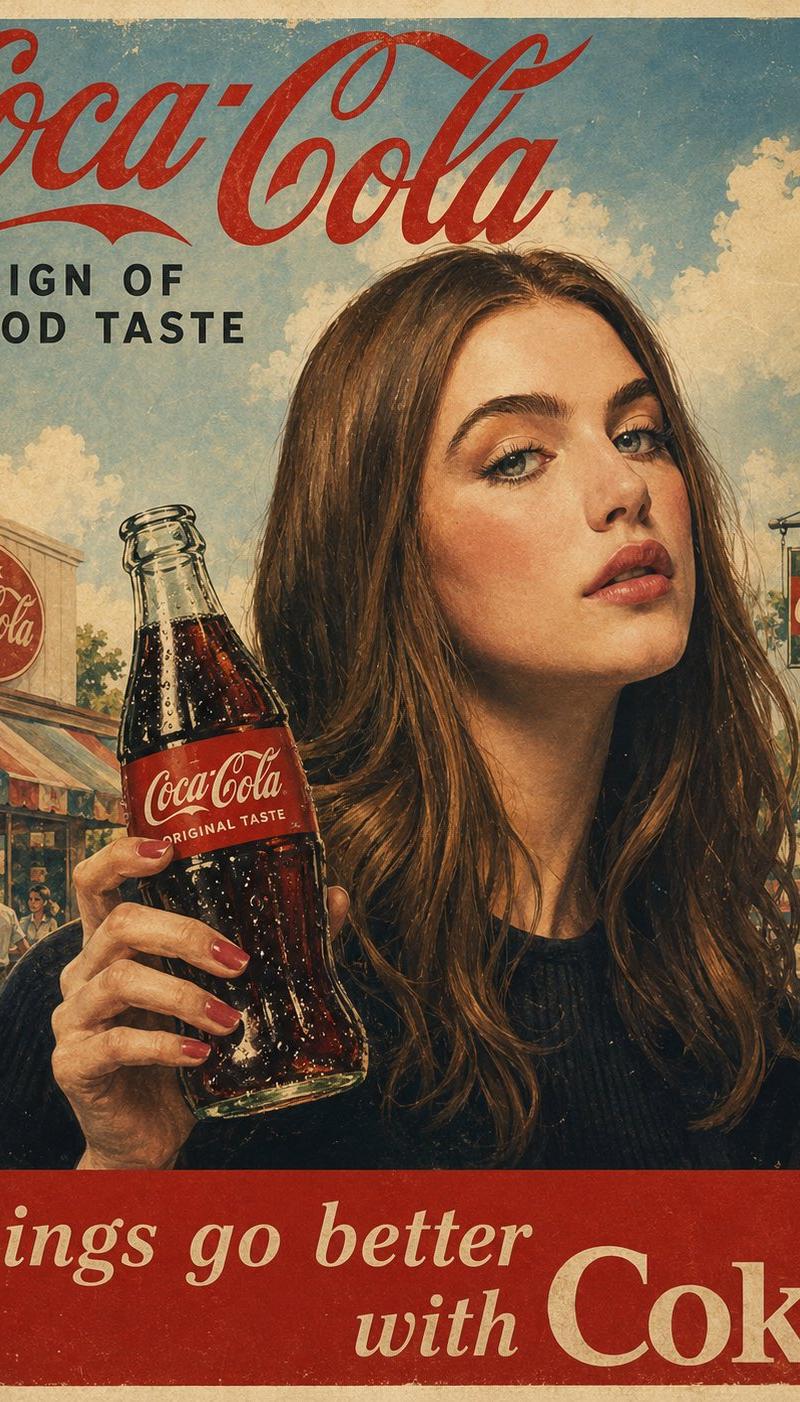
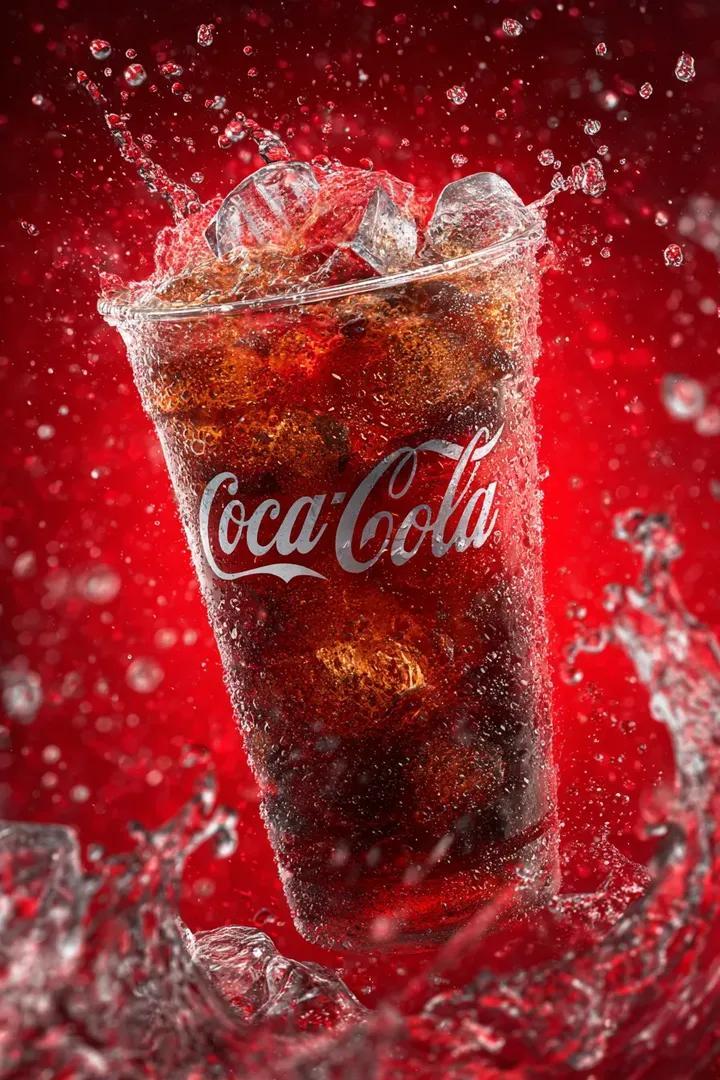
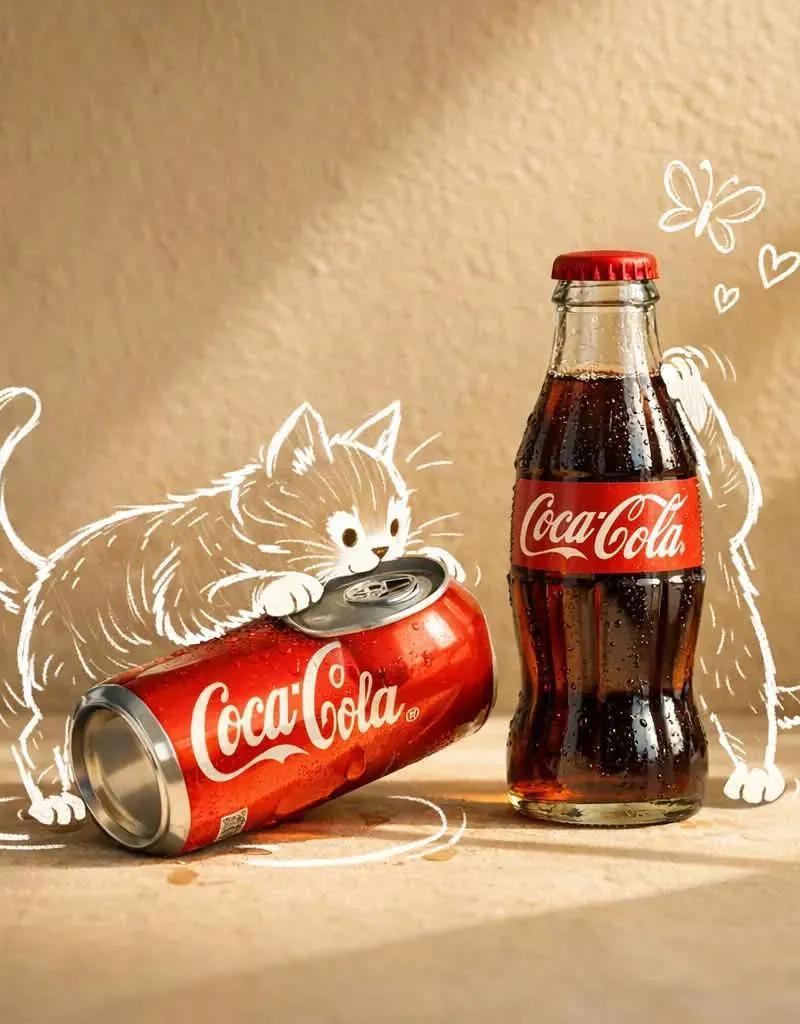
Example images

Pepsi through phone screen: GPT Image 2 prompt

Prompt
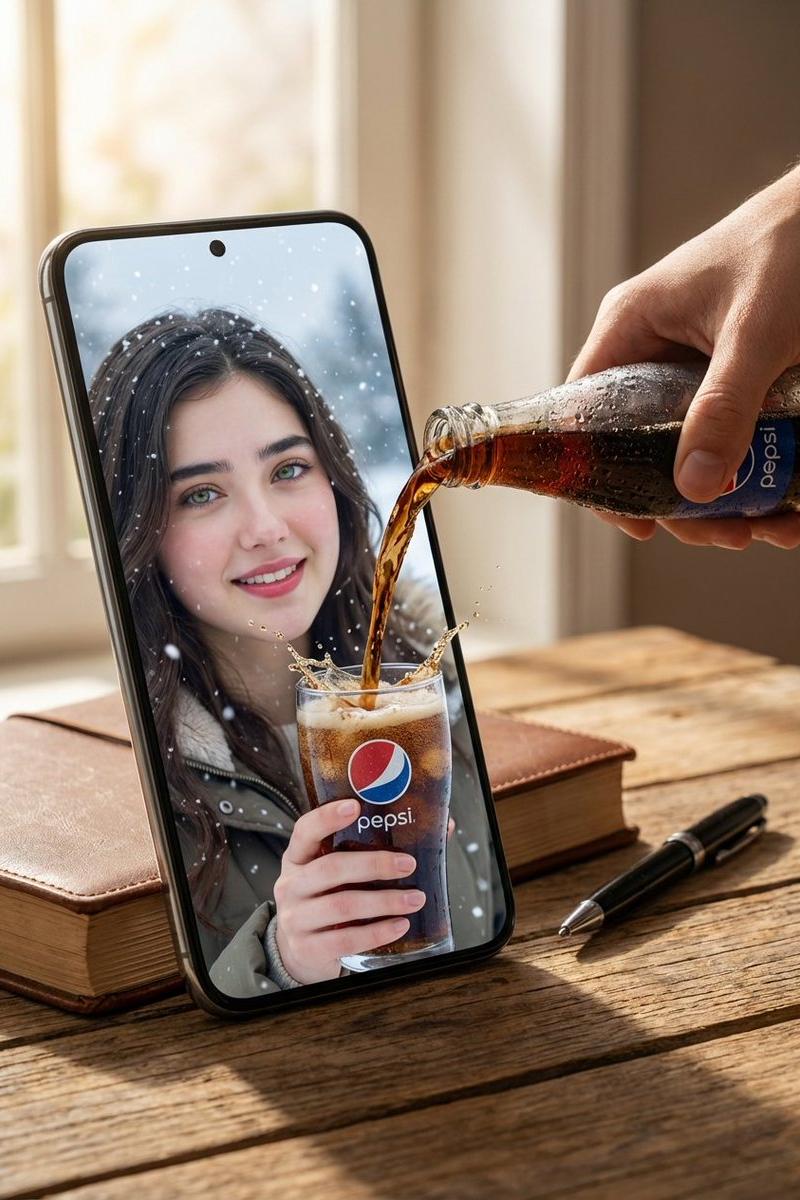
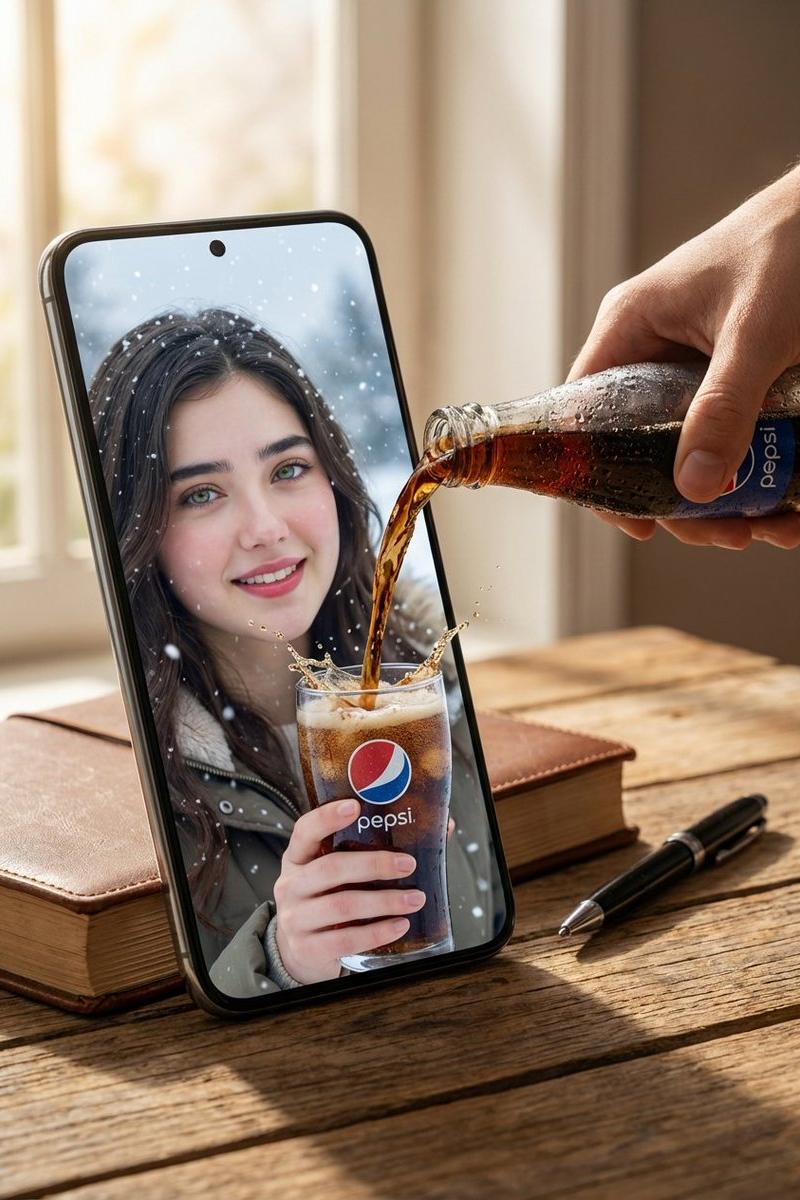
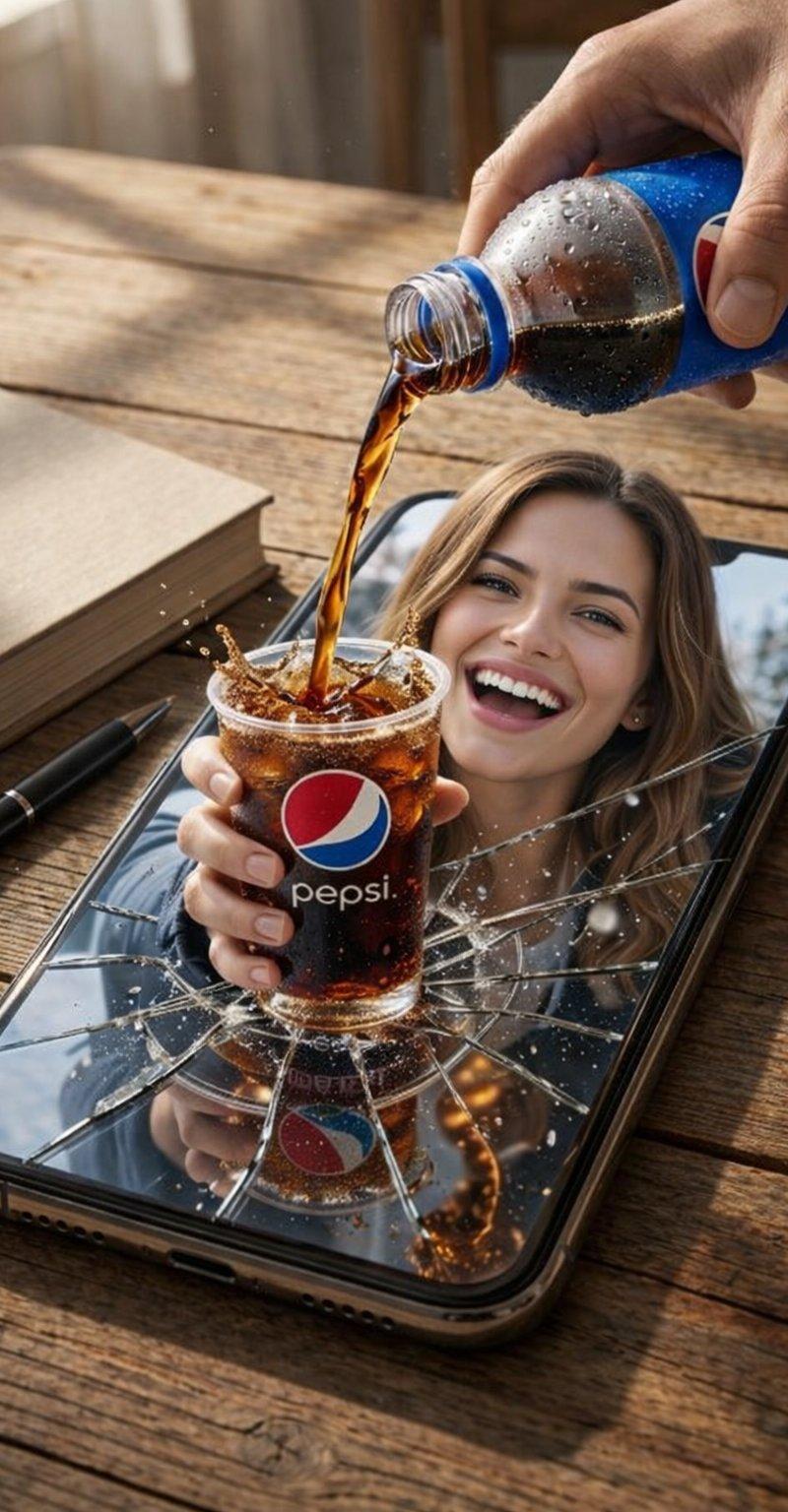
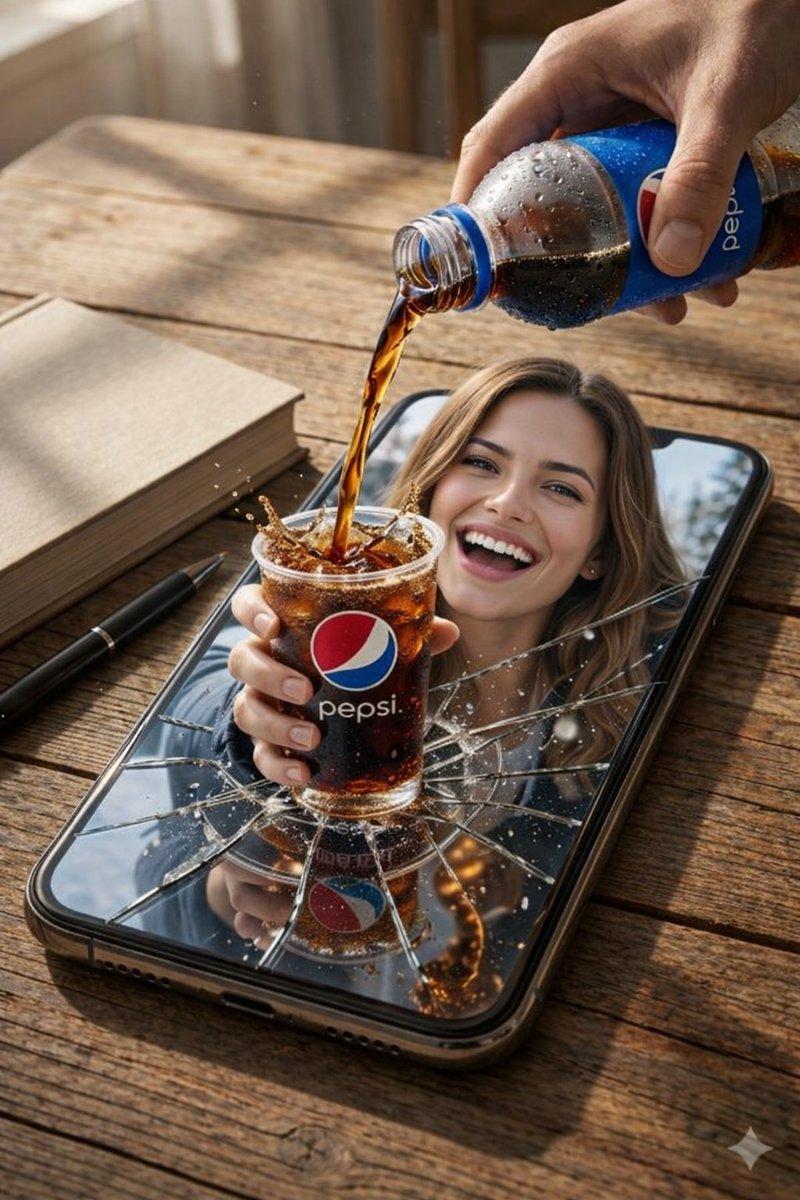
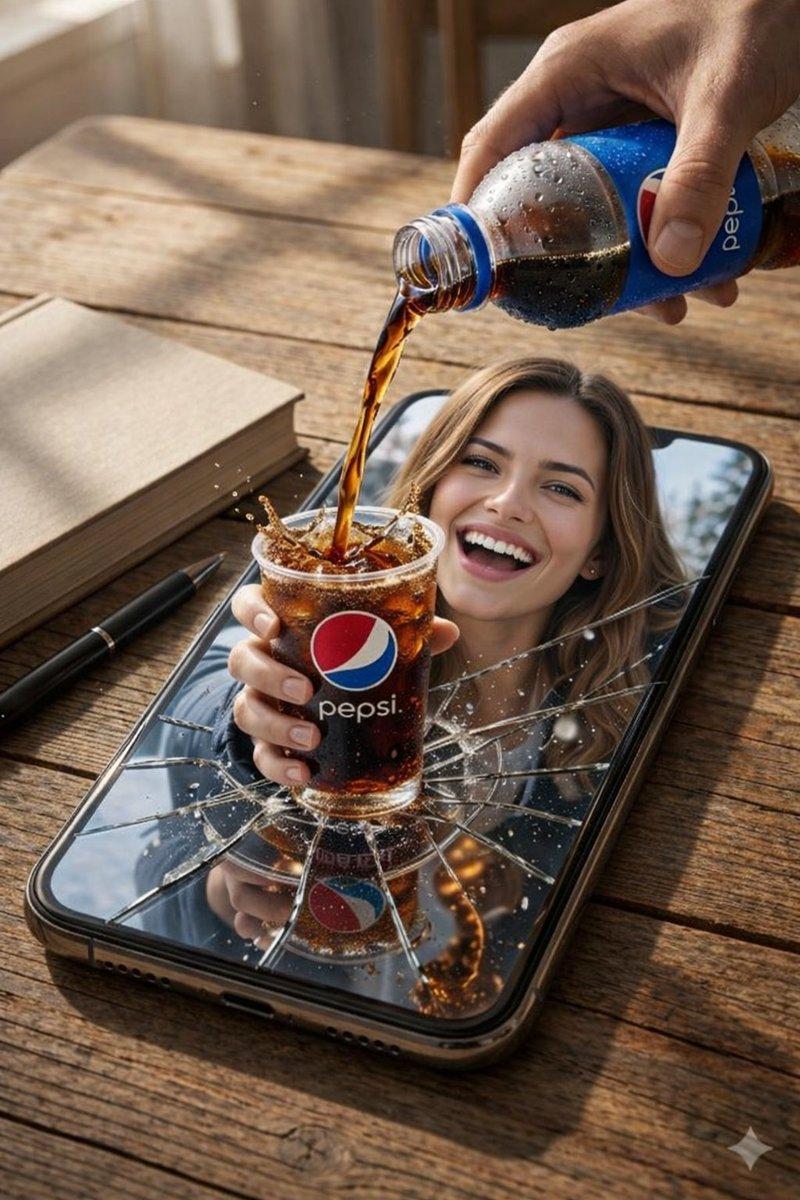
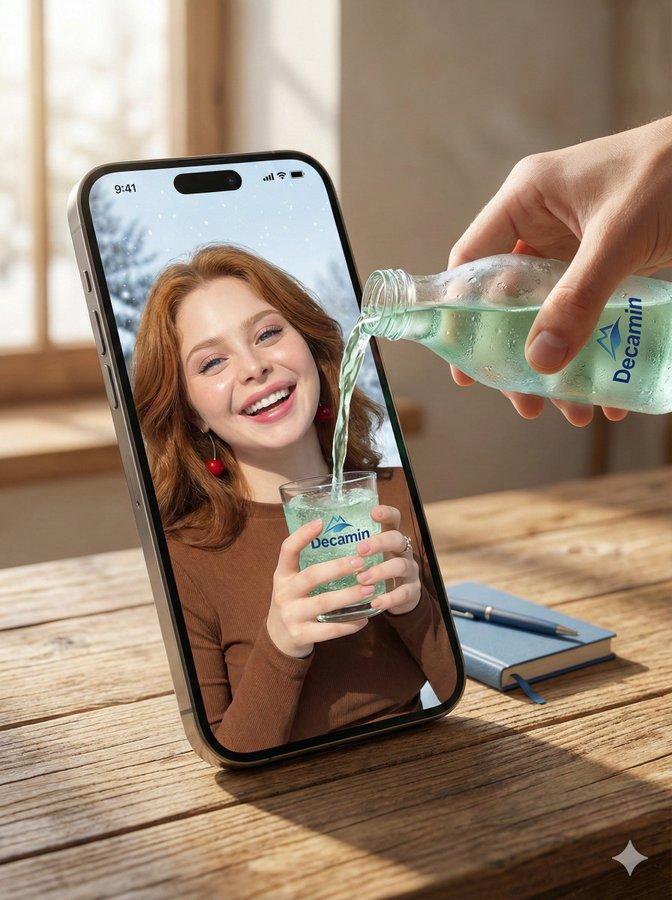
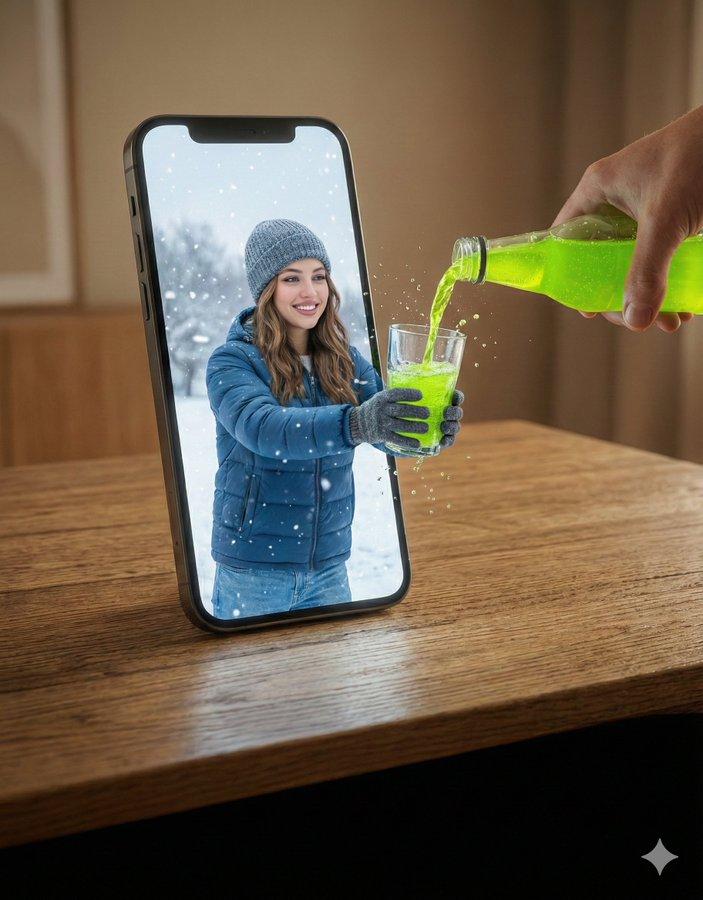
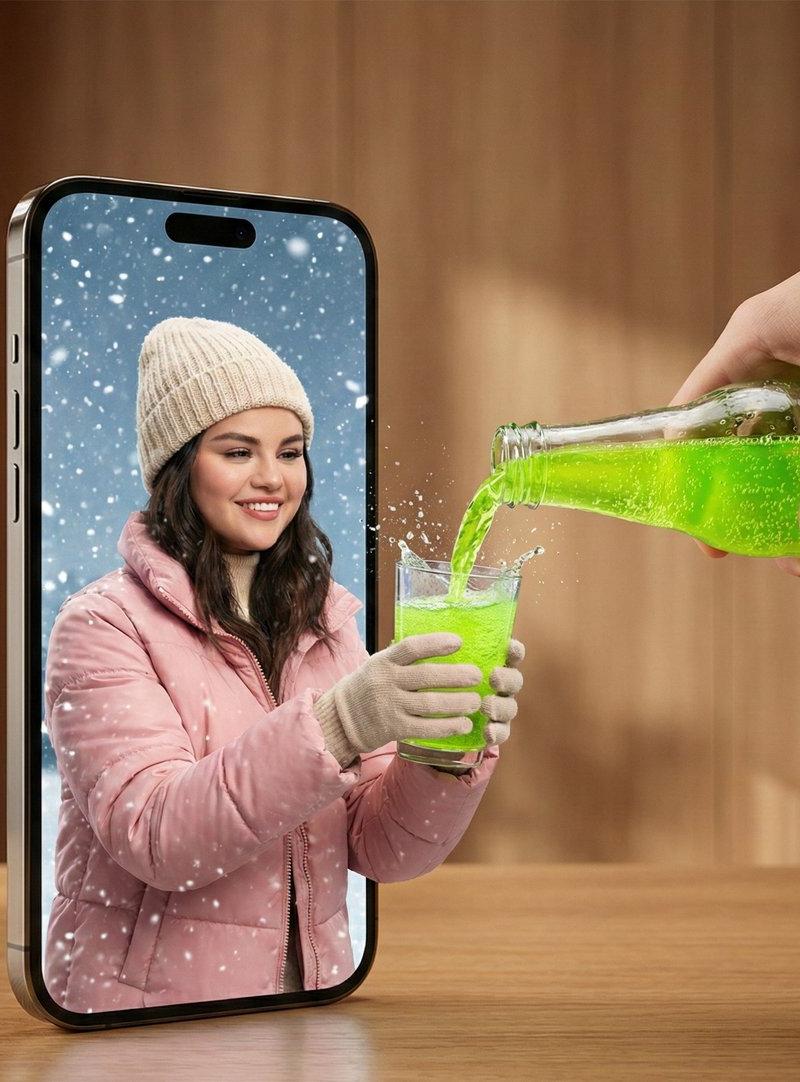
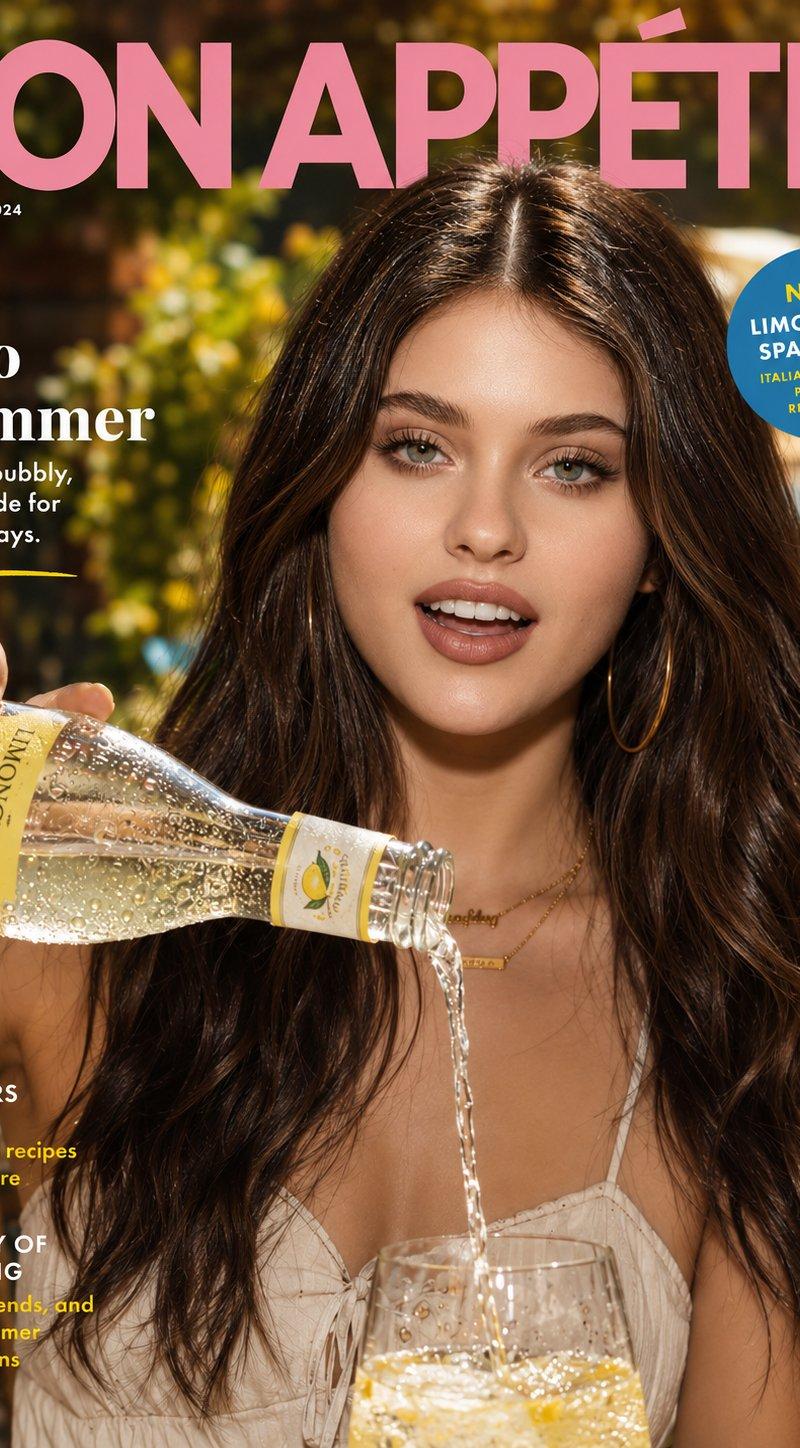
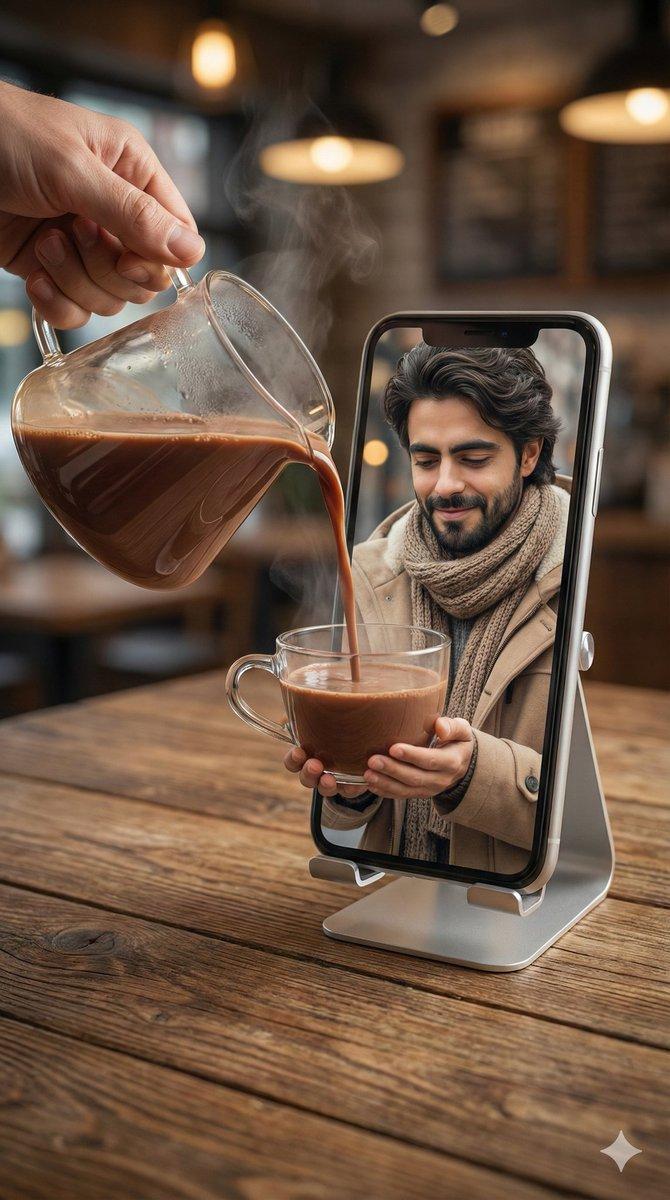
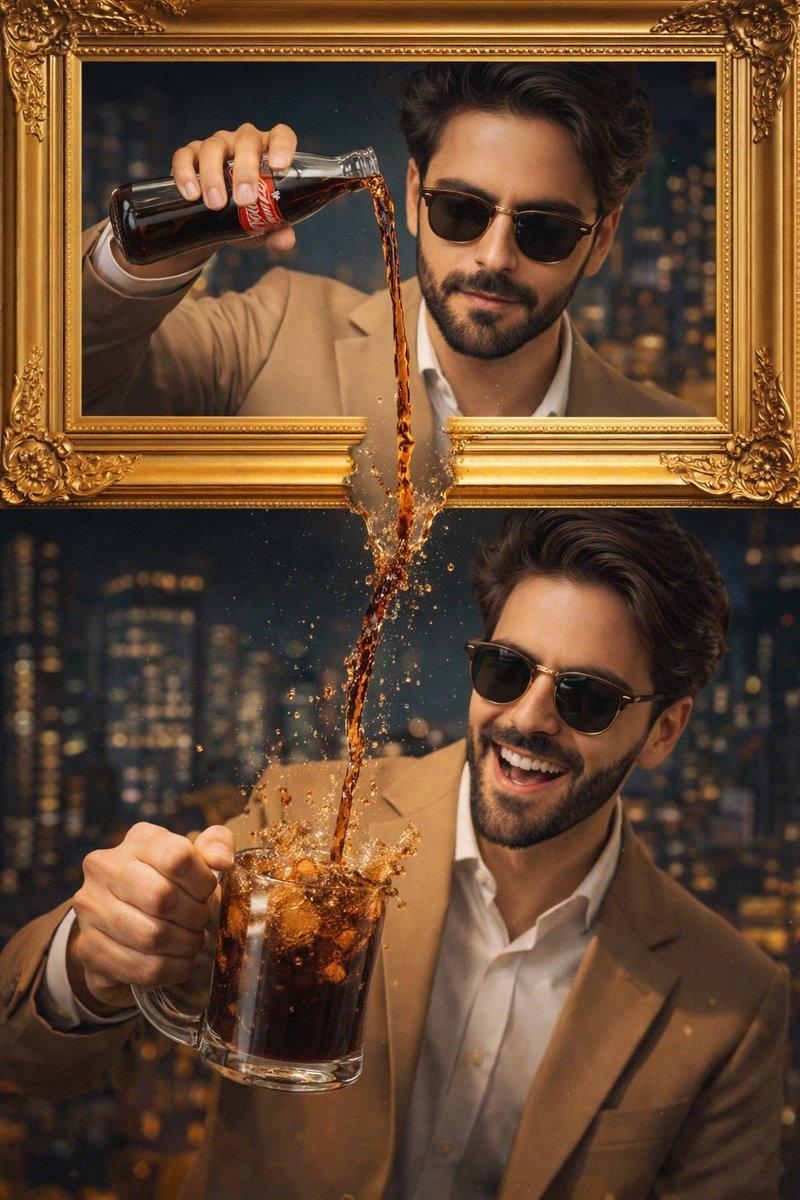
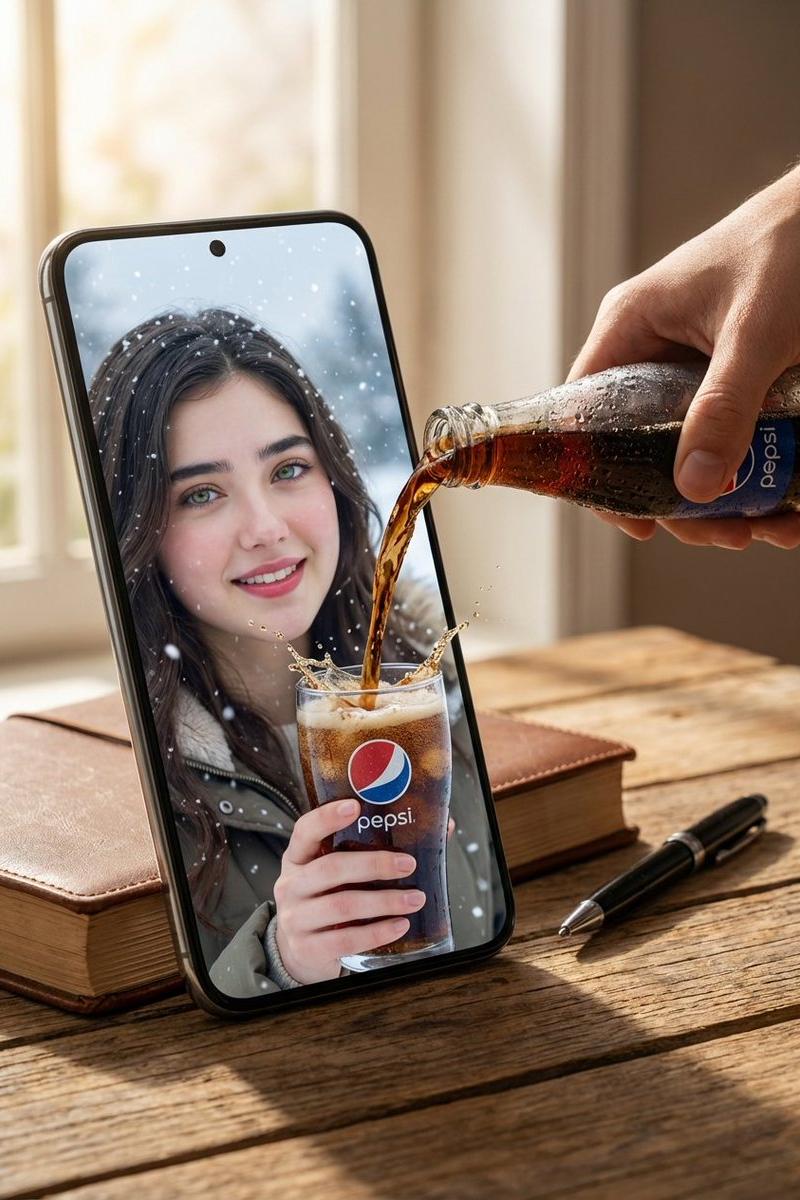
A hyper-realistic surreal composite scene set on a wooden tabletop. A large oversized smartphone dominates the frame, creating a strong dimensional-break illusion. On the phone screen, the woman from the reference image appears much larger in a close-up winter environment, smiling happily while holding a clear glass with a visible Pepsi logo on it.

A real human hand pours dark Pepsi cola from a cold bottle covered in condensation droplets directly toward the phone screen. The liquid visually breaks through the display and flows into the glass she is holding inside the screen, creating a powerful surreal effect.

A closed book and a black pen sit on the wooden table beside the oversized phone to emphasize scale distortion. Warm natural lighting, soft cinematic shadows, ultra-sharp liquid splash details, hyper-realistic skin texture, realistic reflections on glass and screen, surreal cinematic advertising look, professional commercial photography quality, 8K realism.
Category
Brand & Logos
Model
GPT Image 2
Creator
Hania Ai
Source language
en
Views1
Source ID
2028309848429846690
Published
Mar 2, 2026
Studio

Guide

About "Pepsi through phone screen: GPT Image 2 prompt"

What is this prompt for?

"Pepsi through phone screen: GPT Image 2 prompt" AI image prompt for GPT Image 2 (Brand & Logos). A hyper-realistic surreal composite scene set on a wooden tab…

The full copyable prompt and example visuals above are ready for AI image generation or one-click recreate in Picva.

How to use this prompt

  1. Step 1

    Open the prompt detail

    Review the example visuals, category, and full prompt text for "Pepsi through phone screen: GPT Image 2 prompt".

  2. Step 2

    Copy the prompt

    Copy the prompt body from this page, or load it directly in Studio.

  3. Step 3

    Pick a model (GPT Image 2)

    Prefer GPT Image 2. If you switch models, keep subject and composition and tweak style terms.

  4. Step 4

    Generate and export

    Recreate the look in Picva, or export into your workflow for editing and publishing.

FAQ

What is the "Pepsi through phone screen: GPT Image 2 prompt" prompt?
It is an AI image-generation prompt for GPT Image 2 in the Brand & Logos category. This page includes the full prompt text, example visuals, and a one-click recreate path in Picva.
How do I use this prompt to generate an image?
Copy the prompt from this page, or use Generate / Studio. Paste it into a compatible image model, or recreate the look in Picva with optional reference images.
Which model is this prompt for?
This page lists GPT Image 2. Most descriptive prompts also transfer to nearby image models such as GPT Image, Flux, or Midjourney with light style tweaks.
Can I use the result commercially?
You can usually copy the prompt for creation, but commercial use of the final image depends on the model terms, reference-image rights, and the generated content. Follow the source author and platform rules.